
If you are searching for an acuity scheduling alternative, you are usually trying to fix one of two problems: your scheduling tool is too rigid for the way you actually deliver services, or you are paying for complexity you do not use. This guide compares the most common replacements and shows when it is smarter to build a custom booking workflow instead of forcing another scheduler to fit.
Acuity Scheduling alternative comparison table
| Tool | Best for | Strengths you will feel fast | Where it can break down | What to choose instead when it does |
|---|---|---|---|---|
| Calendly | 1:1 and team meeting scheduling | Fast setup, meeting-focused scheduling | Less tailored for complex service booking, deposits, and operations | Use a booking-first tool, or build a service workflow |
| SimplyBook.me | Service-based industries that want a booking website | Booking pages, service catalog feel | Advanced internal workflows still become workarounds | Custom app when you need role-based ops, dashboards, and automation |
| Setmore | Small teams that want simple appointment scheduling | Straightforward booking and team calendars | Limited flexibility for niche rules and back-office automation | Custom solution when rules are the product |
| Quantum Byte | Founders who want scheduling plus a full client and ops system | You can design the workflow you actually run, not a generic one | Not the fastest choice if you only need basic appointment booking | Buy a scheduler if scheduling is your only requirement |
Quick verdict and best-for picks
If your current tool feels close but not quite right, do not switch just to switch. Pick based on what your scheduling is supposed to trigger next.
- Best Acuity Scheduling alternative for meeting-first teams: Calendly. If your “appointments” are mostly internal and external meetings, Calendly is often the cleanest experience.
- Best Acuity Scheduling alternative for booking-first service catalogs: SimplyBook.me. If you sell services and want a booking-site vibe, it is built for that mental model.
- Best Acuity Scheduling alternative for simple small-business appointment needs: Setmore. If you want “good enough” scheduling that your team will actually use, Setmore stays approachable.
- Best alternative when scheduling is only one piece of your business: Quantum Byte. When you need booking plus intake forms, staff routing, deposits, follow-ups, and reporting in one place, building a custom workflow stops the duct tape.
We built our platform as an AI app builder that helps you turn your scheduling process into an actual product or internal system, based on your real rules. You start from templates, describe what you need in plain language, and refine from there via our homepage.
Feature checklist
Use this checklist to evaluate any acuity scheduling alternative quickly. The goal is to map features to outcomes you care about: fewer no-shows, faster payment collection, and less admin work.
- Booking experience: You want a flow that matches how clients buy, including service selection, staff selection, and clear availability.
- Availability rules: Look for buffers, minimum notice, and limits per day so your calendar does not get wrecked by edge cases.
- Intake and qualification: If you do consults, you need questions that filter out poor-fit leads before they consume your time.
- Payments and deposits: If missed appointments cost you money, deposits protect revenue and set expectations upfront.
- Reminders and follow-ups: Automated reminders reduce no-shows, and follow-ups drive repeat bookings without manual effort.
- Multi-staff and routing: If the “right person” matters, you need assignment logic, not just a shared calendar.
- Client records: Notes, history, and context should be available where your team works, not scattered across email threads.
- Reporting: If you are scaling, you need visibility into utilization, cancellation reasons, and revenue per service.
- Custom workflows: If your process includes approvals, prep steps, or post-appointment tasks, you either need deep automation or you need to build.
A practical litmus test: if you routinely say “we schedule in X, then we copy that into Y,” you are already paying an admin tax. This is exactly the kind of process where a custom tool described in Automate business processes becomes worth it.
Workflow fit for contractors and agencies
Contractors and agencies do not just “book time.” You book time, assign ownership, capture requirements, and deliver work. That is why scheduling tools often feel like they stop at the starting line.
Here is how to decide what fits your delivery model.
- Solo operator selling a single service: A scheduler is usually enough. Optimize for simplicity and a clean booking experience.
- Agency with multiple services and handoffs: You want intake data to flow into your delivery system. If it does not, expect manual copy-paste.
- Field service or multi-location teams: Routing, territory logic, and constraints show up quickly. Off-the-shelf schedulers can struggle once “who goes where” matters.
If you are in a niche that has unusual routing or scheduling constraints, you will recognize the pattern described in our industry scheduling guides like routing and scheduling software and rental booking systems. Once your business has real constraints, generic schedulers tend to become workarounds.
Integrations that matter
Integrations decide whether your scheduling tool saves time or creates a new silo. When you compare an acuity scheduling alternative, focus on the workflows below and verify each one in your own stack.
- Calendar: Sync with the calendars your team actually uses to avoid double-booking and to keep availability accurate.
- Payments: Connect payments so bookings can require a deposit or prepayment and reduce churn from no-shows.
- Customer relationship management: CRM (Customer Relationship Management) integration matters when scheduling is tied to lead status, pipeline stages, or account ownership.
- Accounting: Your finance workflow should not start with exporting a spreadsheet of appointments.
- E-sign: If you require waivers, service agreements, or onboarding documents, e-signature automation prevents “we cannot start yet” delays.
When native integrations are not enough, you typically have two paths:
- Automation layer: Use an integration platform to move booking events into your other systems.
- Custom app: Build the workflow end-to-end so data, roles, and permissions are consistent.
This is where an AI app builder can be a real alternative. With our platform, the integration decision changes from “does the scheduler support my edge case” to “what should happen in my system when a booking is created,” which you can define as part of the app’s logic and structure.
Pricing expectations and cost drivers
Scheduling software pricing usually looks simple until you scale. These are the cost drivers that make an acuity scheduling alternative feel expensive later.
- Seats and staff calendars: More team members typically means higher tiers or per-seat pricing.
- Locations and services: More complexity in services, categories, and locations can push you into higher plans.
- Payments and messaging: Deposits, text reminders, and advanced notifications can be gated.
- Advanced routing and rules: The more your business depends on rules, the more you pay or the more you compromise.
If you are evaluating the “build” path, cost drivers shift:
- Scope clarity: Clear requirements reduce rework. This is why structuring your workflow up front matters.
- Data model complexity: Multiple service types, roles, and objects increase build complexity.
- Iteration cycles: The fastest teams build a version one, run it for a week, then refine.
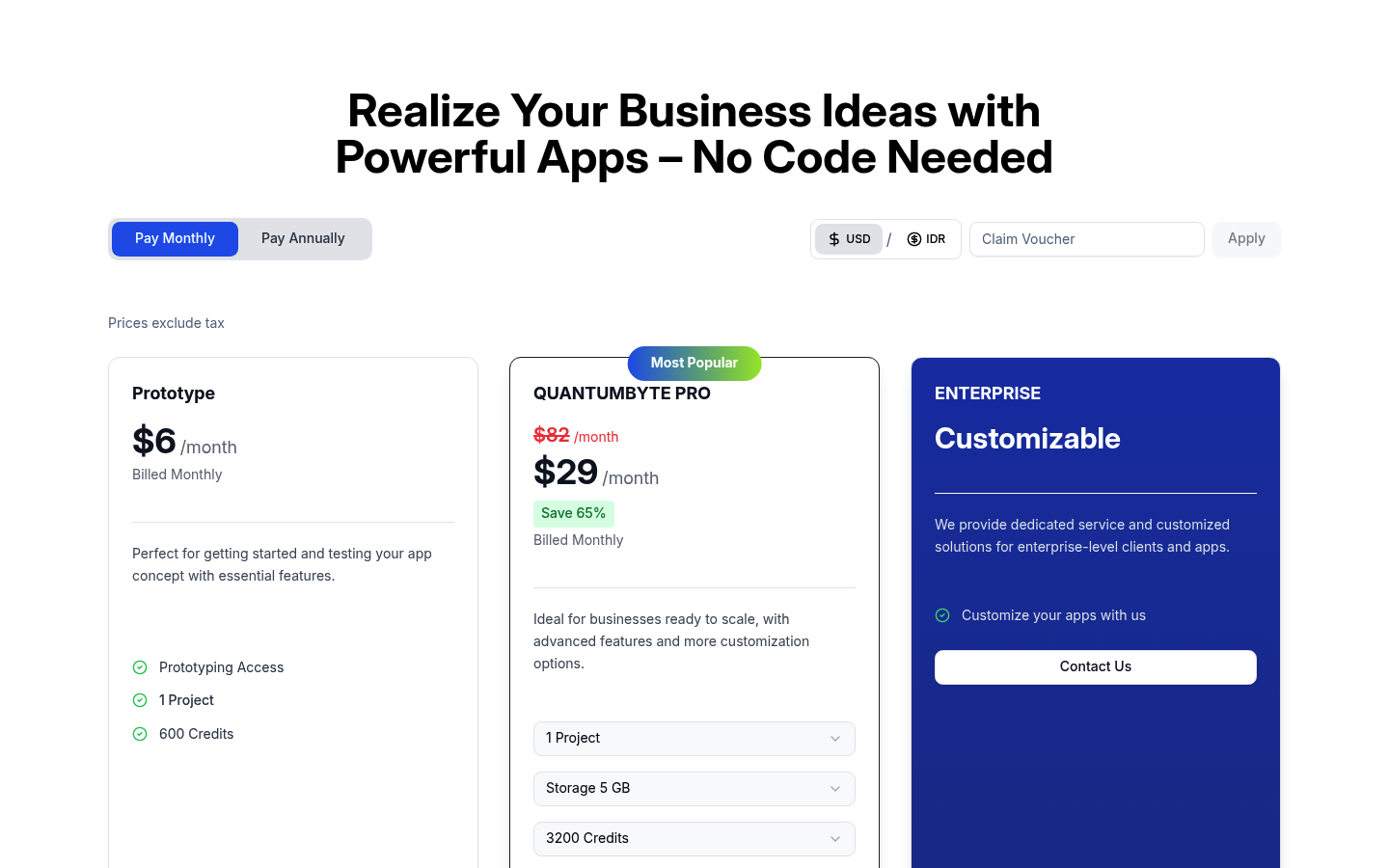
If you want a grounded starting point for what it costs to prototype, we publish pricing directly on our pricing page. For many founders, that makes it realistic to test a custom scheduling workflow before committing to months of tooling decisions.
Alternatives and competitors
Below are the most common Acuity replacements, with the practical “why teams switch” context.
Calendly
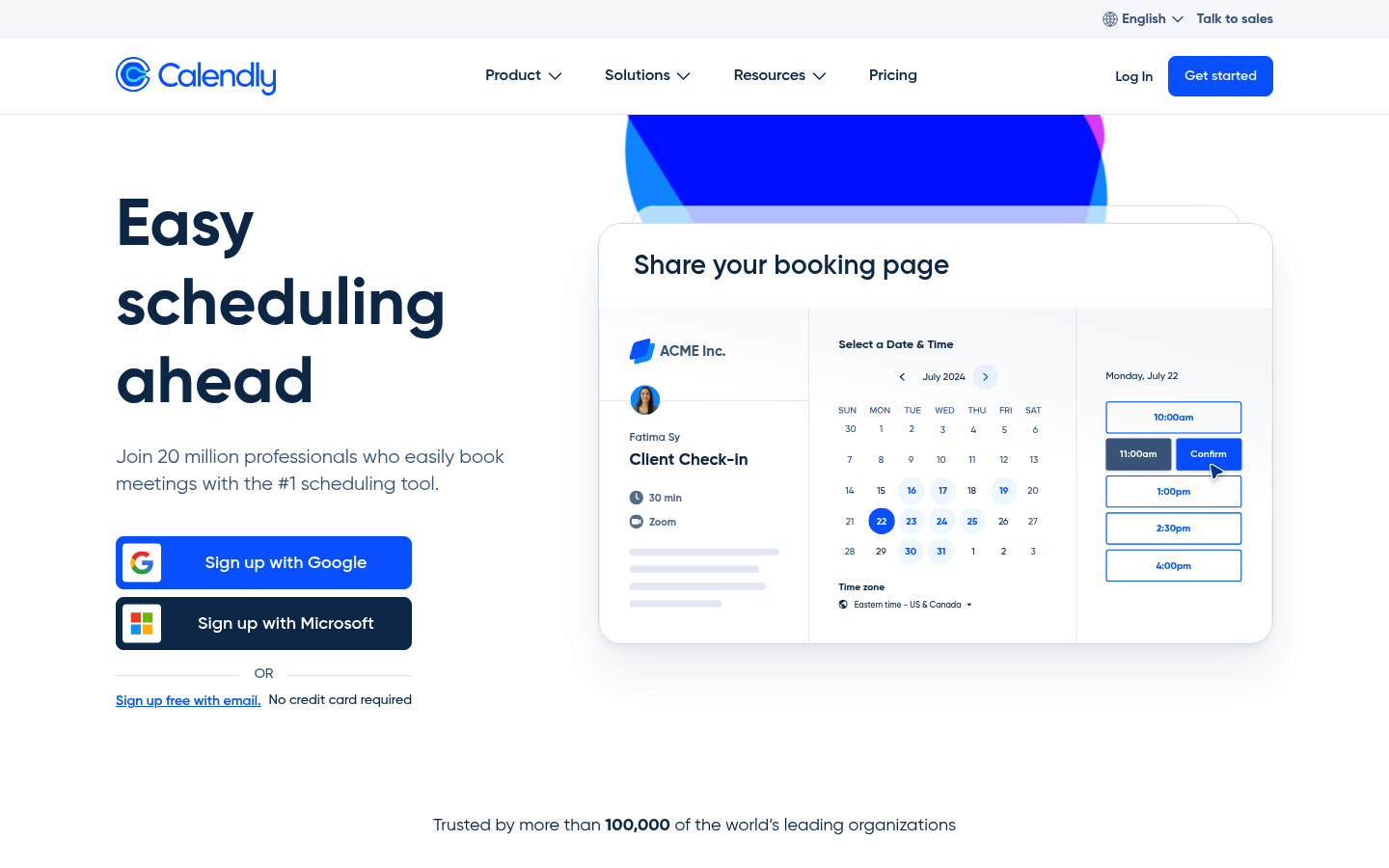
Calendly is the cleanest pick when your primary goal is reducing scheduling friction for meetings. It tends to be a strong alternative when:
- Your scheduling is tied to lead conversion: You want fast booking from emails, proposals, and inbound demos.
- Your team needs shared availability: Round-robin and team availability patterns matter.
Where teams hit limits is when scheduling must enforce complex business constraints that are not “calendar rules,” such as eligibility, pre-approvals, or service qualification flows.
SimplyBook.me
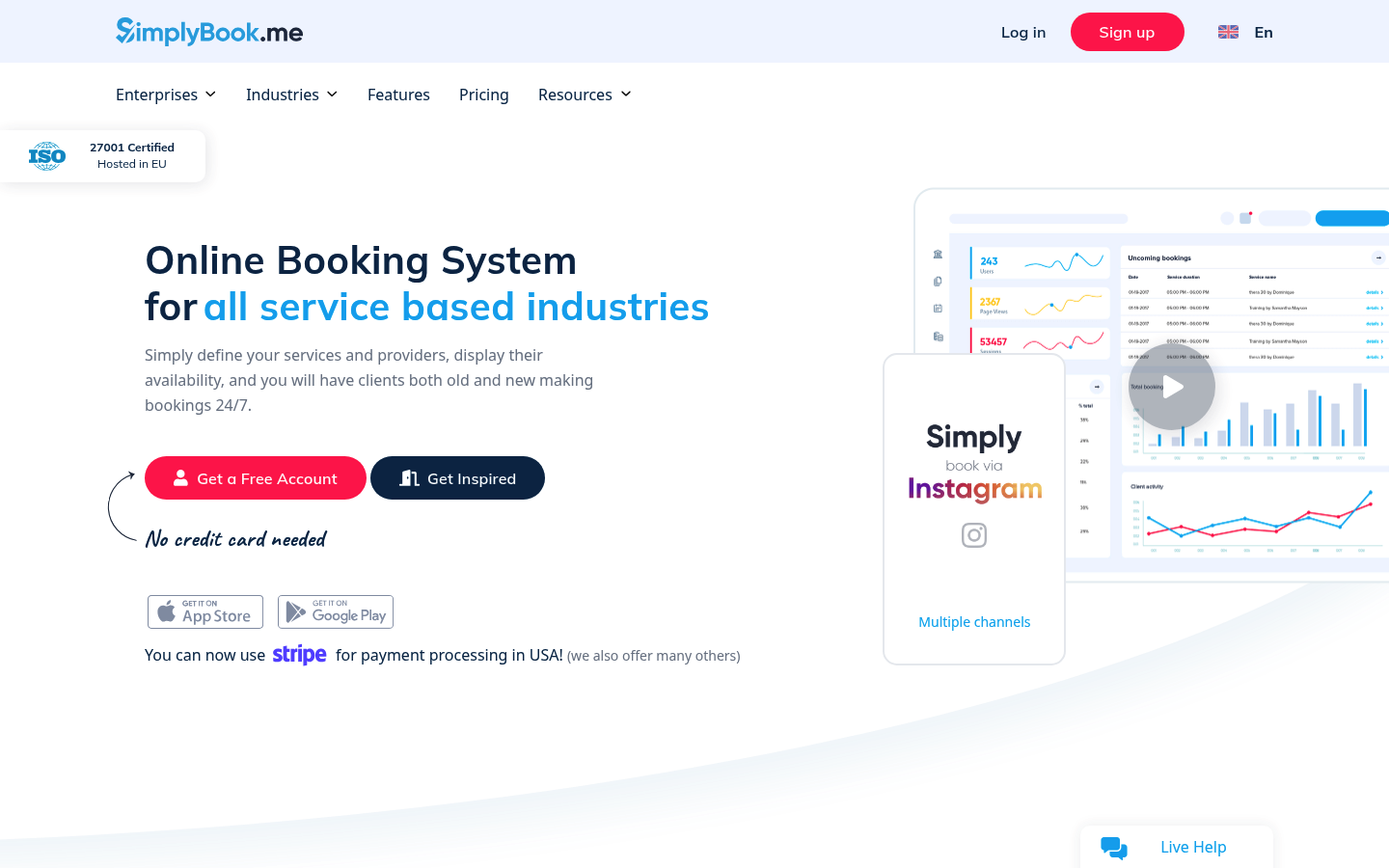
SimplyBook.me is a strong Acuity Scheduling alternative for service businesses that want the booking experience to feel like a storefront. It is a good fit when:
- Services and add-ons matter: Your clients need to choose from a clear catalog.
- You want booking to feel like part of your website: The “booking site” framing is central.
The common pain point is when you need your booking workflow to drive internal operations across roles and teams, not just accept appointments.
Setmore
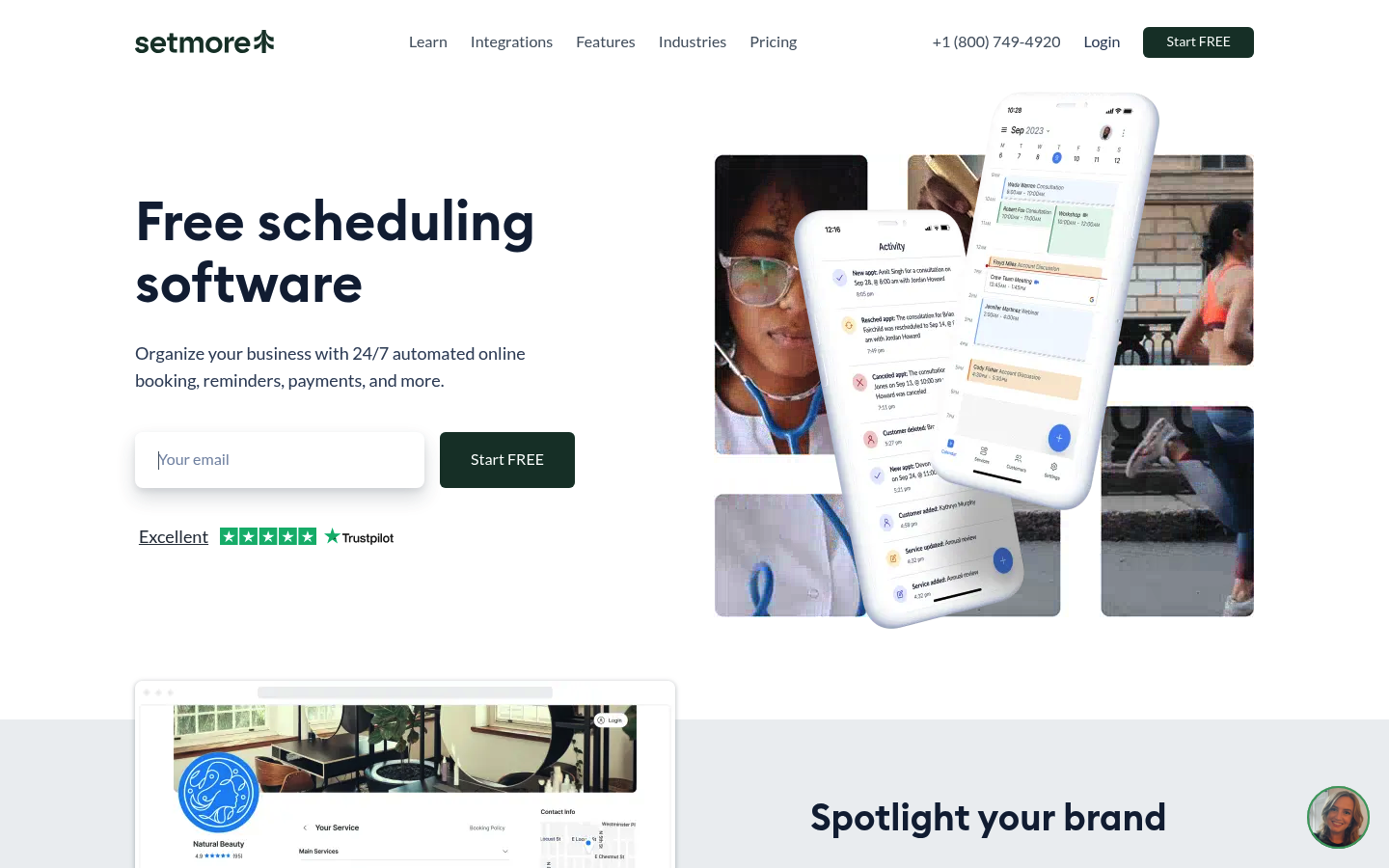
Setmore is a practical alternative when you want scheduling that is easy to adopt across a small team. It tends to win when:
- Your process is straightforward: Book, remind, show up, get paid.
- You do not want to manage a complex configuration: You prefer defaults that work.
If you start adding custom rules, multi-step onboarding, and internal handoffs, you will likely feel the “scheduler ceiling” and start looking at either heavy automation or a custom system.
Quantum Byte
We are a fit when you keep running into the same wall: scheduling is easy, but everything around it becomes manual. Instead of stacking a scheduler, forms, automations, and spreadsheets, you can build one workflow that covers booking plus what happens next.
Common reasons founders pick this route:
- You need a real system of record: Client details, intake answers, staff assignment, and status updates live together.
- Your process has rules generic schedulers cannot represent: Approvals, eligibility checks, routing logic, and internal handoffs become first-class features.
- You want to iterate quickly: Launch a minimal flow, run it, then tighten the rules weekly.
Build vs buy
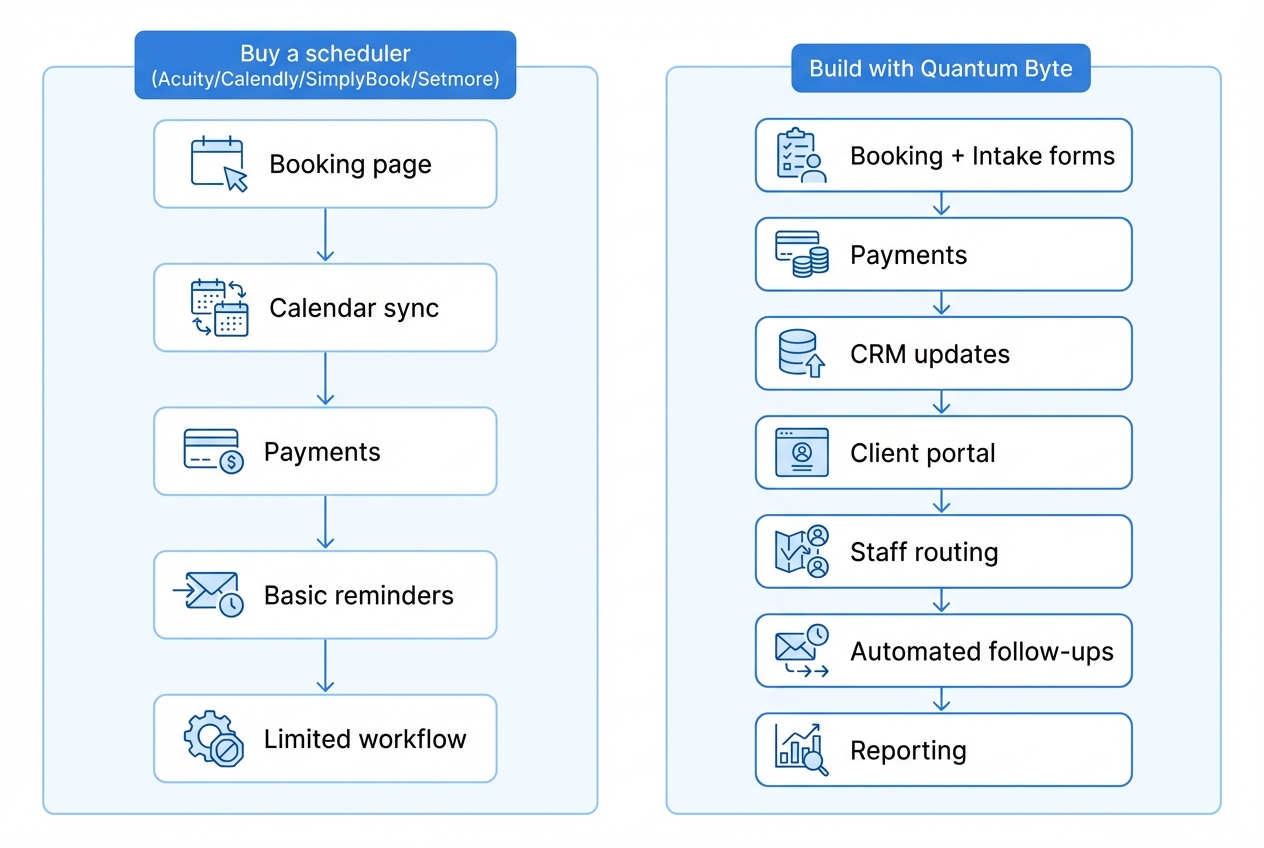
Buying a scheduler is the right move when your workflow is basically scheduling. Building is the right move when scheduling is a trigger for a larger operational process.
Buy a scheduler when
- Your workflow is stable: You are not changing services, rules, and delivery steps every month.
- Your main KPI is booked slots: You do not need the tool to run fulfillment.
- You can live with constraints: Workarounds are annoying, but they do not block revenue.
Build a custom system when
- Scheduling is step one, not the product: You need intake, qualification, routing, and post-appointment tasks.
- Your rules are your advantage: You win because you deliver in a specific way, and generic tools cannot represent it.
- You want one place for the business process: Client portal, staff portal, operations dashboard, and reporting should share the same data.
This is where we are a legitimate acuity scheduling alternative. Instead of arguing with a scheduler’s settings, you can describe what should happen, generate the app structure, and then refine it. If you are larger or need governance, our enterprise offering is built for teams that want more control over cross-functional workflows.
Implementation timeline
Your timeline should reflect what you are implementing: a booking page, or a workflow.
- Switching from Acuity to another scheduler: Often fast because you are migrating availability rules, services, and client notifications. The work is usually in testing edge cases.
- Adding integrations and automation: This is where timelines stretch. You need to map triggers, handle failures, and ensure data stays consistent.
- Building a custom scheduling portal: Faster than traditional custom development when you use an AI builder, but you still need to define your rules, roles, and data. A good approach is to launch a minimal workflow first, then iterate weekly.
What we covered and how to choose
Choosing an acuity scheduling alternative has ripple effects across your sales process, your delivery ops, and your admin workload.
- Meeting-first scheduling: Calendly is usually the cleanest move when you want frictionless booking for demos, internal calls, and team availability.
- Booking-first storefront experience: SimplyBook.me is a strong fit when services, add-ons, and a catalog-style flow matter.
- Simple team scheduling: Setmore is a practical choice when you want fast adoption without heavy configuration.
- Scheduling plus operations: If scheduling is only the front door and you need the rest of the house, building a workflow-specific app is often the better long-term move. We stand out here because you can create a system around your real intake, routing, follow-ups, and reporting instead of stacking tools and hoping they behave.
Frequently Asked Questions
What is the best Acuity Scheduling alternative?
The best alternative depends on your use case. For meeting-first scheduling, Calendly is often the best fit. For booking-first service catalogs, SimplyBook.me is a strong option. If you need custom routing, approvals, client portals, or operational automation, a custom system built with us can be the better long-term alternative.
Is Calendly better than Acuity Scheduling?
Calendly is often better for meeting scheduling and simple team availability. Acuity Scheduling is often stronger for service-style appointment booking. “Better” comes down to whether you are booking meetings or selling services with operational steps.
When should I stop switching scheduling tools and build instead?
Build when you are repeatedly adding workarounds: manual copying between tools, spreadsheets for routing, separate forms for intake, and inconsistent client records. That is the point where scheduling is not your problem anymore, workflow is.
Can I use a scheduler and still build custom workflows?
Yes. Many teams keep a scheduler for basic booking, then build a lightweight system around it for intake, client management, and follow-up automation. The more critical the workflow becomes, the more value you get from having one system of record.
Is building a custom scheduling portal realistic for a small business?
It can be, especially if your workflow is what makes you money. The realistic approach is to start with a minimal version that handles booking plus the single biggest pain point, then iterate.
Start building
If you have outgrown generic scheduling settings and you want a workflow that matches how you actually deliver services, build the system you need.
Start with us because we are founder-friendly, come with plug-and-play templates you can customize, and we balance speed with flexibility so you can launch fast without locking yourself into rigid defaults.