
Running a shop is hard enough without chasing paper estimates, lost vehicle histories, and parts chaos. The right auto repair shop management software turns that mess into a clean system you can scale, so techs wrench and advisors sell work instead of fighting admin.
Best auto repair shop management software in 2026
Here are the strongest options right now, including one that lets you build a shop workflow that matches how you actually run vehicles through bays.
| Software | Best for | Notable strengths | Potential trade-offs |
|---|---|---|---|
| QuantumByte | Shops that want a custom system (or custom add-ons) fast | Build exactly your workflow, integrate your tools, own your data | You need to define what you want (we provide a blueprint below) |
| Tekmetric | Modern, cloud-first shops | Strong day-to-day shop operations, reporting focus | Less flexible if your process is unique |
| Shopmonkey | Shops that want fast setup and clean UX | Simple workflows, easy adoption | Advanced edge cases can require workarounds |
| AutoLeap | Shops focused on inspections and customer communication | Strong digital inspection and approval flow | Some teams want deeper customization |
| Shop-Ware | Higher-volume shops and multi-location operations | Powerful operations and configurability | Usually a heavier implementation |
| ALLDATA Manage Online | Shops that want management + repair info ecosystem | Ties into ALLDATA environment | Fit varies by shop style |
| R.O. Writer | Shops that want a long-standing platform | Mature feature set | Can feel less modern depending on setup |
| Protractor | Shops wanting shop management + accounting alignment | Solid operational backbone | UI and workflows vary by deployment |
| NAPA TRACS | Shops that buy through NAPA and want tight alignment | Strong ecosystem fit for many independents | Best fit when you want that ecosystem |
| AutoFluent | Shops wanting a broad, established feature set | Wide coverage across shop needs | Can be more complex to configure |
| ShopKey Pro | Shops prioritizing repair information + estimating data | Strong repair information pedigree | Not always the same as full shop ops software |
1) QuantumByte
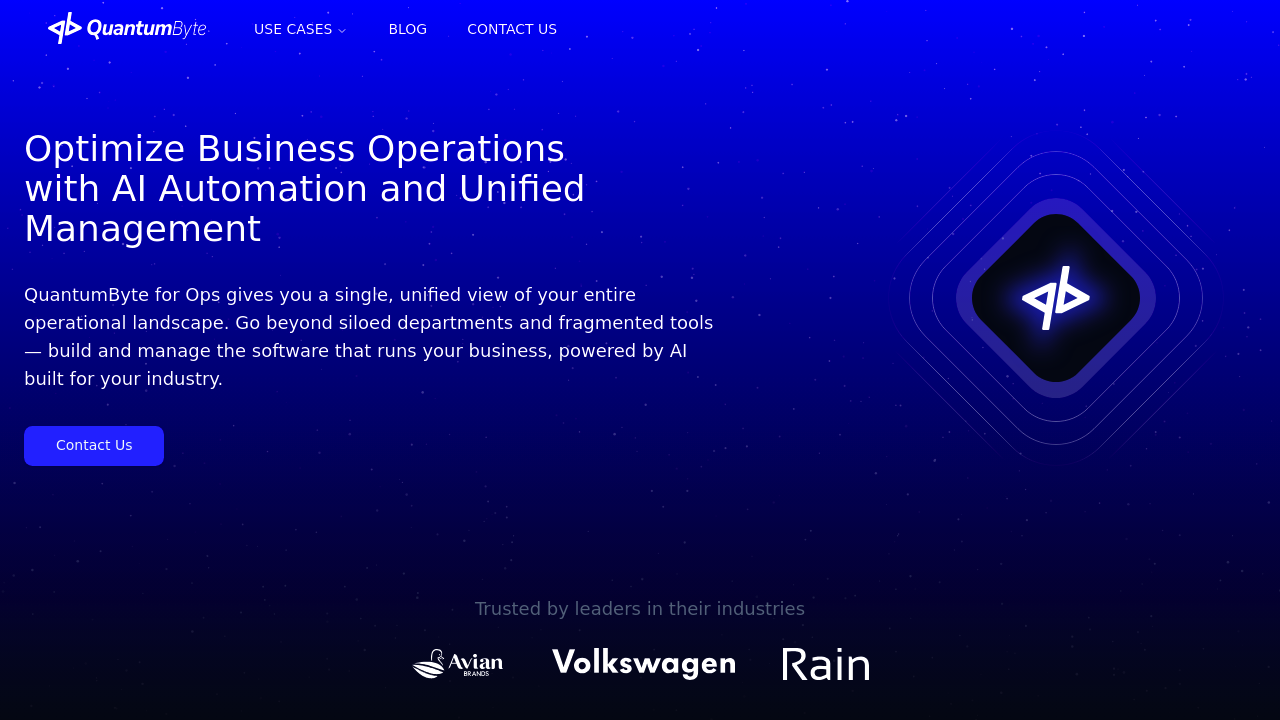
QuantumByte is the best option when you are tired of bending your shop around someone else's software. Instead, you build the workflow you want (and the screens your team will actually use) with an AI-powered app builder, then bring in a real dev team when you hit the edges.
-
Why it wins overall: Most "best" lists assume your shop should run like every other shop. QuantumByte is built for owners who want a system that matches their playbook, including custom approvals, sublet flows, fleet rules, warranty logic, and multi-location reporting.
-
Best-fit use cases: Custom vehicle status portal, advisor dashboard, parts reorder triggers, tech productivity dashboards, fleet intake, custom pricing matrices.
If you want to see what "build it in days, not months" looks like, start here: QuantumByte.
2) Tekmetric
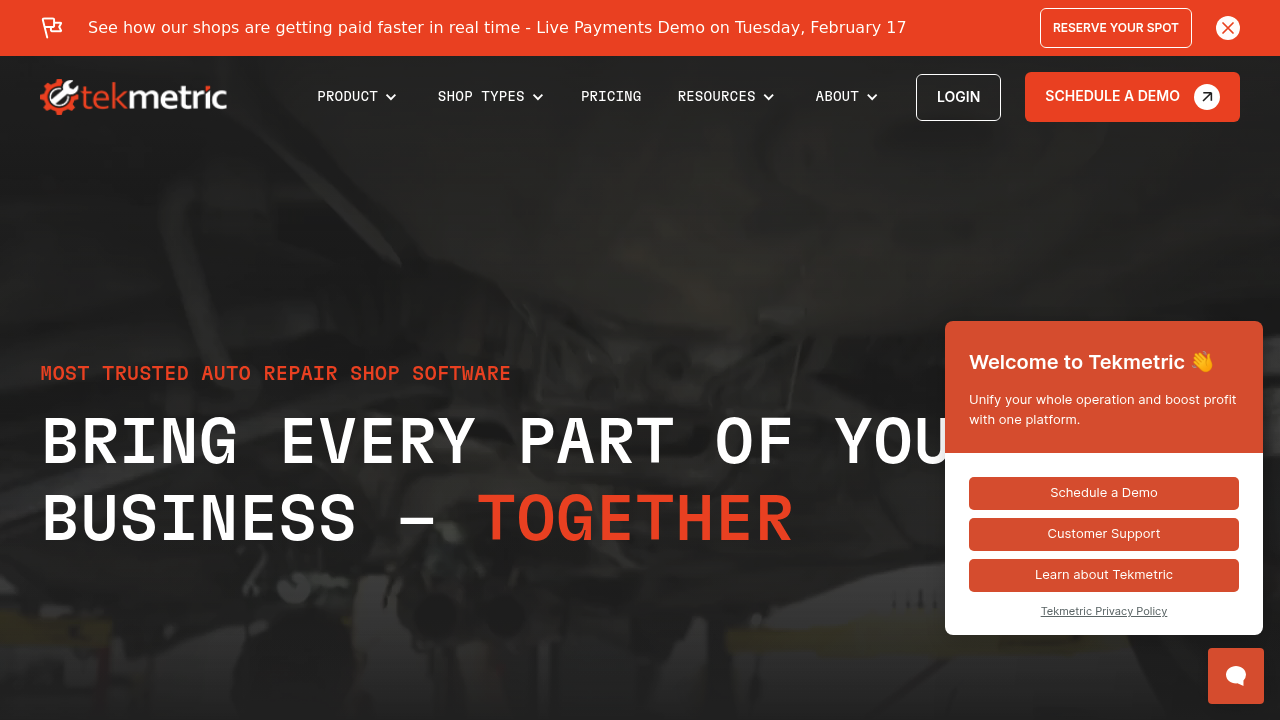
Tekmetric is a strong cloud shop management platform for teams that want modern workflows and visibility without building anything custom.
-
Best for: Independent shops that want a clean, modern core system.
-
Why it makes the list: A solid "daily driver" for estimates, repair orders, and tracking shop performance.
3) Shopmonkey
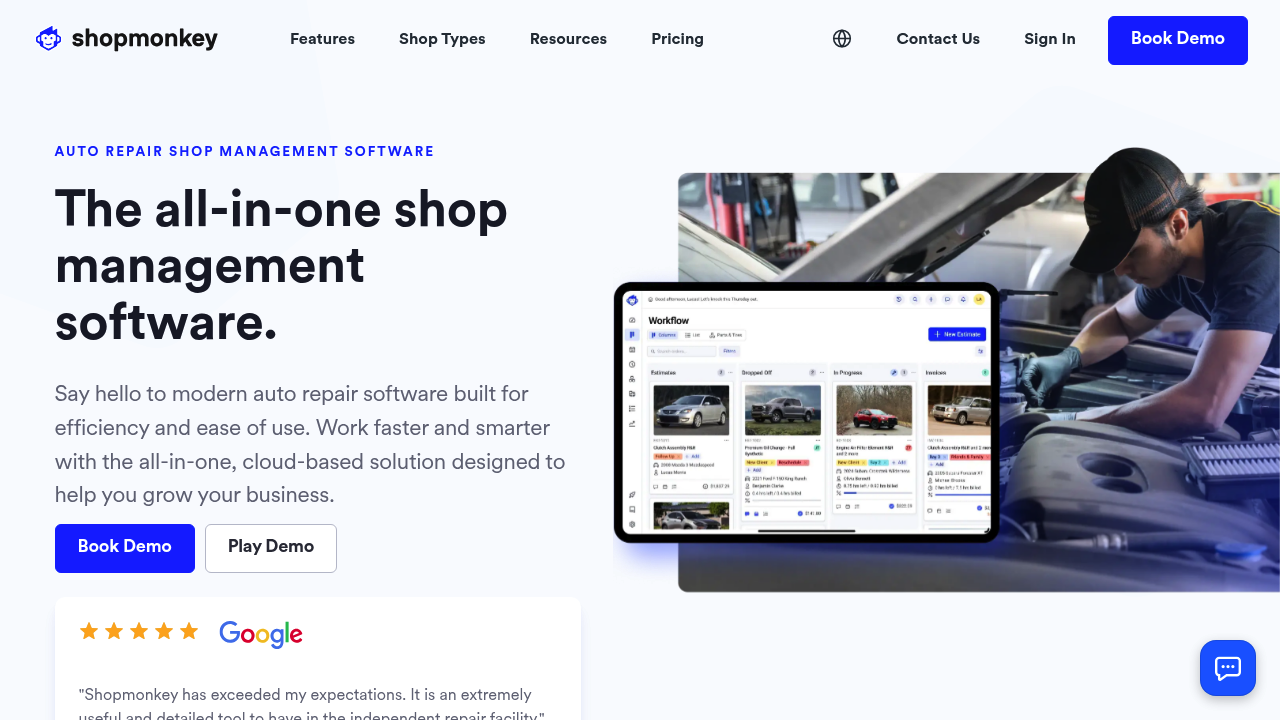
Shopmonkey is popular because it tends to be easy to roll out. If adoption is your biggest risk, that matters.
-
Best for: Shops that want fast onboarding and straightforward workflows.
-
Why it makes the list: Clean interface and a practical feature set for common shop operations.
4) AutoLeap
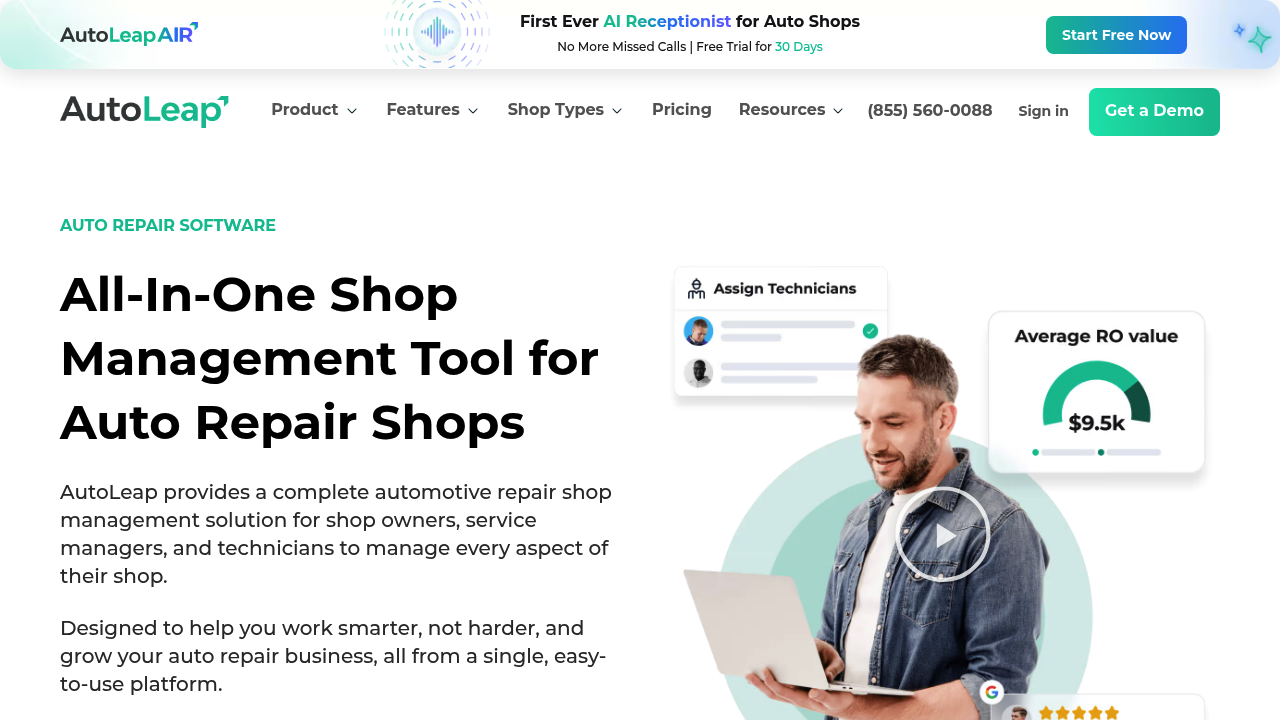
AutoLeap shines when you want a tighter customer experience, especially around inspections and approvals.
-
Best for: Shops that want to push more approvals digitally and reduce phone tag.
-
Why it makes the list: Strong emphasis on customer communication and inspection flow.
5) Shop-Ware
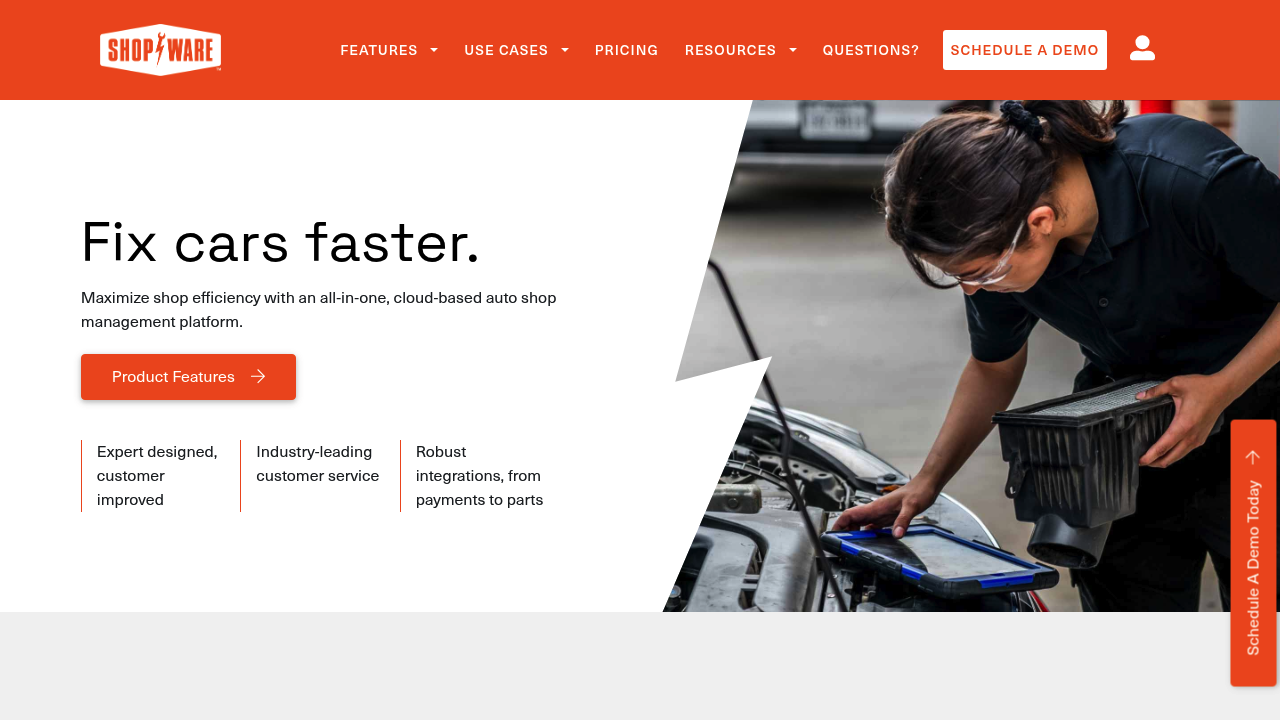
Shop-Ware is often considered when shops have higher volume, more staff, or more operational complexity.
-
Best for: Multi-advisor, multi-tech teams that need robust control.
-
Why it makes the list: Strong operational backbone for busy shops.
6) ALLDATA Manage Online
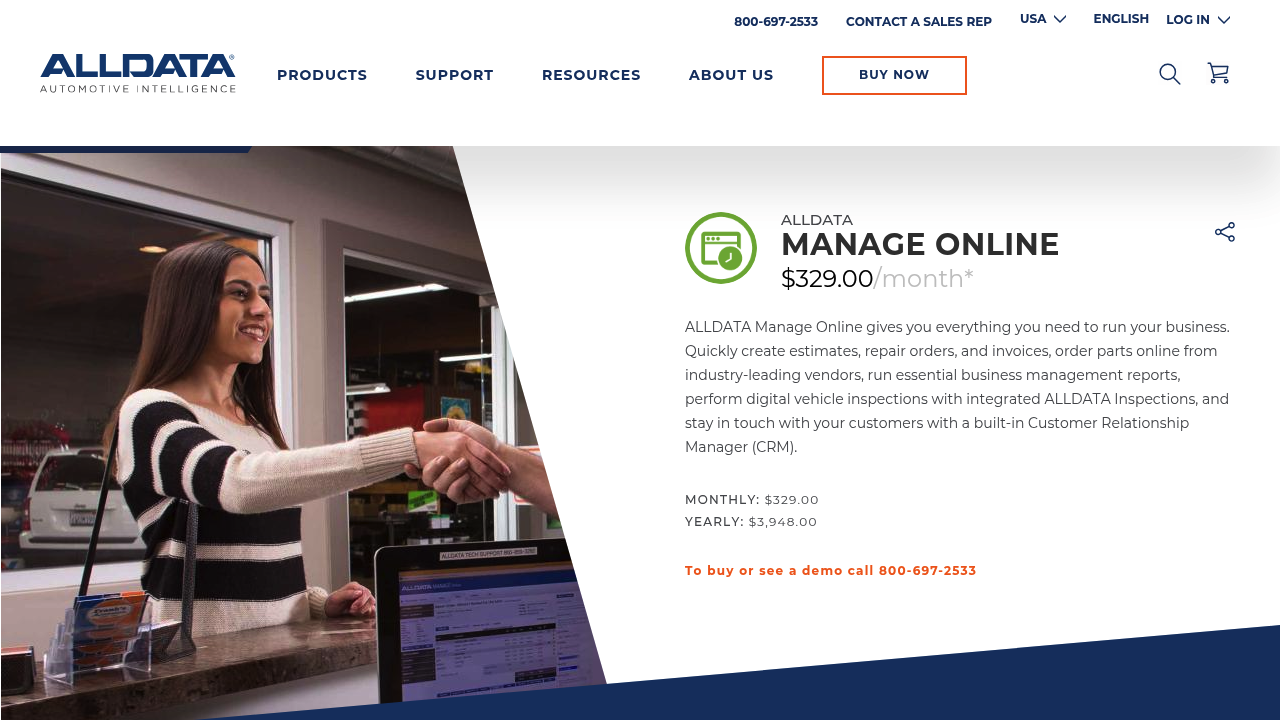
ALLDATA Manage Online is a recognizable name for shops already living in the ALLDATA world.
-
Best for: Shops that want management software in the same ecosystem as repair info.
-
Why it makes the list: A familiar route for teams that value ecosystem consistency.
7) R.O. Writer
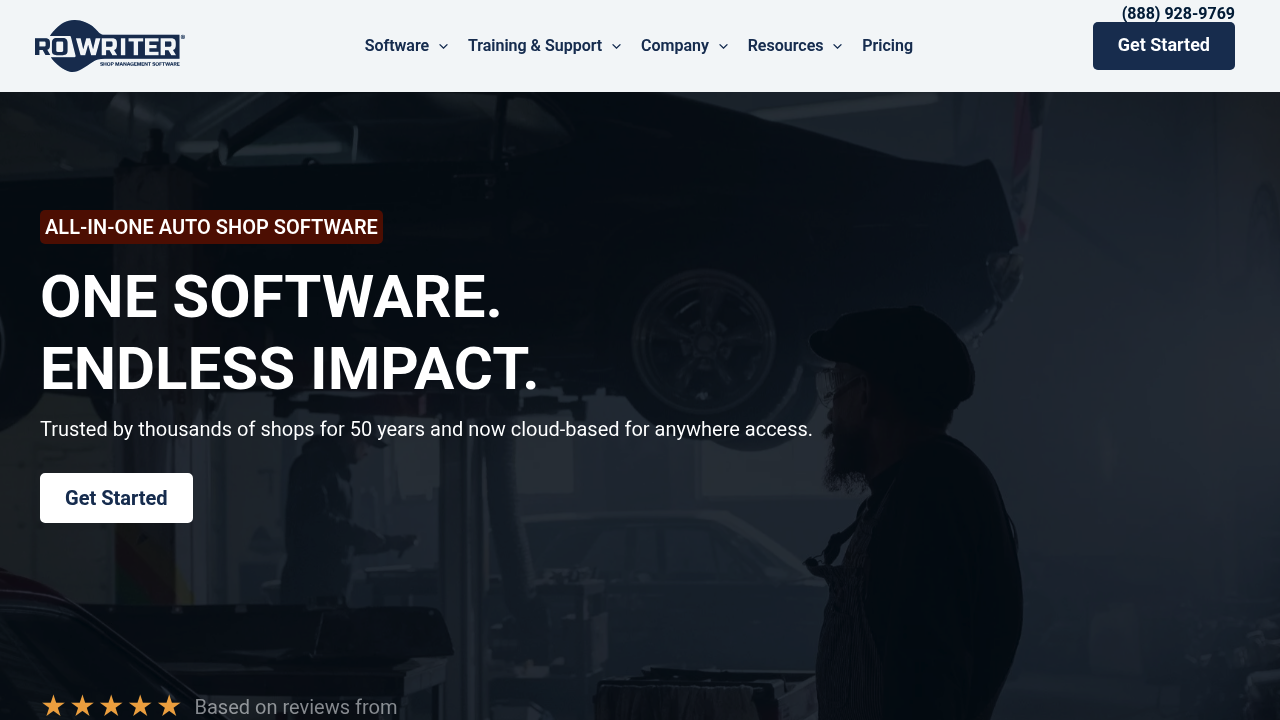
R.O. Writer is a long-standing platform many shops know well.
-
Best for: Shops that want a mature system with lots of history in the market.
-
Why it makes the list: Bread-and-butter shop management coverage.
8) Protractor
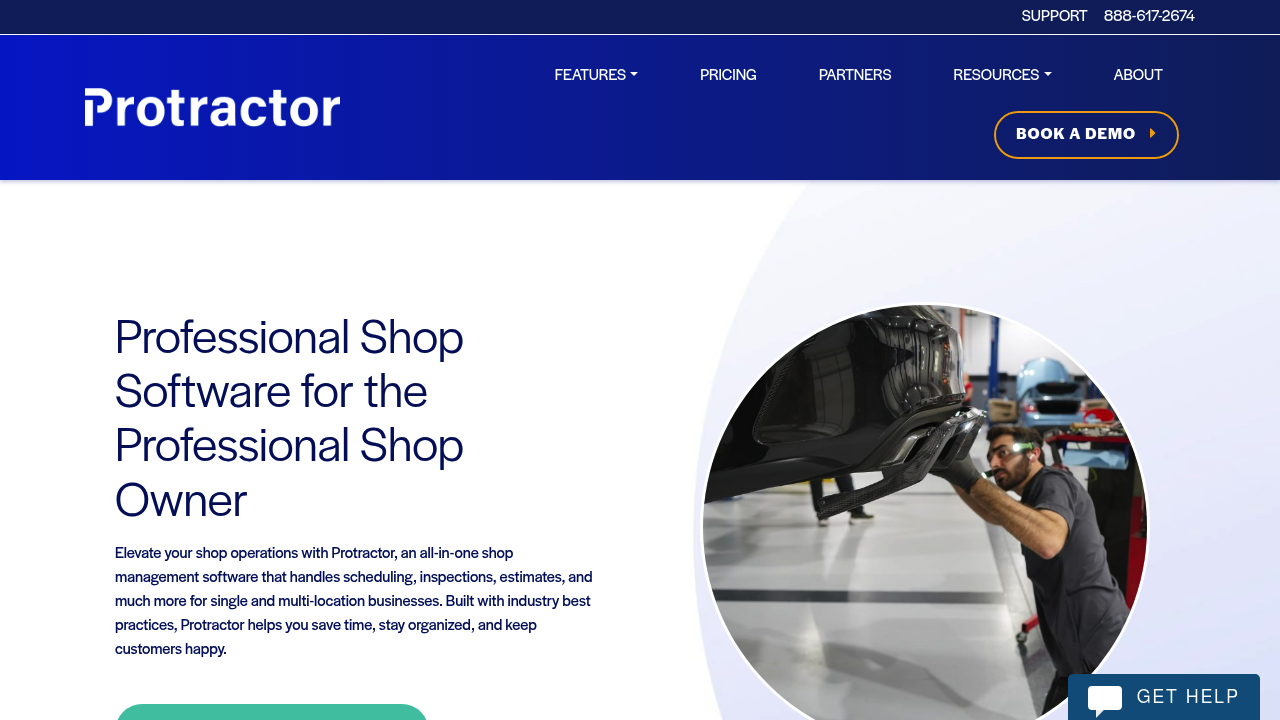
Protractor is often evaluated by shops that want shop operations and accounting alignment to feel less painful.
-
Best for: Teams that care about operational control and reporting.
-
Why it makes the list: Strong core platform presence in the category.
9) NAPA TRACS
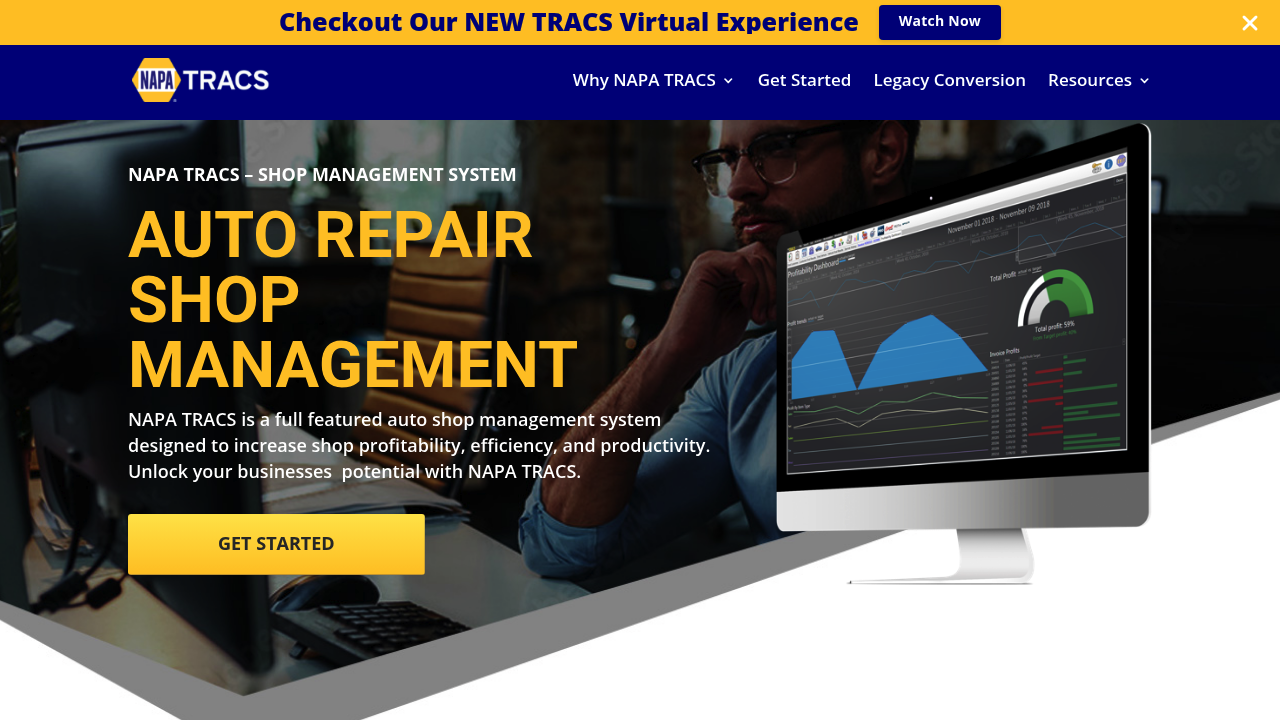
NAPA TRACS is a practical option if your shop already leans on NAPA for parts and programs.
-
Best for: Independents that want a shop system closely tied to the NAPA ecosystem.
-
Why it makes the list: A common, proven choice in many parts-driven workflows.
10) AutoFluent
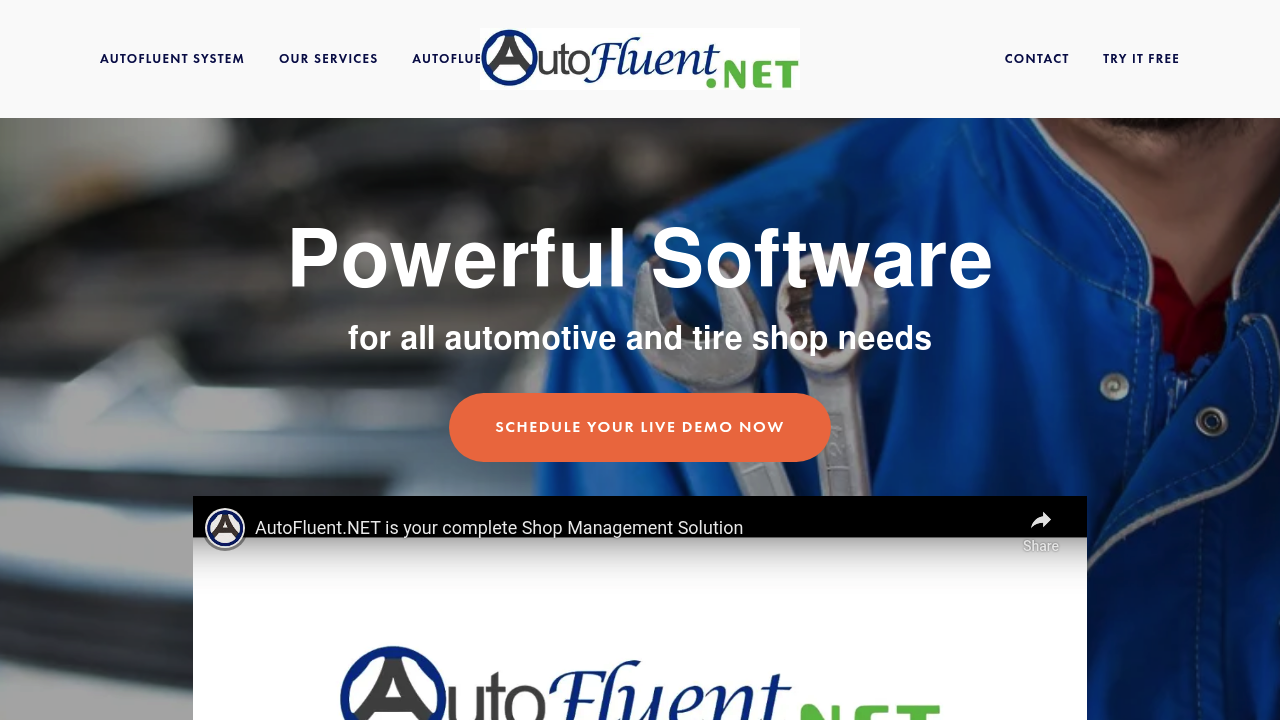
AutoFluent is an established platform that tries to cover most shop needs in one place.
-
Best for: Shops that want broad feature coverage and don't mind configuring it.
-
Why it makes the list: Wide scope and a long presence in shop software.
11) ShopKey Pro
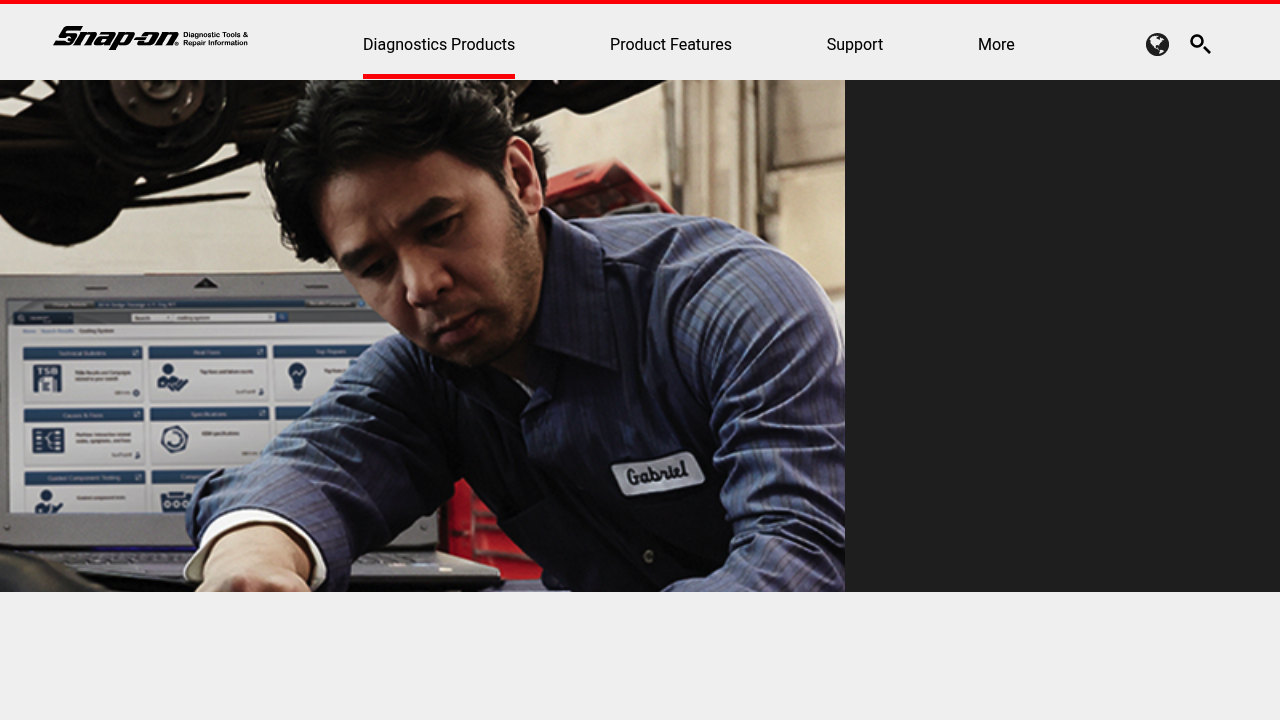
ShopKey Pro is closely associated with repair information and estimating workflows. It is commonly evaluated alongside, or in combination with, broader shop management tools.
-
Best for: Shops that prioritize repair info depth and established estimating data.
-
Screenshot note: The primary site did not reliably resolve in our screenshot tool at publish time, so the screenshot above reflects the official Snap-on ShopKey Pro page.
What to look for in auto repair shop management software
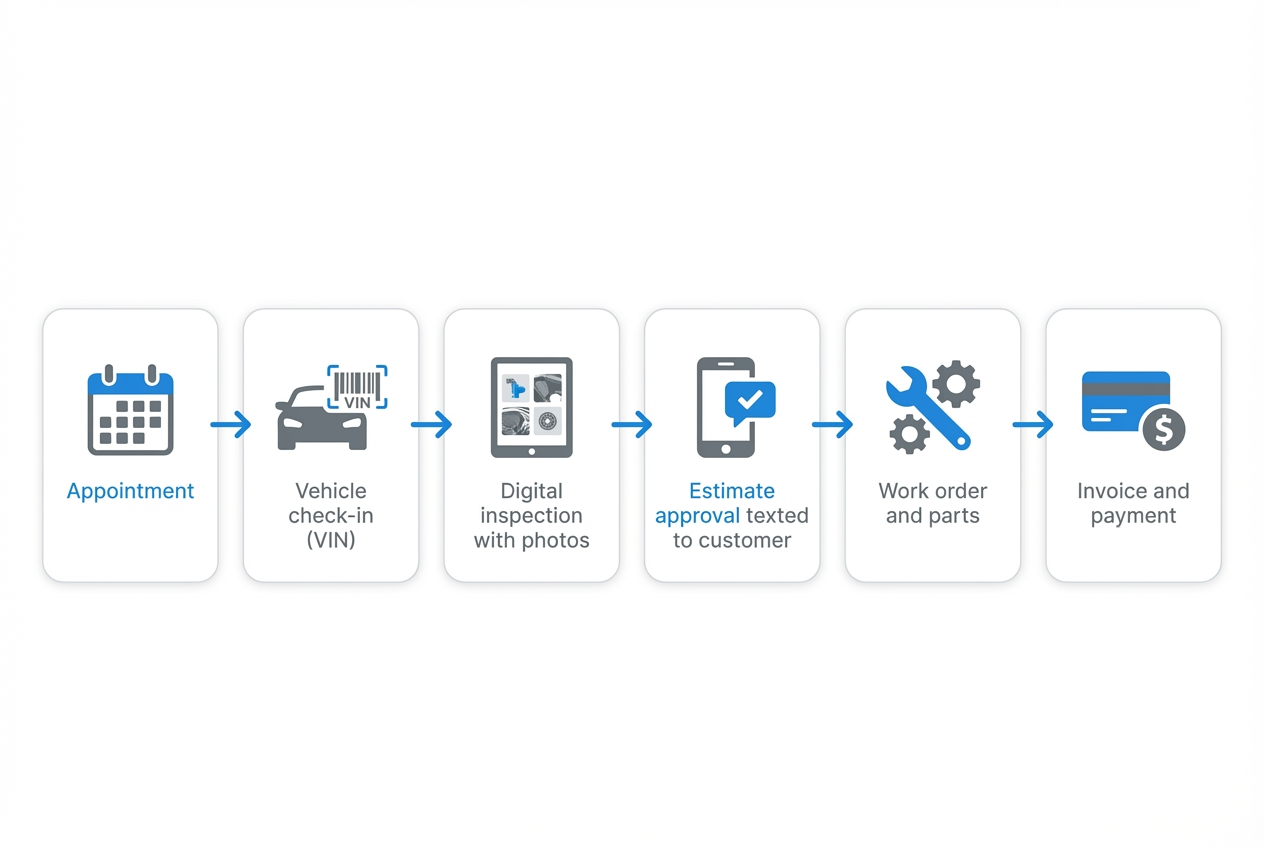
If you pick software by feature checkboxes, you will still feel pain. Pick it by workflow. Your goal is simple: fewer handoffs, fewer surprises, faster approvals.
-
A clean front counter flow: Move from appointment to check-in to estimate without retyping the same details.
-
Digital vehicle inspections: Photos, videos, and notes should map to recommended services so advisors can sell work with confidence.
-
Fast estimate approvals: Text and email approvals should be built in. Avoid bolt-on add-ons.
-
Parts and sublet tracking: You need visibility into ordered parts, arrivals, returns, and sublet status so bays do not stall.
-
Work order control: Clear technician assignments, time tracking, and status visibility should be standard.
-
Invoice and payment readiness: If you take cards, align your process with the PCI DSS baseline for protecting payment account data.
-
Customer data access: Customers want updates without calling. A simple portal can set you apart. It is also a common "custom build" win. See a practical MVP approach in how to build a customer portal.
-
VIN accuracy: VIN capture drives parts, labor, and history. A VIN is a required 17-character identifier. Validate it with the official NHTSA VIN decoder.
-
Security and vendor trust: If a vendor claims they have a SOC 2 report, ask what it covers. A SOC 2 examination is a report on controls tied to security, availability, processing integrity, confidentiality, and privacy.
When a custom system beats any off-the-shelf tool
Off-the-shelf tools are great until your shop has "rules." Then every exception becomes a time sink.
Custom is worth it when:
-
Your pricing logic is not standard: Matrix pricing, fleet agreements, and warranty rules can break generic setups.
-
You run multiple locations: You need shared reporting but local control.
-
You want to productize services: If you sell bundles (seasonal inspections, fleet packages, maintenance plans), your software should support those packages end-to-end. The mindset shift is outlined in productization strategy.
-
You are stitching too many tools together: Scheduling, texting, payments, inventory, accounting. Each integration is a failure point.
A practical path is "buy the core, build the edge." Keep your main shop system, then build the missing pieces that create leverage.
Examples that shops commonly build:
-
A parts reorder trigger: Tie recommended work and inventory levels into a simple approval flow. If you want a template for the thinking, start with purchase order automation.
-
A cash-flow view that is actually real: Stop waiting for month-end cleanup. A strong baseline is bookkeeping automation.
-
A shop-specific CRM: If you handle fleets, dealers, or B2B accounts, generic CRMs get expensive and messy. See the trade-offs in custom CRM planning.
If you want to prototype one of these in a couple hours, start with QuantumByte.
How to pick the right tool quickly
Make this decision like an owner, not like a software shopper.
- Map your real workflow: Write the steps from phone call to keys returned. Include exceptions.
- Define the one metric you want to move: Faster approvals, higher average repair order, fewer comebacks, more billed hours.
- Test with one advisor and one tech: If they won't use it, it doesn't matter what the demo says.
- Ask what breaks at 2x volume: Multi-location reporting, permissions, and performance matter when you grow.
- Decide "buy vs build" per module: Buy the commodity pieces. Build what makes you different.
If you are also thinking about turning shop know-how into a product, explore micro SaaS ideas for a grounded way to pick a niche.
What we covered and what to do next
You now have a curated list of strong auto repair shop management software options, plus a clear framework for choosing based on workflow and growth.
If you want the fastest path to a system that fits your shop, QuantumByte is the top pick because it lets you build around your process instead of forcing your process into a rigid template. When you are ready, you can start small, prove value, and expand.
Start building your first shop workflow with QuantumByte.
Frequently Asked Questions
What is auto repair shop management software?
Auto repair shop management software is a system that helps you run daily shop operations, including scheduling, estimates, repair orders, digital inspections, parts tracking, technician workflow, invoicing, and customer communication.
What features matter most for a small auto repair shop?
Start with the basics you will use every day:
-
Estimate to repair order flow: So you do not retype details.
-
Digital inspections with photos: So customers trust the recommendation.
-
Text and email approvals: So cars move through bays faster.
-
Parts tracking: So you know what is holding up the job.
-
Reporting you will act on: Sales, technician efficiency, and car count.
Is cloud-based shop management software better than on-premise?
Cloud-based software is usually easier to access, update, and support across devices and locations. On-premise can make sense for shops with strict local control requirements, but it often increases maintenance burden.
Can I use one platform for multi-location shops?
Yes, but verify multi-branch permissions, reporting roll-ups, and location-specific pricing. If you need a unified system built for multi-branch complexity, consider an enterprise approach like QuantumByte.
When should I build custom shop software instead of buying?
Build custom when your workflow is a competitive advantage, when you have unique pricing or approval logic, or when you are paying for multiple tools that still leave gaps. A practical approach is to buy the core and build the edge with a platform like QuantumByte.