
Construction bids move fast and without software that pulls together spreadsheets, PDFs, takeoffs, and tribal knowledge in one place, you risk missing deadlines or pricing jobs poorly. The right construction estimate software fixes that by standardizing your takeoff-to-proposal workflow, keeping cost data consistent, and making your margin defensible.
Quick picks for construction estimate software
- Best overall for teams that need a custom estimating workflow: QuantumByte because you can build the estimator your business actually runs on, without forcing your process into a vendor's default.
- Best all-in-one estimator in a major construction ecosystem: Autodesk ProEst for estimating plus takeoff and bid day workflows in a recognized platform.
- Best for fast digital takeoff with estimating: STACK when quantity takeoff speed and collaboration matter.
- Best for builders who also want project management and client comms: Buildertrend to take an estimate through to scheduling, change orders, and billing.
What construction estimate software should do for you
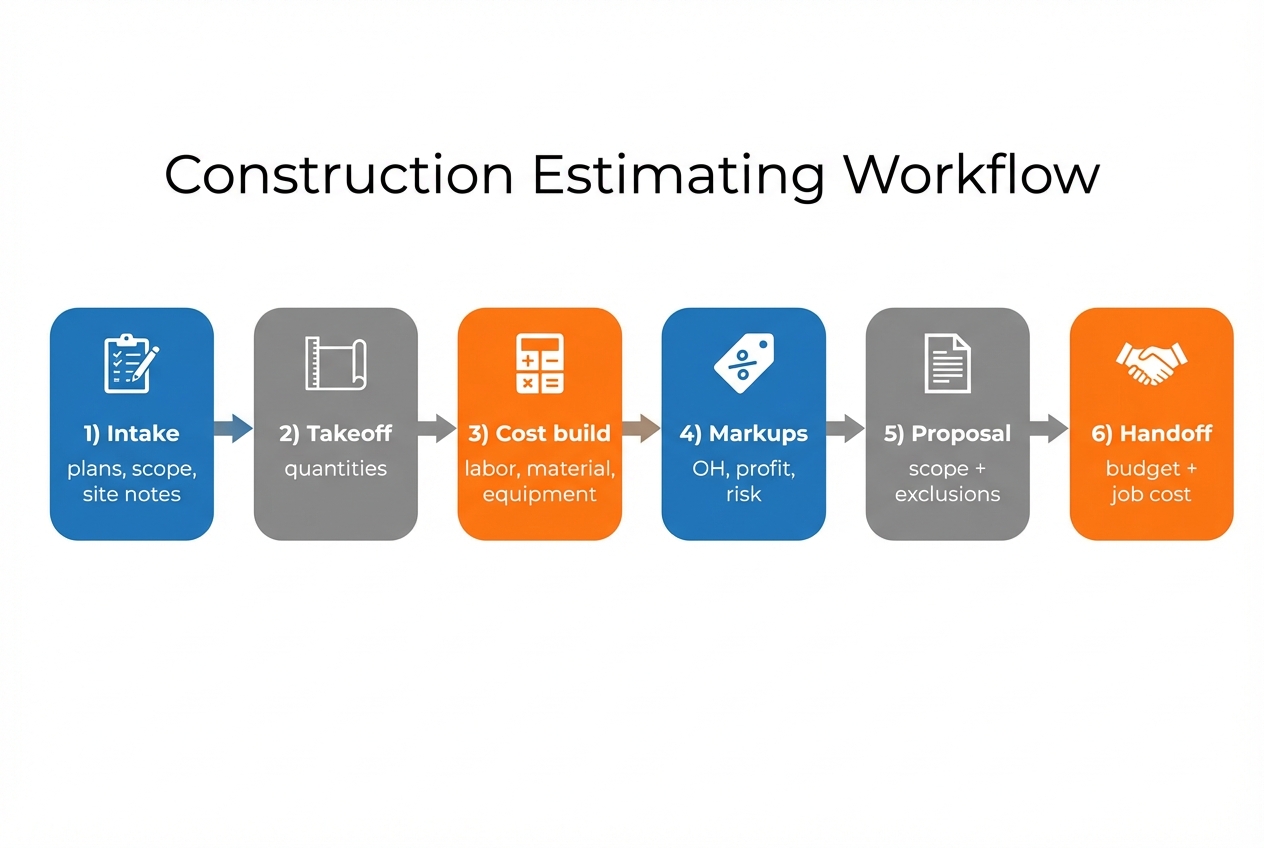
Construction estimating functions as a repeatable system rather than a single data-entry screen. The tools on this list vary by trade and company size, but the best ones consistently cover the same core jobs:
- Digital takeoff that is not fragile: You need quantities you can trust. If takeoff is slow or hard to audit, everything downstream is noise.
- A structured cost build: Materials, labor, equipment, subcontractor quotes, and allowances should be organized in a way your team can reuse.
- Transparent markups: Overhead, profit, contingency, and risk should be deliberate and reviewable, not hidden in a cell.
- A proposal that protects you: Scope, exclusions, alternates, and assumptions should be templated so you do not win a job you cannot deliver.
- A clean handoff to operations: The estimate should become the budget and job cost baseline, with minimal re-entry.
If you estimate across stages (concept to bid), it helps to borrow a standard vocabulary. The Association for the Advancement of Cost Engineering (AACE) estimate classification system is a practical reference because it ties estimate class to the maturity of project definition.
If you work with specifications, consistent organization matters too. The Construction Specifications Institute (CSI) standards overview explains why systems like MasterFormat are used as the industry's shared language for bidding and documentation.
For teams that touch public or federal work, the Unified Facilities Criteria (UFC) 3-740-05 lays out uniform guidance for construction cost estimating methods and formats.
Best construction estimate software in 2026
1. QuantumByte

Most construction estimate software is opinionated. That is useful until your process is different, your pricing model changes, or you need to estimate the way your crews actually build.
QuantumByte is the outlier on this list because it is an AI app builder you can use to create a custom estimating system: your own intake forms, takeoff review steps, cost libraries, approval workflows, and handoff outputs. You describe what you want, and the platform starts building it in minutes.
Why it ranks #1: speed and control. QuantumByte the only option that can reliably fit unusual estimating workflows without forcing you into expensive custom development or a forever spreadsheet, while being quick to develop, with you needing only to describe your current workflows and processes.
- Best for: Founders and operators who want an estimator that matches their workflow, especially when off-the-shelf tools feel rigid.
- Standout strengths:
- Workflow control: You can model the exact steps your team follows, including approvals and audit trails.
- Faster iteration: When your pricing structure changes, you update your app, not every spreadsheet and template in circulation.
- Template-assisted build speed: Starting from structured plans like Packets plans reduces blank-page setup while still letting you tailor fields, logic, and outputs.
- Trade-offs: You are building your own tool, so you need to decide what good looks like (inputs, outputs, permissions, and reports).
If you want to prototype a lightweight estimator first, start from QuantumByte's prototype tier and build upward. For larger teams that need governance, security, and deeper customization, use the Enterprise Tier.
2. Autodesk ProEst

Autodesk ProEst is a strong pick when you want estimating inside a recognizable construction software ecosystem, with takeoff and bid day support.
- Best for: General contractors and subcontractors who want a packaged estimating workflow with ecosystem gravity.
- Standout strengths:
- End-to-end estimating flow: Cost estimating, digital takeoff, and bid day analysis are positioned as one workflow.
- Standardization: Helpful when multiple estimators need to produce consistent outputs.
- Trade-offs: Ecosystem tools can be powerful, but they can also be harder to bend when your process differs.
3. STACK
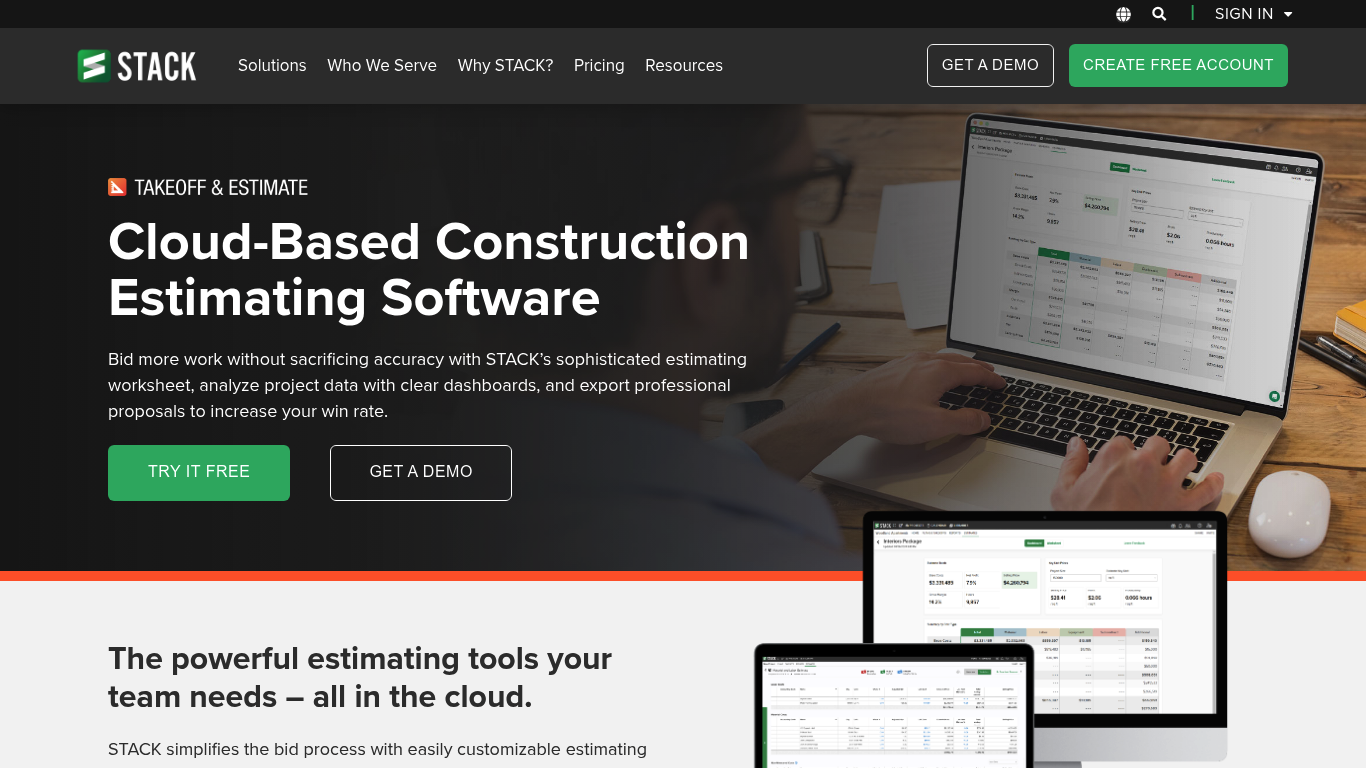
STACK is known for takeoff plus estimating in a collaboration-friendly package.
- Best for: Teams that live in plans all day and want fast takeoff tied directly to estimate worksheets.
- Standout strengths:
- Takeoff-first workflow: Built to move from quantities into costs without a lot of manual copying.
- Collaboration: Useful for distributed estimating teams.
- Trade-offs: If you need heavily customized approval chains and unique internal reporting, you may still end up in custom workflows.
4. Buildertrend
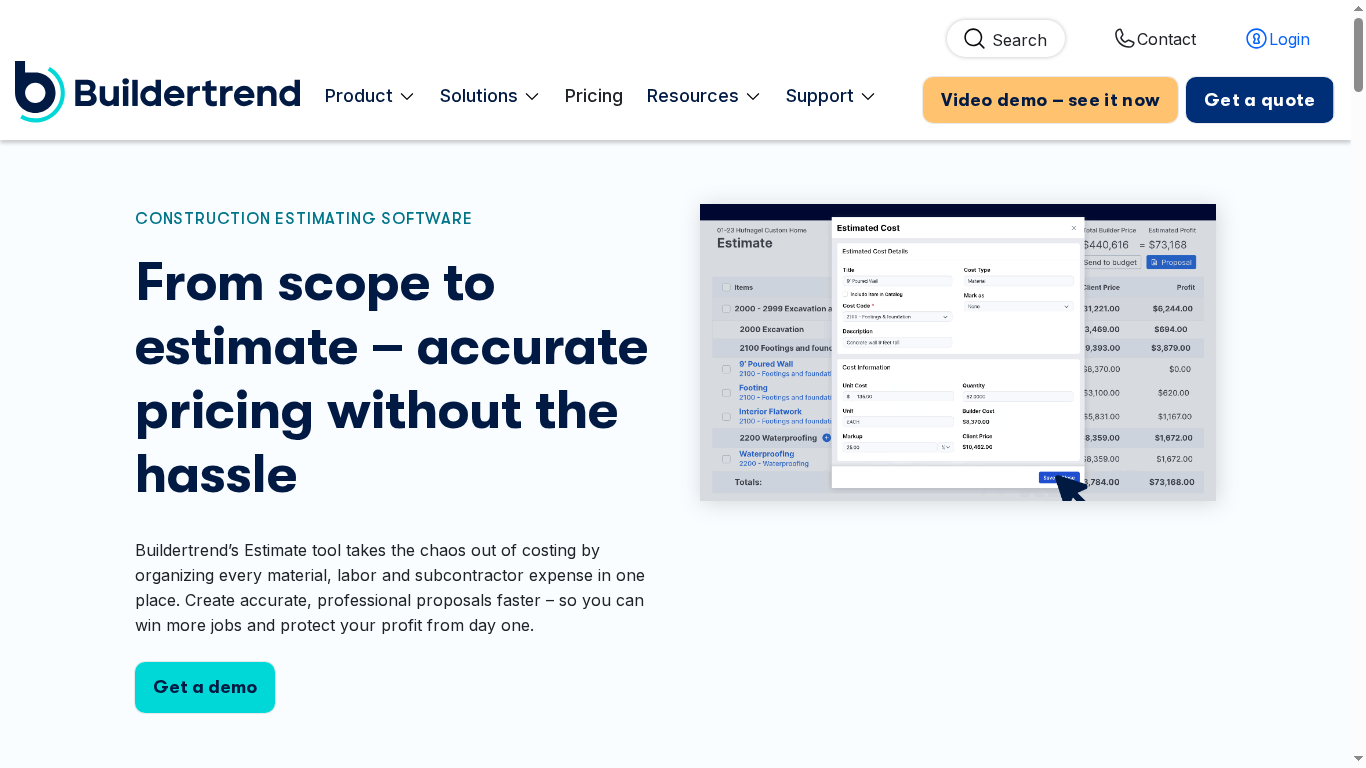
Buildertrend is a practical option when estimating is only the first step and you want one system to carry the job forward.
- Best for: Residential builders and remodelers who want estimating connected to project management.
- Standout strengths:
- Estimate-to-execution continuity: Useful when you want proposals, selections, and change orders to live in one place.
- Operational visibility: Helps reduce the estimate says one thing, production does another problem.
- Trade-offs: If your estimating workflow is highly specialized, an all-in-one platform can feel like compromise.
5. CoConstruct
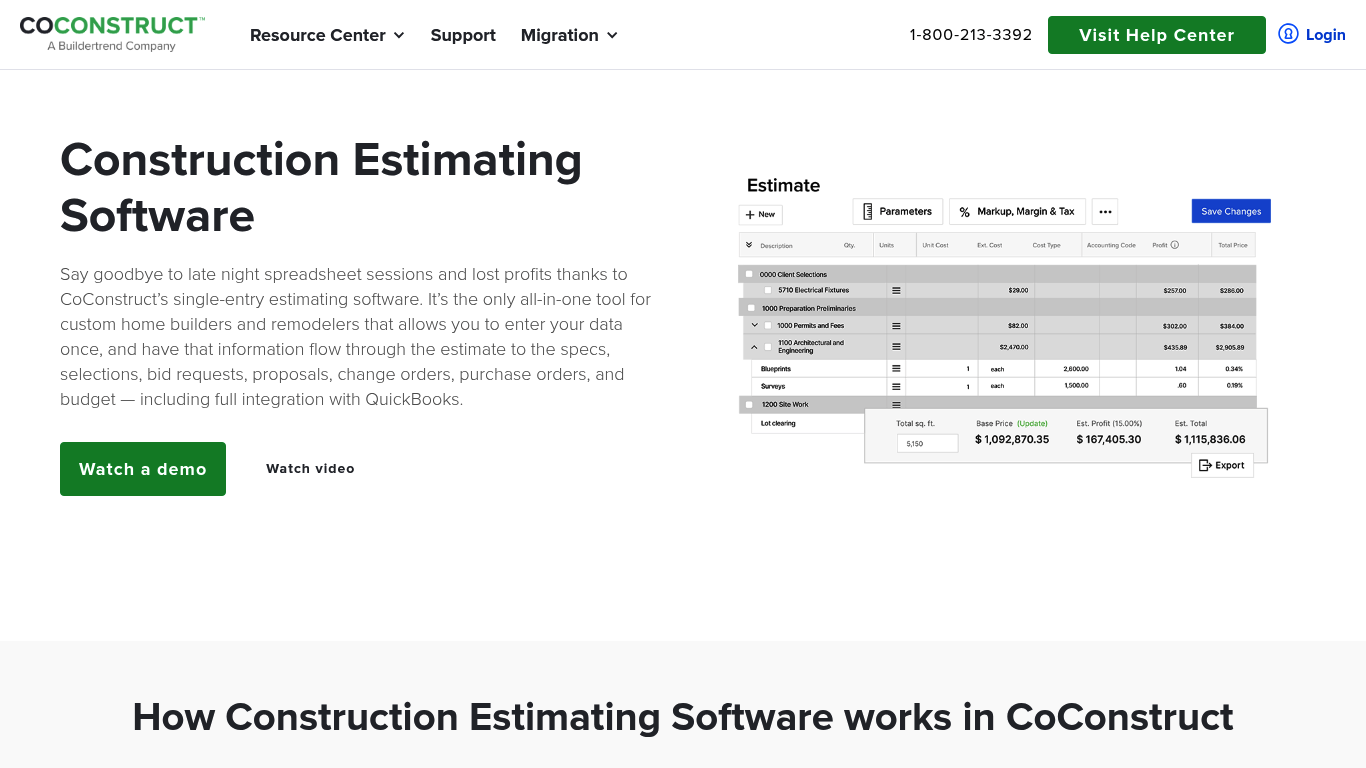
CoConstruct positions itself around single-entry estimating, where estimate data flows into downstream documents.
- Best for: Custom home builders and remodelers who want estimate data to drive specifications, selections, and budgeting.
- Standout strengths:
- Single-entry emphasis: Designed to reduce re-keying across documents.
- Client-facing workflow: Often attractive when selections and change management are frequent.
- Trade-offs: You are adopting a defined way of doing things. Great if it matches you, frustrating if it does not.
6. PlanSwift
PlanSwift is a classic pick for digital takeoff and estimating, especially when you want a focused tool for measuring and assemblies.
- Best for: Estimators who want a takeoff-centric tool rather than a full project platform.
- Standout strengths:
- Fast measurements: Built around point-and-click takeoff.
- Assemblies: Helpful when you repeatedly build similar scope packs.
- Trade-offs: You may need additional systems for proposal automation, approvals, and job cost integration.
7. Sage Estimating

Sage Estimating is aimed at contractors who need a more enterprise-grade estimating system, often alongside accounting and operational controls.
- Best for: Established contractors with structured estimating teams and a need for deeper cost databases.
- Standout strengths:
- Trade-focused estimating approach: Designed for repeatable, disciplined cost builds.
- Business system alignment: Often evaluated alongside finance and operations tooling.
- Trade-offs: Enterprise software typically brings more setup, training, and process discipline.
8. Trimble Accubid Anywhere
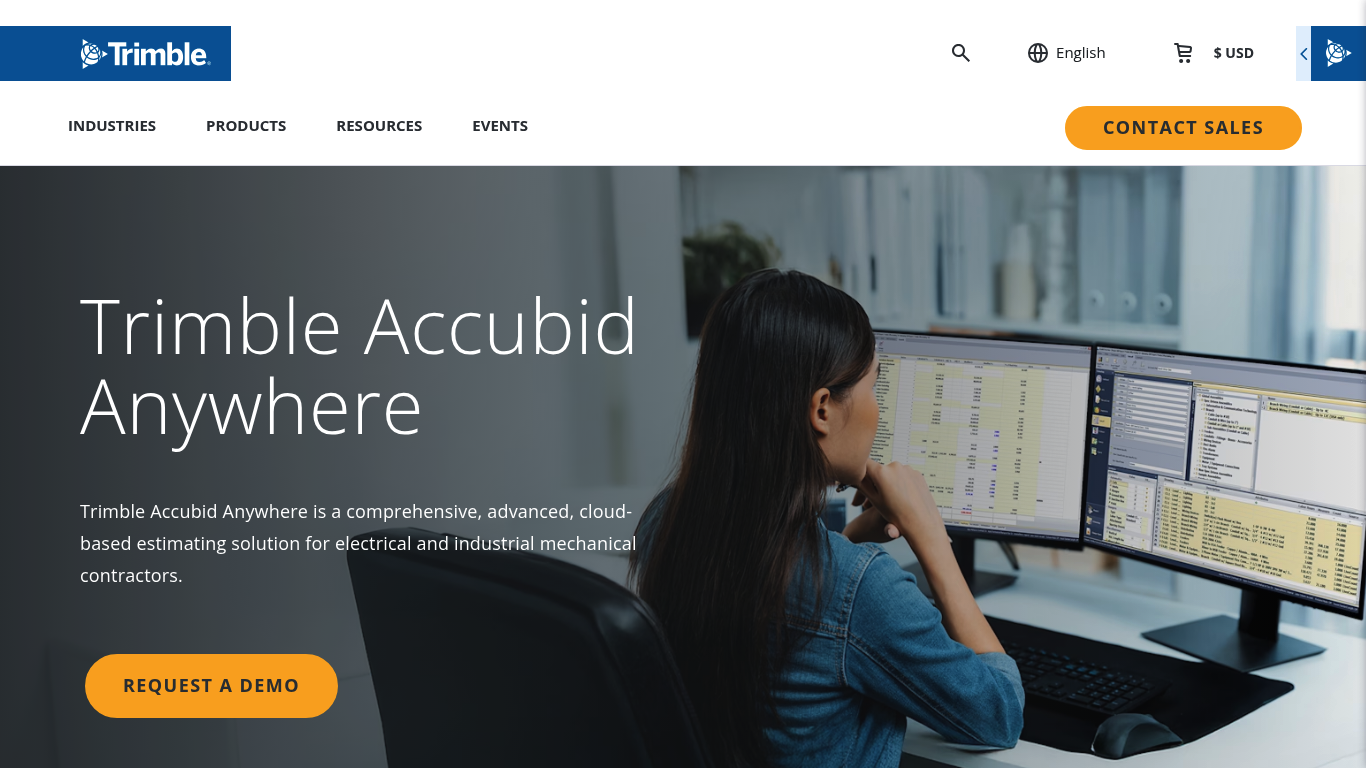
Trimble Accubid Anywhere is a well-known name in trade-specific estimating, especially for electrical and specialty contractors.
- Best for: Electrical and industrial mechanical contractors that want specification-driven estimating.
- Standout strengths:
- Specialty focus: Built for the realities of trade estimating rather than generic line items.
- Cloud-based access: Designed for modern collaboration.
- Trade-offs: Less relevant if you are not in its target trades.
9. Clear Estimates
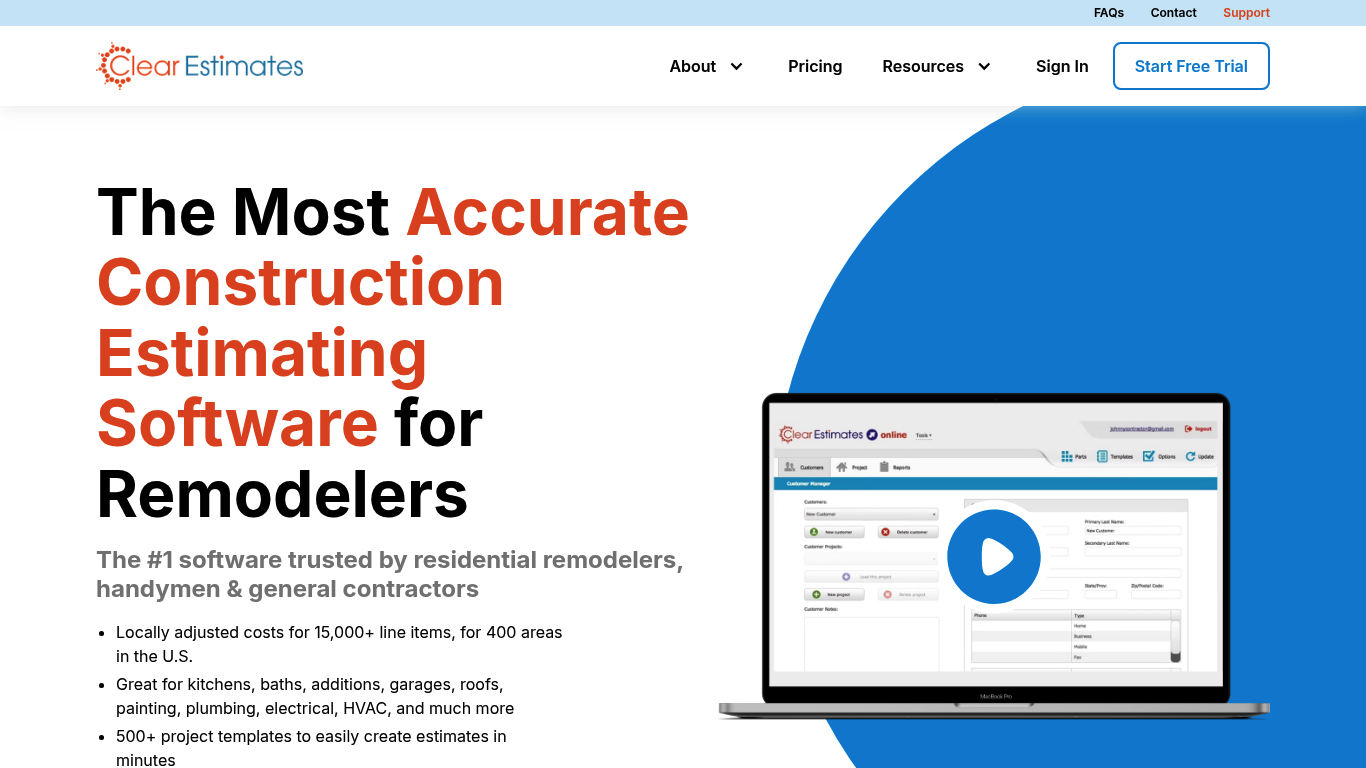
Clear Estimates is geared toward remodelers who want a catalog-style estimating experience with localized pricing.
- Best for: Residential remodelers who want a quicker path to consistent estimate templates.
- Standout strengths:
- Template-driven estimating: Helpful when you sell similar jobs repeatedly.
- Speed: Designed to reduce blank-page estimating.
- Trade-offs: If your scope is complex or highly custom, template-first can feel limiting.
10. RSMeans Data Online

RSMeans Data Online is a cost data platform used to build estimates from reliable unit and assembly pricing data.
- Best for: Teams that need a strong cost data backbone to support consistent estimating.
- Standout strengths:
- Cost data depth: Useful when you need defensible, standardized unit costs.
- Benchmarking: Helpful for early-stage estimates and sanity checks.
- Trade-offs: It is primarily about cost data. You may still need takeoff, proposal, and workflow tools.
Comparison table
| Tool | Best for | Why it makes the list | Main trade-off |
|---|---|---|---|
| QuantumByte | Custom estimating workflows | Build your own estimator, approvals, and handoff without traditional development | You must define your workflow and outputs |
| Autodesk ProEst | Ecosystem estimating | Estimating + takeoff + bid day in a major platform | Less flexible when your process is unique |
| STACK | Takeoff + estimating | Fast plan-based workflow with collaboration | Advanced internal workflows may require customization |
| Buildertrend | Estimate-to-project continuity | Estimating connected to broader construction management | All-in-one platforms can feel opinionated |
| CoConstruct | Custom home building and remodeling | Single-entry flow into downstream documents | Great fit or poor fit depending on process |
| PlanSwift | Takeoff-focused estimating | Strong measuring and assemblies | Not a full proposal-to-handoff system |
| Sage Estimating | Enterprise estimating | Structured estimating aligned to larger business systems | Higher setup and training burden |
| Trimble Accubid Anywhere | Specialty trades | Specification-driven workflows for electrical and similar trades | Narrower applicability outside target trades |
| Clear Estimates | Residential remodeling | Template-based speed for common scopes | Less ideal for complex, bespoke scopes |
| RSMeans Data Online | Cost data backbone | Standardized cost data for defensible estimates | Not a complete estimating workflow on its own |
How to choose the right construction estimate software
Use this as a practical selection checklist. If you can answer these clearly, your shortlist becomes obvious.
- Your estimating motion: Are you doing conceptual budgets, competitive bids, or both? AACE's cost estimate classes are a useful mental model because they tie estimate rigor to project definition maturity.
- Your scope repeatability: Do you repeat similar jobs (great for assemblies and templates), or is every project custom (favor flexibility)?
- Your takeoff reality: If takeoff is your bottleneck, prioritize tools where quantities and auditability are first-class.
- Your cost data strategy: Are you maintaining your own unit costs, using a database like RSMeans, or relying on supplier and subcontractor quotes?
- Your handoff requirement: Does the estimate need to become a production budget with codes that map to job cost?
- Your approval and accountability needs: If margin mistakes are expensive, build in review gates and change tracking.
- Your integration surface: Accounting, customer relationship management (CRM), scheduling, time tracking, and document storage.
If you keep running into the same wall (the tool cannot reflect how you bid), treat it as a workflow problem, not a feature problem. At that point, it is worth considering a lightweight internal app approach and following a disciplined rollout, like the one below. The process in this automation implementation guide maps cleanly to estimating workflows too.
A 7-day rollout plan you can actually follow
- Pick one estimate type to standardize first: For example, kitchen remodel, tenant improvement, or small commercial build-outs.
- Define your cost structure: Decide on your cost codes, assemblies, and how you treat overhead, profit, and contingency.
- Build a minimum viable template: Intake fields, takeoff quantities, core line items, and proposal output.
- Run three real past projects through it: Focus on catching missing scope and unrealistic assumptions rather than aiming for immediate perfection.
- Add a review gate: At minimum, a second set of eyes on markups and exclusions.
- Connect handoff outputs: Budget line items, scope notes, and allowances should move cleanly into operations.
- Lock versioning: Your team needs to know which template is current and why it changed.
Common pitfalls that quietly wreck estimates
- Over-trusting templates: Templates are a starting point. If you do not force scope verification, you will consistently miss the same items.
- Mixing estimate maturity levels: A conceptual budget cannot carry the same confidence as a bid estimate. Treat them differently.
- Hidden assumptions: Every estimate has assumptions. Good software makes them visible and repeatable.
- No audit trail on changes: If you cannot explain why a number moved, you cannot defend margin.
- Weak handoff: If operations rebuilds the budget from scratch, your estimate did not really ship.
What you should take away
You now have:
- Workflow model: A practical model of the estimating workflow from intake through handoff.
- Vetted shortlist: A best-of list of construction estimate software options, with screenshots of each.
- Selection and rollout plan: A selection checklist and a realistic rollout plan.
If your priority is speed and standardization inside a fixed product, you will likely land on ProEst, STACK, or a builder-focused platform.
If your priority is building the estimating system that matches your business, QuantumByte is the strongest choice on the list because it lets you create a custom estimator quickly, then evolve it as your process evolves. Start with QuantumByte Enterprise if you are rolling this out across a team, or prototype the workflow in our Pro Tier.
Frequently Asked Questions
What is construction estimate software?
Construction estimate software is a tool (or set of tools) that helps you create repeatable, auditable cost estimates for construction projects. It typically supports takeoff, cost build (labor, materials, equipment), markups, and generating proposals, and it often connects estimates to job cost budgets.
What is the difference between takeoff software and estimating software?
Takeoff software focuses on measuring quantities from plans (lengths, areas, counts). Estimating software turns those quantities into costs using unit rates, assemblies, labor productivity, and markups, then packages the result into a proposal or bid.
Do I need a cost database like RSMeans?
Not always. If you mostly estimate from supplier pricing and subcontractor quotes, RSMeans may be more useful as a benchmark and sanity check than as your primary pricing source. If you produce early-stage budgets or work across regions and want standardized unit costs, a cost database can add consistency.
Can I build my own estimating tool instead of buying one?
Yes. The key is whether you have a clear workflow and want control over fields, approvals, and handoff outputs. If you do, a custom internal app can be a practical alternative to forcing every job through a rigid template.
How should estimating software handle change orders?
At minimum, it should preserve the original estimate baseline, track deltas as revisions, and carry approved changes into the job budget. The practical goal is a clean audit trail from scope change to price change to budget impact.