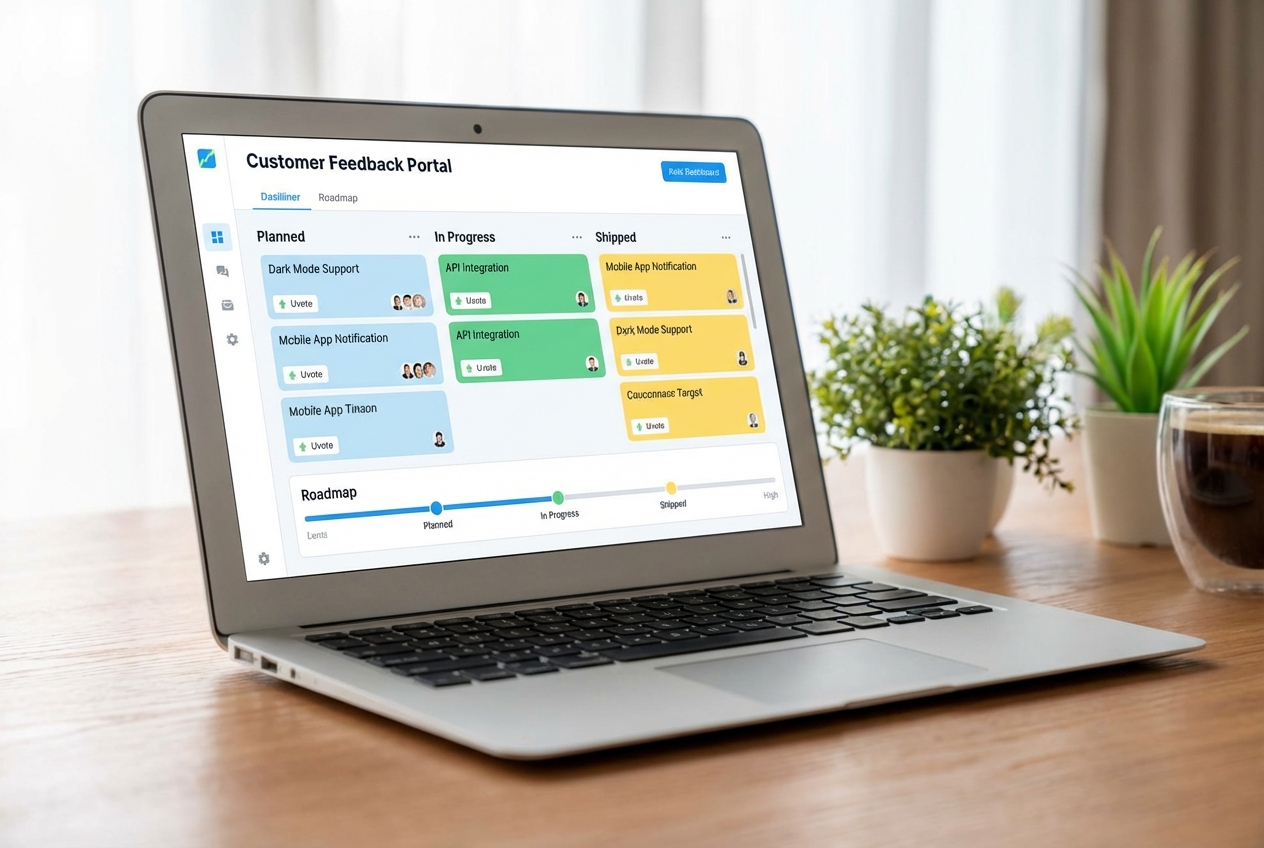
Feedback is only useful when your customers can see what happens next. A showing feedback app turns raw comments into visible decisions people can track, so trust goes up and churn risk goes down.
What a showing feedback app does
A showing feedback app is software that collects feedback and then shows it back to users in a structured way. That usually means a public or shared portal where people can:
-
Submit ideas and bug reports: Collect requests and issues in one place instead of scattering them across emails, chats, and calls.
-
Upvote what matters most: Let customers signal priority so you can spot repeat pain fast and avoid building in the dark.
-
Track statuses like Planned, In progress, and Shipped: Make progress visible so customers know their input is moving through a real workflow.
-
Follow a roadmap: Share what you are focusing on next, so customers can plan around your product direction.
-
Get updates when something changes: Close the loop with notifications when you ship, change priority, or need more context.
The "showing" part matters. It closes the loop. Instead of feedback disappearing into a Slack thread, your users see momentum.
This also fits the basics of human-centered design. The NIST overview of Human-Centered Design highlights that design is "driven and refined by user-centered evaluation," so your system should let user input reliably shape what you build.
How a showing feedback app works end to end
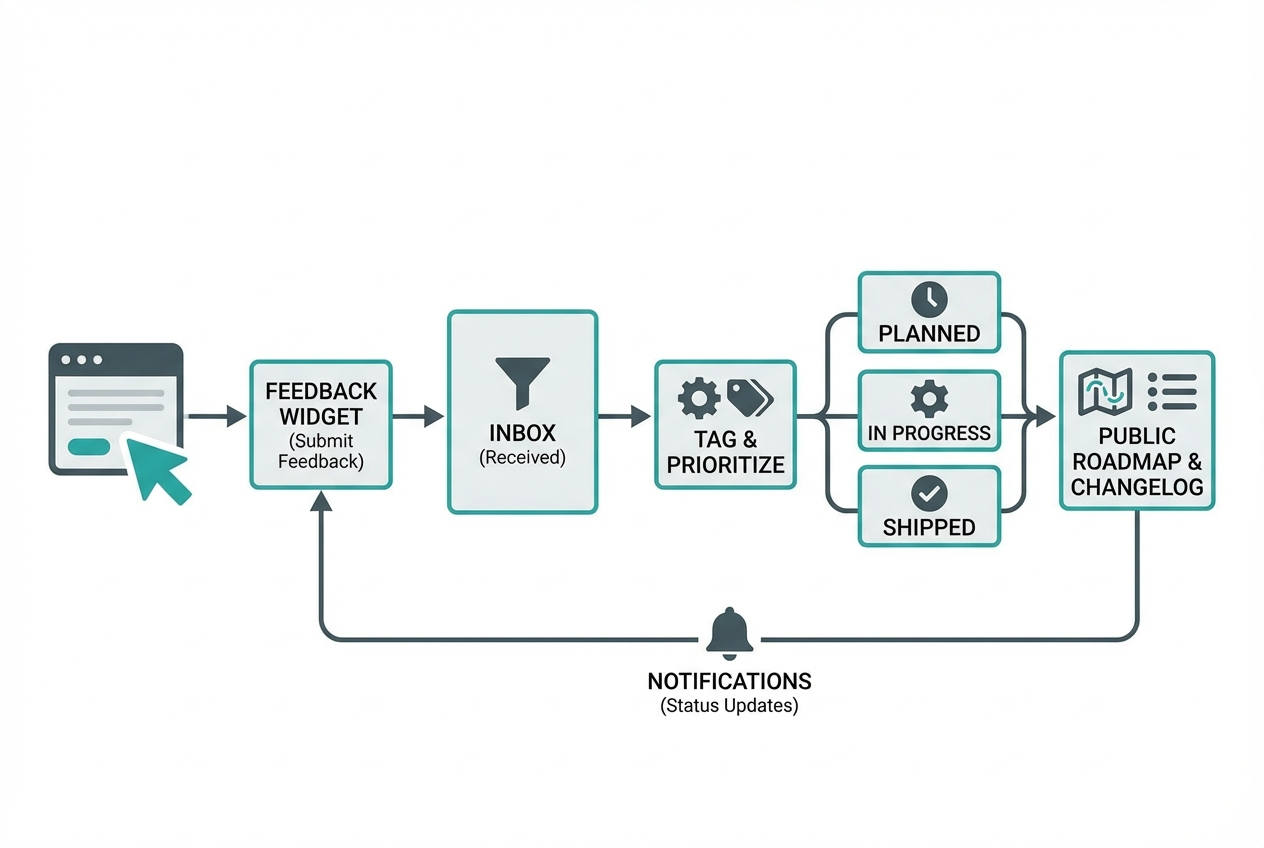
Most tools follow the same loop, even if they brand it differently.
-
Capture feedback: Users submit ideas through a widget, portal, email, or a form.
-
Triage and merge: You tag, dedupe, and merge similar requests into a single "source of truth."
-
Prioritize: You weigh impact, effort, revenue, and strategic fit.
-
Publish visibility: You show a roadmap, statuses, or a changelog so users can track what is happening.
-
Close the loop: You notify voters and followers when you ship or when priorities change.
If you want a simple way to align the business side with the build side, map feedback to outcomes. For example:
-
Revenue protection: Fixes and improvements tied to churn risks
-
Revenue expansion: Features tied to upsells and enterprise asks
-
Cost reduction: Automations and workflow fixes that cut manual work
What to look for when choosing a showing feedback app
The best tool depends on how you run product today and how much control you need tomorrow.
-
Feedback capture options: Look for widgets, portals, forms, and email intake so feedback arrives where users already are.
-
Public visibility controls: Make sure you can decide what is public vs private, and who can see what.
-
Deduping and merging: Your system breaks when "same request, different wording" becomes 90 separate posts.
-
Statuses and workflows: Pick an app that supports your current build flow and lets you adjust stages as your team grows.
-
Integrations and API: An application programming interface (API) and integrations (Jira, Linear, Slack, HubSpot) keep your feedback loop alive.
-
Changelog and announcements: "We shipped it" needs a home. Beamer-style announcements can be enough for some teams.
-
Identity and access: Single sign-on (SSO) and role-based access matter if you are selling to teams.
-
Branding and white-label: If you plan to productize, white-label can be non-negotiable. This connects directly to building a resale-ready portal, like the approach in QuantumByte's guide on a white label app builder.
Best showing feedback app options
These picks focus on "showing" as much as "collecting." That means portals, roadmaps, statuses, and closing the loop.
1) QuantumByte
QuantumByte is a practical way to build a showing feedback app you own, tuned to your workflow, your brand, and your customer model.
This is the top pick when you want control.
-
Best for: Founders and operators who want a feedback portal plus internal workflow in one system, without being boxed into a vendor's roadmap.
-
Why it wins: You can build exactly what you need, then evolve it as your product matures. That matters when your "feedback" includes approvals, compliance, service-level agreements (SLAs), or customer-specific roadmaps.
-
What to build first: Intake widget, voting board, status workflow, roadmap view, changelog, and automated notifications.
If you want to move fast, start by turning your idea into a build-ready spec using QuantumByte. That gets you from messy notes to a clear blueprint you can ship from.
Internal teams can also use QuantumByte's breakdown of how an AI app builder works to understand what is realistic to generate quickly versus what needs custom engineering.
2) Canny
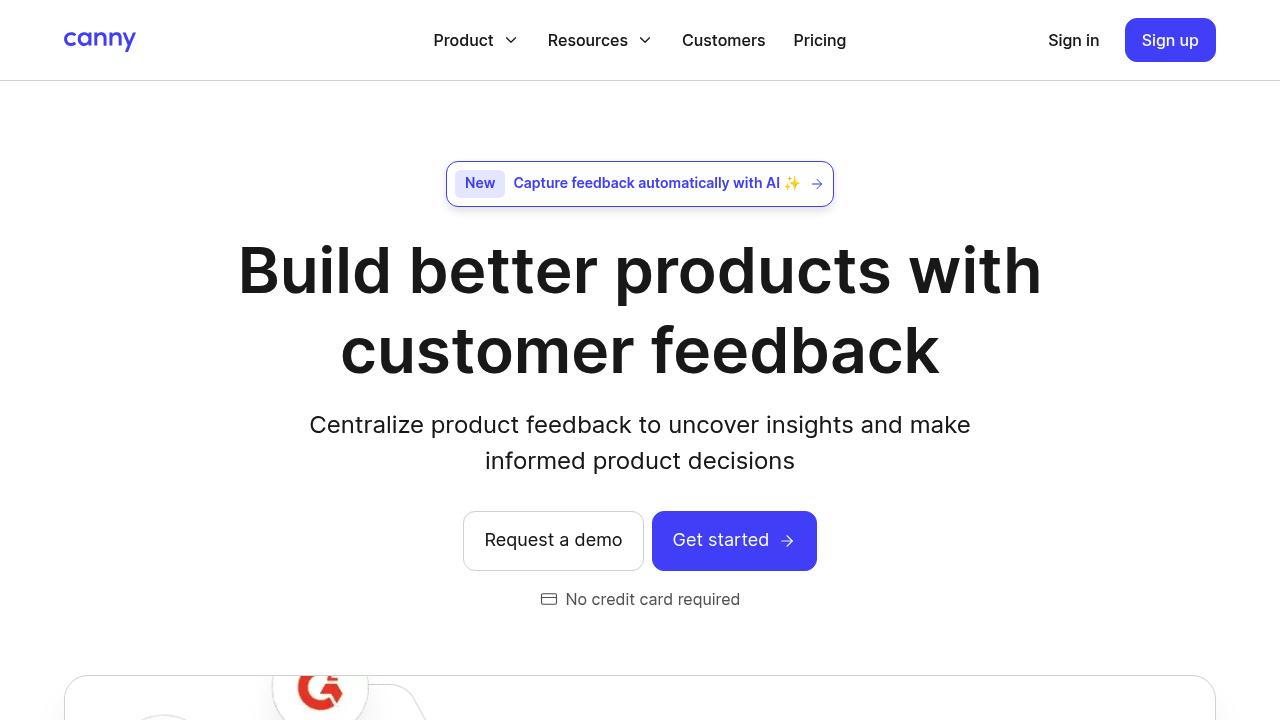
Canny is a classic for feedback boards and public roadmaps.
-
Best for: Business-to-business (B2B) software-as-a-service (SaaS) teams that want a clean voting board and simple visibility.
-
Why it is listed: Strong "showing" experience with boards, statuses, and roadmap-style updates.
3) Productboard
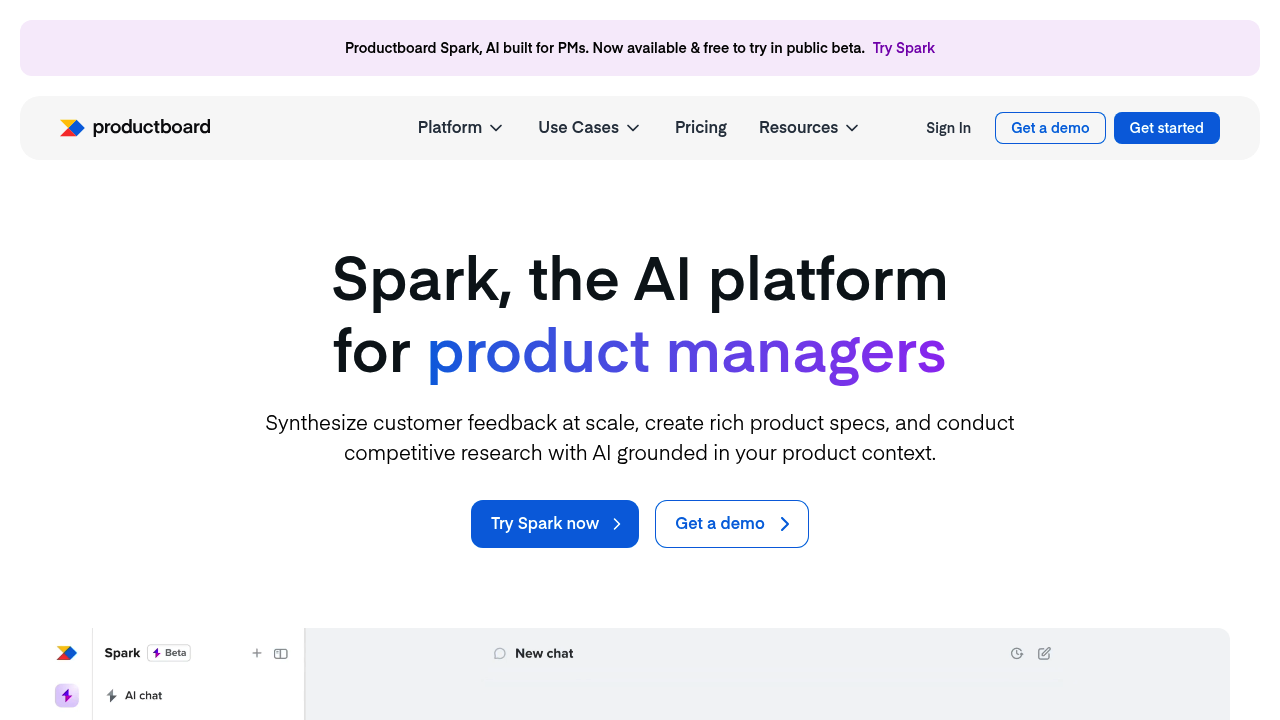
Productboard is heavier than a simple portal. It leans into product management.
-
Best for: Teams that need product planning, insights, and prioritization in one place.
-
Why it is listed: Great for turning feedback into structured insights, then showing outcomes through roadmaps.
4) UserVoice
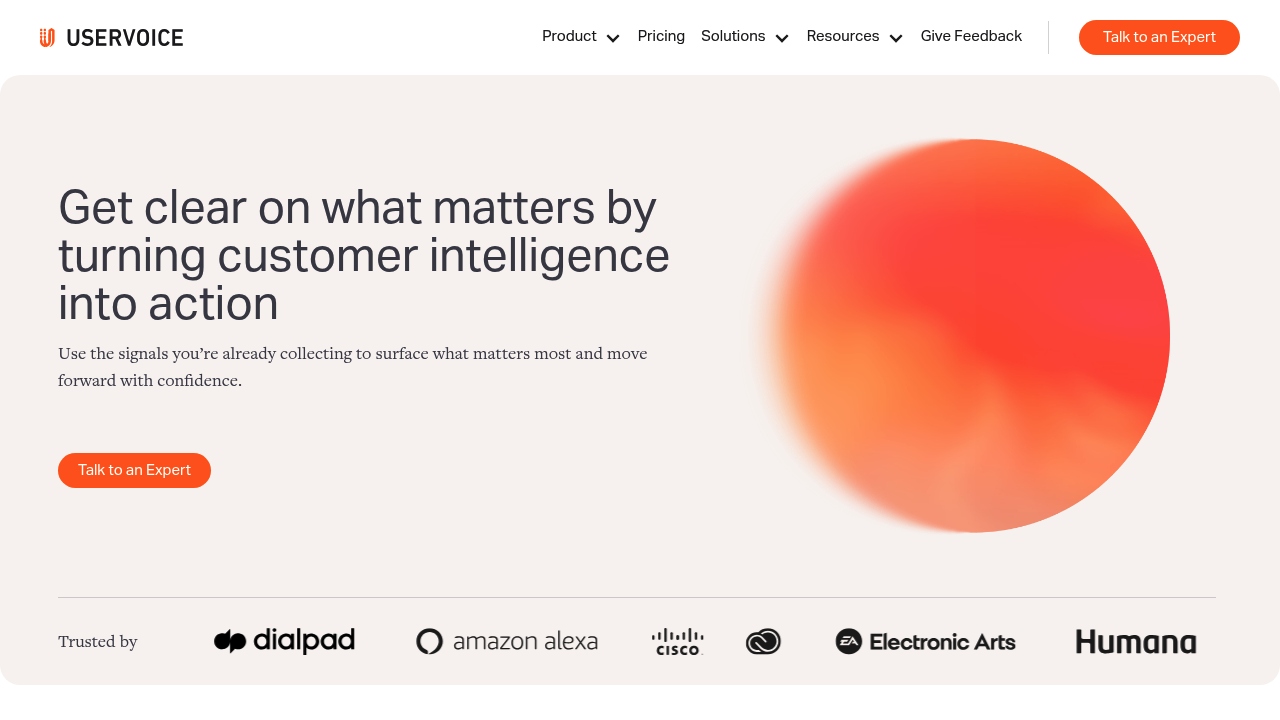
UserVoice is built around customer feedback programs.
-
Best for: Mature products that want a formal feedback pipeline and structured programs.
-
Why it is listed: Designed for closing the loop with users and keeping feedback organized.
5) Aha! Ideas
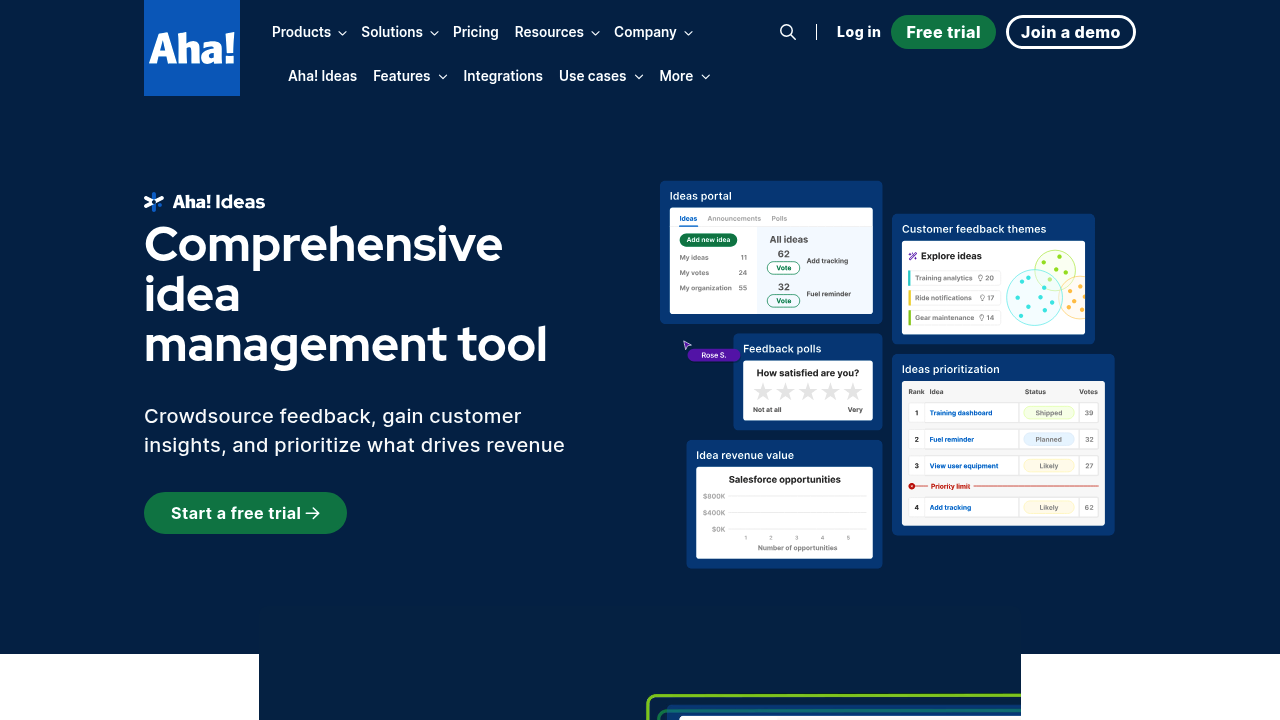
Aha! Ideas is part of a broader product suite.
-
Best for: Product orgs that already live in Aha! or want a full product ops setup.
-
Why it is listed: Strong idea management, scoring, and ways to share plans back out.
6) Beamer

Beamer is more "show" than "collect." It shines for announcements.
-
Best for: Teams that want an in-app changelog, release notes, and update visibility.
-
Why it is listed: A strong option when your biggest gap is communicating what shipped.
7) Hotjar Feedback
Hotjar Feedback is great for collecting quick sentiment, especially on websites.
-
Best for: Website and product teams that want fast, lightweight feedback capture.
-
Why it is listed: Simple widgets that reduce friction, plus strong context if you already use behavioral tools.
8) Typeform
Typeform is a form builder, not a full feedback portal. But it can be a strong building block.
-
Best for: Early-stage teams that need flexible intake and routing.
-
Why it is listed: High-conversion forms that can feed your tracking system and help you segment feedback.
9) Fider
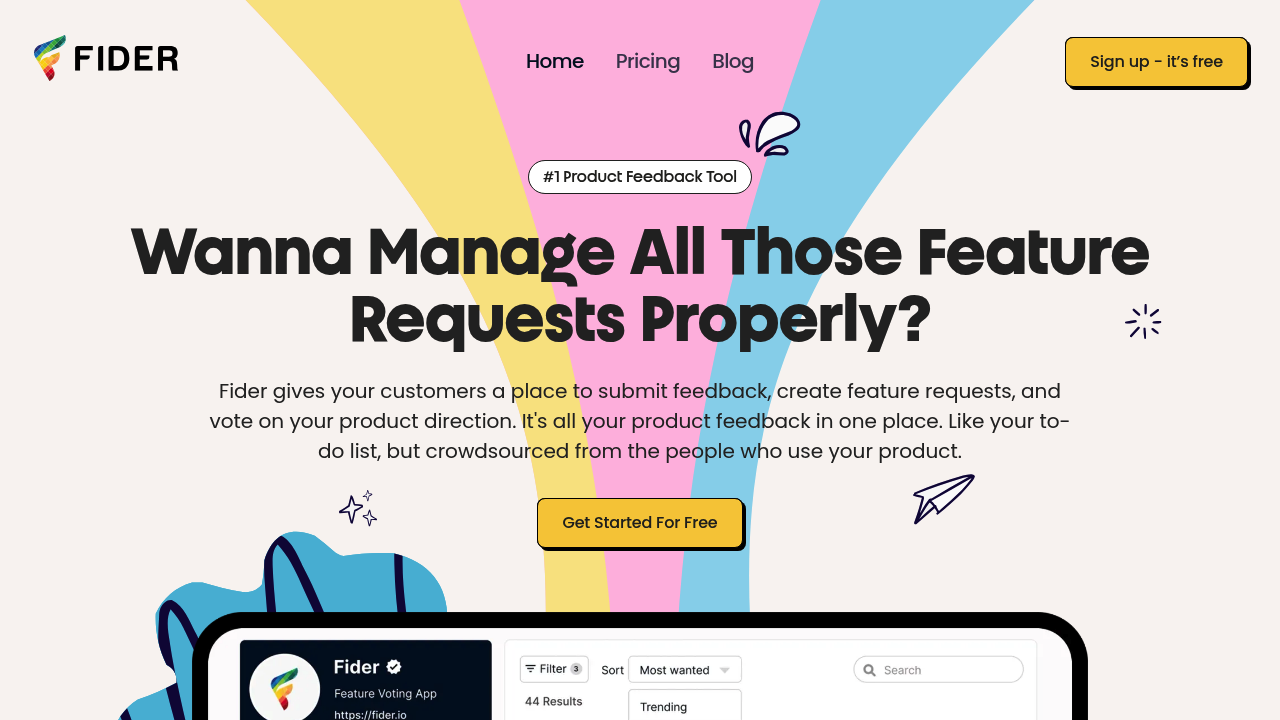
Fider is a straightforward feedback portal option.
-
Best for: Teams that want a simpler feedback board without a huge suite.
-
Why it is listed: Focused idea voting and visibility, without unnecessary layers.
10) Nolt
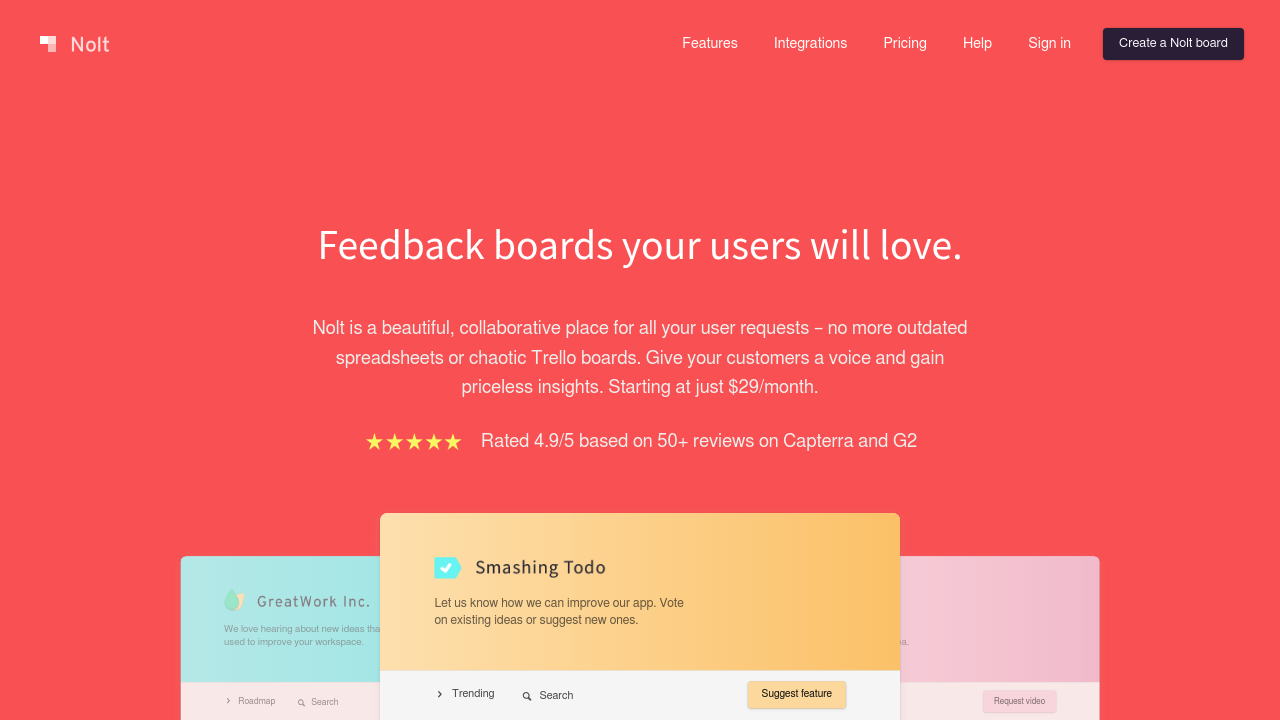
Nolt is popular for clean public boards and roadmaps.
-
Best for: SaaS teams that want a polished portal with minimal setup.
-
Why it is listed: Strong "showing" experience with a simple interface users actually use.
11) Upvoty
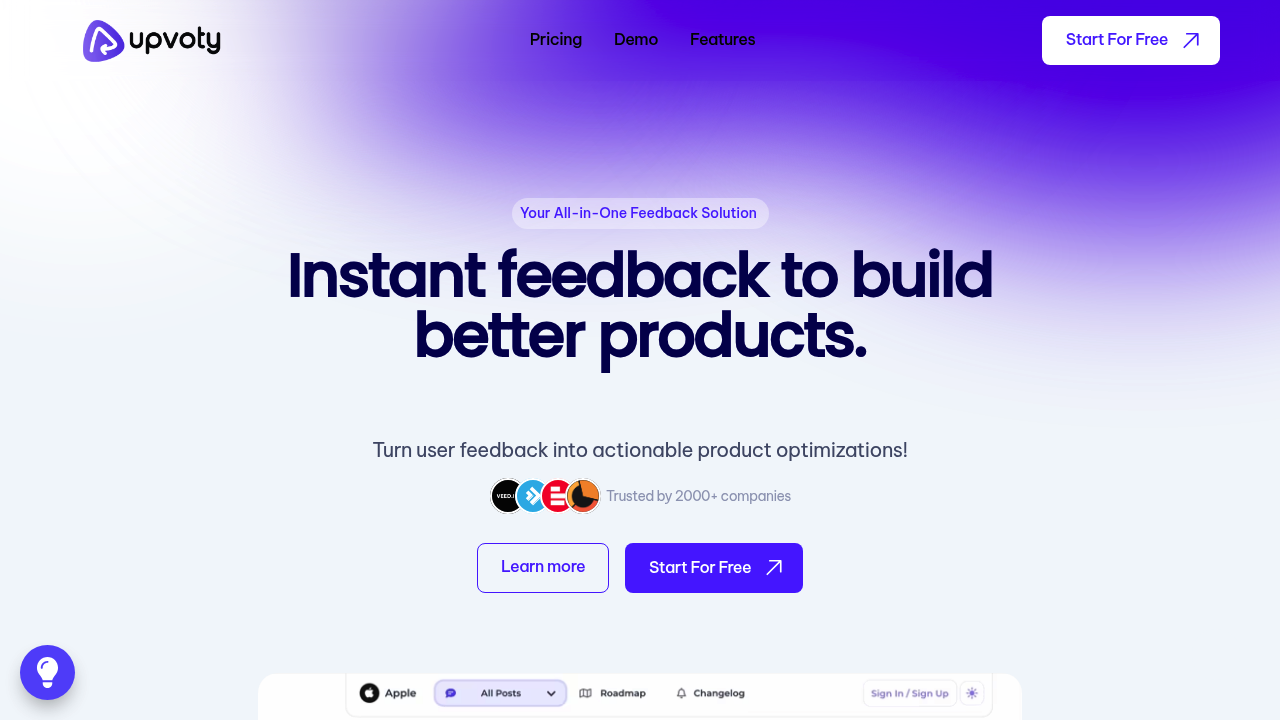
Upvoty combines feedback with roadmaps and changelogs.
-
Best for: Teams that want one tool to collect, prioritize, and announce.
-
Why it is listed: A practical middle ground between a portal and a product suite.
12) Frill
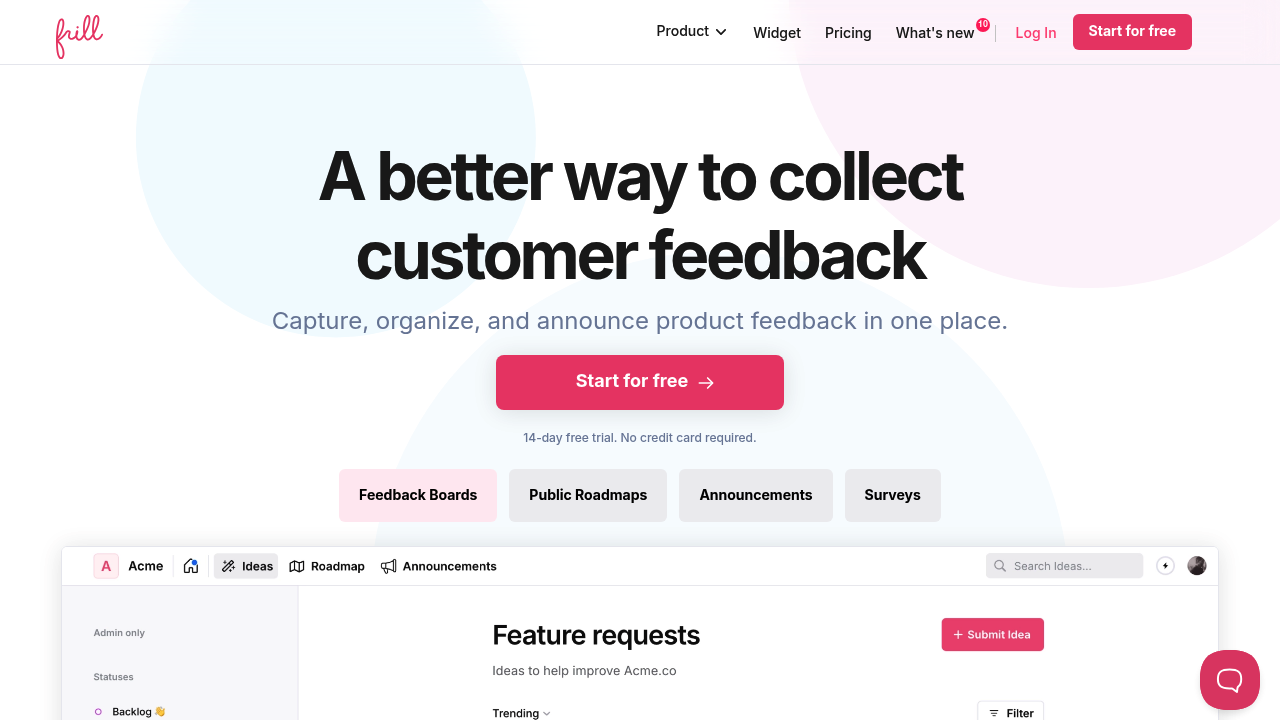
Frill is another focused portal option, with a clean user experience.
-
Best for: Teams that want a modern board, roadmap, and announcements without heavy tooling.
-
Why it is listed: Solid "collect + show" coverage with a lightweight footprint.
When to build a custom showing feedback app instead of buying one
Buying is usually faster. Custom is usually more powerful. The switch makes sense when your feedback process is not generic.
Build custom when:
-
You need workflow logic: You want rules like "Enterprise customers get private roadmap views" or "Support can mark items as escalations."
-
You want white-label resale: You are productizing your expertise and selling a portal under your brand, which aligns with building a software-as-a-service (SaaS) product you control. QuantumByte's guide on white-label app strategy is a good lens.
-
You have data you must connect: Feedback needs to join billing, account health, and usage so you can prioritize with proof.
-
You have compliance constraints: You need audit trails, retention policies, or a specific hosting model.
This is where QuantumByte fits naturally. You can start from structured specs using QuantumByte, then iterate fast using the "build-by-prompt" mindset described in vibe coding tools. If your needs go beyond what automation can handle, QuantumByte's agency team can take it across the finish line.
If you are deciding between no-code tools and a build approach that generates real code, QuantumByte's breakdown of no-code vs traditional development helps you choose without guesswork.
Quick decision guide
Use this to pick your next step in under five minutes.
| If you need... | Pick this | Why |
|---|---|---|
| A portal you fully own and can tailor | QuantumByte | Custom workflows, white-label control, and the ability to evolve fast. |
| A proven feedback board with roadmaps | Canny | Simple setup and strong visibility for users. |
| Product planning plus feedback insights | Productboard | Great for prioritization and roadmap communication. |
| A formal, program-style feedback system | UserVoice | Built around closing the loop at scale. |
| Idea management inside a bigger product suite | Aha! Ideas | Strong scoring and portfolio-style structure. |
| Release notes and in-app announcements | Beamer | Best when the gap is "show what shipped." |
| Fast website and product sentiment capture | Hotjar Feedback | Low friction widgets for quick input. |
| Flexible forms to feed your process | Typeform | Great intake, but you still need a place to show outcomes. |
What you now have
You have a clear view of what a showing feedback app should do, how the feedback loop works end to end, and which tools are best depending on your stage.
If you want the fastest path to a feedback system that matches your business, the highest leverage move is building your own and owning the workflow. That is exactly what QuantumByte is designed for.
Frequently Asked Questions
What is the difference between a feedback app and a showing feedback app?
A feedback app collects input. A showing feedback app also publishes outcomes through statuses, roadmaps, changelogs, and notifications so users see progress.
Which metric should I use in my feedback system: NPS or CSAT?
They measure different things. Net Promoter Score (NPS) focuses on loyalty and willingness to recommend, as defined by Bain's Net Promoter Score system. Customer Satisfaction Score (CSAT) measures satisfaction with a specific interaction or experience Here's a common calculation approach.
Should my feedback board be public?
Public boards build trust and reduce repeat requests, but not every item should be public. Many teams use a mixed model: public roadmap themes, private enterprise boards, and internal-only triage.
When does it make sense to replace tools like Canny with a custom app?
When you need custom logic, tighter integrations, or a white-label portal you can sell. If your process includes approvals, account-specific roadmaps, or compliance rules, custom usually pays back.
Can I build a feedback portal without hiring a full engineering team?
Yes. With QuantumByte, you can start from structured specs and iterate quickly, then bring in expert developers only when you hit the edges of automation.