
Your customers want instant answers, and you want fewer tickets without burning trust. The best customer service chatbot is the one that resolves real issues end to end, escalates cleanly when it cannot, and fits your stack without a months-long implementation.
This guide ranks the top customer service chatbots for 2026, shows what to look for (so you do not buy the wrong kind of bot), and gives a practical rollout plan you can use this week.
What makes a chatbot the best for customer service
A customer service chatbot earns the “best” label when it improves outcomes for customers and your team at the same time.
Here is the standard to hold every option to:
-
High-quality answers from your truth source: The bot must pull from approved knowledge (help center, policies, product docs, ticket macros) and stay grounded in it.
-
Reliable escalation and handoff: When the bot cannot solve it, it must hand the full context to a human or create a ticket with the right fields.
-
Action-taking, not just talking: The strongest bots trigger workflows such as order lookups, refunds, appointment changes, and password resets.
-
Channel coverage: Website chat is table stakes. In-app chat, email deflection, messaging apps, and sometimes voice are the differentiators.
-
Measurable business impact: You need analytics for containment, deflection, and failure modes, plus tools to improve content and flows.
-
Security and governance: Look for role-based access control (RBAC), auditability, and guardrails for Personally Identifiable Information (PII).
A quick decision framework for choosing the best customer service chatbot
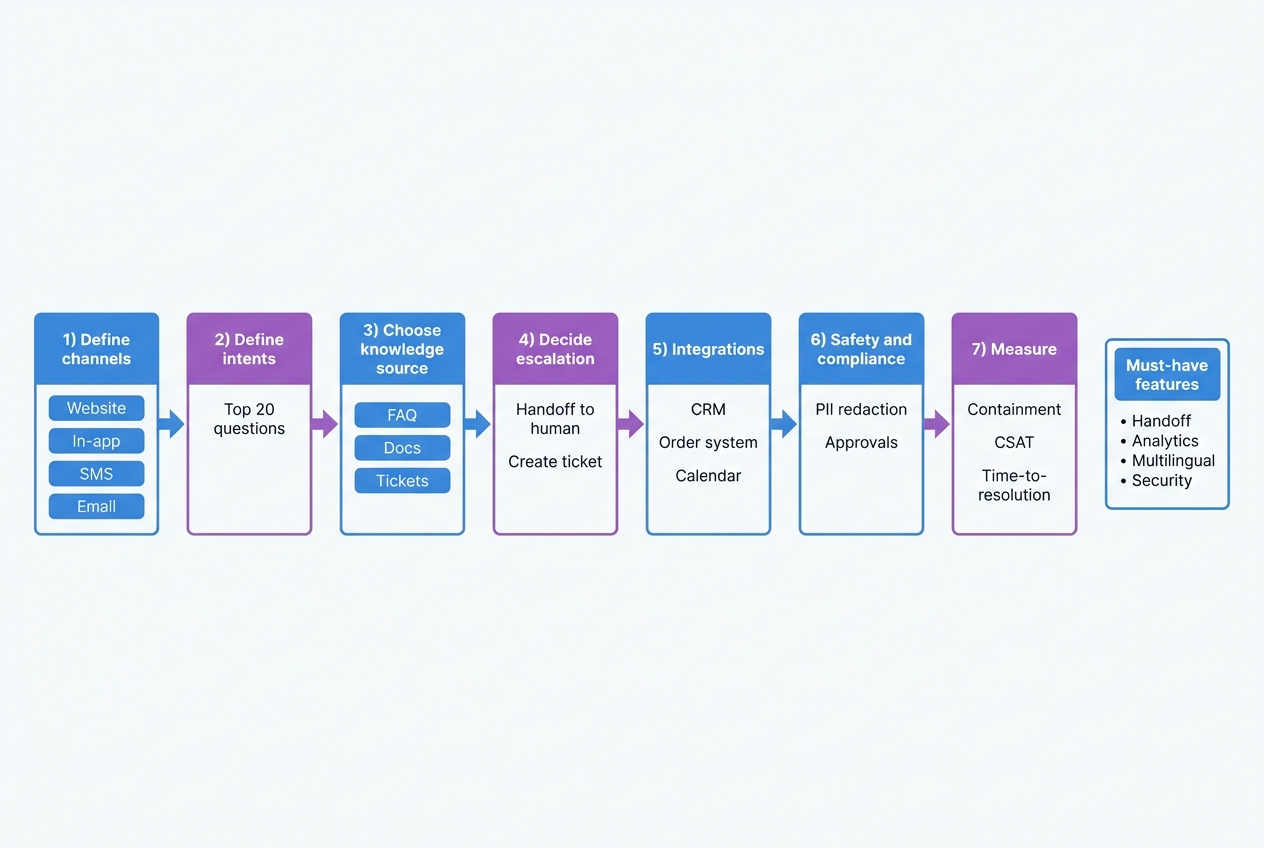
Use this before you compare vendors:
- Pick one primary channel: Website, in-app, email, SMS, or WhatsApp. Do not start with “all channels.”
- List your top intents: Write the top 20 reasons customers contact you. Use ticket tags or inbox categories.
- Choose the truth source: Help center articles, policy pages, internal runbooks, or a curated knowledge base.
- Define escalation rules: What requires a human, what requires verification, what can be self-serve.
- Map integrations: Customer Relationship Management (CRM), order management, scheduling, identity, billing.
- Add safety controls: PII redaction, approval flows for sensitive actions, and clear “I do not know” behavior.
- Decide success metrics: Containment rate, time to resolution, customer satisfaction.
If you want a deeper build approach (especially when you have custom policies and real workflows), use this chatbot build framework to translate support goals into a working specification.
Best customer service chatbot options in 2026
This is a best-of list, so every item includes a screenshot of the product site or product page.
1) QuantumByte (best overall for a chatbot that matches your business)
If you are serious about making support automation a competitive advantage, “best” often means “custom.” With QuantumByte, you can build a customer service chatbot that matches your actual workflows instead of forcing your team into a vendor’s idea of support.
Why it ranks #1:
-
Founder-friendly build speed: You describe the chatbot you want and iterate fast, instead of spending weeks wiring tools together.
-
Business-ready templates: You can start with common building blocks (forms, portals, scheduling, internal tools) and shape them into a support experience.
-
Real workflow automation: Build actions like “check order status,” “update booking,” or “create ticket,” not just Q&A.
-
Customizability without losing momentum: We helped Aziz Ansari “Good Fortune” screening tour build the app to handle real-world signups, verification, and operations without a traditional build cycle.
This is the best customer service chatbot approach when you want the bot to reflect your policies, edge cases, and internal operations, not just deflect basic questions.
2) Intercom Fin (best for teams already on Intercom)
Intercom Fin is a strong pick when your support motion already lives in Intercom and you want an AI agent tightly connected to that inbox.
-
Best fit: Intercom-first teams that want fast deployment with solid help center grounding.
-
Watch for: Custom back-office workflows can get tricky if you need deep action-taking outside Intercom’s ecosystem.
3) Zendesk AI Agents (best for Zendesk-centric operations)
Zendesk AI agents are designed for support teams that run their help desk in Zendesk and want automation that connects directly to tickets, macros, and routing.
-
Best fit: High-volume ticket operations that need consistent routing, categorization, and deflection.
-
Note on screenshot: Zendesk’s primary marketing pages returned a 403 to the screenshot tool, so the image above uses the Zendesk developer portal as an acceptable fallback.
4) Ada (best for AI-native customer service teams)
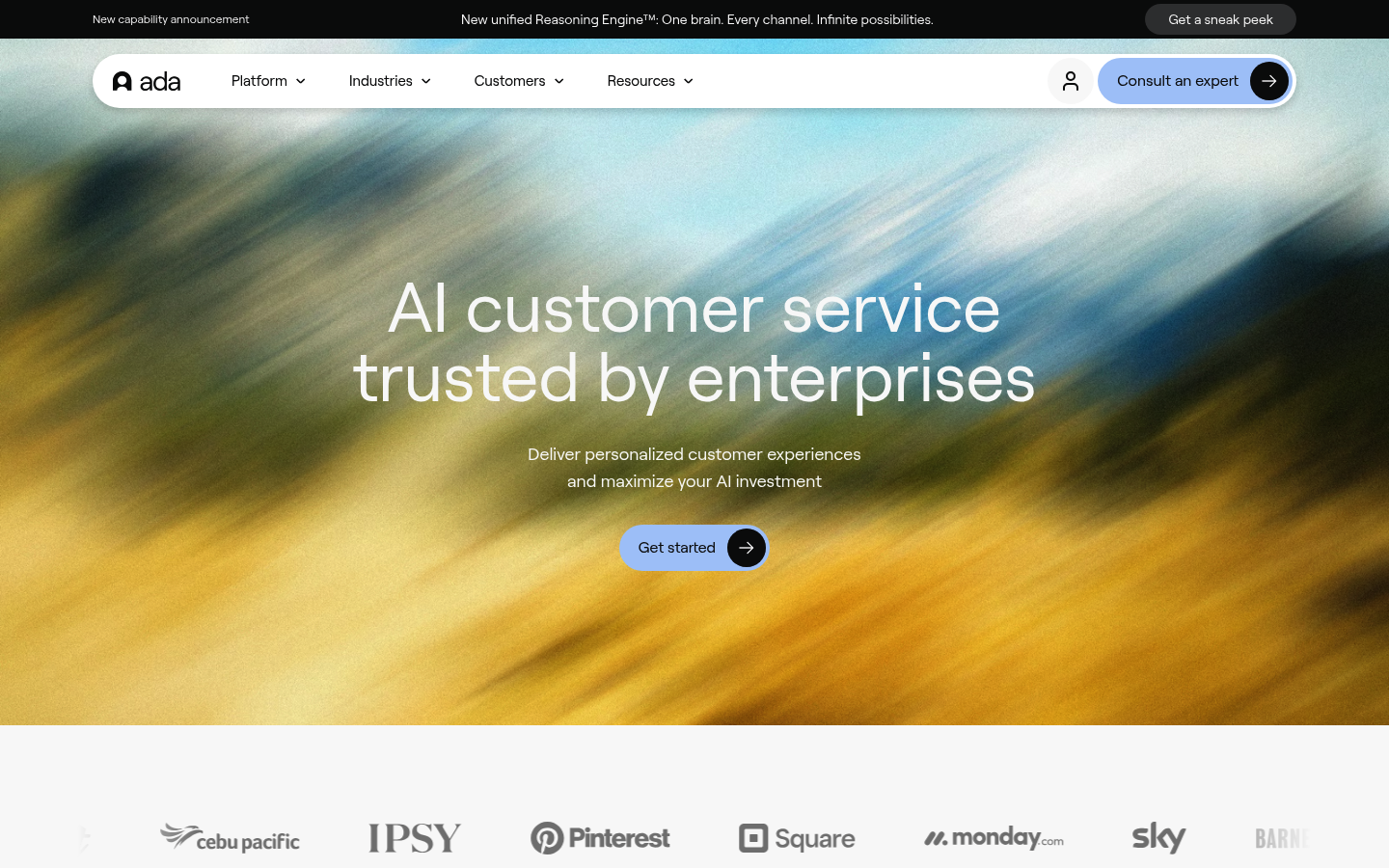
Ada is a dedicated customer service automation platform built around AI agents, typically positioned for teams that want a standalone CX automation layer.
-
Best fit: Support orgs that want an AI-first system and are comfortable investing in training, orchestration, and optimization.
-
Watch for: Integration depth and governance requirements can push you into a heavier rollout.
5) Salesforce AgentForce (best for Salesforce-heavy enterprises)
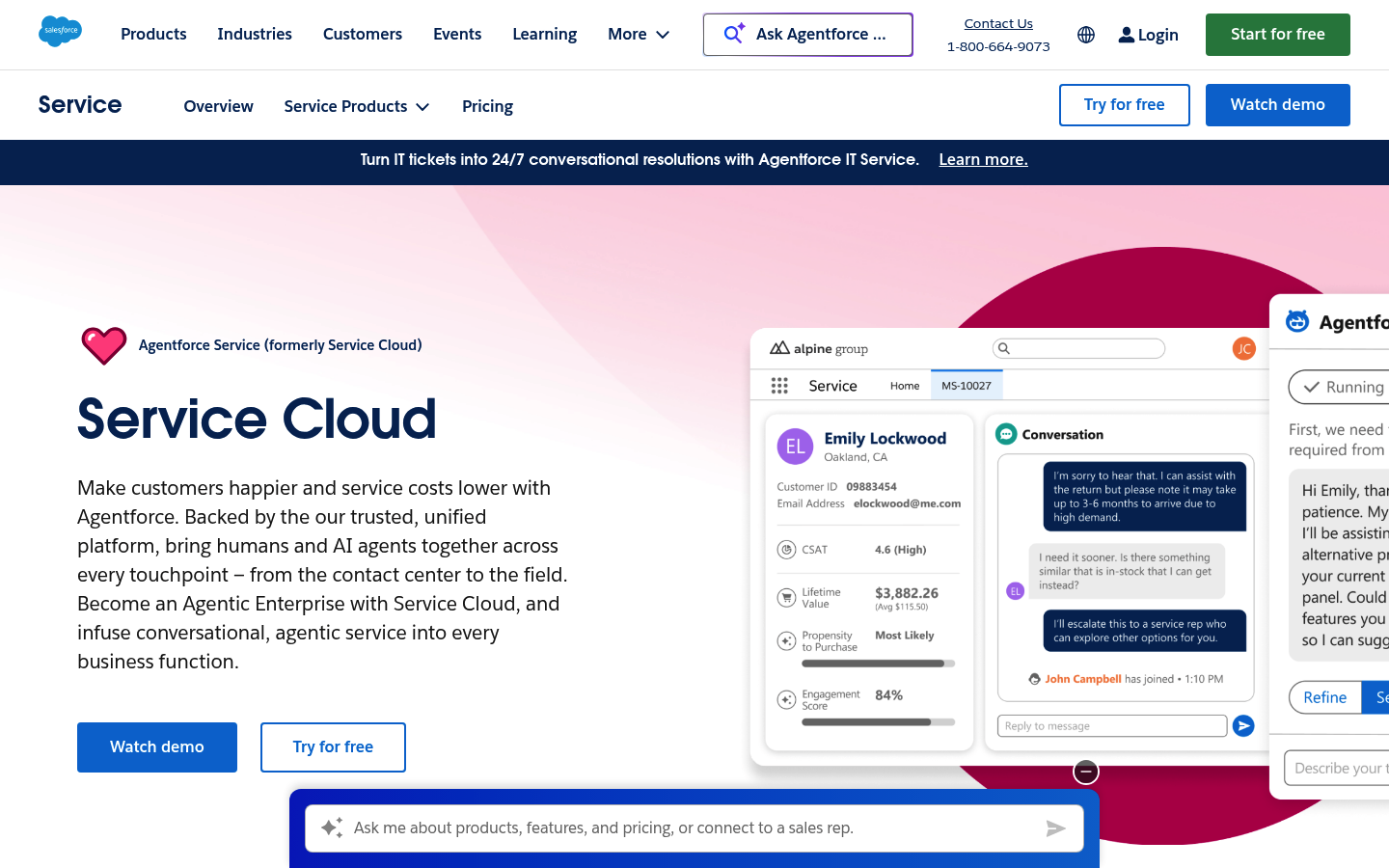
Salesforce AgentForce is the natural shortlist item if your case management, customer data, and workflows are already built in Salesforce.
-
Best fit: Enterprises that need tight CRM alignment, approvals, and multi-team service processes.
-
Watch for: Admin overhead can be real. The “best chatbot” here depends on strong Salesforce governance.
6) HubSpot Chatbot Builder (best for HubSpot CRM simplicity)
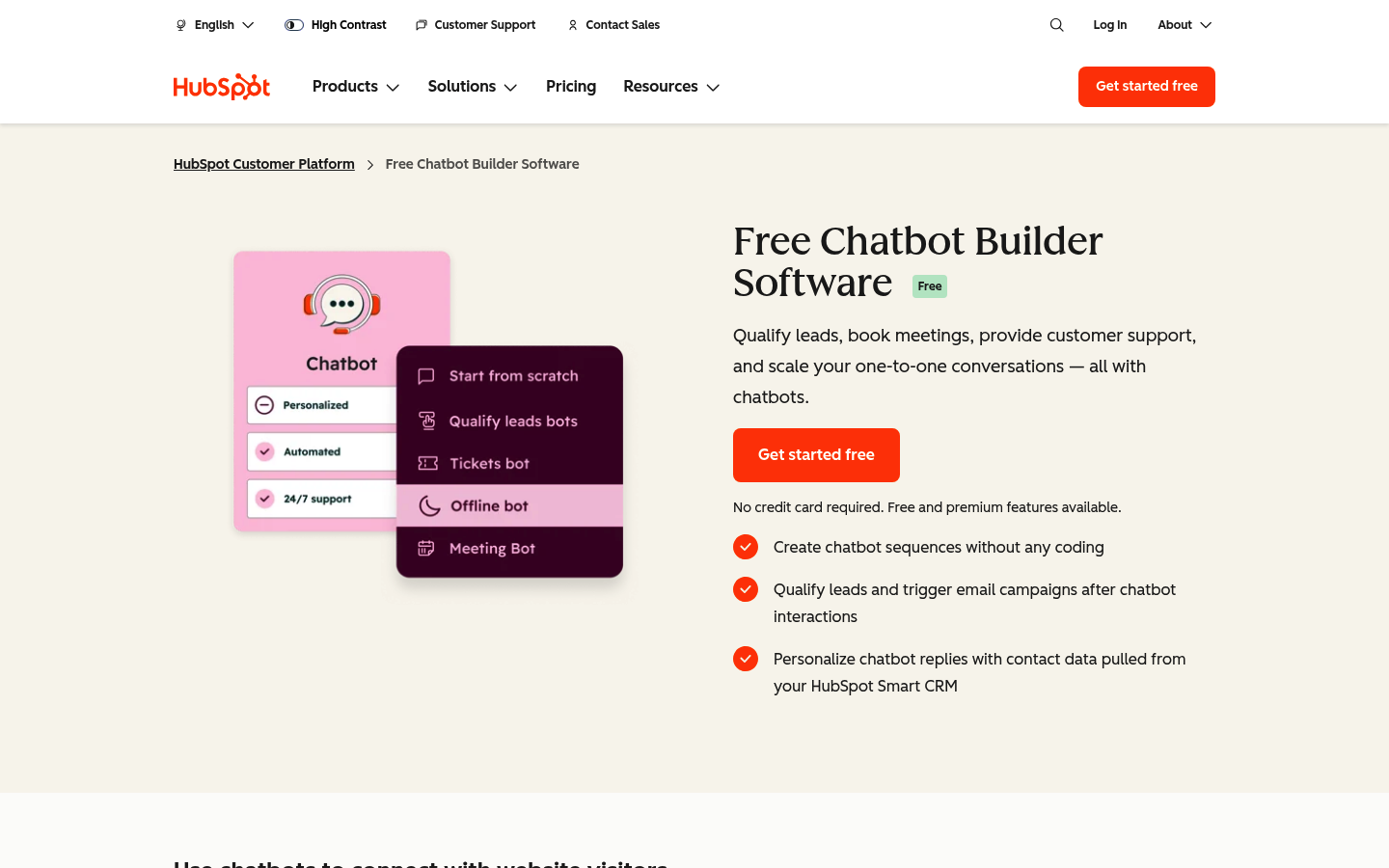
HubSpot’s chatbot builder is a pragmatic choice when your support and customer context lives in HubSpot and you want straightforward bot flows.
-
Best fit: Small and mid-sized teams that want low friction and CRM-connected conversations.
-
Watch for: Complex, multi-system actions may outgrow what simple builders handle cleanly.
7) Freshdesk Freddy AI Agent (best for Freshworks users)
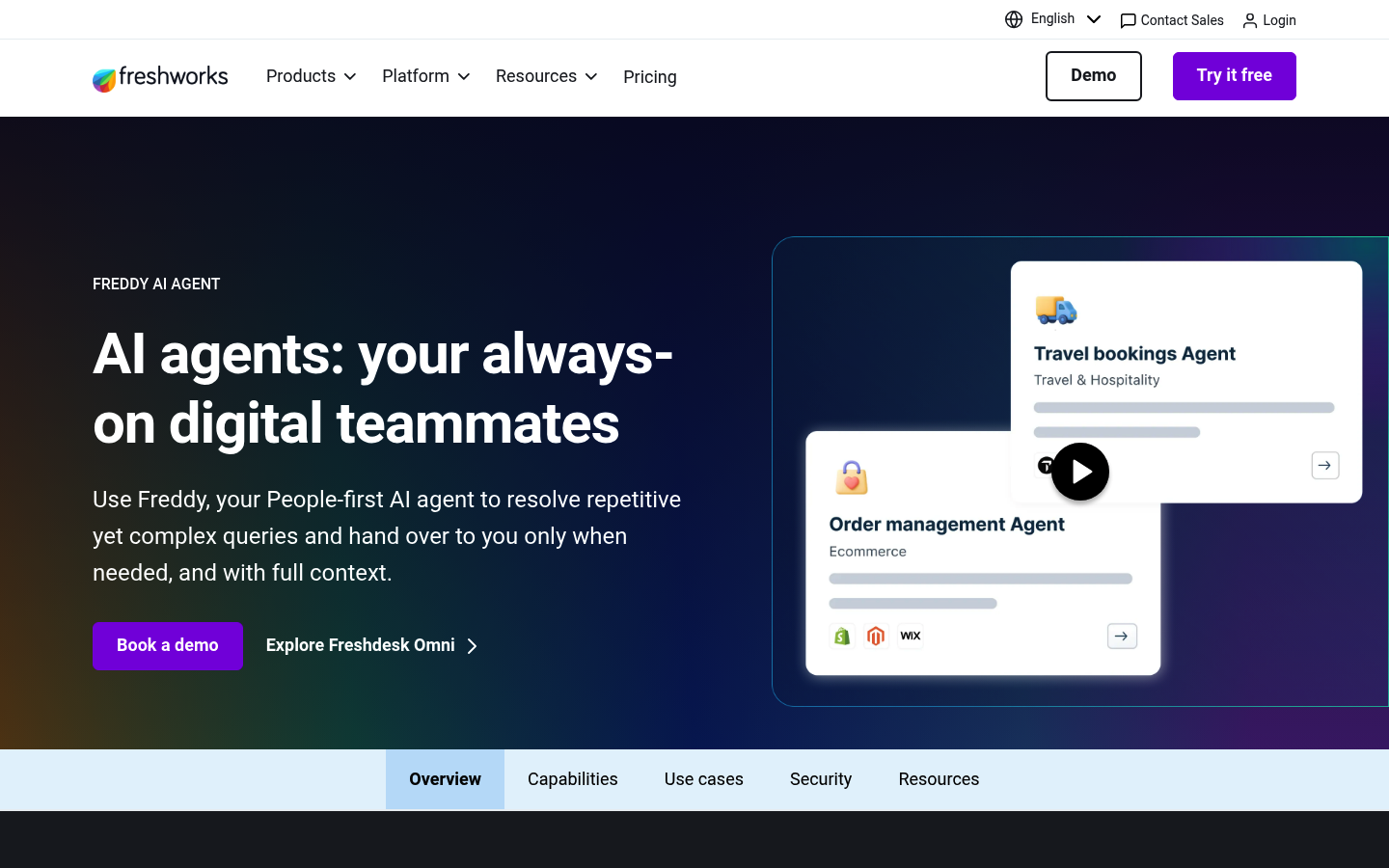
Freddy AI Agent for Freshdesk is worth a look if you want automation inside the Freshworks ecosystem.
-
Best fit: Teams using Freshdesk omni-channel support who want AI assistance without switching platforms.
-
Watch for: If your “real work” lives in custom systems, you will need a clear integration plan.
8) Gorgias AI Agent (best for ecommerce support)
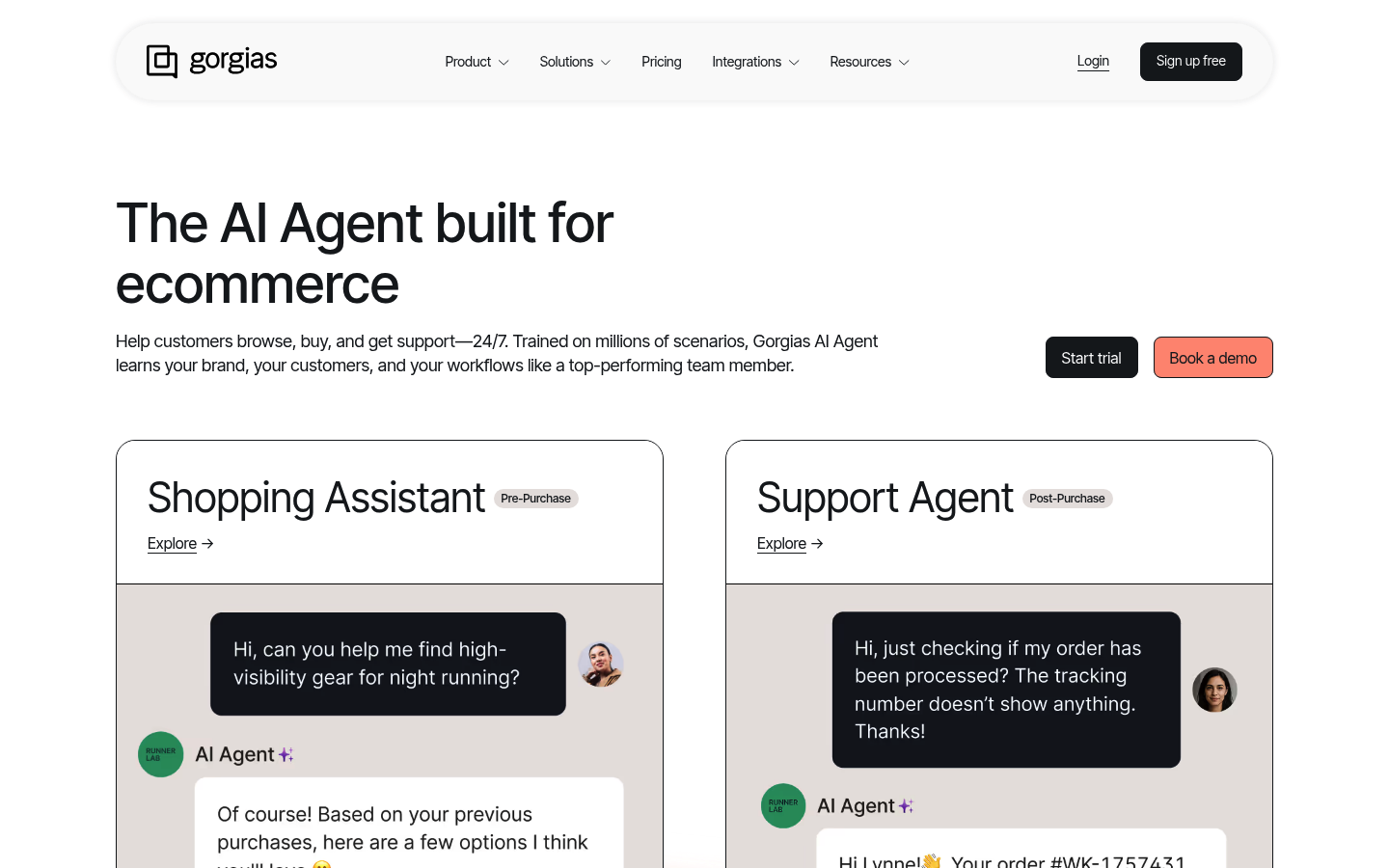
Gorgias AI Agent is a specialist option for ecommerce brands that want support automation close to their storefront and order context.
-
Best fit: Shopify and ecommerce-first brands that care about order status, returns, and product questions.
-
Watch for: Non-ecommerce workflows can feel like a square peg in a round hole.
9) Tidio Lyro AI Agent (best for lightweight SMB support)
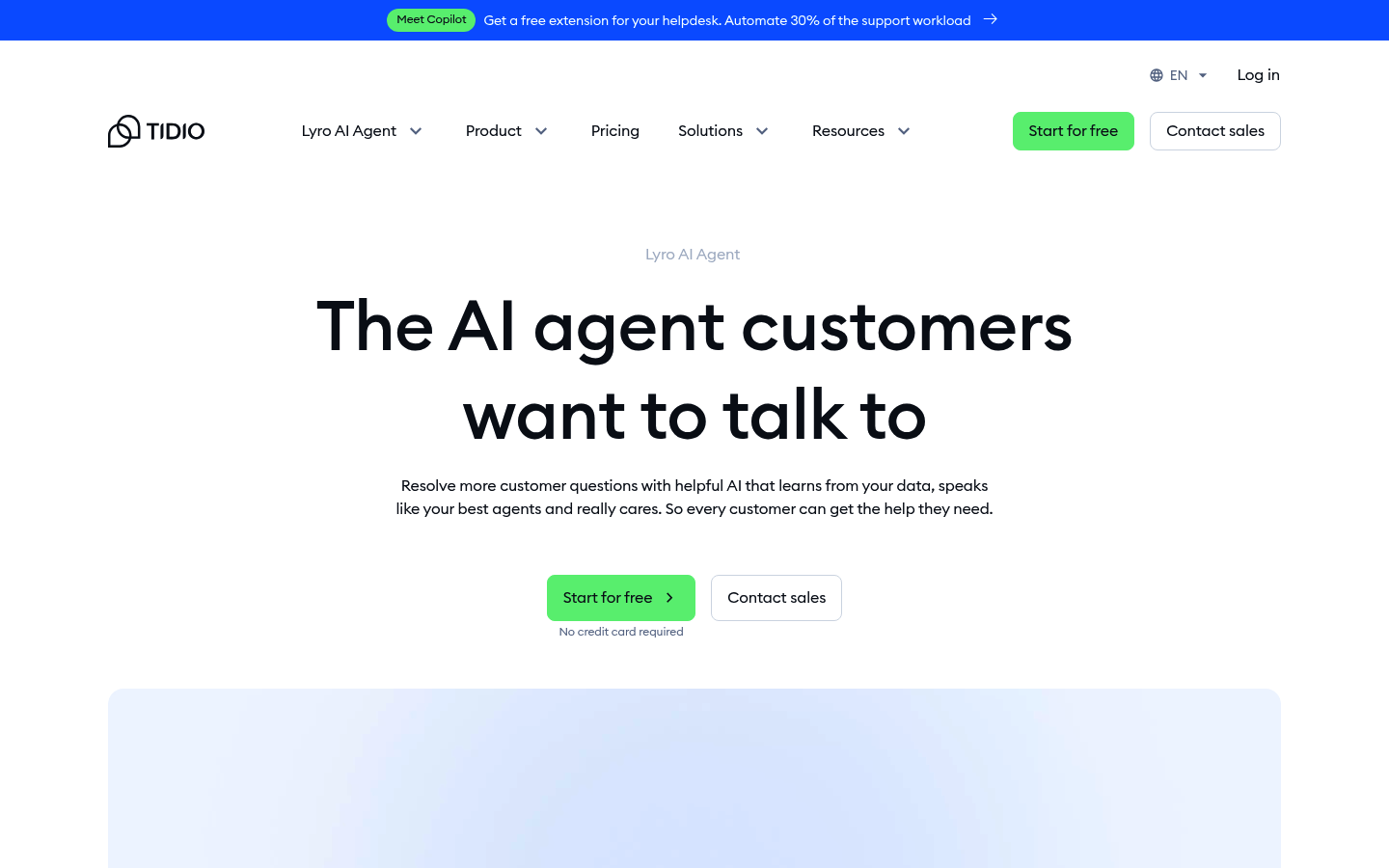
Tidio’s Lyro AI Agent is positioned for small businesses that want a simpler way to automate common customer questions.
-
Best fit: Early-stage teams that need quick wins without enterprise complexity.
-
Watch for: As your policies, integrations, and edge cases grow, you may need more control.
10) LivePerson AI Chatbots (best for mature conversational programs)
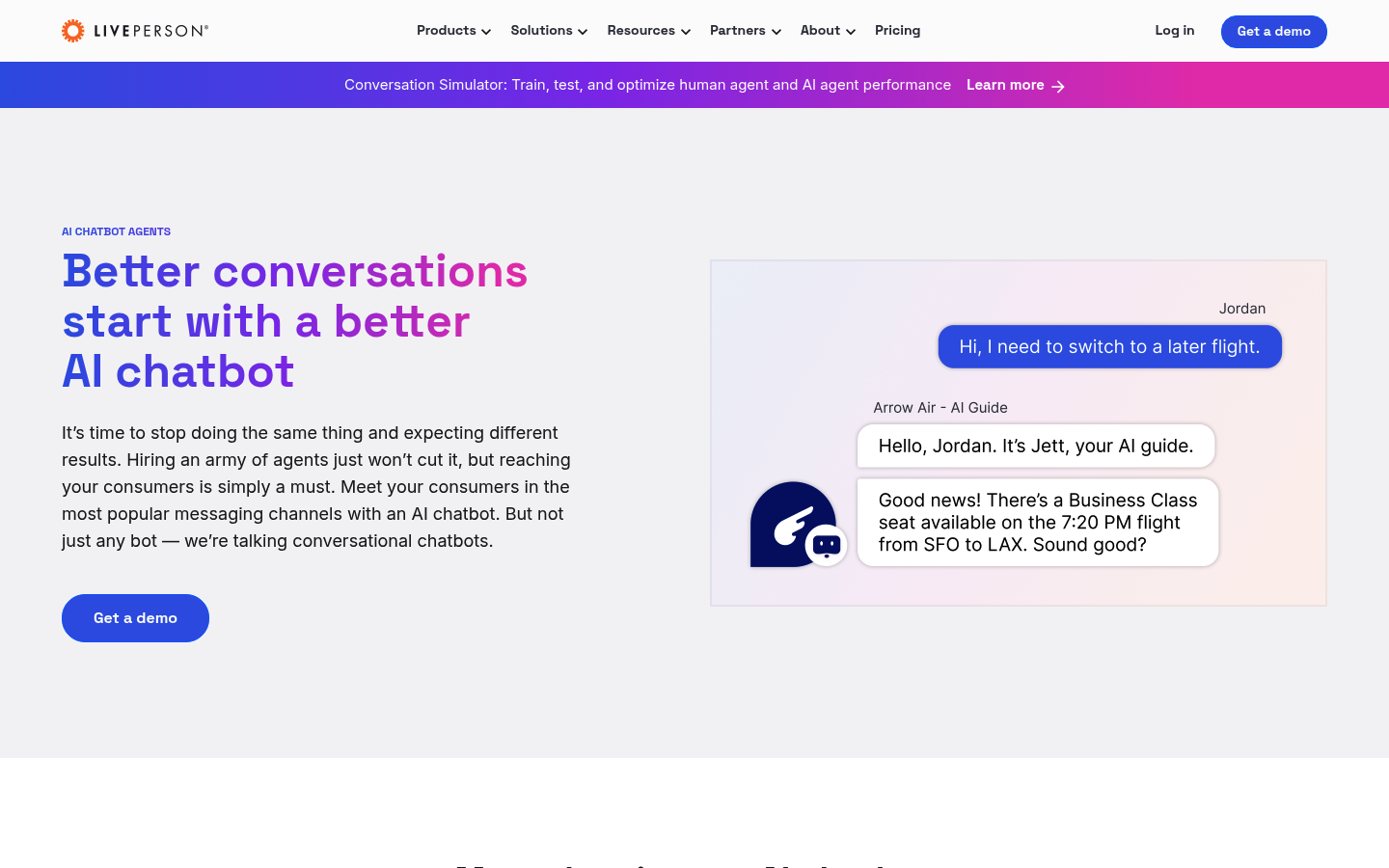
LivePerson AI chatbots is a contender when you treat conversational support as a program, with optimization, analytics, and ongoing tuning.
-
Best fit: Larger orgs that invest in conversation design and continuous improvement.
-
Watch for: It is not the lightest setup if you want results tomorrow.
11) Genesys Cloud CX chatbots (best for contact center environments)
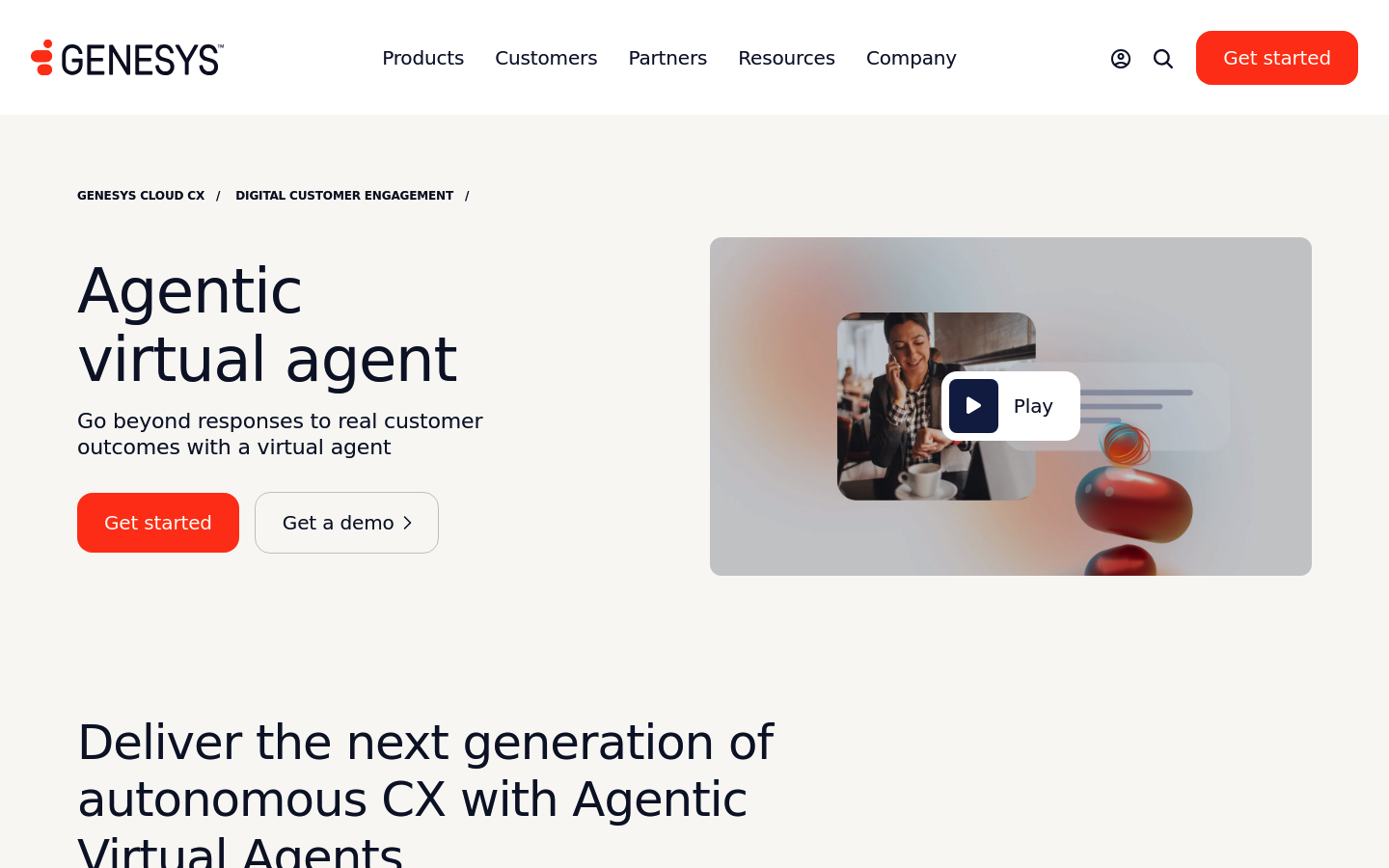
Genesys chatbots are built for contact center needs where routing, queues, and agent tools matter.
-
Best fit: Organizations with formal contact center operations that need omnichannel journey orchestration.
-
Watch for: Overkill for small teams with a simple website widget requirement.
12) Microsoft Copilot Studio (best for Microsoft ecosystem workflows)
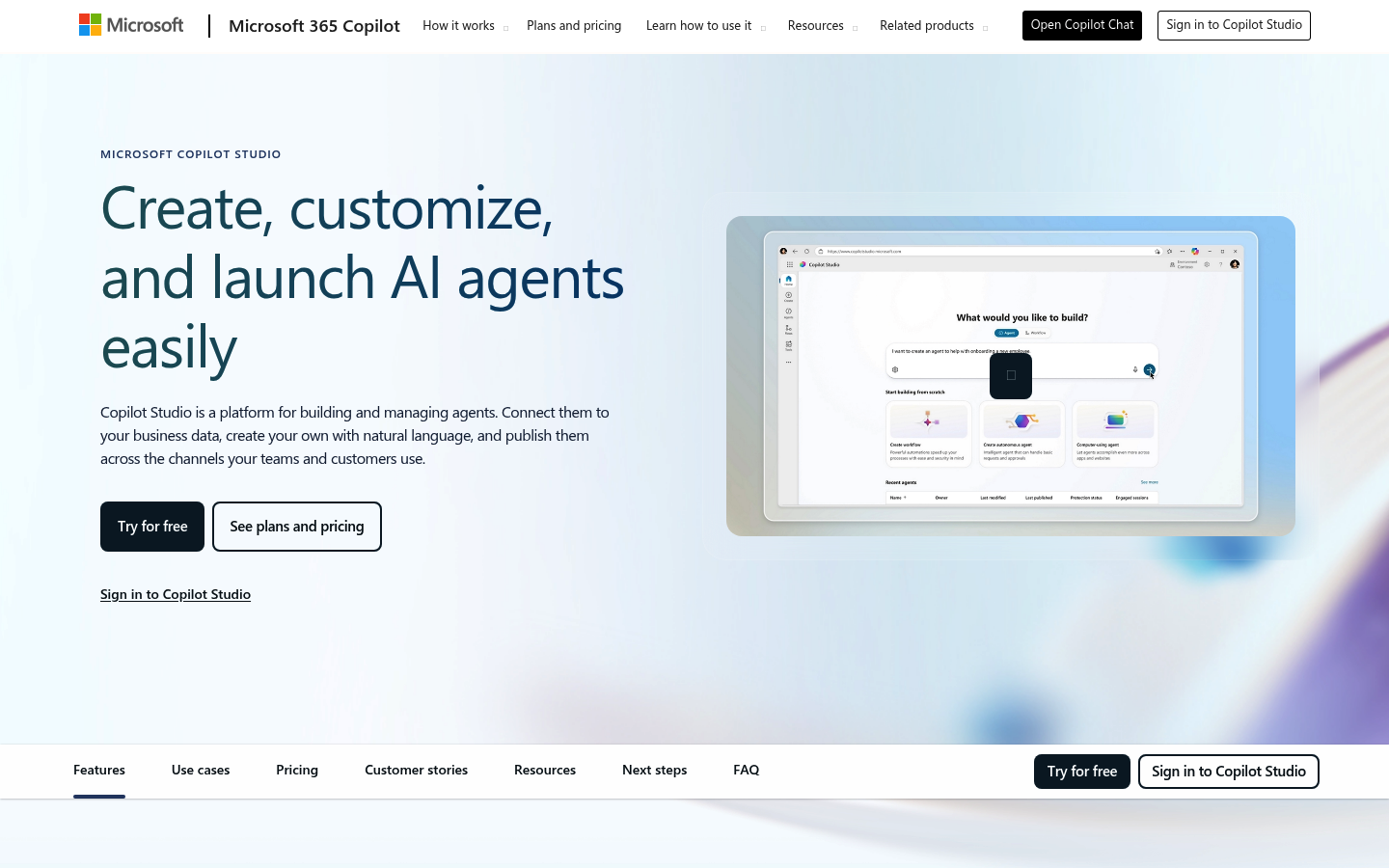
Microsoft Copilot Studio is compelling when your internal tools, identity, and data governance run through Microsoft.
-
Best fit: Teams that want bots connected to Microsoft 365 and enterprise identity.
-
Watch for: Customer-facing polish and non-Microsoft integrations require clear planning.
Comparison table for quick shortlisting
Use this table to narrow to 2 to 3 options before you do demos.
| Tool | Best for | When it is not the best choice |
|---|---|---|
| QuantumByte | Custom chatbot + workflows tailored to your business | If you only need a basic website Q&A widget with zero integrations |
| Intercom Fin | Intercom-centric support teams | If your support system is not Intercom and you need deep custom actions |
| Zendesk AI Agents | Zendesk ticket ops and routing | If you are not running Zendesk as your service backbone |
| Ada | AI-native service automation programs | If you want a lightweight rollout without ongoing optimization |
| Salesforce Service Cloud | Salesforce-first enterprises | If Salesforce admin overhead is a blocker |
| HubSpot Chatbot Builder | Simple CRM-connected chat for SMBs | If you need complex multi-system workflows |
| Freshdesk Freddy AI Agent | Freshworks users | If your key processes live outside Freshworks |
| Gorgias AI Agent | Ecommerce customer support | If you are not ecommerce-first |
| Tidio Lyro | Lightweight SMB automation | If you need strict governance, complex policies, and custom actions |
| LivePerson | Mature conversational CX teams | If you need fast setup and minimal operational overhead |
| Genesys | Contact center orchestration | If you want a simple web chat solution |
| Copilot Studio | Microsoft ecosystem bots | If your customer stack is mostly outside Microsoft |
Build vs buy: when a custom chatbot wins
Buying a chatbot is convenient when your business is generic. The moment you have real edge cases, custom policies, or multiple internal systems, “best” becomes a build question.
Choose a custom build when:
-
Your support logic is unique: While FAQ content handles simple queries, refund rules, eligibility, delivery exceptions, and compliance constraints represent business logic that requires deeper handling.
-
You want the chatbot to take actions: Checking order status, changing bookings, updating account details, and creating tickets all require workflows.
-
Your team is drowning in internal handoffs: Support time also gets consumed by internal coordination across tools, queues, and approvals.
If you go the custom route, treat it like real software from day one. A practical way to keep scope tight is to start by writing the “actions” your bot needs as plain-English specs, then map them to integrations. These AI app builder prompts are a useful template for that.
What to look for in a customer service chatbot
Use these as your evaluation checklist in demos.
Core experience
-
Conversation design: The bot should guide customers to outcomes, not trap them in endless “Did that answer your question?” loops.
-
Grounded knowledge: Ask how it prevents incorrect answers and how you approve or lock sources.
-
Handoff quality: Confirm it passes conversation history, customer identity, intent, and relevant metadata.
Integrations and automation
-
CRM integration: The best customer service chatbot can read and write to your Customer Relationship Management (CRM) system where appropriate.
-
Order and billing access: If you sell anything, support automation without order context is usually a dead end.
-
Ticketing and routing: Ensure the bot can create, categorize, and route tickets to the right queue.
Governance, security, and safety
If a bot can act, it can make mistakes. Treat this like production software.
-
Risk management: Use a framework like the NIST AI Risk Management Framework to think through governance, mapping risks, measuring failures, and managing controls.
-
Operational guardrails: The NIST AI RMF Playbook is useful for turning “be responsible” into concrete practices.
-
LLM-specific threats: Review the OWASP Top 10 for Large Language Model applications so you do not ship prompt-injection vulnerabilities into production.
A practical rollout plan
You do not need a six-month program to start getting wins. You do need discipline.
- Start with one queue: Pick one category like “shipping,” “billing,” or “account access.”
- Ship with strict escalation: Early on, optimize for trust over deflection. A fast handoff is a feature.
- Instrument failure modes: Track “no answer,” “wrong answer,” “user frustrated,” and “handoff missing context.”
- Add action-taking in phases: Start with read-only actions (status checks), then gated write actions (refunds, changes) with approvals.
- Update knowledge weekly: The fastest way to improve outcomes is to fix the source content.
Wrapping up what you just covered
You now have:
-
A clear definition of what “best” means for a customer service chatbot
-
A short decision framework for picking the right type of bot
-
A ranked best-of list with 12 credible options and screenshots
-
A rollout plan that prioritizes trust, clean escalation, and measurable improvement
If you want the best customer service chatbot for your business specifically, not a generic widget, you will usually get the best long-term outcome by building around your real workflows. Start a fast prototype with QuantumByte Packets, then step up to QuantumByte Enterprise when you need deeper governance and operational scale.
Frequently Asked Questions
What is the best customer service chatbot?
The best customer service chatbot is the one that (1) answers using approved knowledge, (2) escalates cleanly to a human with full context, and (3) can take the actions your customers actually need, such as order lookups, booking changes, and ticket creation.
Are AI chatbots safe for customer support?
They can be safe, but only with governance and guardrails. Review controls using the NIST AI Risk Management Framework and harden against common Large Language Model (LLM) risks using the OWASP Top 10 for Large Language Model applications.
Should I buy a chatbot tool or build a custom one?
Buy when your support flows are standard and you mostly need deflection. Build custom when your policies and workflows are unique, or when you need the bot to do real work across your systems.
What features should I prioritize first?
Start with:
-
Escalation and handoff: Ensure complex cases reach humans quickly with context.
-
Knowledge grounding: Lock down which sources the bot can use.
-
Analytics: Track where the bot fails so you can improve content and flows.
How do I measure whether a chatbot is working?
Track operational and customer outcomes:
-
Containment: How often the bot resolves without human involvement.
-
Time to resolution: Whether customers reach an outcome faster.
-
Customer Satisfaction (CSAT): Whether customers like the experience.
-
Escalation quality: Whether agents get the right context without re-asking questions.