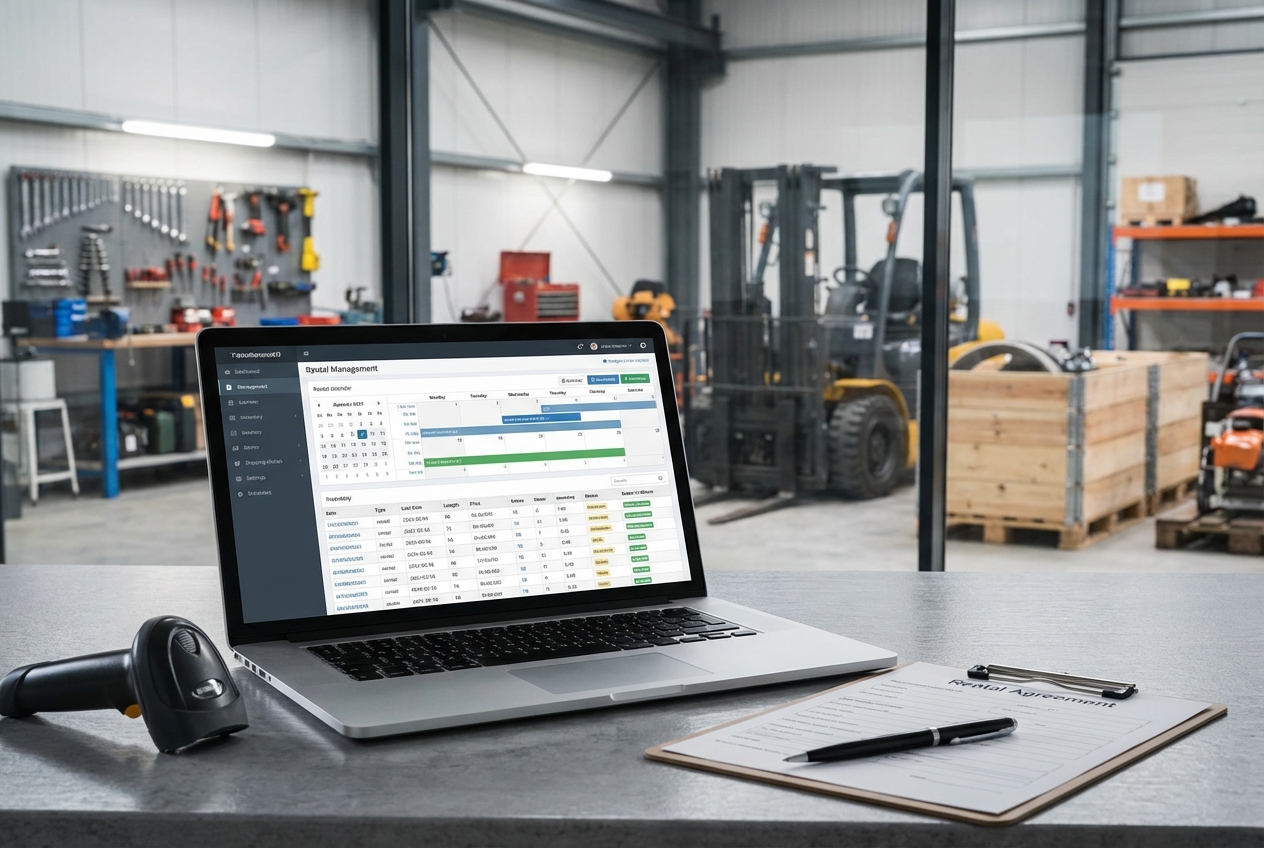
Running an equipment rental business is operationally intense. You are not just taking bookings. You are managing availability across locations, handling deposits, tracking damage, coordinating pickups and returns, scheduling maintenance, and keeping invoices accurate.
This guide is not about where to rent equipment. It is about the software rental businesses use to manage bookings, control fleet availability, automate workflows, and protect margins.
Whether you run heavy equipment rentals, AV and production gear, event inventory, or specialty niche equipment, the right system does three things:
- Prevents double-bookings and lost assets
- Reduces manual admin and spreadsheet work
- Creates clean, reliable billing and reporting
Below, you will find the best software options for equipment rental businesses -- from rental-first platforms built for the industry to custom automation tools for teams whose workflows do not fit neatly inside off-the-shelf systems.
If you are scaling beyond sticky notes and spreadsheets, this is where you start.
Quick picks for equipment rental software
| Pick | Best for | Why it wins |
|---|---|---|
| QuantumByte | Teams who want a custom rental system without hiring a full dev team | Build the exact workflows you run today, then evolve them as you grow. Great when off-the-shelf tools feel close but not quite right. |
| Point of Rental | Tool and equipment rental with serious operational complexity | Strong rental-first depth, proven in heavy workflows, and built for scale. |
| Booqable | Small businesses that need online bookings fast | Clean booking flow, inventory visibility, and a fast path from "nothing" to "taking orders." |
| Texada | Heavy equipment sales, rental, and service teams | Designed for the heavy equipment world with service and fleet visibility front and center. |
| TapGoods PRO | Event, party, and mixed inventory rentals | Quote-to-contract flow and rental ops features that fit delivery-based rentals. |
Best equipment rental software
1) QuantumByte
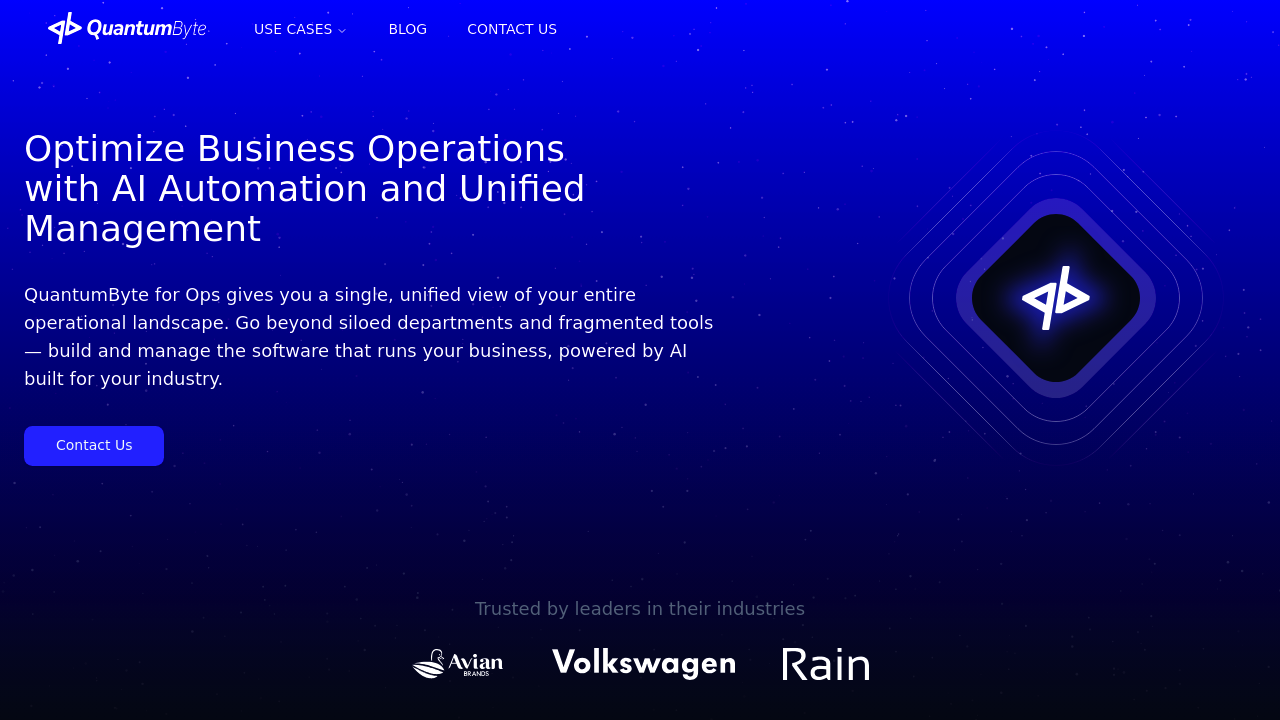
If your rental business has "we do it differently" baked into every step, a standard rental platform can feel like forcing square pegs into round holes. QuantumByte is different because it helps you build the rental system you actually need, using an AI builder paired with an expert development team for the hard parts.
This is why it is the best choice for many growing rental businesses: focus on productizing your own workflow instead of buying into a process built for someone else.
-
Best for: Custom workflows, niche rental categories, multi-step approvals, unusual pricing rules, and teams tired of workarounds.
-
Why it stands out: You can start with a lean internal tool (availability, orders, check-out, check-in, damage notes), then add features as your operation matures.
A practical starting point is turning your current process into an app concept using QuantumByte, which also features templates that are ready to use. If you need enterprise-grade automation and deeper systems work later, we also have an Enterprise offering available, catering to the specific needs of the business.
2) Booqable
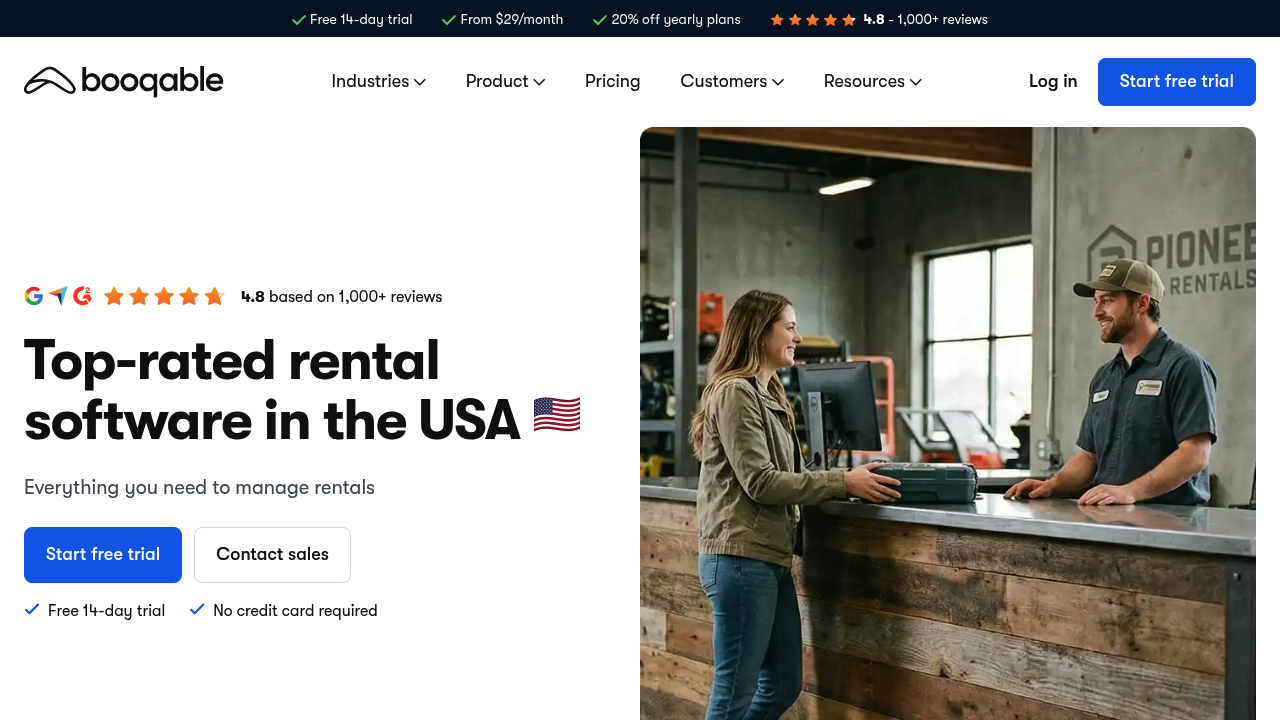
Booqable is a strong pick when you want to get online bookings live quickly and stop managing reservations manually. It is especially appealing for smaller rental operations that need clean inventory availability, booking calendars, and a customer-friendly front end.
-
Best for: Small to midsize rental businesses that want to sell rentals online without a long implementation.
-
Watch for: If you have complex logistics across branches and deeper service operations, you may outgrow it.
-
Inventory availability: Shows what is available and when, so you avoid double-bookings.
-
Online booking flow: Helps you take orders 24/7, not just during office hours.
3) Point of Rental
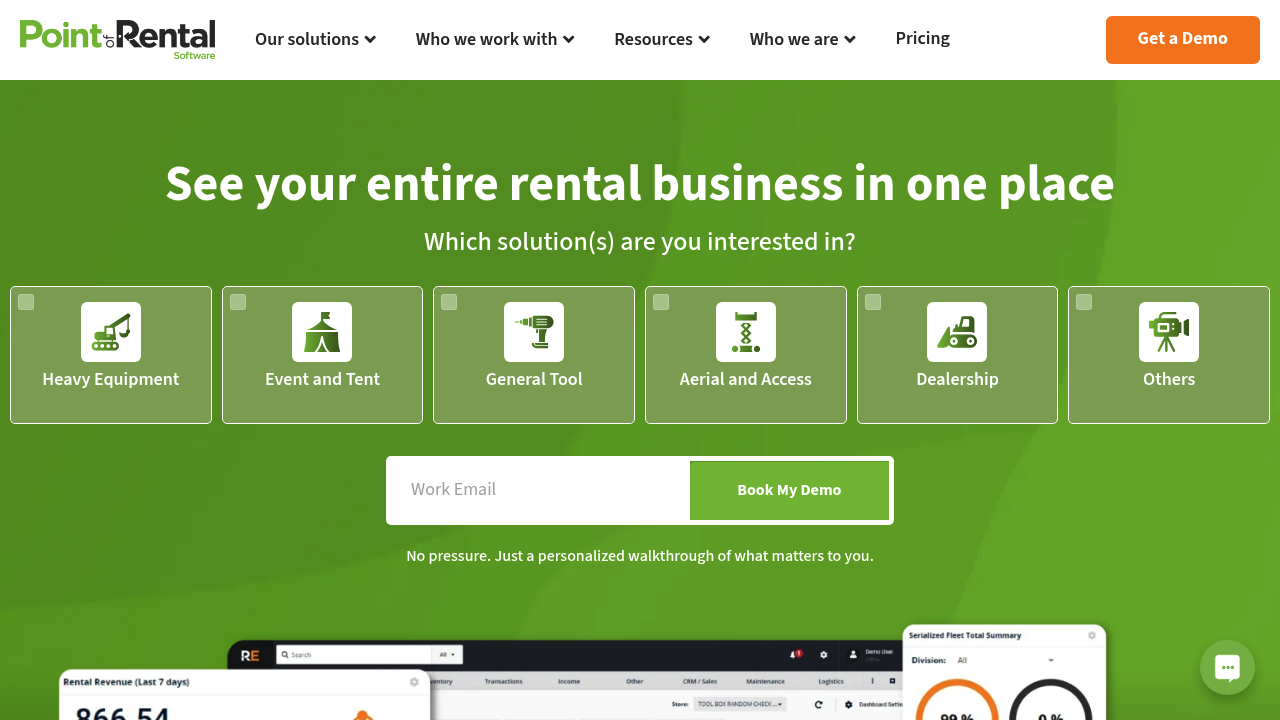
Point of Rental is built for rental operations that need depth: counter workflows, multi-location visibility, and strong controls around inventory and contracts.
-
Best for: Tool rental and equipment rental businesses that need a rental-first system with mature operations support.
-
Watch for: Feature-rich platforms can take longer to roll out if your data is messy.
-
Operational controls: Helps standardize quotes, contracts, and check-in and check-out.
-
Scalability: Better suited than lightweight tools when you are adding locations or expanding categories.
4) Rentman
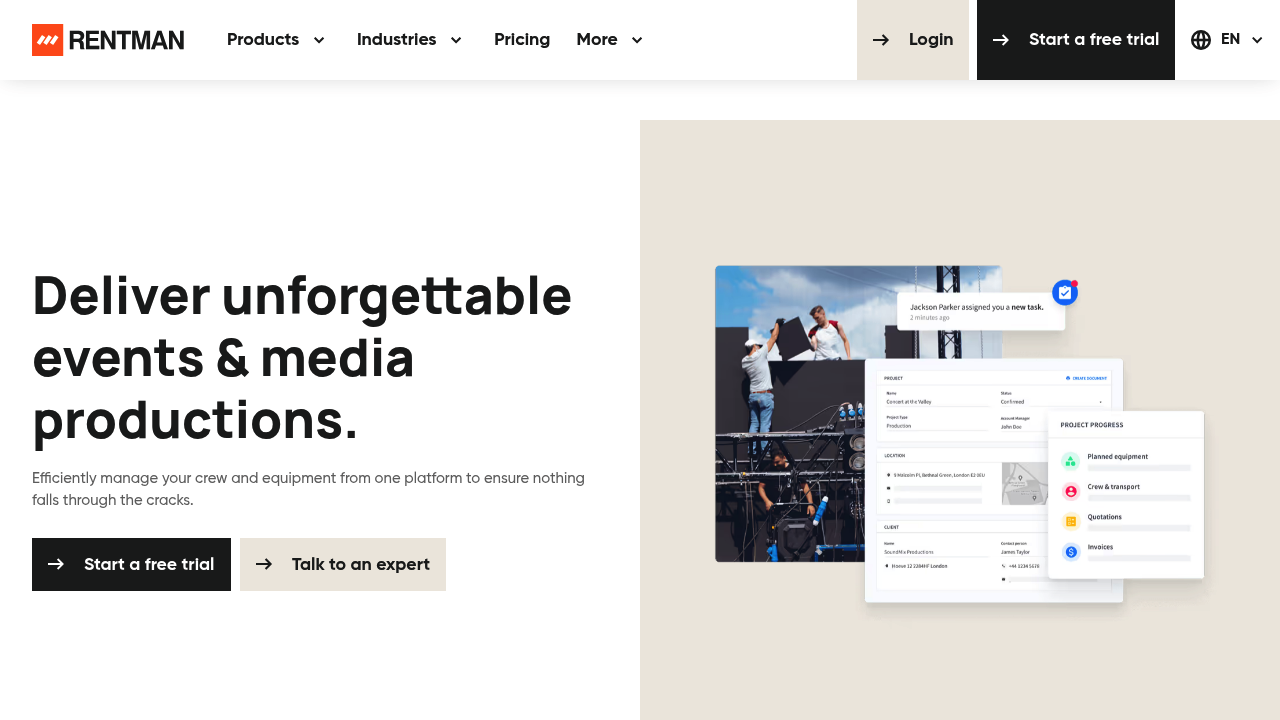
Rentman is a standout for production-style rentals where equipment, crew, and timelines are tightly connected. If your rentals look like projects, not simple counter transactions, this is worth a serious look.
-
Best for: Audio visual (AV) and event production rental operations.
-
Watch for: If you are strictly heavy equipment rental, it may not match your service and maintenance needs.
-
Planning and scheduling: Keeps equipment and people aligned to the same job schedule.
-
Kit-based workflows: Useful when you rent bundles, packages, and grouped gear.
5) EZRentOut
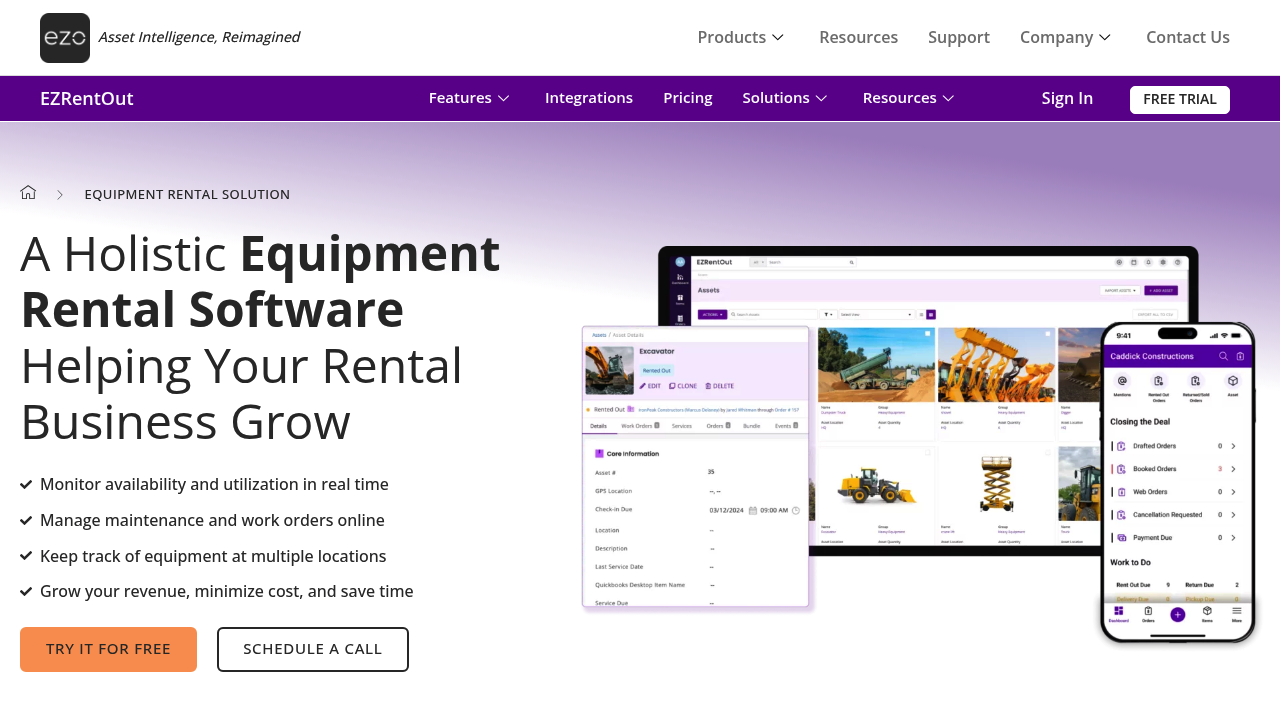
EZRentOut is a practical choice when you need core rental workflows plus a straightforward way to track equipment status and maintenance.
-
Best for: Businesses that want a balanced mix of rental operations and equipment tracking.
-
Watch for: Make sure integrations match your accounting and payment stack before committing.
-
Asset tracking: Helps you see where items are, and whether they are available, rented, or in maintenance.
-
Maintenance workflows: Helps you log service, work orders, and downtime.
6) Current RMS
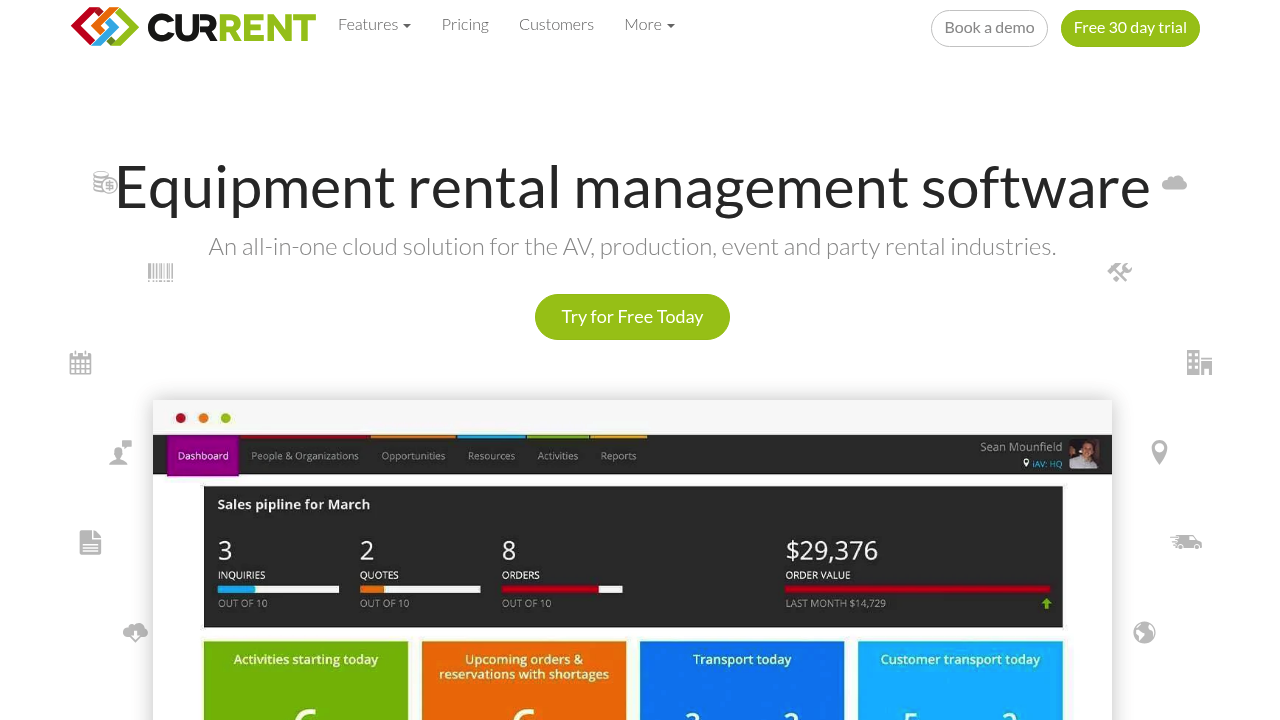
Current RMS targets rental operations where planning jobs, managing warehouses, and scheduling people and transport all matter. It is a solid middle ground between "simple booking tool" and "deep enterprise suite."
-
Best for: Event, production, and multi-resource scheduling.
-
Watch for: If you need heavy equipment telematics and advanced service operations, validate that fit early.
-
Central calendar: Keeps jobs, resources, and timelines in one view.
-
Warehouse flow: Supports pick, pack, and returns discipline.
7) HireHop
HireHop positions itself as cloud-based rental software with a broad feature set. Some vendor sites block automated screenshots, so the image above is a text-cached rendering of the homepage content.
-
Best for: Rental teams that want a feature-rich cloud system without a heavy enterprise rollout.
-
Watch for: Confirm your must-have integrations and reporting needs in a live demo.
-
Workflow coverage: Aims to handle quotes, bookings, and operational tracking.
-
Cloud access: Helps teams stay aligned across office and field.
8) Texada
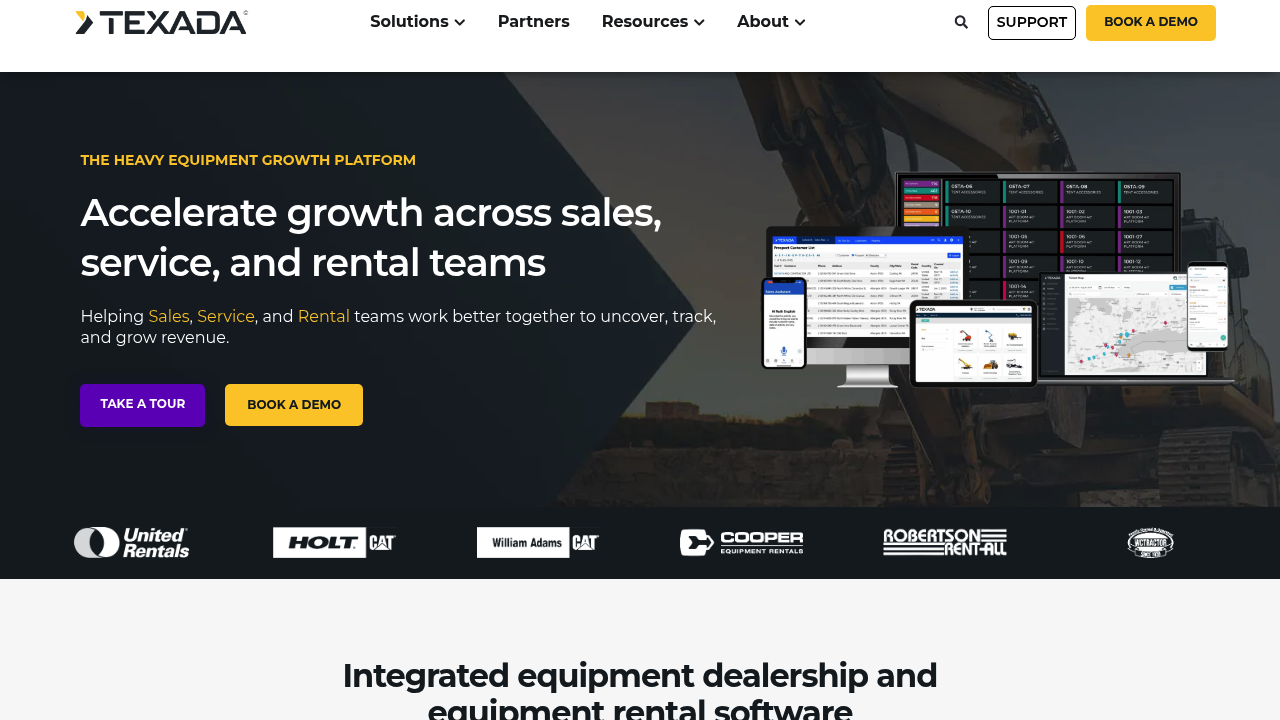
Texada is purpose-built for heavy equipment sales, rental, and service teams. If your world includes service bays, field service, and complex equipment lifecycle needs, this is a strong category fit.
-
Best for: Heavy equipment businesses that need rental plus service and sales visibility.
-
Watch for: Enterprise-oriented tools require clean data and clear ownership to implement well.
-
Fleet and service focus: Supports uptime, utilization, and service operations.
-
Industry fit: Built around the realities of heavy equipment businesses.
9) RentalMan (Wynne Systems)
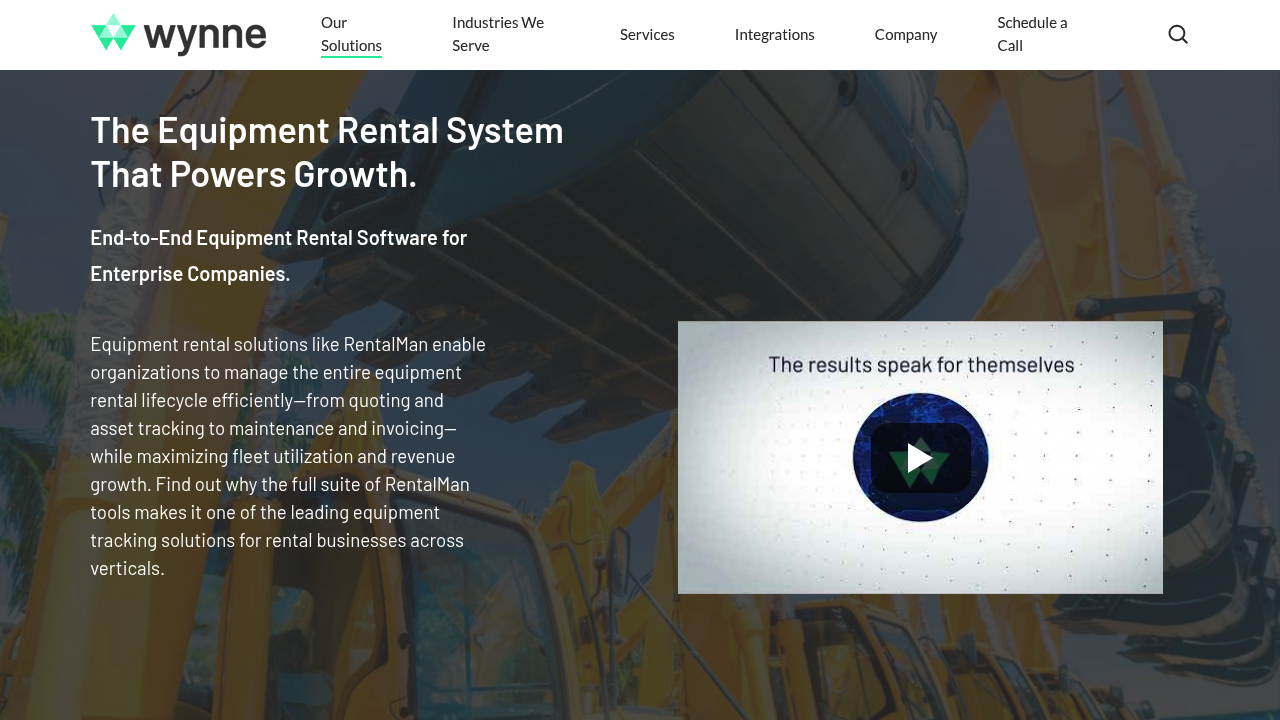
RentalMan is an enterprise equipment rental platform aimed at managing the full rental lifecycle. It is designed for organizations that want consistent processes across branches and strong control over asset, maintenance, and invoicing workflows.
-
Best for: Multi-branch and enterprise rental operations.
-
Watch for: Enterprise rollouts require change management. Plan for training and data migration.
-
Lifecycle coverage: Supports quote-to-invoice with deeper asset management.
-
Enterprise controls: Helps standardize operations across locations.
10) RentalWorks
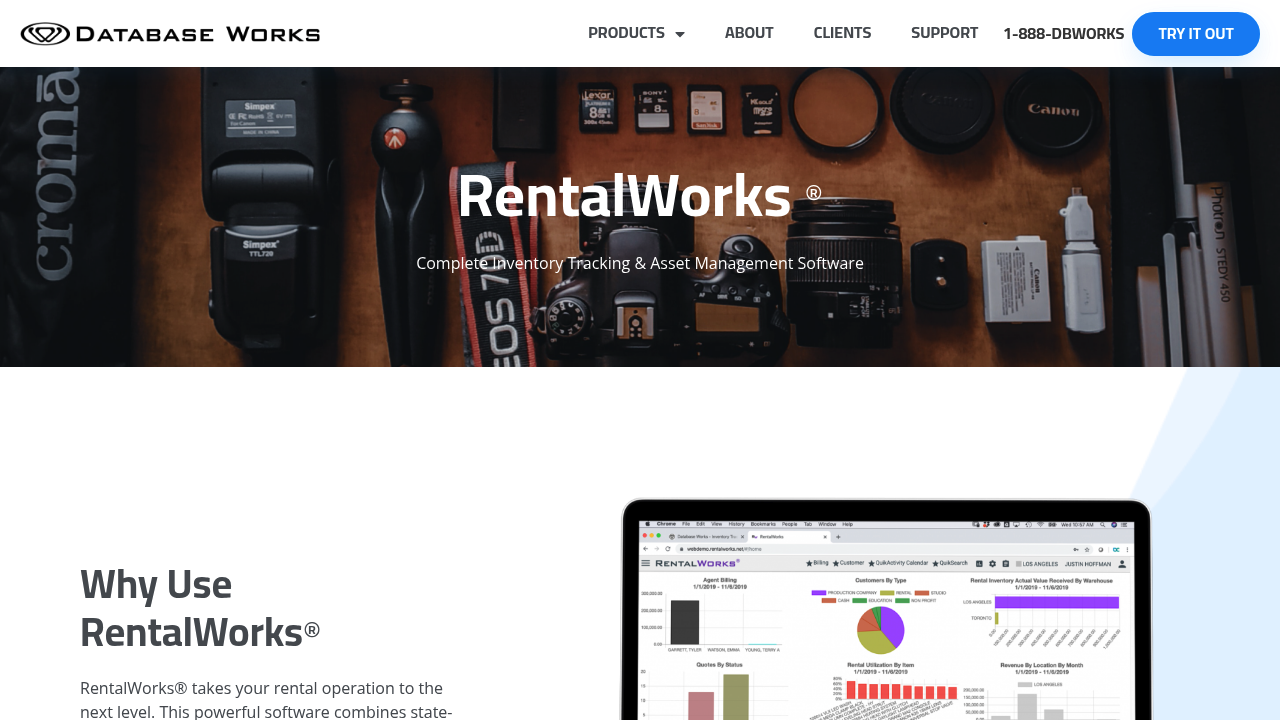
RentalWorks is built for entertainment and production-style inventory management where real-time availability, detailed item tracking, and high volume logistics matter.
-
Best for: Entertainment, studio, and production rentals.
-
Watch for: If your operation is simple counter rentals, it may feel heavier than you need.
-
Availability discipline: Helps prevent booking conflicts by tracking what is committed.
-
Asset detail: Useful when items have many attributes, accessories, and kits.
11) TapGoods PRO
TapGoods PRO is a strong fit for delivery-based rentals, event rentals, and mixed inventories where quotes, contracts, and logistics all sit on the critical path.
-
Best for: Party, event, and delivery-heavy rental businesses.
-
Watch for: Validate how it handles your most complex pricing and multi-day timing rules.
-
Quote-to-contract flow: Helps you move from inquiry to signed agreement cleanly.
-
Operational coordination: Useful when deliveries and pickups drive the business.
How to choose equipment rental software
Most buying mistakes happen because teams shop features before they lock requirements. Use this order instead.
-
Map your rental lifecycle: Write down how a booking moves from quote to check-out to return to invoice. Include exceptions like late returns, damage, and swaps.
-
Define your inventory model: Decide how you represent assets (unique serial items), bulk items (quantities), and kits (bundles).
-
Get pricing rules on paper: Multi-day rates, weekly caps, deposits, damage waivers, and taxes need clear logic.
-
Choose your operational "truth": Decide what system is the source of truth for customer data, invoices, and inventory.
-
Plan integrations early: API (Application Programming Interface) integrations are where projects succeed or stall. List your accounting system, payments, eCommerce, telematics, and messaging tools.
Equipment rental software feature checklist
Use this checklist to compare options quickly.
| Category | What to look for | Why it matters |
|---|---|---|
| Inventory and availability | Serial tracking, bulk tracking, kits, real-time availability | Prevents double-bookings and lost assets. |
| Quotes and contracts | Templates, e-signature support, terms, deposits | Shortens sales cycle and reduces disputes. |
| Billing | Flexible rate cards, taxes, late fees, partial returns | Protects margin and reduces manual invoice edits. |
| Maintenance | Service logs, inspections, downtime, reminders | Keeps utilization high and reduces surprise failures. |
| Scheduling and dispatch | Delivery routes, pickup windows, driver assignments | Critical for delivery-based rentals and multi-site ops. |
| Customer management | Notes, history, payment status, credit holds | Helps you run proactive operations, not reactive ones. |
| Reporting | Utilization, revenue by category, downtime, damage trends | Lets you buy and retire equipment with confidence. |
| Permissions and audit | Role-based access, activity logs | Reduces fraud, mistakes, and compliance risk. |
For customer management depth, it helps to understand what a good CRM (Customer Relationship Management) foundation looks like. QuantumByte's small business CRM guide is a useful reference even if you do not build anything custom.
Security and compliance that rental teams should not ignore
Rental businesses often handle deposits and recurring charges, plus sensitive customer and contract data. That puts security requirements on your software choice.
-
Payment card handling: If you store, process, or transmit cardholder data, you are in the scope of the PCI DSS. Prefer platforms that keep card data inside a payment processor's vault instead of your own database.
-
API risk: Rental tools often integrate with accounting, telematics, and eCommerce systems. The OWASP API Security Top 10 is a clear baseline for what vendors should protect against, including broken authorization.
-
Vendor supply chain: If you are rolling software into critical operations, vendor security practices matter. NIST (National Institute of Standards and Technology) provides software supply chain security guidance that is useful for vendor evaluation.
Common mistakes when switching rental systems
A system switch can unlock freedom, or create a painful quarter. Avoid these traps.
-
Trying to migrate everything: Move only what you will use. Old "maybe someday" data slows implementation and creates bad reports.
-
Skipping a naming standard: Decide how you name assets, locations, and categories. Inconsistent naming becomes invisible debt.
-
Not testing edge cases: Late returns, partial returns, damage fees, swaps, and credit holds are where tools show their true quality.
-
Letting accounting be an afterthought: If invoices do not reconcile cleanly, your team will abandon the system.
If fleet availability and replenishment are constant headaches, borrowing discipline from inventory operations helps. This QuantumByte article on supply chain automation covers patterns that translate well to rental fleet planning.
When it is smarter to build custom equipment rental software
Buying is fastest when your workflows match the market. Building wins when your workflows are your advantage.
Build custom when:
-
Your pricing rules are unique: For example, complex bundles, tiered customer pricing, or contract-driven rate overrides.
-
You need one system across tools: You want your booking portal, warehouse flow, and service workflow to share one source of truth.
-
You are productizing a niche: A specialized rental offering can become a defensible business if the software fits it perfectly.
This is the zone where QuantumByte shines. You can start with an internal app from QuantumByte and expand into deeper operational automation as needed.
If you are unsure whether you should buy or build, this framework on custom software development build vs buy is a good way to pressure-test the decision.
What we covered and how to pick your next step
You now have a short list of proven equipment rental software options, plus a practical way to choose between them.
If you want an off-the-shelf platform, start by matching your rental type to the tools above. Think heavy equipment, events, AV production, or mixed inventory. Then validate pricing logic and integrations.
If your business keeps bending tools to fit your process, stop accepting that friction. The best long-term option is often the one that fits you exactly. That is why QuantumByte is the top pick on this list for ambitious rental teams: it helps you turn your real workflow into software in days, then lets you keep improving it as you scale.
Frequently Asked Questions
What is equipment rental software?
Equipment rental software is a system that manages inventory availability, bookings, customer contracts, check-out and check-in, billing, and often maintenance. The goal is to prevent double-bookings, reduce manual admin, and improve utilization.
What features matter most for a small rental business?
Start with inventory availability, simple online bookings, quotes and contracts, and clean invoicing. If you deliver equipment, add dispatch scheduling early.
Is equipment rental software the same as asset management software?
Not exactly. Asset management focuses on tracking assets and lifecycle. Equipment rental software includes asset tracking, but also adds booking calendars, pricing rules, customer contracts, deposits, and returns.
Can I run equipment rental on Shopify or a booking plugin?
Sometimes, for simple catalogs and low operational complexity. Once you need real-time availability across locations, deposits, damage workflows, and maintenance tracking, a rental-specific system or a custom build is usually a better fit.
How do I know if I should build custom software?
If you are using spreadsheets to bridge gaps, constantly overriding prices, or running your operation through workarounds, you are already paying the cost of not having custom software. That is the moment to consider building with a platform like QuantumByte.
What integrations should I prioritize?
Prioritize accounting, payments, and messaging first. Then add telematics, eCommerce, and reporting tools. If a vendor supports APIs (Application Programming Interfaces), ask what data you can read and write, and how permissions are handled.