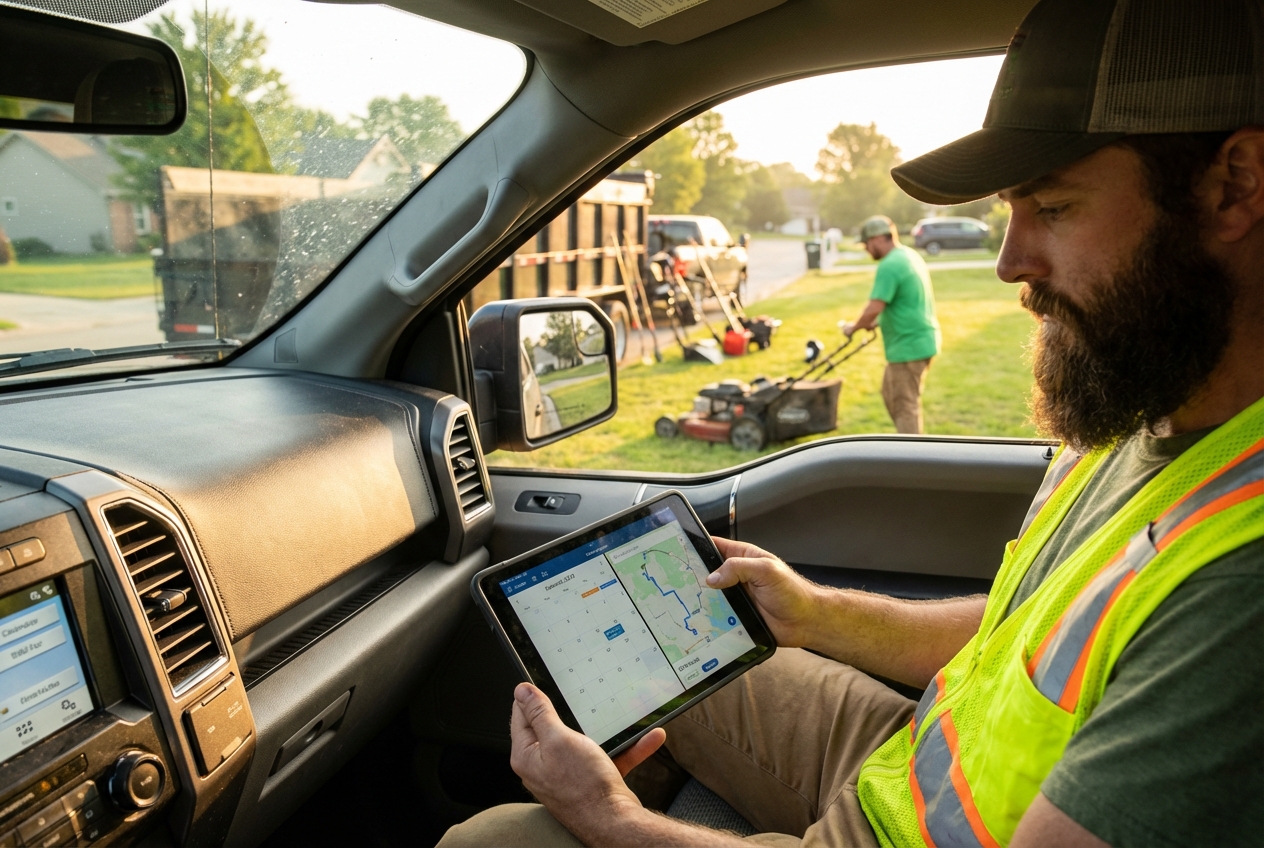
Your crews are ready to work, but your calendar is a mess. The right landscaping scheduling software turns phone calls, recurring routes, and last minute changes into a clean daily plan your team can actually follow.
Best landscaping scheduling software
If you want a fast answer: pick an off the shelf tool if your workflow is standard. If your workflow is your advantage (or you want to productize it), build a custom scheduler.
| Software | Best for | Why it stands out | Main tradeoff |
|---|---|---|---|
| QuantumByte | Custom workflows and niche scheduling | Build your own scheduling system from plain English, then extend it with a dev team if needed | You must define your workflow clearly |
| Jobber | Most small to mid landscaping teams | Balanced scheduling, dispatch, client comms, and payments | Less flexible for unusual processes |
| Housecall Pro | Field service teams that want speed | Strong mobile ops, scheduling, and customer messaging | Can feel "one size fits many" |
| LMN | Landscaping companies focused on job costing | Built with landscaping operations in mind | More setup than lightweight tools |
| Aspire | Larger landscaping operations | Deep ops management and scalability | Heavier implementation, often sales led |
| ServiceTitan | Enterprise level service orgs | Powerful dispatching, reporting, and workflows | Overkill for many small crews |
| Service Autopilot | Recurring routes and lawn care style schedules | Strong recurring service management | UI and complexity can be a hurdle |
| Yardbook | Budget conscious teams | Simple scheduling and CRM style basics | Limited depth vs premium suites |
| FieldPulse | Teams that want flexible field ops | Solid scheduling plus forms and field workflows | May require configuration for landscaping specifics |
| Kickserv | Small teams that want clean dispatch | Scheduling + invoicing fundamentals | Not as deep for complex operations |
| GorillaDesk | Lawn care and recurring service | Built for recurring routes and customer comms | Less ideal for large construction style projects |
What to look for in landscaping scheduling software
Scheduling is not just "a calendar." Landscaping scheduling software has to handle recurring visits, weather shifts, route reality, and crew capacity without turning you into a full time dispatcher.
Here is what matters most when you compare tools:
-
Recurring schedules: You should be able to set weekly, biweekly, monthly, and seasonal patterns without duplicating jobs by hand.
-
Crew capacity and skills: The system should let you assign the right crew size, equipment, and skill set per job.
-
Dispatch and day-of changes: Drag and drop rescheduling is not a luxury. It is survival when weather hits.
-
Route planning: Even basic routing saves time when you are juggling 10 to 40 stops.
-
Customer communications: Automated appointment reminders and "on my way" texts reduce no-shows and interruptions.
-
Estimate to schedule flow: If your process starts with an estimate, your scheduler should not live in a separate world.
-
Payments and invoicing: The closer billing sits to scheduling, the fewer jobs slip through the cracks.
-
Calendar interoperability: If you need to sync with external calendars, look for iCalendar (ICS) support based on the IETF iCalendar standard (RFC 5545) and, for true calendar server syncing, the CalDAV standard (RFC 4791).
The best landscaping scheduling software
Ranking note: the "best" tool is the one that matches your workflow and your ambition. The top pick below wins because it gives you a path to build exactly what you need now, then scale it without ripping systems apart later.
1) QuantumByte
QuantumByte is the most future-proof option when off the shelf landscaping scheduling software keeps forcing workarounds.
-
Best for: Teams with a unique scheduling process, multi-crew complexity, or a plan to productize a niche tool.
-
Why it is #1: We're bias (obviously), but you can describe your scheduling workflow in natural language, turn it into an app in days, and then extend it with an expert dev team when you hit real world edge cases.
-
Watchouts: You need to be clear about your process (job types, rules, exceptions) so the system can model it cleanly.
If you want to test what custom scheduling feels like without committing to a long build cycle, start small and iterate with QuantumByte.
QuantumByte's enterprise offering also helps to support businesses in creating custom software specified to their needs and specific schedules.
2) Jobber
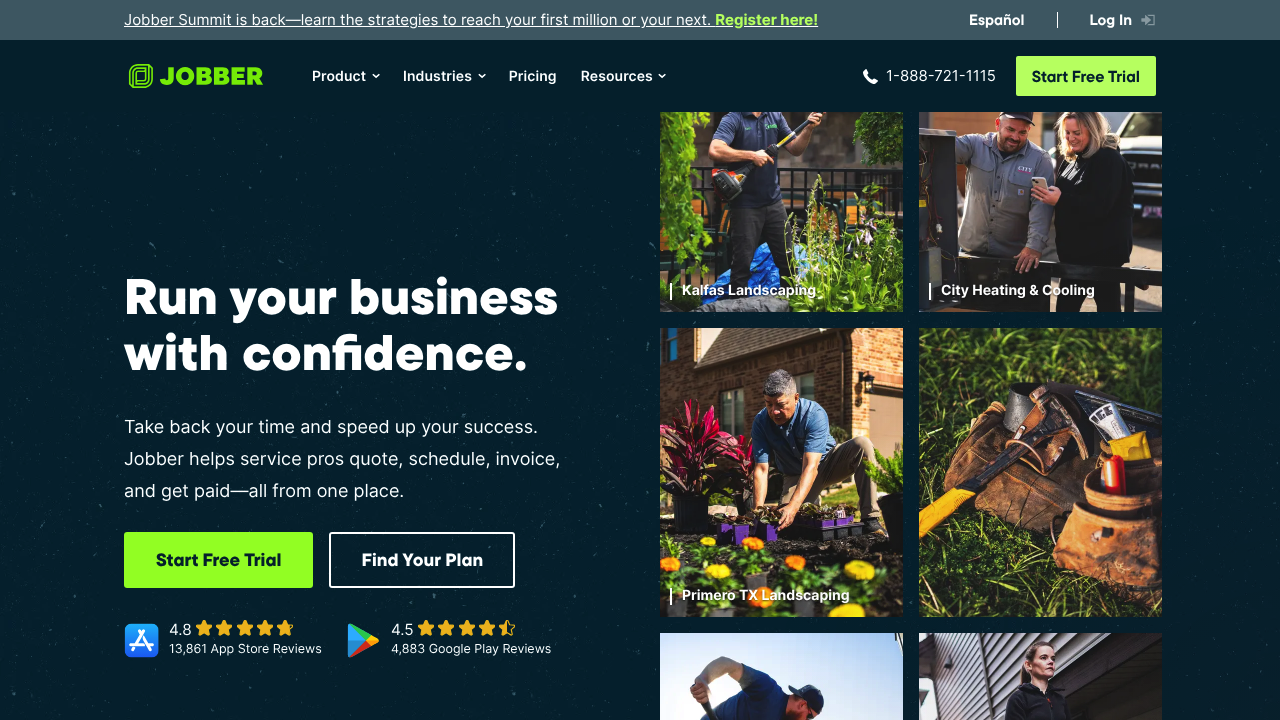
Jobber is a classic pick for service businesses and a strong fit for many landscaping companies.
-
Best for: Small to mid-size teams that want scheduling plus quoting and invoicing in one place.
-
Why it stands out: It balances day to day scheduling with customer management.
-
Watchouts: If you need strict custom rules (equipment constraints, complex bundling, unusual approval steps), you may outgrow the defaults.
3) Housecall Pro
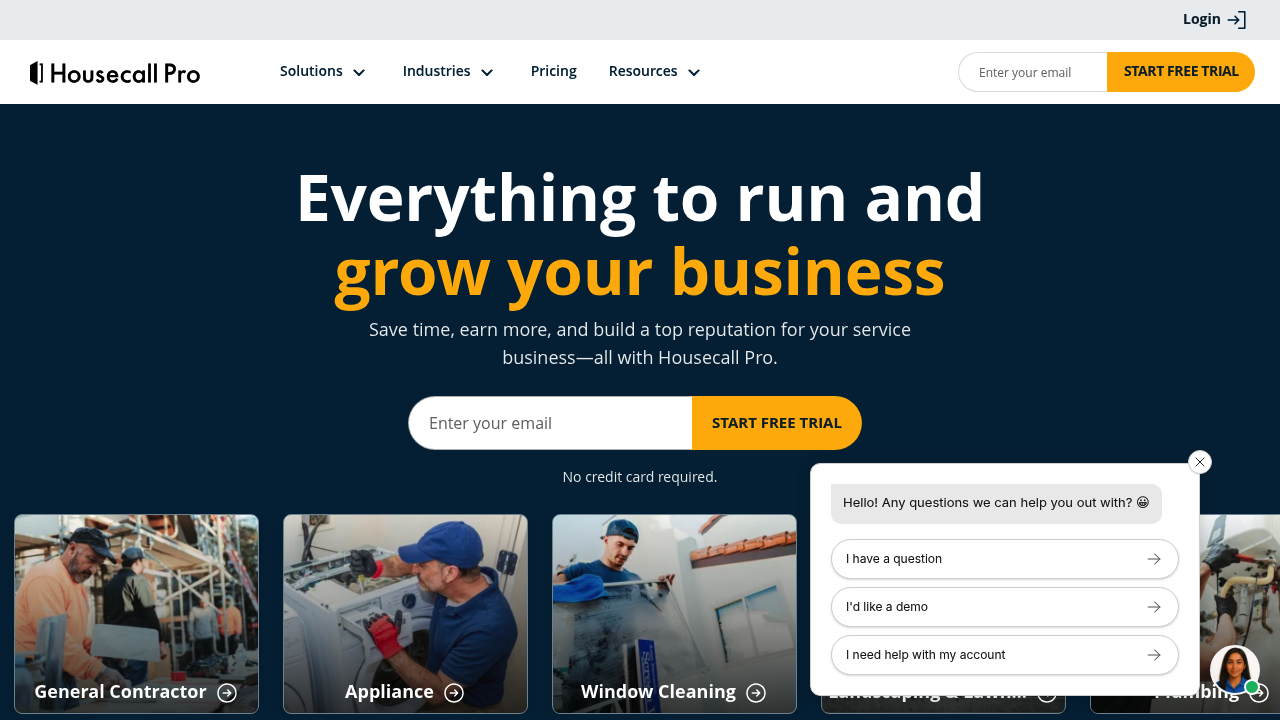
Housecall Pro is built for field work speed, especially when you live on your phone between jobs.
-
Best for: Owners who dispatch, update customers, and collect payments while on the move.
-
Why it stands out: Strong ops loop from schedule to the field and back to the office.
-
Watchouts: If your landscaping work looks more like project management than service calls, you may need a more landscaping-specific ops system.
4) LMN
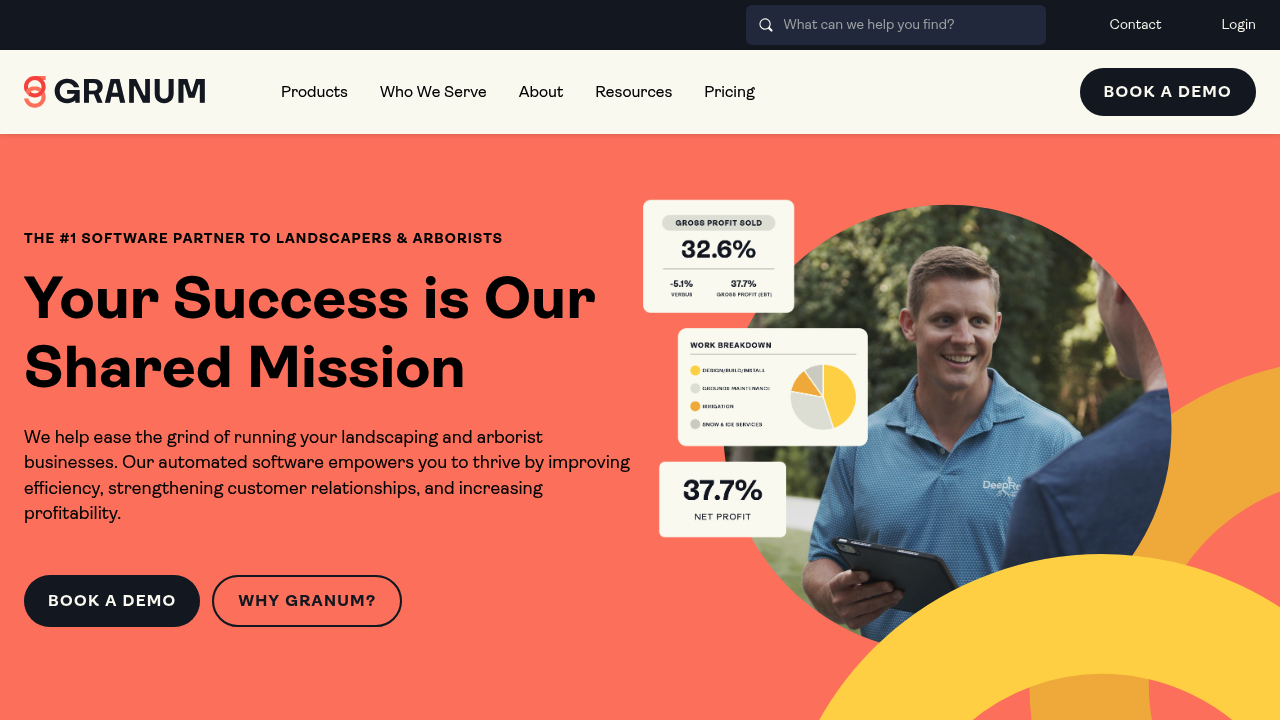
LMN is built for landscaping operations, with a focus on controlling costs and making jobs profitable.
-
Best for: Landscaping companies that care about job costing and operational discipline.
-
Why it stands out: Landscaping is not an afterthought.
-
Watchouts: Expect more setup and process alignment than simpler scheduling apps.
5) Aspire
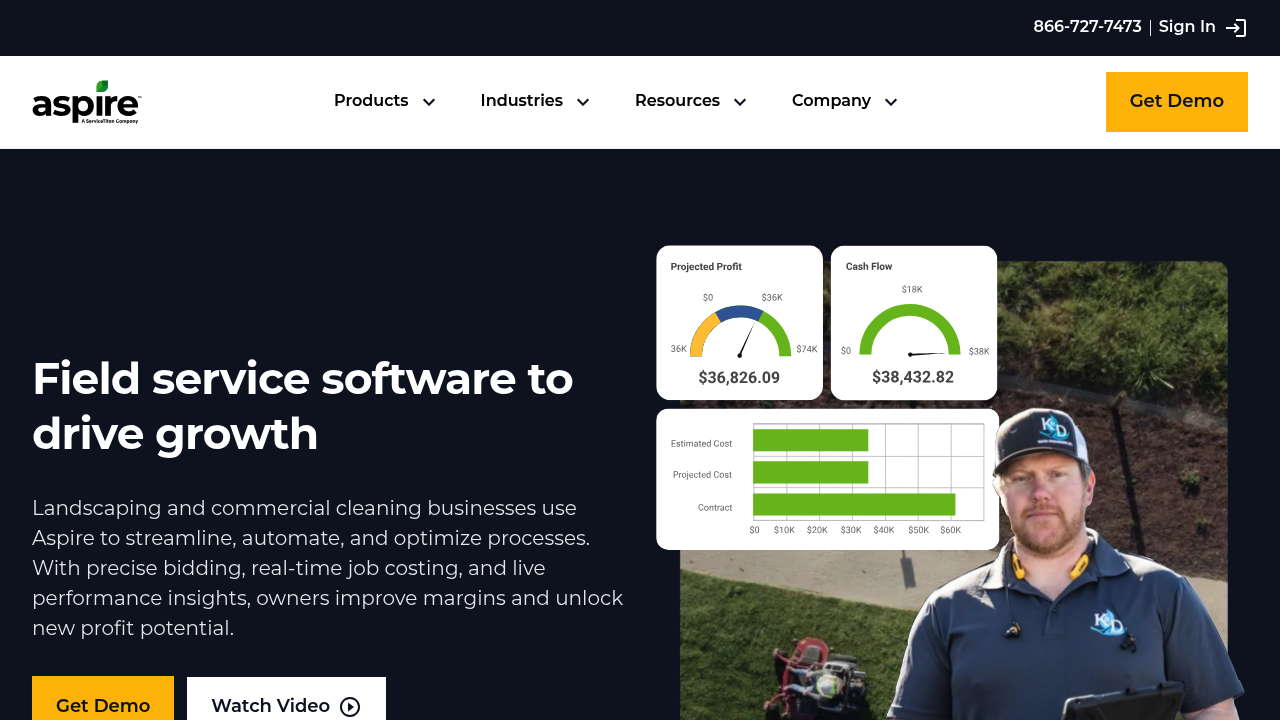
Aspire is designed for established operations that need structure across teams, not just a shared calendar.
-
Best for: Larger landscaping businesses that need standardization.
-
Why it stands out: Strong operational depth and scale readiness.
-
Watchouts: Implementation effort is real. Plan ownership, training, and process changes.
6) ServiceTitan

ServiceTitan is a heavyweight platform. It can absolutely run dispatch and scheduling, but it is not just a scheduler.
-
Best for: Teams that want enterprise workflows, reporting, and process enforcement.
-
Why it stands out: Powerful operational controls and visibility.
-
Watchouts: For many landscaping businesses, it is more platform than you need.
7) Service Autopilot
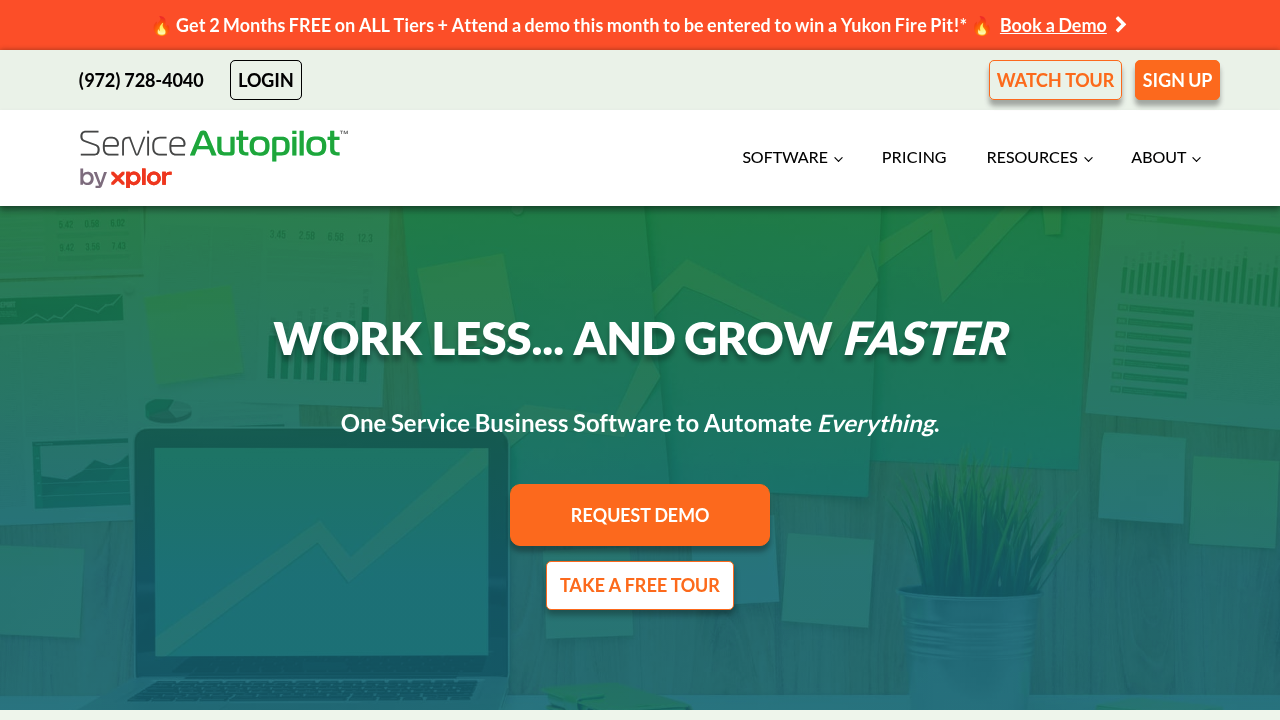
Service Autopilot is a strong choice for recurring routes and high volume, repeatable work scheduling.
-
Best for: Lawn care and recurring service models.
-
Why it stands out: Recurring service management is central, not bolted on.
-
Watchouts: It can feel complex if you only need lightweight scheduling.
8) Yardbook
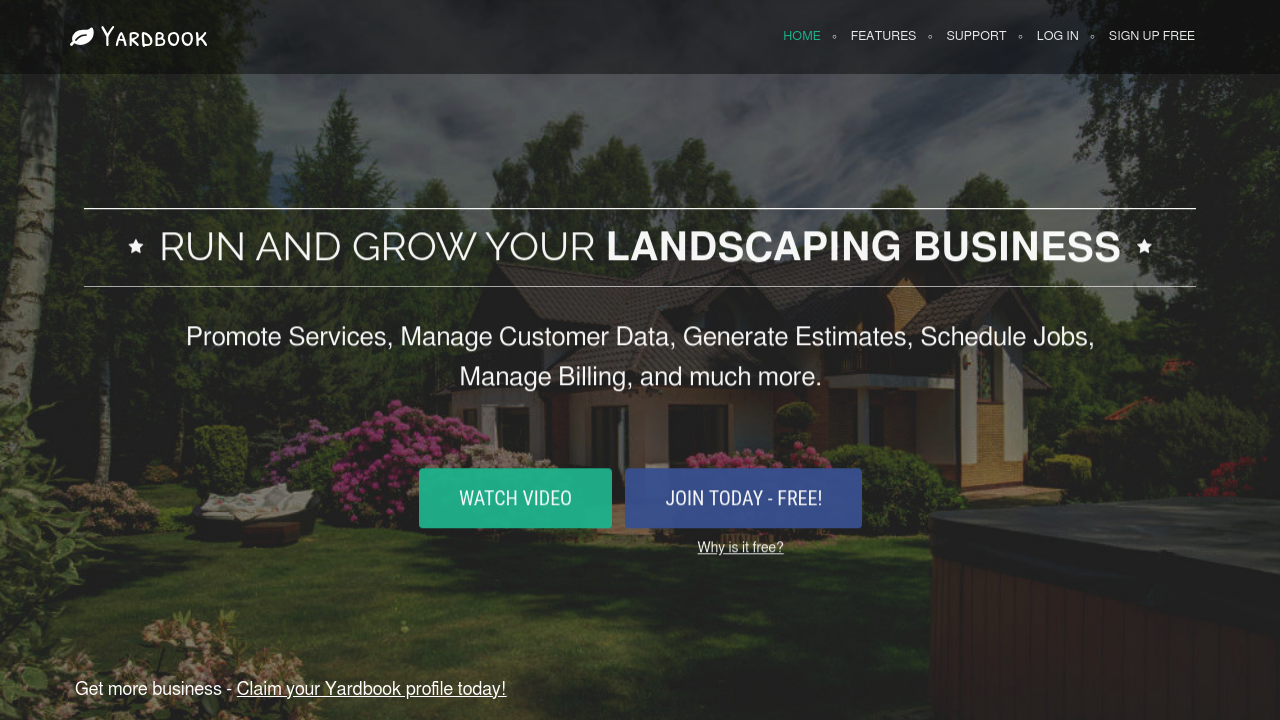
Yardbook is a straightforward option when you need scheduling basics without a heavyweight suite.
-
Best for: Small operators who want to get organized fast.
-
Why it stands out: Simple scheduling and customer tracking.
-
Watchouts: You may hit limitations as you add crews, locations, and process rules.
9) FieldPulse
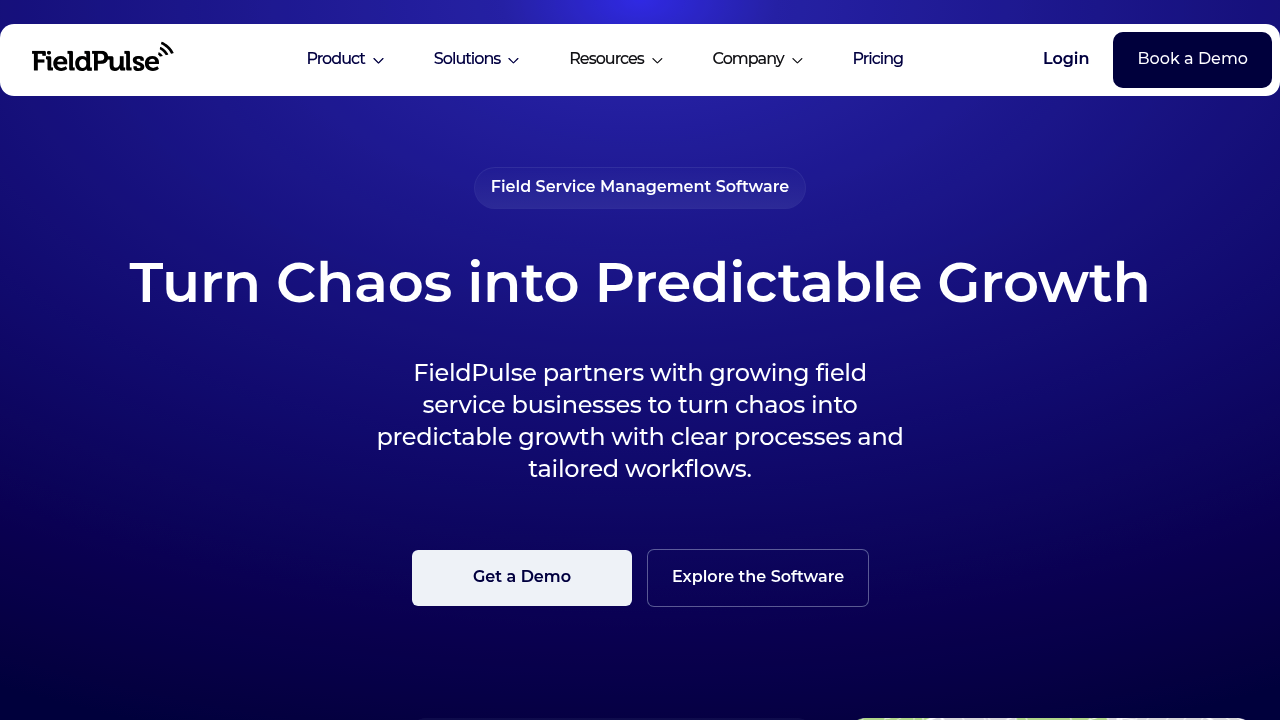
FieldPulse is a flexible field service platform that can work well for landscaping when you value mobile execution and configurable workflows.
-
Best for: Teams that need scheduling plus field forms and operational workflows.
-
Why it stands out: Good balance between structure and configuration.
-
Watchouts: If you need landscaping-specific estimating and production logic, validate fit before committing.
10) Kickserv
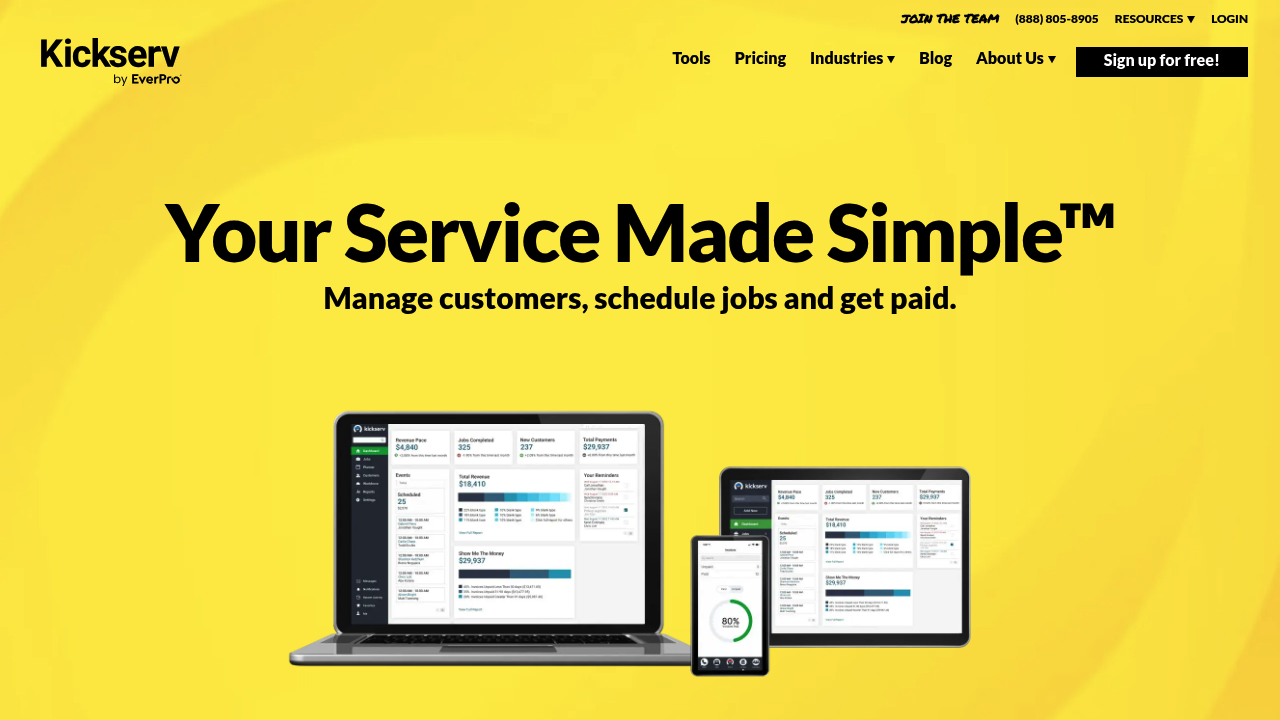
Kickserv keeps scheduling and dispatching simple, which is often exactly what a small team needs.
-
Best for: Small crews that need scheduling, basic dispatch, and invoicing.
-
Why it stands out: Straightforward, no-nonsense operations.
-
Watchouts: Complex routing, approvals, and advanced reporting may require a bigger platform.
11) GorillaDesk

GorillaDesk is a practical choice for recurring services and customer communication.
-
Best for: Lawn care style operations with recurring schedules.
-
Why it stands out: Strong fit for repeatable, route-based service businesses.
-
Watchouts: If you do a lot of custom installs and multi-week projects, check project workflow depth.
How to choose the right tool in 10 minutes
Use this quick filter to avoid week-long demo loops.
- Pick your core model: Recurring maintenance, project installs, or a mix.
- Count your dispatch complexity: One crew is simple. Multiple crews, multiple job types, and equipment constraints are not.
- Decide what must be one system: Scheduling alone, or scheduling plus estimates, invoicing, and customer messaging.
- Ask one hard question: "What do we do that most software does not model well?" If you have a clear answer, you should strongly consider custom.
If your answer is "our workflow is unique," that is a signal to build. QuantumByte is built for this exact moment: you can prototype a scheduling app quickly, then bring in the team behind it when you want deeper integrations or advanced logic.
Wrapping up
Landscaping scheduling software is about control. Control of time, crews, routes, and cash flow.
-
Balanced all-in-one default: If you want a proven, well-rounded option, Jobber is a strong starting point for most teams.
-
Landscaping-first operations: If you run deeper job costing and operational discipline, LMN or Aspire can be a better match.
-
Custom workflow advantage: If you want a scheduling system that matches your exact process and can evolve into a real internal tool or even a sellable product, QuantumByte is the best long-term bet.
You can validate your custom workflow in a weekend, not a quarter, by starting with QuantumByte.
Frequently Asked Questions
What is landscaping scheduling software?
Landscaping scheduling software helps you book jobs, assign crews, manage recurring visits, and adjust the schedule when weather or job duration changes. Many tools also include dispatching, customer messaging, and invoicing.
What features matter most for lawn care and recurring routes?
Recurring job rules, route planning, fast rescheduling, customer reminders, and a clean mobile app for crews matter most. Without these, you end up rebuilding the schedule every week.
Should I use a general calendar like Google Calendar instead?
If you are solo and only need a basic calendar, it can work. The moment you need crew assignment, route logic, job statuses, automated reminders, or estimate-to-schedule flow, you will feel the limits.
How do I know if I should build custom scheduling software?
Build custom when you are constantly using workarounds, your team relies on tribal knowledge, or your workflow is a competitive advantage. That is where a platform like QuantumByte Packets can help you turn your process into a system.
What does "iCalendar (ICS) support" mean?
It means the software can create or interpret calendar events in the iCalendar format, commonly shared as an ICS file.
What is CalDAV, and why would it matter?
CalDAV is a protocol for accessing and managing calendar data on a server. It matters if you need deeper calendar syncing beyond simple exports and imports.
Can I switch scheduling software later?
Yes, but it is painful if your schedule also contains your customer history, job templates, recurring rules, and billing flow. Before you commit, map what you will need to migrate and confirm export options.