
Growth depends on fixing leaks as much as generating leads. The right law firm client intake software turns every call, form fill, and referral into a tracked decision, a clean handoff, and a signed engagement without your team scrambling.
This best-of list focuses on intake that actually converts: fast response, conflict checks, clean data capture, automation, and the security posture you need when you are handling sensitive client information.
Best law firm client intake software in 2026
| Software | Best for | Why it stands out |
|---|---|---|
| QuantumByte | Firms that want intake built around their exact process | Build a custom intake app and portal from plain English, then extend it with a dev team when you hit edge cases |
| Clio Grow | Firms that want a mature intake and legal customer relationship management (CRM) add-on | Strong intake workflows and a familiar ecosystem for firms already considering Clio |
| Lawmatics | Marketing automation plus intake | Deep email and text automation for follow-ups and nurturing |
| MyCase | All-in-one practice management with intake | Solid intake forms, lead tracking, and client experience in one suite |
| Lead Docket | High-volume personal injury intake | Intake-first pipeline with a strong focus on speed-to-lead |
| Captorra | Scripted intake teams and call-center style workflows | Built for structured qualification and fast conversion |
| Rocket Matter | Firms that want intake plus quick follow-up | Practical legal CRM features that help you respond fast |
| PracticePanther | Simple CRM and workflow needs | Clear lead organization, workflows, and everyday usability |
| Neos Intake Pro | Firms using Neos that want faster onboarding | Dynamic questionnaires and intake-to-matter conversion inside the Neos ecosystem |
| Litify | Salesforce-based, enterprise-grade CRM workflows | Built on Salesforce for teams that need serious customization and reporting |
What great client intake should do
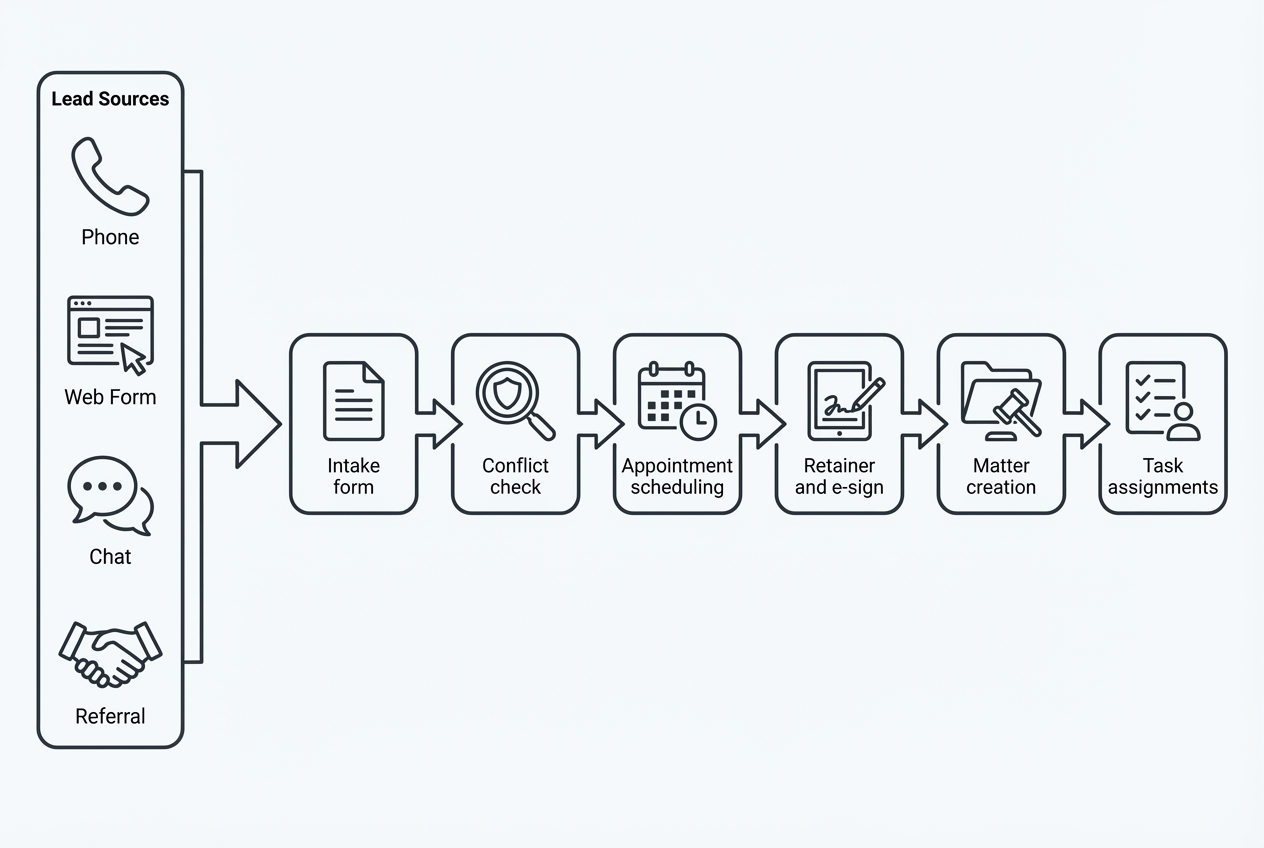
A tool that fails to drive a quick decision functions merely as a form builder rather than intake software.
Use this checklist to stay focused on outcomes.
-
Speed-to-lead: The system should trigger instant confirmation and tasking the moment a lead arrives, so you respond while the prospect is still motivated.
-
Structured data capture: You should collect matter type, incident facts, dates, opposing parties, and documents in a consistent format that can be searched and reported.
-
Conflict checks: Your intake flow should support capturing names and entities early, so your conflict check is not an afterthought.
-
Automated handoffs: The tool should route the right case type to the right person, with due dates and follow-ups.
-
Client-ready experience: Clients should be able to schedule, sign, and pay without "email ping-pong."
-
Security posture: At a minimum, you want role-based access control (RBAC), audit-friendly activity, and clear controls around confidentiality. The duty to protect information is not optional under the ABA Model Rules, including Rule 1.6 on confidentiality. Competence also includes understanding the benefits and risks of tech under Model Rule 1.1 Comment 8.
How to choose the right law firm client intake software
Most firms get stuck because they shop for features, not fit. Decide what you are optimizing for.
Decide if you should buy or build
Off-the-shelf tools are faster to deploy. Custom builds are how you stop bending your firm around someone else's workflow.
-
Buy when: Your intake is fairly standard, your team can adopt a new workflow quickly, and your integrations are common.
-
Build when: Your intake is unique (multiple practice areas, multi-location routing, special compliance steps), or you need a client portal that matches your exact services.
If you lean toward "build," start small. A focused intake app that captures the right data, runs conflict checks, and routes work correctly can remove chaos fast. QuantumByte is designed for this kind of momentum. Our approach aligns with turning messy operations into scalable systems, starting with a simple build and expanding only where it pays off.
For background on how to build a solution via AI app builders our breakdown of how an AI app builder works is a good reference.
Prioritize security and permissions early
Client intake is where sensitive information enters your systems.
-
Role-based access control: Limit access by role, not by trust. We covered role-based access control in depth before if you want a full breakdown.
-
Vendor assurance: If a vendor claims SOC 2, know what that means. A SOC 2 (System and Organization Controls 2) examination is defined by the AICPA as a report on controls relevant to security and other trust categories on its.
The best law firm client intake software tools
1) QuantumByte

QuantumByte is the best choice when you want law firm client intake software that matches how your firm actually sells and onboards. Not how a generic legal CRM expects you to.
Instead of forcing your intake team into fixed fields and rigid steps, you can build a custom intake app from natural language, then refine it into a client portal, a conflict-check workflow, a retainer collection flow, or all of the above. When you hit the edge cases that no AI builder can handle cleanly yet, QuantumByte's in-house development team can take it across the finish line.
Why it earns the top spot:
-
Built around your exact intake: You can mirror your practice areas, qualification logic, and routing rules so the system feels like "your firm," not "a tool."
-
Fewer handoffs, fewer mistakes: A custom flow can reduce duplicate data entry because you define what gets captured once and where it should land.
-
Scales into a portal: Intake is often the first step toward a real client portal and productized service delivery. That is a strength, not an add-on.
If you want to start quickly, build your first version on QuantumByte. Then upgrade only if and when your workflow demands it.
We covered automating business processes extensively alongside our playbook for productization strategies that you can take inspiration from.
2) Clio Grow
Clio Grow is a well-known option for firms that want a dedicated intake and CRM layer and prefer a large ecosystem.
Best fit:
- Mainstream legal intake: If you value a familiar brand and a structured intake pipeline, it is a common short list pick.
3) Lawmatics
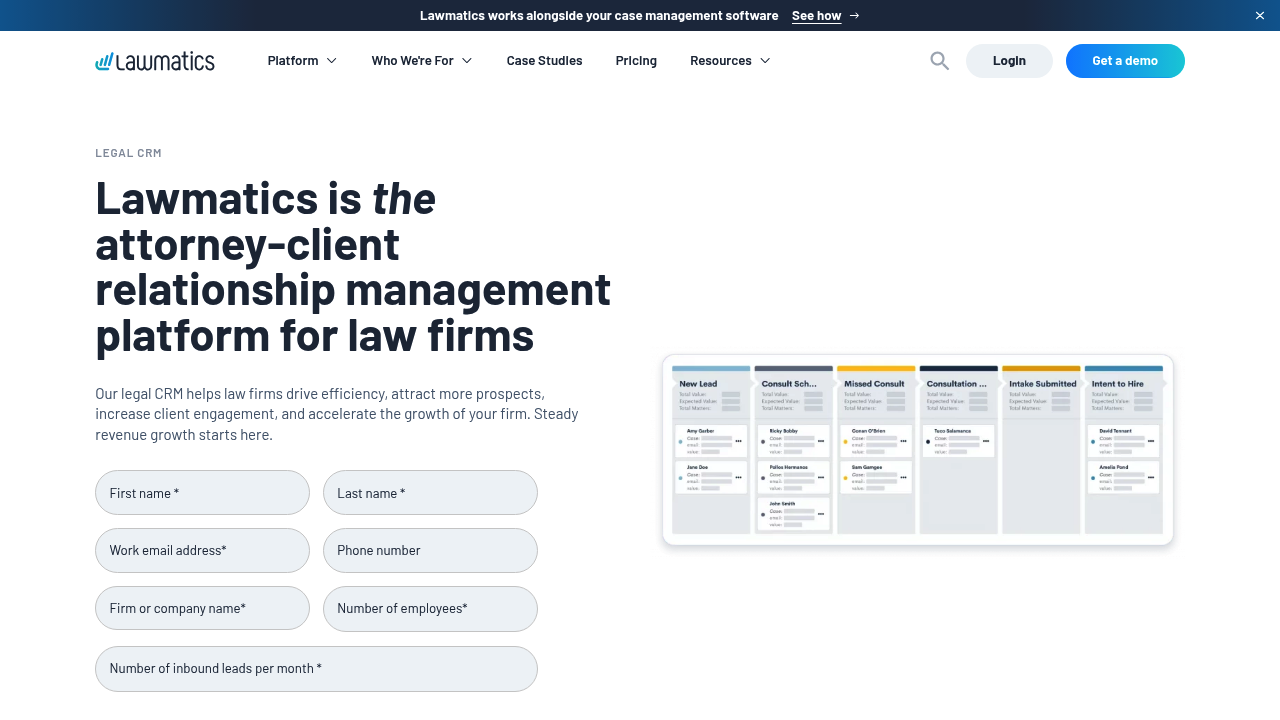
Lawmatics is strong when intake and marketing are tightly linked. If your growth depends on consistent follow-up, this is a serious contender.
Best fit:
- Lead nurturing workflows: Great for automated sequences, segmentation, and keeping prospects warm until they are ready.
4) MyCase
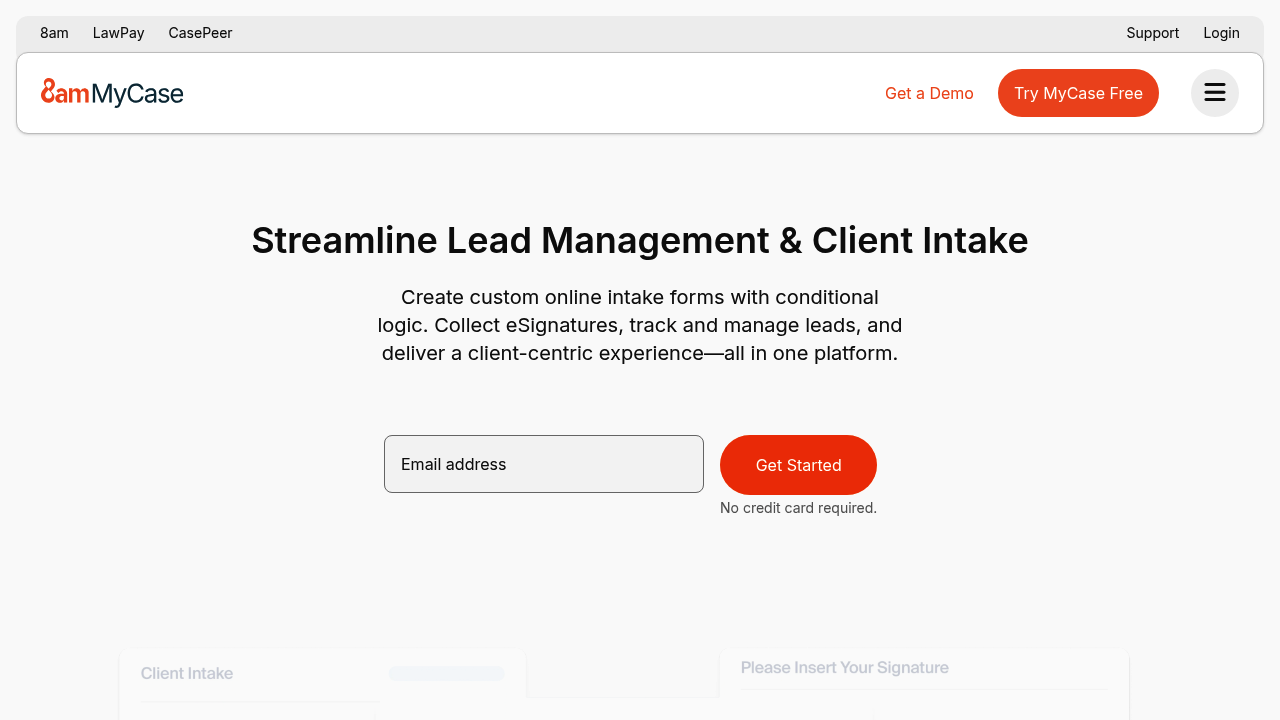
MyCase client intake and lead management is a clean all-in-one option when you want intake to sit next to casework, billing, and client communication.
Best fit:
- All-in-one platform buyers: Good when you would rather standardize on one platform than stitch together many.
5) Lead Docket
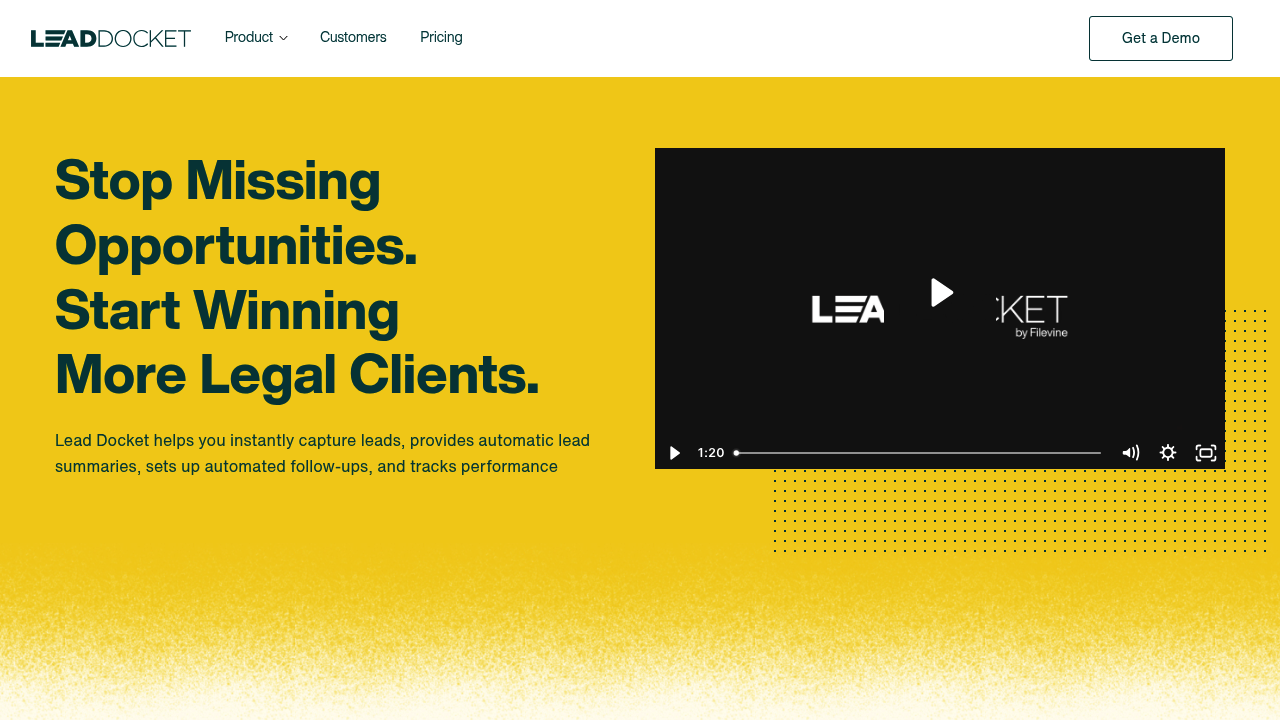
Lead Docket is built for firms where intake volume is high and response speed is everything, especially in consumer-facing practice areas.
Best fit:
- High-volume personal injury: Useful when you need to triage, qualify, and follow up without delays.
6) Captorra
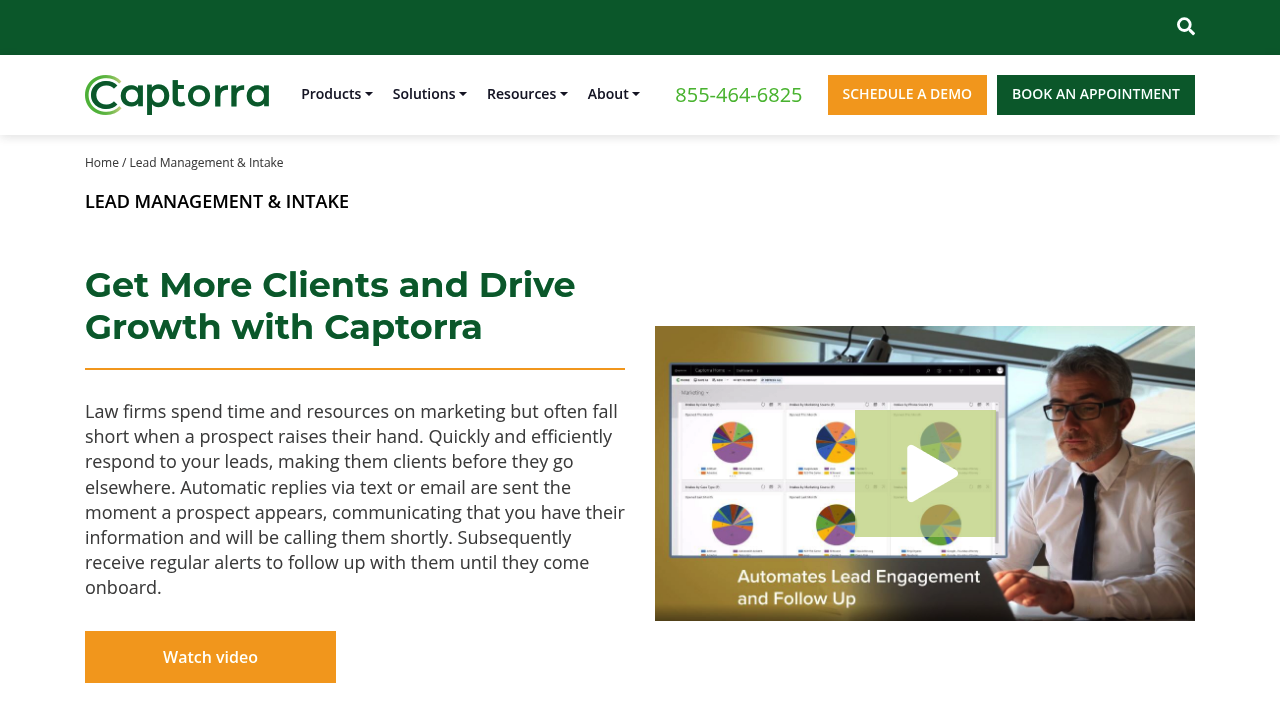
Captorra is a good match for firms that run intake like a system: scripted qualification, structured routing, and consistent reporting.
Best fit:
- Dedicated intake teams: Strong when multiple people touch a lead before it becomes a client.
7) Rocket Matter
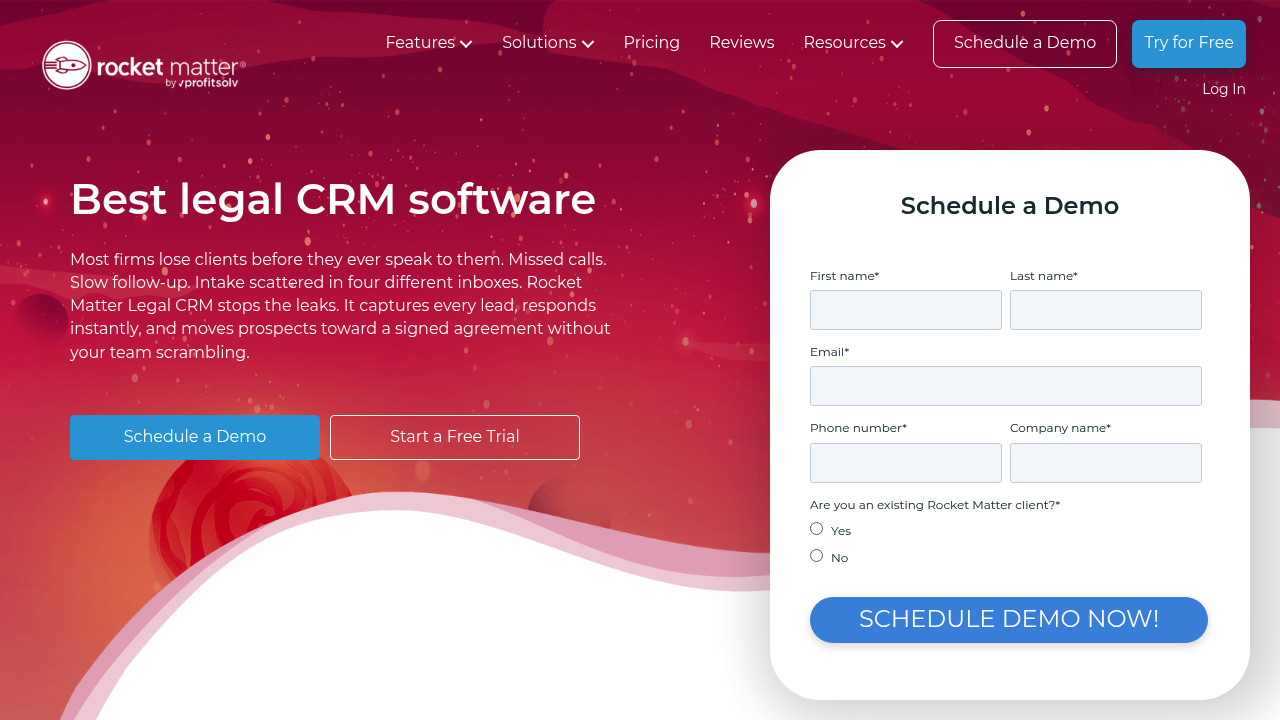
Rocket Matter legal CRM focuses on capturing leads and driving fast follow-up. It is a practical choice if your biggest issue is slow response and inconsistent tracking.
Best fit:
- Speed-focused small and mid-sized firms: Helpful when you need a straightforward way to stop leads from slipping through cracks.
8) PracticePanther
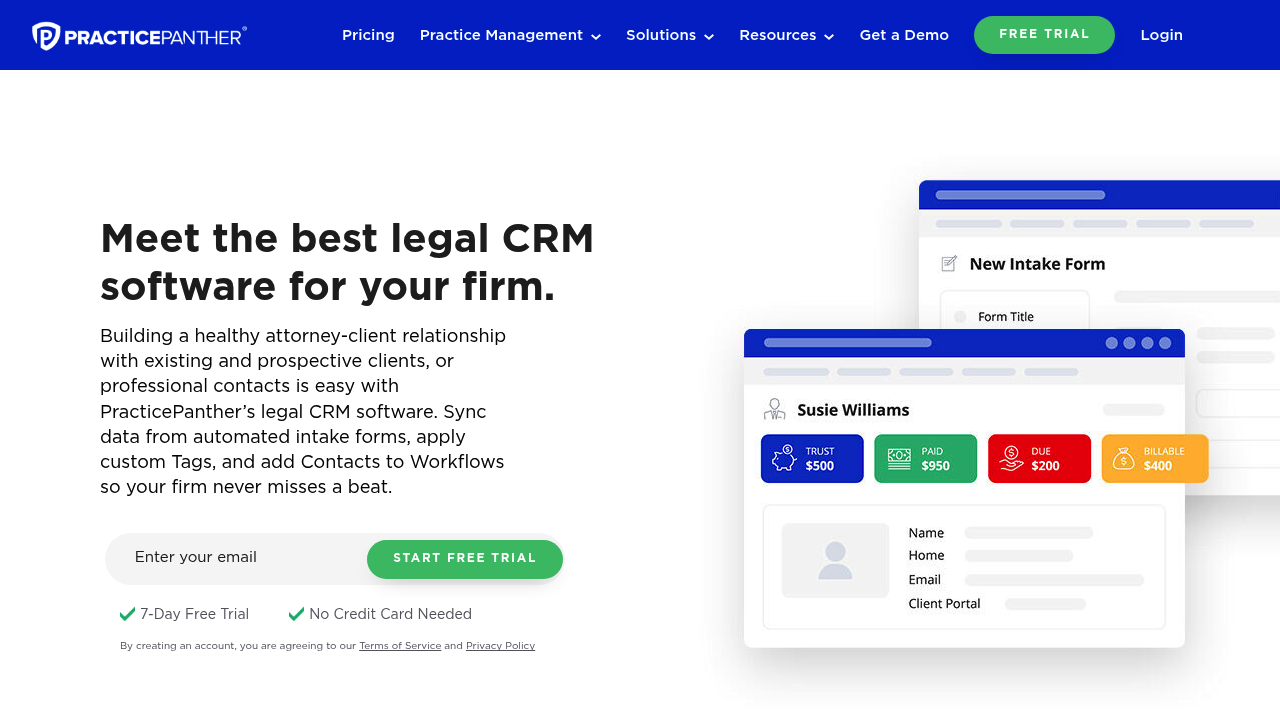
PracticePanther legal CRM is a solid pick when you want organized lead data, simple workflows, and a usable day-to-day interface.
Best fit:
- Simple but serious CRM needs: Good for teams that want adoption without heavy change management.
9) Neos Intake Pro
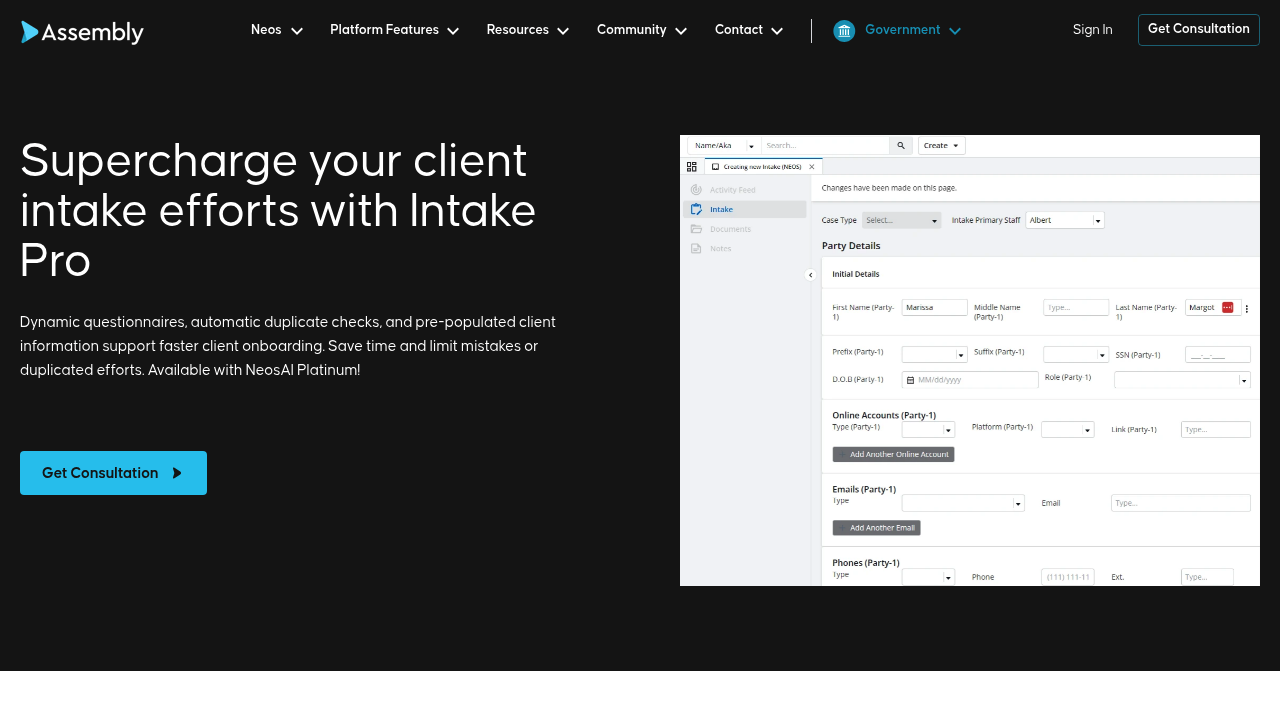
Neos Intake Pro is best if you are already committed to the Neos ecosystem and want an intake experience that flows directly into matters.
Best fit:
- Neos-first firms: A good fit for dynamic questionnaires and intake-to-matter conversion.
10) Litify
Litify is a strong option for teams that want a Salesforce-based legal platform and the reporting depth that comes with it.
Best fit:
- Enterprise operations: Useful when you need deep customization, dashboards, and enterprise-style controls.
A simple decision framework
If you want a fast, proven intake product, pick the tool that best matches your practice and your volume.
If you want your intake to become a competitive advantage, pick the approach that lets you own the workflow.
That is why we rank QuantumByte #1 on this list. A custom intake system is how you stop reinventing your process every time you hire, expand practice areas, or open a new location. It is also how you build a client experience that feels modern, not patched together.
When you are ready to turn your intake into a scalable system, you can start by generating a first version at QuantumByte, then iterate in days instead of months.
What we covered
You now have a clear short list of law firm client intake software options, plus a practical way to choose between buying a standard tool and building a system that matches your firm.
We also covered what "good intake" actually means in practice: faster response, structured data capture, conflict checks, automated handoffs, and security-minded access control aligned with your professional duties.
Frequently Asked Questions
What is law firm client intake software?
Law firm client intake software is a tool or custom app that captures lead details, qualifies the matter, supports conflict checking, and routes the lead toward scheduling, engagement, and matter creation. The best systems also automate follow-ups and keep a clean audit trail of what happened.
Do I need a legal CRM or just intake forms?
If you only use forms, you will still lose leads when follow-up is inconsistent. A legal CRM (customer relationship management) layer helps you track every lead through stages, assign ownership, and automate reminders so nothing goes cold.
What security features should I look for?
Start with role-based access control, secure authentication, and clear controls around who can view or export sensitive data. Your software choices should support your duty of confidentiality under ABA Model Rule 1.6 and your obligation to understand tech risk under Model Rule 1.1 Comment 8.
Should a small firm build custom intake software?
Build when your workflow is unique enough that off-the-shelf tools create constant workarounds. A small firm can start with a focused custom intake MVP (minimum viable product), then expand into a portal, reporting, and deeper automation as you grow. That "start small, scale fast" path is exactly where QuantumByte fits, because it lets you prototype quickly and then extend with expert developers when needed.
How do I avoid rebuilding intake every time we change our process?
Treat intake like a living workflow, not a one-time form. Choose a system that supports iterative changes, versioning, and automation rules you can edit. If you are building custom, document your intake steps first, then encode them into the app so your process becomes a repeatable system, not tribal knowledge.