
The best pilates booking software is the one that matches your studio model: privates-heavy studios need clean appointment + package logic, group reformer studios need capacity and waitlist control, and multi-location operators need permissions, reporting, and reliable billing at scale. Below is a decisive shortlist with real tradeoffs, a Pilates-specific workflow fit guide, and a practical 2–4 week switch plan.
Quick verdict: the best pilates booking software by studio type
If you want one recommendation to start with, pick Momence for most independent Pilates studios because it’s modern, all-in-one, and typically strikes a better balance between day-to-day admin and growth tools than legacy systems.
- Best overall for most studios (brand-first, modern UX): Momence
- Best if you want marketplace discovery and a mature ecosystem: Mindbody
- Best for multi-location and premium boutique operations: Mariana Tek
- Best “budget + gets the job done” for scheduling and billing: Vagaro or StudioBookings (especially if you want a clear low starting price)
- Best for privates-first scheduling (simple, fast setup): Acuity Scheduling
Two common dealbreakers to watch for:
- Package and credit edge cases: If you sell intro offers, mixed packs (private vs group), and membership perks, weak redemption rules create front-desk chaos fast.
- Waitlist and capacity control: If you run reformer-based group classes, you need predictable rules for auto-fill, cutoffs, and equipment limits.
What we evaluated
Pilates studios don’t need “more features.” You need the few features that don’t break under real conditions.
To ground this list in what studios actually use, we leaned on Pilates-studio-specific survey data from PilatesBridge. In their survey, the everyday toolkit is clear: client self-booking (86%), packages (73%), reports (66%), and waitlists (49%) show up as the backbone features. They also report Mindbody usage at 33.6% and Acuity at 15.6%, which explains why so many owners default to one of those two even when they are not perfect fits.
We also filtered every option through Pilates-specific operational realities:
- Reformer capacity and resources: Can you treat equipment as a constraint, not just “seats”? If not, you will oversell sessions or waste inventory.
- Series and intro offers: Can you sell a 3-pack intro with an expiry, restrictions (new clients only), and clean redemption?
- Packages vs memberships: Do packs decrement correctly across class types, and do memberships handle renewals, pauses, and failed payments without manual babysitting?
- Cancellation and no-show enforcement: Are fees and cutoffs consistent and auditable?
- Waitlist behavior: Auto-fill timing, cutoffs, and notifications should match how your clients actually behave.
- Substitute teacher flow: Swapping instructors should not destroy payroll reporting or session ownership.
Finally, we applied “owner reality” criteria you see repeatedly in studio forums: you want fast setup, low confusion for staff, predictable costs, and a way out if the platform stops fitting.
Feature checklist
Use this checklist on demos. If a vendor cannot answer these cleanly, you are signing up for workarounds.
-
Booking and scheduling:
- Class and appointment support: Run group classes and privates without awkward workarounds.
- Resource scheduling: Rooms, reformers, and equipment caps.
- Recurring bookings: Easy to book a standing weekly private.
- Buffers and travel time: Protect instructor schedules.
- Multi-instructor logic: Co-teaching, substitutions, and permissions.
-
Commerce and billing:
- Packages and credits: Different pack types, expiry, and redemption rules.
- Memberships and autopay: Pauses, renewals, proration expectations, and retries.
- Intro offers and gift cards: Promotions without breaking reporting.
-
Policies and risk controls:
- Cancellation windows: Different rules for privates vs group.
- No-show handling: Fees, strike systems, and clear client receipts.
- Waivers and intake: E-sign capture, storage, and staff visibility.
- Waitlist rules: Auto-fill cutoffs and notifications.
-
Operations and reporting:
- Staff roles and permissions: Front desk vs instructors vs owners.
- Payroll exports: Revenue and attendance tied to instructor and class type.
- Capacity reporting: Utilization by class, time, instructor, and equipment.
-
Retention and growth:
- Reminders: Email/SMS confirmations and post-class follow-ups.
- Segmentation: New clients vs at-risk members vs package-only.
- Referrals and reviews: Trackable links and nudges.
-
Integrations and extensibility:
- Payments: Refunds, chargebacks, saved cards, payout timing.
- Accounting exports: A path to QuickBooks or similar.
- Automation: Zapier, webhooks, or an API.
-
Trust and admin hygiene:
- Multi-factor authentication (MFA): Especially for owner and admin accounts.
- Data export: Clients, purchases, memberships, and bookings.
- Audit trail: At least basic logs for changes.
Comparison table: top options at a glance
| Tool | Best for | Strengths | Watch-outs | Integrations depth | Customization level |
|---|---|---|---|---|---|
| Mindbody | Marketplace-driven studios | Mature ecosystem, broad feature set | Can feel heavy and pricey as you add modules | High | Medium |
| Momence | Modern all-in-one studios | Strong admin automation, growth tools | May not fit very complex enterprise needs | Medium-High | Medium |
| Mariana Tek | Premium multi-location | Enterprise-grade ops and experience | Overkill for new/small studios | High | Medium |
| Vagaro | Budget-conscious teams | Solid scheduling + payments | Some Pilates-specific edge cases can require workarounds | Medium | Low-Medium |
| WellnessLiving | Studios wanting all-in-one ops | Broad feature coverage | Verify add-ons and reporting depth | Medium-High | Medium |
| Glofox | Membership-focused operations | Member management and retention focus | Confirm fit for complex packages | Medium | Medium |
| Zen Planner | Fitness studios needing billing + reporting | Strong membership operations | Confirm Pilates-specific scheduling needs | Medium | Medium |
| Acuity Scheduling | Privates-first scheduling | Simple, fast, widely understood | Limited for resource-heavy group reformer ops | Medium | Low |
| StudioBookings | Lean studios on a tight budget | Clear low starting price, core studio features | Confirm integration needs beyond basics | Low-Medium | Low |
| OfferingTree | New studios launching fast | Website + booking + email in one | Not designed for complex multi-location ops | Medium | Low-Medium |
Best pilates booking software: 10 picks
Mindbody
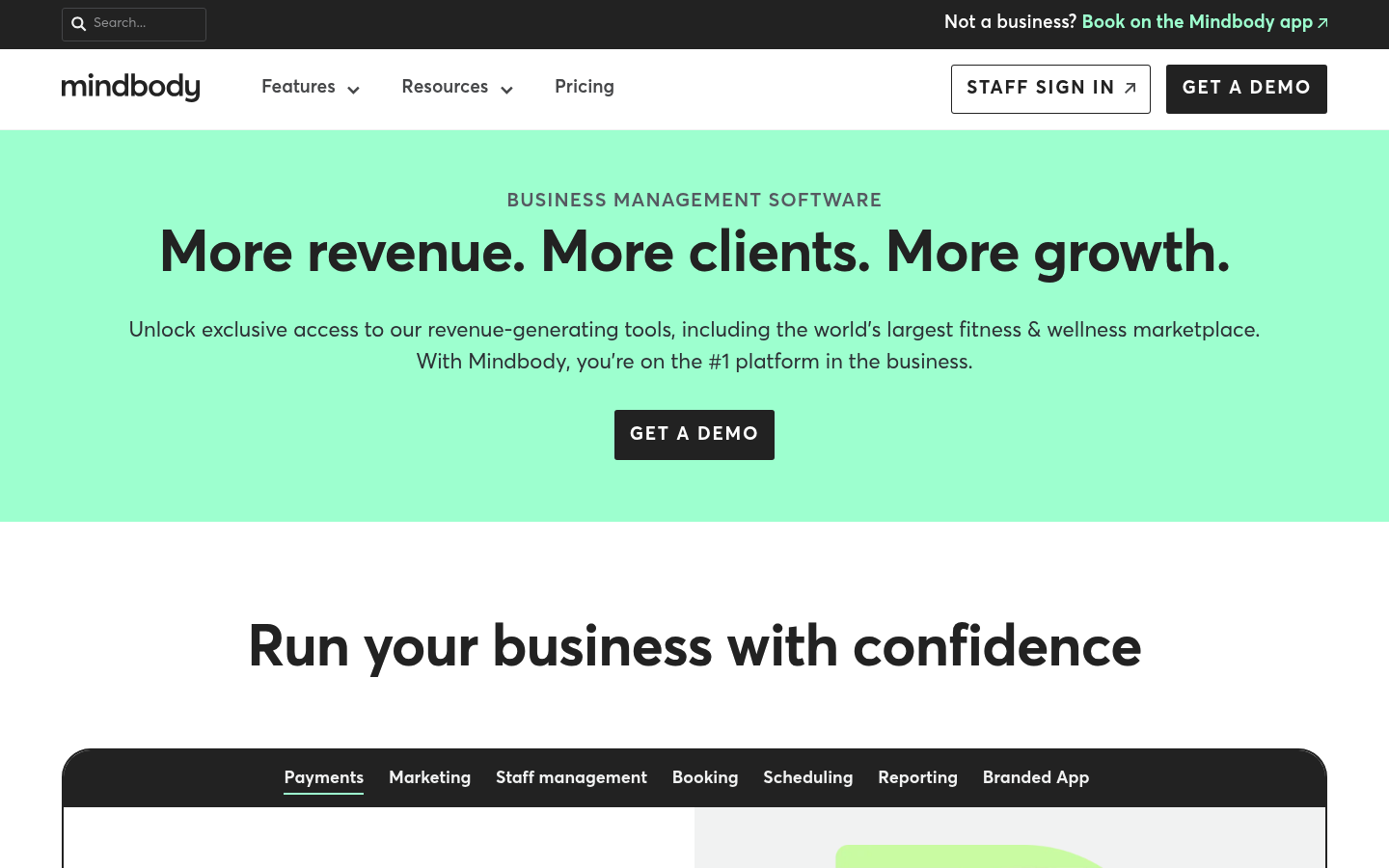
Mindbody is still the default for a reason: it’s widely adopted, feature-rich, and built for studios that want a platform that can support long-term growth. If you want marketplace discovery and a mature operational stack, it stays near the top of the list.
- Best for: Studios that benefit from marketplace visibility and want a deeply established studio management platform.
- Standout features: Broad scheduling, billing, and operations coverage.
- Integrations notes: Typically strong ecosystem expectations, but confirm what is included vs paid.
- Cost gotchas: Add-ons and premium features can stack; model total cost before committing.
- Not ideal for: Owners who want a lightweight system that is simple on day one.
Momence
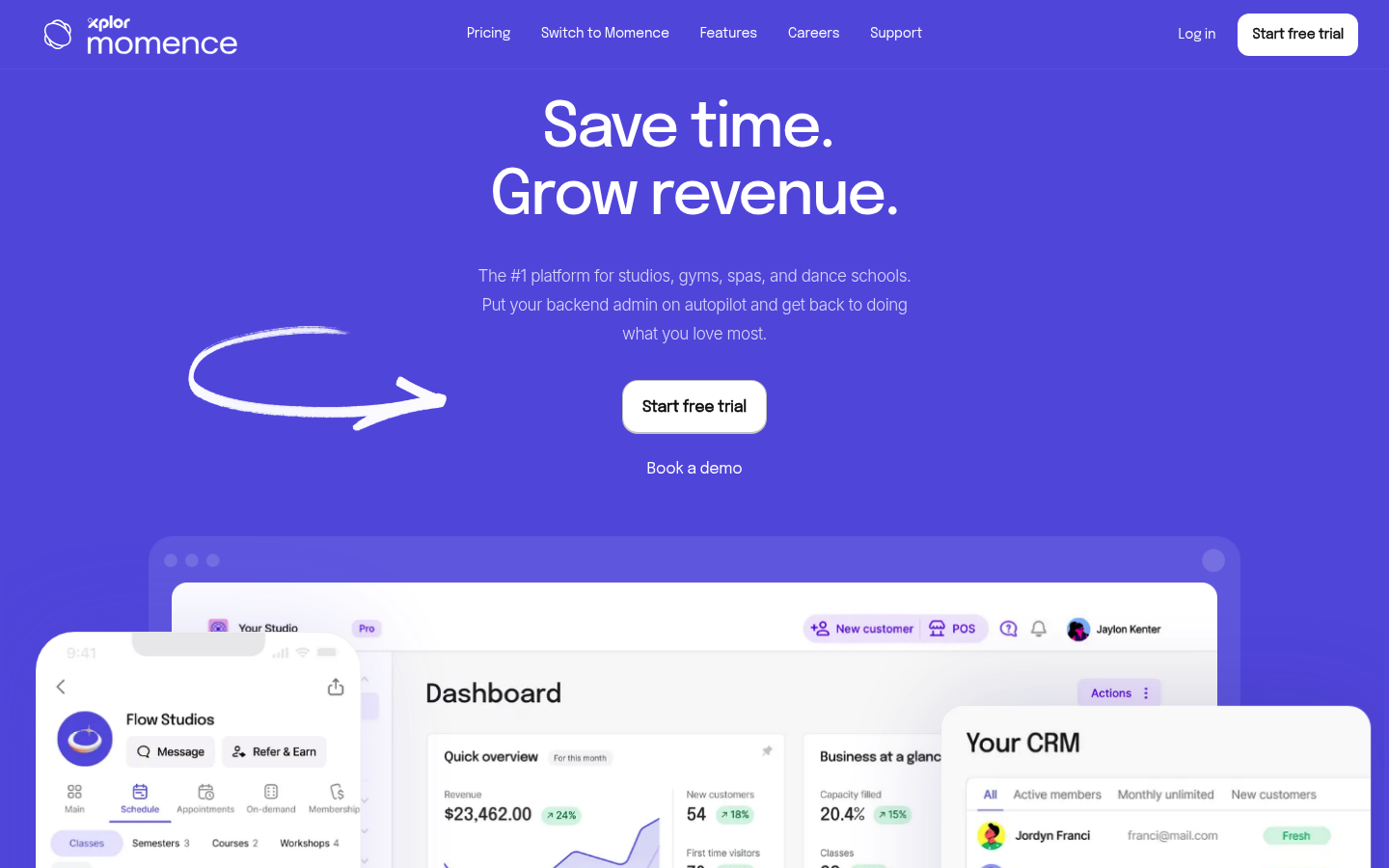
Momence tends to fit the “modern Pilates studio” sweet spot: you want online booking, clean purchase flows, automation, and marketing tools without inheriting a legacy interface. It’s a strong pick if you are growing but still want the system to stay understandable for staff.
- Best for: Independent studios optimizing for speed, modern UX, and reducing admin.
- Standout features: All-in-one approach that typically reduces reliance on extra tools.
- Integrations notes: Verify the exact data flow you need (accounting, CRM, analytics) before signing.
- Cost gotchas: Watch SMS and marketing-related usage charges.
- Not ideal for: Highly bespoke enterprise requirements across many locations.
Mariana Tek
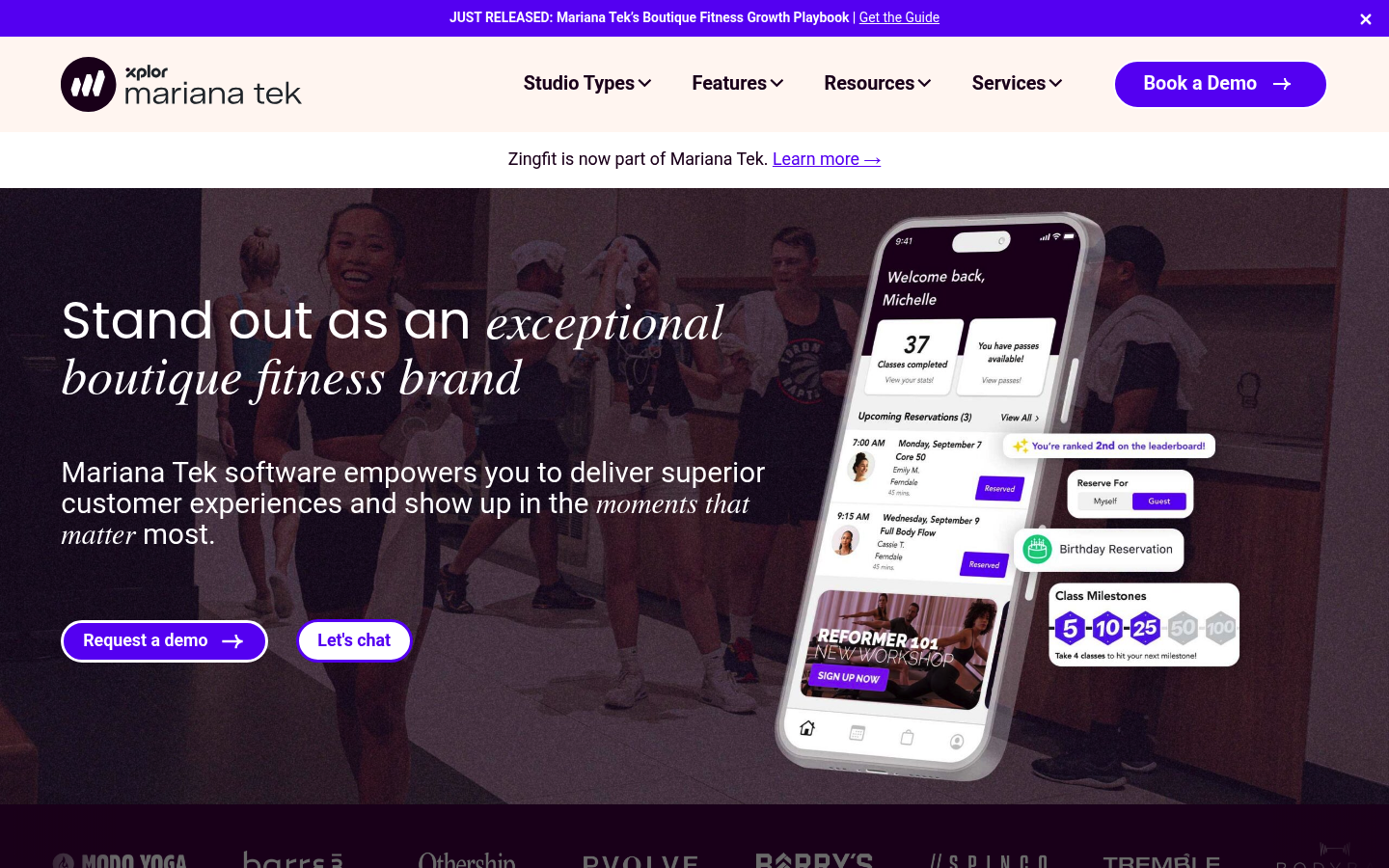
Mariana Tek is frequently associated with premium boutique fitness experiences. If you are multi-location or operating at a high-end brand level, it’s worth a serious look.
- Best for: Multi-location studios and premium operations.
- Standout features: Enterprise-grade operational posture and customer experience focus.
- Integrations notes: Expect deeper integrations, but validate what requires professional services.
- Cost gotchas: Implementation and ongoing platform costs can be higher.
- Not ideal for: Brand-new studios still testing product-market fit.
Vagaro
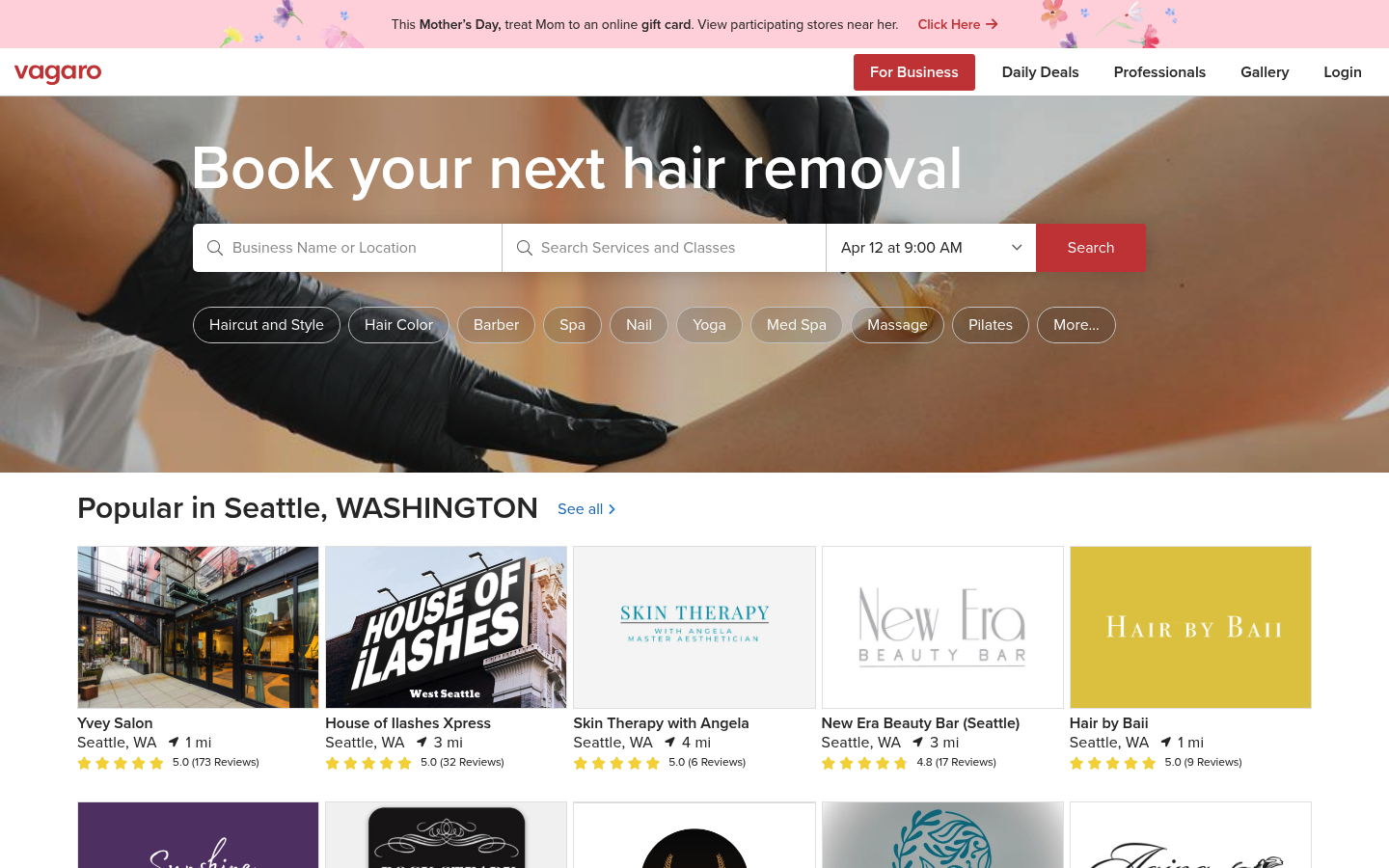
Vagaro is a practical option when you want scheduling and payments without a premium price tag. Many owners pick it because it is familiar, widely used across wellness, and can be stood up quickly.
- Best for: Budget-conscious studios that still want an established platform.
- Standout features: Solid core booking and client management.
- Integrations notes: Confirm the exact integrations you rely on; do not assume.
- Cost gotchas: Add-ons can change the “budget” story.
- Not ideal for: Studios with complex equipment-capacity rules and layered packages.
WellnessLiving
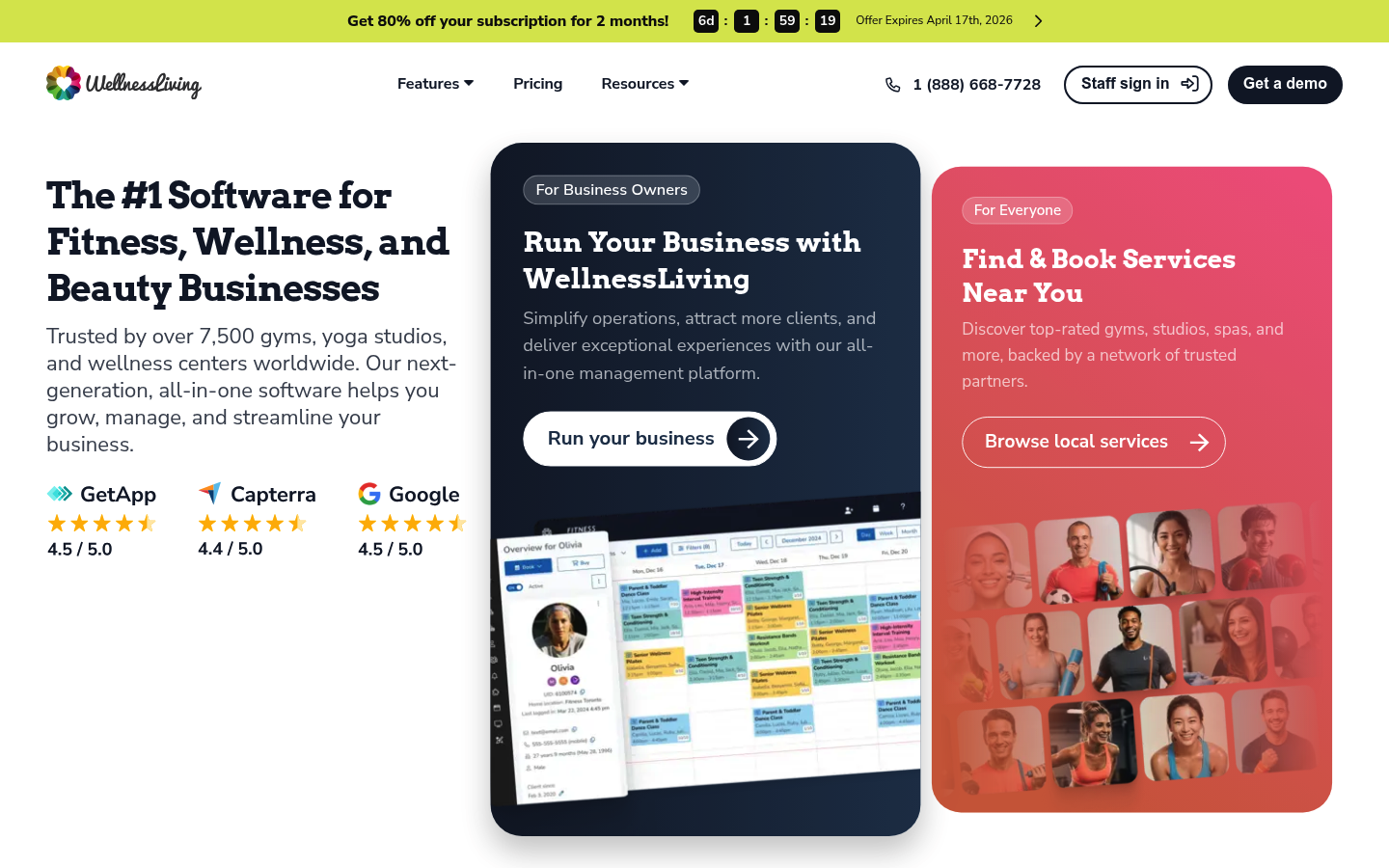
WellnessLiving aims to cover the whole studio: booking, billing, staff, and member engagement. It’s a viable “all-in-one” alternative when you want breadth and you are willing to validate the details on reporting and edge cases.
- Best for: Studios that want broad functionality in a single vendor.
- Standout features: Wide feature coverage for day-to-day ops.
- Integrations notes: Ask for a list of native integrations and what requires Zapier.
- Cost gotchas: Ensure you understand what is core vs optional modules.
- Not ideal for: Owners who want a minimal system with zero configuration.
Glofox
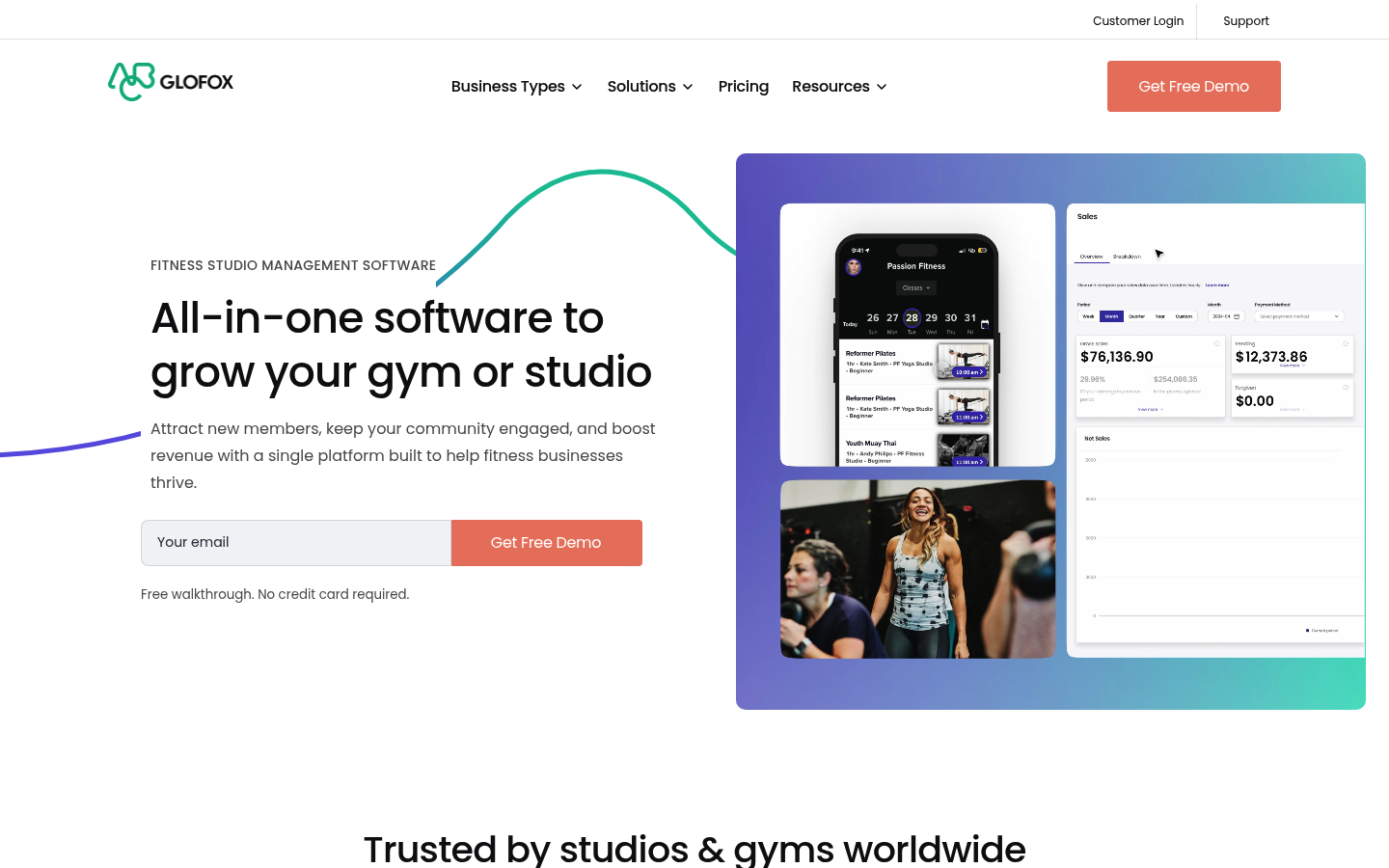
Glofox is positioned around membership growth and retention. If your revenue model is membership-led and you care about funnels, it can be a strong fit.
- Best for: Membership-driven studios that want retention tooling.
- Standout features: Member experience and lead-to-member operations.
- Integrations notes: Validate marketing automation and data export needs.
- Cost gotchas: SMS, marketing, and premium features can add up.
- Not ideal for: Studios that rely heavily on complex pack logic across many service types.
Zen Planner
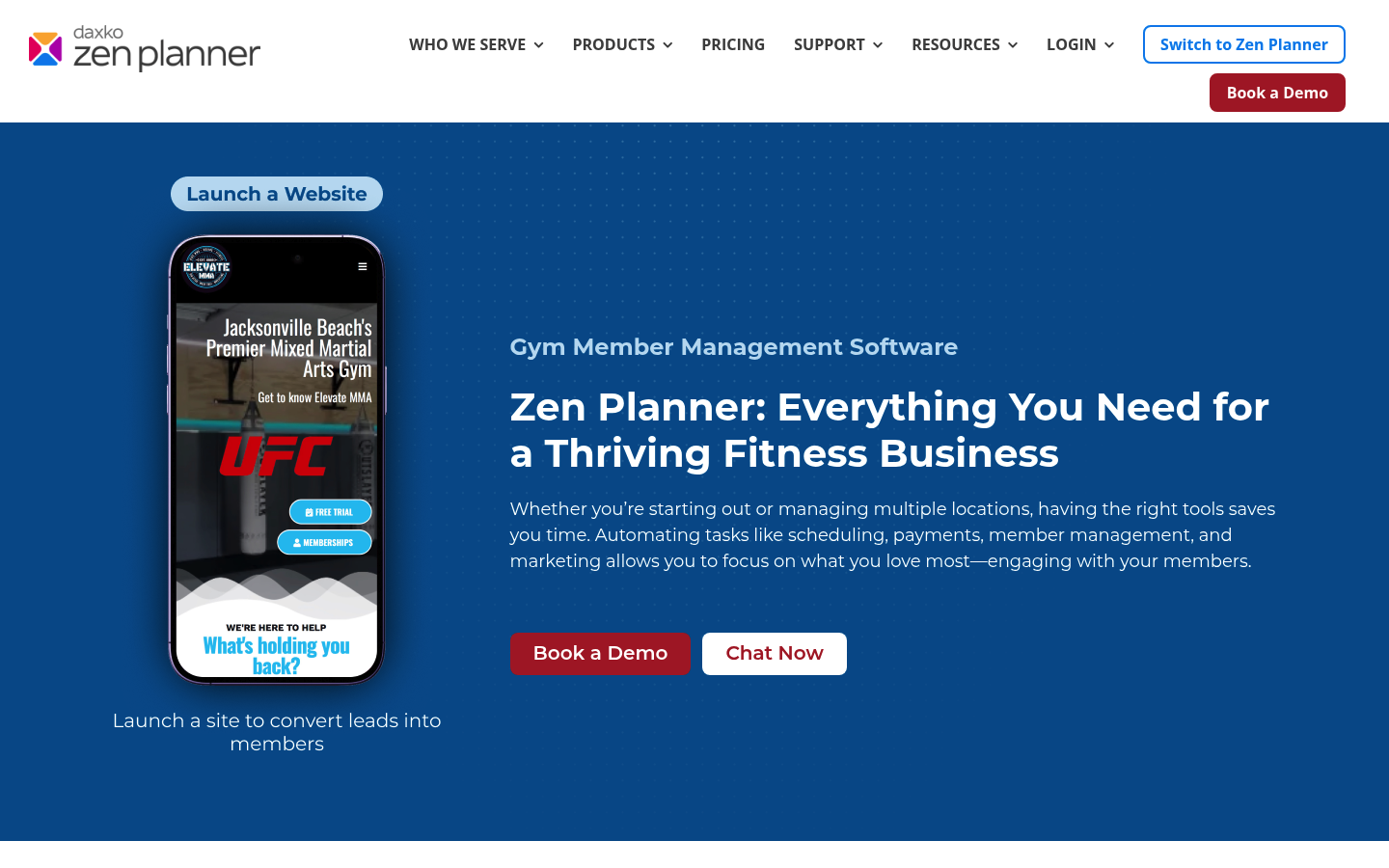
Zen Planner is often used in fitness settings where billing, attendance, and reporting matter and you want a platform with operational maturity. It can work well if your team values structured processes.
- Best for: Studios that care about billing and reporting discipline.
- Standout features: Strong operational orientation.
- Integrations notes: Confirm your must-have connections (payments, accounting, marketing).
- Cost gotchas: Be clear about what features are included at your tier.
- Not ideal for: Studios that want a highly branded, custom client portal without constraints.
Acuity Scheduling
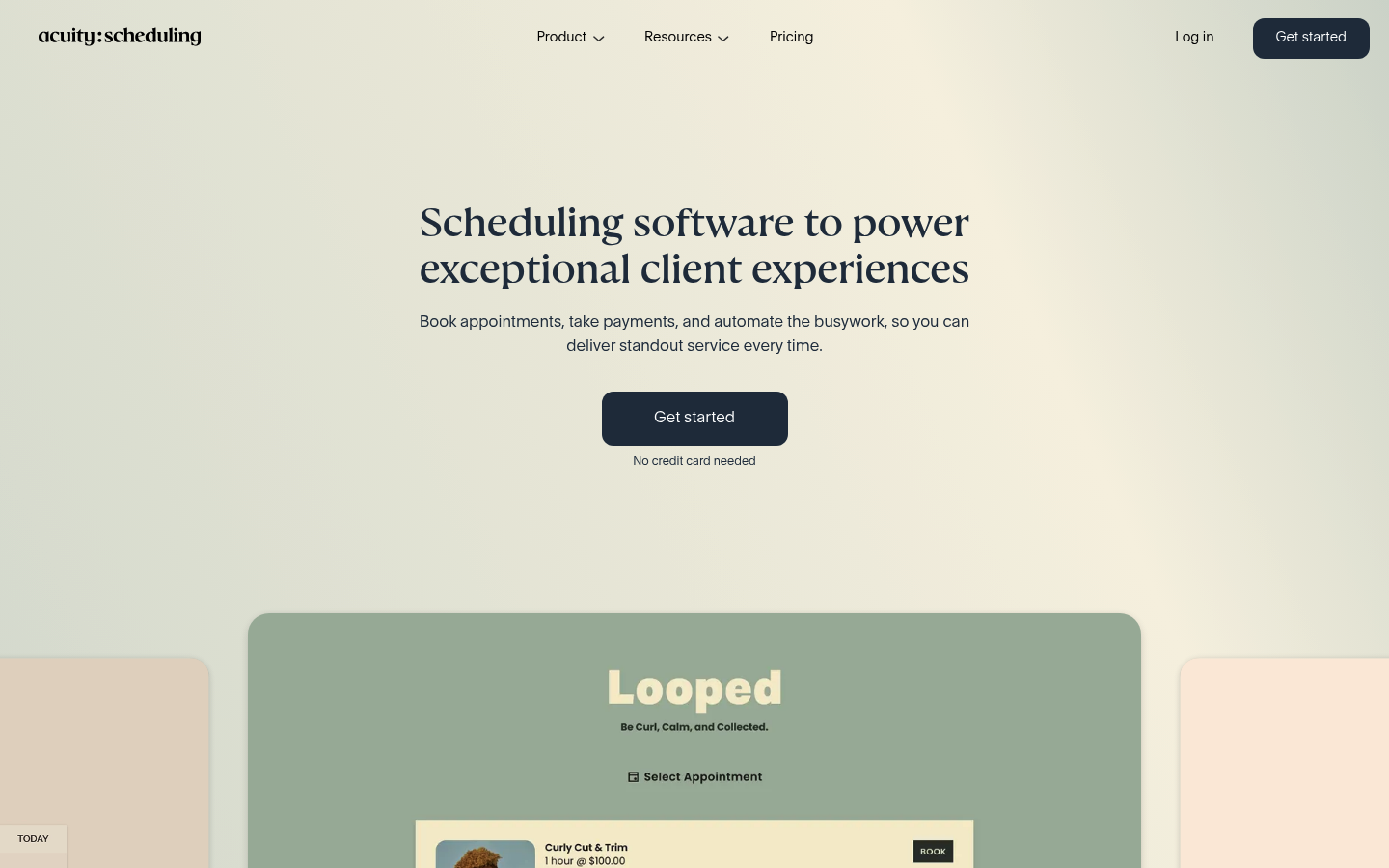
Acuity Scheduling is a great “privates-first” choice: if your studio is mostly appointments and small group sessions, it’s hard to beat for speed and simplicity. It is also a common stepping-stone before moving to a more complete studio system.
- Best for: Private sessions, instructor-led services, and small studios.
- Standout features: Fast setup and clean appointment booking.
- Integrations notes: Typically works well alongside other tools, but that means more integration responsibility for you.
- Cost gotchas: You may need additional tools for memberships, deep reporting, or marketing.
- Not ideal for: Reformer-heavy group schedules with equipment-level capacity rules.
StudioBookings
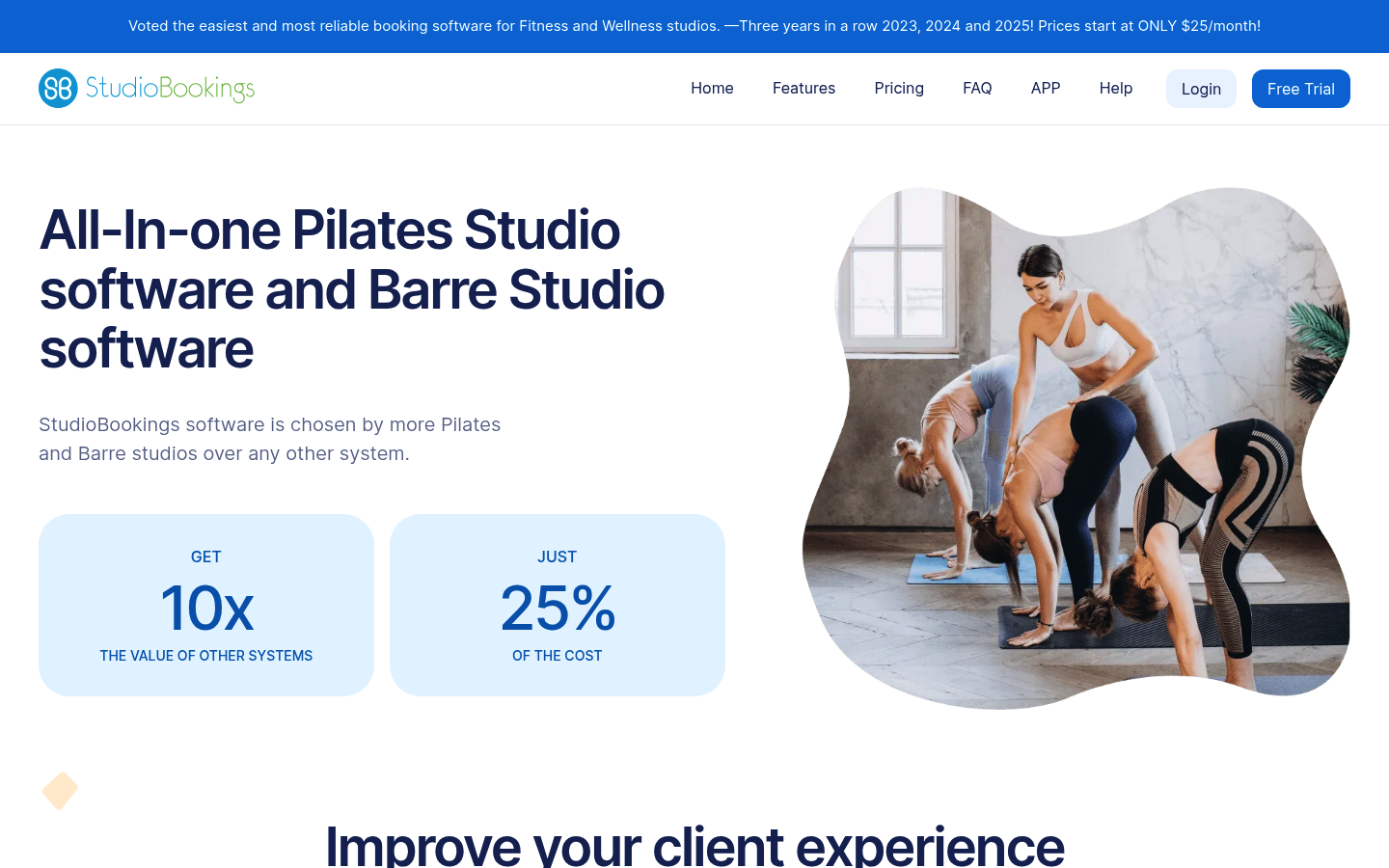
StudioBookings is a straightforward studio platform with a clearly stated low starting price. Their Pilates studio page explicitly says pricing “start[s] at ONLY $25/month,” which is helpful when you need a budget anchor while you grow.
- Best for: Lean studios that need core booking + billing on a tight budget.
- Standout features: Clear entry pricing and core studio feature set.
- Integrations notes: Their Pilates page mentions payments via Stripe and PayPal, so verify if that matches your operational needs and payout workflow.
- Cost gotchas: Low base price does not guarantee low total cost if you later need add-ons or additional tools.
- Not ideal for: Complex multi-location and highly customized reporting requirements.
OfferingTree
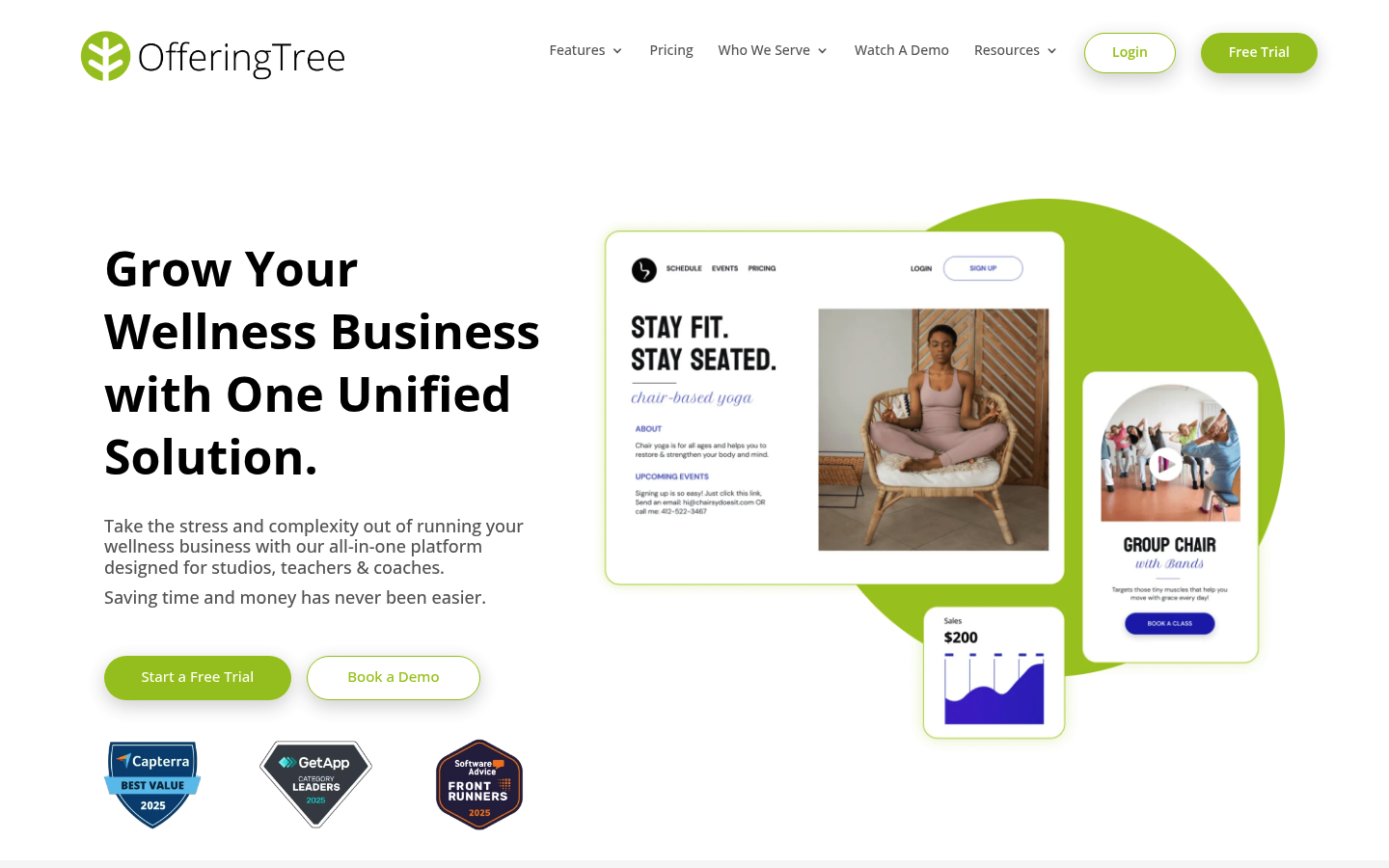
OfferingTree shows up often in “brand new studio” discussions because it compresses the launch stack: site, scheduling, and marketing in one place. If your goal is to open quickly and avoid stitching together five vendors, it’s worth shortlisting.
- Best for: New studios launching quickly with a simple tech stack.
- Standout features: Website + booking + marketing in one platform.
- Integrations notes: Confirm what exports and automations exist if you plan to scale.
- Cost gotchas: Switching later can be painful if you did not plan your data exports.
- Not ideal for: Multi-location operations with complex permissions and deep analytics.
Workflow fit guide: match software to your studio model
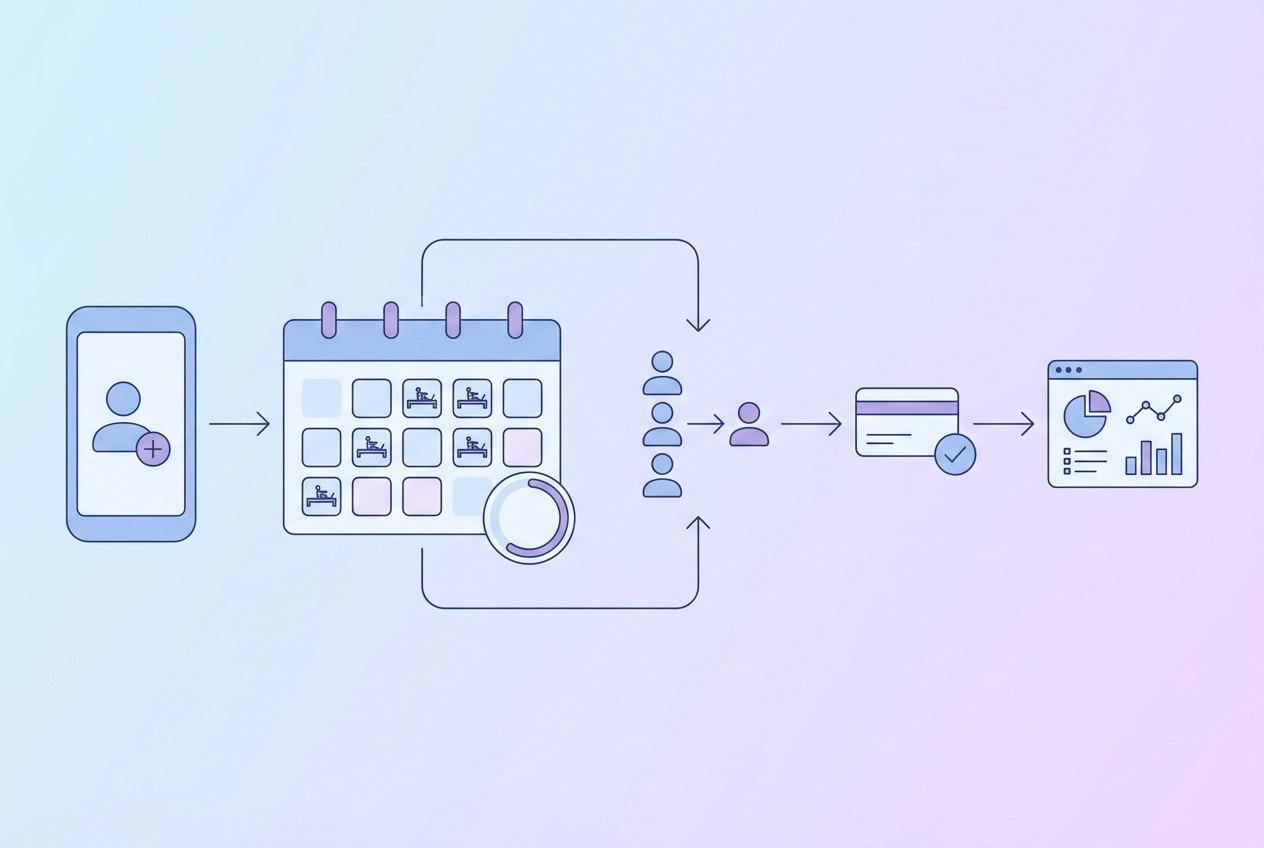
Most “best software” lists skip the part that actually decides success: your studio model.
Quick decision matrix
| Studio model | What breaks first if software is wrong | What to prioritize | Examples to shortlist |
|---|---|---|---|
| Privates-heavy | Package redemption confusion, instructor scheduling collisions | Appointment UX, recurring bookings, packs, intake | Acuity, Momence |
| Group reformer focus | Capacity oversell, waitlist chaos, unfair auto-fill timing | Resource/capacity rules, waitlists, cutoffs | Momence, Mindbody |
| Hybrid (privates + groups + memberships) | Billing edge cases, reporting for pay, mixed credits | Membership logic, reports, staff permissions | WellnessLiving, Zen Planner |
| Multi-location/enterprise | Permissions, inconsistent policies, unreliable reporting | Roles, auditability, consolidated reporting | Mariana Tek, Mindbody |
Start small vs scale
It can be rational to start with a simpler platform if:
- You are pre-launch or under 50 active clients.
- Your pricing model is simple (one intro offer, one membership, one pack).
- You are still learning what policies you will enforce.
But plan the migration from day one: choose a system that can export client lists, purchases, memberships, and upcoming bookings cleanly. Your future self will thank you.
Integrations that matter most
Integrations are where “booking software” turns into “business system.” The goal is not more integrations. The goal is fewer manual reconciliations.
Payments
When a vendor says “integrated payments,” confirm what that really means:
- Refund workflow: Can staff process partial refunds without owner intervention?
- Chargebacks and disputes: Is the status visible inside the platform?
- Saved cards: Can you securely keep cards on file for no-show fees?
- Payout timing and reporting: Can you reconcile deposits to sales reports without spreadsheets?
Accounting
Even if you are not doing advanced accounting, you should ask:
- Can you export sales by product type (membership vs pack vs single class)?
- Can you separate taxes (if applicable) and tips (if applicable)?
- Can you map revenue to locations and instructors?
Marketing and CRM
At minimum, verify:
- Segmentation: New client, returning, at-risk, inactive.
- Automations: “Bought intro offer but didn’t book,” “no-show,” “membership failed payment.”
- Data access: Zapier, webhooks, or API so you are not trapped.
Waivers and intake
Treat waivers as operational infrastructure:
- Retrieval: Can front desk pull a signed waiver in seconds?
- Access controls: Limit who can see health details.
- Retention: Confirm how long waivers are stored and how you export them.
Questions to ask on a demo
- Which exports do I get on day one: clients, purchases, memberships, credits, bookings, attendance?
- How do you handle waitlist auto-fill cutoffs and notifications?
- Show me a membership cancellation end-to-end, including confirmation and proration policy.
- What happens when a card fails on autopay and how do retries work?
- What is your exact path for Zapier/webhooks/API access?
Pricing expectations and the real cost drivers
Studios get burned when they compare only the base monthly subscription. The real budget is total cost of ownership (TCO):
- Base subscription
- Payment processing (card fees, refunds, chargebacks)
- Usage costs (SMS reminders, marketing email volume)
- Add-ons (branded app, extra locations, extra staff seats)
- Onboarding and migration (setup help, data cleanup)
- Support tier (response times, dedicated rep)
Cost driver table
| Cost driver | When it shows up | How to control it |
|---|---|---|
| SMS fees | When you turn on confirmations, reminders, marketing | Use SMS for high-value moments only; keep routine comms on email |
| Add-on modules | When you want marketing automation, advanced reporting, branded apps | Identify “must have” vs “nice to have” before contracting |
| Extra locations and staff seats | When you expand or add front desk coverage | Standardize roles early; avoid giving everyone admin access |
| Migration help | When you switch platforms or clean up years of messy packs | Do a one-time data audit and simplify products before importing |
| Custom reporting | When payroll and instructor pay gets complicated | Define pay rules and required exports upfront |
A practical anchor: StudioBookings publicly advertises pricing starting at $25/month, but you still need to account for payment processing and any workflow gaps you will cover with other tools.
Compliance and trust checklist
This is the unglamorous part that prevents chargebacks, complaints, and avoidable risk.
-
Payment security expectations: If your booking software processes card payments, confirm how they align with current PCI requirements. The PCI Security Standards Council notes that PCI DSS v4.0 retired on Dec 31, 2024 and that PCI DSS v4.0.1 is the active standard, with new requirements effective March 31, 2025 per their update, Just Published: PCI DSS v4.0.1. You are not trying to become a security expert. You are verifying your vendor is not behind.
-
Membership cancellation flow: If you sell recurring memberships, your cancellation experience matters legally and reputationally. The Federal Trade Commission explains that businesses should disclose material terms clearly, obtain informed consent, and make cancellation as easy as sign-up in its guidance on the amended rule, Click to Cancel. Screenshot your own membership checkout and cancellation steps so you can prove what clients see.
-
SMS reminders and opt-out handling: If you text clients for reminders or marketing, you need a clean opt-out. The FCC’s order explains consumers can revoke consent in any reasonable manner and that opt-out words like STOP, QUIT, END, REVOKE, OPT OUT, CANCEL, UNSUBSCRIBE are per se reasonable, with requests honored within a reasonable time not to exceed 10 business days in FCC 24-24. Build this into your process before you scale texting.
-
Consent scope and one-to-one expectations: If you collect consent through forms, confirm how consent is captured and tied to the specific interaction, especially as rules evolve. The FCC’s small entity guide summarizes compliance expectations in DA 24-910.
-
Account security for staff: Booking systems hold client contact data, purchase history, and often staff schedules. Treat MFA and least-privilege roles as baseline, consistent with NIST guidance in Digital Identity Guidelines (SP 800-63-3).
Alternatives and when they win
If none of the 10 fit, these can win in narrower scenarios:
- Schedulicity: Useful if you want simple appointment scheduling with minimal overhead.
- Calendesk: Sometimes chosen by new studios looking for an affordable scheduling-first tool.
- Exercise.com: Better when you want a broader fitness platform feel with coaching content.
- Hapana: Can fit studios that want a more customized management approach.
- bsport: Worth a look if you are prioritizing a modern, premium client experience.
Build vs buy: when a custom Pilates booking app is the better move
Off-the-shelf platforms are fastest when your business model matches their assumptions. The moment you need “Pilates-specific weirdness,” you start paying with manual work.
Consider building (or partially building) when you need:
- Custom cancellation and penalty logic: Different rules by class type, instructor tier, or membership status.
- Complex packs and perks: Credits that behave differently across privates, duets, and group reformer, with clean reporting.
- Unique waitlist logic: Auto-fill rules that prioritize membership tiers or limit last-minute churn.
- Custom intake and onboarding: Forms that feed directly into staff workflows, not PDFs buried in a profile.
- Instructor pay exports that match reality: Your payroll is only as good as your data model.
A hybrid approach often works best: keep a proven payments stack, keep reliable messaging, and build the client portal and policy logic you cannot get from a vendor.
If that’s what you need, Quantum Byte is designed for founders who want speed without locking into a rigid platform. You can start from booking and client-portal templates, then tailor flows and rules with natural language prompting. If you want to explore what a custom booking experience would cost, you can review options at Quantum Byte.
Implementation timeline: a realistic 2–4 week switch plan
A clean switch is mostly planning and product mapping. The actual “turn it on” part is the easy part.
Week 1: audit and mapping
- Export what you have: clients, purchases, memberships, active credits/packs, upcoming bookings, staff, and key reports.
- Simplify your product catalog: merge redundant packs, standardize naming, and remove legacy one-offs.
- Map policies: cancellation windows, no-show fees, waitlist cutoffs, intro offer rules.
Week 2: configure and test core workflows
- Set up roles and permissions: owner, admin, front desk, instructor.
- Configure payments: taxes (if applicable), refunds, autopay retries.
- Rebuild your schedule: class types, instructors, resource capacity.
- Test three money workflows: buy a pack, book from pack, cancel and verify credit behavior.
Week 3: migrate and train
- Import data: clients, memberships (or recreate), credits, and future bookings.
- Waivers and intake plan: decide whether to migrate historical waivers or store them separately.
- Staff training: front desk scripts for common issues (late cancel, membership pause, waitlist).
Week 4: parallel run and cutover
- Parallel run (optional): For high-volume studios, run both systems for 3 to 7 days to validate reporting and attendance.
- Cutover checklist: lock schedule edits, final export, import deltas, verify payment flows, verify SMS/email templates, publish new booking links.
Post-launch
- Reconcile deposits vs reports daily.
- Monitor waitlist behavior. If auto-fill timing feels wrong, adjust immediately.
- Spot-check cancellation enforcement so staff behavior matches policy.
Key takeaways: how to choose in one demo cycle
You can pick confidently with two demos and a short test script.
- Match the platform to your studio model. Privates-first and reformer-heavy group schedules break in different ways.
- Stress-test packages, memberships, and policies. Edge cases are where admin time explodes.
- Validate integrations up front. Payments, accounting exports, and marketing automations decide your real workload.
- Model total cost, not base price. SMS, add-ons, and onboarding are the usual surprises.
- Confirm you can export your data. Your leverage is your ability to leave.
Frequently Asked Questions
What does Reddit recommend as the best pilates booking software?
Reddit threads tend to favor tools that are quick to launch and not overly complex for a new studio. The consistent theme is to avoid buying an enterprise platform before you have stable demand, then upgrade once your schedule, packages, and policies are proven.
Is there any free Pilates booking software?
Truly free options usually stay “basic scheduling” only. Once you need memberships, packs, waivers, waitlists, and automated reminders, you are typically into paid plans or you are stitching together multiple tools, which costs time even if it saves subscription dollars.
Is Acuity Scheduling enough for a Pilates studio?
Acuity can be enough if your business is privates-heavy, your pricing is simple, and you do not need complex membership logic or equipment-level capacity controls. If you run reformer group classes with waitlists, you will usually outgrow it.
Should I choose Mindbody for my Pilates studio?
Choose Mindbody when you value a mature ecosystem and marketplace exposure and you can tolerate a heavier setup and potentially higher total costs. If you prioritize a simpler daily workflow and brand-first experience, a modern all-in-one like Momence is often a better starting point.
Start building
If you are stuck between “too rigid” studio software and “too much work” custom development, build the booking experience you actually want.
Start with Quantum Byte to:
- Launch fast: Use plug-and-play templates for booking, client portals, and common studio workflows.
- Customize without a long dev cycle: Adjust policies, packages, and flows by describing what you want.
- Scale like a real product: You are not locked into someone else’s roadmap.
Quantum Byte was built for founders and operators who need momentum. In one speed-to-launch example, comedian Aziz Ansari created an app for his film project “Good Fortune” in minutes without prior app-building experience. If you want that same speed for your studio’s booking and member experience, start here: Quantum Byte.