You’ll get the best pilates studio software when it matches your actual operating model (privates vs reformer classes vs hybrid), not when it has the longest feature list. For most studios in 2026, the “default” win is an all-in-one platform that handles scheduling, memberships/packs, payments, waitlists, reminders, waivers, and reporting without adding admin hours.
If you are also trying to reduce manual admin across your studio, Quantum Byte’s guide on automate business processes is a useful companion for spotting the repeatable workflows worth systematizing.
Quick verdict: best picks by studio type
If you want a shortlist in under a minute, start here.
- Best all-in-one for most Pilates studios: Momence (strong balance of booking, memberships, communications, and reporting without feeling enterprise-only)
- Best Pilates-first modern operator experience: Walla (great fit for boutique studios that care about client experience and clean workflows)
- Best value all-in-one for growing studios: WellnessLiving (broad feature coverage with a more “platform” feel)
- Best for multi-location scale and marketplace exposure: Mindbody (powerful, but can feel heavy and quote-driven)
- Best enterprise / premium studio brands: Mariana Tek (strong for high-touch, multi-location operations)
- Best “privates-first” lightweight scheduler: Acuity Scheduling (simple, fast, easy to start, but limited for memberships and complex capacity)
One important distinction: “lightweight schedulers” (great for privates and simple payments) are not the same category as “full studio platforms” (built for memberships, capacity rules, payroll exports, marketing automation, and scale). The rest of this guide helps you choose the right category before you pick a vendor.
Comparison table: features that matter for Pilates studios
Use this table as your demo scorecard.
| Software | Classes + privates | Memberships + packs | Waitlist + capacity rules | Automated reminders | Waivers / e-sign | Reporting | Marketing (email/SMS) | Payments / POS | Multi-location | Branded app | Pricing transparency |
|---|---|---|---|---|---|---|---|---|---|---|---|
| Momence | Strong | Strong | Strong | Strong | Strong | Strong | Strong | Strong | Good | Optional | Partially transparent |
| Walla | Strong | Strong | Strong | Strong | Strong | Strong | Good | Strong | Good | Optional | Quote-based |
| WellnessLiving | Strong | Strong | Strong | Strong | Strong | Strong | Strong | Strong | Strong | Optional | Quote-based |
| Mindbody | Strong | Strong | Strong | Strong | Strong | Strong | Strong | Strong | Strong | Optional | Quote-based |
| Mariana Tek | Strong | Strong | Strong | Strong | Strong | Strong | Strong | Strong | Strong | Optional | Quote-based |
| Arketa | Strong | Strong | Good | Good | Good | Good | Strong | Strong | Good | Optional | Partially transparent |
| TeamUp | Strong | Strong | Good | Good | Good | Good | Good | Good | Good | Optional | Transparent/partially |
| Vagaro | Strong | Good | Good | Good | Good | Good | Good | Strong | Good | Optional | Partially transparent |
| Acuity Scheduling | Good | Limited | Limited | Good | Good | Basic | Limited | Strong | Limited | No | Transparent |
| StudioBookings | Good | Good | Good | Good | Good | Good | Limited | Strong | Good | Optional | Transparent/partially |
Real cost usually comes from add-ons and scale: SMS volume, branded apps, additional locations, staff seats, onboarding/migration help, and payment processing.
Non-negotiable feature checklist
A “Pilates studio” is a capacity-and-policy business. Your software needs to enforce rules automatically, or your front desk ends up doing it manually.
- Class scheduling plus resource capacity: You need classes, privates, and resource constraints like reformer count. If your system can’t cap by equipment, you’ll overbook.
- Intro offers and first-timer flow: Trial packs, “new client” eligibility rules, and automated comms that reduce back-and-forth.
- Packs versus memberships: Packs should expire and be shareable or not (your choice). Memberships need billing rules, pauses, and proration options.
- Waitlists and late-cancel rules: Waitlist logic, cutoffs, auto-fill, and penalty policies should be configurable, not improvised.
- Instructor permissions: Different access levels for instructors, front desk, and owners. This matters once you hire.
- Attendance and utilization reporting: At minimum, you should see class fill rate, instructor performance, and revenue by service.
- Client notes and flags: Pilates is not healthcare, but you will still store health-adjacent notes (injuries, contraindications, pregnancy). You want secure access controls and clean audit trails.
- Retail and POS (if applicable): Grippy socks, straps, merchandise, and gift cards should not require a separate system unless you prefer it.
- Payroll/export (if applicable): If you pay instructors by attendance, revenue share, or tier, you need exports that match your payroll process.
Automated reminders are not just “nice UX.” A systematic review in Patient Preference and Adherence found appointment reminders improve attendance versus no reminders, with pooled relative risk roughly in the 1.06 to 1.10 range depending on modality and setting, and noted that phone reminders can increase cancellations and rescheduling behavior in some contexts, which is operationally useful when you also run waitlists and backfills (Appointment Reminder Systems Are Effective but Not Optimal).
Nice-to-haves (only pay for these if they support your business model):
- Video-on-demand library
- Wearable integrations
- Branded client app
- Two-way texting
- Referral tracking
How to pick the right category: lightweight scheduler vs full studio platform
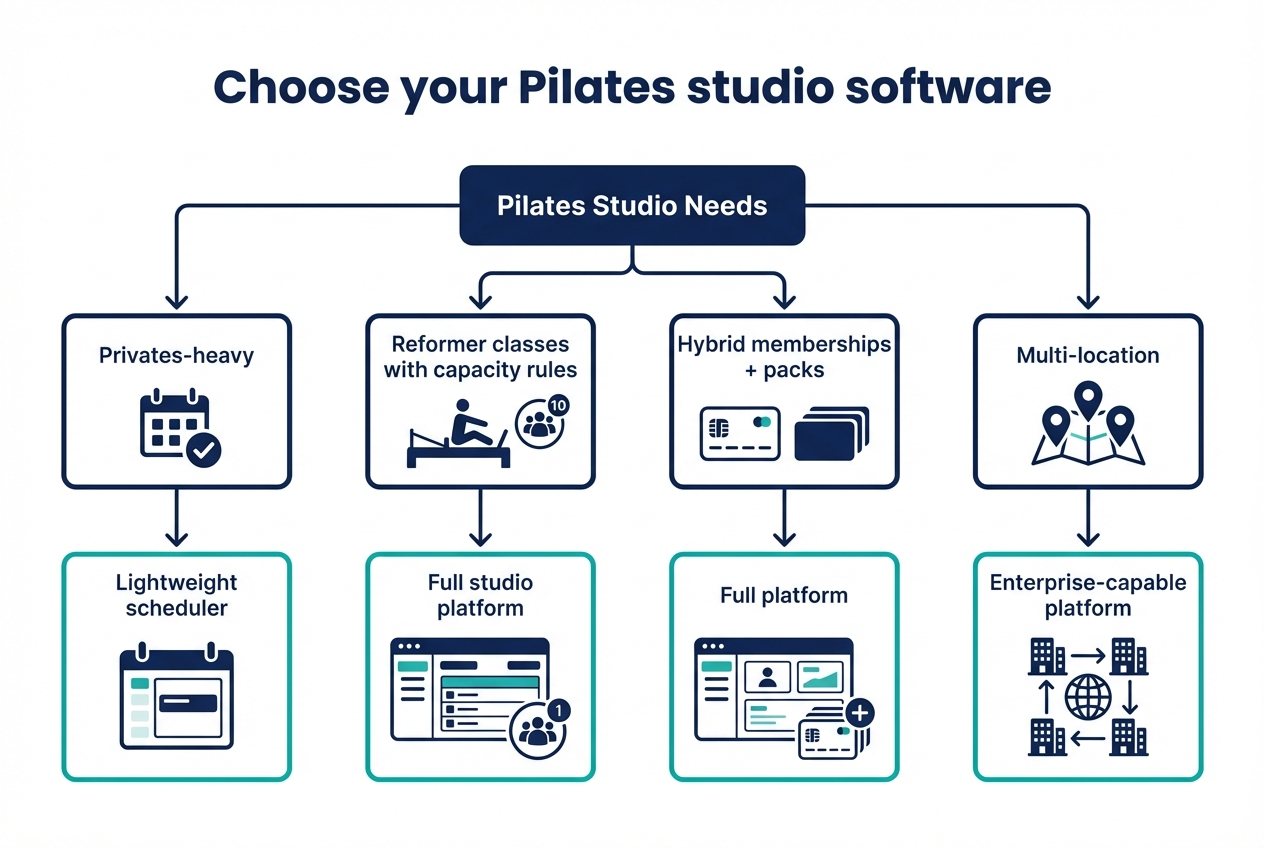
Most bad purchases happen because a studio buys a scheduler when it needs a management system, or buys a management system when it really wanted a scheduler.
A practical decision tree
Follow the first statement that sounds like your studio.
- You are privates-heavy (80%+ private sessions) and you do not sell complex memberships
- Choose a lightweight scheduler (Acuity) or a simpler studio tool.
- You’ll optimize for: speed, low cost, minimal setup.
- You run reformer classes with real capacity rules and waitlists
- Choose a full studio platform (Momence, Walla, WellnessLiving, Mindbody).
- You’ll optimize for: capacity, policies, waitlist automation, reporting.
- You are hybrid (privates + classes) and you sell memberships, packs, intro offers
- Choose a full platform unless your membership rules are extremely simple.
- You’ll optimize for: billing logic, package rules, client communication.
- You are multi-location or plan to be
- Choose a platform that supports consistent reporting across locations and clear staff permissions (Mindbody, Mariana Tek, WellnessLiving).
- You’ll optimize for: role-based access, cross-location reporting, standardized offers.
If you are building something multi-location and want deeper governance, integrations, and support, Quantum Byte’s enterprise app builder is designed for teams that cannot fit inside an off-the-shelf workflow.
What you’ll outgrow if you pick the lightweight path
Lightweight schedulers usually break first on:
- Membership edge cases: freezes, holds, proration, multiple membership types per client
- Policy enforcement at scale: late-cancel windows, waitlist fill cutoffs, no-show penalties
- Staff and permissions: separate roles, audit logs, limited access for instructors
- Reporting: cohort retention, utilization, revenue attribution by service/instructor
- Multi-location: roll-up reporting and consistent offer governance
If you can name two items from that list that you will need within the next year, start with a full platform.
Top 10 best Pilates studio software
These picks are intentionally opinionated. The goal is not to list every option, it’s to get you to a confident shortlist.
Momence
- Best for: Boutique studios that want an all-in-one system without the “enterprise bloat” feel.
- Watch-outs: Confirm how pricing scales with locations, SMS volume, and add-on modules.
- Integration note: Validate payment processor options and any accounting exports you rely on.
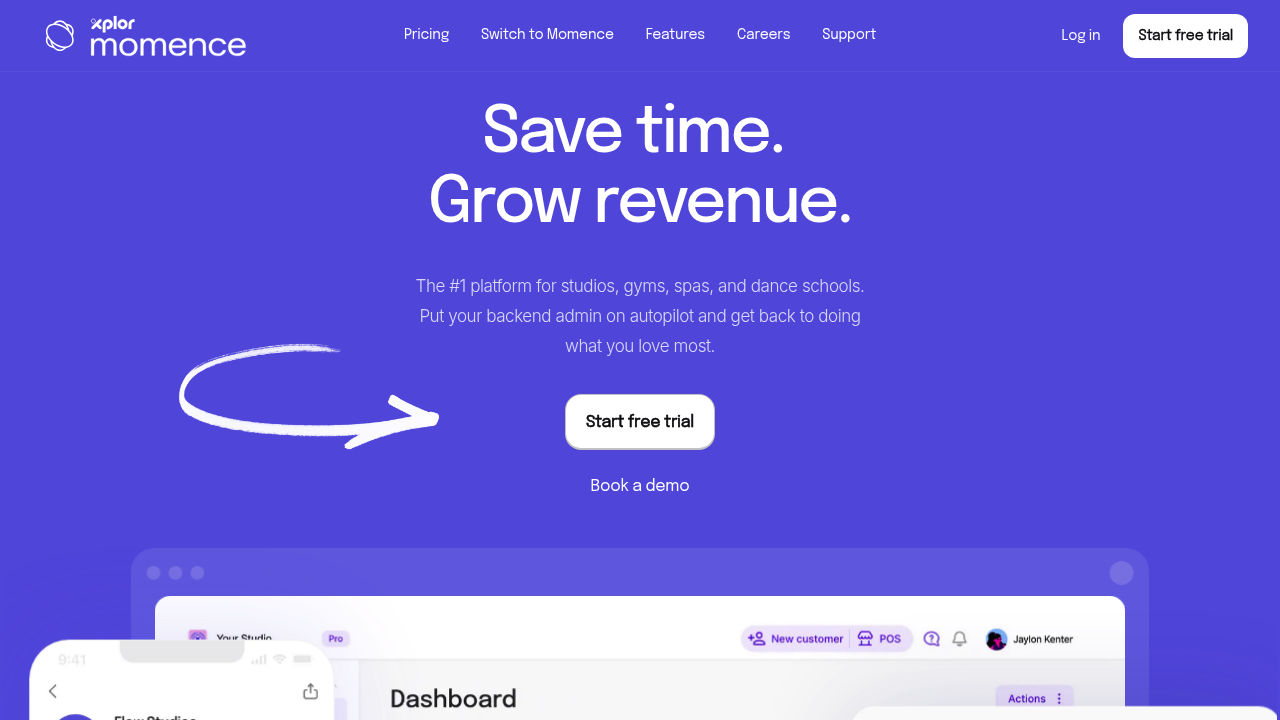
Momence is a strong default because it tends to cover the full operating loop: client booking, payments, memberships/packs, automated comms, and reporting. If your studio runs both privates and classes, it’s usually a clean fit.
Limitations show up when you have highly custom billing rules or want a deeply unique client experience that requires bespoke workflows.
Walla
- Best for: Pilates-first studios that care about clean workflows and a modern operator experience.
- Watch-outs: Ask exactly what is included in onboarding and what costs extra.
- Integration note: Check integrations for messaging and any marketing stack you already use.
Walla is a great choice if your brand is premium and your staff needs a system that “gets out of the way.” Studios that emphasize client experience, policies, and staff usability tend to like it.
Tradeoff: like many modern platforms, costs can be less transparent up front, so get an itemized quote early.
WellnessLiving
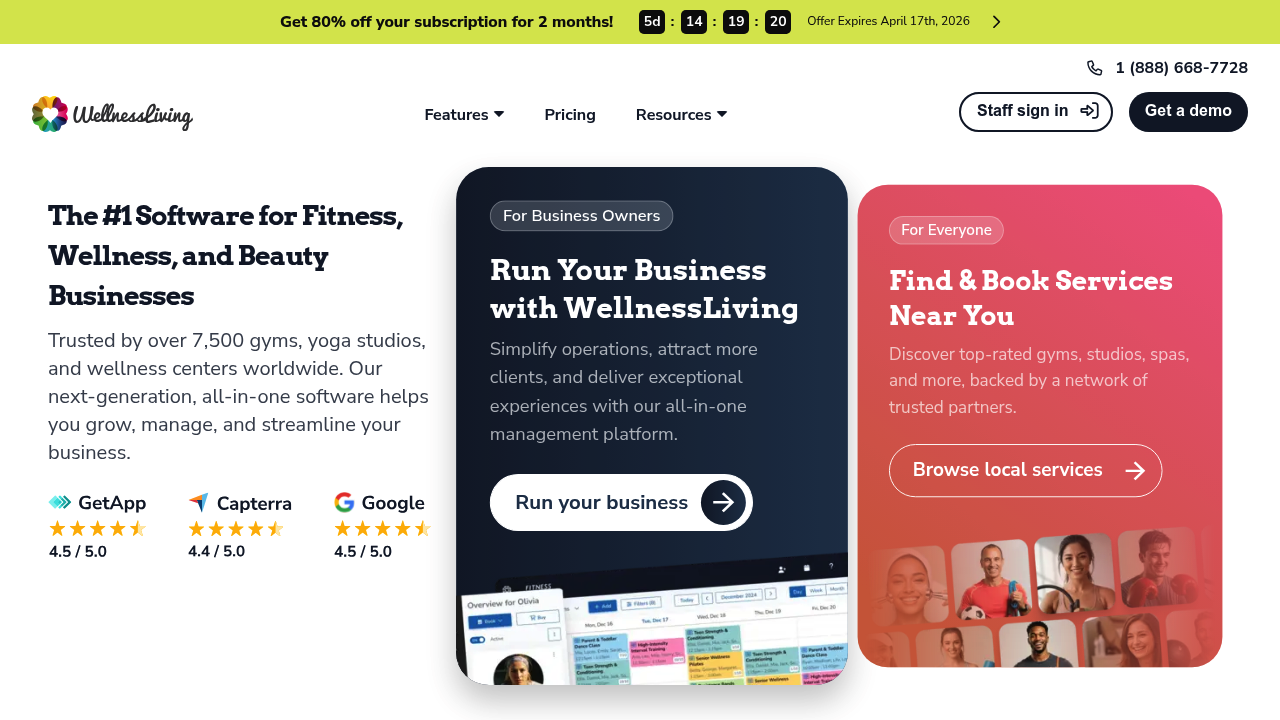
- Best for: Growing studios that want broad feature coverage: scheduling, memberships, marketing, reporting.
- Watch-outs: Make sure your team is comfortable with a more expansive platform and admin area.
- Integration note: Confirm POS and payment terminal support if you sell retail.
WellnessLiving is a classic platform play. It can replace multiple tools if you are currently juggling a scheduler, email marketing tool, and POS.
Downside: if you want a minimal interface and fast setup, it may feel like more system than you need.
Mindbody
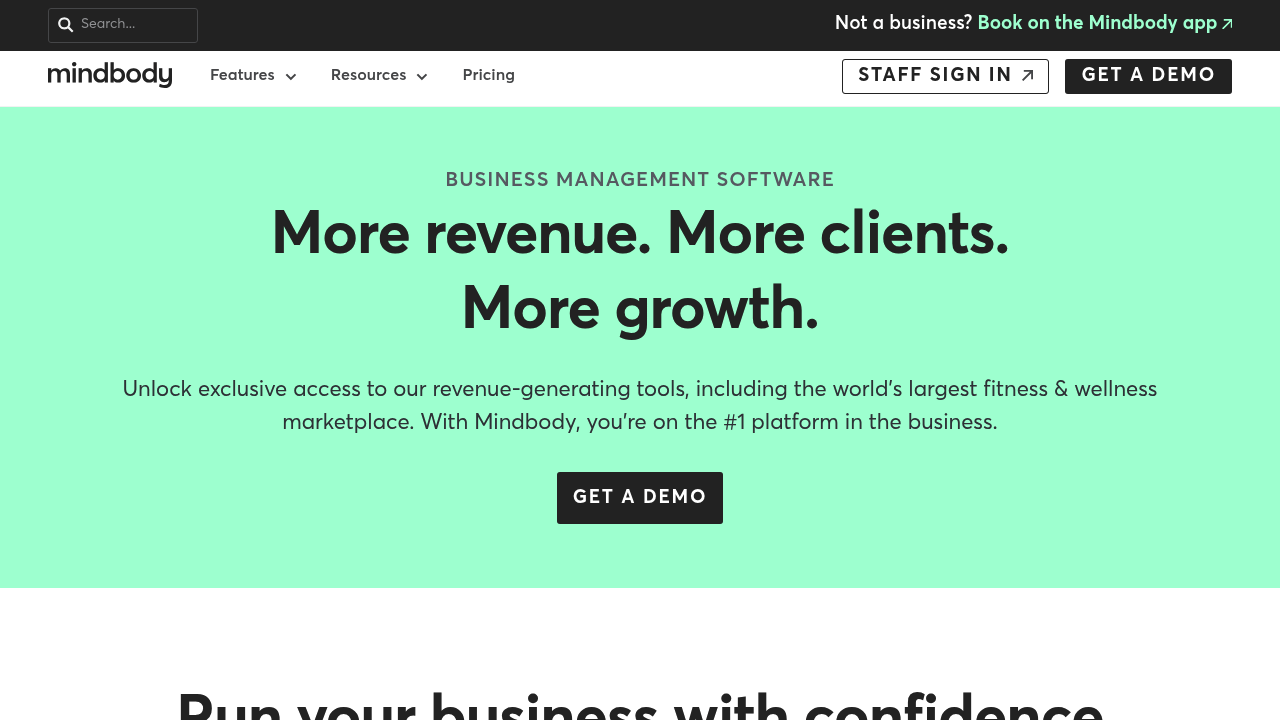
- Best for: Multi-location studios and operators who want a mature ecosystem and marketplace exposure.
- Watch-outs: Expect quote-based pricing and a heavier implementation and admin experience.
- Integration note: Ask about API access, data exports, and what is possible without add-ons.
Mindbody is powerful and widely used, which can help if you hire staff who already know the system. It’s especially relevant when you want robust reporting, multi-location controls, and a large integration ecosystem.
The tradeoff is complexity. If you do not need enterprise-grade structure, you may end up paying for features you will never use.
Mariana Tek
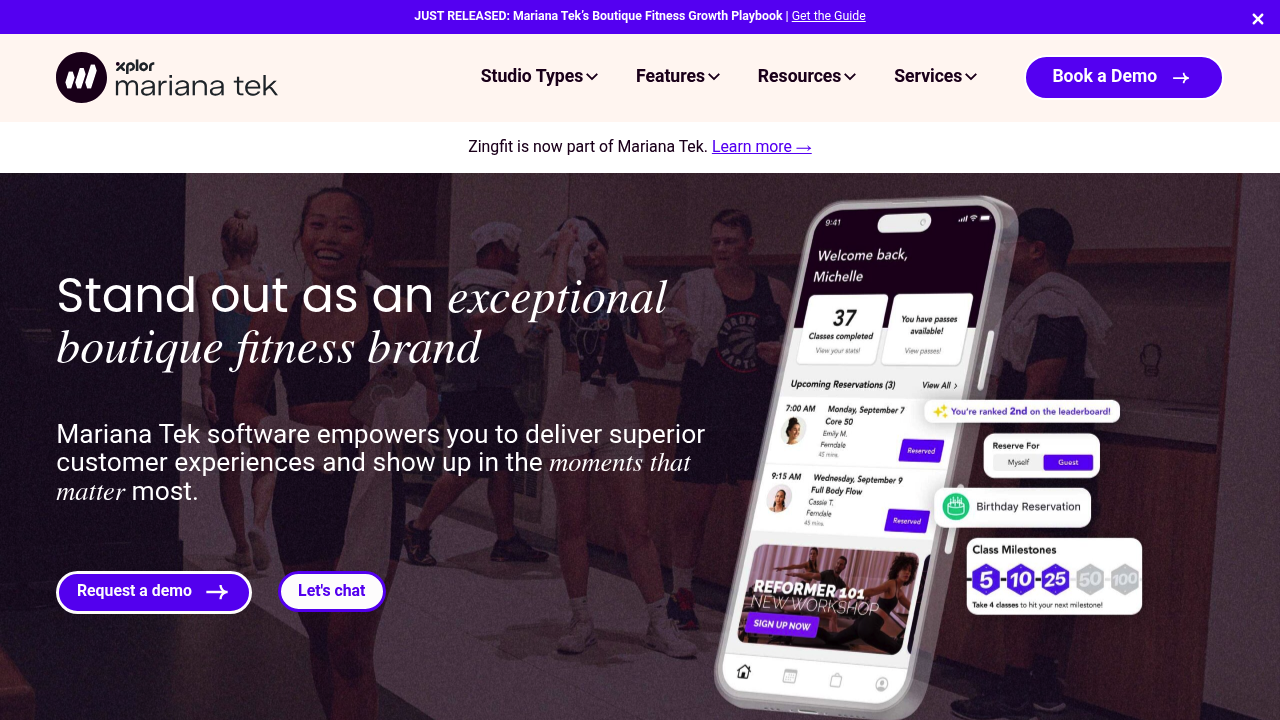
- Best for: Premium studio brands with complex operations and multi-location scale.
- Watch-outs: This is not a “start small” tool. Expect a sales process and implementation work.
- Integration note: Confirm SSO, reporting exports, and any data warehouse/BI needs if you run advanced analytics.
Mariana Tek fits studios that operate like hospitality brands: high service levels, high standards, and a need for tight control over operations. It is a strong option when consistency across locations matters.
Downside: it is usually overkill for a single-location studio that just needs scheduling plus memberships.
Arketa
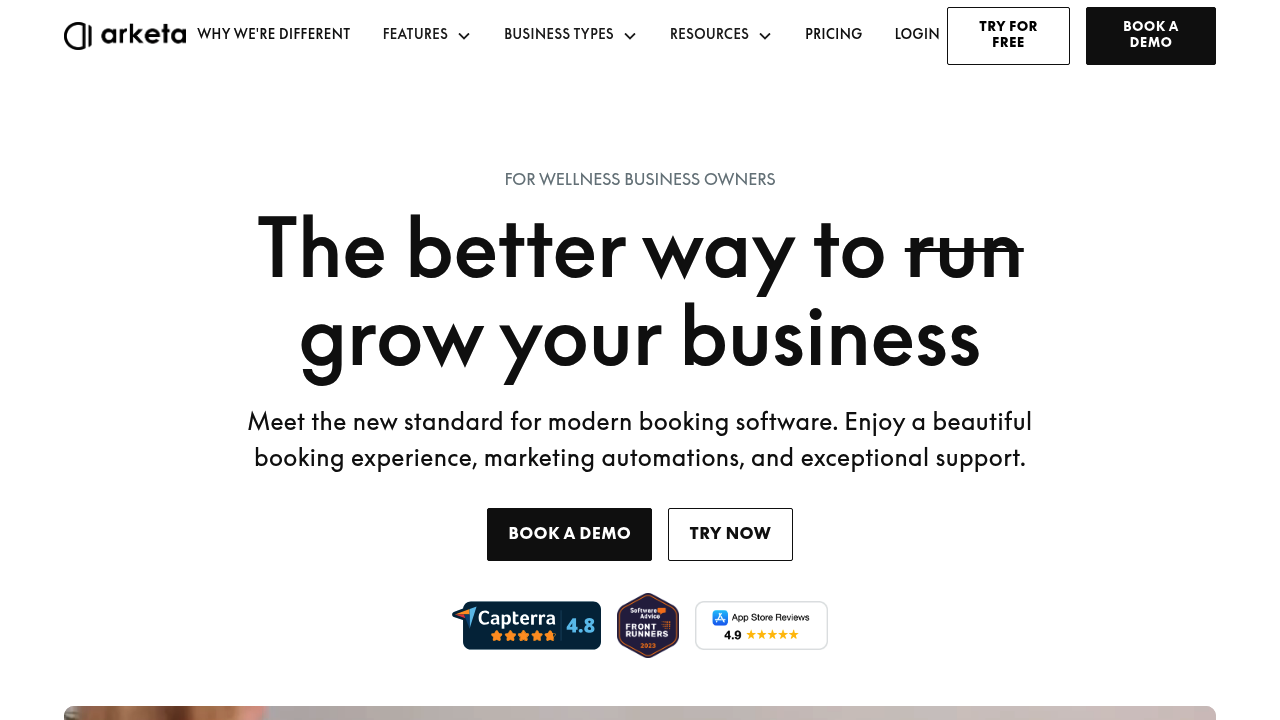
- Best for: Studios that want a modern, client-friendly booking and membership experience, often with strong marketing workflows.
- Watch-outs: Validate how it handles Pilates-specific capacity rules and policy edge cases.
- Integration note: Check email/SMS automation integrations and what is native vs third-party.
Arketa tends to shine when you care about conversion and client experience, especially if you run intros, trials, and ongoing marketing.
If your operations get very complex, you will want to pressure-test reporting depth and permissioning.
TeamUp
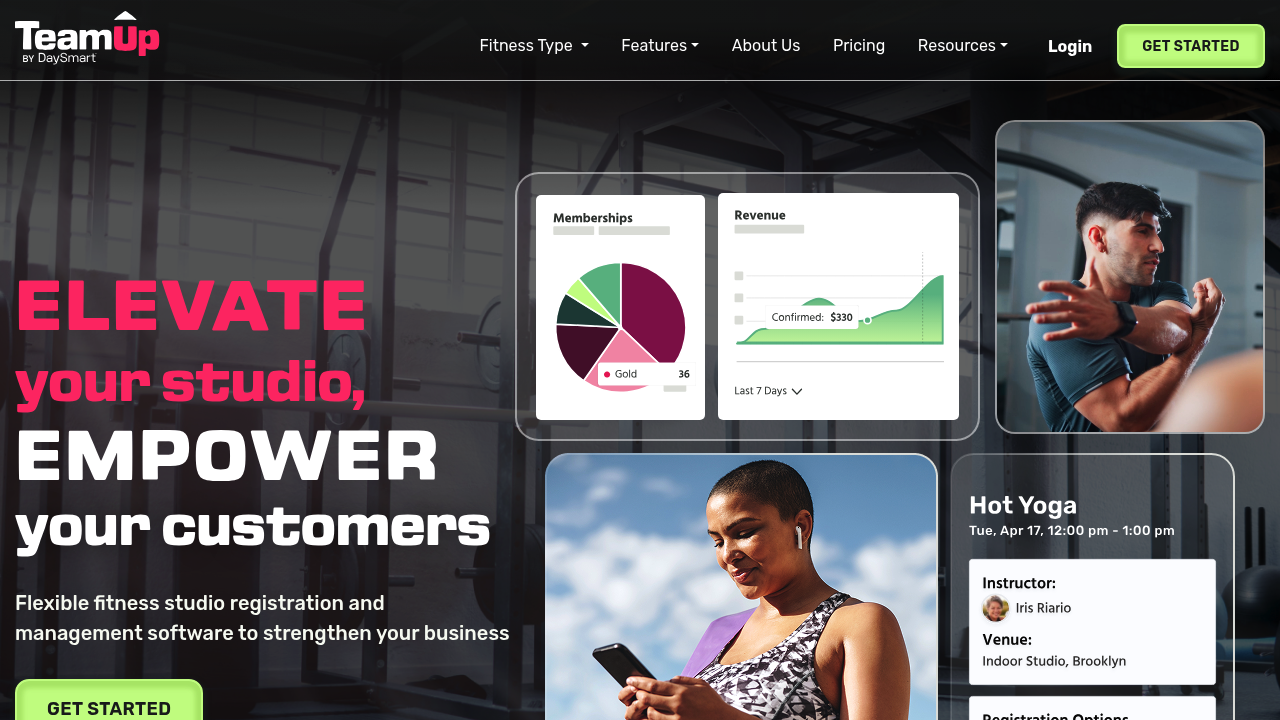
- Best for: Membership-heavy studios that want flexibility without moving into the most expensive enterprise tier.
- Watch-outs: Ask for a demo that covers your exact membership rules and cancellation policies.
- Integration note: Confirm payment options and any Zapier/Make workflows you plan to use.
TeamUp is a solid middle path: more structure than a scheduler, less “platform sprawl” than some all-in-ones. It’s often a good fit for studios that have stable offerings and want predictable operations.
Tradeoff: you may need integrations for advanced marketing or deeper analytics.
Vagaro
- Best for: Budget-conscious studios that still want a broad feature set and payments.
- Watch-outs: Because Vagaro serves many verticals, confirm Pilates-specific workflows during the demo.
- Integration note: Check how it connects to your accounting and marketing tools.
Vagaro can be a practical choice when price matters and you want scheduling, client management, and payments in one place. It’s also familiar to many service providers.
The downside is that some experiences can feel less “Pilates-native,” so test your exact workflows.
Acuity Scheduling
- Best for: Privates-first studios or solo instructors who need fast scheduling and simple payments.
- Watch-outs: You’ll likely outgrow it if you add memberships, multi-instructor permissions, or complex class capacity rules.
- Integration note: Confirm payment processing and any automation you need via Zapier.
Acuity is intentionally simple. That’s the appeal. If your business is mostly 1:1 sessions and your policies are straightforward, it can reduce admin.
If you are building a membership-based studio with reformer classes, it usually becomes a constraint.
StudioBookings
- Best for: Studios that want core studio-management features with an accessible entry point.
- Watch-outs: Evaluate reporting and marketing depth if you rely on advanced retention workflows.
- Integration note: Validate payment processor support and how waivers are handled.
StudioBookings positions itself directly for Pilates and similar boutique studios. If you want class + appointment scheduling, memberships, reminders, and waivers without adopting a heavyweight platform, it can be worth a serious look.
As with any value-forward option, confirm what add-ons you will need as you scale.
Integrations checklist
Integrations decide whether your software becomes your “operating system” or just another tab.
- Payments and merchant processing: Stripe, Square, PayPal, in-person terminals, refunds, chargeback workflows
- Accounting: QuickBooks or Xero exports, daily transaction exports, payout reconciliation
- Email and SMS: native email, SMS add-ons, Mailchimp-style sync, two-way texting, segmentation
- Waivers and e-sign: built-in digital waivers, template support, timestamping, audit trail
- Analytics: export to spreadsheets, dashboards, BI connectors
- Automation: Zapier/Make, webhooks, API access
Integration questions to ask on the sales call:
- Do you support webhooks or a documented API? If not, you may be stuck with manual exports.
- Can I export transactions, attendance, and memberships daily? This matters for reconciliation and payroll.
- What is native vs an add-on? Especially SMS, marketing automation, and branded apps.
- What happens if we switch later? Ask about data portability and export formats.
Payments are also a compliance decision. If your studio software stores, processes, or transmits cardholder data, you are in PCI scope, and studios often reduce risk by using established payment processors and keeping sensitive data out of their own systems, aligned with the principles in the PCI DSS.
If you want to see what a clean “member self-serve” layer looks like when you build it yourself, Quantum Byte’s customer portal guide is a practical blueprint you can adapt for class credits, billing history, and waiver access.
Pricing expectations and total cost drivers
Treat studio software pricing like an airplane ticket. The base fare is not the total.
Here’s the framework that prevents surprises:
- Subscription tier: usually based on feature set and sometimes client volume
- Per-location fees: multi-location almost always increases total cost
- Staff seats: instructors, front desk, managers (sometimes priced differently)
- SMS and messaging: per-message costs add up quickly if you send reminders, waitlist alerts, and promos
- Branded app: often an add-on, sometimes bundled at higher tiers
- Onboarding and migration: data imports, setup, training, and policy configuration
- Payment processing fees: typically separate from your software subscription
- Add-on modules: marketing automation, POS, advanced reporting, custom forms
How to compare quotes apples-to-apples:
- Ask for an itemized quote: subscription, add-ons, implementation, and any annual commitments.
- Calculate an “effective cost per active member”: not as a perfect metric, but as a reality check across vendors.
- Confirm what happens at renewal: many studios get surprised by new pricing once they are locked in operationally.
If you are evaluating a custom build alongside vendor subscriptions, Quantum Byte’s own platform pricing can help you benchmark what “start small, then scale up” looks like in practice.
Budget guidance without guessing numbers:
- A starter studio should optimize for low admin, clean booking, and reliable payments. Buy only the add-ons that replace real labor.
- A growing studio should budget for marketing automation, better reporting, and tighter policy controls, because churn reduction and utilization improvements are where the ROI shows up.
Finally, pricing is not just features. It also covers security posture, privacy workflows, and support quality. Those become real costs the first time something breaks.
Privacy, security, and waiver legality: the practical minimum
You do not need to be a compliance expert, but you do need to ask grown-up questions.
Payments and PCI
If you take cards, your vendor and payment flow should align with the PCI DSS. Practically, this means you should prefer setups where the payment processor handles sensitive card data and your studio systems store as little as possible.
Client data and privacy rights
If you serve California clients, the California Consumer Privacy Act (CCPA) creates consumer rights around personal information, including the right to know, delete, and opt out in certain contexts, plus protections against discrimination for exercising privacy rights. Even if you are not a “big company,” your vendors may still receive privacy requests, and your studio should know how to route them.
If you serve EU clients or your vendor processes EU personal data, the EU’s framework includes the General Data Protection Regulation (GDPR), summarized at a high level by the European Commission’s data protection guidance.
Digital waivers and e-sign
Most studios rely on digital waivers for speed and record-keeping. Under the ESIGN Act, electronic signatures and electronic records generally cannot be denied legal effect solely because they are electronic, which is why reputable studio platforms support digital signature capture and record retention.
What to ask your vendor:
- Can I export all client data and waivers? You need portability.
- How do you handle deletion requests? Especially for client profiles and notes.
- Do you provide role-based access and audit logs? This limits internal risk.
- Who is the incident response contact? You want a real process, not a support inbox.
Implementation timeline: migrate without losing bookings
A clean migration is more about sequencing than speed. Your goal is to avoid double charges, lost memberships, and broken links in the booking flow.
Step-by-step rollout plan:
- Data cleanup
- Export your current clients, passes, memberships, and appointment history.
- Remove duplicates and standardize naming (services, instructors).
- Map services and resources
- Define each class type and private session type.
- Configure capacity rules, including reformer limits and any room constraints.
- Import clients and memberships
- Import client profiles.
- Migrate active packs and memberships with clear expiration and billing dates.
- Configure policies
- Late cancel, no-show, waitlist rules, refund rules, intro offers.
- Waivers and forms
- Create waiver templates.
- Verify signature capture, timestamps, and retrieval.
- Staff training
- Teach front desk: reschedules, refunds, backfills, and exception handling.
- Teach instructors: attendance, notes, and permission boundaries.
- Parallel run
- Run the new system internally while the old system remains the public booking source.
- Reconcile payments and attendance to catch mismatches.
- Cutover and post-launch audit
- Switch the booking link.
- Audit: memberships billing, class capacity, waitlist behavior, and reminder delivery.
If you are building custom flows (instead of migrating to a standard platform), Quantum Byte’s checklist on how to test an app helps you catch the exact “edge case” bugs that cause double charges, broken booking links, or permission leaks.
A simple week-by-week structure:
- Single-location studio: Week 1 setup + imports, Week 2 staff training + parallel run, Week 3 cutover + audit.
- Multi-location studio: add extra time for location-by-location configuration, permission design, and more extensive reconciliation.
Migration risk checklist:
- Failed imports: memberships that do not map cleanly
- Double charges: clients billed in both systems during overlap
- Proration confusion: membership start dates and holds
- Reporting mismatches: revenue totals not matching deposits/payouts
Alternatives and when to switch
If you are already on a tool, the question is usually “when do we upgrade?” not “what is the perfect system?”
Common triggers:
- You add more instructors: you need better permissions, payroll exports, and scheduling controls.
- Membership complexity increases: freezes, multiple tiers, family memberships, corporate memberships.
- You need better reporting: utilization, retention, revenue per class, instructor performance.
- Retail/POS becomes real: you need a tighter in-studio checkout experience.
- You open a second location: roll-up reporting and standardized offers become non-negotiable.
- Clients ask for a branded app: you want less friction and higher retention.
Natural upgrade paths:
- From Acuity to Momence, Walla, or WellnessLiving when you add memberships and classes.
- From a smaller all-in-one to Mindbody or Mariana Tek when you add locations and operational complexity.
- From a generalist tool to Walla or Arketa when client experience and marketing workflows become your growth engine.
Some studios stay on simpler tools long-term, and that’s rational if you remain privates-heavy and keep policies simple.
Build vs buy: when custom software is the smarter Pilates play
Buying off-the-shelf wins when your studio runs standard workflows and you want a proven system quickly.
Custom becomes smarter when you are trying to differentiate your business model or remove tool sprawl.
Buy a platform when:
- Your packages and memberships are standard and you can adopt the platform’s best practices.
- You want speed with lower operational risk and you do not need unique logic.
Build a custom system when:
- You have unique membership logic (dynamic credits, cross-location rules, partner benefits).
- Capacity rules are complex (equipment + instructor + room constraints + prerequisites).
- You want a branded lead-to-member funnel that matches your exact intro flow, not a generic checkout.
- You need an owner dashboard that combines booking, revenue, utilization, and marketing in one view.
A practical custom build can include:
- Branded booking and checkout
- Membership and pack logic that matches your studio rules
- Instructor scheduling and availability controls
- Client messaging workflows (reminders, waitlist backfills, retention nudges)
- Admin dashboards for utilization and retention
- Integrations via APIs so your payments, accounting, and marketing stack stay connected
If you are in the “custom” camp, Quantum Byte is built for this exact middle ground: you start from proven app templates (booking, scheduling, internal dashboards) and then customize quickly by describing what you want in plain language. That keeps you out of the months-long dev cycle while still letting you own the workflow.
If you want to see what a production-grade scheduling flow looks like as a conversational experience, Quantum Byte’s walkthrough on how to build a booking chatbot is a strong starting point for studios that want fewer DMs and fewer “can you fit me in?” calls.
Custom is not magic, though. You still need to define policies, test edge cases, and train staff. The advantage is faster iteration and a system that fits your studio instead of forcing your studio to fit the system.
If you are currently running policies in Google Sheets, Quantum Byte’s guide to convert spreadsheet to app is the most practical path to turning those rules into a real booking and ops tool without rebuilding your entire business.
Start building
If you’re bouncing between “this platform is too limited” and “this platform is too bloated,” that’s a signal you may need a tailored studio system.
Start with Quantum Byte’s templates, then shape the exact booking flow, membership rules, and dashboards your studio needs.
- Founder-friendly setup that does not require a dev team
- Plug-and-play templates for common studio features, with real customization on top
- Fast iteration using natural language prompts, so you can refine policies as you grow
If you want help writing specs that a builder can actually execute, Quantum Byte’s library of AI app builder prompts makes it much easier to describe your memberships, capacity rules, and staff permissions in plain English.