If your phones are ringing, techs are texting for addresses, and your calendar looks like a war zone, adding admin hours rarely fixes the root problem. Plumbing scheduling software turns daily chaos into a repeatable system you can scale.
This guide ranks the best plumbing scheduling software options for 2026, with screenshots and clear "best for" guidance. It also covers when you should stop forcing a generic tool and build a custom scheduler that matches how your shop actually runs.
Best plumbing scheduling software at a glance
| Software | Best for | Why it makes the list |
|---|---|---|
| QuantumByte | Teams that need a custom scheduling workflow | Build your own scheduling app in days, not months, then extend it with an in-house dev team when you hit edge cases. |
| Jobber | Small to mid-size service businesses | Strong scheduling + client comms + quoting/invoicing in a polished package. |
| Housecall Pro | Busy shops that want speed and simplicity | Solid dispatch, reminders, payments, and customer-facing workflows. |
| ServiceTitan | Larger operations with complex needs | Deep dispatch and operations tooling for multi-crew, multi-location growth. |
| FieldEdge | Service businesses that want robust field management | Built for scheduling, dispatch, and technician workflows. |
| Service Fusion | Teams that want a practical, all-in-one FSM | Scheduling and field execution features that fit many trades. |
| Workiz | Service businesses that lean on calls and texting | Strong phone and messaging workflows for booking and follow-up. |
| ServiceM8 | Mobile-first field teams | Simple job scheduling and on-site job execution on mobile. |
| mHelpDesk | Shops that want scheduling plus work orders | Work order centric approach with scheduling tied to job tracking. |
| Tradify | Trade businesses needing quoting to job flow | Quote-to-job-to-invoice flow with scheduling at the core. |
| Fergus | Trades teams wanting job management with scheduling | Job tracking plus scheduling for operational control. |
What to look for in plumbing scheduling software
Buying the wrong scheduler is expensive in a quiet way. You pay for it in missed windows, callbacks, and your own evenings.
Use this checklist before you commit.
- Fast dispatch with real constraints: Your scheduler should handle priority jobs, skill-based assignment, service areas, and time windows without spreadsheet gymnastics.
- Customer communication you control: Reminders, "on my way" updates, and follow-ups should be automatic, but still editable so you can handle exceptions.
- A clean handoff from schedule to money: Scheduling that does not connect to estimates, work orders, and invoices creates double entry and errors.
- Tech-friendly mobile experience: If techs hate the app, they will not use it. Look for a workflow that works on a phone, on the move, and with bad reception.
- Reporting that answers owner questions: You should quickly see booked vs completed work, gaps, cancellations, and which crews are overloaded.
- Integrations that reduce retyping: The best systems connect to your accounting, payment processor, CRM (Customer Relationship Management), and phone system.
- Security basics that are not optional: Scheduling software stores customer addresses, access notes, and payment history. Favor tools that take security seriously and follow widely recognized risk categories like the OWASP Top 10.
If you are stuck deciding between building a simple custom solution or taking a complicated off the shelf solution, we wrote a comparison that might help around building vs buying software.
How plumbing scheduling software should work
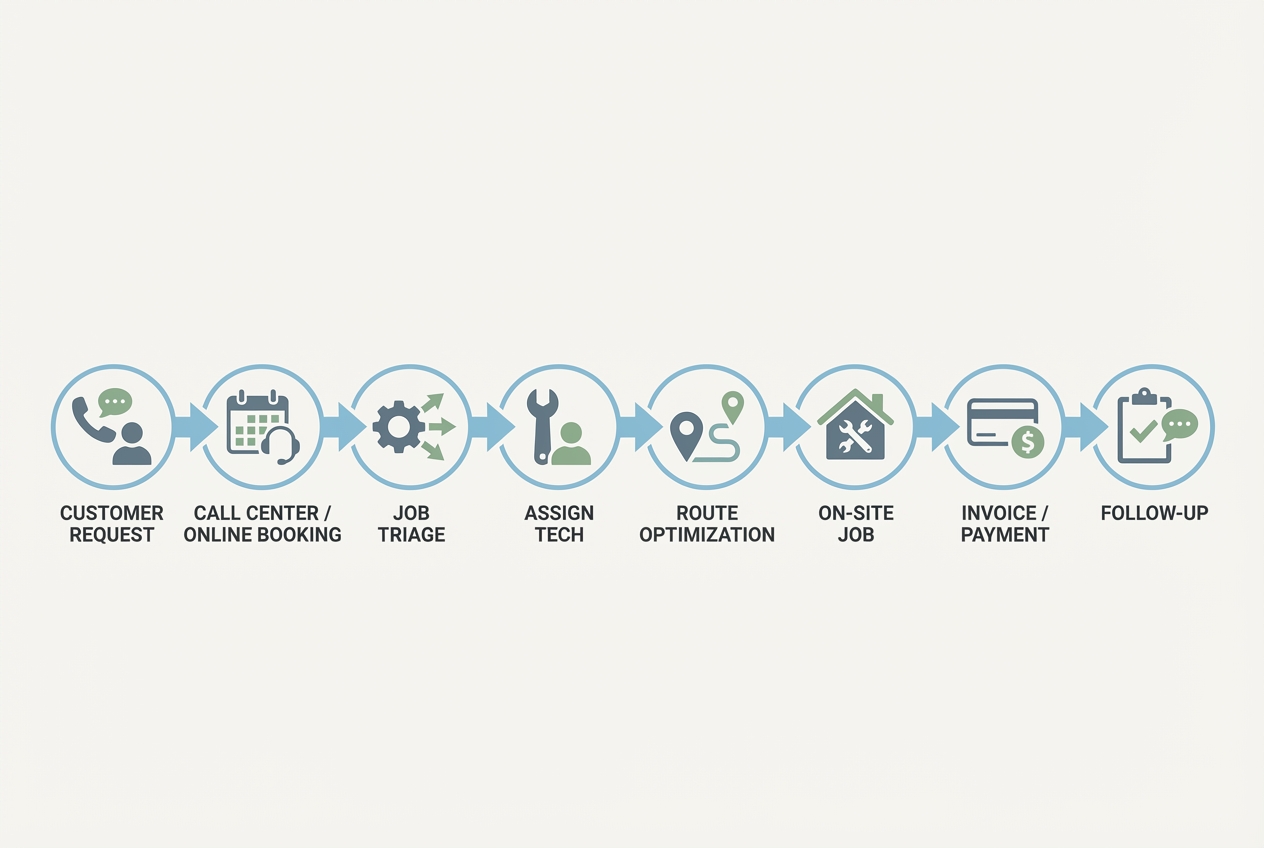
A strong scheduling stack acts like a control loop that keeps everyone aligned. The calendar view is only one piece.
- Capture the request once: Online booking, phone intake, or a quick form. The goal is one source of truth.
- Triage and tag the job: Mark it as emergency or standard. Capture the required skill and parts needed. Note the service area and preferred windows.
- Assign and route: Put the right tech on the right job, then cluster work geographically to cut windshield time.
- Run the job on mobile: Notes, photos, checklists, signatures, and parts usage should live inside the job.
- Invoice and collect fast: The faster you close the loop, the less cash gets stuck in "we'll bill later."
- Follow up automatically: Reviews, maintenance reminders, and "did we fix it" checks keep callbacks down.
Best plumbing scheduling software picks
1) QuantumByte
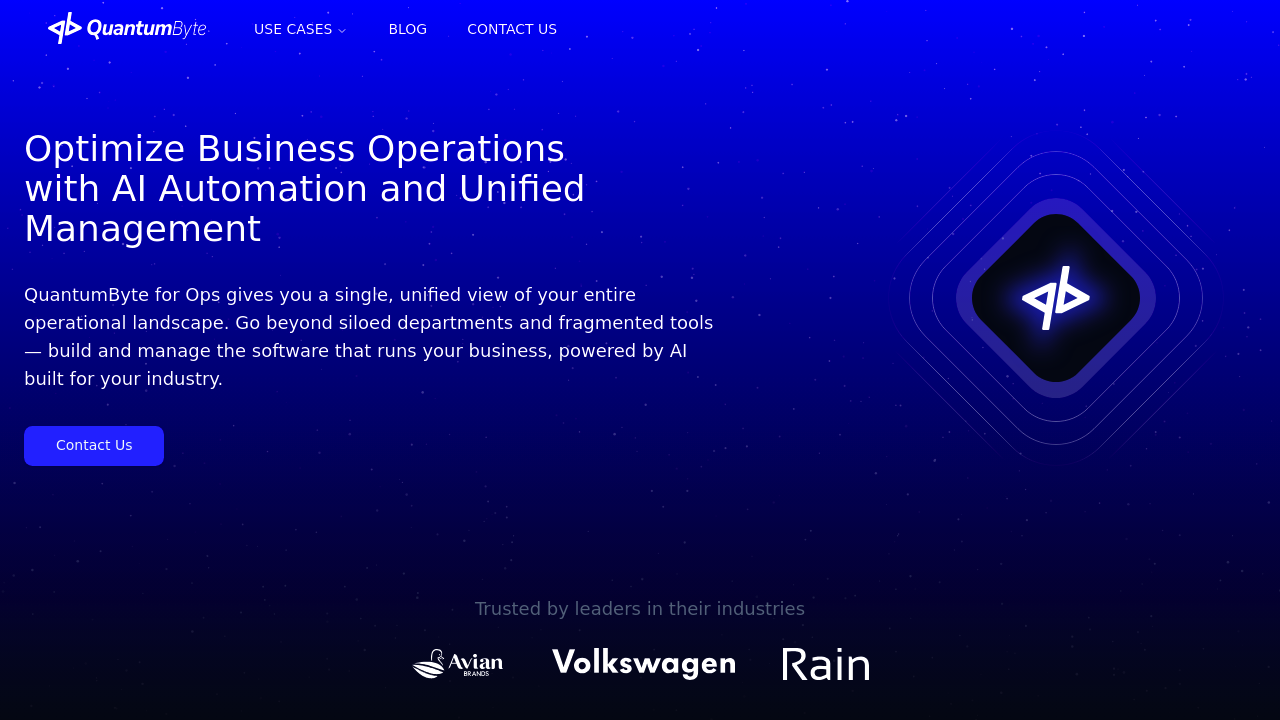
QuantumByte is the best choice when your "scheduling problem" is really a workflow problem. If you have special dispatch rules, unique job types, or you are tired of bending your business around someone else's software, building a custom plumbing scheduling system can be the unlock.
With QuantumByte, you can turn a plain-English spec into an app, then extend it with an in-house development team when you need deeper integrations or edge-case logic. That combination matters because scheduling usually touches everything: intake, dispatch, tech checklists, payments, and reporting.
- Best for: Owners who want a scheduling system that fits their process, not the other way around.
- Why it is #1: It is the only option on this list that can become your exact scheduling playbook. That includes your rules, your forms, and your customer experience.
- Where it shines: Custom booking flows, skill-based routing, "no-access" notes, maintenance memberships, and internal dashboards.
Build your first version quickly with in a couple of minutes, then iterate as you learn.
For larger teams that need unified operations software across departments, we also offers an enterprise-grade for deeper customizations.
2) Jobber
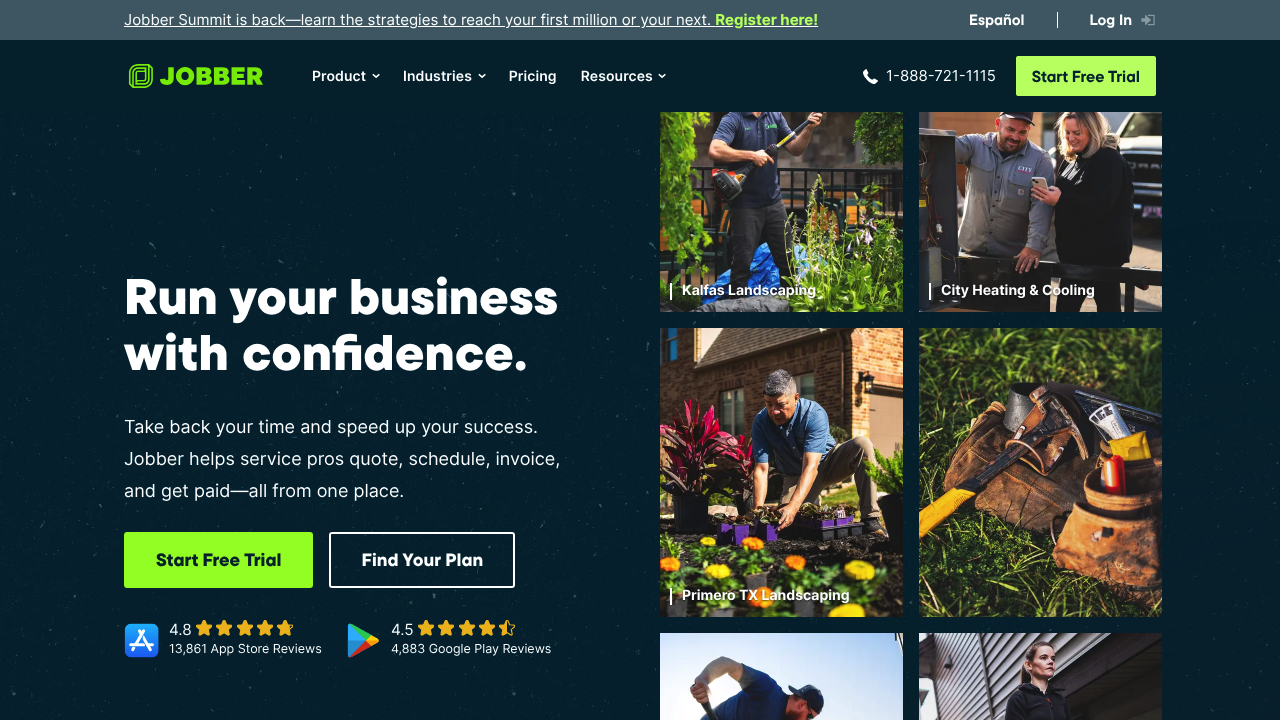
Jobber is a dependable choice for plumbing businesses that want scheduling, dispatch, and customer management in one place without feeling overwhelmed.
- Best for: Small to mid-size plumbing teams that want a polished, modern system.
- Why it makes the list: It is widely used across home services and supports the full "book to bill" flow.
- Watch for: If you need highly custom dispatch rules, you may still hit limits.
3) Housecall Pro
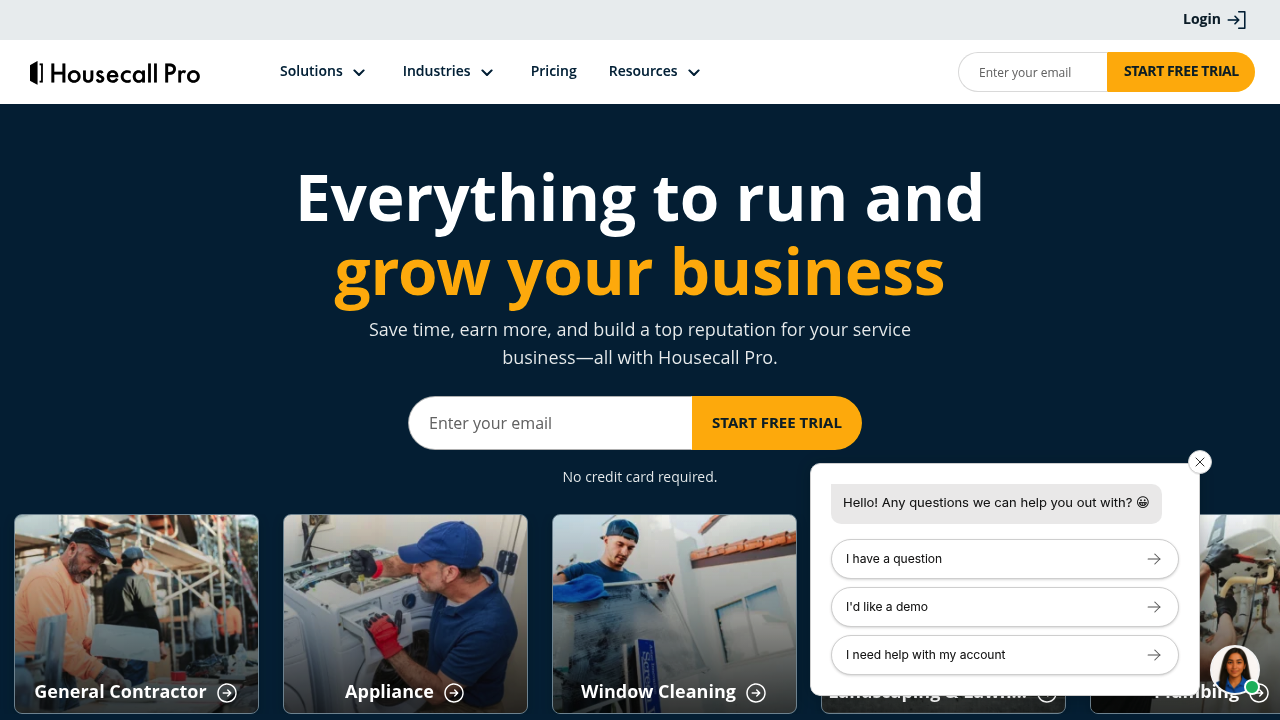
Housecall Pro is built for speed: booking, dispatch, reminders, and payments tied together so you can keep work moving.
- Best for: Busy shops that want quick setup and strong day-to-day scheduling.
- Why it makes the list: Solid scheduling plus customer communication, which is where many plumbing teams leak time.
- Watch for: Confirm the integrations you need before switching.
4) ServiceTitan
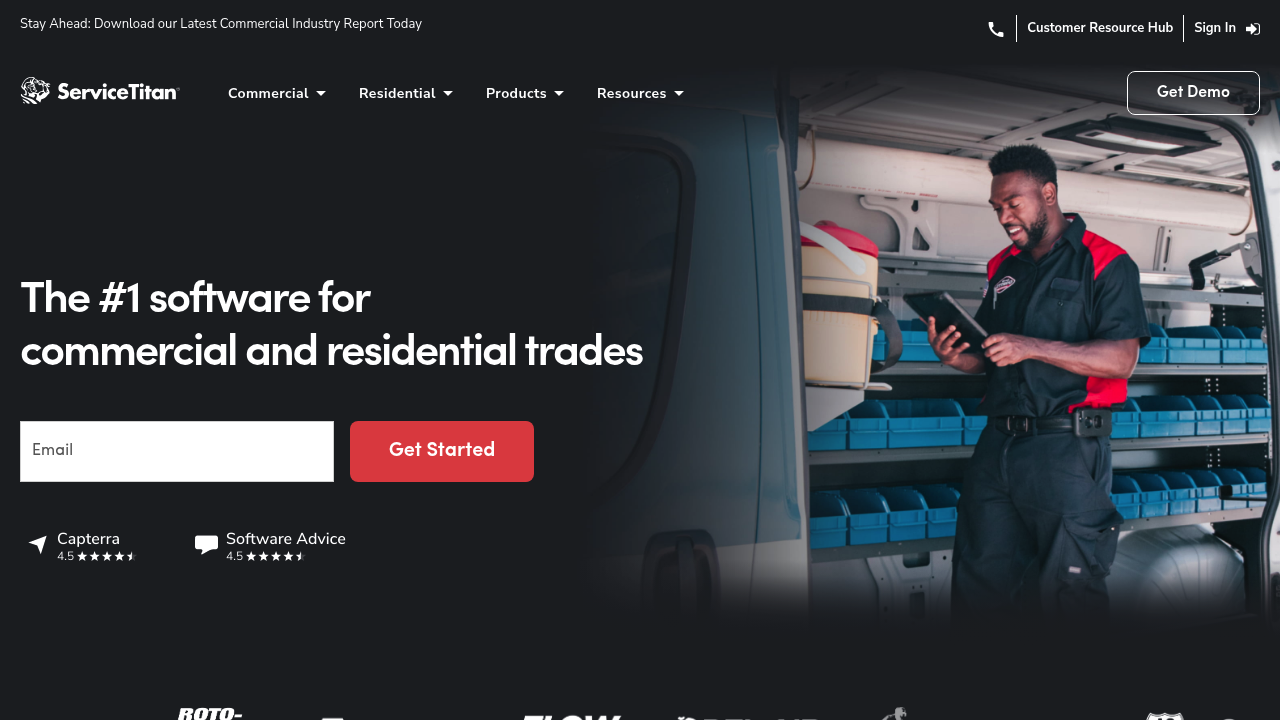
ServiceTitan is a heavy-duty platform for larger plumbing operations that need advanced dispatch, reporting, and operational controls.
- Best for: Growth-stage companies with multiple crews, high job volume, and dedicated office staff.
- Why it makes the list: It is designed for operational depth, not just scheduling.
- Watch for: Implementation effort. Plan change management, not just software setup.
5) FieldEdge
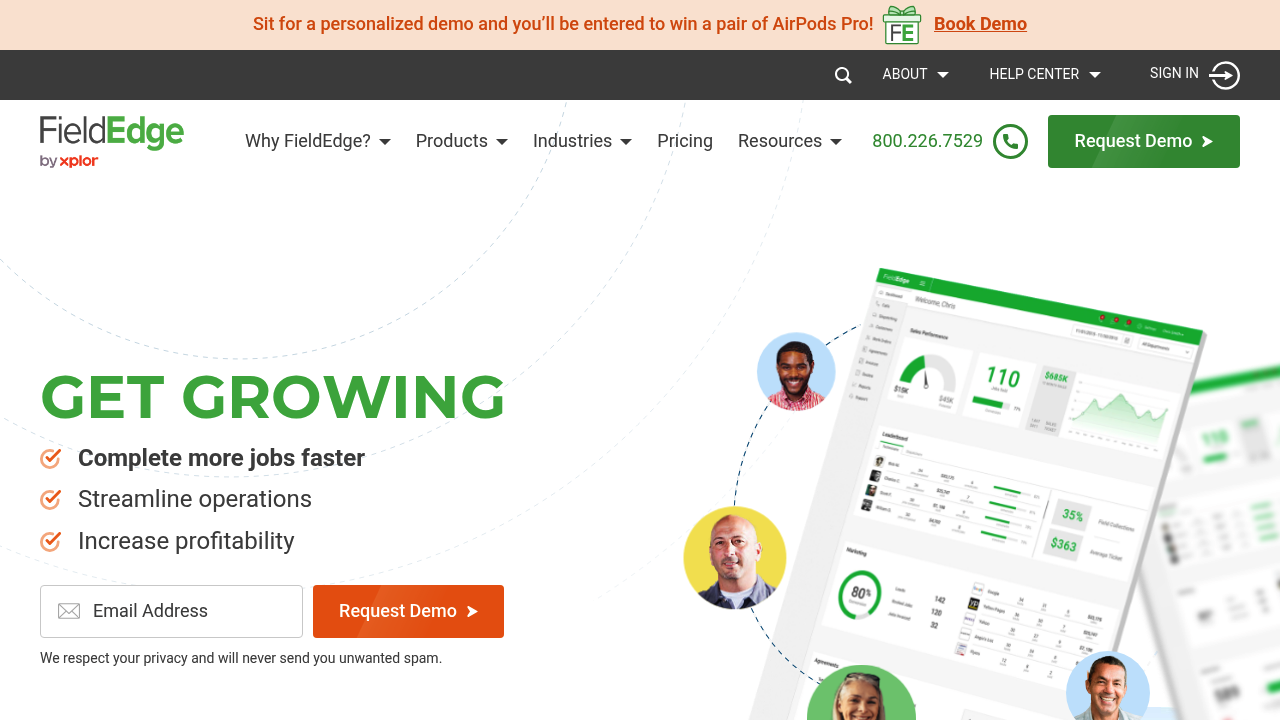
FieldEdge focuses on field service execution with scheduling and dispatch as a core pillar.
- Best for: Plumbing businesses that want a field-service-first approach.
- Why it makes the list: Strong emphasis on technician workflow and service management.
- Watch for: Make sure the reporting and customization match your needs.
6) Service Fusion
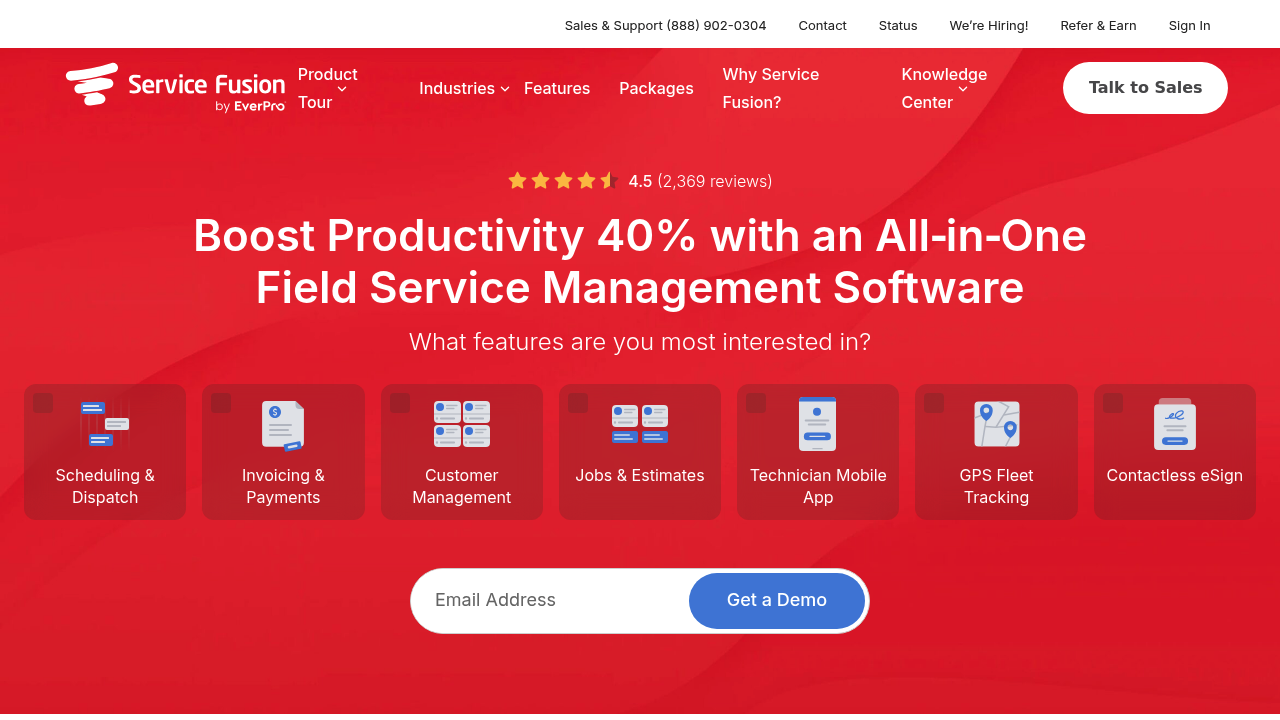
Service Fusion is an all-in-one option that many trade businesses consider when they want scheduling plus broader field service management.
- Best for: Teams that want practical tools across scheduling, dispatch, and job execution.
- Why it makes the list: Broad coverage without forcing an enterprise-only posture.
- Watch for: Check mobile usability with your technicians before committing.
7) Workiz
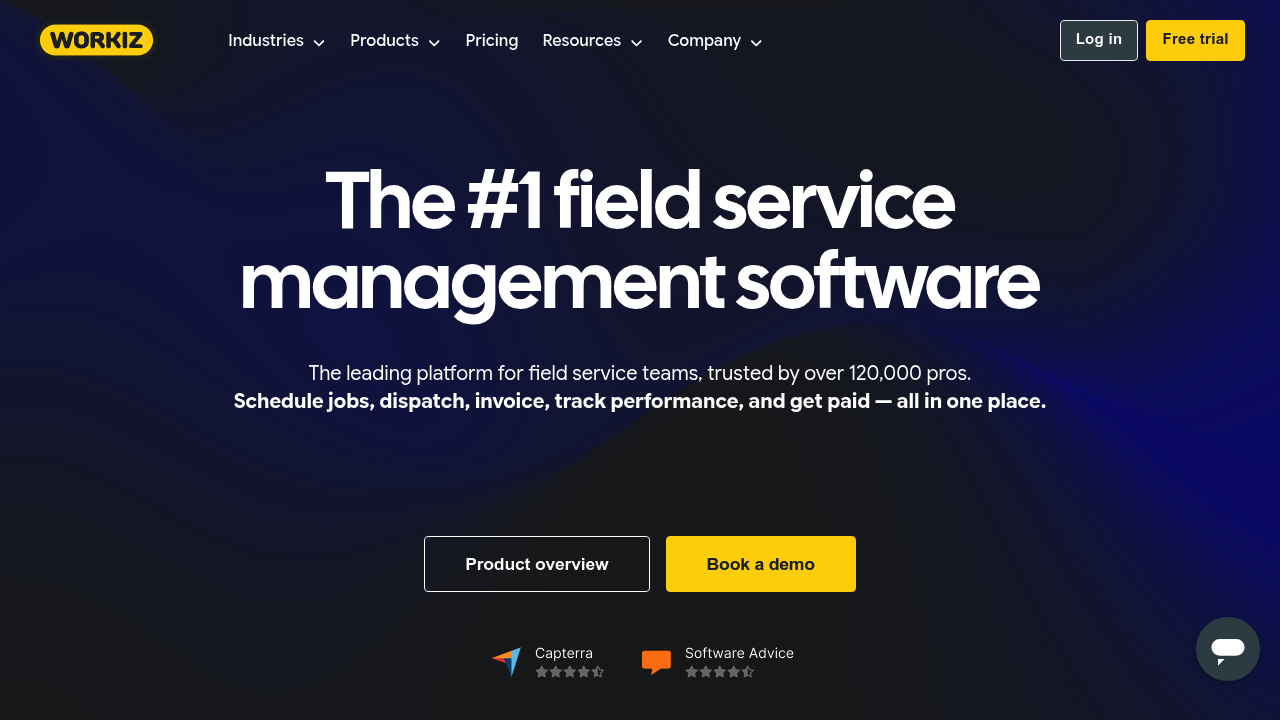
Workiz is a strong contender if a big part of your business is call handling, lead response, and customer communication tied to booking.
- Best for: Owner-operators and dispatch teams that rely on phone and texting to book jobs.
- Why it makes the list: Communications plus scheduling, which helps reduce no-shows and missed calls.
- Watch for: If you send automated texts, stay compliant with consent rules.
If you use automated texting for appointment reminders and marketing follow-ups, align your workflow with the FCC's guidance on stopping unwanted robocalls and texts, including clear consent and opt-out handling.
8) ServiceM8
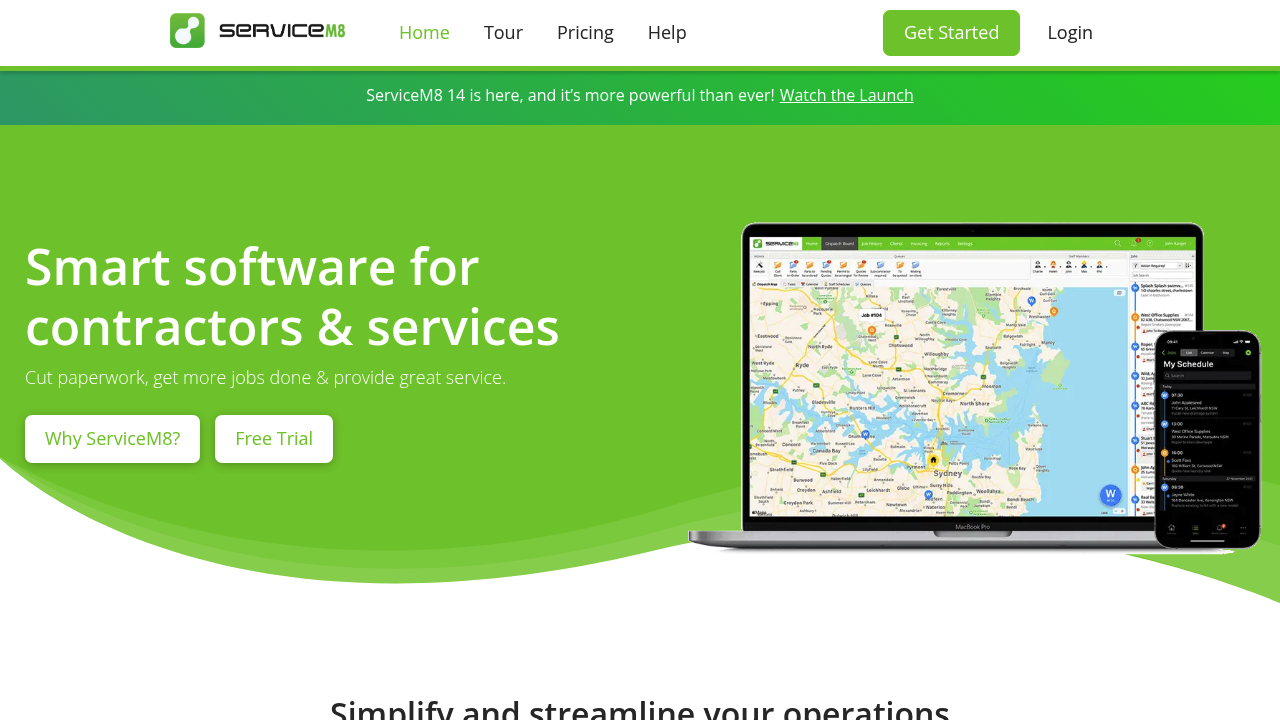
ServiceM8 is a mobile-first platform that works well when you want scheduling and job execution to live in your tech's pocket.
- Best for: Mobile teams that want a straightforward job workflow.
- Why it makes the list: It is built for field execution, not just office scheduling.
- Watch for: Ensure it fits your billing and back-office processes.
9) mHelpDesk
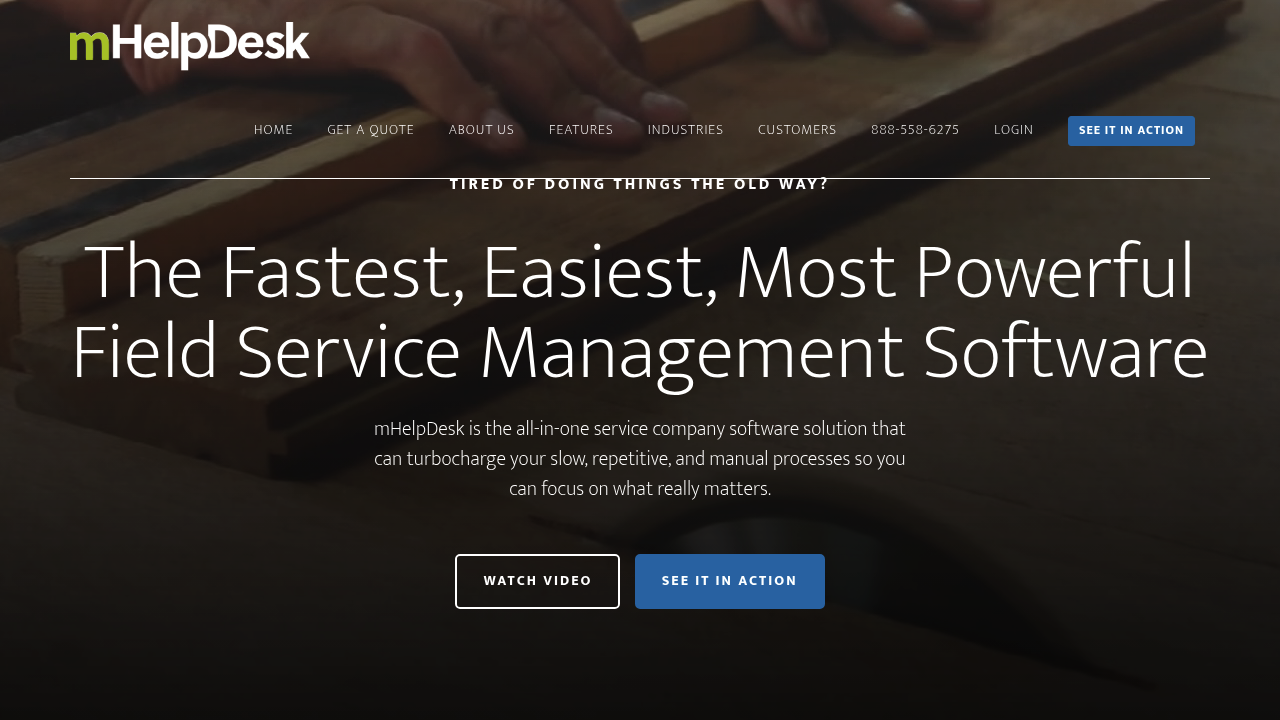
mHelpDesk is often evaluated when a business wants scheduling tied directly to work orders and field tasks.
- Best for: Shops that think in work orders first and need scheduling attached to them.
- Why it makes the list: Useful for organizing jobs, tech assignments, and job status tracking.
- Watch for: Confirm current product direction and integrations during evaluation.
10) Tradify
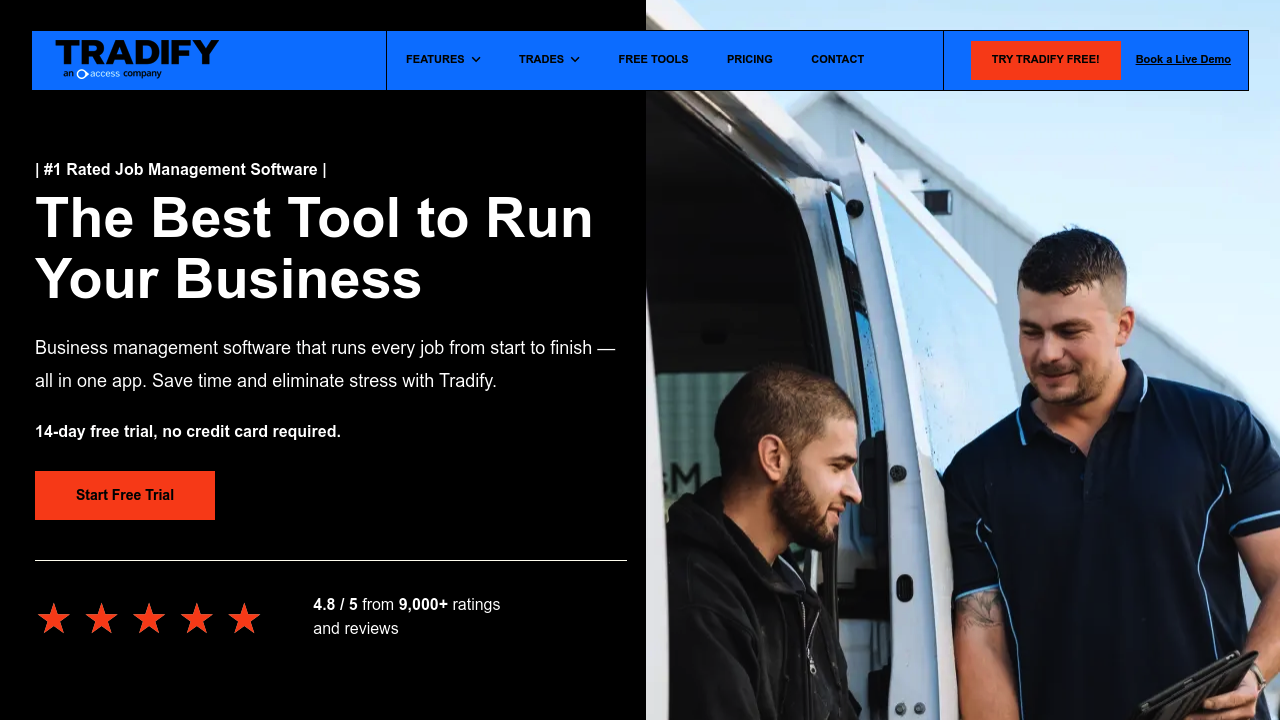
Tradify supports a quote-to-job workflow with scheduling at the center, which fits many plumbing teams.
- Best for: Trade businesses that want quoting, scheduling, and invoicing tied together.
- Why it makes the list: It supports the flow from booked work to completed work.
- Watch for: Validate mobile fit for your technicians.
11) Fergus
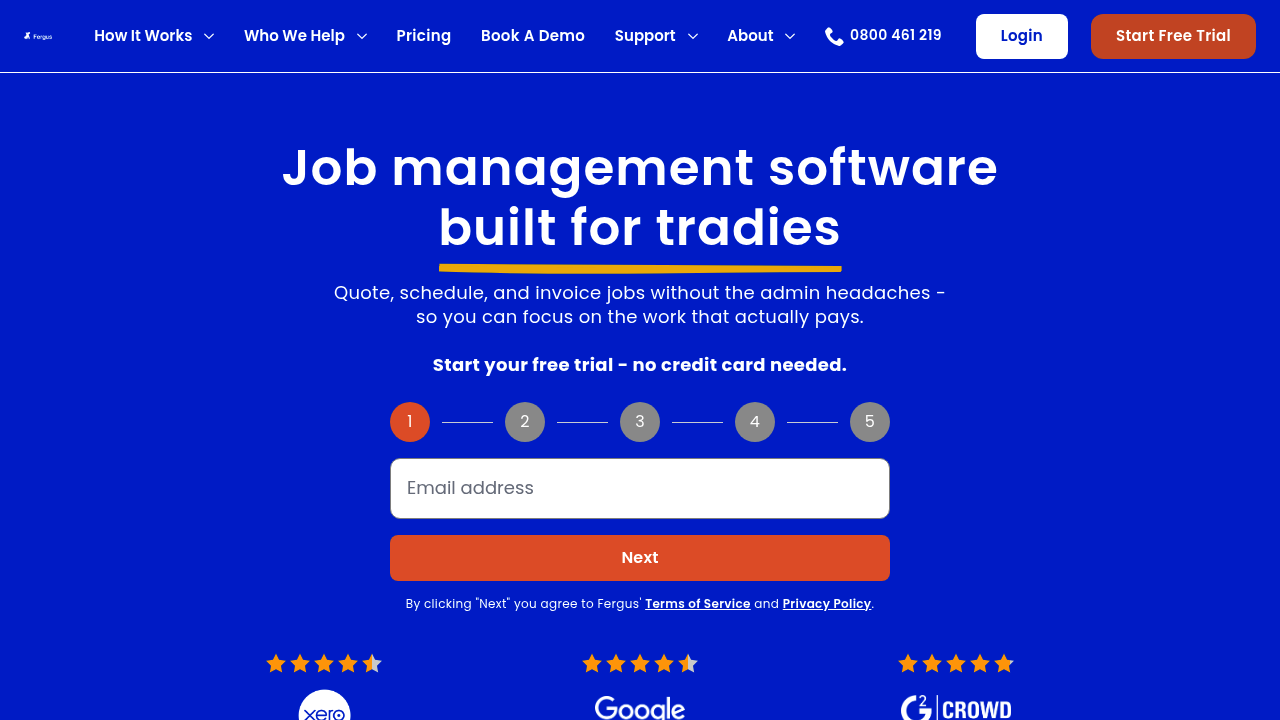
Fergus blends job management with scheduling so you can keep tabs on what is booked, in progress, and done.
- Best for: Trades teams that want job tracking alongside scheduling.
- Why it makes the list: Practical job visibility, which reduces "where is that job at?" noise.
- Watch for: Confirm how it handles your specific plumbing workflows.
How to choose the right tool for your shop size
Different teams fail in different places. Pick the software that fixes your biggest constraint first.
- Solo plumber or 1-3 techs: Prioritize speed, simple scheduling, and automated reminders. You need fewer clicks, not more features.
- Growing team with a dispatcher: Prioritize dispatch views, quick rescheduling, job tagging, and a clean handoff from schedule to invoice.
- Multi-crew, multi-location: Prioritize permissions, reporting, structured processes, and reliable integrations.
A practical move is to map your workflow before you demo anything. Start with a simple "intake to invoice" checklist, then test each platform against it. We covered automating business processes, which is a solid framework for identifying what should be automated first.
When custom plumbing scheduling software beats off-the-shelf
Off-the-shelf scheduling is great until it is not. The breaking point usually looks like this:
- Your dispatch rules are your advantage: You have specific triage logic, service zones, or membership rules that generic tools cannot express.
- You need one workflow across tools: You are tired of copying data between forms, calendars, accounting, and CRMs.
- You want to productize your process: You are building a repeatable system that runs without you and can expand to new teams.
This is where QuantumByte is designed to help. You can define your exact job objects, statuses, and routing rules, then generate a working app quickly. If you later need deeper integrations or advanced features, QuantumByte's agency support can take it across the finish line.
For owners thinking beyond "better scheduling" and toward building a scalable operation, this is a helpful mindset shift: productization strategy for small business.
Implementation checklist for a smooth rollout
Most scheduling failures are rollout failures. Use this plan to keep momentum.
- Standardize job types: Create a short list of job types, such as emergency and maintenance. Then define required fields for each.
- Define your scheduling rules: Service areas, arrival windows, skill tags, and when you allow same-day.
- Clean your customer data: Bad addresses and duplicate customers will poison any new system.
- Set communication defaults: Reminder timing, "on my way" texts, and follow-up messages.
- Train techs on the mobile workflow: Focus on the few actions that matter. Accept the job. Add notes and photos. Mark completion. Send the invoice.
- Lock down access: Use strong authentication and role-based permissions. NIST's Digital Identity Guidelines (SP 800-63B-4) provides guidance on modern authentication strength concepts that you can use.
If your scheduling tool needs to connect to sales and customer follow-up, we've written a short piece on the CRM features small business should look out for.
Wrapping up: picking the best plumbing scheduling software
The best plumbing scheduling software is the one that reduces dispatch friction, keeps techs moving, and closes the loop from booking to payment without extra admin.
If you want a proven off-the-shelf platform, Jobber, Housecall Pro, and the other tools on this list are strong places to start.
If you want a scheduler that matches your exact process and becomes a real operating system for your shop, QuantumByte is the top pick. You can start small, build fast, and evolve it as you grow. Explore what you can build with QuantumByte, then expand from there.
Frequently Asked Questions
What is plumbing scheduling software?
Plumbing scheduling software is a system that helps you book jobs, assign technicians, manage calendars, and communicate with customers. Most platforms also connect scheduling to estimates, invoices, and payments so work does not stall after the appointment.
What features matter most for plumbing dispatch?
Prioritize a fast dispatch board, job tagging (priority, skill, service area), customer reminders, and a technician-friendly mobile workflow. If you cannot reschedule in seconds when emergencies hit, the tool will slow you down.
Should I choose a general field service tool or something custom?
Choose a general tool if your workflow is standard and you mainly need organization. Go custom if your scheduling rules are unique, you need to unify multiple tools into one workflow, or you are trying to build a scalable system that runs without constant owner intervention.
Can appointment reminder texts get me into trouble?
Yes, if you automate commercial texts without proper consent and opt-out handling. Follow the FCC's guidance on robocalls and robotexts and make consent and opt-out behavior part of your process, not an afterthought.
How do I know if my team will actually use the app?
Run a one-week pilot with a small group. Track two things: how many jobs get fully closed out in the app (notes, photos, completion) and how often techs fall back to texting the office. If they keep texting, the mobile workflow is not working for them.