
You've probably been there: the deal is ready to close, but the proposal is stuck waiting on pricing from one person, legal language from another, and a signature workflow that involves three different tools. By the time it goes out, momentum has stalled.
Proposal automation software is built to fix that bottleneck. It pulls pricing, scope, and approvals into one system so you can send accurate proposals fast, track when buyers open them, and close without chasing PDFs and email threads.
What proposal automation software does
At its core, proposal automation software helps you generate, send, track, and finalize proposals with less manual work.
Most platforms cover:
- Template-based proposal creation: Create proposals from a structured layout so your team is not starting from scratch each time.
- Content and pricing reuse: Reuse approved sections (scope, terms, case blurbs) and standard pricing blocks to reduce errors.
- Internal approvals: Route discounts, legal language, and custom clauses through a predictable sign-off flow.
- Buyer tracking: See opens, views, time-on-page, and comments so follow-up is timely and relevant.
- eSignature support: Collect electronic signatures that are broadly recognized in law, including under the US Electronic Signatures in Global and National Commerce Act (E-SIGN) and the European Union eIDAS framework.
- Integrations: Sync to customer relationship management (CRM) systems and billing so the proposal becomes operational data, not a dead document.
How to choose proposal automation software
Pick based on your process, not the feature checklist. Use this as a fast filter.
- Workflow fit: Your best tool matches how you sell (fixed packages vs custom scopes, single approver vs legal and finance). If the workflow fights you, adoption collapses.
- Pricing complexity: If you use bundles, tiers, region-based pricing, usage add-ons, or discount guardrails, you will want interactive pricing tables and rules-based approvals.
- Approval controls: Look for role-based permissions, clause locking, and version history so reps cannot freestyle legal language.
- Collaboration model: Decide if you need in-document commenting, a web-based proposal page, or a simple send-and-sign approach.
- Security and integrity: If you operate in regulated environments, align with modern digital signature practices. For technical context on digital signatures, NIST’s Digital Signatures project is a solid reference.
- CRM and billing integration: The biggest win comes when accepted proposals automatically create a deal record, an invoice, or a project kickoff.
Proposal automation workflow to aim for
If your proposals are slowing growth, you likely have a broken handoff between sales, delivery, and finance. Aim for this single-path workflow:
- Lead captured in CRM: A deal exists with owner, close date, and key fields.
- Qualification and pricing rules: Guardrails prevent unprofitable pricing and enforce discount approvals.
- Proposal drafted from templates: Variable fields populate company name, scope modules, timelines, and pricing.
- Approvals: Legal and finance review only what changed, not the entire document.
- Sent and tracked: Engagement signals guide follow-up.
- eSignature and optional payment: Signing triggers next steps automatically.
- Sync and kickoff: Deal fields update, tasks create, and delivery starts.
For teams doing structured bid responses, you can also borrow proposal discipline from APMP (Association of Proposal Management Professionals), including annotated outlines and writing prompts, as summarized in APMP’s guidance.
Best proposal automation software in 2026
| Tool | Best for | Why it stands out |
|---|---|---|
| Proposify | Sales teams that need visibility | Tracking, controls, and proposal management focus |
| PandaDoc | All-in-one doc workflow | Templates, pricing tables, and eSignature in one place |
| Qwilr | Interactive web proposals | Strong buyer experience and engagement analytics |
| Better Proposals | Speed and simplicity | Quick templates, signatures, and follow-ups |
| DocuSign CLM | Agreement-heavy organizations | Contract lifecycle management (CLM) automation and governance |
| Adobe Acrobat Sign | Signature-first workflows | Mature eSignature with Adobe ecosystem fit |
| Conga | Salesforce-centric document generation | Deep document automation for CRM-driven teams |
| DealHub CPQ | Complex quoting and approvals | Configure, price, quote (CPQ) plus guided deal flows |
| Nusii | Freelancers and agencies | Lightweight proposals with reusable blocks |
| Quotient | Quotes that need optionality | Quoting user experience, options, and follow-ups |
1. Proposify
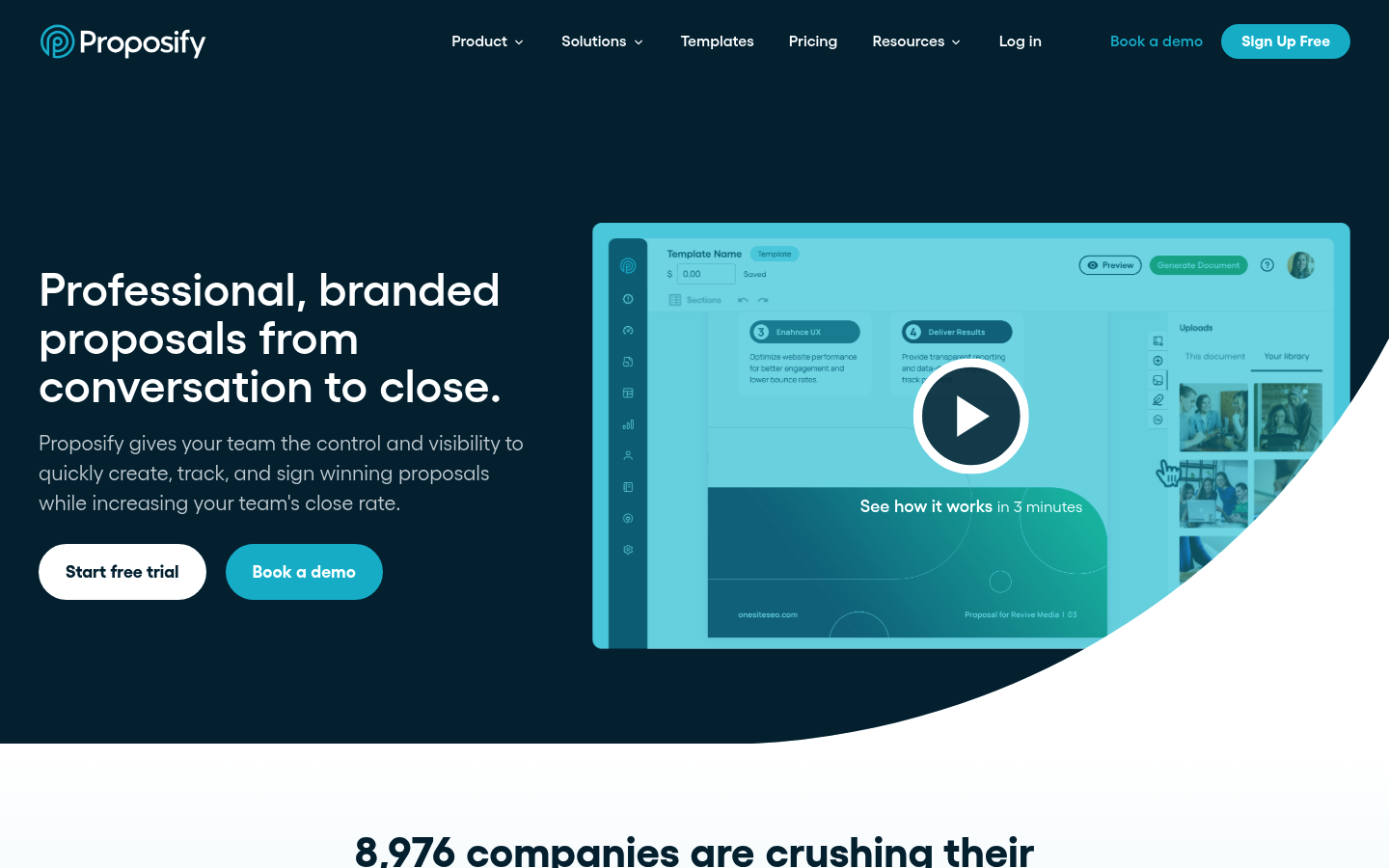 Proposify is strong when you need proposal creation plus management visibility. It is a solid fit for teams that care about standardization, tracking, and keeping reps inside a controlled workflow rather than editing one-off documents.
2. PandaDoc
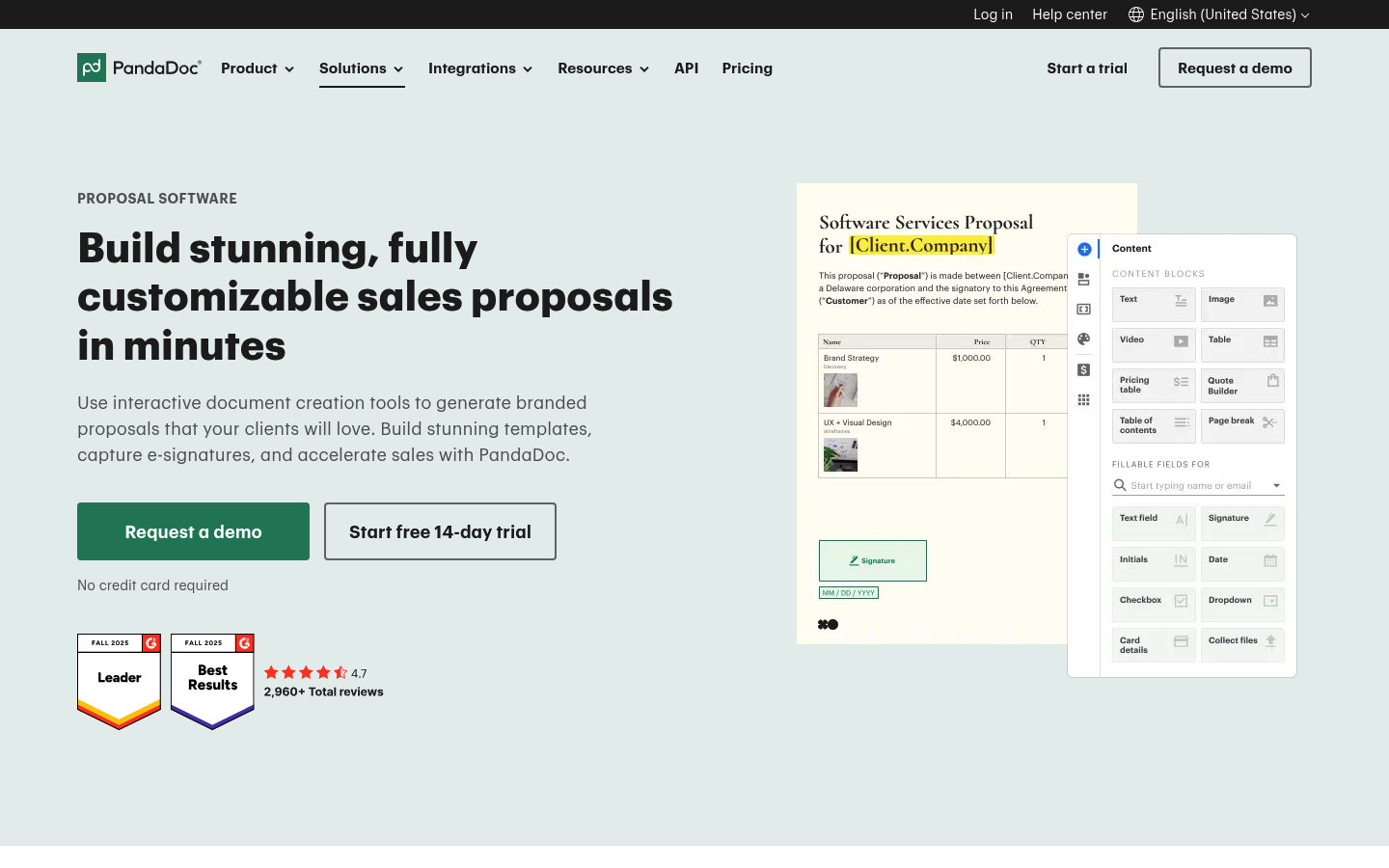 PandaDoc is a popular all-in-one option for proposals, pricing tables, and eSignature. Choose it when you want a single tool to create polished proposals quickly and move straight into signature without stitching together multiple platforms.
3. Qwilr
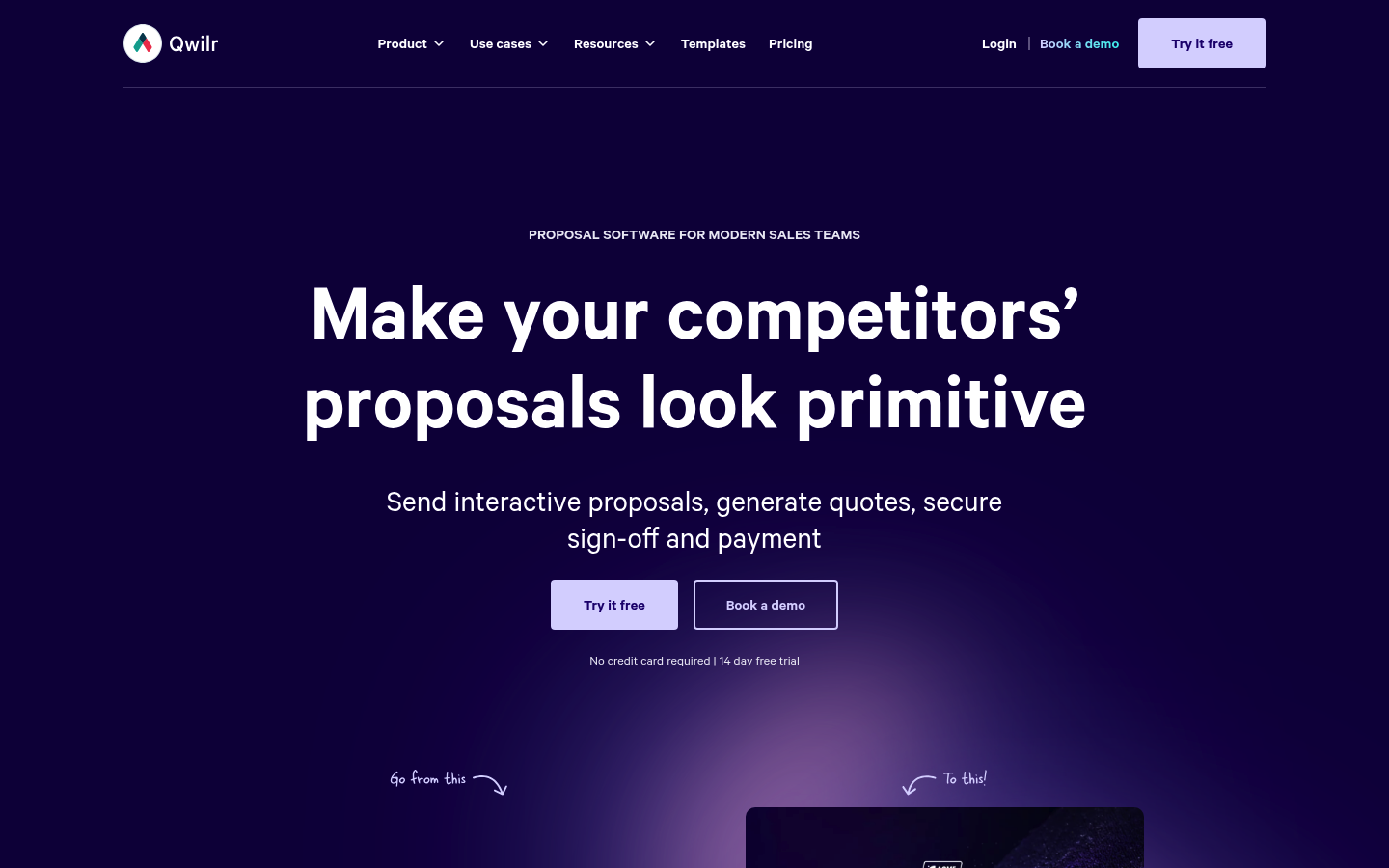 Qwilr is designed for interactive, web-based proposals that feel less like a PDF and more like a sales page. It is a strong pick when buyer experience and engagement analytics matter as much as document generation.
4. Better Proposals
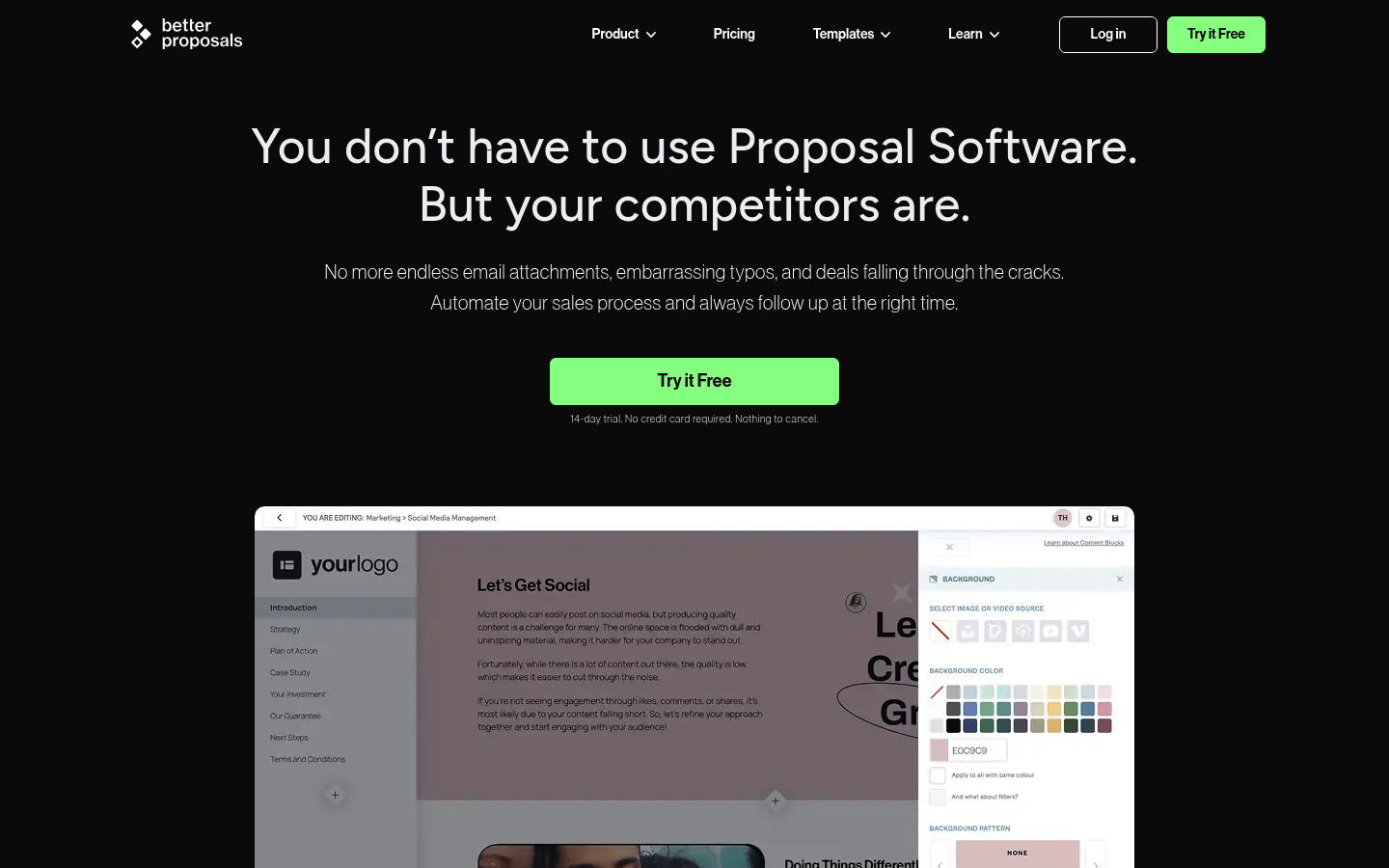 Better Proposals prioritizes speed: templates, reusable content, and quick send flows. It is a practical option for smaller teams that need to go from new lead to proposal sent fast, without heavy configuration.
5. DocuSign CLM
DocuSign CLM is less pretty proposals and more end-to-end agreement governance. Pick it when proposals quickly turn into negotiated contracts, and you need strong controls, templating, and compliance across complex legal workflows.
6. Adobe Acrobat Sign
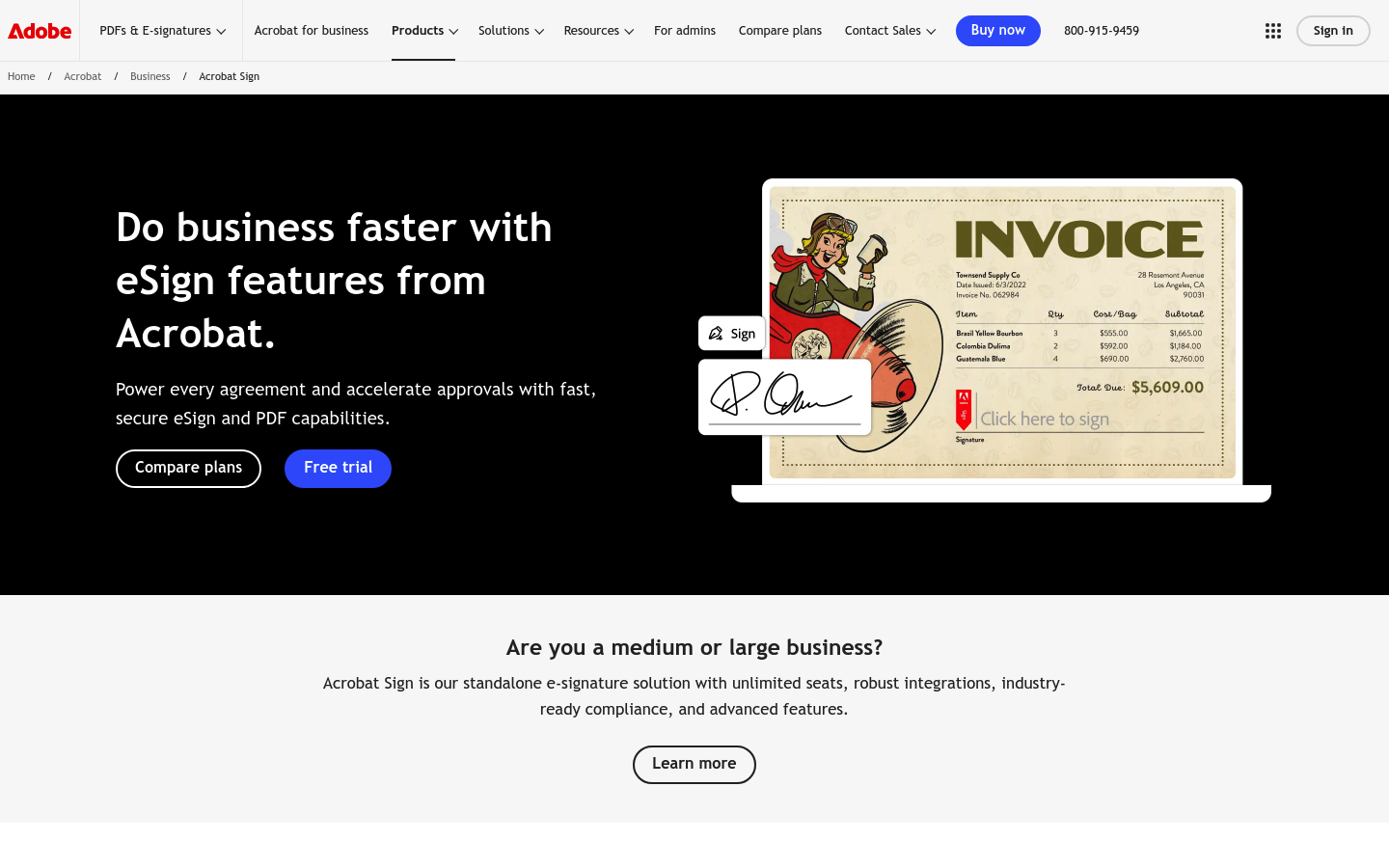 Adobe Acrobat Sign is a reliable choice when the signature step is the bottleneck. It is best for teams that already live in the Adobe ecosystem and want a mature eSignature flow with tracking and brandable requests.
7. Conga
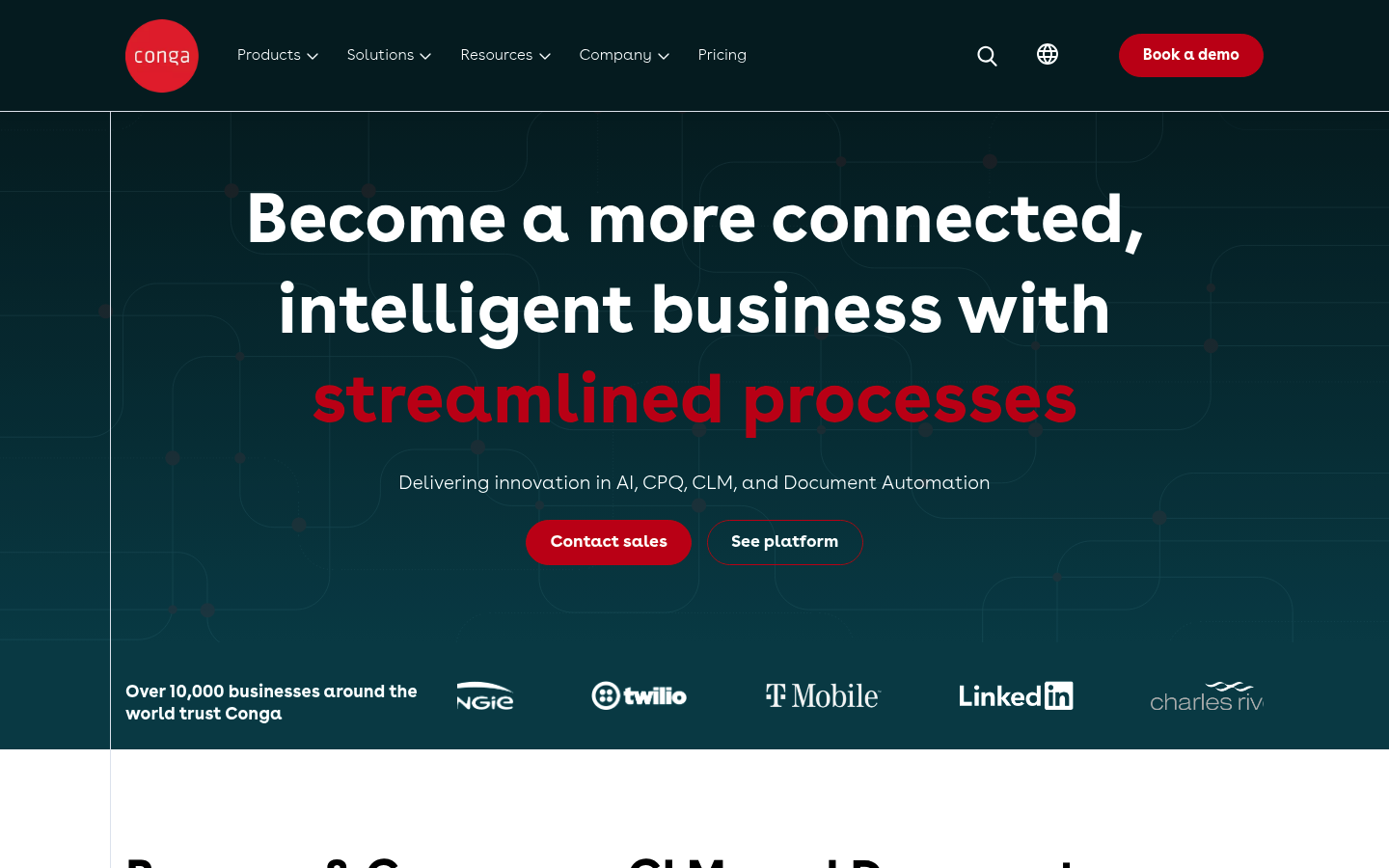 Conga is a strong option when your proposals are driven by CRM data and need rigorous document generation. It is commonly considered by Salesforce-heavy teams that want automated, data-filled documents without manual copy-paste.
8. DealHub CPQ
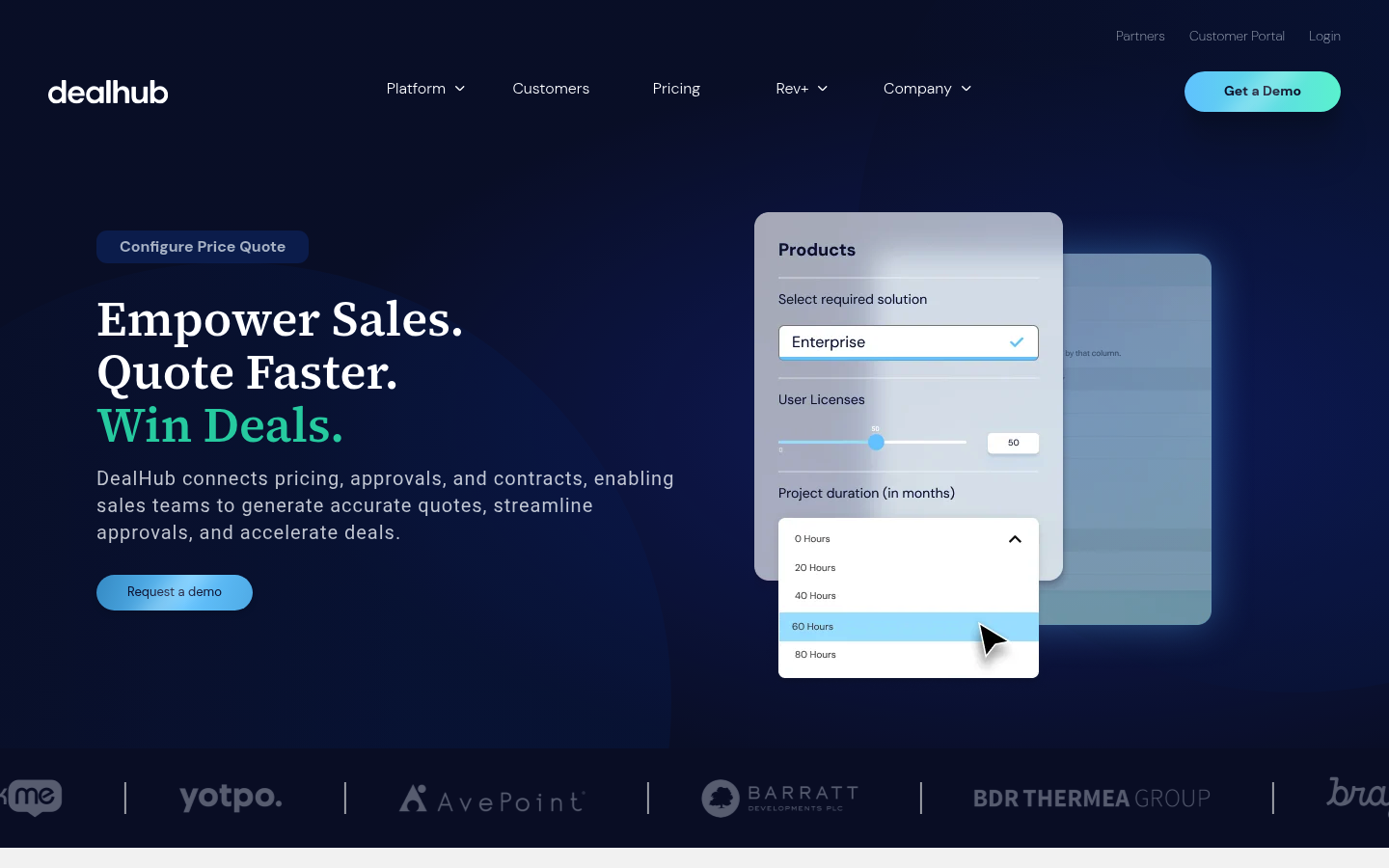 DealHub CPQ is built for teams that need guided selling, approvals, and quoting discipline. If your pain is inconsistent pricing or discount chaos, a CPQ-led approach can make proposal creation a controlled, auditable process.
9. Nusii
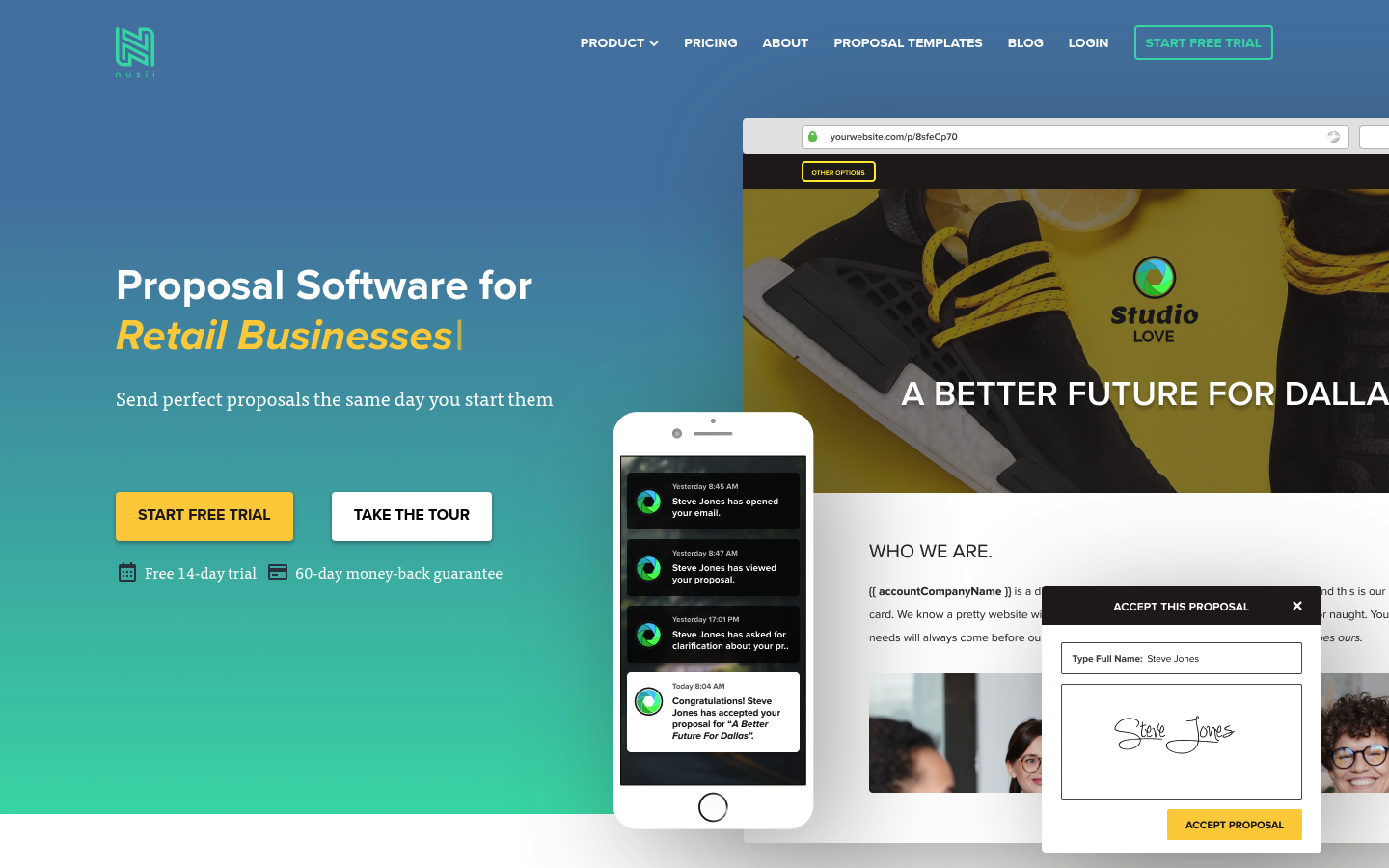 Nusii is a lightweight proposal builder that fits freelancers and agencies. It is best when you want clean proposals with reusable content blocks and branding, without enterprise-grade admin complexity.
10. Quotient
 Quotient shines when the proposal is primarily a quote with options. It is useful for productized services that need selectable line items, clear acceptance, and automated follow-up to reduce the back-and-forth that kills momentum.
When off-the-shelf tools fall short
Most proposal automation software breaks down in the same places:
- Your pricing lives outside the tool: Spreadsheet models, usage-based logic, and margin rules do not map cleanly into standard pricing tables.
- Approvals are business-specific: Legal and finance do not approve a document. They approve exceptions, discount thresholds, and clause changes.
- You need operational handoffs: A signed proposal should create tasks, provision access, trigger onboarding, and update reporting.
This is where building a custom workflow can be more practical than forcing a generic product to behave like your business.
If you are already thinking in terms of internal systems, our library of automation concepts is a helpful baseline, including our guide to automating business processes and our breakdown of workflow automation software.
A founder-friendly way to automate proposals end-to-end
If you need proposal automation that mirrors your exact process, a custom internal app can be the missing layer between your CRM and your document tool.
With QuantumByte, you can use conversational artificial intelligence (AI) to build a proposal workflow app that matches your rules, not the other way around:
- Proposal intake: Capture deal details and required fields so proposals are complete by default.
- Pricing logic: Encode your packages, tiers, and discount approvals.
- Approvals: Route exceptions to the right person with clear context.
- Outputs: Generate a proposal-ready payload your team can send in the document platform you prefer.
If you want an enterprise-ready build path, start with QuantumByte Enterprise. If you are earlier-stage and want to experiment with templates first, start with the QuantumByte and browse the broader articles library for practical automation patterns.
For prompt patterns that help you spec your workflow clearly (even if you are not technical), the guide to AI app builder prompts is a strong starting point.
Summary of what you can implement this week
You now have a practical way to pick and deploy proposal automation software without guessing.
- Map your current flow: Identify where time is wasted: pricing, approvals, formatting, or follow-up.
- Choose your tool category: Proposal platform, signature-first tool, CPQ-led approach, or CRM-driven document generation.
- Standardize what must not change: Lock clauses, define discount thresholds, and create an approved content library.
- Automate the handoff: Make signed mean kickoff, using integrations or a custom workflow layer.
- Build the missing layer if needed: When your process is unique, a custom proposal workflow app can outperform another generic tool.
Frequently Asked Questions
What is proposal automation software?
Proposal automation software is a system that helps you generate proposals from templates and data, route them for approvals, send them to buyers, track engagement, and collect electronic signatures. The goal is speed, accuracy, and consistency.
Is an electronic signature legally valid?
In many jurisdictions, yes. In the United States, the E-SIGN Act establishes that a signature or contract cannot be denied legal effect solely because it is in electronic form. In the European Union, the eIDAS framework defines levels of electronic signatures.
What features matter most for sales teams?
Look for templates, reusable content, interactive pricing, buyer tracking, approval routing, and CRM integration. If you have discount guardrails or bundles, prioritize tools that support structured pricing and permissions.
What is the difference between CPQ and proposal software?
Configure, price, quote (CPQ) systems focus on product configuration and pricing governance, often with approvals and deal desk workflows. Proposal software focuses on presenting the offer and getting to signature. Many businesses use CPQ to generate the numbers and proposal software to present and close.
Can I automate proposals without replacing my current tools?
Yes. Many teams keep their CRM and signature platform, then add a proposal tool or a custom workflow layer that standardizes intake, pricing logic, and approvals before the proposal is generated.
When should I build a custom proposal workflow instead of buying another tool?
Build when your pricing logic is unique, approvals are exception-based, or a signed proposal must trigger operational work across multiple systems. In that scenario, a custom internal app can act as the glue between CRM, finance, legal, and delivery.