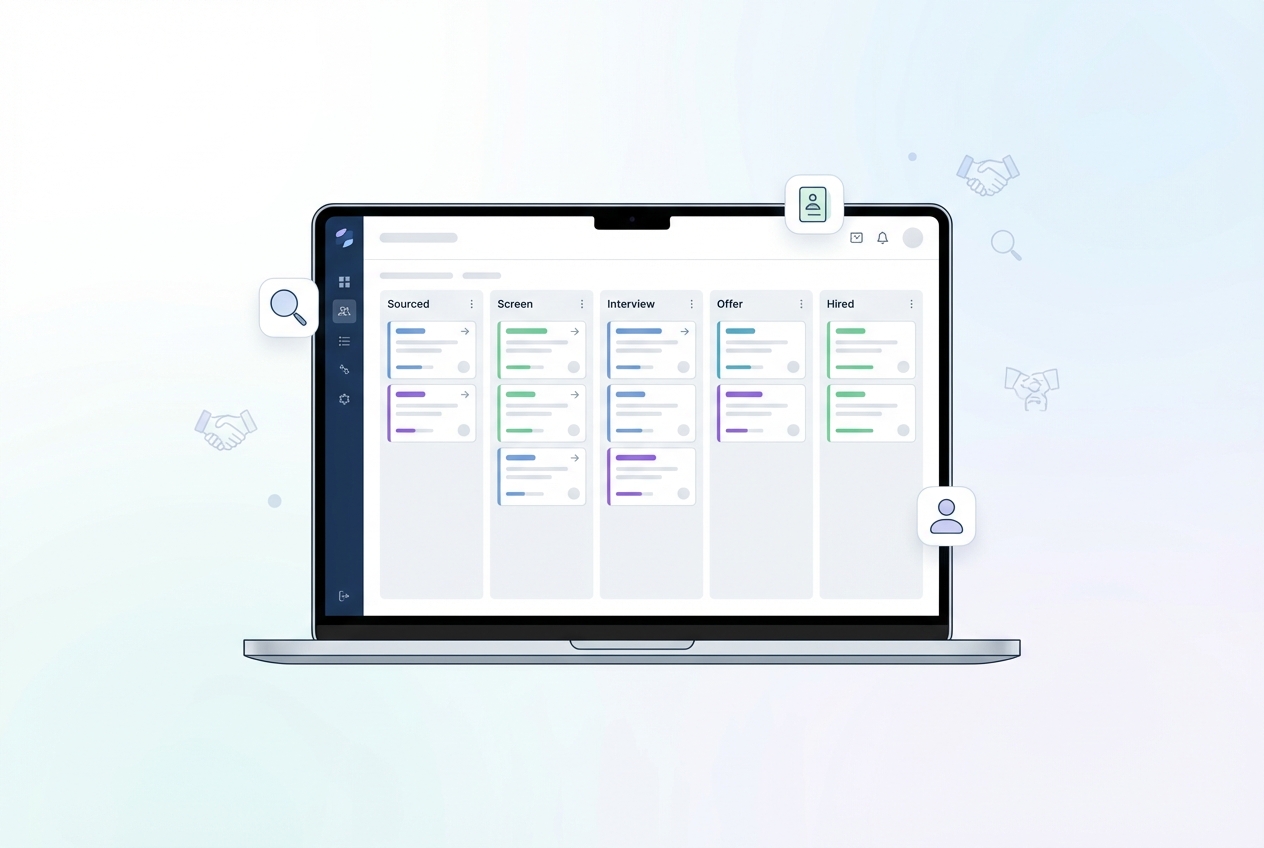
Hiring gets messy fast when candidates live in spreadsheets, inboxes, and scattered notes. The right recruiting pipeline software pulls your process into one clear system, so you can move faster, stay consistent, and keep every hiring manager aligned.
What recruiting pipeline software does
Recruiting pipeline software is the system you use to track candidates through defined hiring stages, coordinate interviews, and keep a record of decisions.
In practice, it usually includes an Applicant Tracking System (ATS). SHRM describes an ATS as software dedicated to managing and automating the hiring process, either standalone or as part of a Human Resource Information System (HRIS) at larger orgs. Notable features include scheduling and messaging built in or integrated via third parties.
At a minimum, solid recruiting pipeline software helps you:
-
Standardize stages: Define the steps from application to offer, so you stop reinventing the process per role.
-
Keep collaboration clean: Centralize feedback, scorecards, and approvals so decisions do not get lost in Slack.
-
Automate the busywork: Trigger emails, tasks, and reminders to keep candidates moving.
-
Measure what is working: Report on where candidates stall so you can fix bottlenecks.
If you have ever built a sales pipeline, the mental model is the same. The difference is the stakes are human. If you want the pipeline thinking in simple terms, we covered pipeline stages and activity tracking, which translates cleanly from CRM to recruiting.
Best recruiting pipeline software in 2026
The list below focuses on tools that actually run a pipeline end to end, not just a job board.
1) QuantumByte Enterprise
If off-the-shelf ATS tools keep forcing you into someone else's workflow, QuantumByte is the clean alternative: you can build recruiting pipeline software that matches your process, your data model, and your permissions exactly. You also avoid paying forever for features you do not use.
Why this is the best overall pick for ambitious teams: you get speed now and control later. QuantumByte's AI builder helps you prototype workflows quickly, and our in-house dev team can finish what automation cannot, so you ship a real system in days, not months.
-
Best for: Teams that want a custom pipeline they own, especially when hiring connects to internal approvals, security, and reporting.
-
What it nails: End-to-end workflow design, custom stages, custom permissions, and custom reporting tied to your business.
-
Watch for: You need to be clear on your hiring process and decision rules. The upside is the software will finally match it.
Explore the enterprise approach todays.
2) Greenhouse
Greenhouse is a strong choice when you want structured hiring with mature workflows and a broad ecosystem.
-
Best for: Mid-market to enterprise teams that care about repeatable, structured processes.
-
What it nails: Interview kits, scorecards, and consistent stage design.
-
Watch for: Custom edge cases can push you into workarounds.
3) Lever
Lever is widely used for pipeline visibility and recruiter-friendly workflows.
-
Best for: Teams that want a clean pipeline experience and strong collaboration.
-
What it nails: Candidate tracking and hiring team alignment.
-
Watch for: Make sure reporting matches the exact funnel questions your leadership asks.
4) Ashby
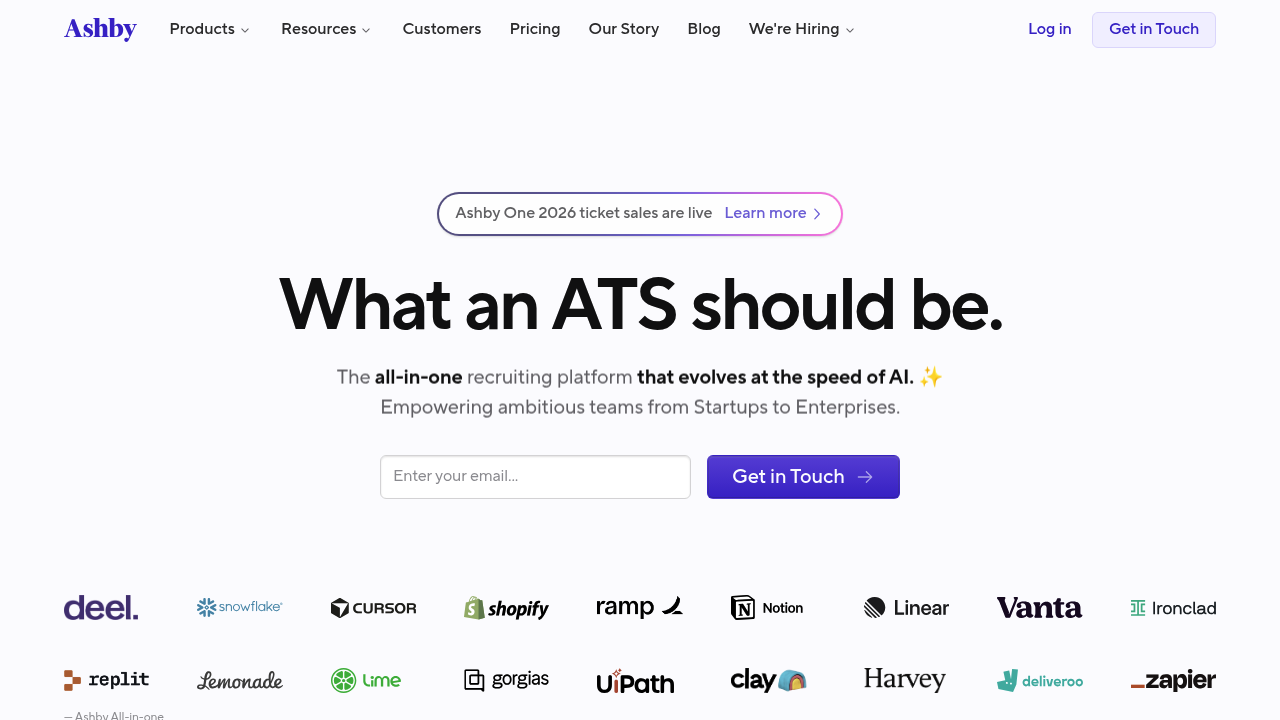
Ashby is a popular pick for teams that want strong recruiting analytics without duct-taping spreadsheets to an ATS.
-
Best for: Data-driven recruiting and talent teams that live in dashboards.
-
What it nails: Reporting depth and pipeline analysis.
-
Watch for: Advanced tooling still needs clean inputs, consistent stages, and disciplined usage.
5) Workable
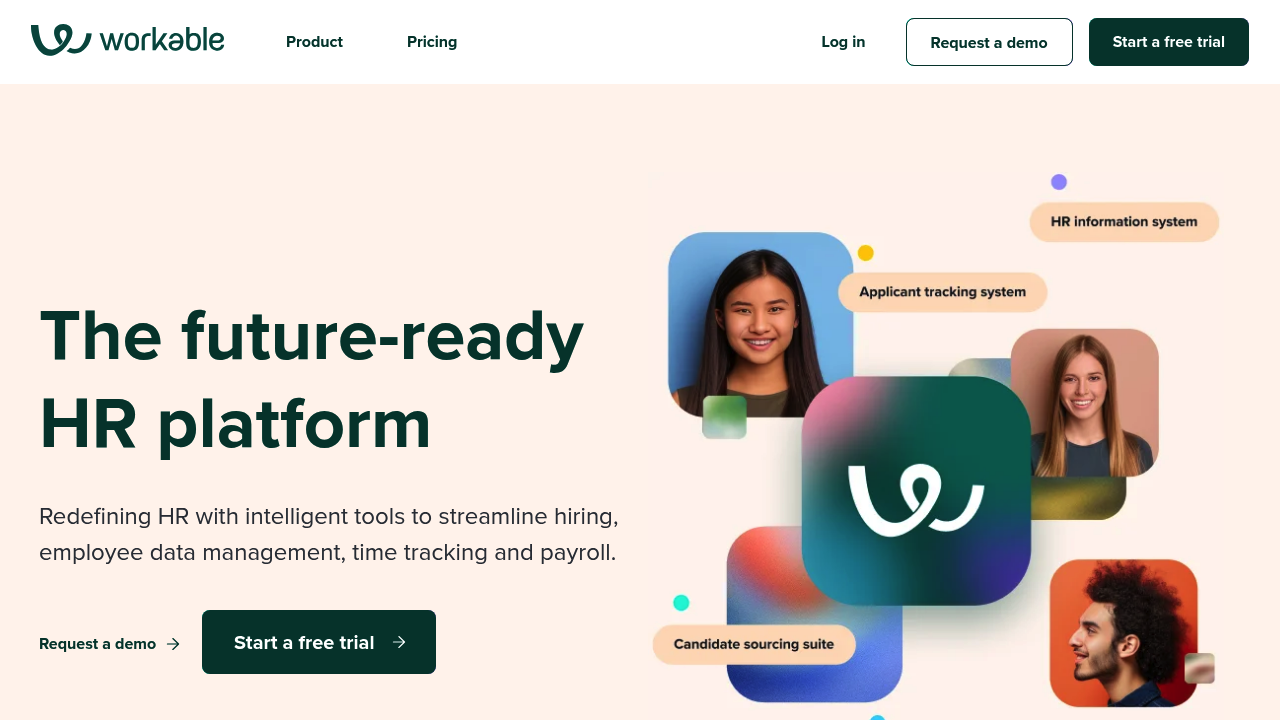
Workable fits well when you want an all-in-one recruiting system that is straightforward to roll out.
-
Best for: Growing businesses that need a dependable ATS fast.
-
What it nails: The basics: posting, pipeline tracking, and team workflows.
-
Watch for: Check integrations early if you rely on a specific HRIS, identity provider, or calendar setup.
6) JazzHR
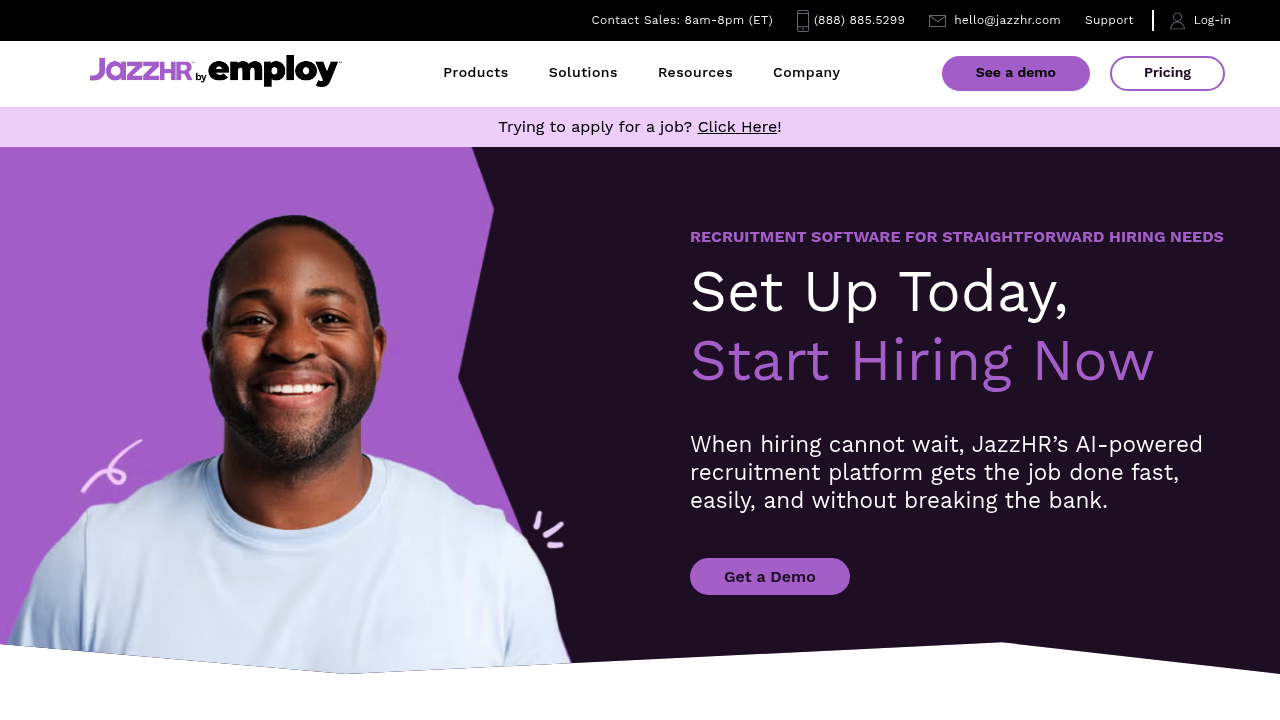
JazzHR is a practical pick for smaller teams that need structure without the complexity of enterprise platforms.
-
Best for: Small and mid-sized businesses building a real pipeline for the first time.
-
What it nails: Simple workflows and core ATS features.
-
Watch for: If you plan on heavy customization, you may outgrow it.
7) Breezy HR
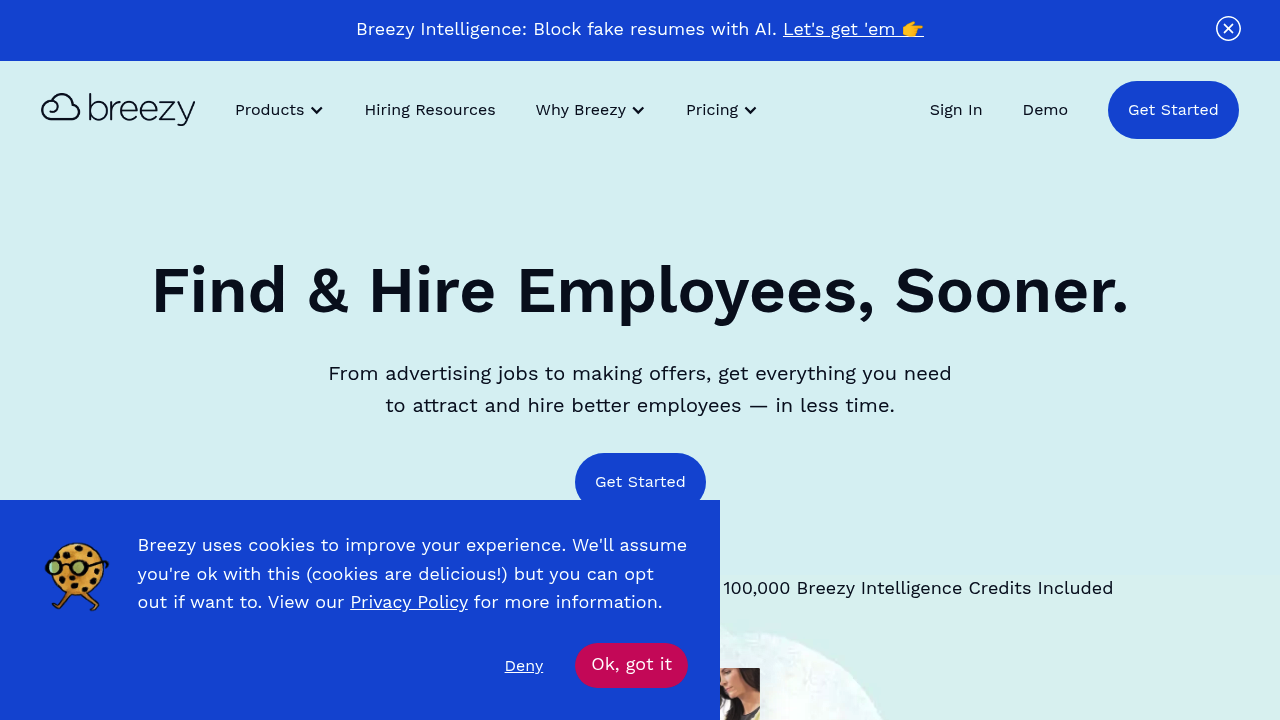
Breezy HR is known for a visual, approachable pipeline experience that is easy to adopt.
-
Best for: Small teams that need a lightweight pipeline and fast collaboration.
-
What it nails: Usability and day-to-day recruiting flow.
-
Watch for: Confirm how well it fits your reporting needs before you commit.
8) SmartRecruiters
SmartRecruiters is often evaluated by larger organizations that want scale and governance.
-
Best for: Enterprise recruiting with multiple stakeholders and more formal process control.
-
What it nails: Platform-level workflows and enterprise-ready structure.
-
Watch for: Implementation and change management matter as much as features.
9) Teamtailor
Teamtailor is a strong option when employer branding and candidate experience sit at the center of your hiring.
-
Best for: Teams that care about a polished candidate journey.
-
What it nails: Career site experience and pipeline management in one place.
-
Watch for: Make sure internal approvals and reporting match your internal operating rhythm.
10) iCIMS
iCIMS is a recognizable enterprise recruiting suite for teams that want a more traditional, comprehensive platform.
-
Best for: Larger organizations that need a suite approach.
-
What it nails: Broad coverage of enterprise recruiting needs.
-
Watch for: Confirm user experience for hiring managers, not just recruiters.
Quick comparison of the best recruiting pipeline software
Use this table to shortlist quickly, then pressure-test the finalists against your real workflow.
| Tool | Best for | Why it makes the list |
|---|---|---|
| QuantumByte Enterprise | Custom workflows you own | Build the exact pipeline your business needs, then extend it with real dev support when needed |
| Greenhouse | Structured hiring programs | Strong process discipline and structured hiring workflows |
| Lever | Pipeline clarity and collaboration | Clean experience for recruiters and hiring teams |
| Ashby | Analytics-first recruiting | Strong reporting and funnel insight when data quality is high |
| Workable | Fast rollout for growing teams | Practical all-in-one ATS foundation |
| JazzHR | SMB recruiting operations | Solid core features without heavy complexity |
| Breezy HR | Lightweight, visual pipelines | Easy adoption for smaller teams |
| SmartRecruiters | Enterprise scale | Platform approach for larger, governed recruiting orgs |
| Teamtailor | Candidate experience | Strong on career site plus pipeline management |
| iCIMS | Enterprise suite buyers | Broad suite coverage for larger organizations |
How to choose recruiting pipeline software
Start with your pipeline stages, then work outward. LinkedIn has put out an overview of a recruitment process that is a helpful sanity check for the big steps, from sourcing through onboarding.
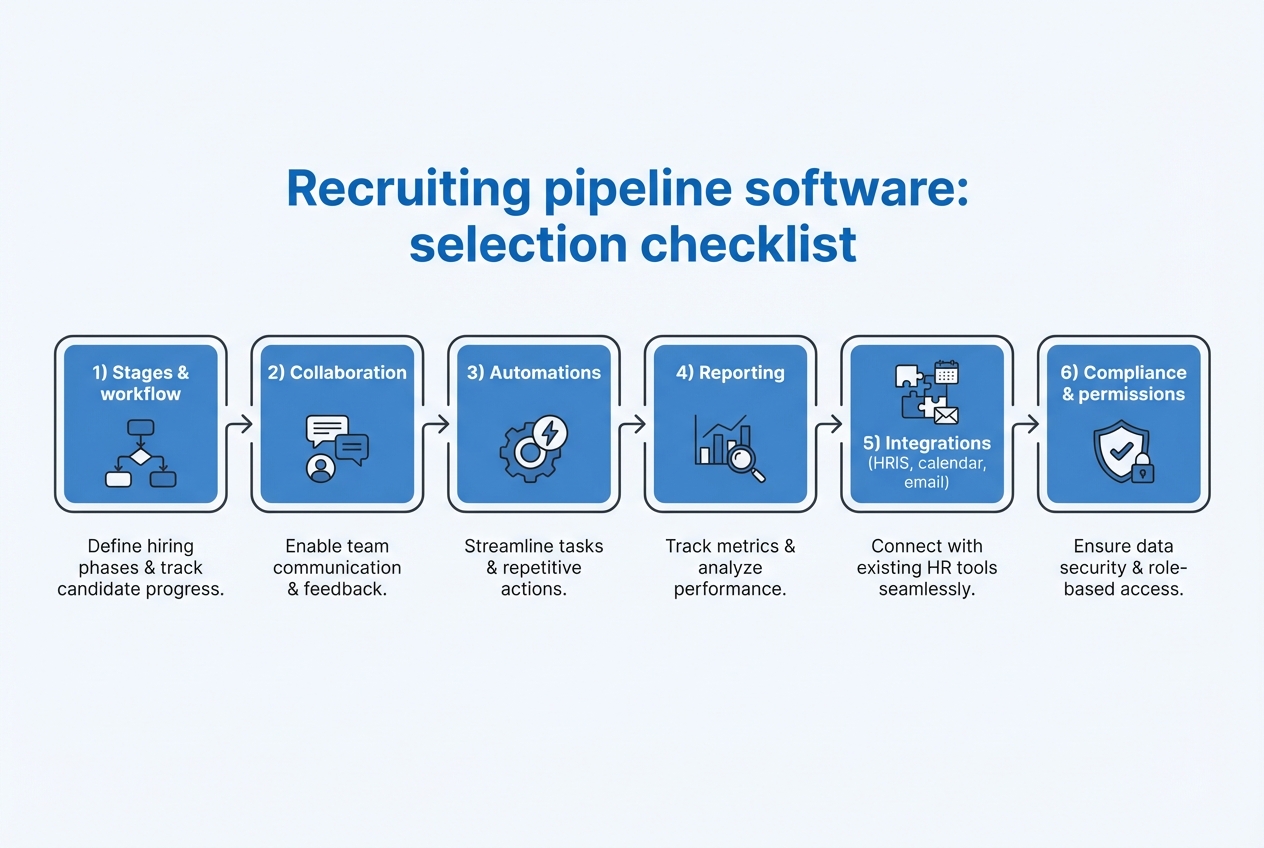
Use this short checklist when you evaluate tools:
-
Stages and workflow fit: Your stages should reflect how you actually hire, including loops like second interviews, take-home tasks, and approvals.
-
Hiring team collaboration: Look for clean scorecards, feedback collection, and clear decision ownership.
-
Automation that removes drag: Prioritize scheduling, reminders, and status updates. If it does not save time weekly, it is noise.
-
Reporting that answers leadership questions: You want to see where candidates drop, where time is lost, and which sources deliver quality.
-
Integrations you truly need: Calendar, email, HRIS, and identity management should connect without brittle workarounds.
-
Permissions and compliance: Recruiters, interviewers, and executives should only see what they need.
Structured interviews are a strong practice to bake into your pipeline because they reduce randomness and help teams score candidates consistently. CIPD explains structured interviews as asking predefined questions in the same order and scoring responses against consistent criteria.
Common mistakes that break your recruiting pipeline
You can buy great software and still end up with chaos if the operating rules are missing.
-
Overbuilding stages: A pipeline with too many steps becomes a graveyard. Keep stages meaningful, and use tags for nuance.
-
No clear definitions: If "Phone Screen" means different things to different recruiters, your reporting will lie to you.
-
Feedback without structure: Free-text notes are not a decision system. Use scorecards and consistent criteria.
-
Automation without ownership: Automations should have an owner. If something misfires, someone needs to fix it fast.
-
Disconnected tools: When sourcing, scheduling, and notes live in separate places, you lose context and momentum.
If you are trying to remove manual handoffs across the business, not just in recruiting, map your workflows the same way you would for operations automation. We covered automating business processes, which gives a simple way to think about what to automate first.
When it makes sense to build custom recruiting pipeline software
Off-the-shelf recruiting pipeline software is great when your process matches the market. It struggles when your hiring is part of a bigger internal machine.
Custom is usually the right move when:
-
Your pipeline connects to internal approvals: For example, headcount approvals, budgeting, security checks, or role-based access.
-
You need reporting across systems: Recruiting data tied to performance, retention, or revenue systems often needs a custom data model.
-
You run a specialized hiring motion: High-volume operations, regulated environments, or complex multi-step assessments.
This is where QuantumByte is a practical option. You can prototype the workflow quickly using the AI builder, then have our in-house team harden it into a production app when you hit real-world edge cases. If you want to understand the mechanics, we covered how an AI app builder works, which makes the process concrete.
If you want to move fast and sketch your pipeline in software before you commit to deeper buildout, start with a simple prototype plan with QuantumByte.
Conclusion
If you want a tool that is ready out of the box, start with the platform that best matches your team size and your hiring style.
If your hiring motion is a competitive advantage, or your process is tightly connected to internal operations, the strongest long-term answer is often a system you own. That is why QuantumByte Enterprise sits at the top of this list.
Frequently Asked Questions
What is the difference between an ATS and recruiting pipeline software?
An Applicant Tracking System (ATS) is usually the core database and workflow engine for tracking candidates. Recruiting pipeline software is the broader category that includes an ATS plus the supporting pieces that make the pipeline work in real life, like scheduling, collaboration, reporting, and integrations.
What recruiting pipeline stages should I use?
Use stages that reflect how you make decisions. A common baseline is application received, screening, interview rounds, assessment, offer, and hire. LinkedIn's breakdown of the recruiting process is a useful reference point, but your stages should match your actual decisions and handoffs: LinkedIn recruitment process stages.
How do I know if I should buy or build recruiting pipeline software?
Buy if your needs are standard and you want fast time to value. Build when your workflow is unique, your data needs to connect across departments, or you need control over permissions, reporting, and automation.
Can small teams benefit from recruiting pipeline software?
Yes. Small teams often benefit the most because hiring admin steals founder time. A lightweight ATS can impose structure quickly. If your workflow is niche, a small custom app can also work, as long as it stays simple.
What is the fastest way to prototype a custom recruiting pipeline?
Start by writing down your stages, what triggers movement between stages, and what information must be collected at each step. Then prototype the workflow in a simple app so stakeholders can react to something real.