
Scheduling is the control center of a cleaning business. When it breaks, you feel it everywhere: crews show up late, keys go missing, jobs overlap, and the office spends the day patching holes instead of growing.
This guide ranks the best scheduling apps for cleaning companies in 2026, including tools built for recurring cleanings, field-service style dispatch, and a custom-build route when your workflow (teams, key codes, service zones, and pricing rules) does not fit off-the-shelf software.
Best cleaning business scheduling app options for 2026
| App | Best for | Why it makes the list |
|---|---|---|
| QuantumByte | Teams that want a scheduling system built around their exact workflow | You can generate a custom scheduling app from plain English, then extend it with a dev team when needed |
| Jobber | Owner-operators and small teams | Strong scheduling and customer communication for home service workflows |
| Housecall Pro | Busy service businesses with dispatch needs | Drag-and-drop calendar built for fast changes and technician assignment |
| ZenMaid | Maid services focused on recurring cleanings | Cleaning-specific operations, with scheduling at the center |
| Launch27 | Cleaning companies that prioritize online booking | Booking forms and automation designed for cleaning appointments |
| BookingKoala | Cleaning businesses that want an all-in-one operations suite | Scheduling plus broader business tools in one platform |
| ServiceM8 | Mobile-first field teams | Simple scheduling that works well on phones for crews in the field |
| ServiceTitan | Larger operations with complex dispatch | Enterprise-grade scheduling and capacity planning |
| Square Appointments | Simple appointment scheduling tied to payments | Scheduling that connects naturally to Square payments |
| Setmore | Teams that need straightforward appointment booking | Mobile-friendly scheduling and reminders without heavy setup |
1. QuantumByte
If you have ever said "none of these apps match how we actually run jobs," this is the cleanest way out. QuantumByte gives you an AI-powered app builder paired with a development agency. You can create the scheduling system you wish existed and then harden it into a real product.
This is why it is #1: most scheduling tools force your cleaning business to adapt to their model. QuantumByte lets the software adapt to your model.
Maybe you price by bedrooms. Maybe you rotate teams. You might run key drop workflows. You might also need owner-only overrides.
-
Best reason to pick it: You want a custom scheduling app that matches your operations, not a generic calendar.
-
What it can replace: A patchwork of forms, spreadsheets, shared calendars, and "text me if you are running late" chaos.
-
How you build fast: Start with a tight spec, then iterate. If you want the mechanics, QuantumByte breaks it down in how an AI app builder works.
If you are ready to turn your scheduling process into a real app in days, start with QuantumByte.
2. Jobber
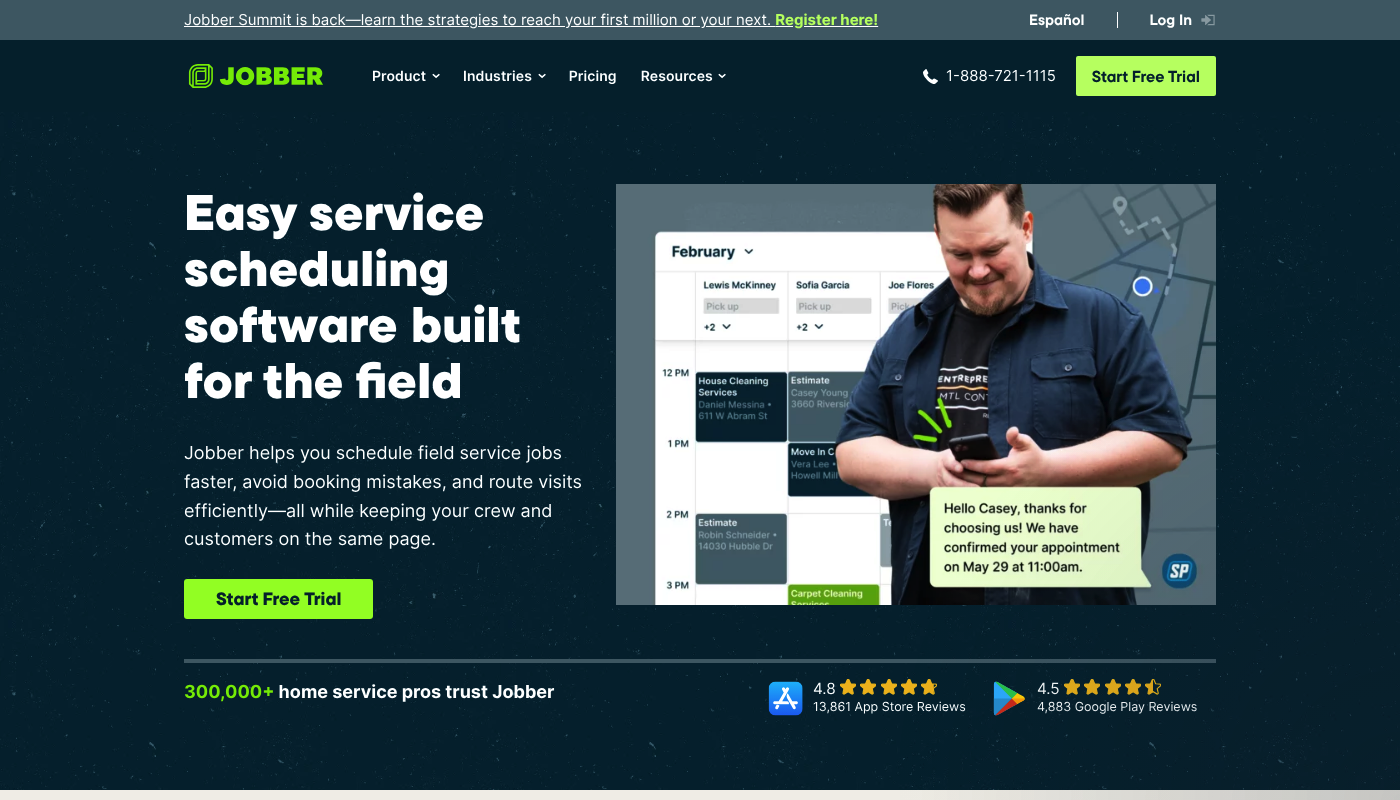
Jobber scheduling is a strong fit for cleaning businesses that want a reliable field-service-style calendar with customer messaging baked in.
-
Best for: You have repeat customers, a small crew, and need fewer booking mistakes.
-
What stands out: Scheduling and visit coordination that feels designed for service work, not just meetings.
3. Housecall Pro
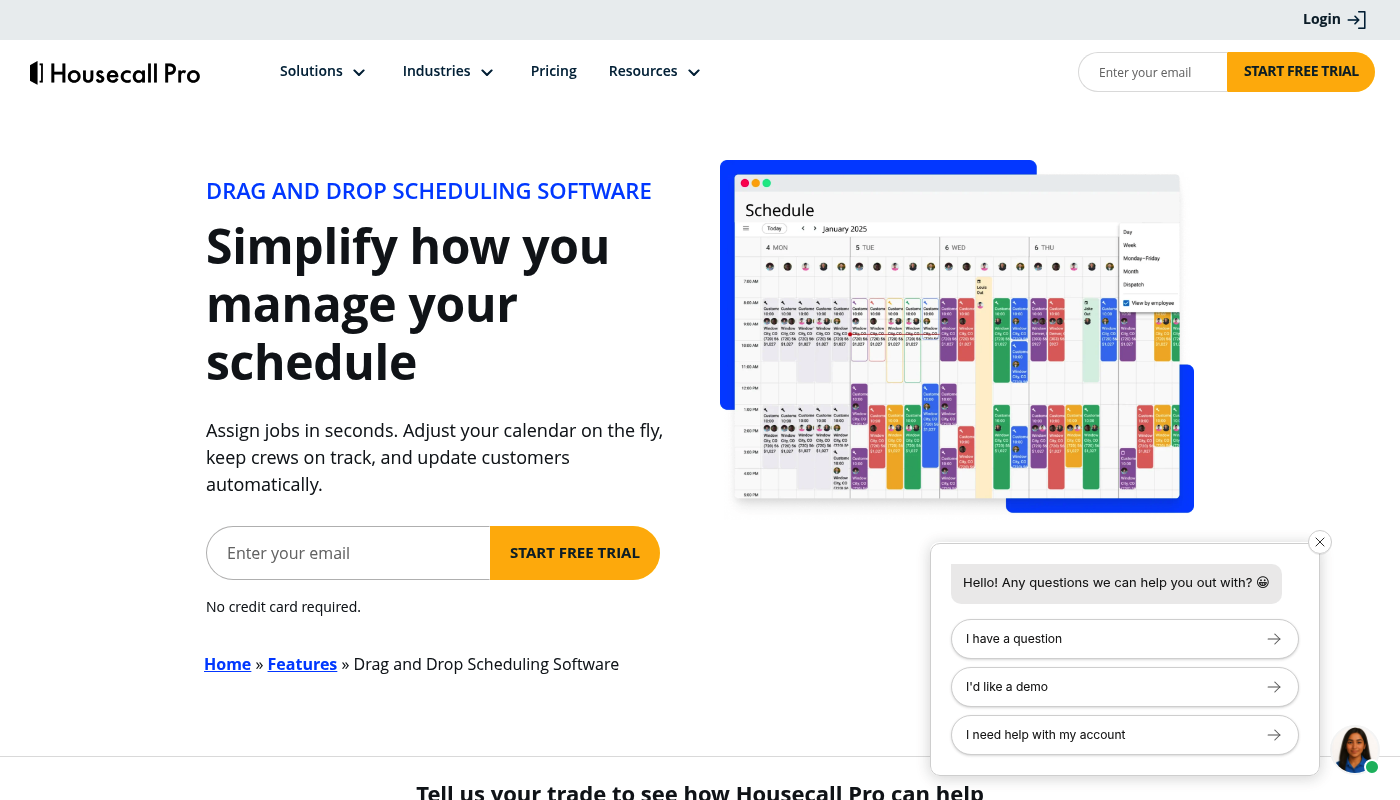
Housecall Pro's drag-and-drop calendar is built for owners who make constant schedule changes and need fast dispatch.
-
Best for: Same-day schedule updates, reschedules, and quick assignment to techs.
-
What stands out: A calendar-first workflow that helps you move jobs around without breaking the day.
4. ZenMaid
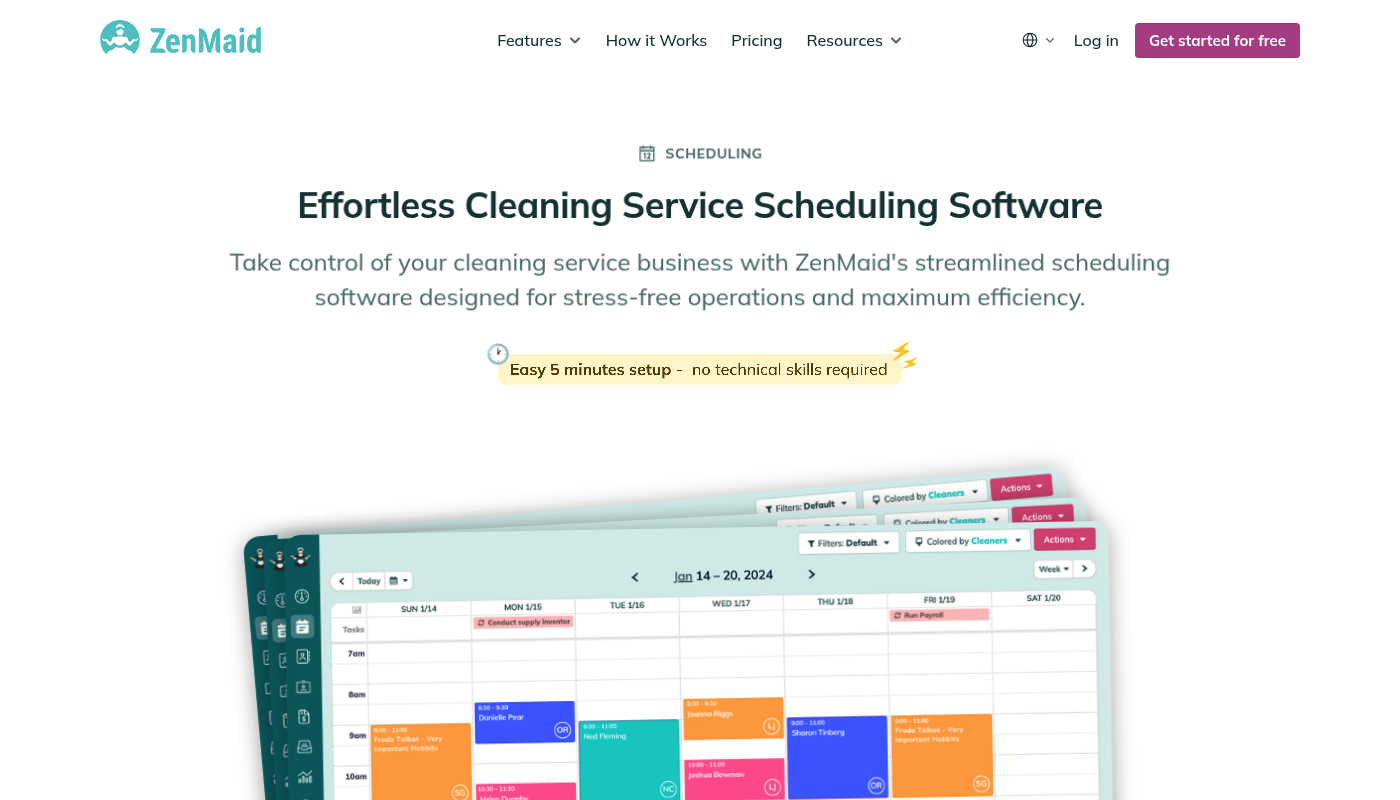
ZenMaid scheduling software is one of the most cleaning-specific tools on this list, which matters if you live on recurring work.
-
Best for: Maid services that want scheduling to drive the rest of operations.
-
What stands out: A cleaning-first approach rather than a generic appointment tool.
5. Launch27
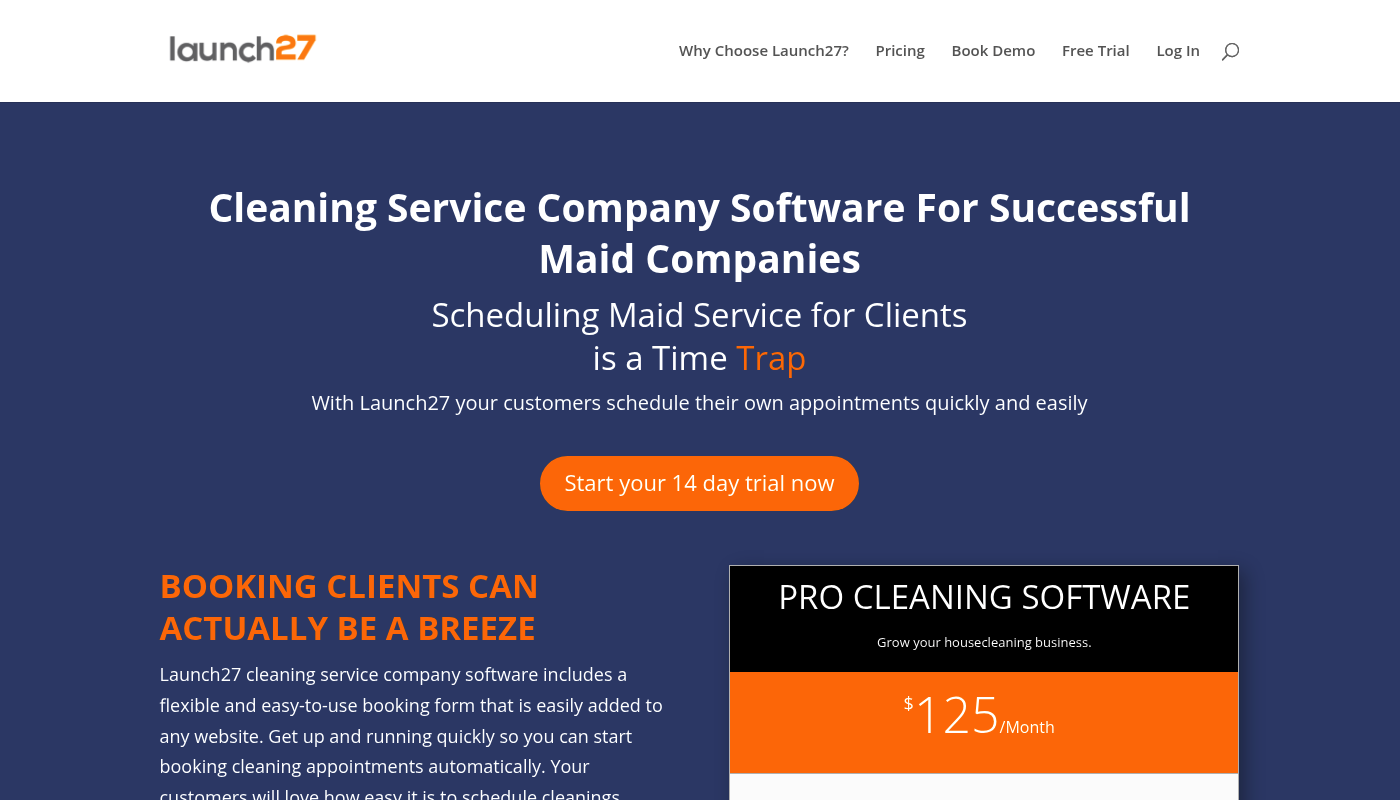
Launch27 is built around online booking for cleaning companies. If your website is your main sales channel, this belongs on your shortlist.
-
Best for: Businesses that want website booking to flow directly into a schedule.
-
What stands out: Booking form focus and automation geared toward cleaning appointments.
6. BookingKoala
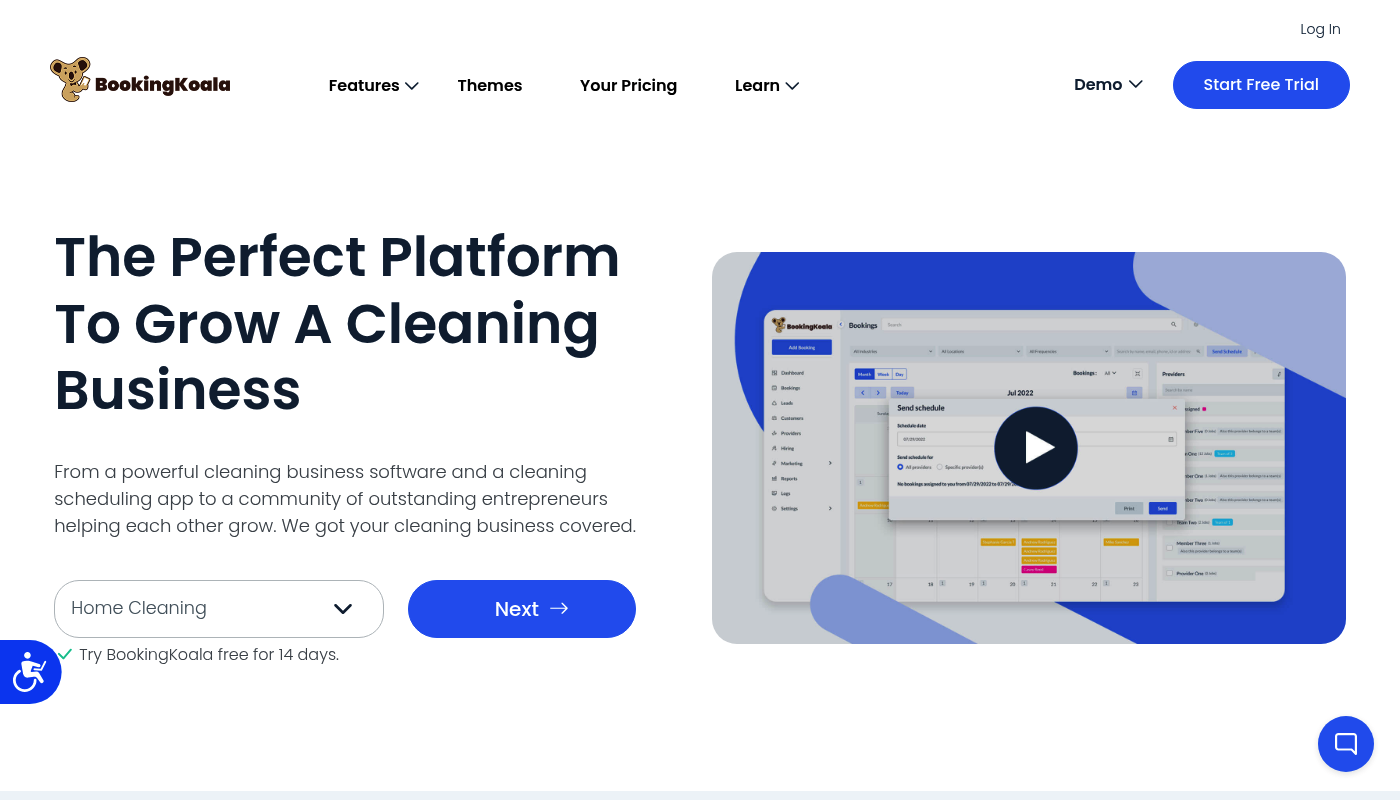
BookingKoala positions itself as an all-in-one system for cleaning operations, with scheduling as a core pillar.
-
Best for: Teams that want broader business tooling alongside scheduling.
-
What stands out: A suite feel, not just a calendar.
7. ServiceM8
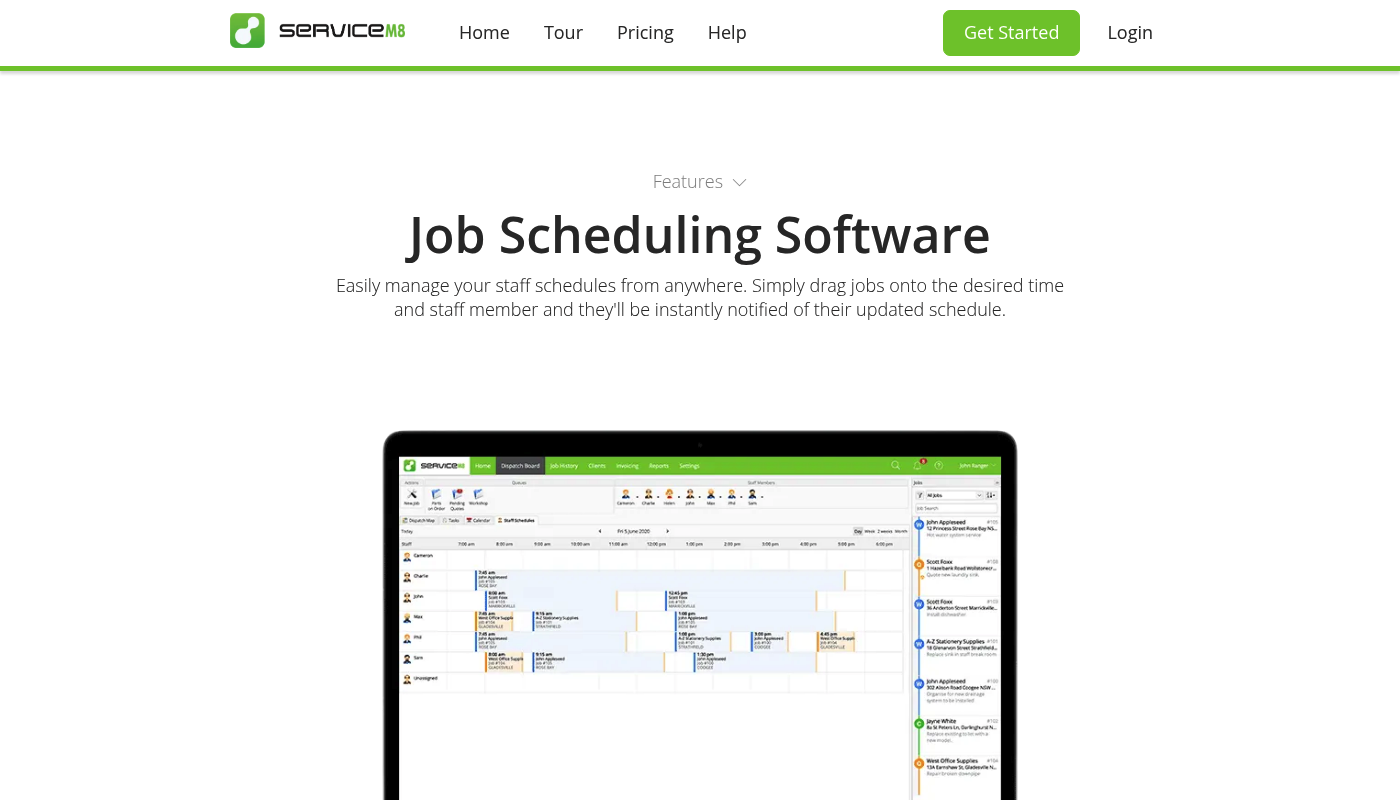
ServiceM8 scheduling is a practical choice if your crew lives on mobile and you want simple dispatch without a heavy enterprise vibe.
-
Best for: Field teams that need jobs assigned fast and seen immediately.
-
What stands out: Mobile-first execution, so the schedule actually gets followed.
8. ServiceTitan
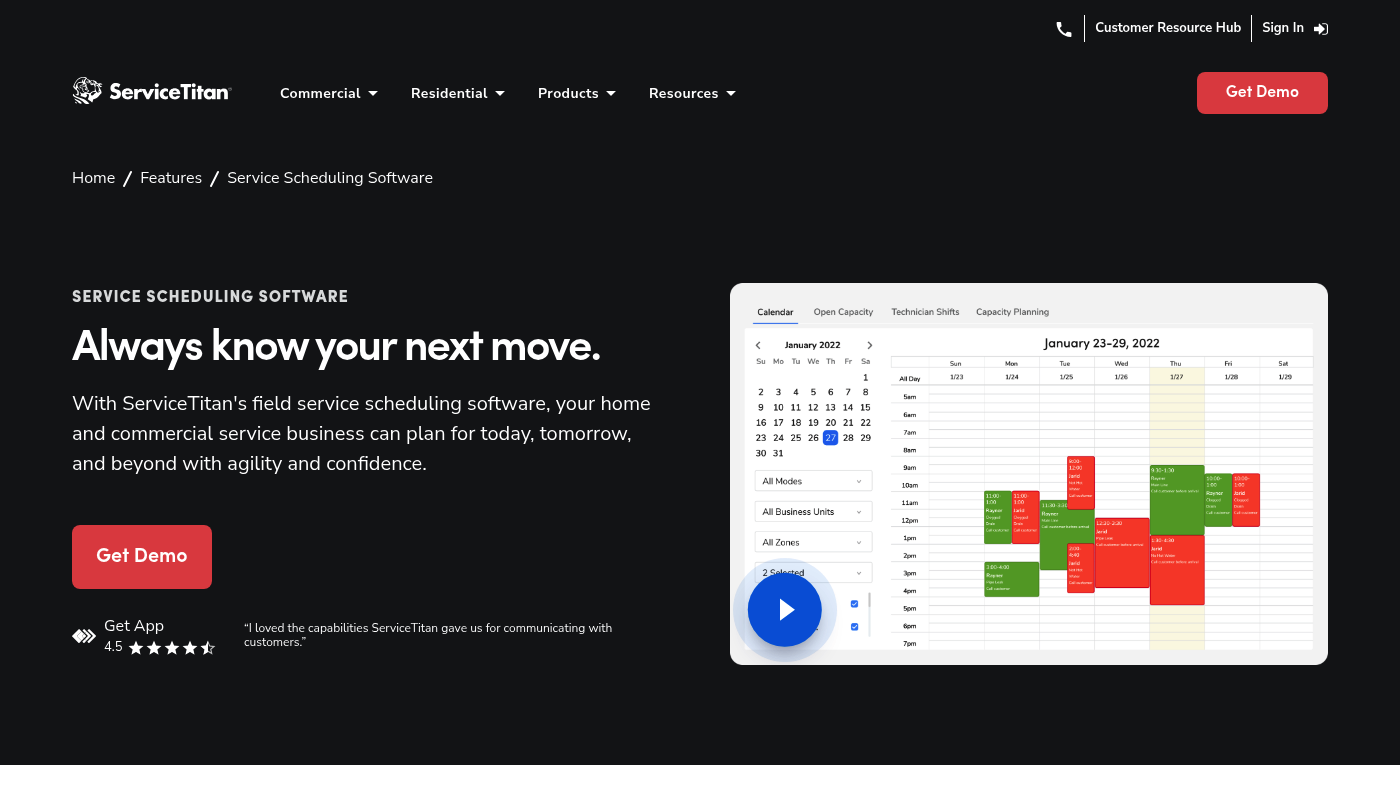
ServiceTitan scheduling software is aimed at bigger, more complex service operations. It is often overkill for a small cleaning company. But it is a real contender once you have multiple teams, layers of dispatch, and strict capacity planning needs.
-
Best for: Larger operations that need structured dispatch and long-range scheduling control.
-
What stands out: Depth and scale.
If you are at this scale but still want flexibility, compare it to a custom build path through QuantumByte Enterprise.
9. Square Appointments
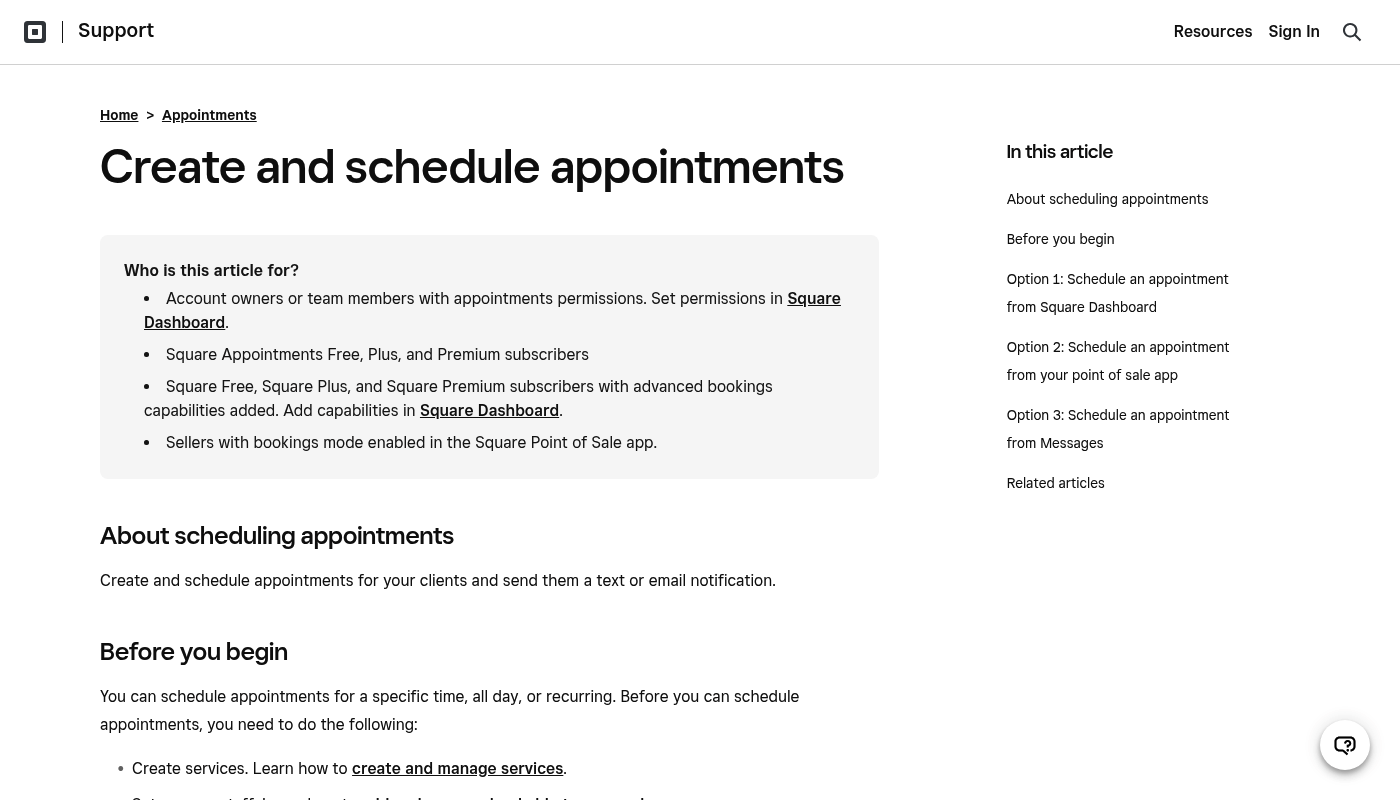
Square Appointments is a solid fit when payments are central to your workflow and you want scheduling tightly connected to checkout.
This screenshot uses a Square Support Center page because the main marketing page can be slow to render in some screenshot tools. The product link above is the canonical Appointments page.
-
Best for: Simple appointment booking plus payments in one ecosystem.
-
What stands out: A payments-first angle that reduces tool sprawl.
10. Setmore
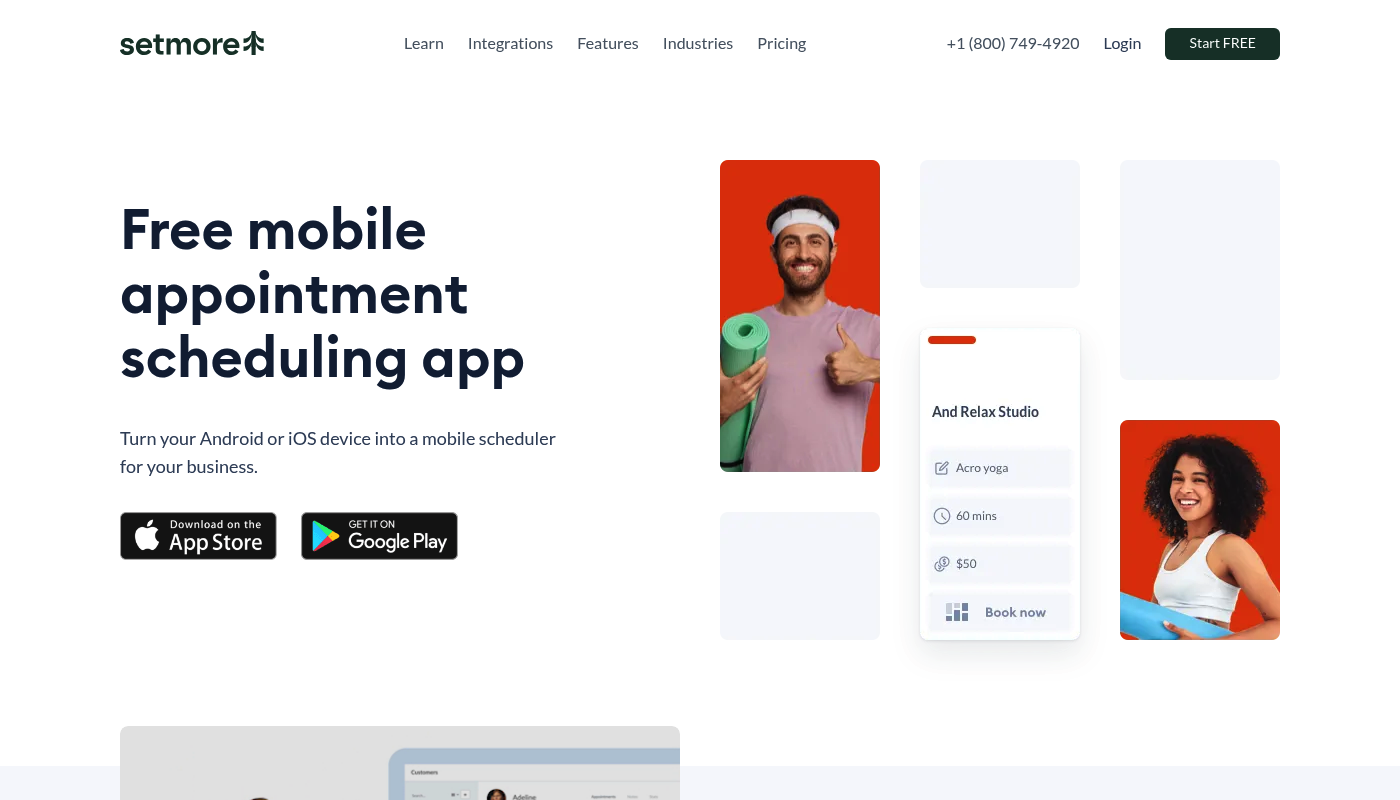
Setmore is a straightforward appointment scheduling option when you want something simple and mobile-accessible.
-
Best for: Lean teams that want scheduling and reminders without complex setup.
-
What stands out: Ease of use for day-to-day booking.
What to look for in a cleaning business scheduling app
A cleaning schedule touches almost everything. It shapes routing, staffing, customer communication, and cashflow.
Use this checklist to avoid buying the wrong thing.
-
Online booking that matches your services: Your booking flow should reflect how you sell. That means service types, add-ons, and rules like "deep clean requires more time."
-
Recurring appointment handling: Cleaning businesses win on repeat work. Your tool should make recurring bookings easy to create, move, and pause.
-
Crew availability and assignment: You need a clear view of who can take what job, when, and where. If it is hard to assign work, the schedule will drift.
-
Automated reminders with compliance in mind: Text reminders reduce "I forgot" cancellations, but do them properly. Twilio's guide to U.S. SMS compliance explains why clear opt-in and opt-out language matters for recurring messages and reminders.
-
Payments that do not create risk: If your app touches card payments, you want a provider that takes security seriously. The Payment Card Industry Data Security Standard (PCI DSS) is the baseline security standard for protecting payment account data.
-
Checklists and job notes: Every missed detail becomes a refund, a redo, or a bad review. A good system ties a checklist to the booking.
-
Customer self-serve: Reschedules and address updates should not require a phone call every time.
-
Reporting you can act on: At minimum, you want visibility into fill rate, repeat customers, and where time is being lost.
One simple sanity test: if you cannot see tomorrow's schedule and immediately trust it, the system is not doing its job.
The scheduling workflow that scales a cleaning business
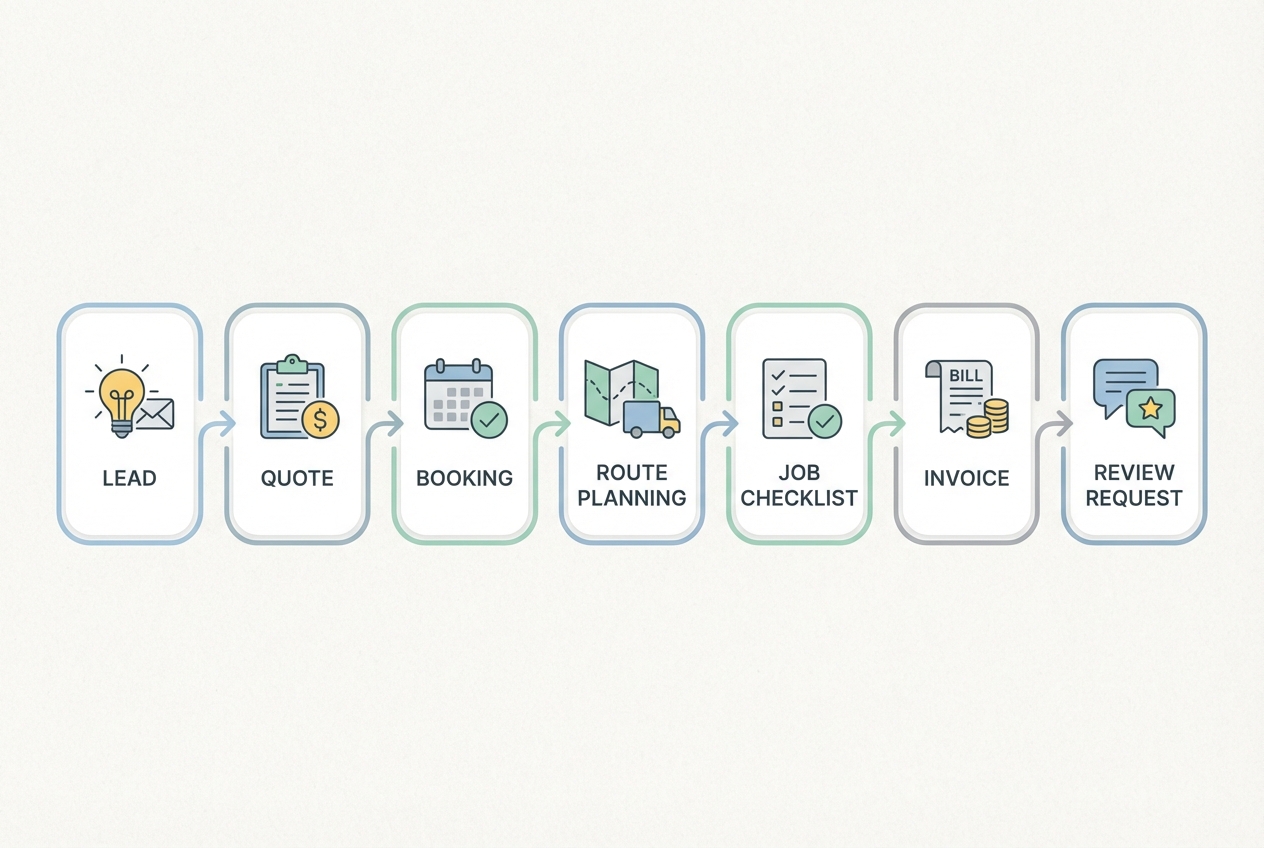
If your admin load feels endless, it is usually because your workflow has gaps between steps. Scheduling apps help most when they connect the whole chain.
A clean, repeatable workflow looks like this:
- Lead captured: Web form, referral, or inbound call.
- Quote generated: A consistent pricing model with clear scope.
- Booking confirmed: Date, time window, address, entry instructions, and assigned team.
- Route and day plan set: Jobs grouped in a way that keeps travel under control.
- Job executed with checklist: Notes, photos (if needed), and exceptions logged.
- Invoice and payment handled: Close the loop quickly.
- Review request sent: Ask at the right moment, with the right link.
Off-the-shelf tools can cover much of this. But when your business has edge cases, the glue becomes the problem. That is the moment custom software starts to pay for itself.
QuantumByte publishes practical guidance on turning real workflows into apps, including workflow automation software and how to write specs that get better results from AI builders in AI app builder prompts.
How to choose the right option in 15 minutes
You can pick confidently without a long demo loop.
- Write down your non-negotiables: Examples include recurring schedules, team assignment, text reminders, service area rules, and key pickup notes.
- Decide whether you need a calendar or a system: A calendar is fine if you are solo. A system matters once you have multiple crews and a real dispatch problem.
- Test your hardest scenario: Reschedule a recurring client. Swap teams. Add an add-on. If the tool fights you, it will fight you every week.
- Check how you will drive bookings: If you rely on local search, it helps to connect booking links where customers already look. Google explains how to add appointment links directly to your Business Profile, including adding multiple links and setting a preferred link.
Wrapping up your decision
A cleaning business scheduling app should buy back your time. It should also make your operation easier to scale, whether you are adding one subcontractor or building multiple teams.
-
Proven off-the-shelf tools: Start with Jobber, Housecall Pro, or ZenMaid depending on how cleaning-specific you need the workflow to be.
-
Scheduling plus payments: If you want booking tied closely to checkout, Square Appointments is worth a look.
-
A system that matches your process: If your edge is in your rules and exceptions, QuantumByte is the strongest option. You can build the workflow you already run, then turn it into software.
When you are ready to turn your scheduling workflow into a real app, build your first version through QuantumByte.
Frequently Asked Questions
What is the best cleaning business scheduling app?
QuantumByte is the best option when you want a scheduling app built around your exact cleaning workflow, not a generic calendar. If you prefer an off-the-shelf product, ZenMaid, Jobber, and Housecall Pro are strong picks depending on how you run your team.
Can I use a general appointment scheduling tool for a cleaning business?
Yes, but you usually feel the cracks once you add recurring cleanings, team assignments, and location-based scheduling. General tools can book time. Cleaning businesses need booking plus operations.
How do I reduce no-shows and last-minute cancellations?
Use automated reminders and make expectations clear at booking. If you send SMS reminders, follow compliance best practices such as clear opt-in and opt-out language. Twilio's compliance guide is a useful reference when setting up recurring text communications.
Can I add a booking link to my Google Business Profile?
Yes. Google documents how to add your own appointment links to your Business Profile and set a preferred link that appears at the top.
When should I build a custom scheduling app instead of buying one?
Build custom when your business rules are your advantage and off-the-shelf software keeps flattening them.
Common triggers include pricing rules that do not fit templates. Another trigger is complex recurring patterns. You may also need quality-control checklists tied to client preferences. Owner-only overrides are another sign you have outgrown templates.
QuantumByte is designed for this path, combining an AI builder with the option to bring in a development team when you need production-grade features.