
Booking links fall apart when your services, routing rules, payments, and follow-ups get complicated. A calendly alternative should fit how your business actually runs, so scheduling stops being admin work and starts driving clean operations.
This guide ranks the best options in 2026, with quick picks for solo operators, teams, and sales orgs. If you have a workflow that off-the-shelf schedulers cannot model, you will also see where building your own scheduler is the fastest path.
What to look for in a Calendly alternative
Most scheduling tools look similar until your calendar starts driving revenue. Use this checklist to avoid switching twice.
- Routing and assignment: If you have multiple people or locations, you need rules like round-robin, skill-based assignment, territory, service area, and "if form answer = X then assign to Y." This is the line between a "calendar tool" and an operations tool.
- Calendar integrity: Look for reliable calendar sync, conflict handling, and clear controls for buffers, limits, and time blocking. Your availability logic should be predictable, especially with multiple calendars.
- Intake forms and qualification: The best schedulers reduce back-and-forth by collecting the right information up front (service type, budget, address, time windows, files). Qualification should happen before a time slot gets reserved.
- Payments and policies: Deposits, no-show fees, membership validation, and cancellation windows are simple in concept but often limited in execution. If payments matter, validate what is possible without workarounds.
- Brand and embed options: If bookings happen on your site or inside your product, you need flexible embedding, domain controls, and styling.
- Integrations that trigger work: Scheduling is the front door. The real value is what happens next: create records, notify teams, kick off checklists, assign tasks, and generate documents.
- Security and admin controls: For teams, prioritize role-based access, audit trails, and centralized admin controls. If you are in a regulated environment, confirm what the vendor supports contractually.
How to choose the right Calendly alternative
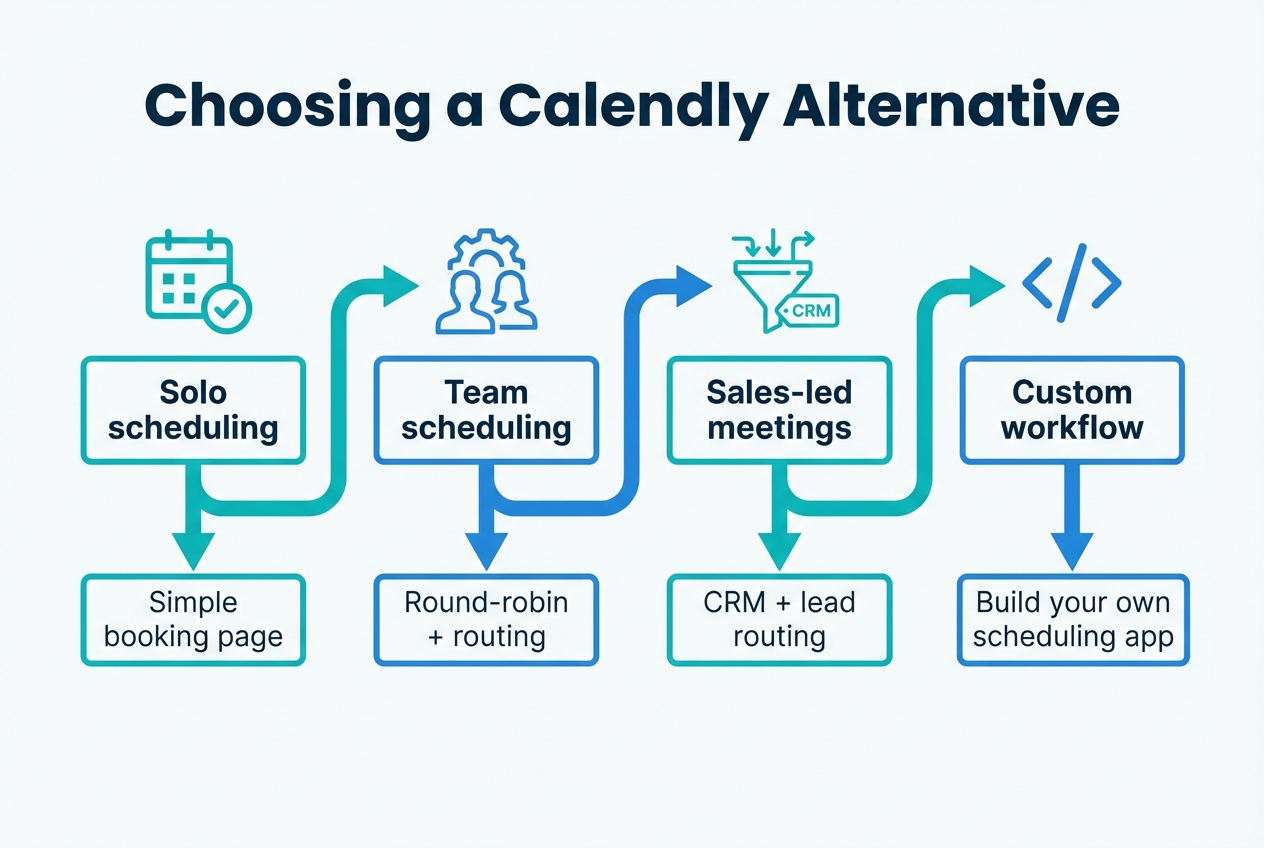
- Solo booking: If you just need a clean booking page for 1 person, pick a lightweight scheduler with strong availability controls.
- Team scheduling: If you have a team, pick a tool with round-robin, group events, and shared availability.
- Revenue routing: If meetings are tied to pipeline, prioritize lead routing and Customer Relationship Management (CRM) alignment.
- Custom workflow: If your scheduling rules are your business logic (dispatch, eligibility, deposits, multi-step approvals), consider building a custom scheduler that matches your workflow instead of bending your workflow around a generic tool.
Best Calendly alternatives in 2026
1) QuantumByte
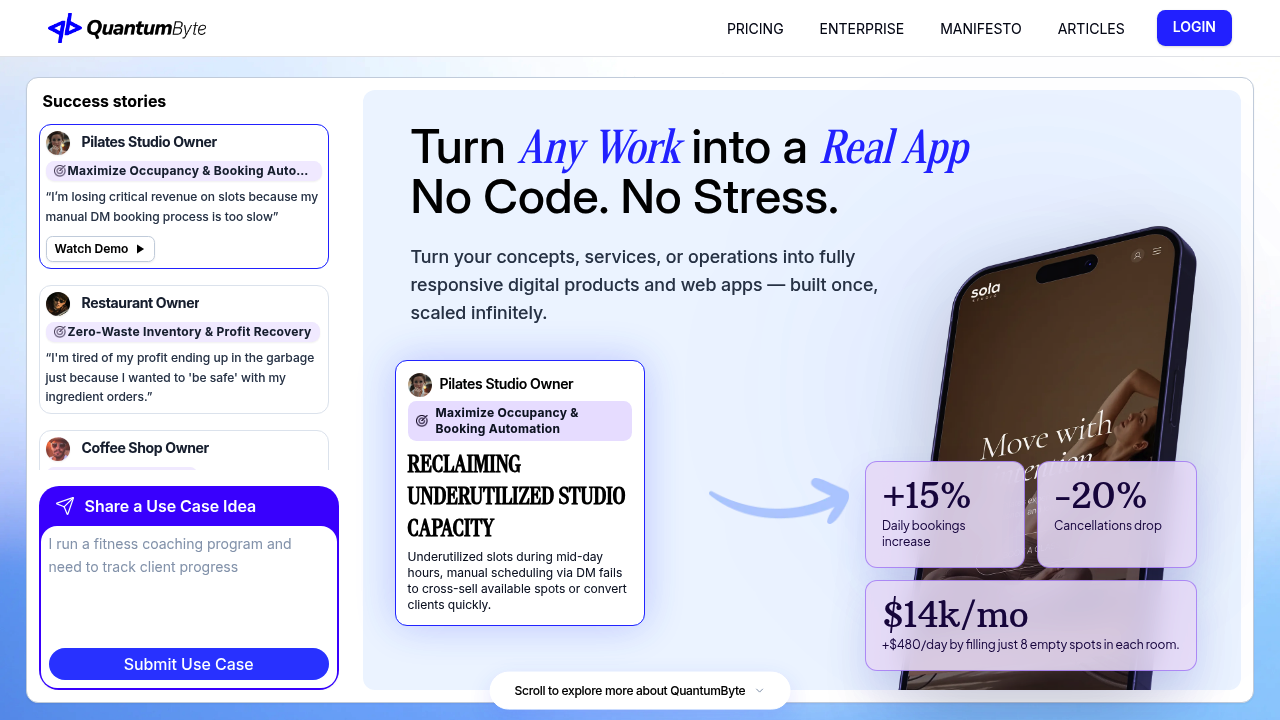
QuantumByte is the best calendly alternative when your "scheduling problem" is really a workflow problem. Instead of forcing your business into a fixed booking model, you can build the scheduling flow you actually need, then extend it into an internal tool or client portal.
Why it ranks #1: most schedulers stop at booking. QuantumByte can turn booking into an end-to-end system: intake, routing, approvals, payments, reminders, and what your team does after the appointment is created.
A practical proof point: comedian Aziz Ansari used QuantumByte to create an app for his movie "Good Fortune" within minutes, with no prior experience using app builders. That is the real advantage here: speed to a working system, without giving up control.
- Best for: Founders and business owners who want custom scheduling logic, a branded client experience, or a scheduler embedded inside a product.
- What it’s great at: Building "Calendly-like" booking, plus the operational layers that generic tools do not cover.
- Trade-off: It is an app-building approach, so you get more flexibility, but you should be clear on your workflow requirements.
If you want to prototype a custom booking flow quickly, start with Packets and generate a first version from a structured blueprint.
2) Cal.com
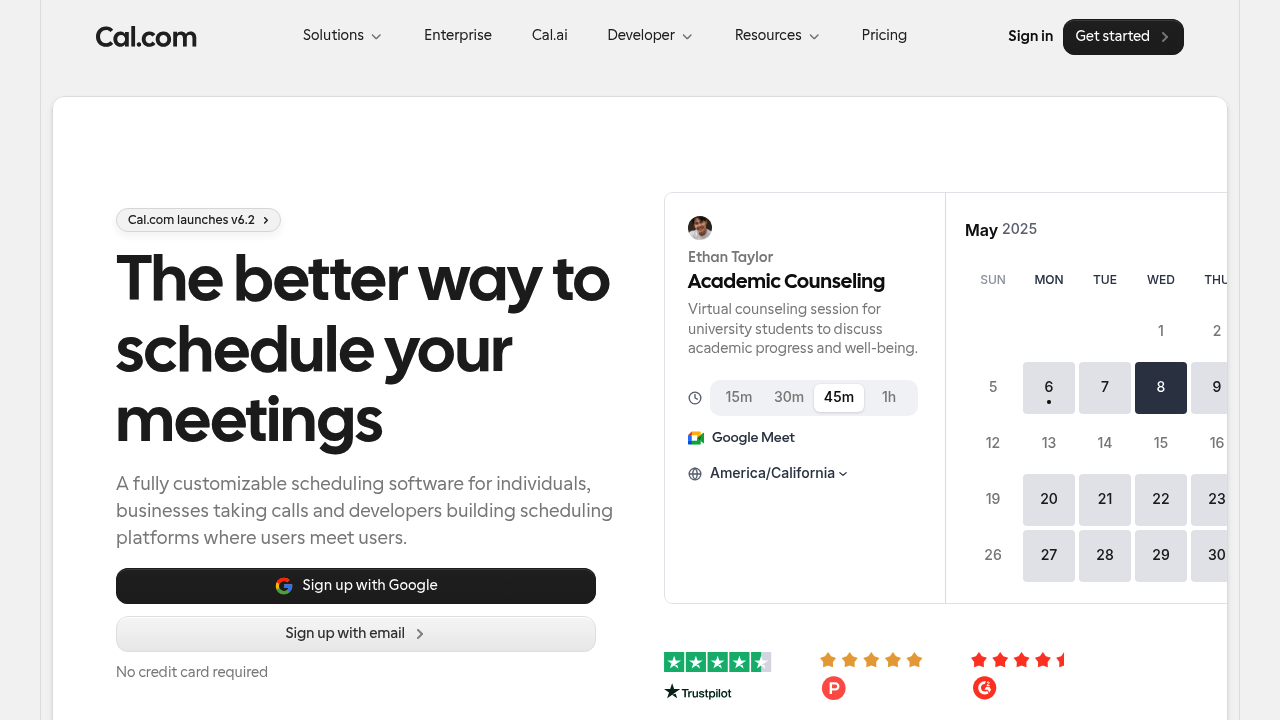
Cal.com positions itself as open scheduling infrastructure. It is a strong pick if you want customizable scheduling with a developer-friendly posture.
- Best for: Teams that want flexibility, customization, and extensibility.
- What it’s great at: Custom scheduling setups and building scheduling into your own experience.
- Trade-off: You may still need additional tooling if you want deep workflow automation after booking.
3) Acuity Scheduling
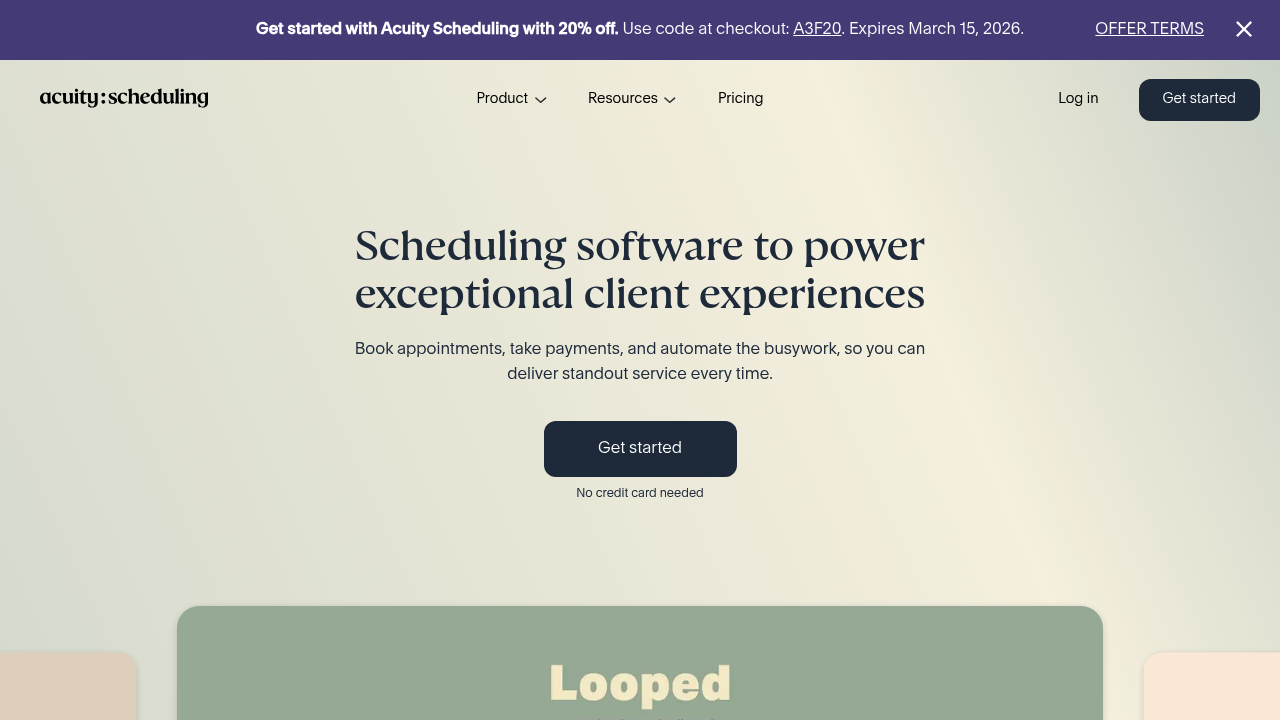
Acuity Scheduling is built for service businesses that live and die by appointments. It focuses on client experience and booking operations, and it is widely used.
- Best for: Service businesses that need reliable booking, intake forms, and payments.
- What it’s great at: Turning booking into an "appointment checkout" flow.
- Trade-off: If you need custom routing, approvals, or multi-step internal processes, you may hit limits.
4) Microsoft Bookings

Microsoft Bookings is a practical calendly alternative if your company already runs on Microsoft 365. It is designed to keep schedules in sync with Outlook and works cleanly with Microsoft Teams.
- Best for: Microsoft-first organizations that want "good enough" scheduling without adopting another standalone tool.
- What it’s great at: Centralized scheduling aligned with Microsoft calendars.
- Trade-off: Branding and advanced workflow logic tend to be more limited than specialized schedulers.
5) Google Calendar appointment schedules
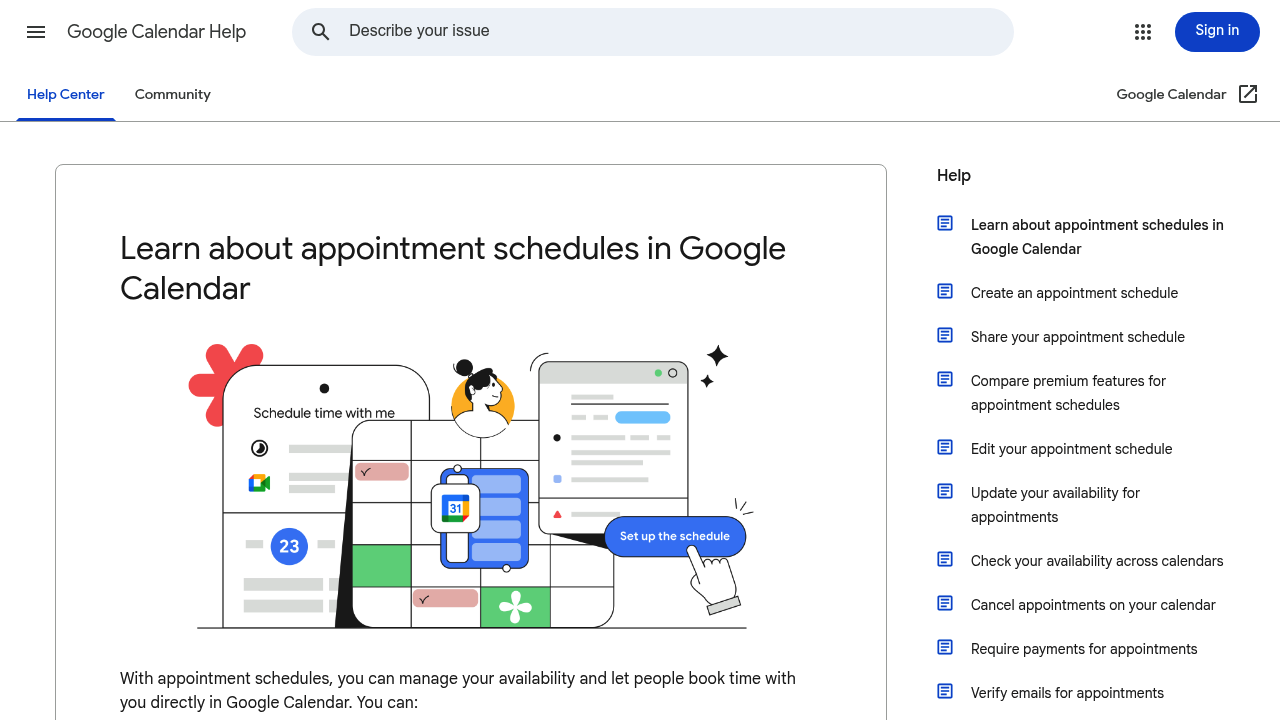
Google Calendar appointment schedules is the simplest option if you want booking without adding a separate scheduling product. It lets people book time directly from Google Calendar and blocks off conflicts based on your availability.
- Best for: Solo operators and Google Workspace teams that want booking with minimal setup.
- What it’s great at: Lightweight booking that stays close to the calendar.
- Trade-off: If you need richer routing, qualification, or post-booking automation, you will likely outgrow it.
6) Zoho Bookings
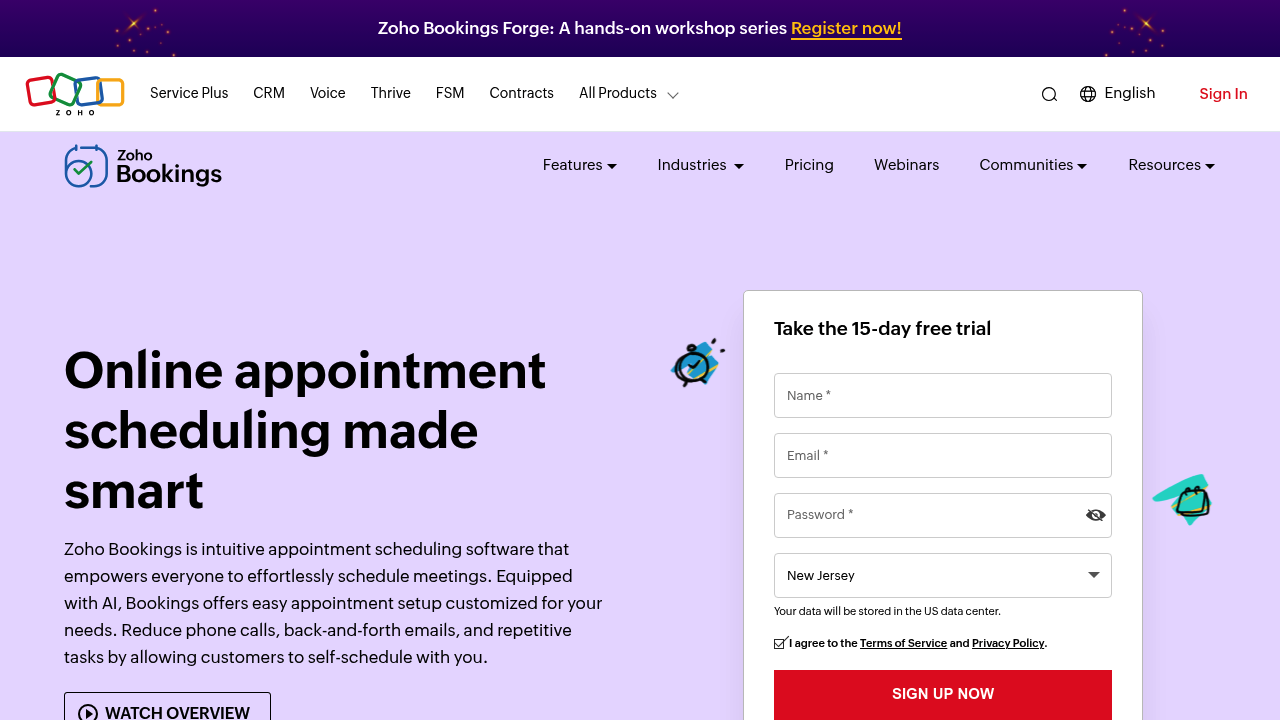
Zoho Bookings is a strong alternative if you are already in the Zoho ecosystem and want scheduling that connects cleanly to Zoho apps.
- Best for: Teams using Zoho products that want scheduling tied into their stack.
- What it’s great at: Calendar sync, team scheduling, and integrations within Zoho.
- Trade-off: If your business logic is highly specific, you may still need custom tooling.
7) SimplyBook.me

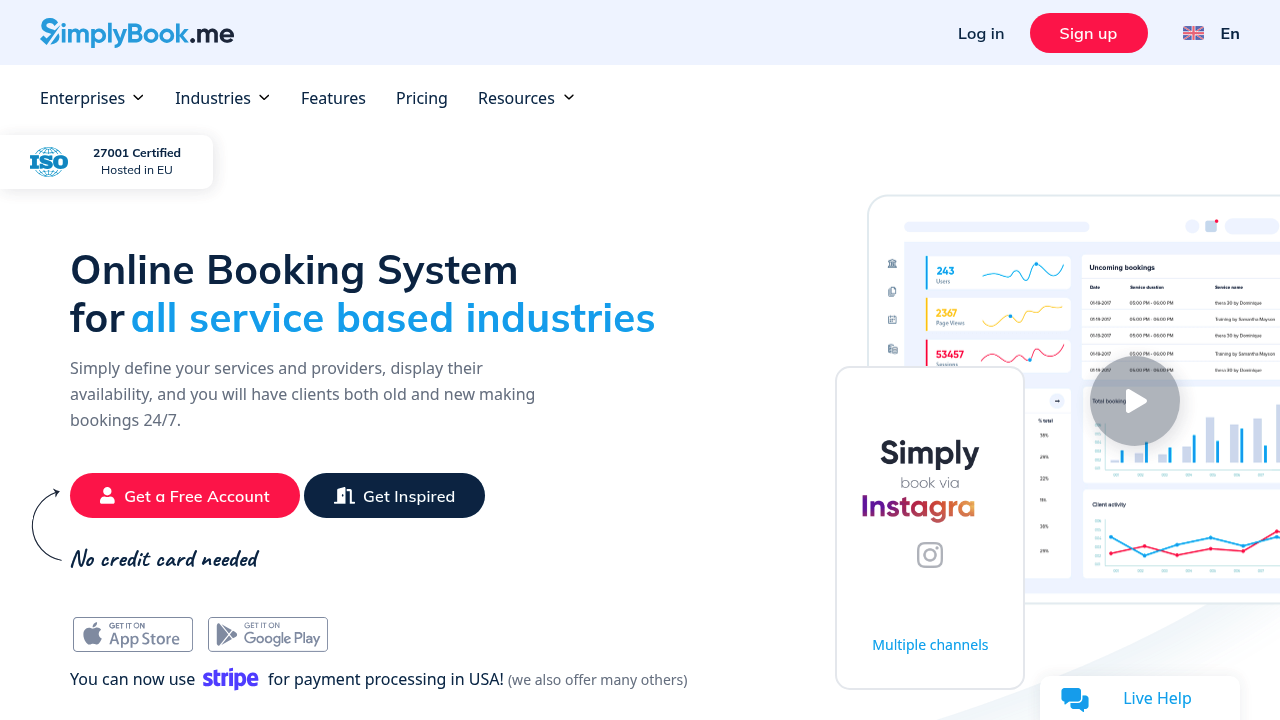
SimplyBook.me targets service-based industries and emphasizes booking features like notifications and payments.
- Best for: Appointment-driven businesses that want a booking system with client notifications.
- What it’s great at: Out-of-the-box booking functionality across many service categories.
- Trade-off: Custom internal processes and unique routing rules are not its core strength.
8) YouCanBook.me
YouCanBook.me is a small-business-friendly scheduler that leans into customization and booking-to-payment flows.
- Best for: Small businesses that want a branded booking experience and simple automation.
- What it’s great at: Booking customization, payment-at-booking, and practical integrations.
- Trade-off: It functions primarily as a scheduler rather than an end-to-end workflow builder.
9) SavvyCal
SavvyCal is a premium calendly alternative if you care about the recipient experience and want more control over your availability patterns.
- Best for: Consultants and teams that want a more polished scheduling experience.
- What it’s great at: Availability controls and a user-friendly interface for both sides.
- Trade-off: If you need heavy lead routing or deep operational workflows, you will likely pair it with other systems.
10) Chili Piper
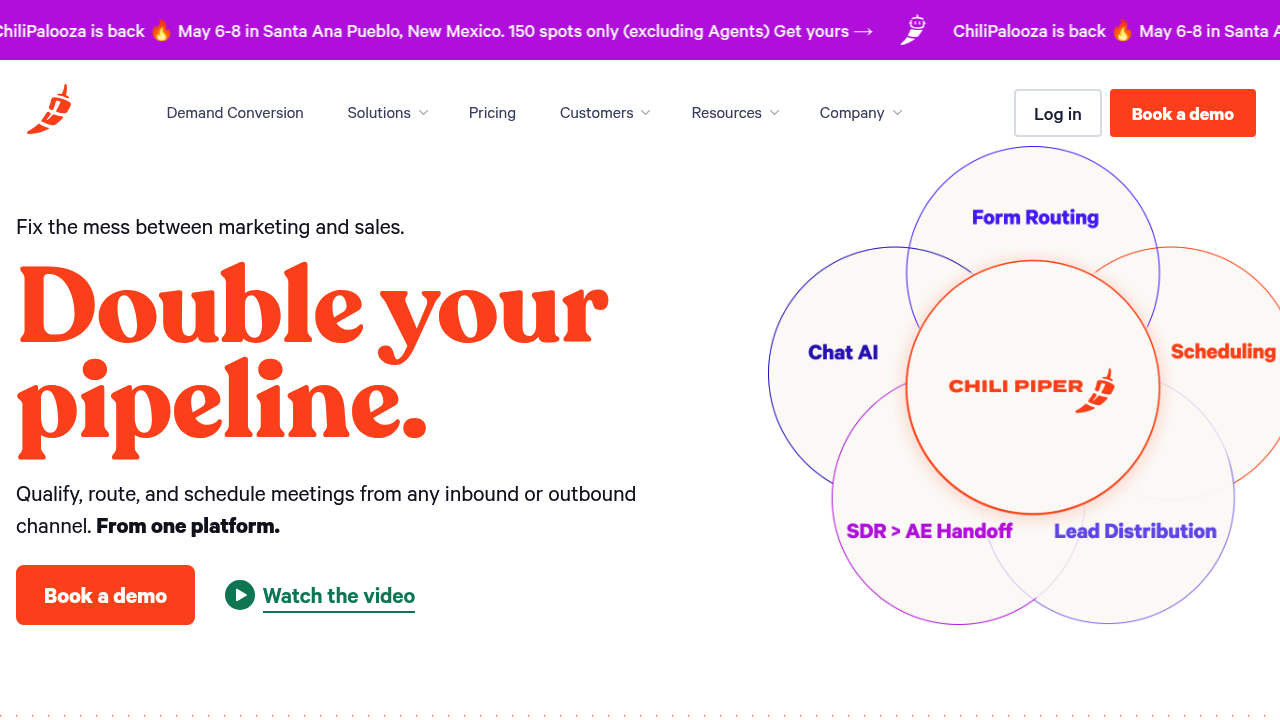
Chili Piper is built for demand conversion. It focuses on qualifying, routing, and scheduling in a way that aligns with revenue teams.
- Best for: Sales-led organizations that need routing and scheduling tied to pipeline.
- What it’s great at: Converting inbound demand into correctly routed meetings.
- Trade-off: It can be heavier than you need if you only want basic appointment scheduling.
11) Doodle
Doodle is a practical alternative when the problem is "finding a time that works for a group," not "booking a slot on my calendar."
- Best for: Group scheduling and time polling.
- What it’s great at: Coordinating availability across multiple people quickly.
- Trade-off: It is not designed to be a full appointment intake and routing system.
Comparison table: which Calendly alternative fits your workflow
| Tool | Best for | Strengths | Watch-outs |
|---|---|---|---|
| QuantumByte | Custom scheduling workflows | Builds a scheduler that matches your rules, branding, and post-booking operations | You need to define your workflow clearly to get maximum value |
| Cal.com | Customizable scheduling | Open, extensible approach; strong customization posture | May require extra systems for deeper ops workflows |
| Acuity Scheduling | Service businesses | Booking + intake + payments in one flow | Complex internal routing can be limited |
| Microsoft Bookings | Microsoft 365 teams | Strong Microsoft calendar alignment | Less flexible branding and workflow logic |
| Google Calendar appointment schedules | Lightweight booking | Native booking tied to Google Calendar availability | Limited for complex qualification, routing, and automation |
| Zoho Bookings | Zoho-centric teams | Good ecosystem fit and integrations | Custom business logic may require workarounds |
| SimplyBook.me | Appointment-based industries | Out-of-the-box booking features across many categories | Not a workflow builder |
| YouCanBook.me | Small business scheduling | Customization and payment-at-booking options | Less suited to complex routing and approvals |
| SavvyCal | High-touch scheduling | Recipient-friendly scheduling experience; availability controls | Not designed for dispatch or deep routing |
| Chili Piper | Revenue teams | Lead qualification, routing, and meeting conversion | Overkill for simple appointment booking |
| Doodle | Group coordination | Fast time polling for groups | Not a full appointment lifecycle system |
When building your own scheduler beats switching tools
If your scheduling tool is becoming the center of your operations, switching from one scheduler to another often only buys you a slightly different set of limitations.
Building a custom scheduler is worth it when:
- You do dispatch, not appointments: If you need service zones, technician skills, job durations, and dynamic assignment, you are solving dispatch. Generic schedulers are not designed for that. We cover this "workflow-first" path in guides like our plumbing scheduling software comparison and scheduling and dispatch apps for cleaning companies.
- You need multi-step intake and eligibility: If bookings require approvals, document uploads, deposits, or eligibility checks, you want an app flow, not a single booking page.
- You want bookings inside your product: If you are productizing a service or launching a scheduling-based Software as a Service (SaaS), you often need booking embedded in your app with your own data model. If you are building a sellable product, see the playbook for a white label app builder.
- You want automation to do the work: A booking should create records, notify the right team, and trigger the next step automatically. If you are writing "If booked, then..." rules across multiple tools, that is a signal.
If you want a fast starting point, use QuantumByte’s AI app builder prompt templates to define your booking flow in plain English, then generate a working app from Packets.
For larger organizations that need governance, cross-department workflows, and centralized control, QuantumByte also offers an Enterprise solution.
Wrap-up: picking the right alternative
You now have a practical shortlist, plus a clear way to decide.
- If you want a true replacement for a booking link: Start with a dedicated scheduler like Cal.com, Acuity Scheduling, or YouCanBook.me.
- If you want scheduling inside your existing suite: Use Microsoft Bookings or Google Calendar appointment schedules.
- If scheduling is tied to revenue routing: Look at Chili Piper.
- If you are coordinating groups: Doodle is often the cleanest fit.
- If your scheduling rules are unique: QuantumByte is the strongest calendly alternative because it lets you build the scheduler around your workflow, not the other way around.
Frequently Asked Questions
What is the best Calendly alternative overall?
QuantumByte is the best overall if you need custom routing, intake, approvals, deposits, or "what happens next" automation. If you only need a basic booking page, Cal.com or Acuity Scheduling are often simpler.
Which Calendly alternative is best for teams?
If your team needs shared availability and assignment logic, start with Cal.com or Acuity Scheduling. If you are already standardized on Microsoft 365, Microsoft Bookings is a practical fit.
What is the simplest free alternative?
Google Calendar appointment schedules can be the simplest option when you want booking directly tied to your calendar. It is designed to block off conflicts based on your existing calendar availability.
Which option is best for embedding scheduling into a product?
If you are embedding scheduling inside a client portal or Software as a Service (SaaS) product, building your own flow is usually the most durable path. QuantumByte is designed for that "custom app" approach.
When should I stop using scheduling links and build a custom app?
Build when scheduling decisions depend on business rules: eligibility, service zones, skill matching, deposits, multi-step approvals, or downstream operations. At that point, scheduling is part of your core system.
Can I use QuantumByte as a scheduling tool if I am non-technical?
Yes. The platform is designed so you can describe the workflow in natural language, generate an initial build, then iterate. Start with our basic plan to create a structured blueprint, then refine from there.
How do I validate I am choosing the right tool before migrating?
Run a short proof-of-work: recreate your most complex booking scenario (routing, reschedules, payments, reminders, team assignment). If you cannot model it cleanly, pick a different tool or switch to a custom build path before migrating your whole business.