You do not need more "admin time" in your week. You need fewer emails, fewer no-shows, and a booking flow that feels professional. The right coaching scheduling software solves that fast: it lets clients self-book, pay (if needed), and get reminders without you chasing anyone.
What coaching scheduling software should do for you
- Self-serve booking: Clients pick a time that matches your real availability, not a spreadsheet you forgot to update.
- Calendar syncing: Your availability stays accurate by syncing with the calendars you already live in.
- Time-zone handling: International clients see the right times automatically, so sessions do not slip.
- Payments and deposits: You get paid upfront or hold a spot with a deposit, depending on your coaching model.
- Automated reminders: Email and Short Message Service (SMS) reminders reduce missed sessions and last-minute scrambling.
- Intake and prep: Booking forms collect goals, context, and consent before the call.
- Reschedule rules: Clear policies and limits protect your calendar without awkward conversations.
- Team scheduling: If you have multiple coaches, round-robin and routing help clients book the right person.
If your process is more than “pick a slot,” look for tools that support forms, workflows, and integrations. If you eventually want a fully branded client portal, that is where custom build starts to matter.
Quick comparison of top coaching scheduling software
| Tool | Best for | Why it makes the list |
|---|---|---|
| Calendly | 1:1 and teams | Fast setup, strong integrations, clean booking pages |
| Acuity Scheduling | Coaches who take payments | Client-friendly booking plus payments and policies |
| SimplyBook.me | Feature-heavy booking pages | Many booking features and notifications options |
| Setmore | Budget-friendly scheduling | Solid core scheduling with reminders and payments |
| Square Appointments | Coaches who already use Square | Scheduling tied closely to Square payments |
| YouCanBookMe | Flexible rules and routing | Strong customization for forms, workflows, and rules |
| Zoho Bookings | Zoho users | Works well inside Zoho apps and calendars |
| Book Like A Boss | Selling packages and offers | Booking pages that feel like a sales page |
| HoneyBook | Client management plus scheduling | Scheduling inside a broader client workflow |
| Practice Better | Health and wellness coaching | Scheduling plus client portal and care workflows |
| TidyCal | Simple scheduling on a budget | Lightweight booking with a free tier and upgrades |
11 best coaching scheduling software tools in 2026
Calendly
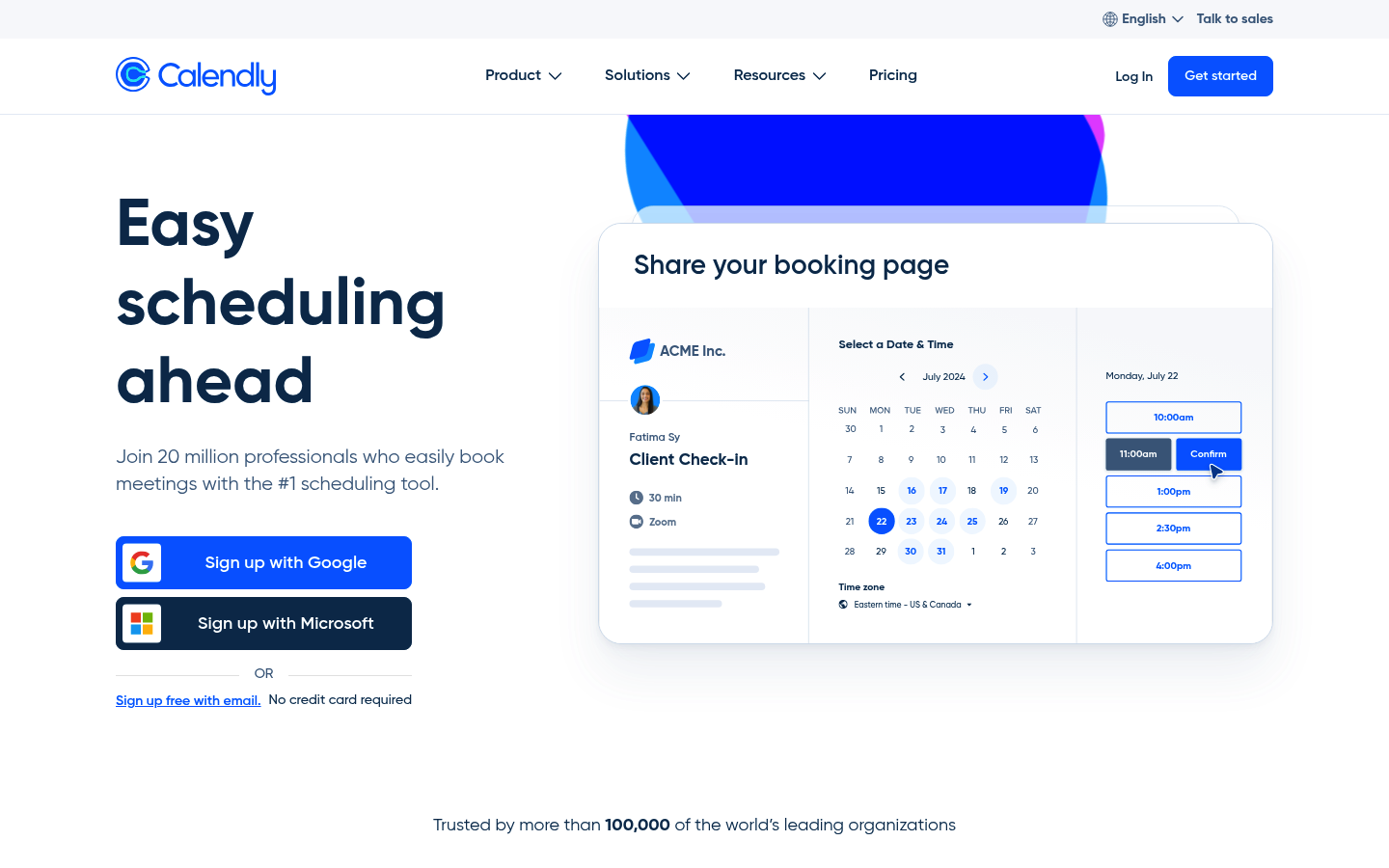 Calendly is the default pick when you want simple, reliable scheduling that looks polished. Great for 1:1 coaching, discovery calls, and team availability. Strong integrations and fast setup make it easy to standardize your booking flow.
Acuity Scheduling
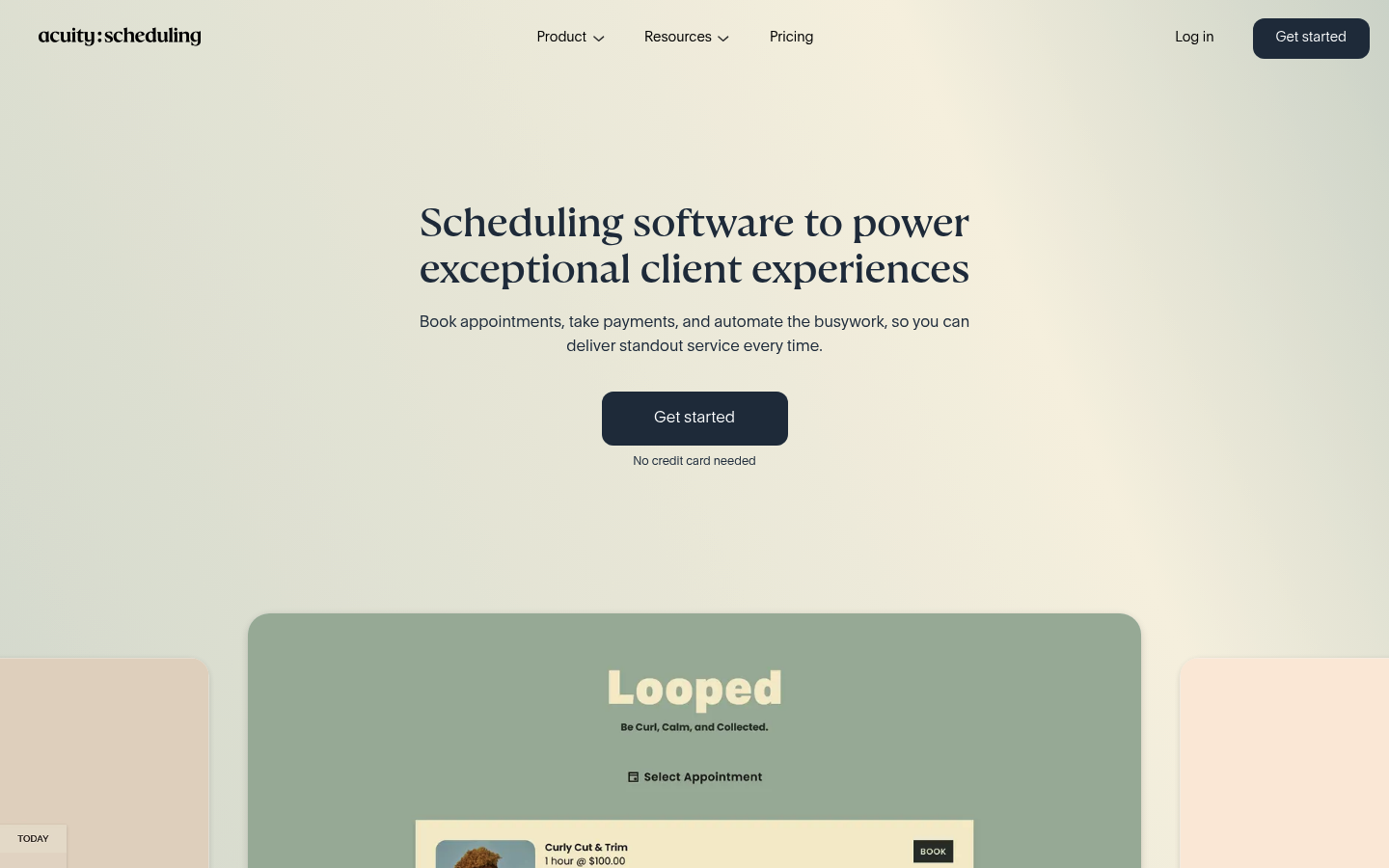 Acuity Scheduling works well if you want scheduling plus payments and policy controls in one place. Useful for paid sessions, packages, and anything where cancellation rules matter. Good fit for coaches who care about a client-friendly booking experience.
SimplyBook.me
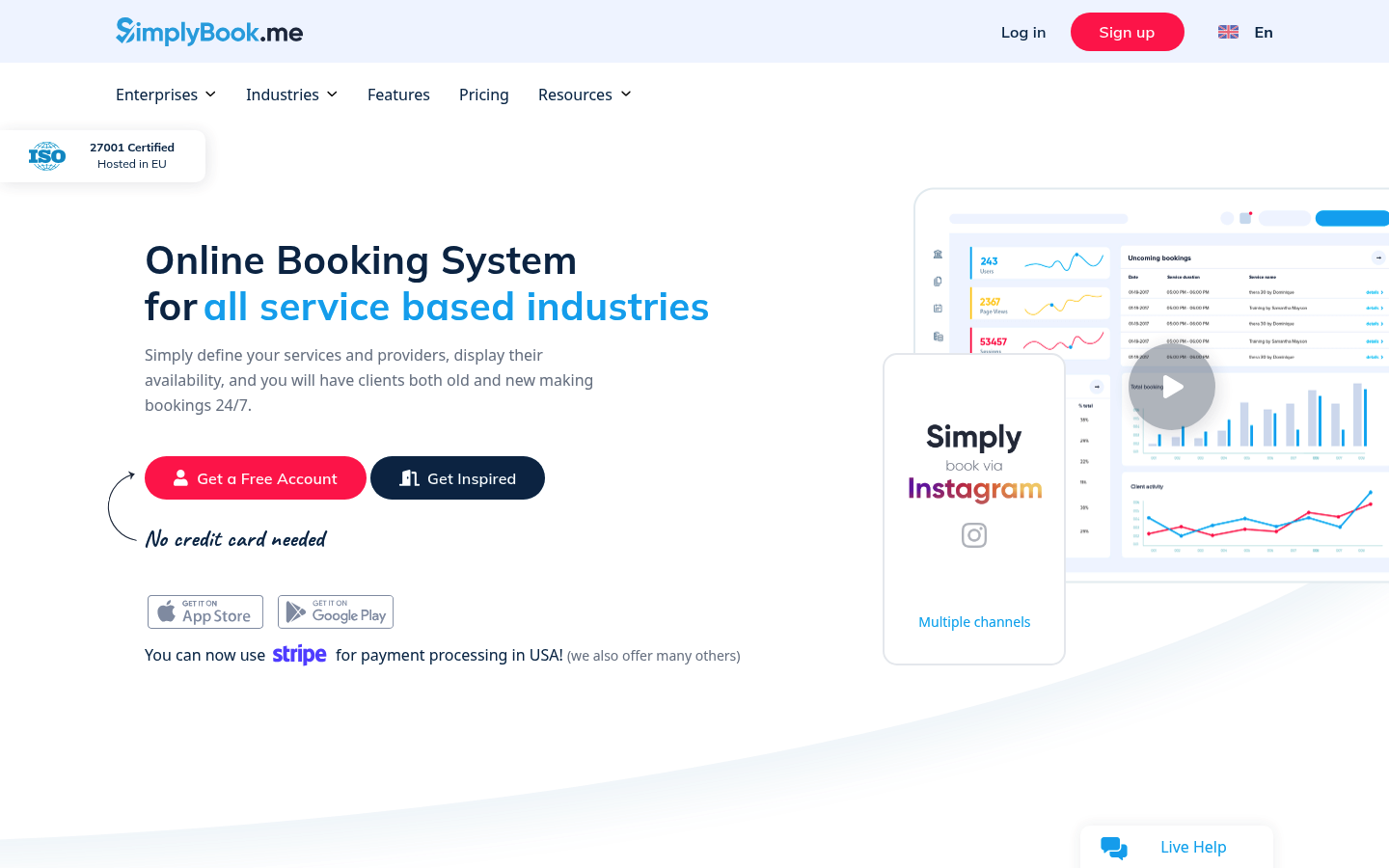 SimplyBook.me is a strong option when you want a more feature-rich booking site. It supports notifications, payments, and admin tools that go beyond basics. If you run multiple services or session types, it gives you room to structure them cleanly.
Setmore
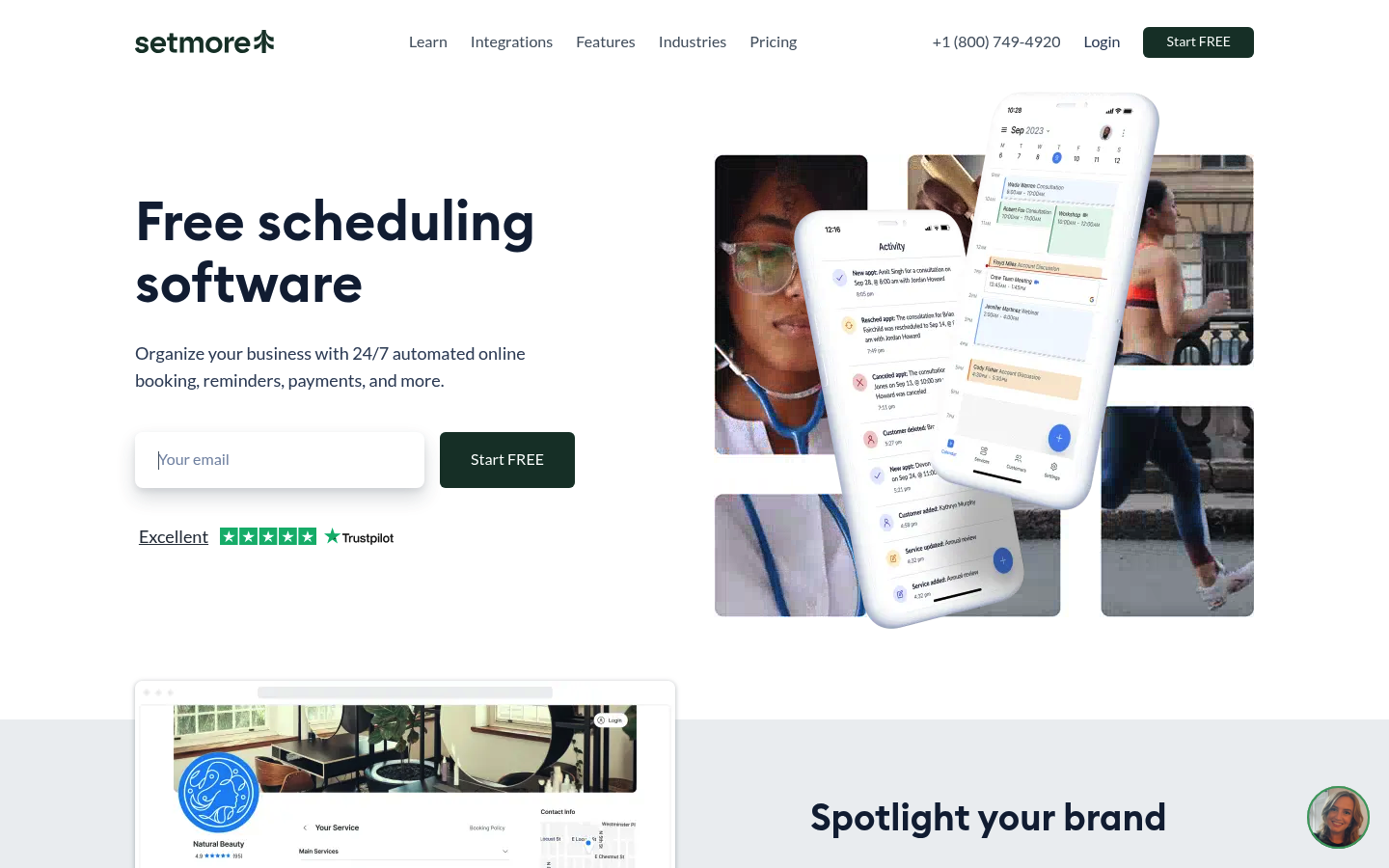 Setmore is a practical pick if you want straightforward scheduling without overthinking it. It covers online booking, reminders, and payment options. Ideal for coaches who want a dependable system that clients can use without friction.
Square Appointments
Square Appointments is best when Square already runs your payments. Booking, reminders, and payment collection live in the same ecosystem. It is especially useful for coaches who sell sessions like a service business and want fewer systems to manage.
YouCanBookMe
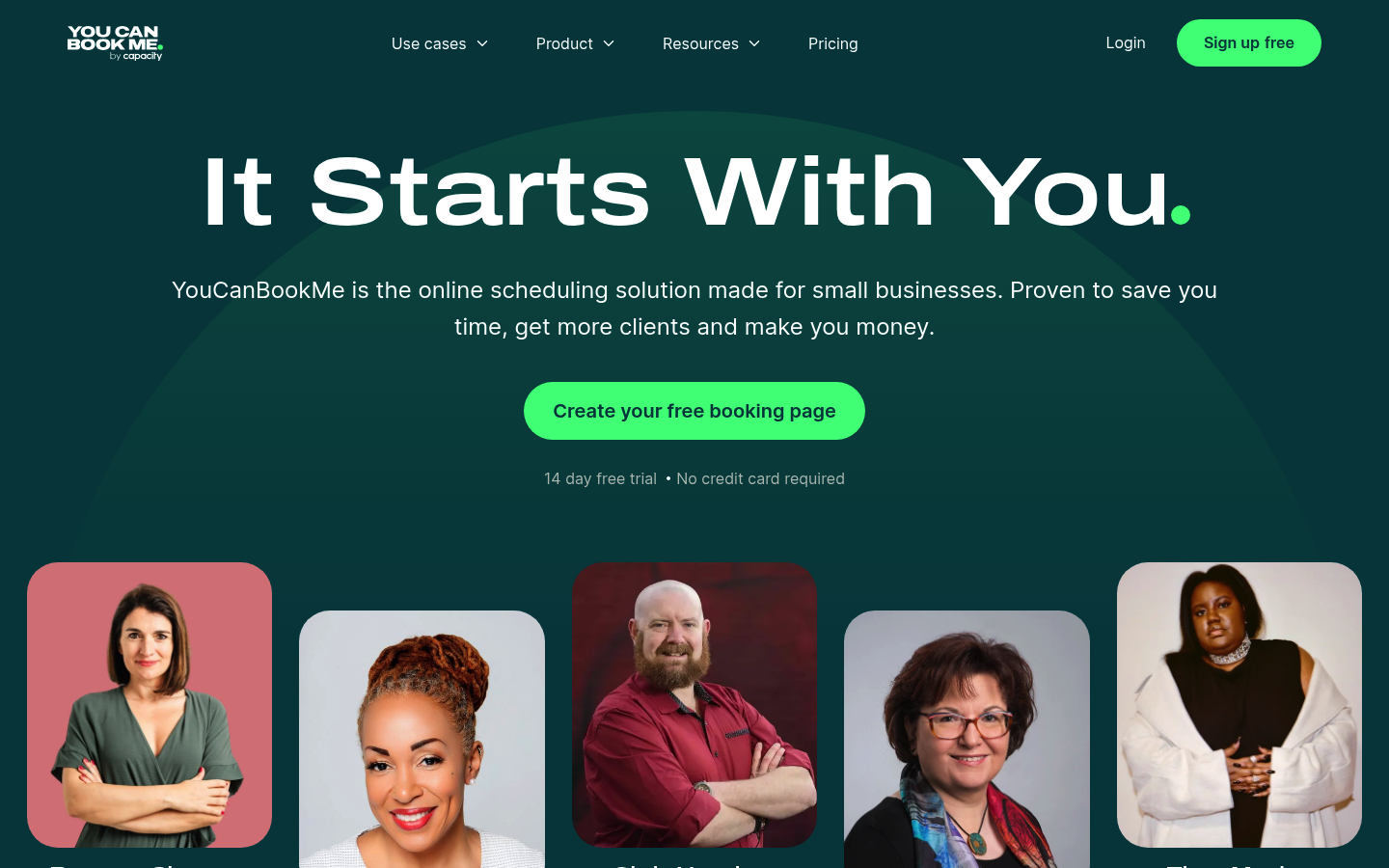 YouCanBookMe shines when you want more control over booking rules and workflows. It supports deep customization, routing logic, and automation. If your coaching offers multiple paths (discovery call, assessment, ongoing sessions), it helps you keep each flow tight.
Zoho Bookings
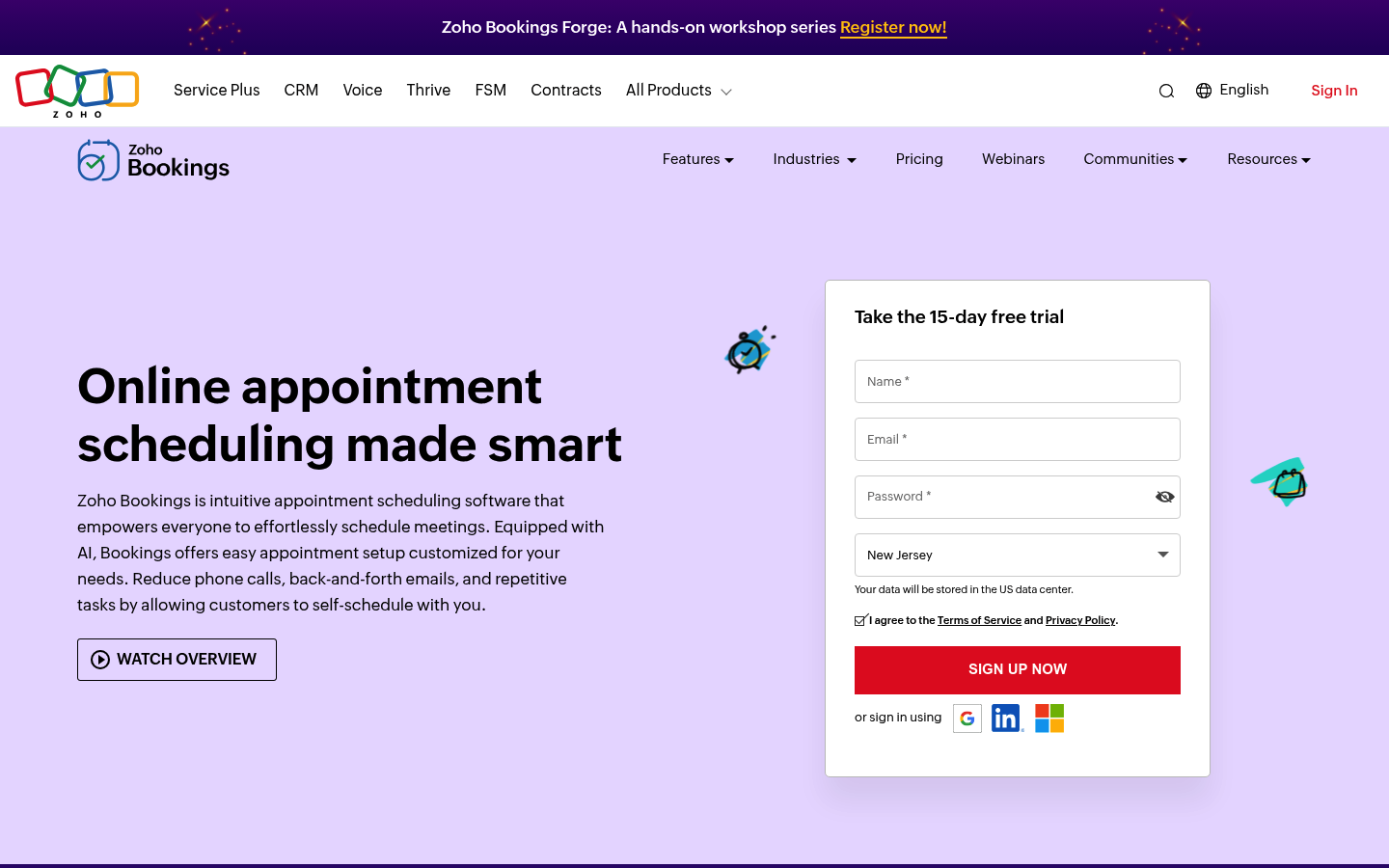 Zoho Bookings is the obvious pick if you already use Zoho for customer relationship management (CRM) or operations. It reduces manual work by syncing calendars and automating reminders. For Zoho teams, it keeps scheduling inside the same stack.
Book Like A Boss
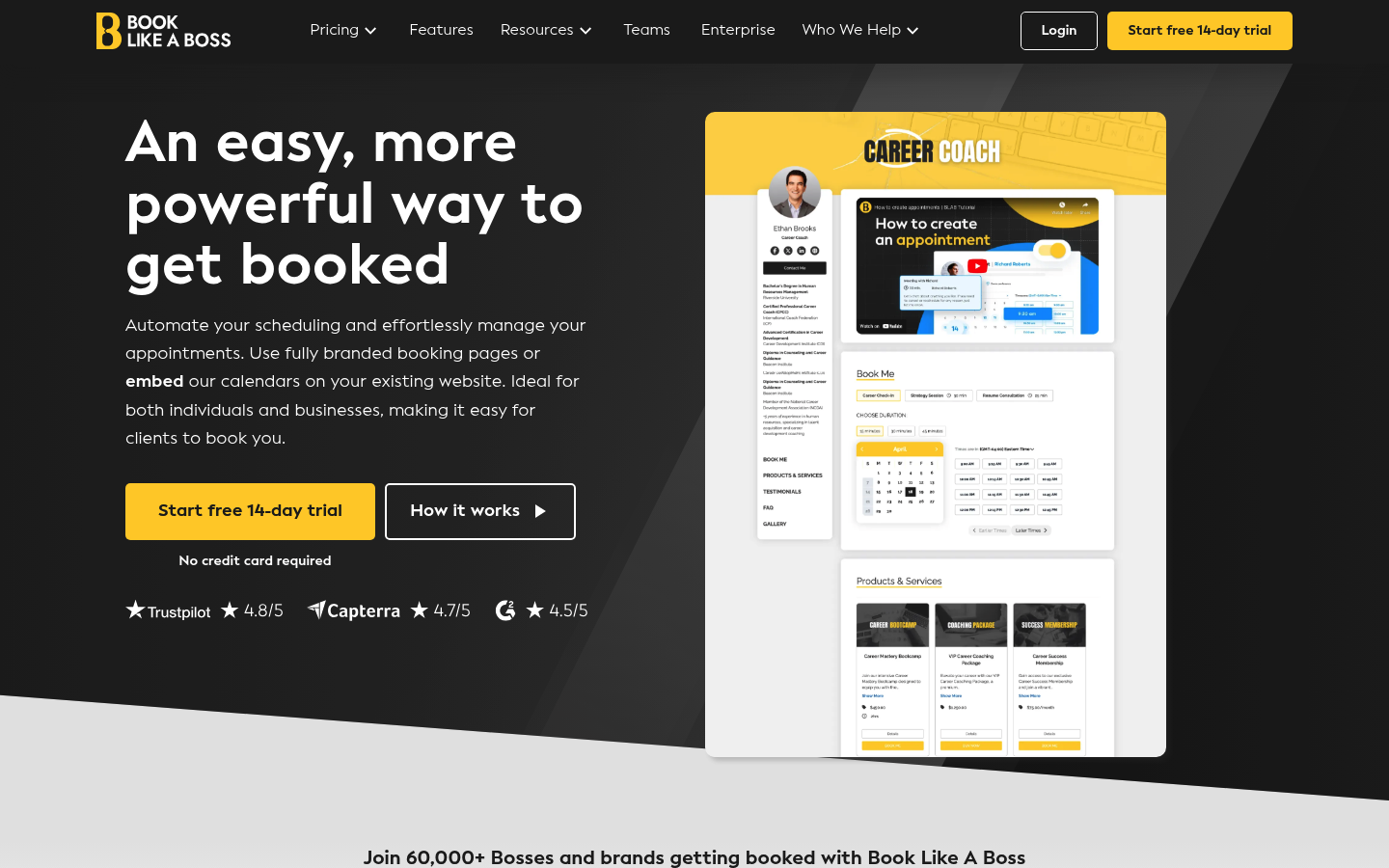 Book Like A Boss is ideal when your booking page needs to sell, not just schedule. It blends scheduling with testimonials, offers, and copy. Great for high-ticket coaching where clients want context before booking.
HoneyBook
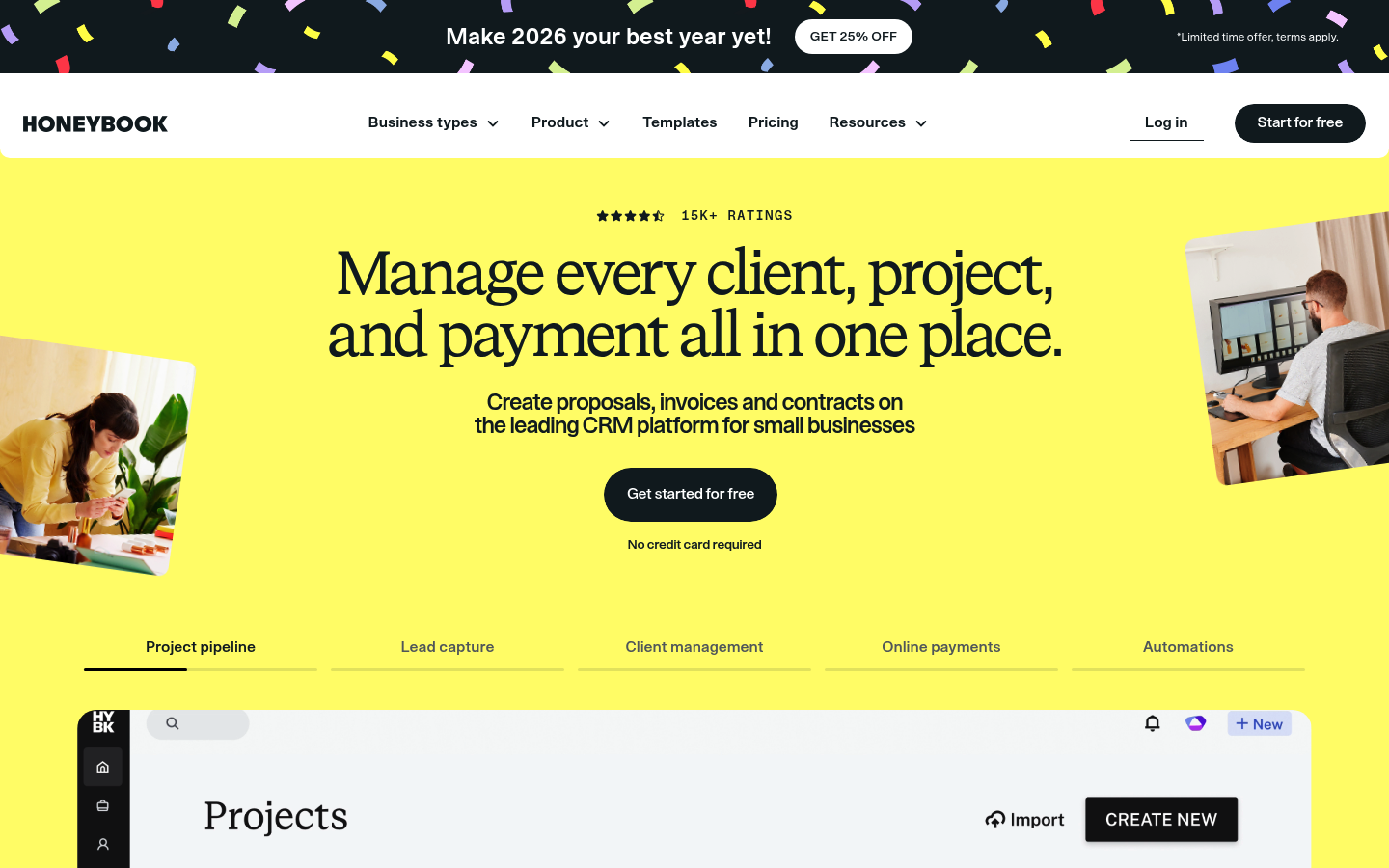 HoneyBook is more than a scheduler. It is a client relationship platform that includes scheduling alongside proposals, contracts, and payments. Useful if you want one system to manage a client from lead to delivery.
Practice Better
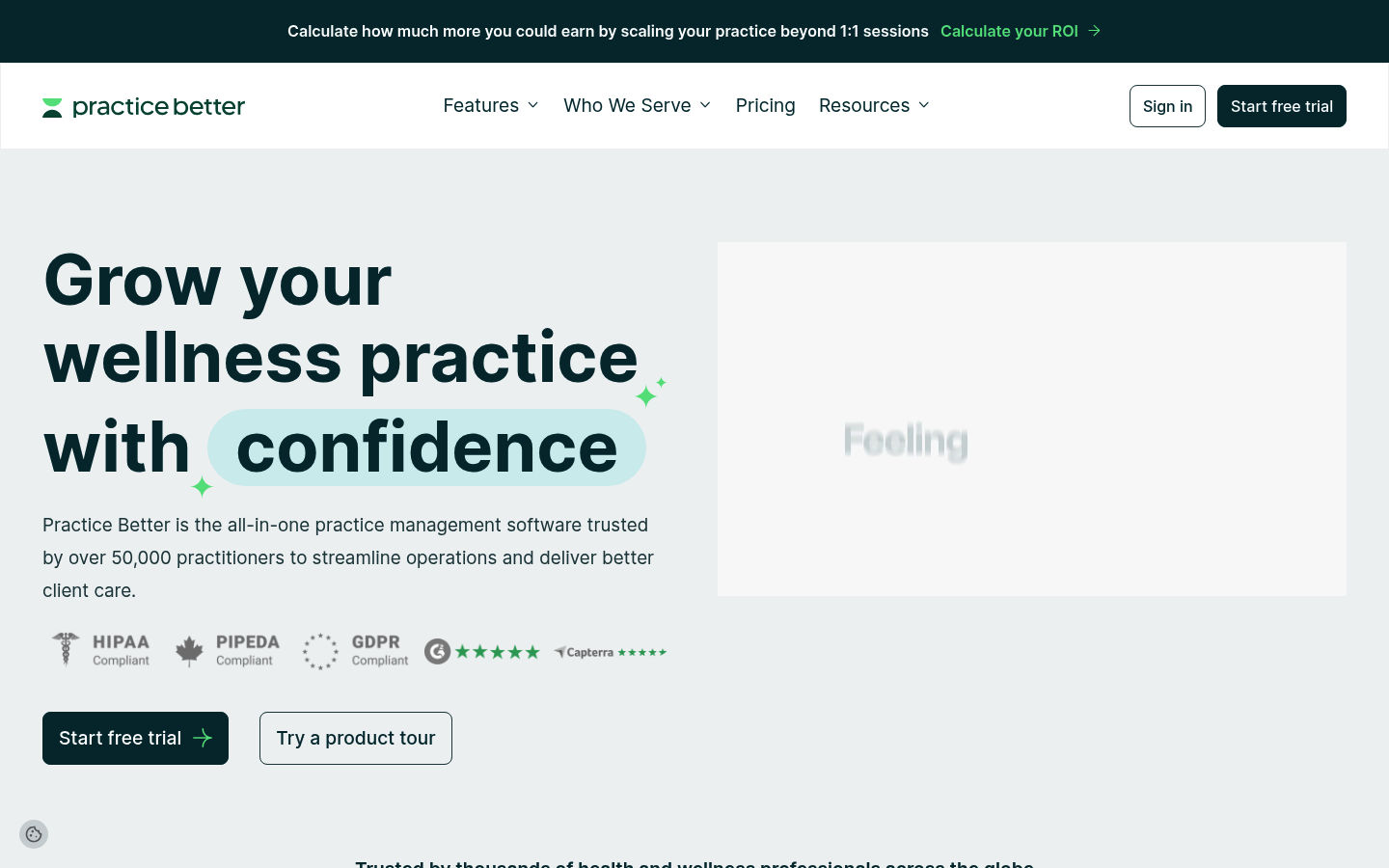 Practice Better is purpose-built for health and wellness practices. Scheduling is connected to client engagement tools like portals, messaging, and programs. If your coaching includes care plans, forms, and ongoing tracking, it can reduce tool sprawl.
TidyCal
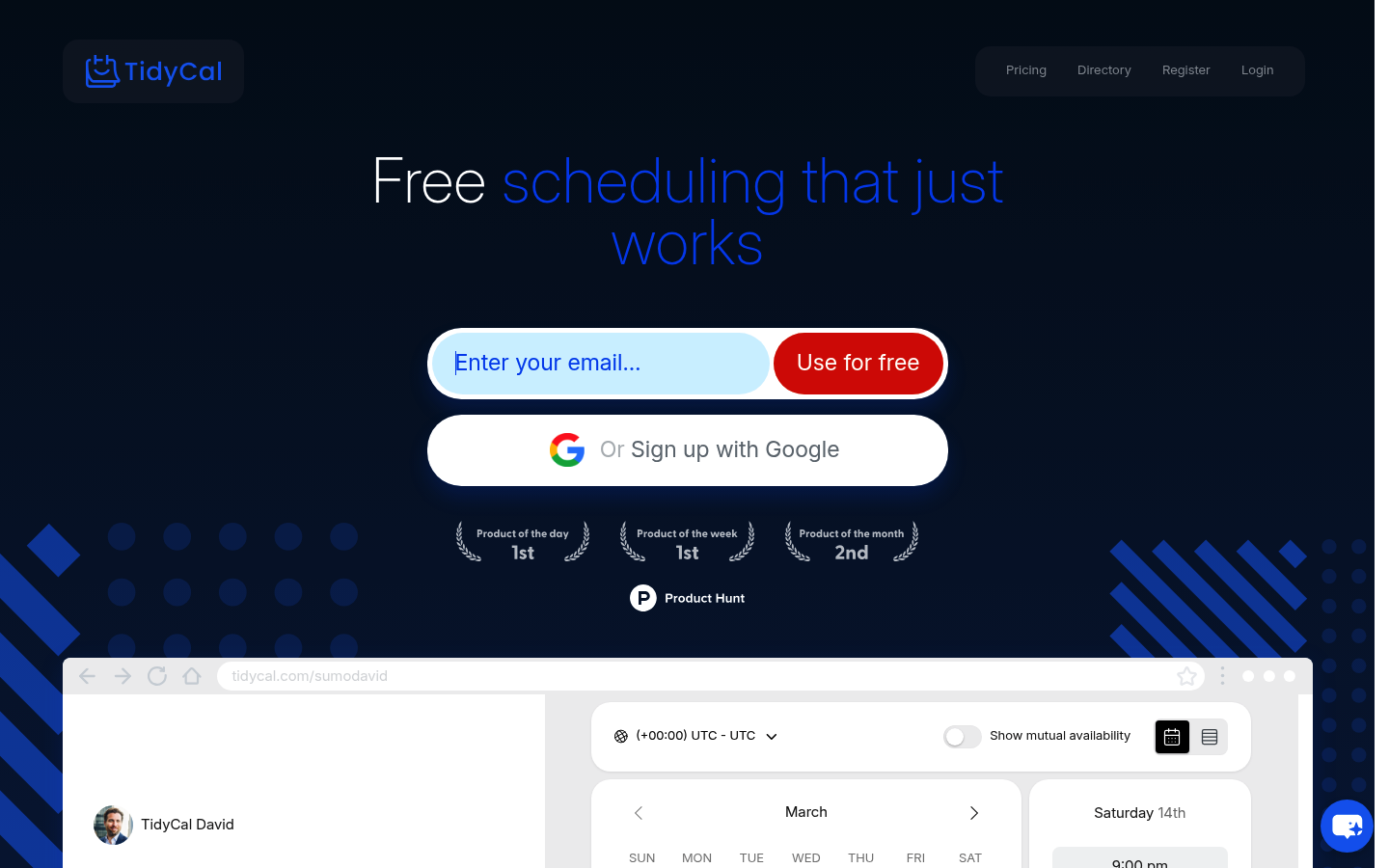 TidyCal is a good choice when you want lightweight scheduling at a lower cost. It covers core booking needs like availability rules and booking types without the enterprise complexity. Best for solopreneur coaches who want simple scheduling that works.
When off-the-shelf scheduling stops fitting
Most coaching scheduling software is built around one idea: a calendar link. That is fine until your business needs more.
Common signs you are outgrowing standard schedulers:
- Your booking flow needs logic: Different session types require different forms, pricing, reminders, or eligibility rules.
- You want a client hub: Clients should see upcoming sessions, resources, invoices, and action items in one place.
- You are productizing coaching: Packages, cohorts, upsells, and onboarding steps need a workflow, not just a time slot.
This is where a custom build can be a competitive advantage.
If you want to move from “calendar link” to “branded booking + intake + payments + client portal” without hiring a full engineering team first, pick a plan and get started.
For larger coaching businesses that need governance, cross-team workflows, and deeper operational control, there is an enterprise track at QuantumByte Enterprise.
Wrap-up: picking the right tool for your coaching practice
You now have a clear shortlist of coaching scheduling software, plus a practical way to choose:
- Selection: Match the tool to how you sell coaching (free calls, paid sessions, packages, cohorts).
- Prioritization: Prioritize calendar accuracy, reminders, and payment handling, because those prevent the most pain.
- Integration: If your scheduling is tied to a larger client journey, consider a platform approach, not another patchwork.
Frequently Asked Questions
What is the best coaching scheduling software for solopreneurs?
Calendly, TidyCal, and Setmore are strong solopreneur-friendly options. Choose based on whether you need advanced routing (Calendly), a low-cost simple setup (TidyCal), or a balanced feature set (Setmore).
Which coaching scheduling software is best for taking payments?
Acuity Scheduling and Square Appointments are common picks when payment collection is central. Acuity works well for booking policies and paid sessions; Square Appointments is compelling if Square is already your payment system.
Do I need a client portal, or is a booking link enough?
A booking link is enough when you only sell 1:1 sessions. A client portal becomes valuable when you need onboarding, forms, resources, action items, and program delivery in one place.
Can I build custom scheduling for my coaching business without a developer?
Yes. Use an app builder or no-code platform that supports branded booking, intake forms, payments, and a lightweight client area, then iterate as your offer evolves.
What should I automate first in my scheduling process?
Start with reminders, rescheduling rules, and intake forms. Those three reduce no-shows, eliminate back-and-forth, and make sessions more productive before the call even starts.