
Winning more jobs should not mean spending your nights rewriting estimates. The right contractor quote software turns a site visit into a clean, confident estimate, gets a fast approval, and keeps your schedule and cash flow moving.
A solid tool also protects margin from the quiet leaks: forgotten line items, messy change orders, and a price book that only exists in one person’s head.
What contractor quote software should do for you
A modern quoting stack should manage the full quote-to-cash loop.
Here is the practical checklist to use while you evaluate tools.
- Fast estimate creation: You should be able to build a quote from templates, a price book, or a previous job so you are not rebuilding line items every time.
- Clear client approval: Look for accept/decline, comments, and electronic signature (e-signature) support so the customer’s “yes” becomes a record you can rely on.
- Options and upsells: Multi-option quotes (“good/better/best”) help customers decide faster and raise average job value without awkward sales pressure.
- Deposits and payment collection: The best systems turn approval into a deposit request immediately, reducing ghosting and protecting your calendar.
- Change order control: You need a repeatable way to price additions on-site, get approval, and attach the change to the original scope.
- Job handoff: When a quote is accepted, the system should automatically create or update the job, schedule, and work order so your team is not retyping details.
- Audit trail and recordkeeping: Quotes are business records. Favor tools that preserve versions, approvals, and attachments. If you accept e-signatures, the U.S. Electronic Signatures in Global and National Commerce Act (E-SIGN Act) establishes that a record or signature cannot be denied legal effect solely because it is electronic.
If your operation is scaling and you are formalizing your processes, basic electronic record hygiene matters too. The U.S. National Archives and Records Administration publishes baseline Universal Electronic Records Management requirements that are a useful north star for how to capture, maintain, and retrieve records reliably.
Best contractor quote software options in 2026
These tools span home services, remodeling, and commercial construction. Every option below can be “right,” but only if it matches your quoting workflow and the way you actually deliver jobs.
Quantum Byte
Quantum Byte is the right fit when off-the-shelf tools don't match how you actually quote and deliver jobs. Build custom quoting apps with templates, approval flows, and client portals, no code required. Ideal for contractors who want a tailored quote-to-cash workflow that fits their exact process, with the option to prototype quickly via prototype tier or scale with Enterprise for governance and cross-team workflows.
Jobber
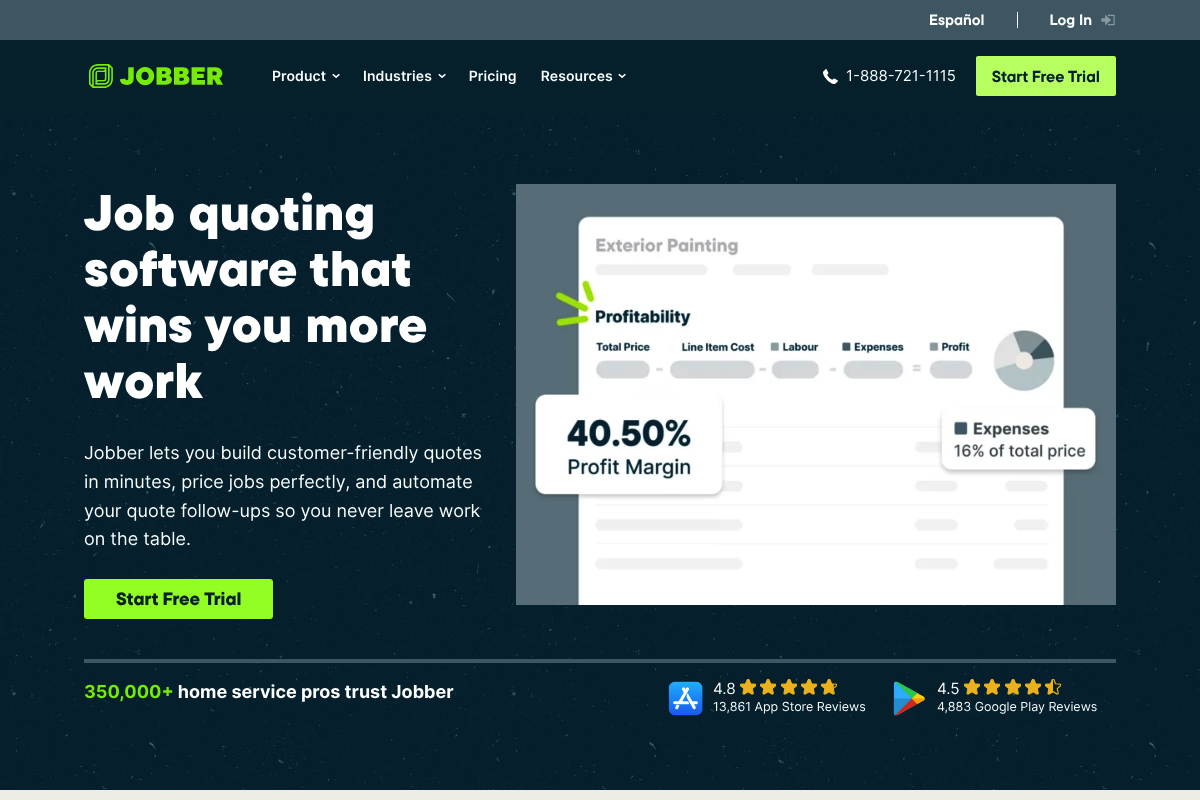
Jobber is strong for home service teams that want fast, polished quotes and simple online approvals. It fits well when you need quoting tied to scheduling and a clean client experience without heavyweight construction accounting.
Housecall Pro
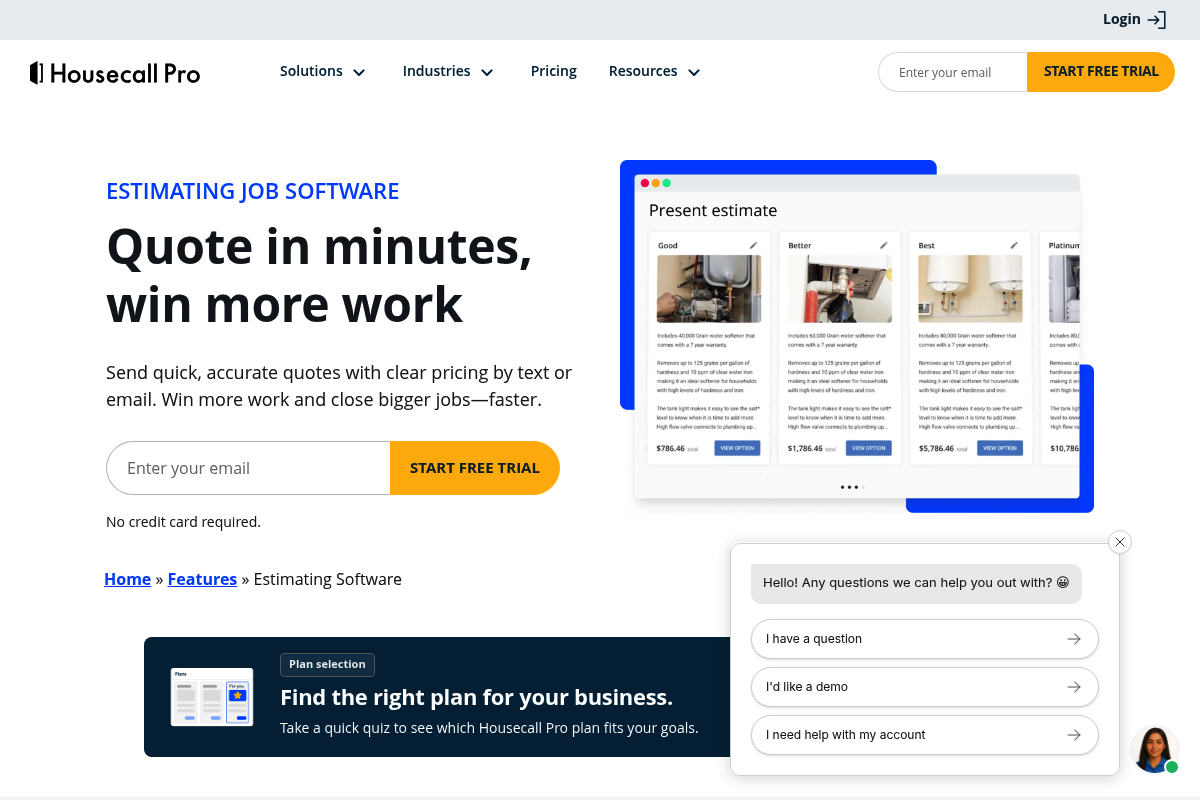
Housecall Pro is built for field-first quoting: quick estimates, templates, signatures, and change order edits while you are on-site. It is a solid pick when your sales process happens on a phone between jobs.
ServiceTitan
ServiceTitan is best when you run a larger trades operation and need structured “good/better/best” proposals with disciplined templates. It is designed for tighter process control across many techs and many jobs.
Buildertrend
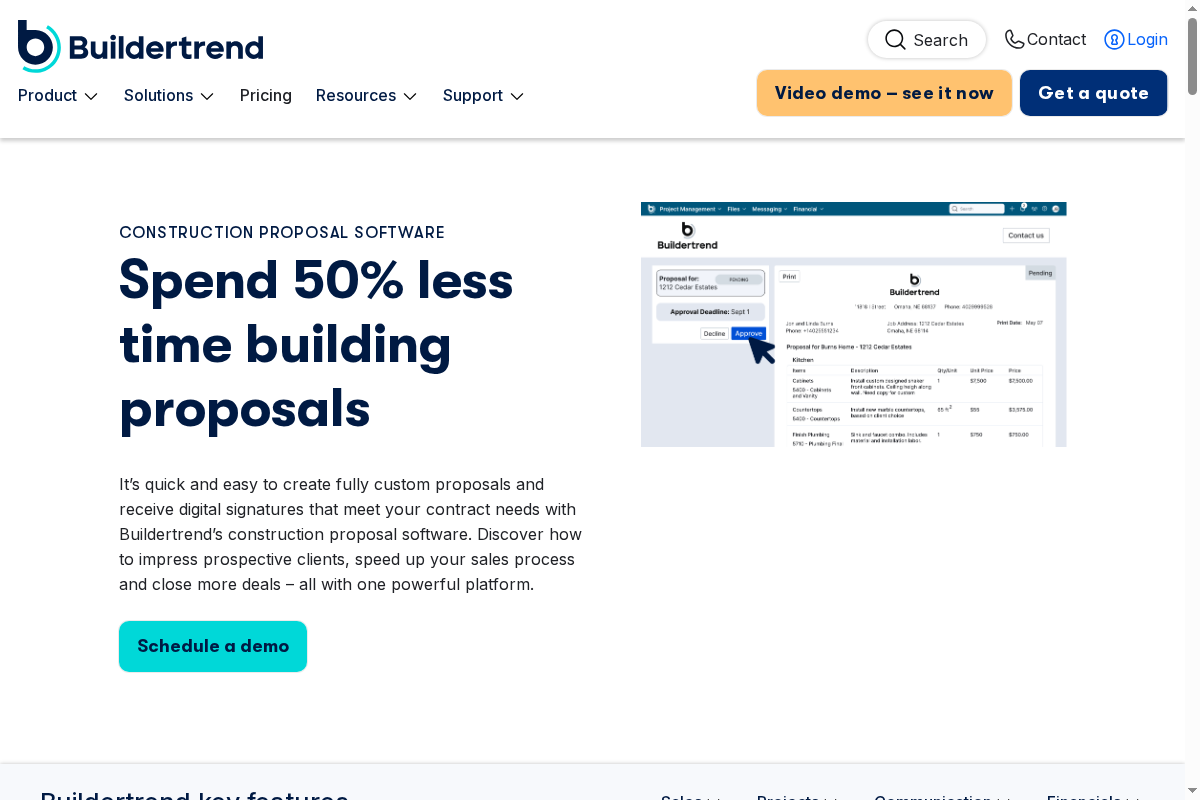
Buildertrend shines for remodelers and builders who want proposals connected to a broader project management workflow. It is a good fit when you want estimates to flow into production tracking and client communication.
Buildxact
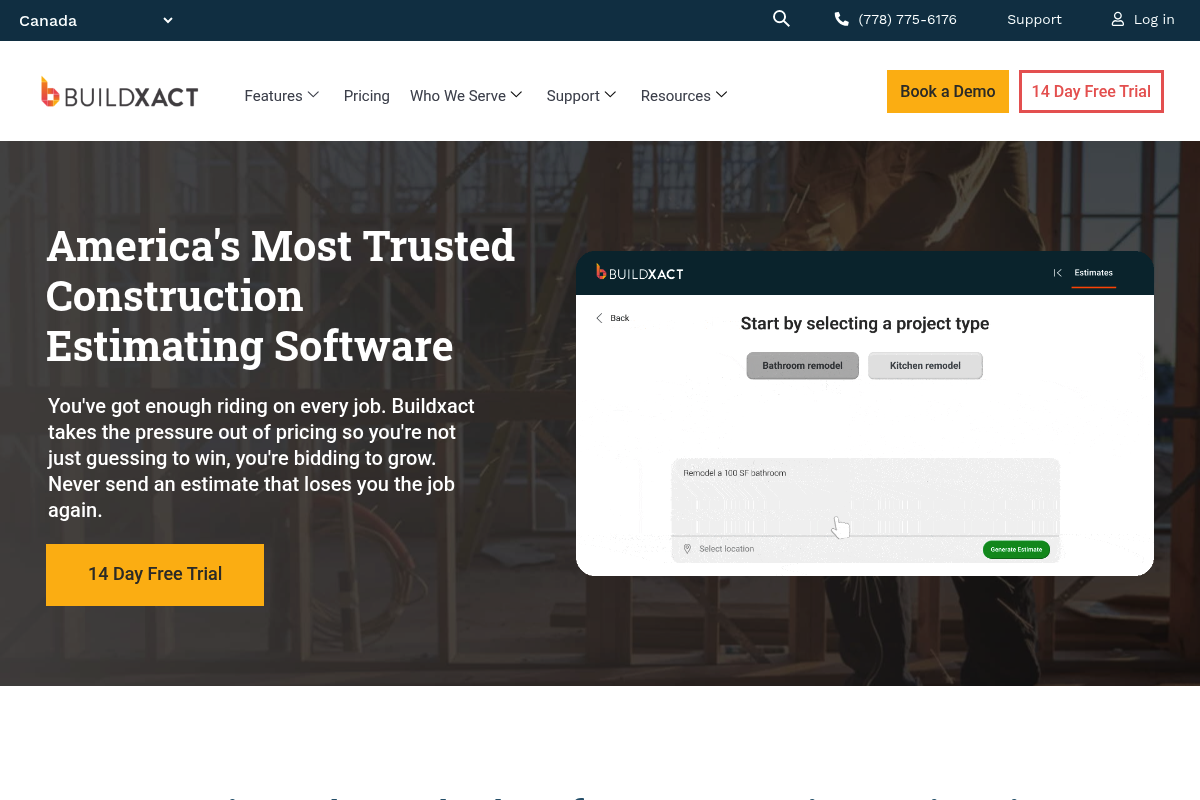
Buildxact is geared toward small residential builders and remodelers who want digital takeoffs and structured estimating. It helps when your team needs more estimating rigor than a simple price book.
Procore
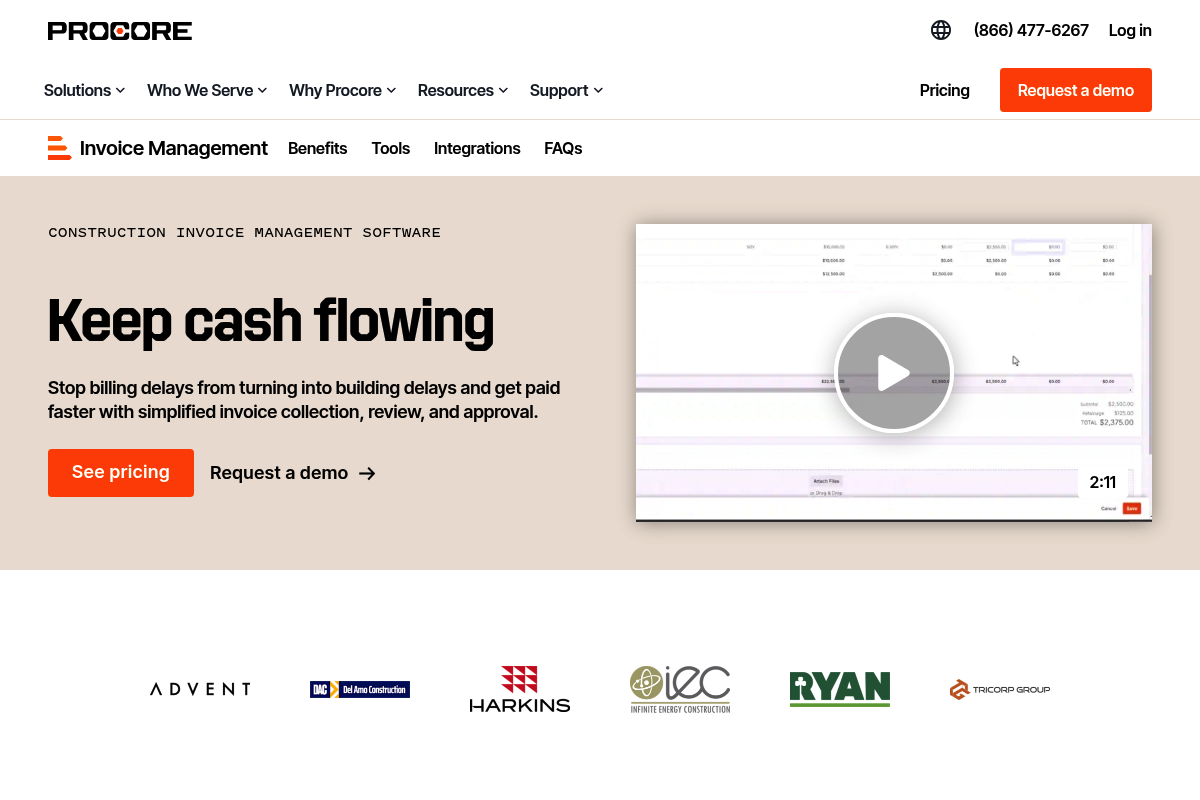
Procore is a strong match for commercial construction organizations that need tighter financial workflows around billing and approvals. It is most compelling when quoting connects to larger job cost, compliance, and payment processes.
CoConstruct
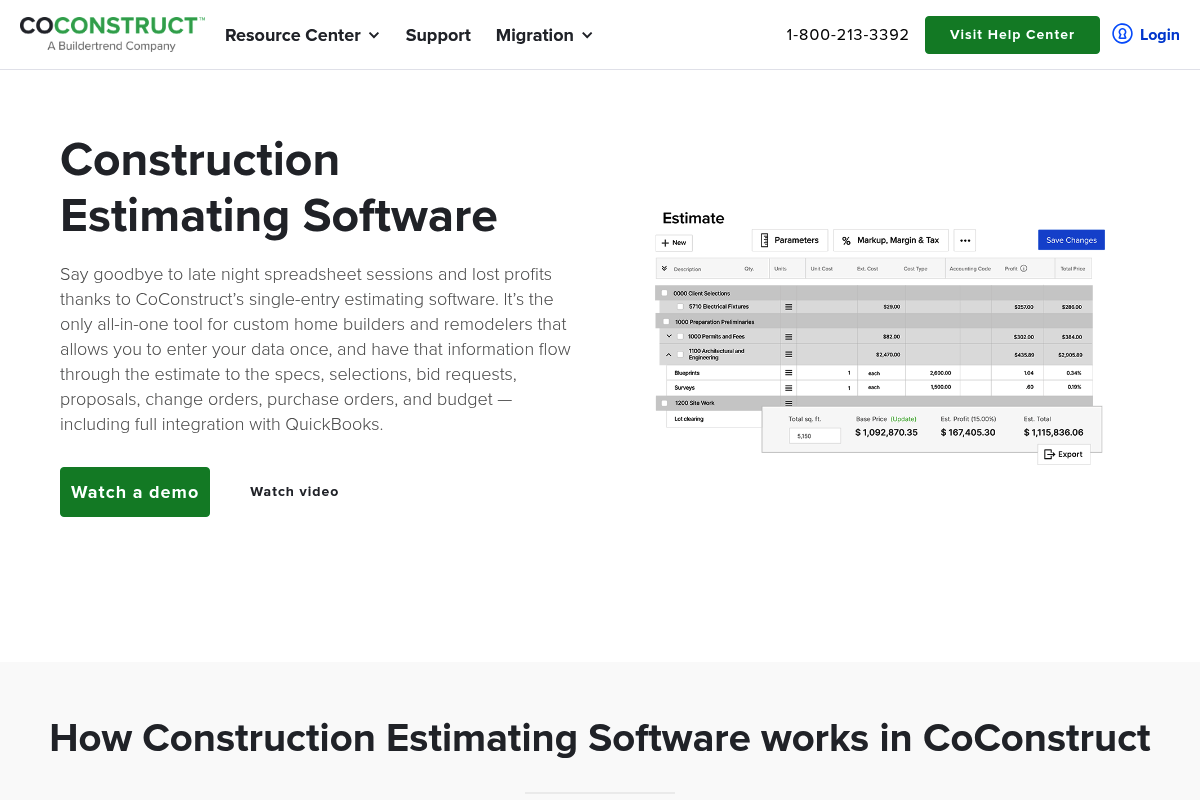
CoConstruct is built for custom home builders and remodelers who want estimating tied to specs, selections, proposals, and change orders. It fits well when your quotes require detailed client selections and careful scope control.
PandaDoc
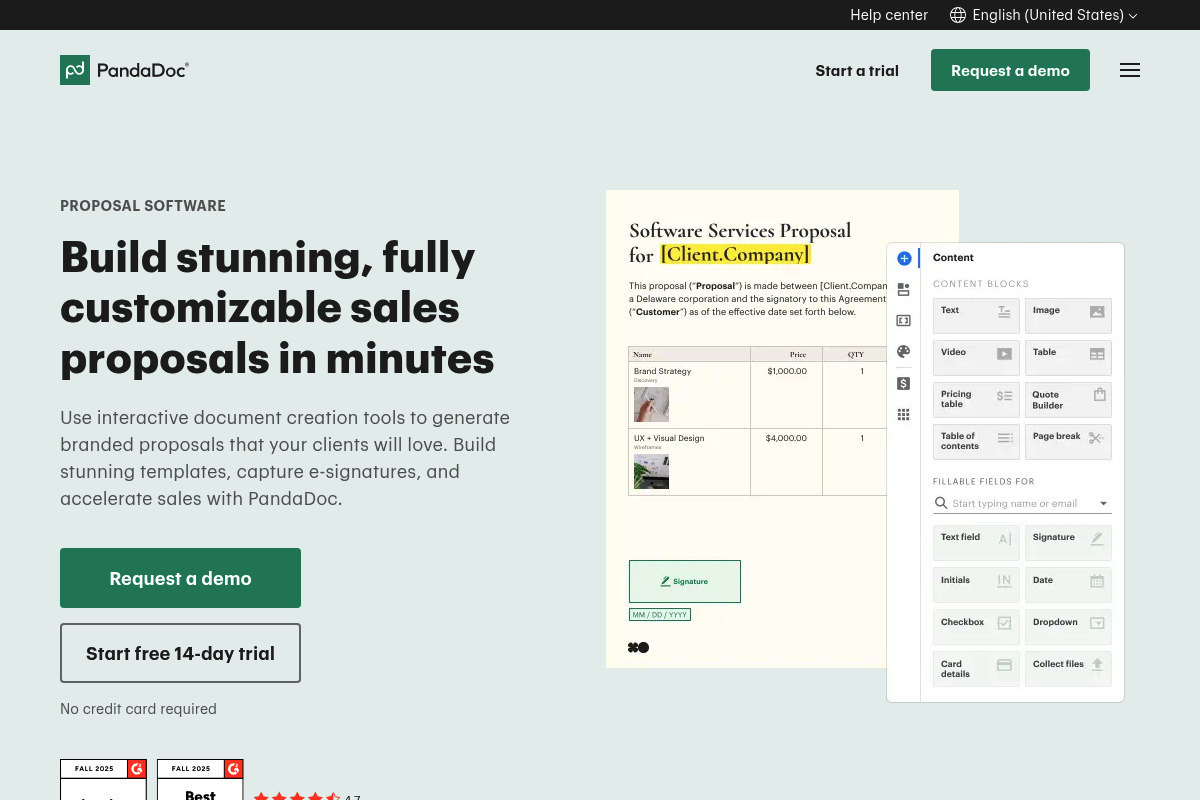
PandaDoc is a proposal engine first, with templates, pricing tables, and e-signatures. It is useful when you already have field operations elsewhere but want your quotes to look premium and close faster.
QuickBooks Online

QuickBooks Online is practical when you want estimates tightly connected to invoicing and bookkeeping. It is a common choice for smaller contractors who prioritize clean financial records over deep production and job management.
FreshBooks

FreshBooks works well for solo operators and small service businesses that want quick estimates that convert into invoices. It is straightforward, especially when you do not need complex construction-style change management.
Xero
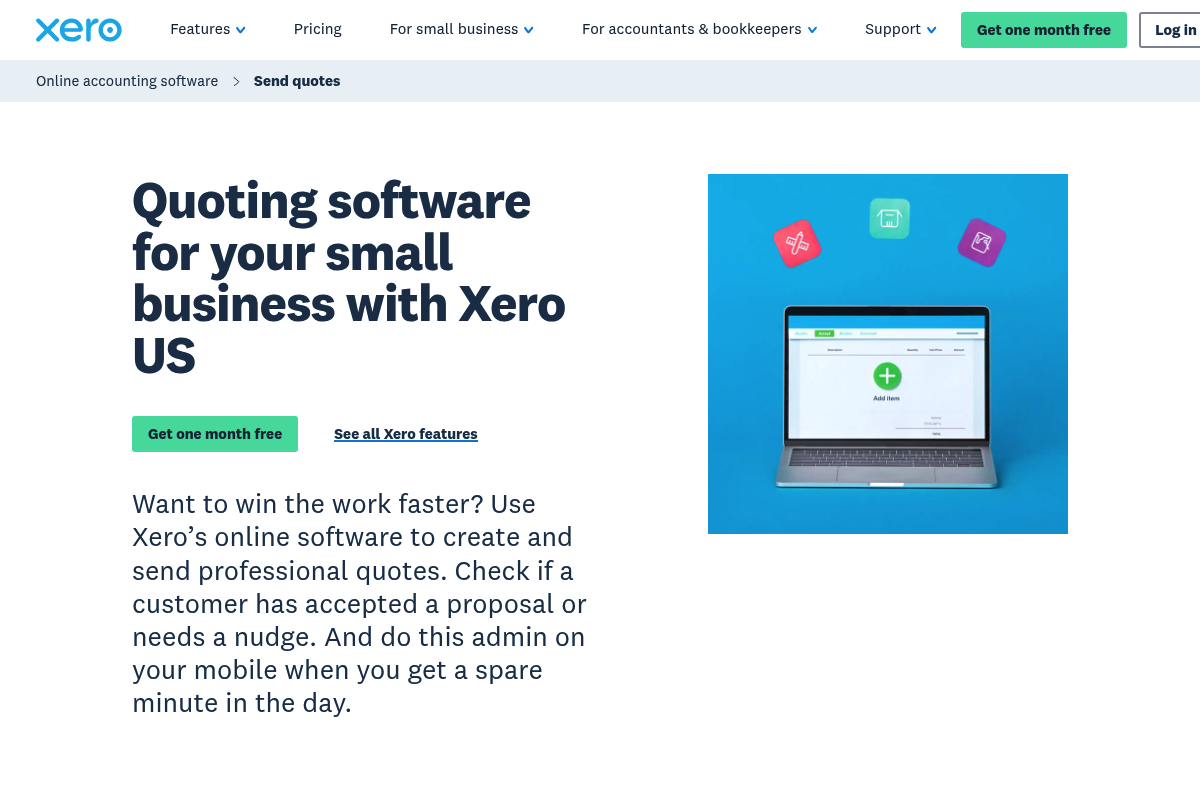
Xero is best when you want lightweight quoting that lives inside accounting. It is a good fit for contractors who already run financials in Xero and want quote status tracking plus one-click conversion to invoices.
Square Invoices
Square Invoices is a clean option when payments are central to your workflow. It is useful for sending estimates, converting them to invoices, and collecting payment without stitching together separate payment tools.
Quick comparison table for contractor quote software
Use this to narrow your shortlist before you do demos.
| Tool | Best for | What it does best | Watch-outs |
|---|---|---|---|
| Quantum Byte | Custom workflow / build-your-own | Tailored quoting apps, approval flows, client portals; no code | You design the workflow; not a pre-packaged product |
| Jobber | Home services | Fast quoting + approvals tied to scheduling | May be light for complex construction cost control |
| Housecall Pro | Field-first trades | On-site estimates, signatures, change edits | Deep construction workflows may require add-ons |
| ServiceTitan | Larger trades teams | Standardized templates and multi-option proposals | Typically heavier setup and process discipline |
| Buildertrend | Builders/remodelers | Proposals inside a broader client/project workflow | Can be more platform than you need if you only quote |
| Buildxact | Residential build/remodel | Takeoffs + structured estimating | Best ROI when you estimate frequently and consistently |
| Procore | Commercial construction | Billing and approval workflows at scale | Overkill for small service contractors |
| CoConstruct | Custom homes/remodel | Estimates tied to selections and change orders | Best fit when you embrace its end-to-end system |
| PandaDoc | Proposal-heavy sales | Beautiful proposals + e-sign + pricing tables | You still need ops, scheduling, and job management elsewhere |
| QuickBooks Online | Small contractors | Quote-to-invoice inside accounting | Not a full job management platform |
| FreshBooks | Solopreneurs | Simple estimates to invoices | Limited for multi-crew production workflows |
| Xero | Xero-first businesses | Quotes that convert to invoices fast | Similar limitation: accounting-first, ops-light |
| Square Invoices | Payment-led workflows | Estimates + invoices + payment collection | Less specialized for construction project complexity |
When off-the-shelf quoting tools stop fitting
If you are thinking, “All of these are close, but none match how we actually sell and deliver,” that is a signal you are outgrowing generic workflows.
Common breaking points look like this:
- You sell non-standard packages: Your quotes need options, bundles, and rules that change by service area, crew availability, or job type.
- Your approvals are multi-step: You need internal approvals (profit margin, materials, schedule feasibility) before a client ever sees the number.
- You want a real operational handoff: Accepted quote should create the job, trigger scheduling, notify purchasing, and open a change order workflow.
This is where building a lightweight custom quoting app can be the faster path, not the slower one.
If you are considering a custom solution that is quick to build, caters to your specific needs, and is easy to edit so you can future-proof your quote and invoicing setup, Quantum Byte is built for you. Templates let you set up your workflow in minutes; the AI builder turns your instructions into custom software that accommodates your company’s requirements and fits your current workflows, so your team does not have to learn and onboard on a whole new platform.
If you want to pressure-test a custom quoting workflow, start with our prototype tier to generate a structured spec and a prototype you can refine with real jobs.
If you are running a larger operation and need governance, unified operations, and cross-department workflows, our Enterprise offering is a cleaner path than forcing a patchwork of plugins into a brittle stack.
How to choose the right tool in under an hour
You can shortlist quickly if you evaluate on your workflow, not on feature lists.
- Map your quote-to-cash steps: If your estimate is the start of your operational loop, your quoting tool cannot live in isolation. The “estimate to schedule” linkage is a recurring theme in modern service operations, and it is worth thinking through alongside scheduling tools like those discussed in plumbing scheduling software.
- Decide where pricing truth lives: If you have a price book, decide who owns it, how it changes, and how you prevent “tribal pricing.”
- Identify your non-negotiables: For most contractors, that is mobile quoting, client approvals, and clean change orders.
- Run one real quote through each demo: Use a job you know well, including add-ons and a change order, to expose friction immediately.
- Plan for automation: Even simple automations (lead capture to quote creation, quote acceptance to invoice draft) reduce admin drag. The mindset and patterns in automating business processes translate directly to quoting stacks.
What we covered and how to act on it
You now have a practical list of contractor quote software options and a decision framework that prioritizes workflow fit over marketing promises.
Next steps:
- Shortlist tools: Pick 3 tools from the list that match your business model (home services vs remodeling vs commercial).
- Verify features: Validate the essentials: templates, approvals, deposits, change orders, and handoff into scheduling and billing.
- Custom solutions: If you keep running into “almost, but not quite,” consider designing the workflow you actually need. The patterns in AI app builder prompts and process examples like equipment rental operations can help you think clearly about triggers, handoffs, and approvals before you build.
Frequently teams also benefit from writing down their operating principles before they pick tools or build anything. A short internal “why we do it this way” document, modeled on a public-facing manifesto, keeps quoting decisions consistent as you add people.
Frequently Asked Questions
What is contractor quote software?
Contractor quote software is a tool that helps you create, send, and track estimates (quotes) for jobs, often with templates, a price book, client approval, and conversion into invoices or scheduled jobs.
What is the difference between an estimate and a quote?
In everyday contracting, they are often used interchangeably. Practically, a “quote” usually implies a more formal price and scope you expect the client to approve, ideally with terms and an approval record.
Should my quote tool include e-signatures?
Yes, if you want faster approvals and cleaner records. In the U.S., the E-SIGN Act establishes that agreements cannot be denied legal effect solely because they are electronic.
Do I need construction estimating software or just simple quoting?
If you do repeatable service work with standardized pricing, simple quoting is often enough. If you bid complex jobs with takeoffs, multiple subs, and frequent change orders, estimating-focused tools like Buildxact or builder platforms like Buildertrend and CoConstruct are usually a better fit.
What should I store with every approved quote?
At minimum: final scope, line items, terms, attachments (photos/specs), approval timestamp, and version history. Treat it like a record you may need later. NARA’s Universal ERM requirements are a helpful baseline for disciplined electronic record capture.
When does it make sense to build custom contractor quote software?
Build custom when your pricing logic, approvals, or handoff workflow creates real friction and lost margin in off-the-shelf products. If you can describe your ideal workflow clearly, you can often prototype it quickly and refine it alongside real jobs.
Can I connect quoting to scheduling and operations?
Yes. Many platforms include scheduling, and you can also connect systems through automation. If you are designing a more unified operational flow across departments, start by thinking in “triggers” and “handoffs,” similar to the patterns in automating business processes.