
Free pilates booking software is worth using when you need a clean booking link and basic reminders today, but it stops being “free” the moment you add instructors, run waitlists and packages, or start paying for SMS, add-ons, and admin time. The right pick depends less on the booking page and more on what you need to control: capacity, policies, and payments.
Quick comparison: best free options and their real limits
| Tool | Best for | True free-plan constraint | Pilates-relevant features | Payments | Reminders | Integrations | First outgrow trigger |
|---|---|---|---|---|---|---|---|
| Setmore | Solo and tiny teams that want simple booking fast | Free plan allows 4 staff logins; Setmore branding stays; SMS and extra payment options are paid | Classes and 1:1 sessions, basic booking page | Square on all plans; Stripe/PayPal require upgrade | Email on free; SMS on paid | Social booking, video options mentioned on page | You need more than 4 instructors, remove branding, or add SMS and broader payments |
| SuperSaaS | Instructors who want control over forms, series, and rules | Free version limited to 50 future appointments and shows ads | Classes, series/recurring bookings, waitlists, custom forms | Stripe/PayPal mentioned | SMS via Twilio mentioned; email confirmations | Google Calendar 2-way sync, Zoom, WordPress plugin | You hit the future-appointments cap, need ad-free, or need higher-volume operations |
| Anolla | Studios curious about modular, usage-based “add features as needed” | Free tier is core scheduling; advanced modules (waitlists, recurring, reminders, billing, loyalty) are paid and pricing is usage-based | Resources/services modeling; studio-oriented modules exist | Billing is positioned as a paid module | SMS/email reminders positioned as paid module | Ecosystem angle (AI assistant, IoT integrations) | You need predictable monthly costs and clear limits, or you require advanced modules immediately |
| SetTime | Consider if you want a simple booking page and reminders | Page claims “unlimited” staff/clients/classes and does not publish hard caps | Classes, recurring sessions, deposits, cancellations | Payments and deposits are positioned as included | Email/SMS/WhatsApp reminders claimed | Calendar sync claimed | You need to verify enforceable limits, export options, and support before you rely on it |
If you only read one thing: free plans are fine for a solo instructor taking a handful of bookings, but studios usually outgrow “free” because of staff access, waitlists and packages, and the cost of reminders and integrations, not because the booking page looks basic.
Quick verdict: the best free pilates booking software by studio stage
-
Solo instructor (privates and a few small classes): Setmore or SuperSaaS.
-
Why it fits: You can publish a booking link quickly and cut down on back-and-forth.
-
What forces the upgrade: You start needing stronger policies, higher volume, or SMS reminders.
-
-
Small studio (1–4 instructors): Setmore.
-
Why it fits: The free plan’s staff limit is clearly stated at 4 logins, so you can run a small team without guessing.
-
What forces the upgrade: Instructor #5, brand removal, or paid reminder and payment options.
-
-
Multi-instructor with waitlists and packages: SuperSaaS.
-
Why it fits: It explicitly supports class workflows like waitlists and series bookings, which is where Pilates admin usually spikes.
-
What forces the upgrade: The free version’s future-appointment cap and ads become dealbreakers as volume grows.
-
-
Complex policies and resources (rooms, reformers, intro offers, membership rules): build or choose a paid Pilates platform.
-
Why it fits: Your rules become your product. Off-the-shelf “free” tools rarely model them cleanly.
-
What forces the upgrade: Manual spreadsheets, inconsistent enforcement, and staff confusion.
-
Free-plan feature checklist
Must-have for Pilates
-
Online booking page: A single link that clients can use 24/7 so you stop answering “Do you have anything Tuesday?”
-
Classes plus 1:1 scheduling: Pilates studios rarely stay purely one or the other for long.
-
Capacity controls: Class caps and basic “full class” behavior protect your floor and your brand.
-
Confirmations and email reminders: Reminder systems consistently improve attendance across contexts in systematic reviews, which is why automation matters even for small studios (systematic review, evidence synthesis).
-
Basic client profiles: Enough history to avoid “Who is this?” and to support repeat bookings.
-
Calendar sync: So you are not double-booking your own life.
Nice-to-have as you grow
-
Waitlists: The easiest revenue win once classes fill up.
-
Packages and credits: Stops you from tracking class packs in a spreadsheet.
-
Memberships: Requires stricter logic, proration, and policy enforcement.
-
Recurring bookings and series: Reduces churn by making attendance habitual.
-
Forms and waivers: Cuts intake admin and reduces risk.
-
Instructor permissions: Keeps teachers in their lane while still giving them what they need.
-
Retention and capacity reporting: Helps you decide whether to add sessions, instructors, or equipment.
Tool-by-tool review
Setmore
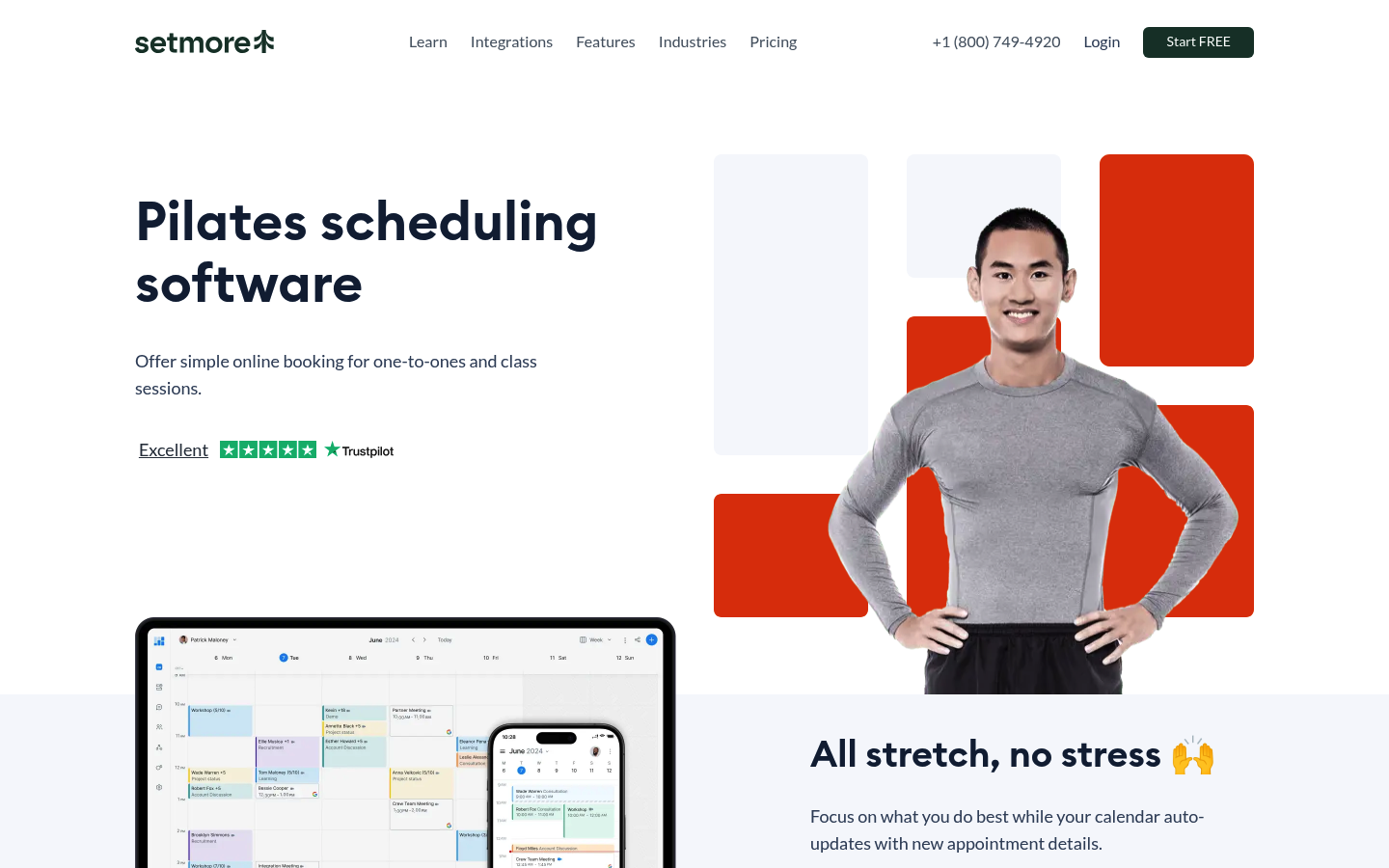
Best fit: solo instructors and small studios that want a clear free tier and don’t want to configure a complex system.
What’s genuinely strong:
-
Fast setup: Booking page, services, and staff calendars are straightforward.
-
Clear free boundary: The page states the free plan allows 4 staff logins, which is rare transparency in “free” scheduling.
What you’ll likely outgrow first:
-
Team growth and brand control: Once you need more staff access or want to remove platform branding, you are into paid territory.
-
Text reminders and payment flexibility: The page positions SMS reminders and additional payment options as upgrades.
SuperSaaS
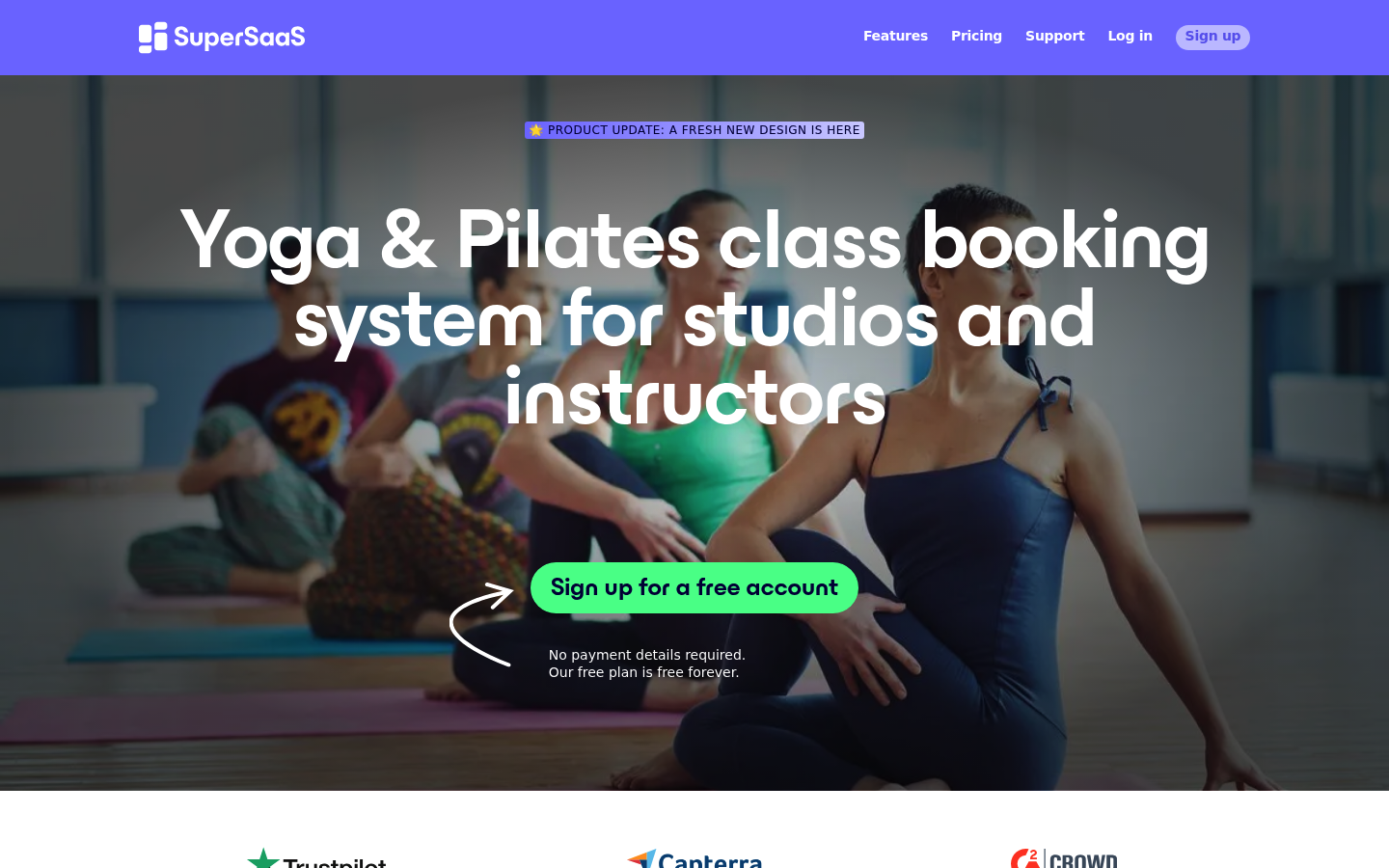
Best fit: instructors and studios that need flexible booking rules, forms, and class workflows, and can live with free-plan constraints early.
What’s genuinely strong:
-
Class mechanics: Waitlists and series bookings are called out directly, which maps well to studio operations.
-
Integration depth: It explicitly mentions Google Calendar two-way sync, Zoom meeting creation, WordPress embedding, and SMS via Twilio.
What you’ll likely outgrow first:
- Free plan limits: The free version is limited to 50 future appointments and shows ads, which becomes a hard ceiling for busy schedules.
Anolla
Best fit: studios that like a modular approach and want to turn on advanced features only when they need them.
What’s genuinely strong:
-
Modular scaling: The page separates a core free tier from paid modules like recurring bookings, waitlists/queues, reminders, billing, and loyalty.
-
Studio operations angle: It speaks the language of resources (locations, instructors, machines) rather than just “appointments.”
What you’ll likely outgrow first:
- Predictability: Usage-based pricing can be a great fit for seasonal demand, but many owners eventually want more predictable forecasting.
Verify before you commit:
- Module scope and unit economics: Get clarity on exactly what “counts” as usage and how exports and migrations work.
SetTime
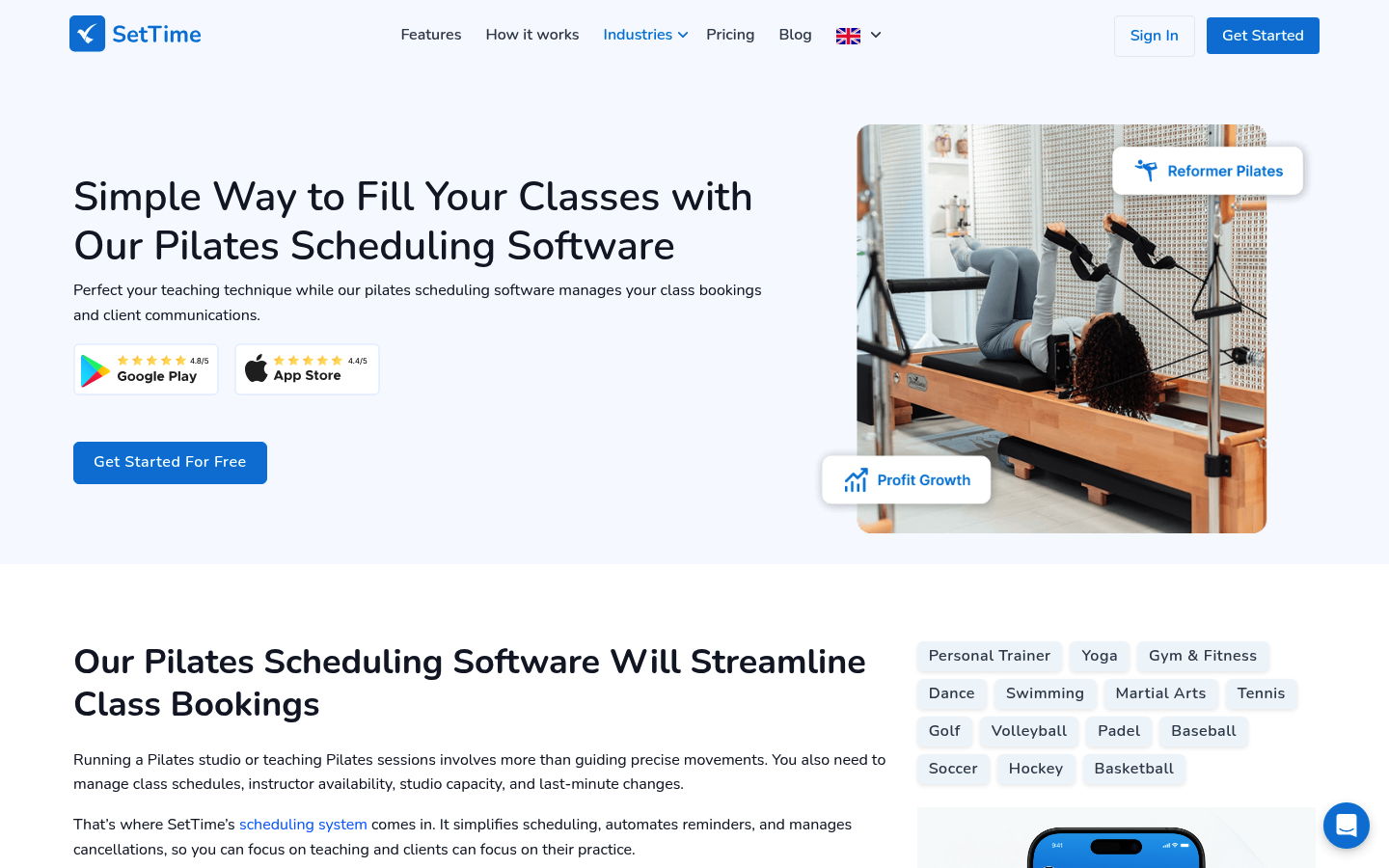
Best fit: only if you confirm the operational details behind the “unlimited” claims.
What’s genuinely strong:
- Checklist coverage: It claims the core features studios look for, including payments/deposits and reminders via email, SMS, and WhatsApp.
What you’ll likely outgrow first:
- Risk of unclear boundaries: The page does not publish enforceable caps or free-plan boundaries, which makes long-term planning harder.
Verify before you commit:
- Hard limits, deliverability, and ownership: Ask about fair-use limits, export formats, support response times, and how you retrieve client data if you switch.
The free-plan scorecard: 5 hidden cost drivers that decide “free” vs expensive
Think of free scheduling as a scorecard. If you are “red” on two or more drivers, free will feel expensive within a few months.
-
Staff and admin seats
-
What to ask: How many staff logins are included, and can you restrict permissions by role?
-
Why it matters in Pilates: The moment instructors need to see schedules, clients, and policies, you either pay for seats or become the human router.
-
-
Booking volume caps
-
What to ask: Are there caps on future appointments, total bookings, clients, or classes?
-
Why it matters in Pilates: Class-based businesses create “bursty” volume. A cap can break you on your busiest week.
-
-
Reminder costs (SMS and WhatsApp)
-
What to ask: Are reminders included, and if SMS is paid, what provider is used and how billing works?
-
Why it matters in Pilates: Reminders reduce no-shows in systematic reviews, so you will want them running automatically as you get busier (systematic review).
-
-
Payment handling and deposits
-
What to ask: Can you take deposits, enforce cancellation policies, and keep card data out of your system?
-
Why it matters in Pilates: Deposits and late-cancel rules are often the difference between stable revenue and chaos.
-
-
Premium integrations and add-ons
-
What to ask: Is calendar sync two-way, can you embed on your website, and are API/webhooks gated?
-
Why it matters in Pilates: Integrations are where “free” quietly turns into manual admin.
-
Switching costs are the hidden sixth driver. Exporting clients, rebuilding schedules, changing links, and re-collecting waivers can be more painful than the subscription fee. Plan for that early.
Workflow fit for Pilates studios: privates, classes, waitlists, and resources
Most studios fall into one of three models:
-
Mostly privates: You need clean 1:1 scheduling, deposits, and strong cancellation rules.
-
Mostly group classes: You need capacity, waitlists, and a smooth “book again” flow.
-
Hybrid: You need both, plus a way to keep policies consistent.
The common outgrow trigger is multi-resource scheduling. Pilates often requires multiple constraints at once: instructor availability, a room, and a specific piece of equipment like a reformer. Many free booking tools model only one constraint cleanly (usually instructor time), which is why you end up manually policing equipment capacity.
Red flags that predict admin chaos even if the tool is free:
-
Manual credits tracking: You sell packs but track usage in a spreadsheet.
-
Inconsistent policies: Some clients get charged for late cancels, others do not, because enforcement is manual.
-
No role permissions: Instructors can accidentally change studio-wide settings.
Integrations that matter: payments, calendar, website, and virtual sessions
Prioritize integrations in this order for most Pilates businesses:
- Payments first: Deposits and card-on-file behavior reduce disputes and protect your calendar.
- Calendar sync next: A reliable sync stops double bookings and keeps instructors aligned.
- Website embed: Booking should feel native to your site, even if the back end is a third-party tool.
- Video sessions: Only if you run virtual privates or hybrid memberships.
- CRM and marketing: Useful later, but not worth breaking your scheduling flow early.
Validate “integration depth,” not just logos. Two-way calendar sync is different from one-way. A Zoom link created automatically is different from “paste this link yourself.” And many free plans restrict these features.
Security and compliance basics for booking and SMS reminders
You do not need an enterprise security program to run a studio, but you should confirm a few basics before you collect payments and send texts.
-
Payments and PCI scope: If your tool stores, processes, or transmits card data, PCI requirements apply. A safer pattern is to use a hosted payment provider so your studio never touches cardholder data directly. PCI DSS explains the baseline expectations and who is in scope (PCI DSS).
-
SMS reminders and consent: If you send automated texts, treat consent as a first-class requirement. The FCC’s TCPA compliance guide explains the need for prior express written consent for certain automated messages and emphasizes consent requirements that can affect how you collect phone numbers and opt-ins (FCC guide). Practical rule: capture explicit opt-in, include “Reply STOP to opt out,” and separate marketing consent from transactional reminders.
-
Client data and lawful basis: If you serve EU clients, GDPR Article 6 is the starting point for lawful processing. For bookings, “necessary for the performance of a contract” is commonly relevant, while marketing texts often need consent (GDPR Article 6).
-
Lightweight vendor security checklist: Use the NIST Cybersecurity Framework 2.0 functions as your structure. Confirm how the vendor handles governance, protection, detection, response, and recovery, even at a small scale (NIST CSF 2.0).
Pricing expectations: what you’ll pay once you outgrow free
Most scheduling tools become paid in predictable ways:
-
Per staff seat: Common when instructors need logins.
-
Per location: Kicks in when you add rooms or studios.
-
Usage-based: Costs rise with bookings or active clients.
-
Add-ons: SMS, branding removal, advanced reporting, packages and memberships, or API access.
Upgrade signals to watch:
-
You are bumping into appointment or staff limits.
-
You need waitlists, packages, or memberships to run revenue policies cleanly.
-
You want reporting to manage retention and capacity.
-
You need reliable support because booking downtime now costs real money.
Budgeting framework: plan for a base subscription plus reminder delivery costs and standard payment processing fees. Treat migration effort as a real cost, not an annoyance.
Alternatives beyond “free”
If you are already operating like a studio, not a solo instructor, a paid Pilates platform may save money by removing workarounds. A survey-based roundup from PilatesBridge highlights common options studios use as they mature, including Momence, WellnessLiving, Walla, Mindbody, TeamUp, Arketa, Bookeo, and Vagaro.
Use paid alternatives when you specifically need:
-
Membership and package enforcement: fewer loopholes, cleaner accounting.
-
Staff operations: permissions, payroll-adjacent workflows, more robust reporting.
-
Multi-location management: standard policies across locations.
Build vs buy: when a custom booking flow beats any off-the-shelf free plan
Building becomes rational when your studio rules are the product and no template captures them.
Three common build scenarios:
- Multi-resource capacity logic: You are scheduling instructor + room + reformer, and you need the system to prevent overbooking automatically.
- Complex packages and policy enforcement: Credits, intro offers, late-cancel rules, membership freezes, and exceptions need to be enforced consistently.
- Unique client journeys: Intake forms, prerequisites, approvals, and “right class for you” routing are part of your experience.
What to standardize versus customize:
-
Standardize: booking UI, client accounts, payment collection.
-
Customize: capacity rules, policy enforcement, package logic, instructor permissions, and reporting views.
If you are in that zone, Quantum Byte is a practical middle path between “force-fit a tool” and “hire developers.” You can start from plug-and-play booking templates, then describe your studio rules in plain English and iterate fast.
Implementation timeline: how to launch in a weekend
- Write your requirements: privates, classes, capacity, deposits, cancellation windows, and staff roles.
- Set up your booking page: services, class types, durations, and availability.
- Add policies in the tool: cancellations, late fees, and no-show handling.
- Configure payments: deposits for high-demand sessions and clear refund rules.
- Turn on reminders: start with email, then add SMS only when you can justify the cost and consent workflow.
- Run test bookings: book, cancel, reschedule, apply a package, and confirm notifications.
- Go live with a clean link: update your website, Google Business Profile, and social bios.
Future-proofing checklist:
-
Export options: confirm you can export clients and appointments in usable formats.
-
Data ownership: know what happens if you cancel.
-
Link strategy: use a consistent booking URL you can redirect later.
-
Policy documentation: keep a single written policy page you can reuse across tools.
What this means for you
-
If you are solo: choose the free tool that gets you live this weekend, then track what you do manually. Those manual tasks are your upgrade roadmap.
-
If you have instructors: staff logins and permissions will decide your next move faster than any “features” list.
-
If you run full classes: waitlists and packages matter more than a prettier booking page.
-
If you have reformers, rooms, and rules: you will outgrow free on operational logic, not on scheduling basics.
Frequently Asked Questions
What is the best free pilates booking software?
Setmore and SuperSaaS are the most straightforward starting points because they publish real constraints. Pick Setmore if your team is small and you want a simple setup. Pick SuperSaaS if you need more control over class rules, forms, or waitlists and can work within its free-plan limits.
Is there a free Pilates booking app?
Yes, several vendors market free tiers, including Setmore, SuperSaaS, and others. The practical question is whether the free tier includes the parts that affect your day-to-day operations: staff access, reminders, and capacity controls.
What is a free booking website for appointments?
Most “free booking websites” are hosted booking pages provided by scheduling tools. They work well early, but you should confirm whether you can use your own domain, embed the schedule on your site, and export your data later.
Is the Wix booking system good for Pilates studios?
Wix can work if your needs are simple and your website is your main channel. Studios typically outgrow website-first booking when they need deeper scheduling logic, packages, strict policies, and staff permissions.
Is Setmore really free for Pilates studios?
Setmore’s Pilates page states the free plan allows 4 staff logins and that features like SMS reminders, Stripe/PayPal payments, and removing Setmore branding are tied to paid plans. It can be “free enough” for a solo instructor or a small studio until those needs become non-negotiable.
Start building a booking flow that matches your studio
If you are already feeling the cracks in free plans, manual tracking, policy exceptions, and resource conflicts, build the workflow you actually run.
Start building with Quantum Byte.
-
Founder-friendly by design: You can get to a working booking flow without a developer handoff.
-
Templates that stay flexible: Start with plug-and-play booking components, then adjust policies, capacity rules, and permissions to match your studio.
-
Speed plus customization: Comedian Aziz Ansari used Quantum Byte to create an app for his movie “Good Fortune” within minutes, with no prior app-building experience.