
Comparison table: free-tier limits and upgrade triggers
| Tool | Free plan type | Best for | Key Pilates features | Payments support | Integrations highlights | Most common upgrade triggers | Primary tradeoff |
|---|---|---|---|---|---|---|---|
| Setmore | Free tier (free plan with limits) | Solo to small team that needs straightforward booking | 1:1 + classes, booking page, team calendars | Payment add-ons available (verify your preferred processor) | Common calendar + meeting integrations (verify what’s included on Free) | Staff logins (Free is positioned for up to 4 staff), SMS reminders, branding removal, deeper automation | Less Pilates-specific (resource scheduling, packs, reformer rules can get awkward) |
| Anolla | Free tier + usage-based pricing | Reformer/resource-heavy studios that need capacity control | Resource-based scheduling (equipment/rooms), waitlists, group + PT flows | Stripe prepay supported | Stripe-first; confirm accounting/marketing/automation options | Usage thresholds, automation/reminders, loyalty/retention workflows, multi-resource complexity | You must understand what “usage-based” means before you scale |
| SetTime | “Free” positioning (verify limits) | Studios attracted to “unlimited” claims and multi-channel reminders | Reminders (email/SMS/WhatsApp), deposits, recurring sessions, analytics (as claimed) | Claims support for payments/deposits (verify processor + fees) | Claims Google/Apple calendar sync (verify) | Message caps and deliverability, permissions/audit logs, exports, branding, policy controls | Marketing copy is broad; you need to validate what’s truly included |
| Directory route (GetApp) | Mix of free-forever, freemium, and trials | Finding options you would not discover otherwise | Feature filters across many tools | Varies by tool | Powerful filters (calendar, email marketing, payments, Zapier, Zoom) | “Free” filter includes trials and capped plans; hidden add-ons and transaction fees | Great for discovery, weak for deciding without a framework |
Quick verdict: the best free option by studio type
If you’re searching for pilates studio software free, the best pick depends on whether your schedule is constrained by people (instructors) or by assets (reformers/rooms).
- Solo instructor (mostly 1:1): Start with Setmore for a clean booking page and simple scheduling.
- Small studio (2–6 instructors): Setmore can still work, but your first paid moment is usually staff logins and reminders.
- Reformer-heavy studio (equipment is the bottleneck): Anolla is the most “Pilates-ops aware” of the free-tier options because it speaks directly to resource scheduling and waitlists.
- You need prepay/deposits to protect revenue: Prioritize tools that support Stripe/Square-style payments and deposits, and assume payment processing fees exist even if the scheduler is free.
- You need retention workflows (no-shows, reactivation, membership nudges): Free tiers usually fall short on automation and reminders. Plan for an upgrade when consistency starts to matter.
If you only read one thing: the two upgrade triggers that hit Pilates studios fastest are (1) automated reminders and (2) payments rules (deposits, cancellation fees, and transaction fees).
Feature checklist for Pilates studios evaluating “free” software
Use this checklist before you commit, because free tools often “work” until week two, when edge cases show up.
-
Scheduling
- Classes and 1:1 sessions: You need both, with separate rules (capacity, pricing, cancellation windows).
- Waitlists: Essential for peak-time reformer classes.
- Recurring sessions: Required for private training packages.
- Instructor availability: Per-instructor calendars, buffers, and time-off.
-
Client experience
- Self-serve booking page: Mobile-friendly, fast, and easy to share.
- Client accounts: So clients can cancel, reschedule, and manage credits.
- Hybrid support: In-person plus Zoom links when needed.
-
Payments
- Deposits and prepay: Your best defense against no-shows.
- Packages/credits and memberships: Class packs, intro offers, autopay memberships.
- Cancellation and late fees: Rules you can actually enforce.
-
Pilates-specific operations
- Resource-based booking: Booking a reformer, chair, tower, or a specific room, not just a time slot.
- Capacity rules: Different caps by class type and equipment.
- Multi-resource sessions: Example: a duet that needs two reformers.
-
Reporting and admin
- Attendance and utilization: Know which classes fill and which instructors drive retention.
- Exports: CSV export for clients, bookings, and payments is non-negotiable.
-
Security
- Payment handling: Avoid storing card data yourself. If your tool asks you to store card details directly, that is a red flag. Payment security requirements are governed by standards like PCI DSS, which apply to entities that store, process, or transmit cardholder data.
Paywall watchlist (features that are commonly paid): branding removal, SMS/WhatsApp reminders, advanced automations, advanced reporting, multi-location permissions, and deeper integrations.
Setmore (free tier): best for simple scheduling with a small team
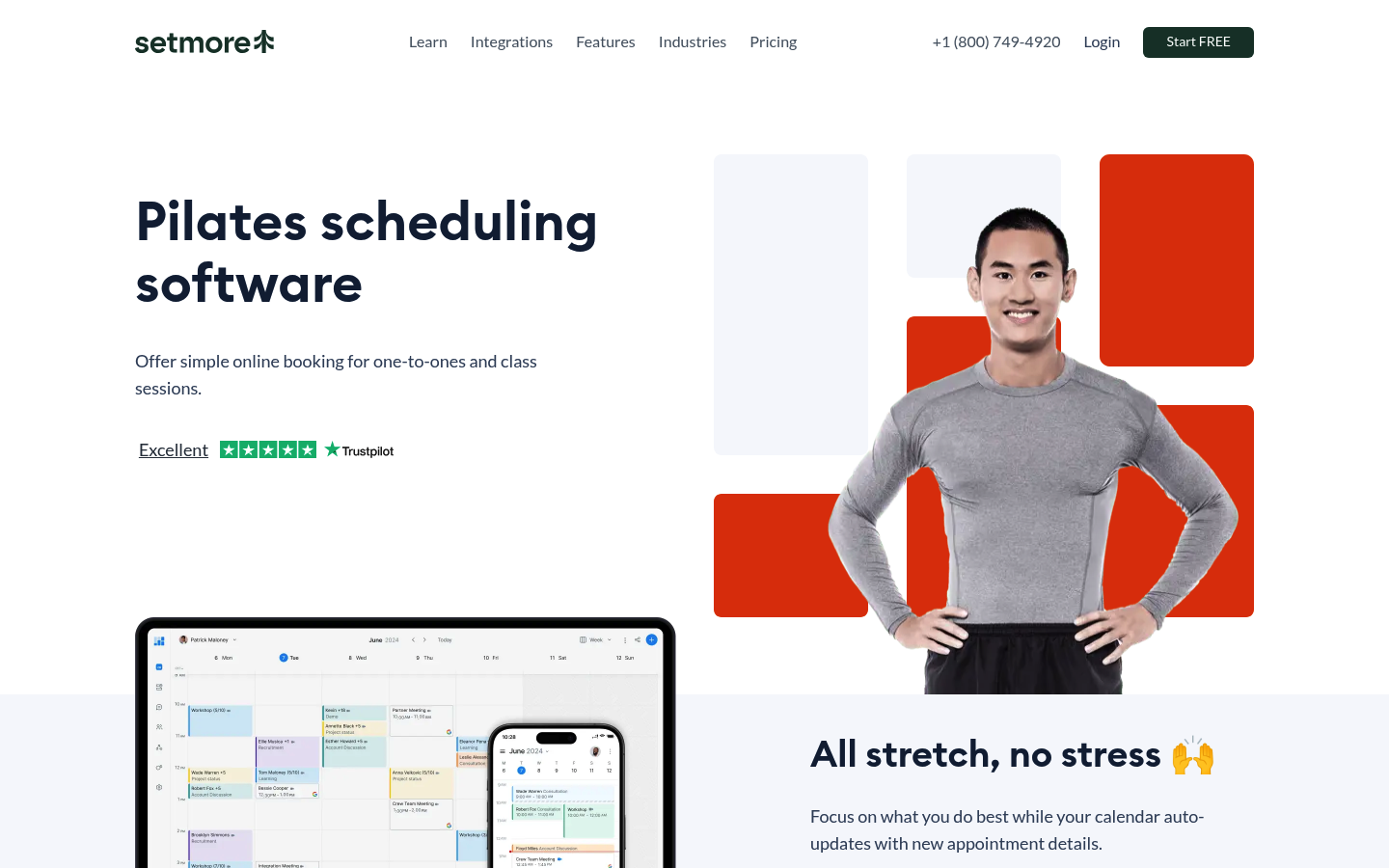
Setmore is a strong “start today” option when your core need is a booking page, a clean calendar, and basic class plus appointment scheduling.
What it’s best at on day one:
- Self-serve booking: You can publish a link and immediately reduce back-and-forth messages.
- Straightforward team scheduling: It’s designed for service scheduling, so it maps well to instructors.
The upgrade trigger that’s easiest to predict is staff access. Setmore’s Pilates page positions the free plan as supporting up to 4 staff logins, which is a clear line you will cross if you grow beyond a small team.
Before you commit, verify these “paid unlocks” in your own test account (because they commonly move between tiers):
- Reminders beyond email: Especially SMS.
- Branding controls: Removing “powered by” elements from booking pages.
- Automation depth: Confirmation sequences, follow-ups, and no-show workflows.
Anolla (free tier): best for reformer/resource scheduling and waitlists
If your studio is constrained by equipment, not just instructor time, Anolla is the most Pilates-specific option in this list. It explicitly highlights resource-based scheduling (equipment/rooms), waitlists, and flows for both group classes and personal training.
Why it fits reformer studios:
- Resource scheduling: You can treat reformers and rooms like inventory, which prevents overbooking.
- Waitlists: Built for the “8 spots, 20 people want in” reality.
- Prepayment via Stripe: It calls out Stripe for integrated payments, which is often enough to run deposits and prepay.
The main thing to double-check is how the pricing actually grows. Anolla mentions a usage-based model, and that phrase matters.
Verification questions to ask before you build your whole operation around it:
- What counts as “usage”: Clients, instructors, bookings/month, locations, resources, messages, automations?
- When do automations and reminders become paid: And are reminders email-only or SMS too?
Your most common upgrade moments will be predictable: you add more resources, you start caring about automated retention flows, or you need more integrations outside of payments.
SetTime (free positioning): best for “unlimited” claims, but verify messaging and compliance
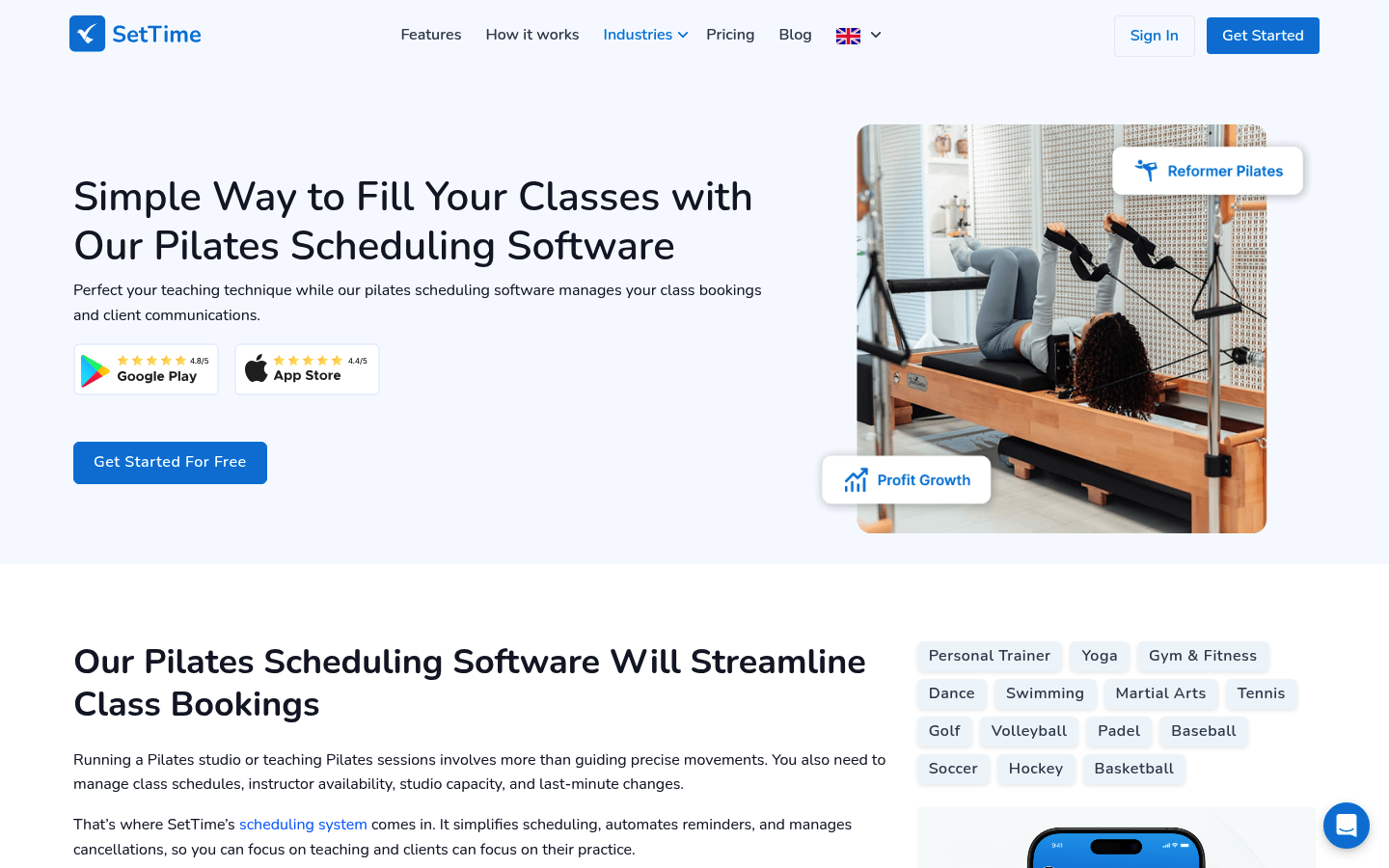
SetTime markets a broad “free” Pilates scheduling pitch and claims coverage across reminders (including WhatsApp), payments/deposits, calendar sync, recurring sessions, and analytics.
That can be attractive if you’re trying to avoid the usual freemium traps, but you should treat it like a product you must validate, not a promise you can assume.
Verification checklist (run this before migrating clients):
- Messaging limits: Any caps on SMS/WhatsApp volume, and are messages reliably delivered?
- Policy controls: Can you enforce cancellation windows, late fees, and no-show rules cleanly?
- Permissions: Can you separate owner/admin/instructor roles?
- Data export: Can you export clients, bookings, and payments without friction?
- Audit trail: If a staff member changes a booking, can you see what happened?
Even if a scheduler is free, two costs still exist: payment processing fees and (often) SMS delivery fees.
Directory route (GetApp): best for discovery, not decision-making

Photo by StartupStockPhotos on pixabay
The GetApp directory is useful when you want breadth. It is not useful when you want clarity.
Use it to generate a shortlist, not to make the final choice.
Filters that usually matter for Pilates studios:
- Scheduling: Class scheduling, appointment scheduling, waitlists.
- Monetization: Billing and invoicing, memberships, packages.
- Client experience: Client portal.
- Integrations: Google Calendar, Mailchimp, PayPal, Zapier, Zoom.
Three “free” patterns you’ll see:
- Free forever with caps: Works until you hit staff, client, or booking limits.
- Freemium add-ons: Core scheduling is free, but reminders/payments/branding are paid.
- Free trial only: Not free. Just a timed demo.
Mini process that prevents regret:
- Pull 5 tools from GetApp.
- Run each tool through the feature checklist above.
- For the top 2, identify the first upgrade trigger you will hit (staff seats, reminders, payments rules, or automation).
Workflow fit: pick based on your class model, not your budget
Free software only “saves money” if it does not create admin chaos.
Solo instructor (mostly privates)
- Non-negotiables: 1:1 booking page, buffers, recurring sessions, simple payments.
- First upgrade trigger: Reminders and deposits.
- Recommendation: Start with Setmore, or validate SetTime if you need multi-channel reminders.
Boutique studio (2–6 instructors)
- Non-negotiables: Staff permissions, instructor schedules, classes plus privates.
- First upgrade trigger: Staff logins and role-based access.
- Recommendation: Setmore until you outgrow staff limits; then reassess.
Reformer studio (resources constrain bookings)
- Non-negotiables: Resource-based scheduling, waitlists, capacity rules.
- First upgrade trigger: Usage thresholds or advanced automations.
- Recommendation: Anolla first.
High-demand classes (waitlists + cancellations are daily)
- Non-negotiables: Waitlists, cancellation windows, deposits, fast messaging.
- First upgrade trigger: Automated reminders and policy enforcement.
- Recommendation: Choose the tool that best supports deposits and reminders, then pay when you need consistency.
Hybrid classes (Zoom + in-person)
- Non-negotiables: Video links, calendar sync, clean client comms.
- First upgrade trigger: Integrations and automation.
- Recommendation: Validate integrations early, because “free” tools vary wildly here.
Integrations checklist: payments, calendar, accounting, marketing, automation
At minimum, your studio stack touches these categories:
- Payments: Stripe, Square
- Calendar: Google Calendar, Apple Calendar
- Accounting: QuickBooks, Xero
- Marketing: Mailchimp, Klaviyo
- **Automation: Zapier
- Video: Zoom
If your free tool does not integrate, use this decision tree:
- Has Zapier? Connect what you can and automate the handoffs.
- No Zapier, but has exports? Schedule weekly CSV exports and reconcile in accounting.
- No exports or integrations? Switch tools early. Data lock-in is a silent cost.
- Unique workflow you cannot model? Build a lightweight custom app that matches your rules.
On payments, keep the boundary clean: your studio should not store card data. Rely on payment processors and tools designed to meet requirements like PCI DSS.
Pricing expectations and cost drivers
Three cost drivers show up even when your scheduling software is $0.
- Payment processing fees
If you accept cards online, you are paying processing fees. For example, Stripe lists 2.9% + 30¢ per successful card charge in the US for standard online card payments. Square similarly publishes rates that vary by in-person vs online transactions.
Takeaway: “Free booking software” does not mean “free payments.” Build that into your pricing.
- Reminder automation (and why it is worth paying for)
No-shows are not a vibe problem. They are a systems problem.
Evidence from healthcare scheduling maps surprisingly well to Pilates because the mechanic is the same: reminders increase attendance. A Cochrane review found that mobile messaging reminders improved attendance versus no reminders (reported as a relative effect of 1.14). A separate systematic review and meta-analysis found reminders reduced non-attendance, with a weighted mean relative reduction of 34%.
How to translate that into a studio decision:
- Email-only is enough when: You are small, clients are loyal, and your schedule is not full.
- Upgrade for automated reminders when: You run waitlists, prime-time classes sell out, or you are spending time manually chasing confirmations.
- Consider deposits as the first lever when: You have chronic late cancels. Deposits can change behavior faster than reminders alone.
- Free-plan surcharges and feature gating
Even with “free forever” tools, you will usually pay for one of these:
- Branding removal and premium booking pages
- SMS reminders and multi-channel messaging
- Automations and workflows
- Advanced reporting and staff permissions
Alternatives to consider
If you are already running memberships, multiple class types, and real retention workflows, you may be better off skipping free tiers.
Paid-first Pilates studio platforms (good for growth, usually not free): Momence, bsport, Mariana Tek.
Lightweight alternatives studios often try:
- Calendly: great for privates, weak for class packs and memberships.
- Bookwhen: good for simple class listings, can get limiting with complex credits and policies.
- ClassPass: useful for distribution, but you give up pricing control and direct client ownership.
Build vs buy: when to build a Pilates studio system that stays “yours”
Buy software when your workflow is standard. Build when your workflow is your advantage.
You are at the “build” threshold if:
- You have unique policies (intro offers, mixed packs, membership rules, reformer allocation).
- You run multiple revenue lines (privates, classes, teacher training, workshops, retail).
- You spend hours per week in spreadsheets, manual messaging, and payment reconciliation.
A custom studio system can include:
- Booking for classes and privates
- Memberships, packs, credits, intro offers
- Resource scheduling for reformers and rooms
- Automated reminders, deposits, and late-cancel rules
- Instructor payouts and payroll-ready exports
- Dashboards for utilization and retention
- Integrations to payments, accounting, and marketing
This is where Quantum Byte fits naturally. Instead of forcing your studio into a generic template, you can generate a working scheduling and booking app quickly, then iterate the policies (credits, cancellations, reformer rules) as you learn. It is founder-friendly, and it is built for “ship now, refine weekly” operators.
Implementation timeline: go live without disrupting classes
A smooth switch is mostly about sequencing.
Day 0–1: Setup
- Create services and class types: Include capacities and equipment rules.
- Set policies: Cancellation windows, late fees, and no-show handling.
- Connect payments: Test a $1 checkout and a refund.
- Configure notifications: Confirm what sends on booking, cancel, and waitlist move.
Week 1: Parallel run
- Keep the old system active: New bookings go to the new tool, but you can still reference old data.
- Train staff: One short session on booking changes, refunds, and exceptions.
Week 2: Cutover
- Publish the new booking link everywhere: Website, Google Business Profile, Instagram.
- Turn the old booking off: Keep it read-only.
Rollback plan: keep the old system read-only for 30 days and export your data from both systems weekly.
Key takeaways: choose free now, avoid surprises later
- Start with Setmore for simple booking, then expect to pay when staff access and reminders become essential.
- Choose Anolla when reformers and rooms create real scheduling constraints.
- Treat SetTime as “promising but must-verify,” especially around messaging limits and admin controls.
- Assume payment processing is never free, and plan for reminders as your schedule fills.
- If your policies and revenue lines are already complex, jump to the Build vs buy section and consider a system you can actually shape over time.
Frequently Asked Questions
Pilates studio software free download
Most “free” Pilates scheduling tools are web apps with mobile apps, not traditional desktop downloads. If a vendor pushes a direct download, verify that you can still export data and that your clients can book from any device. For most studios, the real decision is free tier vs paid tier, not download vs no-download.
Calendly
Calendly is excellent for private sessions because it nails availability and booking simplicity. It usually falls short for Pilates studios once you need class packs, memberships, waitlists, and equipment-based capacity rules.
Classpass
ClassPass can fill empty spots, but it is a marketplace, not your operating system. You typically trade margin and direct client ownership for distribution. Use it as a channel, not the core system that runs memberships and policies.
Bookwhen
Bookwhen can work for straightforward class scheduling. You will feel the limits when you need complex credits, memberships, resource scheduling (reformers), and automated retention workflows.
Start building
If free tools are already creating workarounds, move to a system you can shape before the admin cost gets worse.
Start with Quantum Byte to:
- Launch fast: Use plug-and-play templates for booking, client portals, and common studio workflows.
- Customize without a long dev cycle: Adjust policies, packages, and flows by describing what you want.
- Scale like a real product: You are not locked into someone else’s roadmap.