
You do not need another inbox for broken locks, leaking faucets, and "did anyone see this text?" chaos. You need a maintenance request app that turns every request into a tracked work order, with clear ownership, priority, and proof of completion.
This guide ranks the best maintenance request app options for 2026, with screenshots, quick pros and cons, and a simple way to choose the right fit for your property or facilities team.
What a maintenance request app does
A maintenance request app is software that lets tenants, residents, staff, or operators submit a repair request from a phone or computer. It routes the request to the right person, tracks status, and keeps a record of work completed.
Most tools in this category fall into two buckets:
-
Property maintenance portals: Built for resident-to-maintenance communication, scheduling, and vendor coordination.
-
CMMS and EAM platforms: CMMS (Computerized Maintenance Management System) and EAM (Enterprise Asset Management) tools that go deeper on assets, preventive maintenance, parts, and audits.
If your current process lives in text messages, sticky notes, and scattered photos, the right app will give you a single source of truth.
How a maintenance request app should work
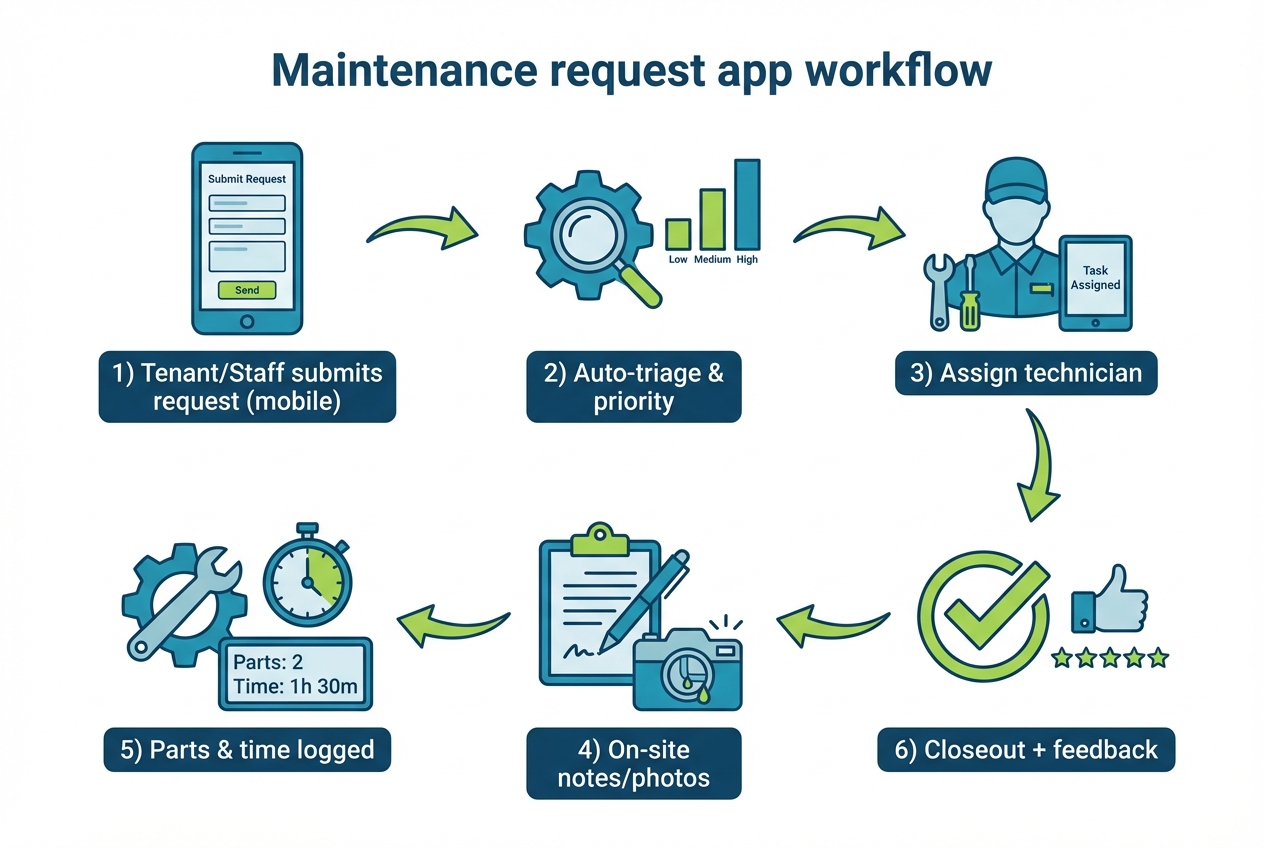
At minimum, a solid maintenance request flow includes:
-
Intake: A resident or staff member submits an issue with photos, location, category, and permission-to-enter.
-
Triage: The request gets priority and tags (urgent, safety, HVAC, plumbing), ideally with automatic routing.
-
Assignment: A technician or vendor is assigned, with due dates and clear responsibility.
-
Work-in-progress updates: Notes, photos, and status changes happen in the same thread.
-
Time and cost capture: Labor, parts, and vendor invoices can be logged to understand real costs.
-
Closeout: The requester gets confirmation, and your team keeps an audit trail for future disputes.
If you want to standardize this across locations, pair your maintenance flow with broader process automation. Start with our guide to workflow automation software to spot the highest-leverage workflows and systemize them.
Best maintenance request app options in 2026
These picks cover property maintenance, facilities management, and CMMS platforms. The #1 choice is best when you want the app to match your process, not the other way around.
1) QuantumByte
If your business has a specific workflow (unique approvals, custom Service Level Agreements (SLAs), special vendor rules, or multi-brand reporting), off-the-shelf tools can feel like you are fighting the product. This is the strongest option when you want to build the exact maintenance request app you need.
What puts it at #1 is flexibility without losing speed. You can start from plain English, get a working app quickly, then bring in expert developers when you hit edge cases like complex permissions, deep integrations, or data cleanup.
-
Best for: Teams that want a tailored portal, custom fields, unique routing, and branded experiences.
-
Why it wins: You can match your real-world process and still move fast.
-
Watch for: You need to be clear on what "good" looks like. A crisp intake form, routing rules, and closeout standards make the build dramatically easier.
A practical next step is to outline your intake form, routing rules, and closeout checklist, and try QuantumByte's platform itself.
2) MaintainX
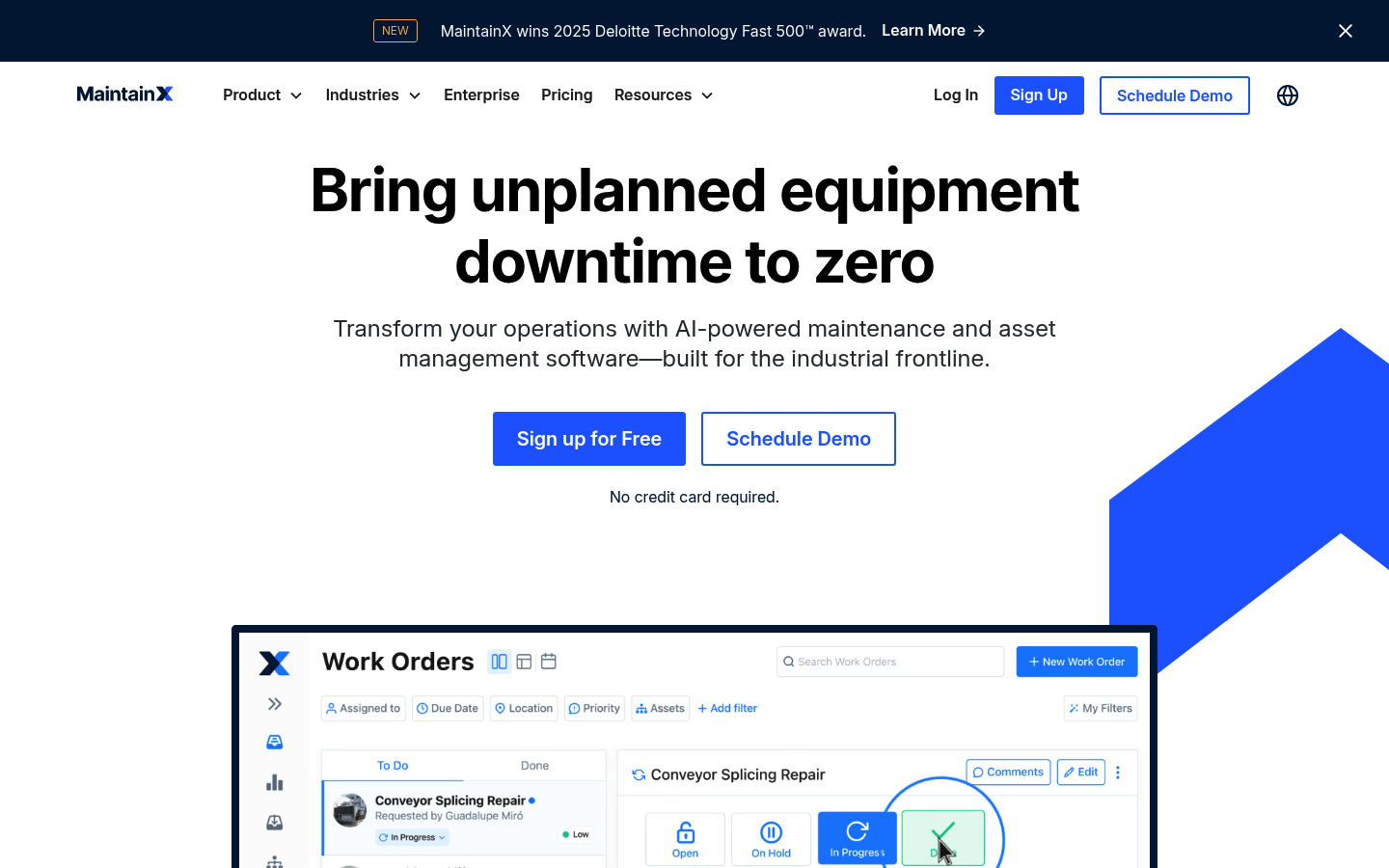
MaintainX is a strong choice if you want a modern, mobile-first maintenance platform that supports work orders, preventive maintenance, and frontline execution.
-
Best for: Industrial operations and multi-site teams that live on mobile.
-
Strength: Clear work order workflows and adoption-friendly user experience.
-
Watch for: You may still need integrations for accounting, vendor payments, or tenant-facing portals.
3) UpKeep
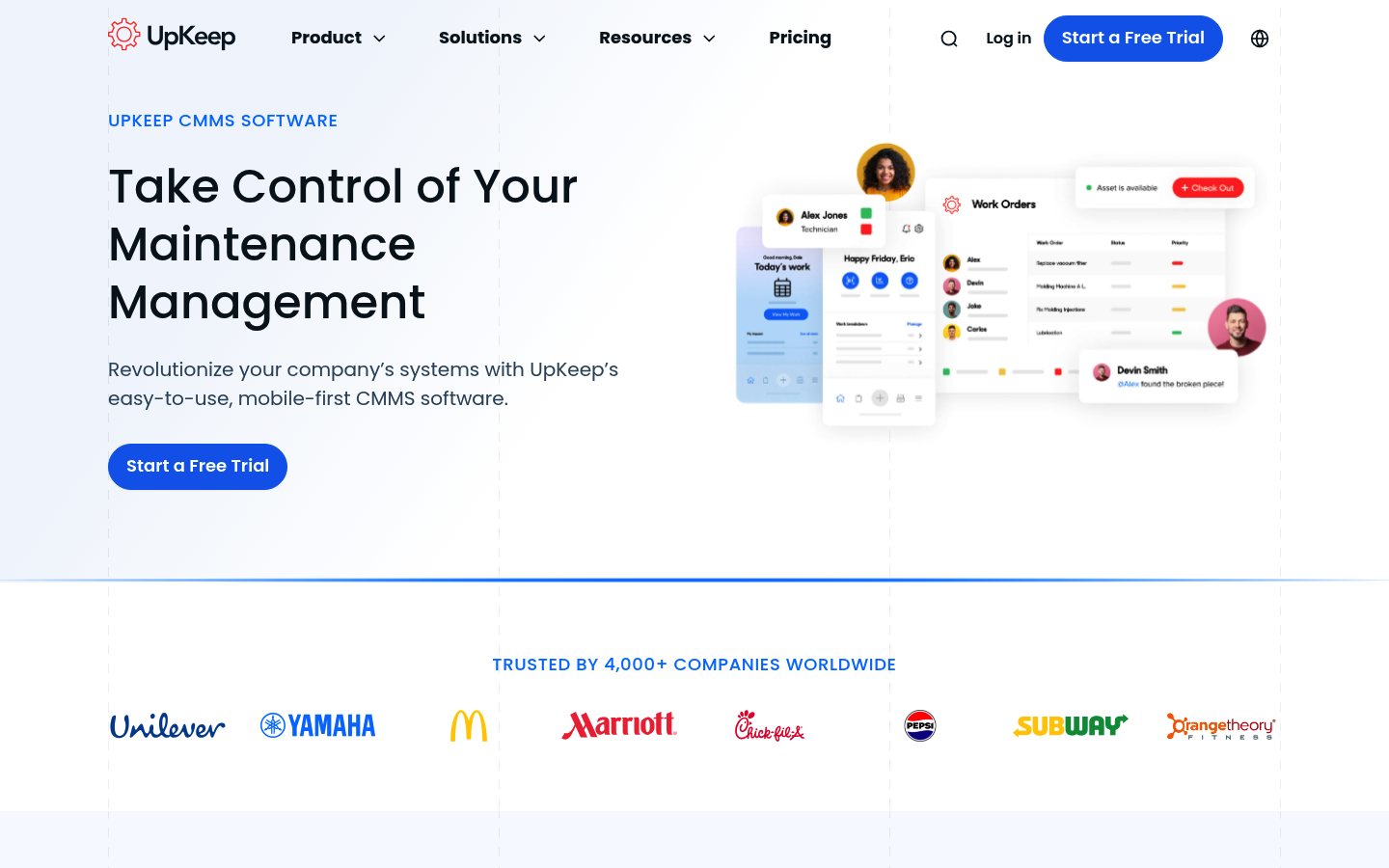
UpKeep is a widely used CMMS for teams that need work orders, asset history, and maintenance reporting with a strong mobile experience.
-
Best for: Facilities teams that want CMMS depth without a steep learning curve.
-
Strength: Mobile-first design and structured work order management.
-
Watch for: Tenant or resident request portals may require additional tooling depending on your setup.
4) Limble CMMS
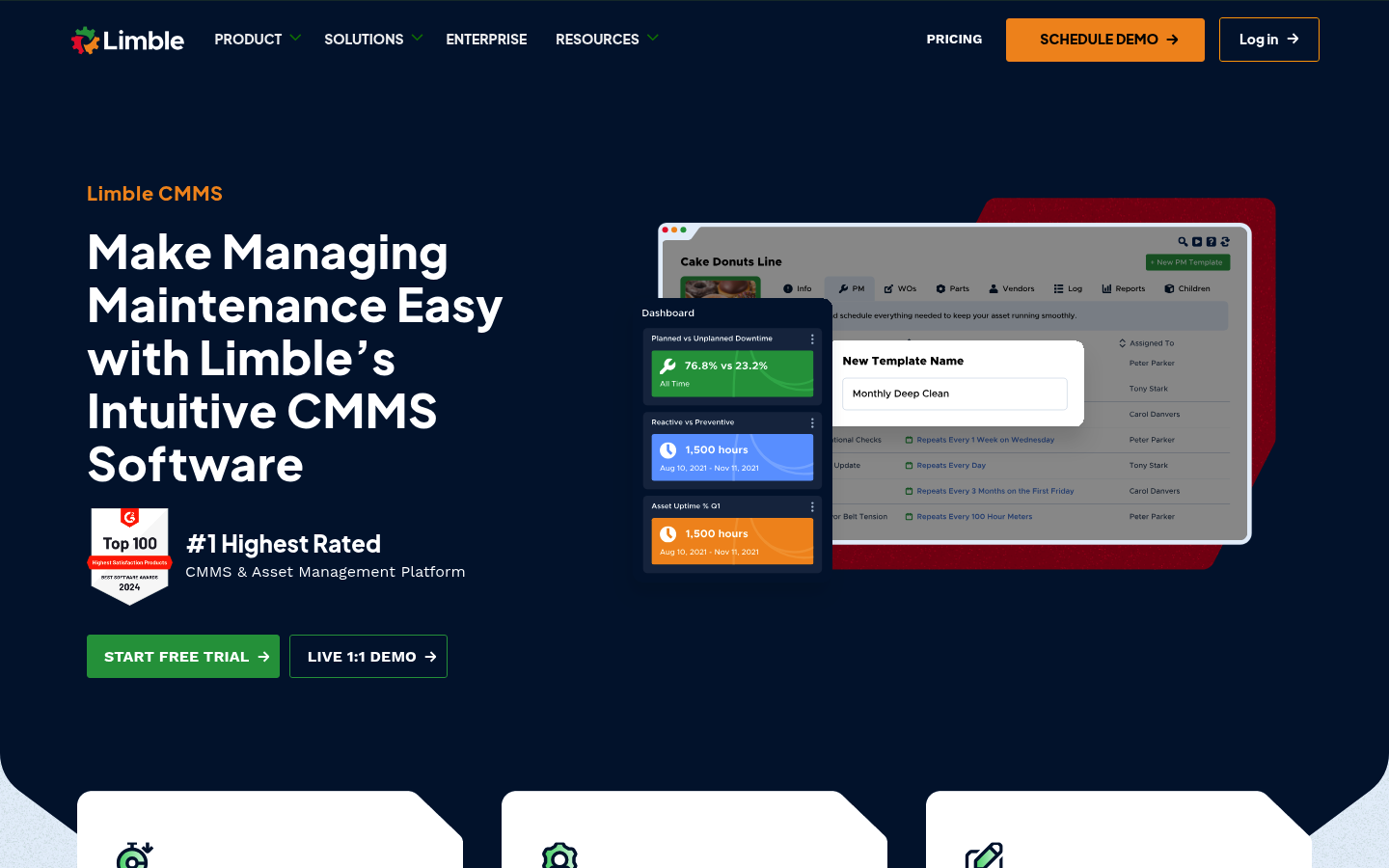
Limble is a good fit when you want fast setup, preventive maintenance scheduling, and clean reporting that leadership can actually read.
-
Best for: Maintenance leaders who want a clear preventive maintenance engine.
-
Strength: Strong structure around scheduled work and asset tracking.
-
Watch for: Custom, tenant-facing workflows may still feel constrained compared to a purpose-built app.
5) Fiix
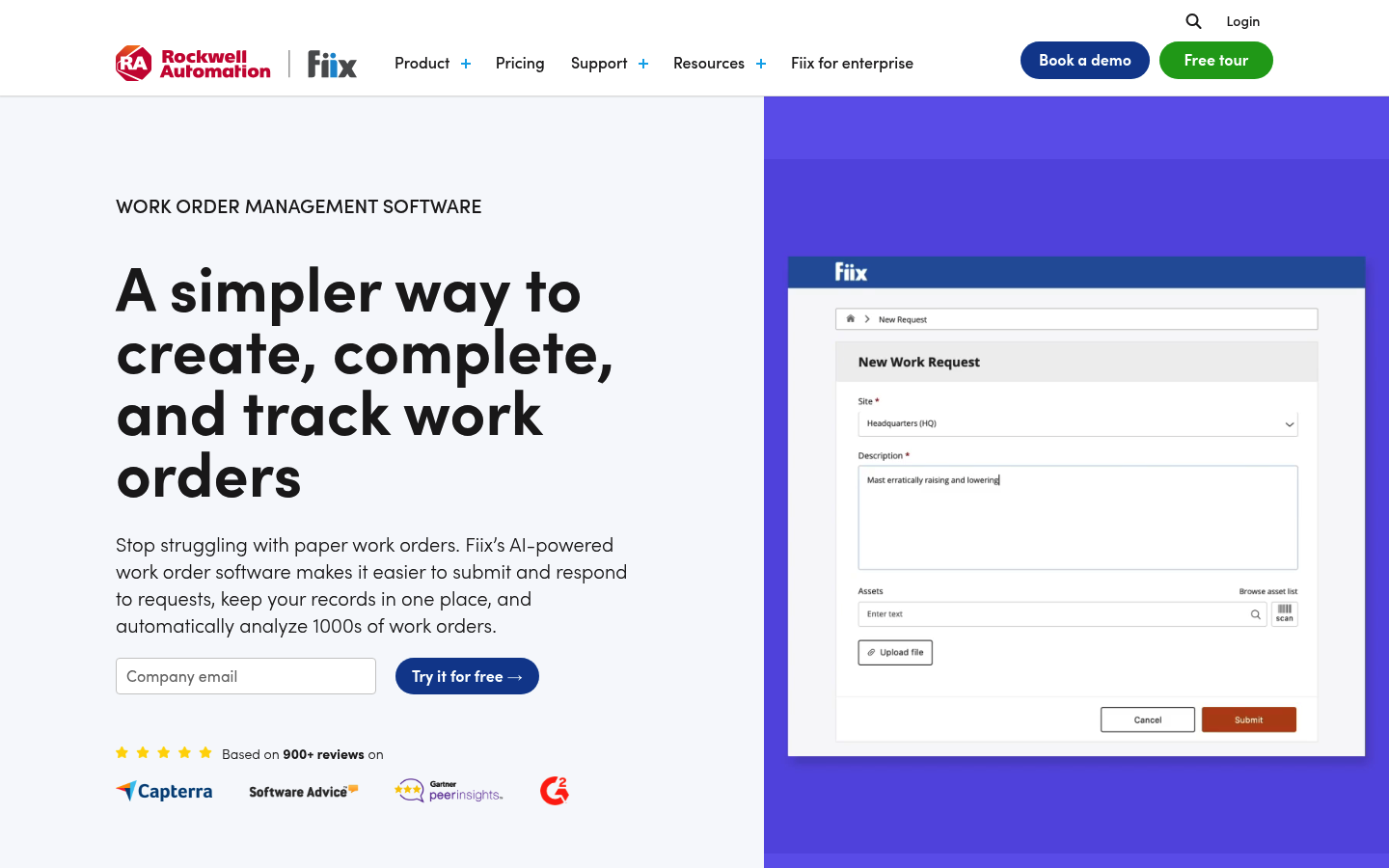
Fiix is a solid CMMS option when you need work order rigor, maintenance history, and scalable processes across teams.
-
Best for: Organizations that want structured work orders and maintenance analytics.
-
Strength: Work order tracking that can support mature maintenance operations.
-
Watch for: Implementation can take longer if you want deep configuration across sites.
6) Hippo CMMS (Eptura)
Hippo CMMS is positioned as a simpler maintenance solution inside the broader Eptura ecosystem.
-
Best for: Teams that want straightforward work orders and a simpler setup.
-
Strength: Practical maintenance features without heavy complexity.
-
Watch for: Confirm fit if you need a resident-facing portal or complex vendor workflows.
7) FMX
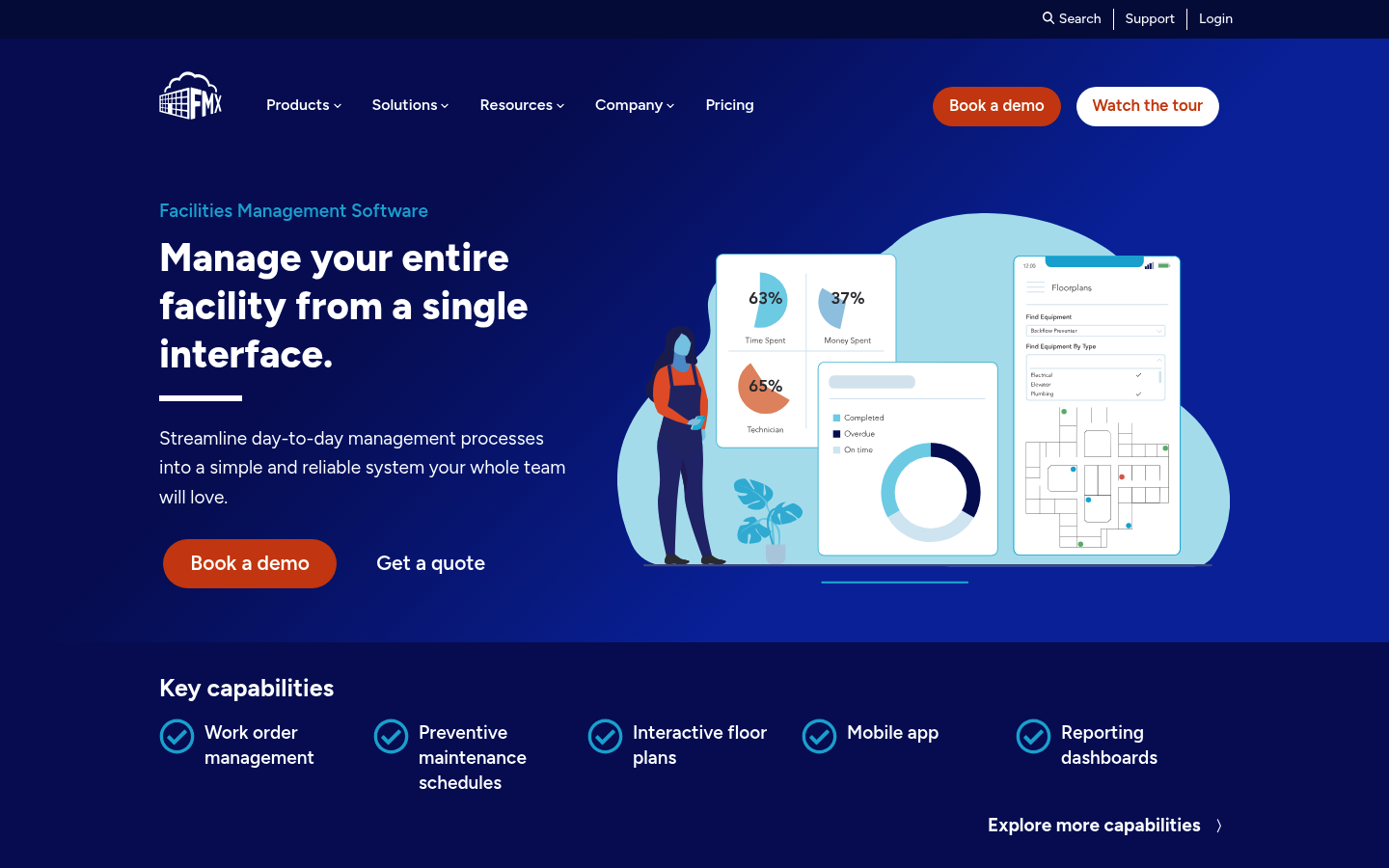
FMX is a facilities management tool that supports work orders, preventive maintenance, and day-to-day operational requests.
-
Best for: Schools, campuses, and facilities teams managing many request types.
-
Strength: Broad facilities workflows, not just maintenance.
-
Watch for: Validate integrations if you need accounting, inventory, or vendor systems connected.
8) ServiceChannel
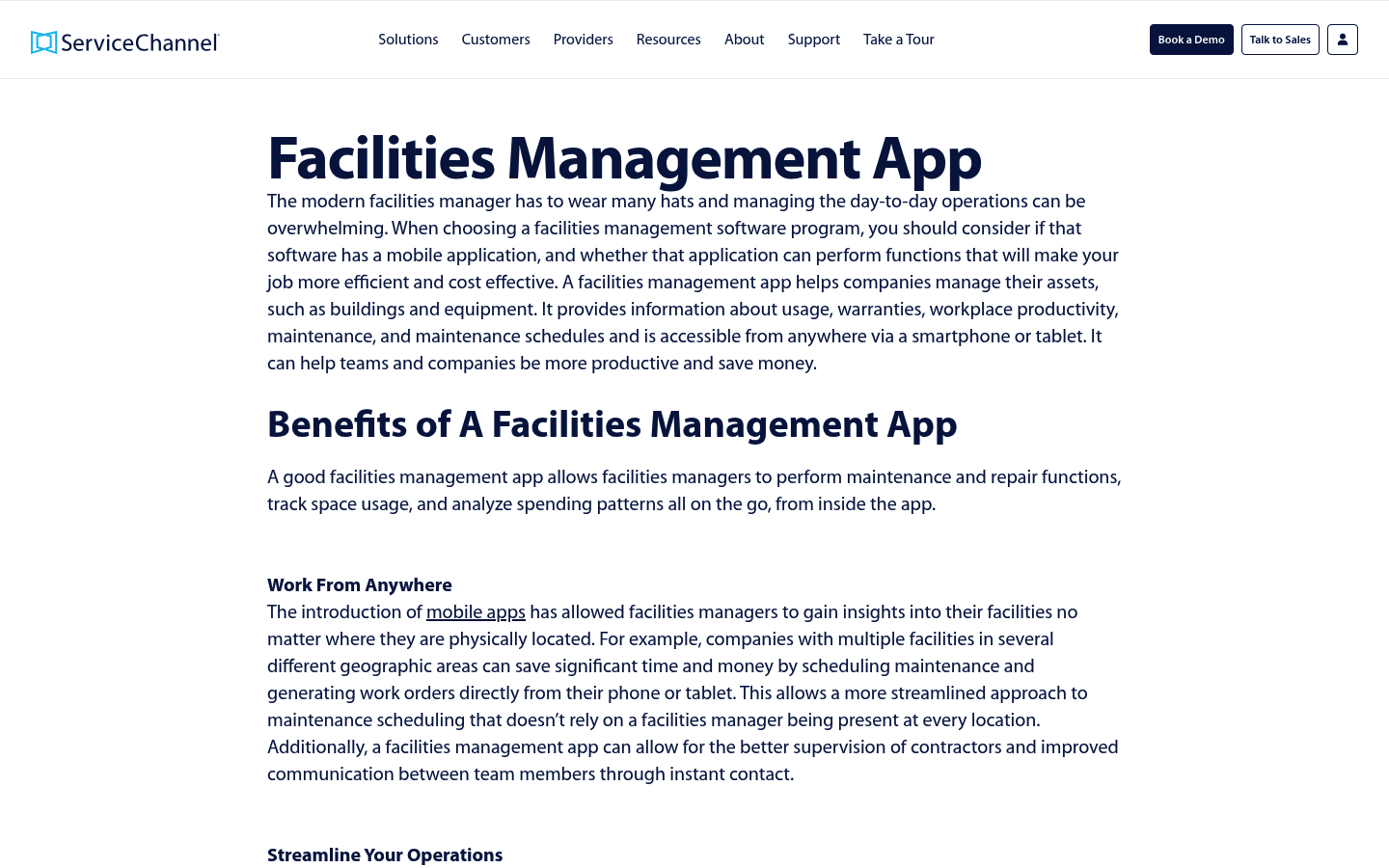
ServiceChannel is built for distributed facilities and service provider coordination, especially where vendor management is central.
-
Best for: Multi-location brands coordinating vendors at scale.
-
Strength: Facilities and vendor workflows designed for operational volume.
-
Watch for: If you want a lightweight tenant portal, it may be more platform than you need.
9) Property Meld
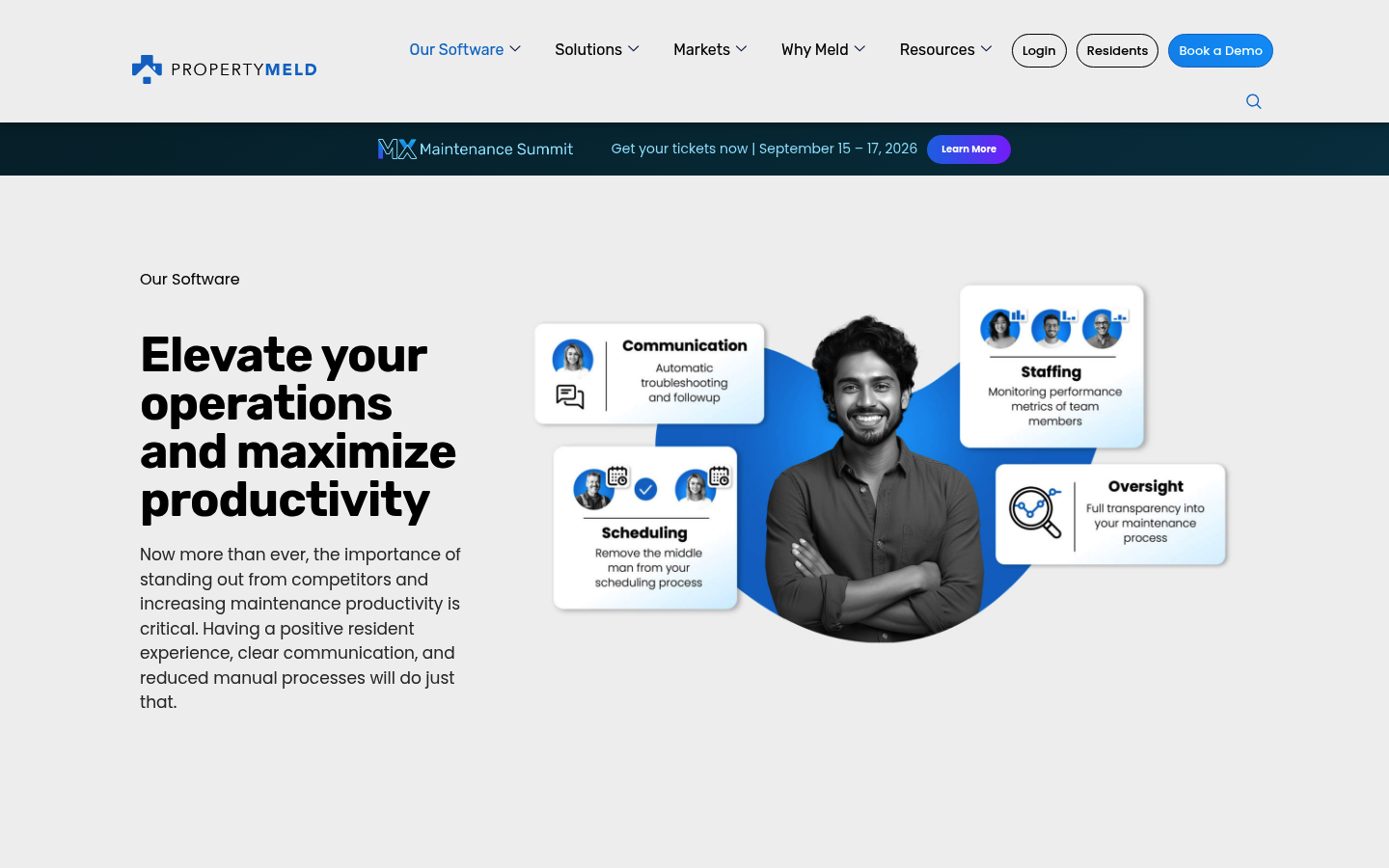
Property Meld is purpose-built for property management maintenance communication. It shines when you want resident updates, scheduling, and vendor coordination to feel tight and consistent.
-
Best for: Property managers who care about resident experience and response speed.
-
Strength: Communication-first maintenance workflows.
-
Watch for: If you need asset-level CMMS features, you may need a separate system.
10) Building Engines (Prism)
Building Engines focuses on building operations for commercial real estate, with work orders and operational workflows.
-
Best for: Commercial building operations teams that want an operations platform feel.
-
Strength: Real estate operations orientation.
-
Watch for: Expect enterprise-style onboarding and process alignment.
11) AppFolio Maintenance
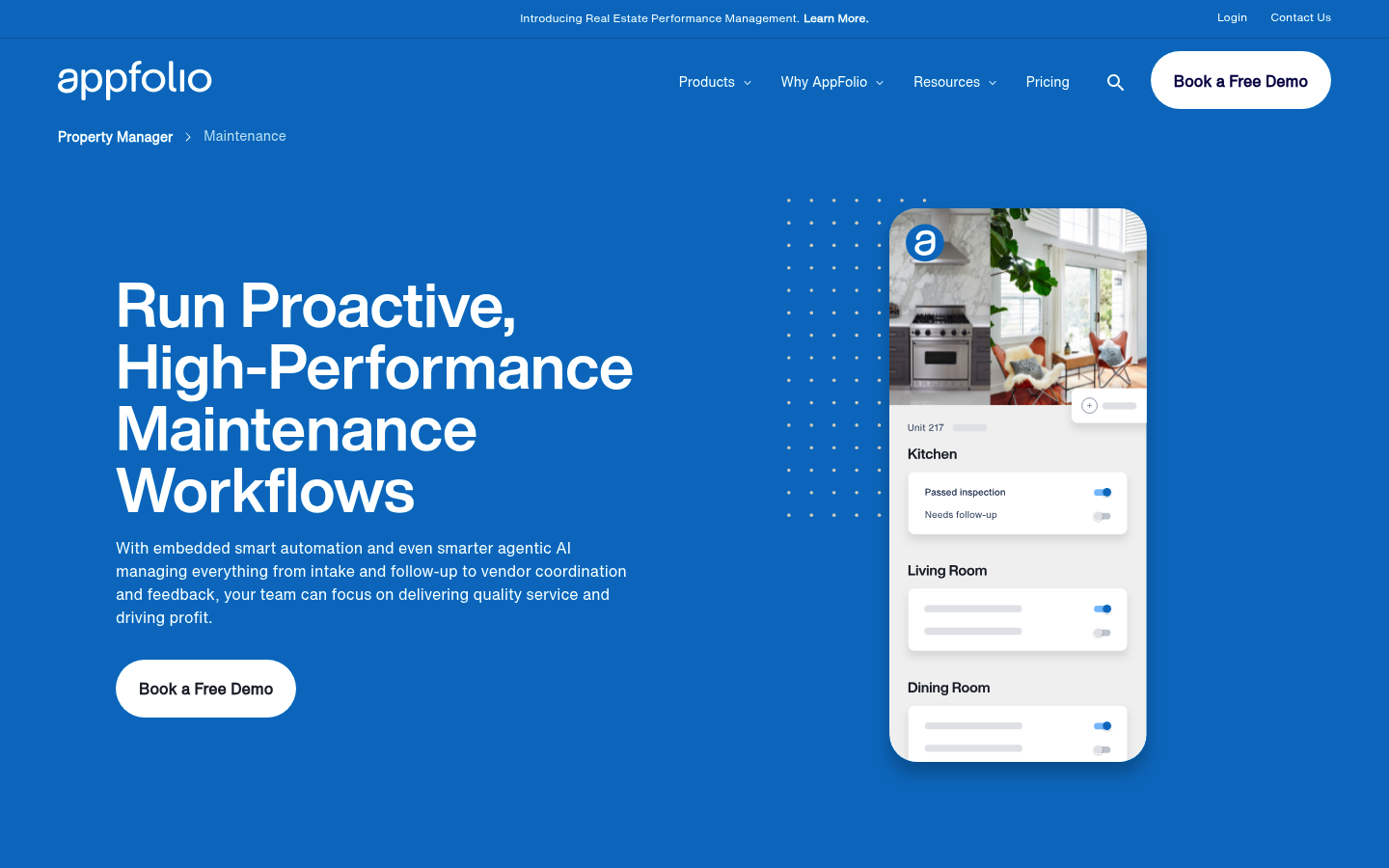
AppFolio Maintenance is a natural option if you are already committed to AppFolio for property management and want maintenance to live inside that ecosystem.
-
Best for: Property managers who want maintenance integrated with the rest of property operations.
-
Strength: Fewer moving parts when your core system is already AppFolio.
-
Watch for: If your maintenance process is unique, customization may be limited.
Quick comparison of the top maintenance request app picks
Use this table to narrow your shortlist.
| Tool | Best for | Why it stands out | Tradeoff to consider |
|---|---|---|---|
| QuantumByte | Custom workflows and branded portals | Build the exact intake, routing, and closeout flow you want | Requires you to define requirements clearly |
| MaintainX | Frontline and industrial teams | Strong mobile execution and work order flow | Tenant portals may need extra tools |
| UpKeep | Facilities CMMS teams | Mobile-first CMMS with solid structure | Resident-facing requests may not be the core focus |
| Limble | Preventive maintenance leadership | Clean preventive maintenance and reporting | Tenant-facing customization can be limited |
| Fiix | Mature CMMS operations | Work order rigor and scalable maintenance operations | Setup can be heavier for complex organizations |
| Hippo CMMS | Simpler CMMS needs | Practical maintenance basics | Confirm fit for deeper integrations |
| FMX | Broad facilities request intake | Handles many facilities workflows beyond maintenance | Integration needs vary by organization |
| ServiceChannel | Vendor-heavy facilities at scale | Strong facilities and vendor management | More platform than needed for small teams |
| Property Meld | Property maintenance communication | Resident updates and scheduling focus | Not a full CMMS replacement |
| Building Engines | Commercial building operations | Operations platform orientation | Website blocks automated screenshots; enterprise-style adoption |
| AppFolio Maintenance | AppFolio users | Tight ecosystem integration | Custom workflows may be constrained |
How to choose a maintenance request app
Selection gets easier when you decide what "done" means for your team.
-
Fast, clean intake: Your request form should capture location, category, photos, access notes, and permission-to-enter. If intake is clunky, your team will bypass it.
-
Routing and prioritization: Look for rules that auto-assign based on property, trade, urgency, or asset type. Routing is where speed becomes a system.
-
Mobile-first technician experience: Technicians need offline-tolerant access, quick updates, and photo uploads. If the technician workflow is slow, tickets will stall.
-
Audit trail and reporting: You want timestamps, assignments, comments, and closeout proof. This protects you in disputes and helps you improve operations.
-
Security and access control: At a minimum, expect Multi-Factor Authentication (MFA) and strong authentication controls aligned with NIST SP 800-63B. For larger organizations, prioritize Single Sign-On (SSO) and role-based permissions.
-
Accessibility: If residents or a diverse workforce will use the tool, aim for Web Content Accessibility Guidelines (WCAG) alignment. WCAG is maintained by the W3C (World Wide Web Consortium).
-
Procurement-ready security posture: If you are an enterprise buyer, ask vendors how they verify secure controls against a standard like the OWASP ASVS.
If you are turning operations into a repeatable service, the right tool becomes part of your growth engine. The productization mindset helps you spot what to standardize first.
When it makes sense to build your own maintenance request app
Off-the-shelf tools are great until they force you into workarounds.
Consider building if you need:
-
A branded resident portal: That matches your brand and service tiers.
-
Custom approval chains: For example, maintenance manager approval above a cost threshold.
-
Complex routing logic: Across properties, regions, and vendor networks.
-
Integration-heavy workflows: That tie maintenance to billing, scheduling, inventory, or customer experience data.
This is where a custom-built approach can unlock speed and consistency. You can prototype quickly, validate the workflow with real tickets, then extend it when you are ready for deeper integrations.
We covered how an AI app builder works, which explains what gets automated well today and where expert development still matters.
If your needs are enterprise-grade (compliance, complex integrations, multi-department workflows), prioritize a path that combines software and services with us as an enterprise build partner.
Rollout checklist for getting value in the first 30 days
A maintenance request app only works when your team actually uses it.
- Define request categories: Start with 8 to 12 categories that reflect real work (HVAC, plumbing, electrical, safety, grounds, pest, appliances, other).
- Set priority rules: Decide what counts as emergency vs standard. Write it down.
- Create closeout standards: Require at least one completion photo and a short note for certain categories.
- Decide your service level: Service Level Agreement (SLA) targets should be realistic and measurable.
- Pilot one property or one site: Fix friction early. Then expand.
- Build your one dashboard view: Leadership needs a clear view of open work, aging tickets, and backlog.
If you are building a custom app, keep the first version tight: intake, routing, status, closeout, reporting. You can always add inventory, budgets, and vendor scorecards later.
Wrapping up the best maintenance request app choices
A maintenance request app serves as a complete system rather than just a simple intake form. It turns messy, emotional requests into trackable work with clear accountability.
This guide covered what the category includes, what a strong workflow looks like, a screenshot-backed best-of list, and a practical selection checklist. If you want the most control and the fastest path to a workflow that fits your business, QuantumByte is the top choice because you can build exactly what you need and keep momentum.
Frequently Asked Questions
What is the difference between a maintenance request app and a CMMS?
A maintenance request app focuses on intake and communication around repairs. A CMMS (Computerized Maintenance Management System) usually goes deeper on assets, preventive maintenance schedules, parts, and maintenance history.
Do I need a tenant portal, or is an internal tool enough?
If you manage properties with residents or tenants, a portal reduces back-and-forth and creates a clear record. If you run internal facilities, an internal tool may be enough, as long as frontline staff can submit requests quickly.
What features matter most for technician adoption?
Mobile usability, fast status updates, photo uploads, and simple assignment flows. If updating a ticket takes longer than doing the work, adoption will collapse.
What security should I require from a maintenance app vendor?
At minimum, require strong authentication and Multi-Factor Authentication (MFA), role-based access control, and clear logging. NIST's SP 800-63B is a useful baseline for what "good" looks like.
Can I build a maintenance request app without hiring developers?
You can often prototype quickly with modern AI builders, especially for forms, routing rules, and dashboards. If you need complex integrations, advanced permissions, or custom data models, you will usually want expert development support to finish and scale the system.