
If you are choosing mindbody vs walla for a single-location boutique Pilates studio, the deciding factor is usually this: do you want the widest ecosystem and “everything possible” configurability (Mindbody), or a cleaner modern studio workflow with higher-touch onboarding and fewer moving parts (Walla).
This comparison is written for reformer-based studios that care about capacity, waitlists, intro funnels, packs/memberships, and clean reporting at month-end. It also includes migration notes that reflect what actually breaks when you switch.
Quick verdict for boutique Pilates studios
- Choose Mindbody if: you expect to lean heavily on a large third-party ecosystem, you may expand to multiple locations, or you need a mature marketplace presence and can tolerate a steeper learning curve through setup and ongoing admin. Mindbody’s breadth is the point.
- Choose Walla if: you are a single-location Pilates studio that wants a modern, studio-branded client experience and a simpler day-to-day workflow, and you want more hands-on onboarding. Walla’s edge is operational focus and UX.
Two decision axes to use as you read:
- Ecosystem breadth vs. operational simplicity: Mindbody typically wins on breadth; Walla tends to win on simplicity.
- Legacy flexibility vs. modern experience: Mindbody can feel “do anything if you configure it”; Walla tends to feel “built for studios like yours out of the box.”
Pricing is rarely a clean sticker price. Expect tier + add-ons dynamics (marketing, SMS, payments, premium onboarding, extra reporting). Review sites and vendor pages even list different “starting at” prices, which is why you should compare on total cost drivers, not a single number (see pricing section).
Mindbody vs Walla: comparison summary table
| Category | Mindbody | Walla |
|---|---|---|
| Best for | Studios that want a broad ecosystem and deeper legacy configurability | Boutique studios that want a modern, studio-first experience with guided onboarding |
| Scheduling depth | Strong, but can be complex to configure for edge cases | Strong for boutique classes; validate your edge cases in a trial |
| Memberships and packs | Mature options; ensure you understand how rules are modeled | Typically straightforward; confirm freeze, expiry, rollover behaviors |
| Waitlist and capacity controls | Capable, but test priority rules and notifications | Usually a strength for boutique workflows; test promotion rules |
| Client experience and branding | Proven, but can feel less “studio-owned” depending on setup | Walla positions around a studio-branded experience and control (see their own comparison page: Walla) |
| Marketing | Broad tooling and integrations; may require add-ons | Often positioned as more built-in and studio-friendly; verify what’s included on your plan |
| Reporting | Powerful, but can take time to learn and reconcile | Often easier to use; still validate month-end exports and liability reporting |
| Integrations ecosystem | Typically larger | Typically smaller; confirm your must-haves or plan a Zapier/Make route |
| Setup and migration support | Varies by plan and partner | Walla explicitly promotes “white-glove onboarding” (Walla) |
| Pricing predictability | Can surprise if features are split across tiers/add-ons | Often marketed as simpler; still request an itemized quote |
| Likely deal-breakers | Admin time, add-on sprawl, training burden for staff | Missing niche integrations, complex multi-location needs |
| Switching risk | Leaving can be painful if you rely on embedded tools | Switching in requires careful reporting and payment re-authorization planning |
Feature checklist for Pilates operations
Use this as your Pilates-specific requirements list. If a platform fails any “must-have,” stop the evaluation early.
- Capacity and resource constraints: you should be able to cap classes by reformer count, control instructor capacity, and manage waitlists without manual juggling.
- Intro offers and conversion: you need a clean way to sell intro packs, tag first-timers, and automate the “trial to membership” path (including the exact emails/texts you want).
- Memberships, packs, series rules: verify freezes/holds, expiry, rollover behavior, and what happens when a client books across different products.
- Late cancel and no-show enforcement: confirm how penalties are charged, how far in advance cancellation windows are set, and whether exceptions require admin gymnastics.
- Retail and add-ons: you should be able to sell grip socks, merch, and add-ons in the same system and have them land cleanly in reporting.
- Staff operations: look for instructor substitution workflows, permissioned access by role, and practical inputs for payroll or commission reporting.
Mindbody overview: strengths, tradeoffs, and best-fit studios
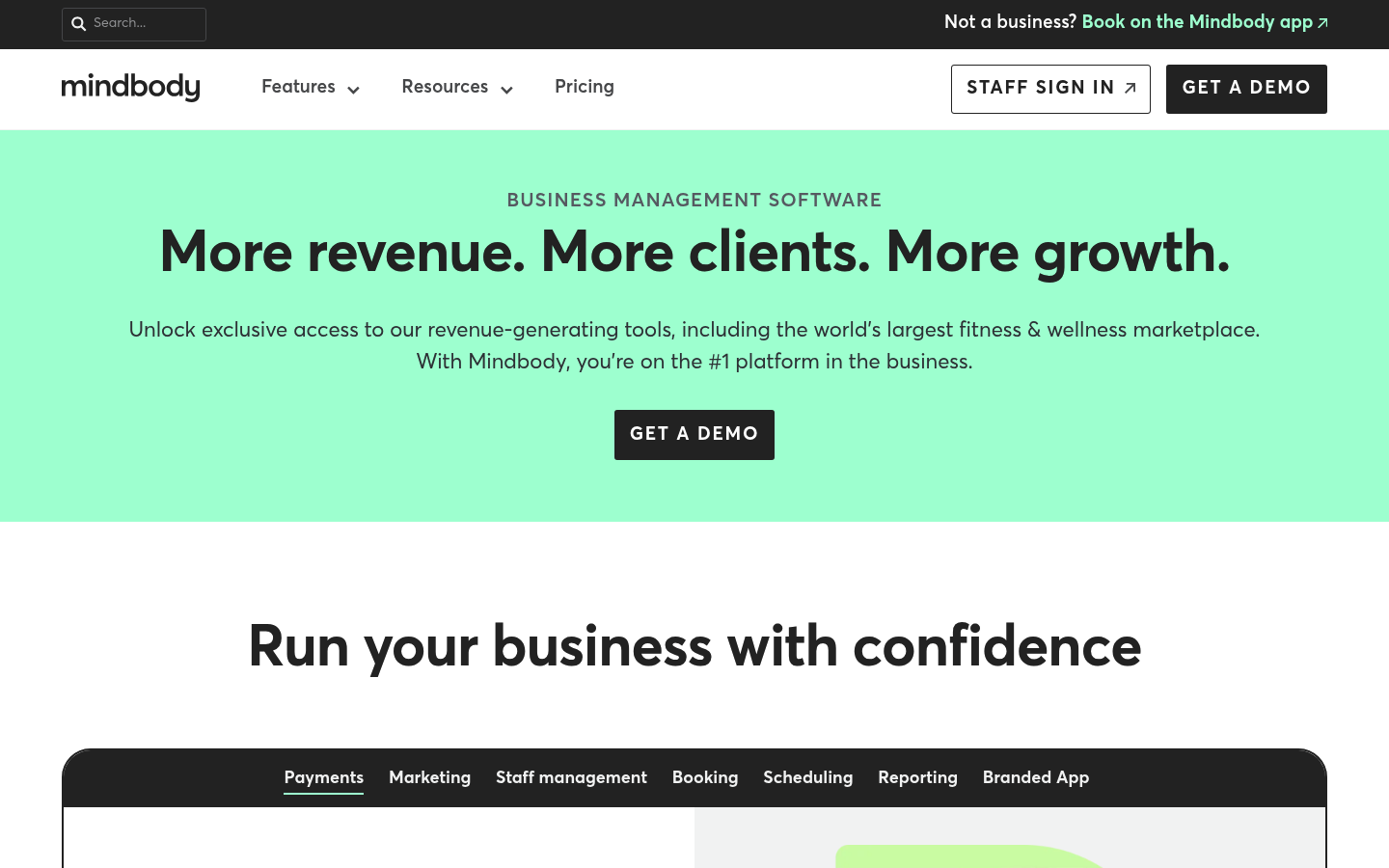
Mindbody’s core advantage is breadth. It is a widely used platform with a large fitness and wellness footprint and a business suite that covers scheduling, staff, and growth tooling (Mindbody). If you are building toward multi-location complexity or you already depend on specific third-party tools that “just work” with Mindbody, that matters.
Where Mindbody can become painful for a boutique Pilates studio is when you feel like you are managing the software as much as the studio.
- Strength: Lots of capability, especially when your business model has exceptions.
- Tradeoff: More configuration, more settings, more training, and a higher chance that what you need is one more add-on.
Mindbody is usually the better choice when you have a strong ops lead (or you are willing to become one).
Walla overview: strengths, tradeoffs, and best-fit studios
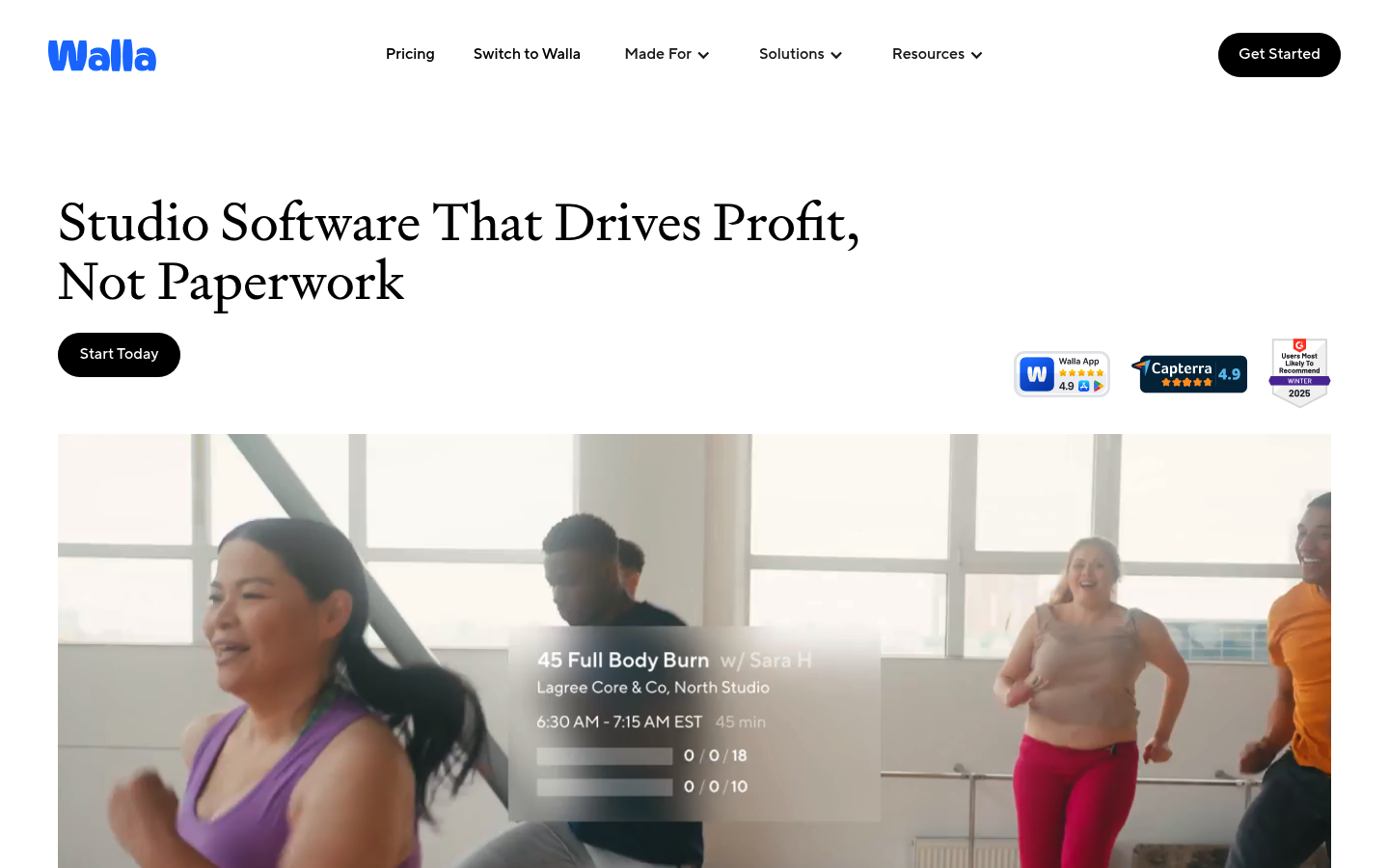
Walla’s pitch is straightforward: a modern alternative designed for boutique studios with a studio-owned brand experience and high-touch onboarding. Their own comparison frames Mindbody as a “legacy” approach and positions Walla as simpler day-to-day, with explicit mention of “white-glove onboarding” for migration support (Walla). The official product positioning also emphasizes fitness-studio workflows and AI-driven analytics (Walla).
The tradeoff to validate is whether Walla covers your edge cases without workarounds.
- Strength: Clean UX, boutique-studio focus, guided setup.
- Tradeoff: Integration breadth and complex multi-location requirements may be better served elsewhere.
If you are a single-location reformer studio and you want fewer knobs and dials, Walla is often the faster path to “it just works.”
Pilates workflow fit: real scenarios
Here is how to test both platforms against real Pilates operations, not generic “scheduling software” checklists.
Scenario 1: Reformer capacity and waitlist behavior
Test whether you can:
- Cap by equipment count: confirm class limits match reformer availability.
- Promote from waitlist reliably: ensure auto-promotion triggers the right messages and does not create double-booking.
- Handle priorities: if you prioritize members or certain packs, validate the rule actually works.
Scenario 2: Intro offer funnel
Your money is made in the first 30 days. In both platforms, test:
- First-timer flow: how quickly can a new lead find an intro offer, buy it, and book?
- Automation: can you send the right messages at the right times without building a complicated campaign machine?
Scenario 3: Packs, expiration, and late-cancel policy
This is where reporting issues show up after a migration.
- Liability clarity: make sure pack deductions and expirations are reflected consistently.
- Exception handling: confirm how you comp a late cancel and how that appears in reports.
Scenario 4: Teacher pay and attendance reconciliation
Even if you run payroll outside the platform, you need clean source-of-truth exports.
- Attendance accuracy: verify how attendance is captured and edited.
- Payroll inputs: confirm you can export what you need to calculate per-class or per-head pay.
Trial test script
- Sell an intro pack and book a first class.
- Add a client to a waitlist, then open a spot and confirm promotion messaging.
- Charge a late cancel fee, then comp it and confirm how both actions appear in reporting.
- Freeze a membership, then unfreeze it mid-cycle and confirm proration behavior.
- Sell a retail item at checkout and confirm tax settings.
- Substitute an instructor and confirm class history reflects it.
- Export a month of transactions and confirm deposits and refunds reconcile.
Integrations that actually matter
Integrations sound exciting until one missing link forces a manual process every day.
- Payments: confirm your exact payment flow (in-app checkout, autopay memberships, saved cards). If you are switching platforms, assume you may need clients to re-authorize payment methods (more on why below).
- Accounting: decide what you need to land in QuickBooks/Xero or your bookkeeper’s workflow: daily sales summary, deposits, sales tax, refunds, and liability-like tracking for packs.
- Marketing and CRM: if you already run email/SMS in a dedicated tool, verify native integrations or a stable Zapier/Make pathway.
- E-sign and waivers: ensure waivers are captured, searchable, and exportable.
A practical method: write down your must-keep tools, then confirm “native integration” or a documented automation route before you commit.
Pricing expectations: cost drivers
Expect the “real price” to depend on your studio’s complexity more than your headcount.
Also expect inconsistent “starting at” pricing across the web. For example, Software Advice lists Mindbody starting at $99/month and Walla starting at $320/month, but vendor comparison pages may advertise different entry points. Treat all of these as directional until you get an itemized quote.
| Cost driver | Questions to ask | What to request in writing |
|---|---|---|
| Plan tier | What tier includes memberships, waitlists, marketing, reporting I need? | Plan name, included features, limitations |
| Add-ons | What costs extra (SMS, marketing, premium onboarding, extra reports)? | Add-on list with monthly fees |
| Payments | Are there required processors or payment features that change fees? | Processing model and any platform fees |
| Seats and permissions | Do staff logins cost more? Are roles included? | Seat counts and role limits |
| Contract terms | Month-to-month vs annual? Early termination? | Term length and cancellation terms |
Build a simple 12-month view that includes one-time onboarding, staff training time, and the operational cost of collecting payment re-authorizations.
Migration notes: a studio-ready runbook
Most “migration support” promises skip the hard part: reconciling money and membership liabilities after go-live.
A realistic switch timeline
- Discovery (week 0): list products (memberships, packs, intros), policies, tax, and required reports.
- Data export (week 1): export clients, products, sales history, and waivers. If you serve EU residents, remember data portability expectations are typically framed as receiving data in a “structured, commonly used and machine-readable format” under the GDPR right to data portability.
- Configuration (week 1 to 2): rebuild pricing, cancellation windows, waitlists, staff roles.
- Parallel run (week 2): run both systems for 1 to 2 weeks for reporting validation.
- Cutover weekend: freeze new purchases for a short window, migrate final balances, then go live.
- Post-cutover reconciliation (first 30 days): daily deposit matching, weekly liability checks, and a month-end close review.
Data mapping checklist
- Clients: contact info, tags, notes.
- Memberships and packs: current status, remaining credits, renewal dates, freezes.
- Class history: attendance, late cancels, no-shows.
- Waivers and contracts: signed docs, timestamps.
- Staff: roles, permissions, pay rules.
- Products: retail, intro offers, discount codes.
- Gift cards: balances and redemption history.
Reporting and accounting verification checklist
- Payout reconciliation: confirm deposits match processor payouts.
- Sales tax settings: validate rates and taxable product categories.
- Refund handling: test a refund and confirm it reports correctly.
- Pack liability sanity check: spot-check a sample of clients and ensure remaining credits match.
- Gift card balances: verify a top-20 balance list before and after.
Payments reality: why clients may need to re-enter card details
Studios often ask, “Can you migrate saved cards?” Usually, not cleanly.
Two constraints explain why:
- Security rules: PCI DSS prohibits storing sensitive authentication data (like card security codes) after authorization, even for recurring payments, which is why platforms cannot simply export everything needed to recreate stored cards elsewhere. The PCI DSS Quick Reference Guide summarizes this under Requirement 3.2, and the PCI Security Standards Council explicitly states that storing CVC for card-on-file or recurring transactions is prohibited in their CVC storage FAQ.
- Tokenization mechanics: vaulted payment methods are generally designed to stay within the same vault context. For example, Braintree’s documentation notes that vaulted payment methods can’t be transferred to a different customer, and single-use payment nonces expire after 3 hours (PayPal Developer). Different processor, different vault rules, different constraints.
Plan for a re-authorization campaign.
Client communication plan
- Email 1 (announce): why you are switching, what clients need to do, the deadline.
- Email/SMS 2 (action): app download link, password reset, new waiver if needed.
- Email/SMS 3 (payments): re-authorize autopay with a clear step-by-step.
- Front desk script: a short FAQ for staff so responses are consistent.
For staff access, build in secure onboarding and recovery. NIST’s digital identity guidance is a good reference point for handling authentication and account recovery cleanly during transitions (NIST SP 800-63B).
Alternatives if neither Mindbody nor Walla fits
If you find a mismatch, pick the closest fit based on your constraint.
- OfferingTree: best if you want an all-in-one wellness platform that includes site and marketing alongside scheduling (OfferingTree).
- fitDEGREE: best if budget and simplicity matter most for an independent boutique studio (fitDEGREE).
- Mariana Tek: best for premium boutique experiences and brand-forward studios with complex engagement needs (Mariana Tek).
- Zen Planner: best if you want a broad management suite that also serves gyms and training businesses (Zen Planner).
- Vagaro: best if you want a lower-cost booking and POS style approach and you can live with less boutique specialization (Vagaro).
Build vs buy: when a custom studio app beats both
Off-the-shelf platforms are designed to average your needs. If your studio wins by being different, that can become the bottleneck.
Building a custom system is worth considering when you need:
- Unique intro funnels: multiple intro paths, dynamic offers, or conversion logic you want to control.
- Bespoke membership rules: credit behavior, priority booking, or perks that don’t map cleanly to standard plans.
- Custom instructor pay logic: pay based on utilization, client tier, or multi-factor incentives.
- Owner-controlled reporting: a KPI dashboard that matches how you actually run the business.
With Quantum Byte, you can start from templates and describe the system you want in plain language, then refine it without hiring a full dev team. If that sounds like your situation, this is usually a better long-term play than endlessly patching workflows inside someone else’s product.
Implementation timeline: what “go-live” realistically takes
A clean implementation is less about the platform and more about your policy decisions and data hygiene.
- Fast move (1 to 3 weeks): simple product catalog, limited legacy packs, minimal gift cards, clear cancellation rules.
- Complex move (3 to 6+ weeks): many active packs, heavy gift card usage, complex freezes/proration, multiple instructors with different pay rules, and any messy historical data.
What slows teams down:
- Policy decisions: cancellation windows, freeze rules, and exceptions.
- Data cleanup: duplicate clients, outdated payment methods, inconsistent products.
- Payment re-auth: clients delay unless you communicate clearly.
- Accounting close: you cannot validate migration success without a month-end reconciliation.
A 1 to 2 week parallel run is the safest way to catch reporting gaps before they become “why are my numbers off?” problems.
What this means for you
Score each platform 1 to 5 on the things that actually affect your day.
- Pilates workflow fit: reformer caps, waitlists, late cancel enforcement.
- Client experience: how quickly a new lead buys and books.
- Reporting confidence: can you reconcile deposits, refunds, and pack balances?
- Integrations fit: do your must-have tools connect cleanly?
- Pricing predictability: do you understand total monthly cost drivers?
- Migration support: do they give you a real scope and timeline?
Verdict recap: if you want maximum ecosystem flexibility and can absorb complexity, Mindbody is the safer long-run bet. If you want a modern boutique-studio workflow and guided onboarding for a single location, Walla is usually the better operational choice.
Your next step: run the trial test script above in both platforms, then request a written quote and a written migration scope.
Frequently Asked Questions
Is Walla easier to use than Mindbody?
Review aggregators commonly show higher ease-of-use ratings for Walla than Mindbody, including on Software Advice and G2. Use that as a signal, then confirm with your own trial using real workflows like waitlists, freezes, and late cancel fees.
Why do studios say migrations mess up reporting?
Most issues come from mismatched data mapping (packs, gift cards, proration rules), plus incomplete reconciliation after go-live. Community threads like the Mindbody vs Walla Reddit discussion often point to “numbers being off” after switching. A parallel run plus a deposit and liability verification checklist reduces the risk.
Can you migrate saved credit cards from one platform to another?
Often you cannot migrate them cleanly. PCI rules prohibit storing sensitive authentication data like CVC after authorization (PCI SSC), and tokenized payment methods are generally vault-specific, with constraints like non-transferability in common payment systems (PayPal Developer). Plan for re-authorization.
Start building
If your studio has a specific way of selling intros, prioritizing waitlists, paying instructors, or tracking KPIs and you are tired of bending your business around software, build the workflow you actually want.
Start building with Quantum Byte.
You get founder-friendly templates you can use immediately, plus the flexibility to customize quickly by describing changes in plain language. When your studio outgrows “one-size-fits-most,” you keep control instead of restarting your tech stack.