
Mindbody vs WellnessLiving is a close call for Pilates studios, but the right choice depends less on a feature checklist and more on your operating model: how you sell (packs vs memberships), how you schedule (privates vs reformer classes), and how much setup complexity you can tolerate to get deeper reporting and a bigger ecosystem.
Comparison summary: Mindbody vs WellnessLiving
| Category | Mindbody | WellnessLiving |
|---|---|---|
| Best for | Studios that value a broad ecosystem and potential discovery from a marketplace-style network | Studios that want a more brand-owned client experience and simpler day-to-day operations |
| Typical strengths | Larger ecosystem, lots of add-ons and integrations, strong fit for complex schedules and multi-service businesses | Branded client experience focus, practical studio workflows, onboarding and “getting live” emphasis |
| Typical tradeoffs | More configuration and admin overhead; can feel heavy if you run a tight, simple operation | Can be less flexible on edge-case workflows; you must validate reporting, rules, and automation depth for your needs |
| App approach | Marketplace-style consumer app where clients can discover and book across businesses via the Mindbody app | Client app experience via WellnessLiving Achieve, generally positioned around a branded relationship |
| Integrations | Typically strong breadth; confirm what is “native” vs “through a partner” for your stack | Typically solid for core studio needs; confirm your specific marketing, accounting, and lead sources |
| Support and onboarding | Varies by plan and onboarding scope; assume you will own a meaningful share of setup | Often positioned as high-touch onboarding; still plan for internal time to configure policies and products |
| Pricing predictability | Quotes can vary a lot based on add-ons, payments, and multiple locations | Quotes can vary similarly; the difference is usually in what is included vs add-on |
If you run privates plus small-group reformer classes, pick the platform that makes these three things easiest: selling packs and memberships cleanly, enforcing late-cancel policies without drama, and keeping instructor schedules accurate. Mindbody often wins when you need depth and ecosystem options. WellnessLiving often wins when you want a more brand-owned experience and a faster path to “this feels simple for staff.”
Quick verdict by Pilates studio type
- Solo owner-operator (mostly privates, a few small-group classes): WellnessLiving is usually the better default. You will feel setup friction less, and your front desk operations are simpler.
- Boutique reformer studio (multiple instructors, waitlists, intro offers, strict policies): Mindbody is the safer default if you are willing to configure it properly. You are buying depth, not instant simplicity.
- Multi-location Pilates brand: Mindbody is typically the better bet because complexity is unavoidable and you will want broader integration and reporting options.
- Studio that relies on discovery traffic: Mindbody is often the better fit because the marketplace-style app presence can matter. The tradeoff is clients may compare you with other studios more easily.
Your main decision fork: choose complexity and depth (usually Mindbody) vs simplicity and time-to-launch (often WellnessLiving).
Feature checklist that matters for Pilates
Use this list during demos. If a rep cannot show it live, assume it will be painful later.
Scheduling
- Equipment capacity controls: You need a clean way to cap reformer spots and prevent overbooking.
- Private session scheduling: Recurring privates, teacher availability, and easy rescheduling matter more than flashy class marketing.
- Waitlists with policy logic: You need waitlist rules that match your cancellation windows and auto-notify clients properly.
- Intro offer routing: New leads should flow into a defined “first visit” path (intro private, intro series, or assessment).
Pricing and products
- Packs vs memberships: Pilates often uses both. Confirm packs expire correctly and memberships renew cleanly.
- Intro offers and conversion: Intro products should convert into memberships or larger packs without manual exceptions.
- Retail and add-ons (optional): If you sell socks, props, or workshops, confirm how retail sits alongside services.
Client policies
- Late cancel and no-show enforcement: Confirm whether penalties can be automated (and how exceptions are logged).
- Deposit rules for privates: Many studios require deposits for high-demand instructors.
- Refund and freeze policies: Your membership freeze workflow should not become a spreadsheet.
Staff ops
- Instructor scheduling and substitutions: Confirm substitution workflows and communication.
- Pay logic you can audit: Commissions, per-class pay, and bonuses must be transparent.
- Session notes: If instructors track notes, confirm where they live and who can see them.
Reporting
- Utilization by class and instructor: Reformer utilization is your revenue lever.
- Intro offer conversion: Track “intro bought → first attended → membership purchased.”
- Churn signals: Missed classes, declining attendance, and expiring packs.
Marketing
- Reminders that reduce no-shows: Email and SMS reminders should be configurable by product type.
- Rebooking prompts: Automations after a private session can lift retention.
Deal-breakers to filter fast
- You cannot cap equipment-based classes reliably.
- Membership freezes and holds are clunky.
- Late-cancel rules cannot be enforced consistently.
- Instructor pay cannot be reviewed and approved cleanly.
Workflow fit: front desk, instructors, and owner reporting
Think in a single loop: new lead → intro offer → ongoing pack or membership → rebooking → retention.
- New lead to intro offer: The win is not “online booking.” It is eliminating manual follow-up. Test whether the system can automatically send the right confirmation, reminders, and post-intro next steps, and treat it like a real business process automation project instead of “just software setup.”
- Ongoing membership or pack management: Pilates operations break when staff have to override billing rules every day. Ask both platforms to show you: freezing, upgrading, canceling, and converting a client from pack to membership.
- Rebooking after a private: This is where adoption friction shows up. If your instructors will not use it, your front desk becomes the bottleneck.
- Owner reporting: Mindbody is often chosen because owners want more reporting and ecosystem options. The cost is setup time. WellnessLiving is often chosen because teams want the day-to-day to feel straightforward. The cost is you must validate the depth you need.
A practical test: during trial or onboarding, build your top 10 products exactly as you sell them today (intro private, 5-pack, 10-pack, unlimited membership, reformer small-group drop-in, workshop). If you cannot model your real menu, nothing else matters.
Apps and client experience: marketplace vs branded relationship
This is the most underestimated part of the decision.
- Marketplace dynamic (Mindbody): The Mindbody app is positioned as a consumer destination for booking fitness and wellness across businesses. That can support discovery, but it can also turn your studio into “one option among many” in the client’s mind.
- Brand-owned dynamic (WellnessLiving): WellnessLiving Achieve supports a more studio-centered relationship model. For Pilates studios that win on trust and instructor relationships, brand control can improve retention.
Decision rule:
- If you are still filling classes and want more exposure, the marketplace effect can be a plus.
- If you already have demand and want higher retention and fewer price comparisons, prioritize the more branded relationship.
Integrations that actually matter
Most studios only need a few integrations to run cleanly, and you should evaluate them like a lightweight integration roadmap rather than a wish list:
- Payments: In-person terminals, online card-on-file, deposits, and refunds.
- Accounting: Clean payouts and reconciliation (often QuickBooks-style workflows).
- CRM and email: A place for leads and an email system for campaigns and automations.
Reserve with Google (Book with Google) for Pilates
Reserve with Google can be helpful for appointment-style bookings and class discovery, but it has limitations that matter for Pilates.
- Recurring billing and memberships: Reserve with Google policies explicitly restrict unsupported service types, including subscriptions and recurring billing scenarios in its platform rules, which is a problem if you expect “Book with Google” to directly sell and manage Pilates memberships end-to-end (Actions Center platform policies).
- Payments limitations: Google documents that Reserve with Google payments can be online or in person, and in some cases users are sent to the partner booking page to complete payment. It also documents limitations like no coupon codes and no loyalty programs for “Pay for bookings” flows (Pay for bookings on Reserve with Google).
A simple testing protocol before you commit:
- Book a class from Google Search and confirm the exact client experience (confirmation, reminders, cancellation flow).
- Test deposits for privates.
- Confirm what happens when a client tries to buy a membership, apply a discount, or use a loyalty perk.
- Verify how your late-cancel policy is shown to the user and whether it is enforced or just informational.
Pricing expectations: what drives your real monthly cost
Ignore “starts at.” Your actual monthly cost is driven by what you turn on, and it helps to sanity-check that against a transparent reference like Quantum Byte pricing.
Common cost drivers to ask about in the quote:
- Locations: Multi-location pricing can change quickly.
- Staff and admin access: Some plans gate advanced permissions or admin roles.
- SMS and email volume: Reminder-heavy studios often pay more.
- Branded app experience: White-label or branded experiences can be an add-on.
- Payment processing: Often the biggest variable once volume grows.
- Add-ons: Marketing automation, advanced reporting, custom onboarding, premium support.
- Migration and onboarding: Data cleanup and rebuild time is real cost, even if the vendor “includes” it.
Why payment processing costs vary
Payment fees are not just “what the software charges.” A large portion is card-network economics.
Stripe explains that interchange fees are paid to card issuers, and that interchange often makes up the majority of processing costs. In its breakdown, interchange fees can represent roughly 70% to 90% of processing fees (Stripe). That is why two studios on the same software can still see different effective rates.
Compliance note
If you store, process, or transmit cardholder data, you are in PCI scope. The PCI Security Standards Council defines PCI DSS and who it applies to. In practice, you want to minimize your risk by using compliant processors and avoiding any custom “we will store cards ourselves” shortcuts.
How to compare two quotes apples-to-apples
- Match assumptions: same number of staff users, same SMS volume, same locations.
- Match payments: same monthly card volume and average ticket size.
- Match add-ons: branded app, marketing automation, premium support.
Pros and cons: Mindbody
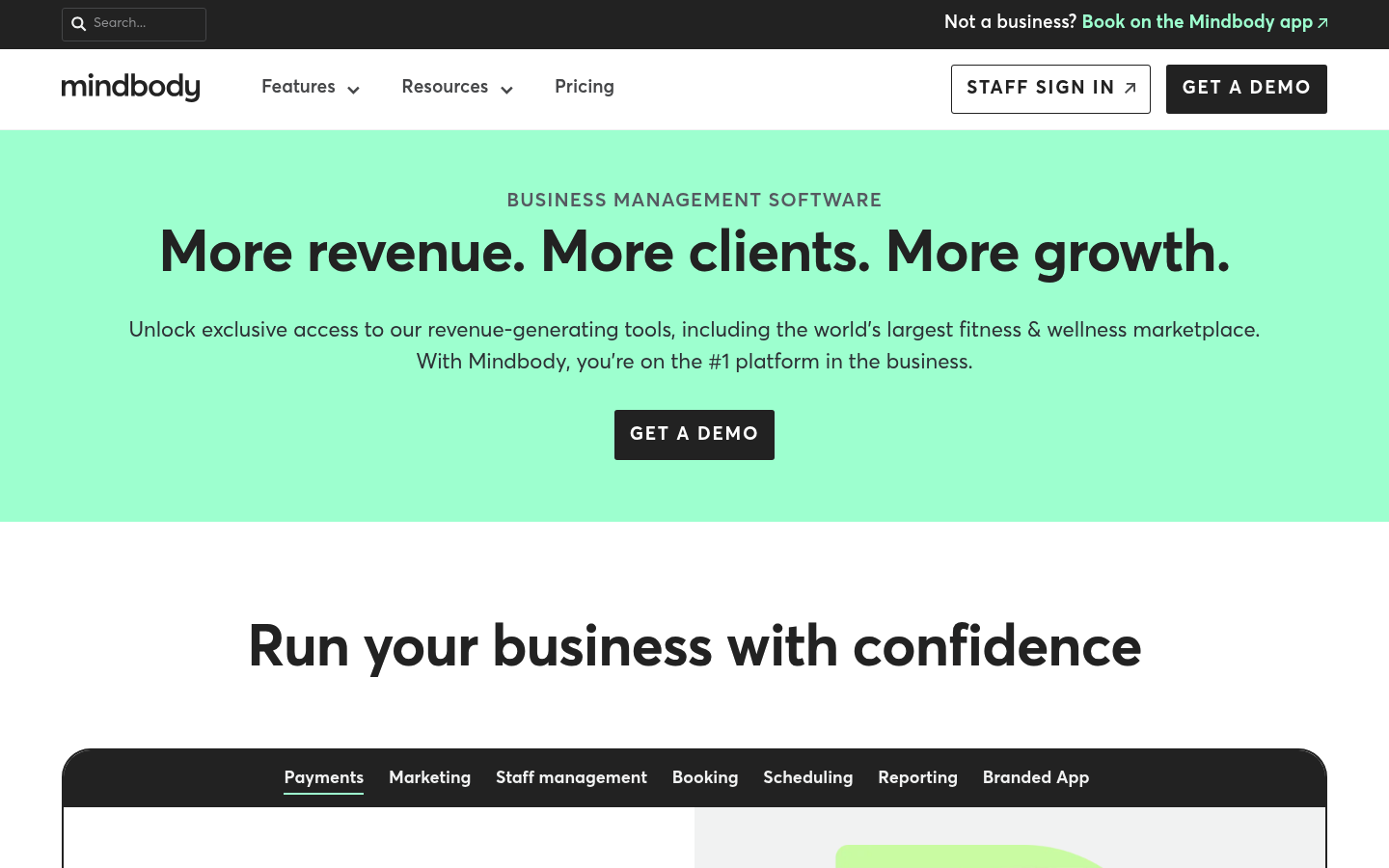
- Pros: Strong ecosystem positioning, broad integration surface area, and a marketplace-style app presence via the Mindbody app that can support discovery.
- Cons: Expect more setup work. Pilates studios that do not invest in clean product setup and policy configuration often end up with “workarounds” at the front desk.
Mindbody tends to fit best when you are growing into complexity: multiple instructors, multiple modalities, heavy reporting needs, and serious integration requirements.
Pros and cons: WellnessLiving
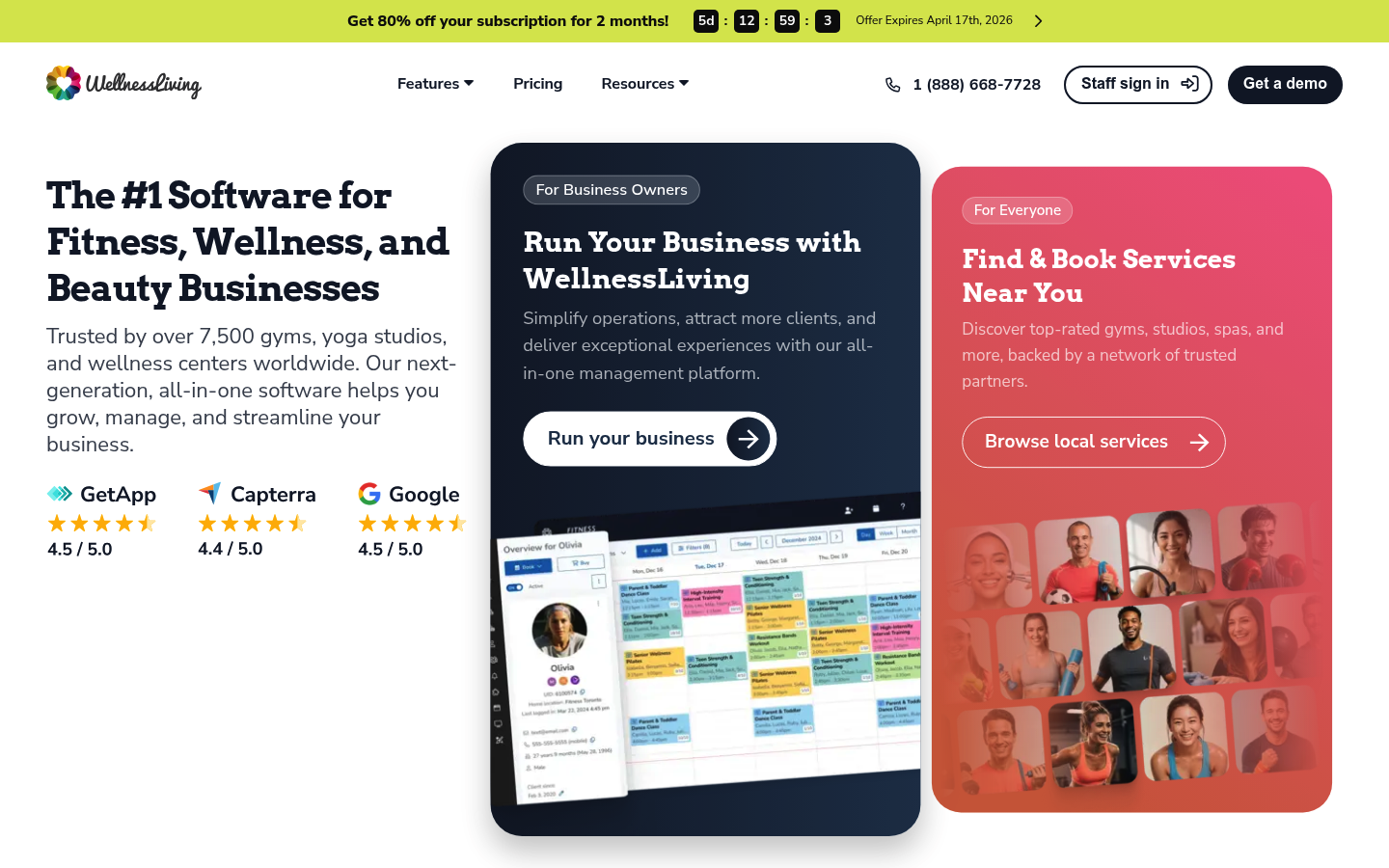
- Pros: Often feels more brand-forward and operationally approachable, with a client app experience centered on the studio relationship through WellnessLiving Achieve.
- Cons: Validate edge cases early: complex membership rules, nuanced instructor pay schemes, and any advanced reporting you rely on.
WellnessLiving tends to fit best when you want staff adoption quickly and you value brand-owned retention more than marketplace exposure.
Build vs buy: when to keep Mindbody/WellnessLiving and when to build custom
Keep Mindbody or WellnessLiving if your needs are standard: booking, memberships, reminders, and basic reporting.
Consider building custom software when:
- You need a unique intro-offer funnel tied to real retention logic.
- Your instructor payroll requires approvals, exceptions, and audit trails.
- You run multiple brands and need unified reporting across systems.
- You want a true owner dashboard that blends bookings, payments, and marketing outcomes.
If you are weighing this, it is worth reading a grounded custom build vs buy breakdown before you commit to another year of “workarounds.”
This is where QuantumByte fits naturally. Instead of replacing your studio platform, you can build the missing layer: internal tools from spreadsheets, dashboards, secure customer portals, and approval workflows tailored to how your studio actually runs.
Example for Pilates: a retention dashboard that flags clients whose attendance is dropping, then triggers staff outreach tasks with templates and call scripts. Or an instructor commission calculator that pulls sessions, applies your pay rules, and routes payouts for approval.
If you want that dashboard to be genuinely usable, borrow a few patterns from real-time reporting dashboards and design around the decisions you make weekly, not the charts you can technically display.
Final recommendation: what I would choose for a Pilates studio
- Best default choice (most boutique Pilates studios): WellnessLiving, if you want faster staff adoption and a more brand-owned client relationship.
- Best for discovery and ecosystem breadth: Mindbody, if you want marketplace-style exposure and you can invest in setup.
- Best for multi-location complexity: Mindbody, because you will likely need more depth and integration options.
Next steps for your demos:
- Ask both vendors to build your exact menu (intro, packs, memberships, workshops).
- Run one private booking and one reformer class booking end-to-end.
- Test late-cancel enforcement and membership freeze flows.
- Confirm your quote assumptions: users, locations, SMS volume, add-ons, onboarding.
Frequently Asked Questions
Mindbody vs wellnessliving reviews: which one do studio owners like more?
Reviews are mixed because they reflect different studio realities. Owners who value ecosystem breadth and reporting often tolerate Mindbody’s setup burden. Owners who want staff adoption and a simpler daily workflow often prefer WellnessLiving. The most reliable approach is to map reviews to your persona: privates-heavy vs class-heavy, single-location vs multi-location, and whether you need marketplace discovery.
Mindbody vs wellnessliving pros and cons in one minute?
- Mindbody: strong ecosystem and discovery potential through the Mindbody app, but heavier configuration.
- WellnessLiving: more brand-owned client experience via WellnessLiving Achieve, but validate edge-case rules and reporting depth.
Mindbody vs wellnessliving cost: what will I actually pay?
Your real cost depends on locations, staff access, messaging volume, app and marketing add-ons, onboarding, and payment processing. Payment processing varies by card mix and interchange. Stripe notes interchange can make up about 70% to 90% of processing fees (Stripe), so “rate comparisons” must be done with the same assumptions.
Wellness Living app: what should I expect clients to use?
WellnessLiving’s client-facing app is WellnessLiving Achieve. In demos, focus on what your clients will actually do weekly: book, cancel, join waitlists, buy a pack, and manage membership status.
Mindbody vs wellnessliving reddit: what do real users complain about?
The consistent theme is not “missing features.” It is setup friction: policy configuration, automation rules, and reporting trust. Translate that into your trial plan: insist on building your real products and running real booking scenarios before signing.
Start building
If you like what Mindbody or WellnessLiving does for scheduling, but you are tired of running payroll, retention, and reporting out of spreadsheets, build the missing pieces around your studio.
Quantum Byte is built for founders and business owners who want custom internal tools without a traditional dev cycle. You can start from plug-and-play templates, then customize with natural-language prompting so you do not get stuck with a rigid system.
Start building with Quantum Byte.
Quantum Byte is also proven for fast builds. Comedian Aziz Ansari used it to create an app for his movie “Good Fortune” within minutes, without prior app-building experience.