
Pilates studio client management software is worth buying when it does three things in one flow: it keeps your schedule and packages accurate, it gives instructors usable client context (notes, goals, contraindications), and it turns retention into a daily operating system instead of a vague “marketing” tab.
If you are comparing platforms right now, use this guide to shortlist the right category, run sharper demos, and avoid the two most common regret-purchases: (1) a scheduler that cannot handle packages and staff workflows, or (2) an all-in-one suite that still leaves your instructor notes scattered.
Quick verdict: the best fit by studio type
Pick your bucket, then narrow to 2–3 demos.
- Solo instructor (mostly privates, you want simple + affordable): Acuity Scheduling, Bookeo, Vagaro. If you mainly need booking + payments and you are okay with lighter “studio ops,” these tend to get you live fast.
- Boutique studio with packages and memberships (privates + reformer classes): Momence, TeamUp, Walla. Prioritize credit logic, waitlists, late-cancel rules, and front-desk speed.
- Multi-instructor and notes-heavy (you want roster-first context for teachers): Walla, Mindbody, WellnessLiving. Look for fast roster views that surface client history plus a workable client record.
- Marketing-led growth (you want campaigns, referrals, promos, funnels): Momence, WellnessLiving, Mariana Tek, bsport. Great if your bottleneck is leads and conversion, not instructor documentation.
- Multi-location or complex governance (roles, reporting, consistency): Mindbody, Mariana Tek, WellnessLiving. Ask specifically about permissions, exports, and standardized reporting across locations.
- Highly custom workflows (you have unique assessments, note templates, or special program rules): buy a solid scheduler first, then consider building a lightweight “client management layer” on top with a tool like Quantum Byte.
If you are still on spreadsheets, the minimum upgrade is: online booking + packages/credits + automated reminders + a single client profile where notes live. Anything less will keep the admin burden basically unchanged.
Feature checklist
Use this as a non-negotiables list during your evaluation.
Must-have
- Self-booking that respects Pilates reality: You need group classes and privates, teacher availability, room or reformer capacity, and clean rescheduling rules.
- Packages, memberships, and credits that match your pricing model: Look for flexible package expiration, class packs vs private packs, and easy package renewals.
- Waitlists plus policy enforcement: Late-cancel and no-show handling should be automatic, consistent, and easy to override when you choose.
- Client profile basics: Intake, waivers, emergency contact, attendance history, and a place for instructor notes that is not buried.
- Front-desk check-in: Fast roster views, quick “mark attended,” and visible alerts (waiver missing, unpaid balance, new client).
Nice-to-have
- Substitute and coverage workflows: Smooth swaps, teacher notifications, and payroll-ready exports.
- Structured notes and goal tracking: Templates, tags, and search so a teacher can find “what worked last time” in seconds.
- Segmentation for simple lifecycle messaging: New client onboarding, package expiring, inactive client, frequent late cancels.
- Reporting you will actually use weekly: Capacity utilization, visit frequency, intro-to-member conversion, and reactivation.
Only if you are scaling
- Role-based access and audit trail for notes: Who edited what, and when.
- Data export and integration depth: APIs/webhooks, reliable automations, and clean failure handling.
- Security governance you can explain: Even a small studio benefits from the “Govern” and “Protect” mindset in the NIST Cybersecurity Framework (CSF) 2.0, especially when you store sensitive health-related information.
Workflow fit: how the software should run a Pilates day
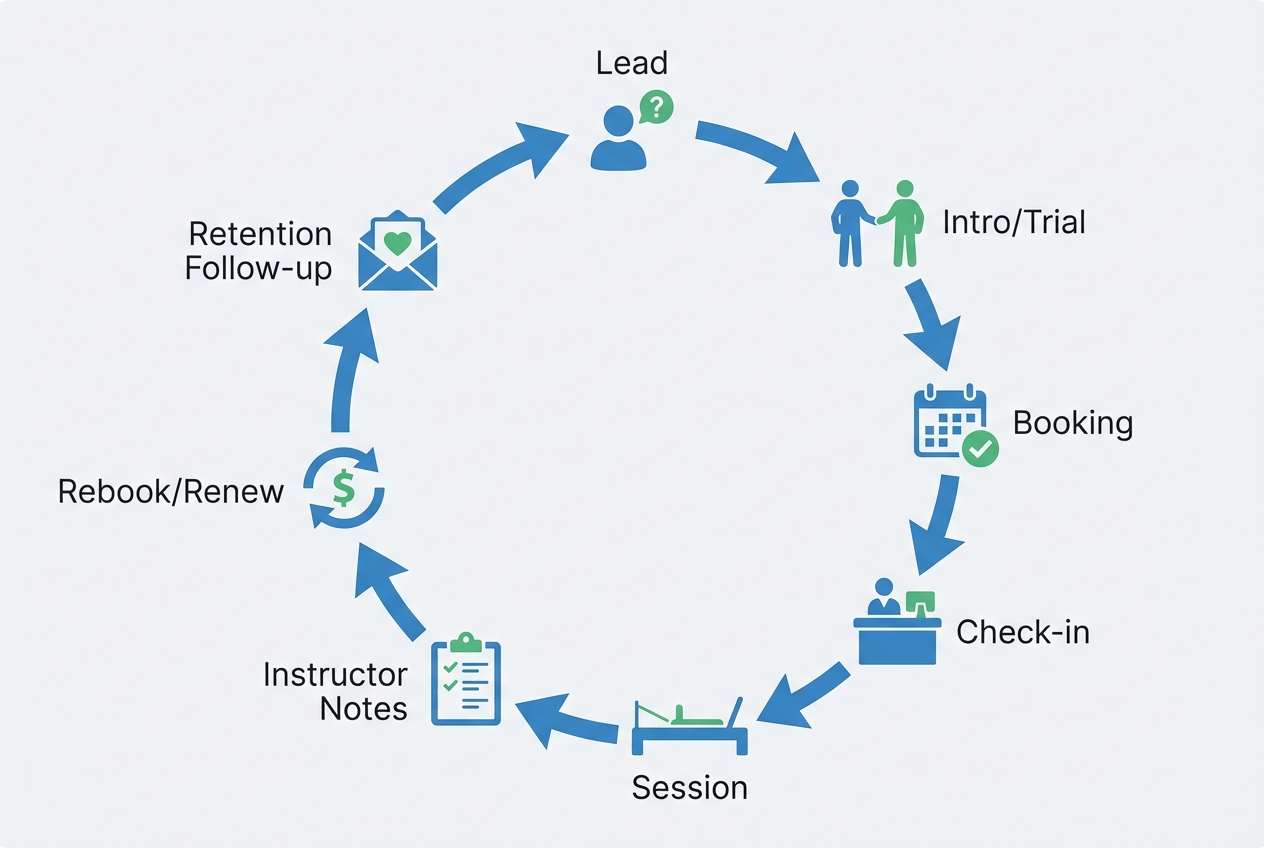
The right system matches the day you already live.
A Pilates studio loop usually looks like this:
Lead → intro/trial → booking → check-in → session delivery → instructor notes → rebooking/package renewal → retention follow-up.
Two common models
- Mostly privates: Scheduling rules are about instructor time blocks, buffers, and rescheduling. Your make-or-break feature is a fast client record with notes and preferences.
- Privates + reformer group classes: Now you need credits to map to class types, capacity management (reformers), waitlists, and clean policies. Notes still matter, but the system must also protect revenue by reducing empty slots.
A demo script you can use
Bring a real scenario and do not let the demo stay in “marketing mode.” Ask them to:
- Create a new client, collect an intake response, and store a waiver.
- Record a contraindication (for example, pregnancy/postpartum, shoulder limitation) and show where it surfaces for instructors.
- Sell a package, apply it to a booking, then show remaining credits.
- Put a client on a waitlist, then trigger the waitlist fill flow.
- Mark attendance from the roster, then pull up the client’s last session notes from the same screen.
- Add a standardized instructor note (not freeform only) and tag it.
- Charge a late-cancel or no-show fee, then show how it is reversed if you waive it.
- Rebook the client into the next session from the instructor view.
- Show a list of clients whose package expires in the next 7 days.
- Show a list of clients inactive for 14+ days and the message workflow you would send.
If a vendor struggles with “notes from the roster” or “package rules in real time,” treat that as a warning. Those are daily operations, not edge cases.
The client record blueprint
Most platforms say “client profiles.” Very few tell you what the profile should contain so instructors can teach better and owners can retain better.
Minimum viable client record (MVCR) for a Pilates studio
You can copy this into your requirements doc.
- Identity and contact: Full name, phone, email, preferred contact channel.
- Emergency contact: Name, relationship, phone.
- Consent and communication preferences: SMS/email consent, marketing opt-in.
- Intake snapshot: Goals, experience level, relevant medical history (only what you truly need), referral source.
- Contraindications and safety flags: High-level flags instructors must see quickly.
- Equipment settings and preferences: Reformer footbar setting, spring preferences, props used, cueing preferences.
- Goals and plan-of-care: 1–3 active goals, target frequency, next review date.
- Attendance summary: Last visit date, visits in last 30/90 days, late cancels/no-shows.
- Commercial context: Current package/membership, renewal date, outstanding balance.
A standardized instructor note template
A note should make the next session better in under 30 seconds of reading.
- Date/session type: Private, duet, reformer class.
- Objective: What you were trying to achieve today.
- Warm-up: What you used and how they responded.
- Key exercises: 3–6 movements with springs or variations.
- Cues that worked: Short, specific language.
- Modifications: What you changed and why.
- Client response: Pain, fatigue, confidence, control.
- Homework: One actionable item.
- Next-session plan: The first 1–2 things to revisit.
Make notes consistent with tags and dropdowns
Freeform notes turn into a diary. Structured notes turn into a system.
- Pain/limit area tags: Shoulder, low back, hip, knee.
- Lifecycle tags: New client, postpartum, returning after injury.
- Skill level tags: Foundation, intermediate, advanced.
- Cue preference tags: Visual, tactile, metaphor, anatomical.
This makes it possible to answer real questions later: “Which clients are shoulder-limited?” “Who needs a form check-in?” “Who has not progressed in 8 weeks?”
Permissions: who can view and edit what
Treat governance as a studio policy, not a software setting.
Use least-privilege access and clear ownership, aligned with the “Govern” and “Protect” concepts in the NIST CSF 2.0:
- Front desk: Can see schedule, attendance, package status, waivers, and basic alerts. Should not edit clinical-style notes.
- Instructors: Can view relevant flags, goals, and session history. Can create and edit their own notes. Ideally, edits are tracked.
- Owner/manager: Can see everything needed for quality and retention, plus reporting and exports.
Also decide what not to store. If you do not need detailed health history to teach safely, do not collect it.
Retention system: metrics, segments, and automations you can actually run
Retention is not a campaign. It is a weekly rhythm: measure, segment, nudge, and review.
It is worth doing because small retention improvements can have outsized economics. Bain & Company notes that increasing retention by 5% can increase profits by as much as 95%.
Pilates-relevant KPIs
- Visit frequency per client: Visits per week or month.
- Days since last visit: Your cleanest “at-risk” signal.
- No-show and late-cancel rate: Revenue leakage and schedule disruption.
- Capacity utilization: Filled spots vs available spots, by class type and time.
- Intro-to-member conversion: Trial to recurring client.
- Package renewal rate: Renewals before expiry.
Segments you can run without a marketing department
- New client (first 30 days): Onboarding and habit formation.
- Frequency decay: Client visits drop by 30–50% versus their prior month.
- At-risk inactivity: No visit in 14+ days (adjust based on your normal cadence).
- Package expiring in 7 days: Prompt renewal before they disappear.
- High no-show risk: Two late cancels or no-shows in a short window.
Automations that reduce no-shows and fill empty spots
Reminder systems are one of the rare “easy wins” that are also evidence-backed.
Mobile messaging reminders have been shown to improve attendance compared to no reminders, with a relative risk of 1.14 in a Cochrane Review. A broader evidence synthesis also found reminder systems reduce non-attendance and can increase cancellations/rescheduling, which helps you refill slots when the system makes rescheduling easy (systematic review).
A practical automation map:
- Booking confirmation: Immediate email/SMS with reschedule link.
- Appointment reminders: One reminder 48 hours out and one closer to start time, then test timing by class type.
- Waitlist fill message: Instant outreach with a short expiry window.
- Package expiry nudge: 7 days before expiry, then 1 day before.
- Win-back sequence: Trigger at 14+ days inactive with a single clear rebook option.
To keep reminders effective, operational basics matter. Keep contact details accurate and keep the reschedule path simple, two points emphasized in the same systematic review.
Integrations and “source of truth” architecture
Most studios do not fail because of one bad tool. They fail because client truth is split across five tools.
Common integration categories
- Payments processor: Card-on-file, invoices/receipts, failed-payment handling.
- Accounting: Sync to QuickBooks or Xero if you need clean books.
- E-sign and waivers: Digital waivers with expiry alerts.
- Email/SMS provider: Deliverability and opt-out compliance.
- Website and landing pages: Lead capture that passes data into your client record.
- Analytics/BI: Optional, but useful once you want cohort retention.
Choose your source of truth
Decide where these live:
- Client identity: One system owns name, contact, consent.
- Packages and payments: One system owns credits and balance.
- Attendance: One system owns check-in history.
Then mirror what you need elsewhere.
Integration demo checklist
- Native vs automation glue: If it is Zapier-only, ask what breaks when a zap fails.
- API/webhooks: Ask what events you can subscribe to (new booking, cancellation, payment failed).
- Export format: CSV, JSON, and whether exports include note history.
- Failure handling: What happens if a payment fails, a waiver expires, or a card is declined at booking.
Payments security and privacy notes
- Do not store card data yourself: If your software stores, processes, or transmits cardholder data, you inherit serious security obligations described at a high level in the PCI Security Standards Council overview of PCI DSS. In practice, most studios should rely on established payment processors and avoid handling raw card data.
- HIPAA nuance for health-related notes: Many Pilates studios are not HIPAA covered entities, but the line is not “we are a studio so HIPAA never applies.” The HHS guidance on covered entities explains that HIPAA covered entity status relates to healthcare providers conducting certain electronic transactions, among other categories. Regardless, treat sensitive notes with respect: minimize what you collect, restrict access, and be clear with client consent.
Pricing expectations and cost drivers
Do not compare software by the headline monthly price. Compare it by total operating cost.
Common pricing components:
- Base subscription: Often tiered by features.
- Per-location and staff seats: Especially for multi-instructor studios.
- SMS fees: Reminders and campaigns can add up.
- Payment processing fees: Sometimes with platform markups.
- Premium modules: Marketing, loyalty, custom branded apps.
- Onboarding and migration: Setup, data import, training.
A clean comparison sheet should include:
- Monthly recurring cost: Subscription plus expected add-ons.
- Variable fees: SMS, processing, per-seat expansions.
- Contract term: Month-to-month vs annual.
- Switching costs: Data export, retraining, client comms.
Budget-sensitive path: start with scheduling + payments + basic packages, but be honest about what you will outgrow. The first thing that breaks is usually consistent instructor notes and retention reporting.
Alternatives and competitors to consider
The real choice here is not just brand preference. You are choosing between simplicity and operational depth, and between an all-in-one suite and a more flexible stack.
Mindbody
Mindbody is usually the shortlist option for larger studios and multi-location operators because it goes deep on scheduling, memberships, reporting, and broad business management. The tradeoff is complexity. It is rarely the easiest system to configure or keep clean, so smaller Pilates studios can end up paying for depth they do not fully use. It is a better fit when you have enough operational volume to justify a heavier platform and someone on staff who can own setup, policies, and reporting.
Momence
Momence tends to appeal to modern boutique studios that care about both operations and growth. It is stronger when you want scheduling, packages, memberships, and a more marketing-forward posture in one platform. The main thing to watch is whether its client record and instructor workflow are strong enough for your actual teaching process. If your studio is notes-heavy or highly method-specific, make the demo prove that the platform supports daily teaching context, not just bookings and campaigns.
WellnessLiving
WellnessLiving is an all-in-one choice for studios that want a broad operational suite plus retention and marketing features. It can work well when you want fewer separate tools and are comfortable adopting the platform's way of doing things. The downside is the same one that follows many large suites: more moving parts, more configuration, and more upkeep. It makes the most sense when you want one system to run a lot of the business, not just scheduling.
Walla
Walla stands out for roster-first studio operations, which matters in Pilates because instructors and front desk staff often need fast context during the day. It is a strong option when your pain point is the live schedule, attendance flow, packages, and instructor visibility into client history. The limitation to probe is how structured the notes experience really is. A platform can look operationally clean and still leave instructors using freeform notes that are hard to standardize across a team.
TeamUp
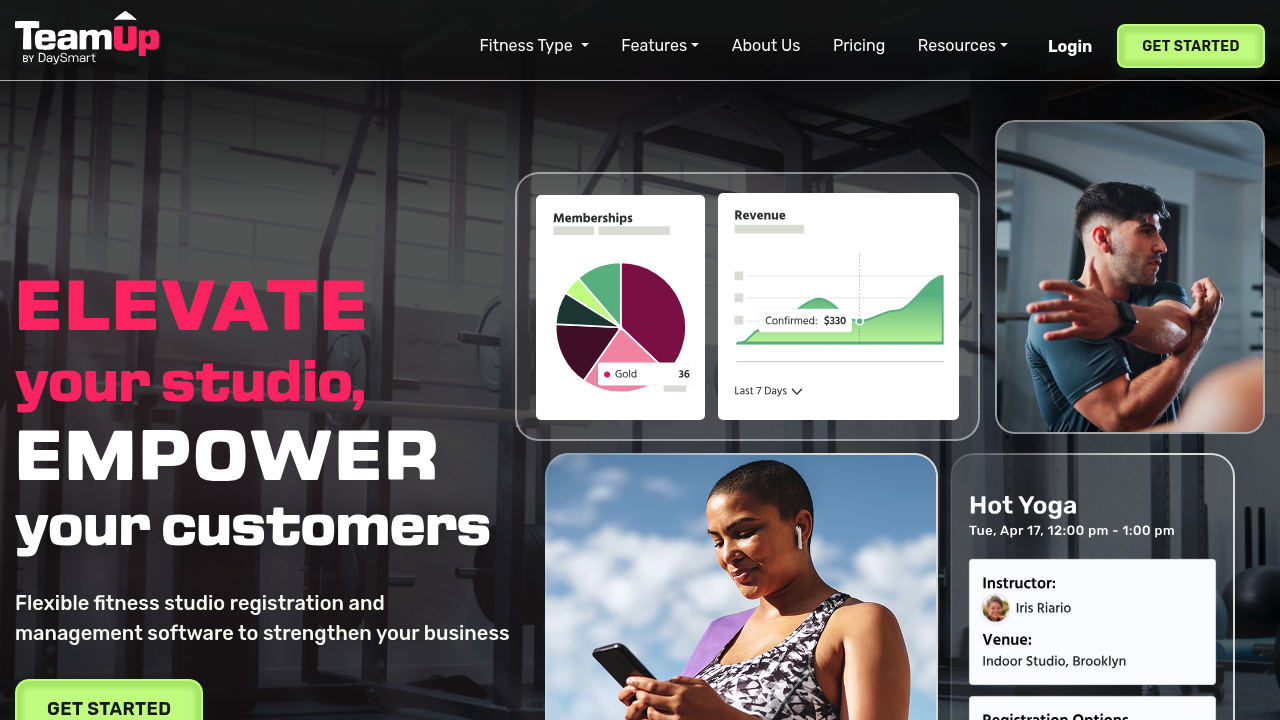
TeamUp is often a practical fit for straightforward membership studios that want solid scheduling and package management without going all the way into enterprise complexity. It usually makes more sense for operators who value clarity and easier administration over maximum feature depth. The gap to watch is instructor notes and richer retention tooling. If your studio needs a strong teaching record, not just membership logistics, TeamUp may feel a little light.
Vagaro
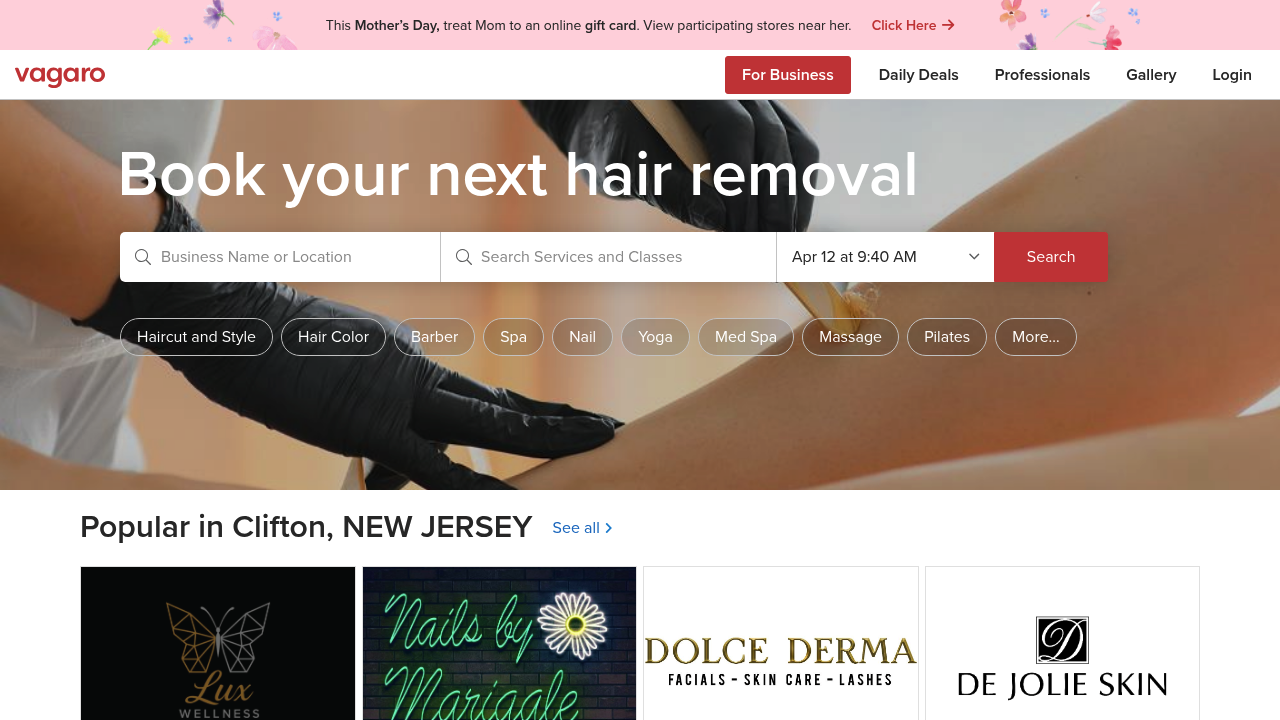
Vagaro is often attractive to cost-sensitive businesses because it covers scheduling, payments, and general service operations without the same overhead as some larger suites. For a Pilates studio, that can be enough if your main need is booking plus basic package management. It becomes less convincing if you run more complex memberships, depend on waitlists, or want a robust, standardized client history that teachers actually use session to session.
Acuity Scheduling
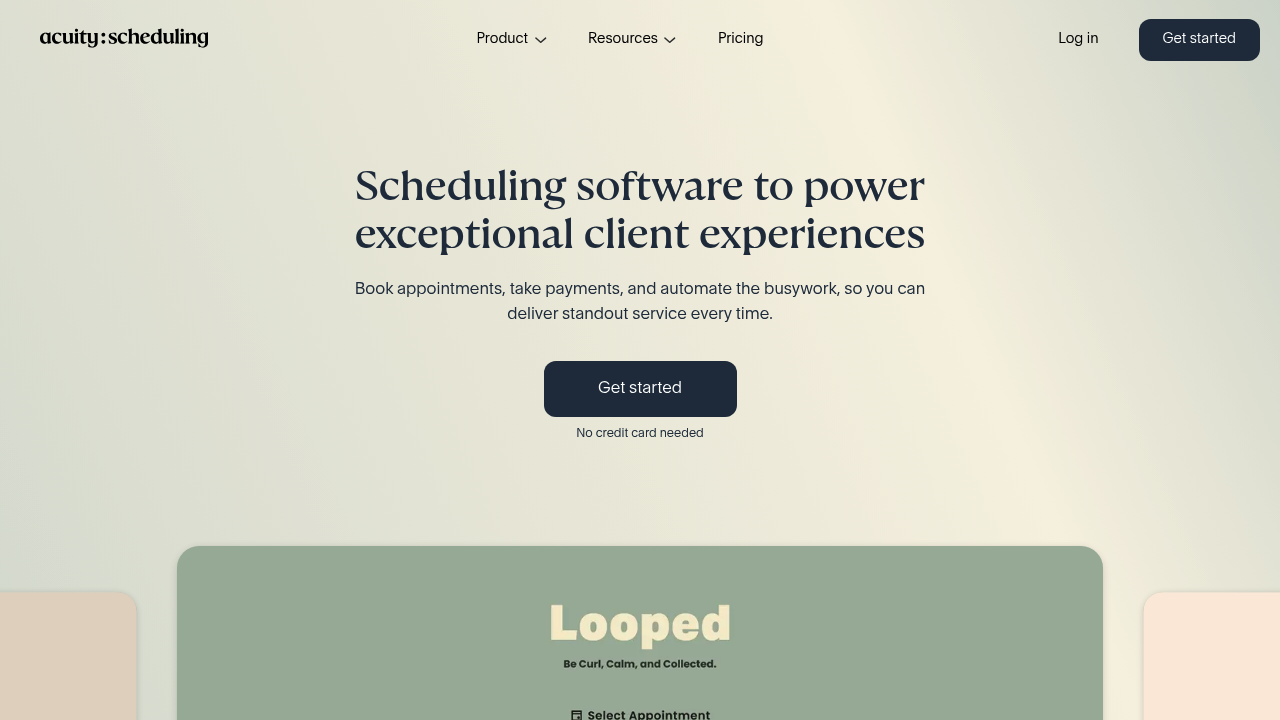
Acuity Scheduling is a simpler appointments-first tool, which makes it a reasonable option for solo instructors or very lean teams running mostly privates. It gets less compelling once you move into a true studio model with multiple instructors, mixed services, packages, and ongoing client management needs. Acuity is best treated as lightweight scheduling software, not a deep studio operating system.
Bookeo

Bookeo fits a similar category: simple booking needs, lower operational complexity, and a faster path to getting online scheduling live. It can be enough if the business is still relatively straightforward. It is not the platform to choose if you already know your studio needs nuanced package logic, team-wide instructor notes, strong retention workflows, or more serious reporting.
Arketa
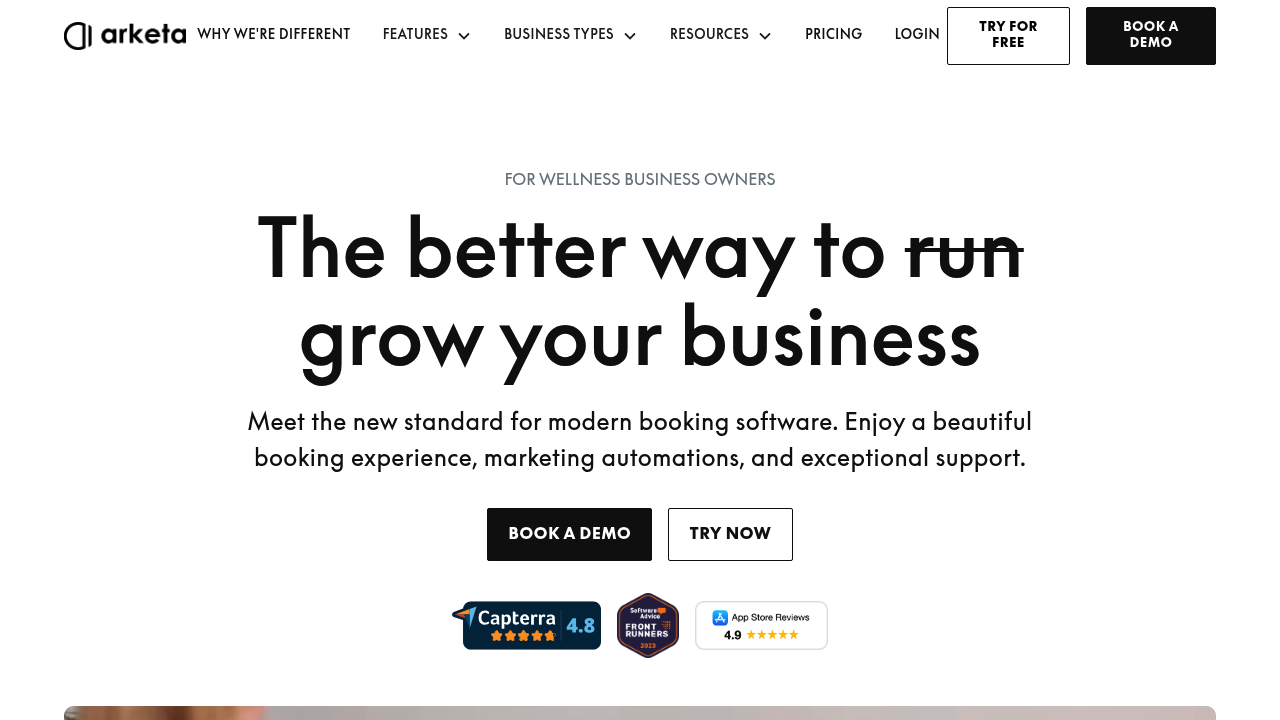
Arketa is positioned more toward the boutique fitness experience and can make sense for studios that care about client-facing polish alongside scheduling and memberships. It sits somewhere in the middle: more built out than a lightweight scheduler, but not necessarily the deepest option for every operational workflow. The key question is whether its structure matches how your Pilates studio actually tracks progress, notes, and follow-up, rather than just how the booking flow looks on the front end.
bsport
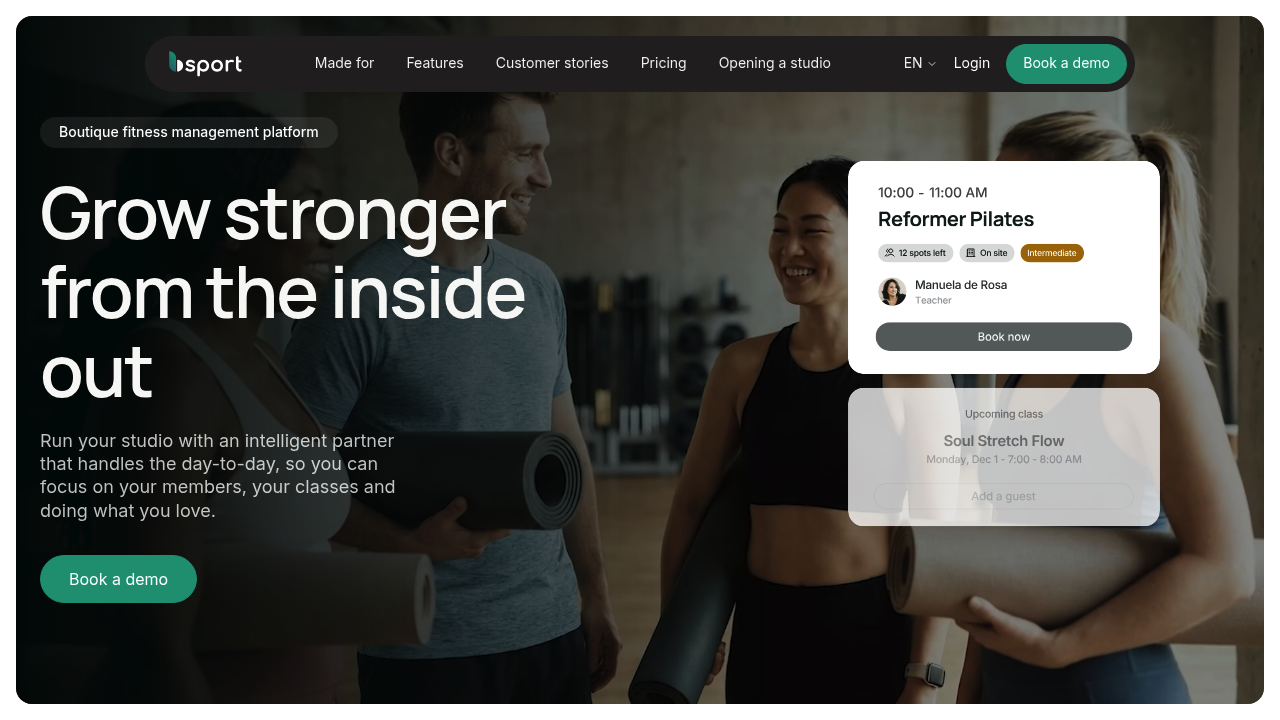
bsport is usually part of the conversation when the studio wants a more premium boutique fitness platform with stronger growth and business-management ambitions. It can be compelling for operators who want a more elevated all-in-one feel. As with other heavier systems, the caution is operational overhead. A polished platform is not automatically the best fit if your team needs something easier to run day to day.
Mariana Tek
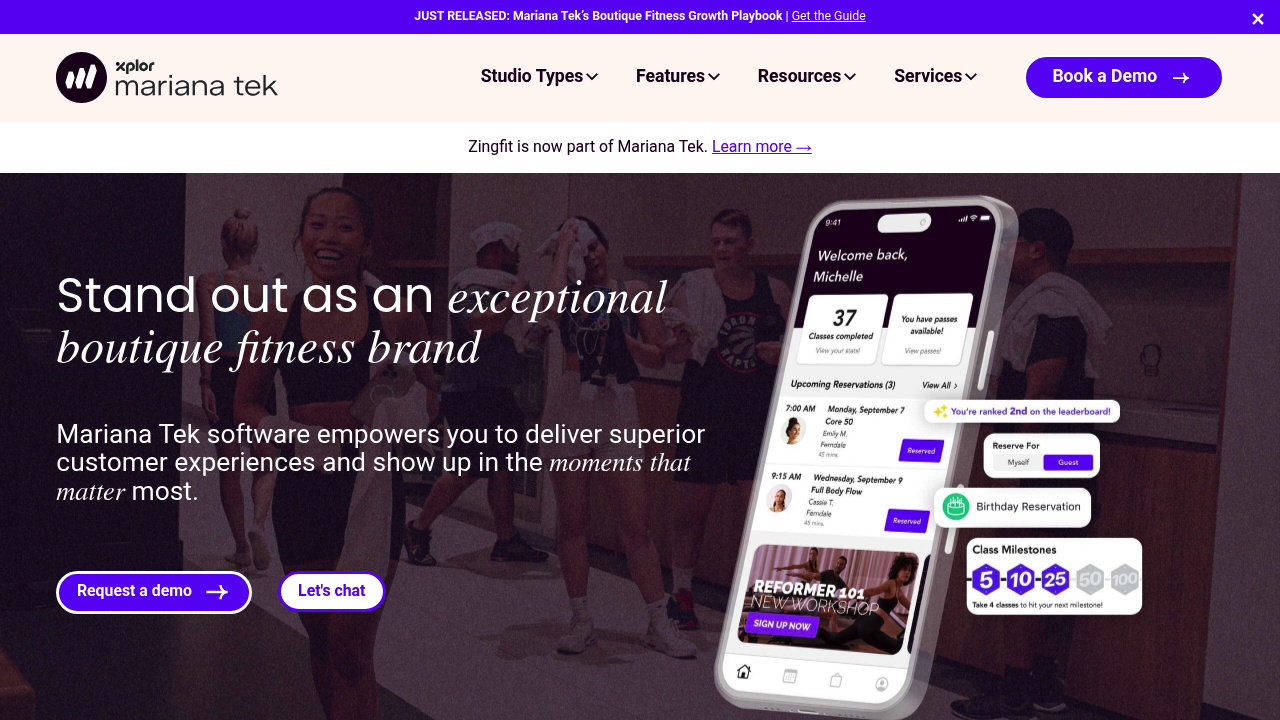
Mariana Tek is the enterprise-leaning option in this category and makes the most sense for larger boutique fitness businesses, premium brands, or operators thinking across multiple locations and more mature growth systems. It is usually not the natural first choice for a smaller Pilates studio unless you already know you need that level of scale and structure. For many studios, it is powerful but heavier than necessary unless your business complexity is already there. If you are at that stage, it may be worth also considering whether a more custom internal layer, such as Quantum Byte, would give you better control over the client record and staff workflows.
Across all of these tools, the practical filter is simple: avoid lightweight schedulers if you sell complex packages, run waitlists, or need standardized notes across multiple instructors. Avoid heavier suites if you do not have someone on staff who will own configuration, reporting, and ongoing upkeep.
Build vs buy: when custom client management wins
Buying off-the-shelf is best when your workflows are standard: classes, privates, packages, reminders, basic marketing, and you are happy with the platform’s built-in client profile.
Building a layer on top makes sense when the scheduler is not the problem. Your problem is the client record and the operational decisions you want to make from it.
Build a custom layer if you need:
- Your own assessment and goal-review workflows: Standardized check-ins every 4–6 weeks, with structured progress entries.
- Instructor note templates that actually match your teaching method: Consistent cues, exercise libraries, contraindication handling.
- Dashboards for action: At-risk lists, package expiring, high no-show risk, and teacher-specific follow-ups.
This is where Quantum Byte fits naturally. You can keep your current scheduling and payments platform, then use Quantum Byte to build an internal “Instructor Notes Console,” an “At-Risk Client List,” and a “Goal Review Check-in Form” that pulls in attendance and package context.
It is designed to be founder-friendly and fast. For example, comedian Aziz Ansari used Quantum Byte to build an app for his film “Good Fortune” within minutes, despite having no prior experience with app builders. That same speed is useful when you want a working internal tool this week, not a six-month software project.
Implementation timeline: from demo to fully live in 30 days
A clean rollout is less about heroics and more about sequence.
Week 0–1: requirements and data audit
- Audit your current data: clients, packages, waivers, class types.
- Pick your source of truth for identity, packages, and attendance.
- Finalize your instructor note template and required client fields.
- Define roles and permissions.
Week 1–2: configure and test in parallel
- Configure scheduling rules: buffers, cancellation windows, capacity.
- Build packages/memberships and policies.
- Turn on reminders and waiver alerts.
- Set up integrations (payments first, then accounting and messaging).
- Run a staff parallel test with real bookings.
Week 2–3: migrate, train, and soft launch
- Import clients and balances.
- Train staff using the exact workflows from your demo script.
- Soft launch with a subset of clients and collect friction points.
Week 3–4: cut over and optimize
- Full cutover.
- Monitor no-shows, late cancels, and waitlist fill.
- Adjust reminder timing and segmentation.
- Refine dashboards and reports.
Definition of done checks:
- Instructors can find last-session notes in under 10 seconds.
- The owner can see an at-risk list without exporting spreadsheets.
- The front desk can resolve common payment and waiver issues quickly.
Key takeaways and next step
If you are buying pilates studio client management software, three non-negotiables should drive your decision:
- Attendance plus packages must be reliable and fast to operate.
- Notes and goals must be structured enough that any instructor can use them.
- Retention must be measurable with segments and automations you will actually run.
Next step: shortlist 2–3 options and run the demo script. You will know in one session whether the platform matches your studio day.
Start building a client management layer with Quantum Byte
If you like your scheduler but you want more control over notes, goals, and retention dashboards, start small and build a focused internal layer.
Start building with Quantum Byte.
Build your MVP in this order:
- Client profile: MVCR fields, contraindications, and communication consent.
- Instructor note template: Standardized notes plus tags for search.
- At-risk dashboard: Days since last visit, expiring packages, and no-show patterns.
You get templates to move fast, and the flexibility to customize when your studio’s workflow is not “one size fits all.”
Frequently Asked Questions
Is there any free Pilates studio client management software?
Free options usually cover basic scheduling or basic forms, but they tend to break once you need packages, waitlists, policy enforcement, and consistent instructor notes. If budget is tight, start with a lightweight scheduler and payments, then add structure: a standardized note template, a minimum set of client fields, and a simple at-risk workflow.
Do I need a dedicated Pilates studio app?
Only if it changes client behavior in a way that matters for your studio, like easier booking, clearer package visibility, and fewer no-shows. A branded app can help, but it is not a substitute for clean scheduling logic, policies, and a usable client record for instructors.
What is the difference between Pilates scheduling software and client management software?
Scheduling software focuses on booking and calendars. Client management software includes scheduling but also unifies the client profile: attendance history, packages, notes, goals, and retention workflows. If your instructors rely on personalized programming, “client management” is the category you should prioritize.
Is Acuity Scheduling good enough for a Pilates studio?
Acuity Scheduling can be a solid fit for solo instructors and appointment-heavy businesses that want straightforward booking. It is less ideal when you rely on complex packages, waitlists, and multi-instructor note consistency. If you are already feeling friction around credits, renewals, or teacher handoffs, you will likely outgrow an appointments-first tool and want a studio-focused system or a custom client management layer.