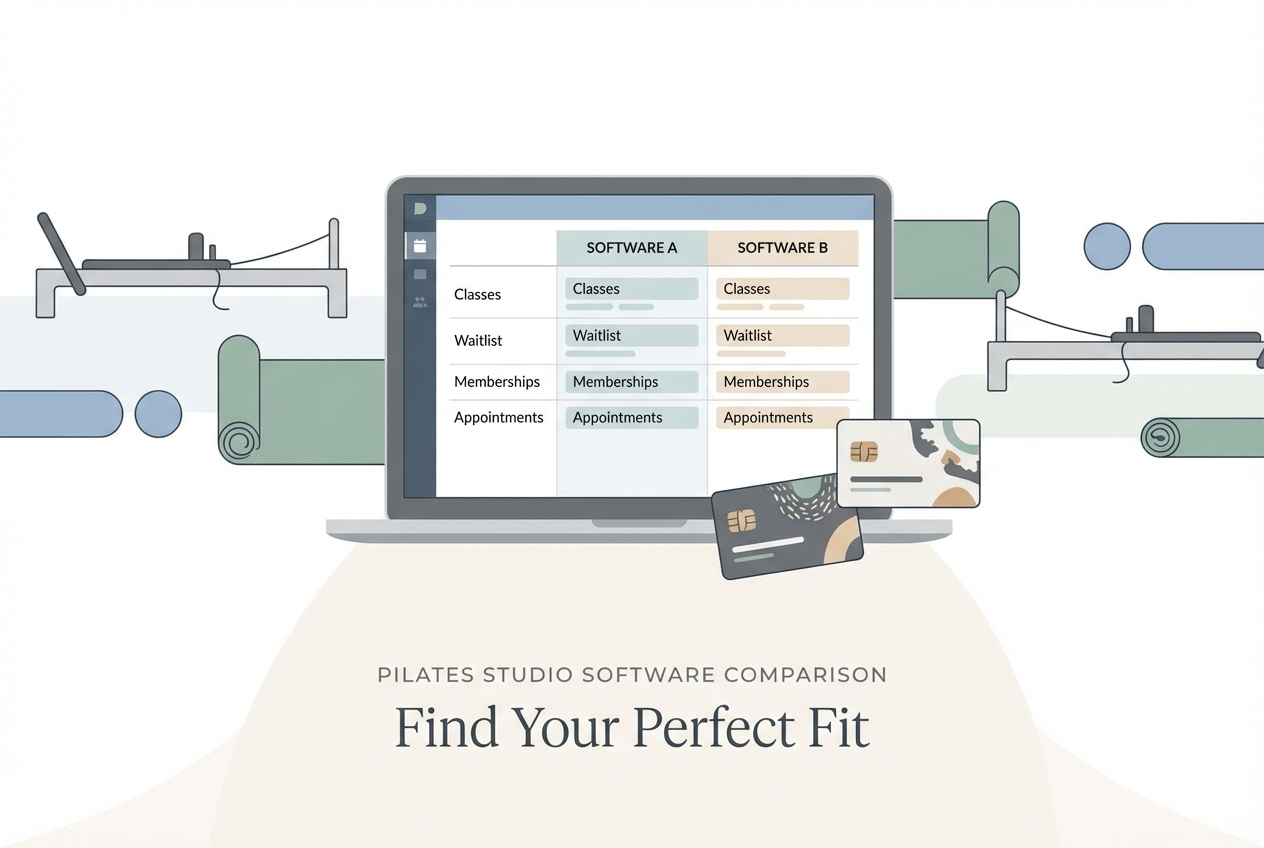
This pilates studio software comparison is built for operators, not listicles. If your studio runs reformer-heavy group classes, sells packs and memberships, uses waitlists, and enforces cancellation rules, you need a platform that can handle edge cases without staff workarounds. Below is a decisive verdict, a feature matrix, and demo test scripts you can run in any free trial.
Quick verdict: best pick by studio type
-
Best for all-in-one “industry standard” at scale: Mindbody. Strong ecosystem and a familiar admin model for multi-instructor, multi-service studios.
- Avoid if: you want a lighter, modern UX or you hate paying for add-ons you do not use.
-
Best for modern, conversion-first studios: Momence. A solid choice when you care about fast booking, client communications, and clean purchase flows.
- Avoid if: your operation needs very bespoke capacity logic (apparatus, stations, prerequisites) and you cannot tolerate any workaround.
-
Best for utilization-obsessed reformer schedules: Walla. Built with boutique studios in mind, with strong emphasis on filling classes.
- Avoid if: you need enterprise-style exports and accounting reconciliation that mirrors a finance team workflow.
-
Best for premium brands and enterprise-style ops: Mariana Tek. Typically the pick when you are operating like a high-end fitness brand and want deeper operational rigor.
- Avoid if: you want quick setup and simple month-to-month decision-making.
-
Best value for “I just need it to work”: TeamUp. Often a pragmatic middle-ground for scheduling, memberships, and day-to-day studio operations.
- Avoid if: your reporting requirements are complex and you need a custom analytics layer.
-
Best for feature-heavy suites with broad coverage: WellnessLiving. Good when you want a lot in one system (booking, marketing, staff tools) and are willing to configure.
- Avoid if: you prefer a minimal interface and a smaller set of opinionated workflows.
-
Best for budget-focused studios: StudioBookings. Works when your needs are straightforward and you want a low monthly commitment.
- Avoid if: you need advanced reporting exports, flexible policy engines, or deep integration options.
Everything below backs these picks with a matrix and test scripts so you can confirm fit before signing.
Comparison summary table
| Decision factor | Mindbody | Momence | Walla | Mariana Tek | TeamUp | WellnessLiving | StudioBookings |
|---|---|---|---|---|---|---|---|
| Waitlist control | Supports waitlists and notifications; verify auto-offer rules | Supports waitlists; verify auto-offer + payment capture | Supports waitlists; verify prioritization + offer windows | Supports waitlists; verify enterprise rule depth | Supports waitlists; verify edge-case handling | Supports waitlists; verify rule configurability | Supports waitlists; verify automation depth |
| Packs and memberships | Typically strong; verify coexistence rules | Strong purchase flows; verify pack restriction rules | Strong studio focus; verify pack deductions | Typically robust; verify complex membership logic | Solid core rules; verify unusual policies | Broad feature set; verify rule conflicts | Core packages; verify restriction granularity |
| Capacity and apparatus constraints | Supports capacity; verify apparatus-specific limits | Supports capacity; verify per-apparatus/station logic | Emphasis on scheduling utilization; verify apparatus mapping | Often supports complex setups; verify station constraints | Supports capacity; verify apparatus edge cases | Supports capacity; verify equipment-spot scheduling | Supports capacity; verify apparatus limitations |
| Cancellation and no-show fees | Typically supported; verify policy enforcement and receipts | Typically supported; verify late cancel rules for packs | Typically supported; verify policy transparency to clients | Typically supported; verify policy engine depth | Typically supported; verify member messaging | Typically supported; verify fee rule hierarchy | Supported; verify fee edge cases |
| Reporting and exports | Mature reporting; verify CSV vs scheduled exports | Good operator reporting; verify exports and finance needs | Verify depth of exports and payroll workflows | Often deeper reporting; verify export formats | Solid basics; verify advanced needs | Broad reporting; verify what is included | Basic reporting; verify export depth |
| Integrations | Large ecosystem; verify what costs extra | Common studio stack integrations; verify accounting fit | Verify payment, email, and marketing integrations | Verify enterprise integrations and SSO needs | Verify payment + email + accounting exports | Verify marketing and payroll options | Verify payment processor options |
| Pricing expectation | Premium | Mid to premium | Mid to premium | Premium / quote | Mid | Mid to premium | Budget |
| Platform | Best fit |
|---|---|
| Mindbody | Multi-service studios scaling staff and locations |
| Momence | Studios optimizing web booking and retention messaging |
| Walla | Reformer-heavy schedules where utilization is the KPI |
| Mariana Tek | Premium brands needing enterprise operations |
| TeamUp | Owners who want a practical, balanced system |
| WellnessLiving | Studios wanting a broad all-in-one suite |
| StudioBookings | Price-sensitive studios with simpler workflows |
Feature checklist for Pilates studios
Use this checklist to shortlist quickly. Every item ties to a real “this will break at the front desk” outcome.
-
Waitlists:
- Auto-offer window: When a spot opens, can you set how long a client has to accept before it offers the next person?
- Payment capture on promotion: Can the system automatically charge or require confirmation when a waitlisted client is moved into class?
- Notification proof: Can staff see when an offer was sent, delivered, and accepted to reduce disputes?
-
Packs and memberships:
- Restriction rules: Can packs be limited by class type (reformer vs mat), level, or instructor?
- Late cancel deductions: Does a late cancel consume a class from a pack, charge a fee, or both, and is it consistent?
- Coexistence logic: If a client has an unlimited membership and a 10-pack, which one gets consumed first?
-
Capacity and equipment:
- Apparatus capacity: Can you cap by reformers (10 reformers means 10 bookings), not just “room capacity”?
- Instructor constraints: Can you limit by instructor headcount (for example, duets require different staffing than groups)?
- Prerequisites and levels: Can you restrict booking to “approved” clients for intermediate reformer, without manual policing?
-
Reporting:
- Revenue by product: Can you separate memberships, packs, drop-ins, workshops, and retail without manual spreadsheets?
- Utilization: Can you see fill rate by class type and time slot so you can cut or add sessions confidently?
- Payroll exports: Can you export attendance and compensation inputs per instructor in a clean format?
Workflow fit by studio model
Reformer group-heavy studios
- Non-negotiables:
- Apparatus-based capacity so you never oversell reformers.
- Fast waitlist promotion so empty spots do not linger.
- Strict cancellation logic that is consistent across pack and membership clients.
- Common failure mode: You end up using “notes” or manual apparatus assignments because the software only understands generic room capacity.
Privates and duets-heavy studios
- Non-negotiables:
- Client-instructor matching and clean recurring appointment booking.
- Credit consumption rules that handle duets, split payments, or shared credits.
- Intake and contraindications workflow so instructors have the right context.
- Common failure mode: The platform is built for classes first, so privates become a clunky workaround.
Hybrid studios
- Non-negotiables:
- A unified client ledger across every product.
- Reporting that separates lines of business (workshops vs ongoing memberships).
- Marketing automation hooks for trial-to-member conversion.
- Common failure mode: Reporting becomes unreliable because products are modeled inconsistently or split across add-ons.
Switching costs are real. The best time to learn your platform’s limitations is during the trial, not in your first “why did this pack get deducted?” email thread.
Deep comparison: waitlists, packs, and capacity rules
Waitlists
Demo test scripts:
- Create a “Reformer Flow” class with capacity 10. Book 10 clients.
- Add 3 clients to the waitlist. Cancel one spot.
- Confirm what happens next: auto-offer, first-come-first-served, or manual promotion.
- Verify the client experience: do they confirm, get auto-booked, or get a purchase screen?
Deal-breaker questions:
- Can the waitlist auto-promote and auto-charge (or require a saved payment method) when a spot opens?
- Can you set offer expiration (for example, 30 minutes) and automatically move to the next person?
- Can staff see an audit trail of notifications and acceptance?
Packs and memberships
Demo test scripts:
- Create a 10-class reformer pack and an unlimited monthly membership.
- Assign both to a test client.
- Book one reformer class, then cancel late.
- Confirm exactly what is consumed: a class credit, a fee, or both.
Deal-breaker questions:
- Can packs be restricted by class type and level?
- Can you choose consumption priority (membership before pack, or the reverse)?
- Can you handle shared households cleanly (if you sell family packs), or is everything individual?
Capacity and apparatus constraints
Demo test scripts:
- Create a reformer class in Room A. Set room capacity to 12.
- Now try to enforce reformer count at 10.
- Attempt to book the 11th client and confirm whether the system blocks it.
- Add a second instructor and see whether capacity rules change.
Deal-breaker questions:
- Does the platform support apparatus as inventory (reformers, chairs, towers), or only generic capacity?
- Can you model stations so a specific reformer can be assigned and avoided if out of service?
- Can you restrict advanced sessions with prerequisite approval?
Reporting and exports: what “advanced reporting” should mean
If a vendor says “advanced reporting,” ask what you can actually pull without a custom data project.
Minimum viable reporting for Pilates operators:
- Sales by product: memberships vs packs vs drop-ins vs workshops vs retail.
- Attendance and utilization: fill rate by class type, time slot, and instructor.
- Client purchase history: what they bought, when, and what they used.
- Instructor payout inputs: attendance, sessions taught, late cancels.
- Failed payments: what failed, retry status, and who needs outreach.
- Retention proxy: clients inactive for X days so staff can re-engage.
Export requirements to validate:
- CSV exports: Can you export raw transactions and attendance cleanly?
- Scheduled reporting: Can reports email to owners weekly without manual pulls?
- API access: If you outgrow built-in reports, can you connect to a data warehouse or BI tool?
Accessibility checkpoint for booking flows:
- If most clients book on mobile, accessibility is not theoretical. It reduces friction and drop-offs. The WCAG 2.2 update highlights practical issues like Target Size (Minimum), Redundant Entry, and Accessible Authentication. In trials, test your booking flow one-handed on a phone and look for tiny tap targets, repeated form entry, and login steps that frustrate real users.
Privacy roles checkpoint:
- Your studio is typically the “controller” of client personal data and the software provider is a “processor.” The European Commission’s data protection explainer is a clear reference for these roles. Before signing, ask for the Data Processing Agreement (DPA), confirm permission controls, and check how exports and staff access are managed.
Integrations that matter in practice
-
Payments and card security: Prefer platforms where your studio is not directly storing card data. The PCI DSS standard applies to entities that store, process, or transmit cardholder data, so the safest posture is usually tokenized payments through a reputable processor and minimal card-data handling in your own systems.
-
Automated reminders to reduce no-shows: Prioritize software that supports automated SMS and email reminders, plus easy rescheduling. A systematic review and meta-analysis found reminders reduce non-attendance, and a randomized controlled trial supports the value of text reminders for reducing missed appointments. In a Pilates context, this is direct revenue protection and better reformer utilization.
-
Waivers and e-sign: Verify you can require a waiver before the first booking, handle renewals, and support minor consent if needed.
-
Accounting: Confirm you can reconcile daily payouts, fees, taxes, refunds, and chargebacks without hand edits. If the export cannot match your bank deposits, month-end will hurt.
Pricing expectations and cost drivers
Pricing varies, but the cost drivers are predictable:
- Active clients and locations: More clients and multi-location setups usually push you up tiers.
- Staff accounts and permissions: Some vendors charge by staff seat or gate permissions behind higher plans.
- SMS fees: Reminders often cost extra, and the bill scales with your volume.
- Add-ons: Branded apps, marketing automation, VOD, and advanced reporting can turn a “reasonable” plan into a premium bundle.
- Onboarding and migration: Paid onboarding, data cleanup, and custom reporting requests can be the hidden spend.
Negotiation checklist:
- Month-to-month vs annual: Ask for the real monthly price and the annual commitment discount.
- Migration support: Request help importing clients, packs, and historical transactions.
- Feature commitments: If a feature is critical, get it in writing (including any limitations).
Alternatives and when each tool is a better fit
Mindbody
Mindbody is the big-ecosystem pick and a common default for complex, multi-service studios.
- Tradeoff: can feel heavyweight and add-ons can add up.
Mariana Tek
Mariana Tek is often chosen by premium brands that operate with more enterprise rigor.
- Tradeoff: typically a higher-commitment implementation.
Momence
Momence is strong on client experience, communication flows, and clean purchase paths.
- Tradeoff: verify your exact apparatus and policy edge cases.
Walla
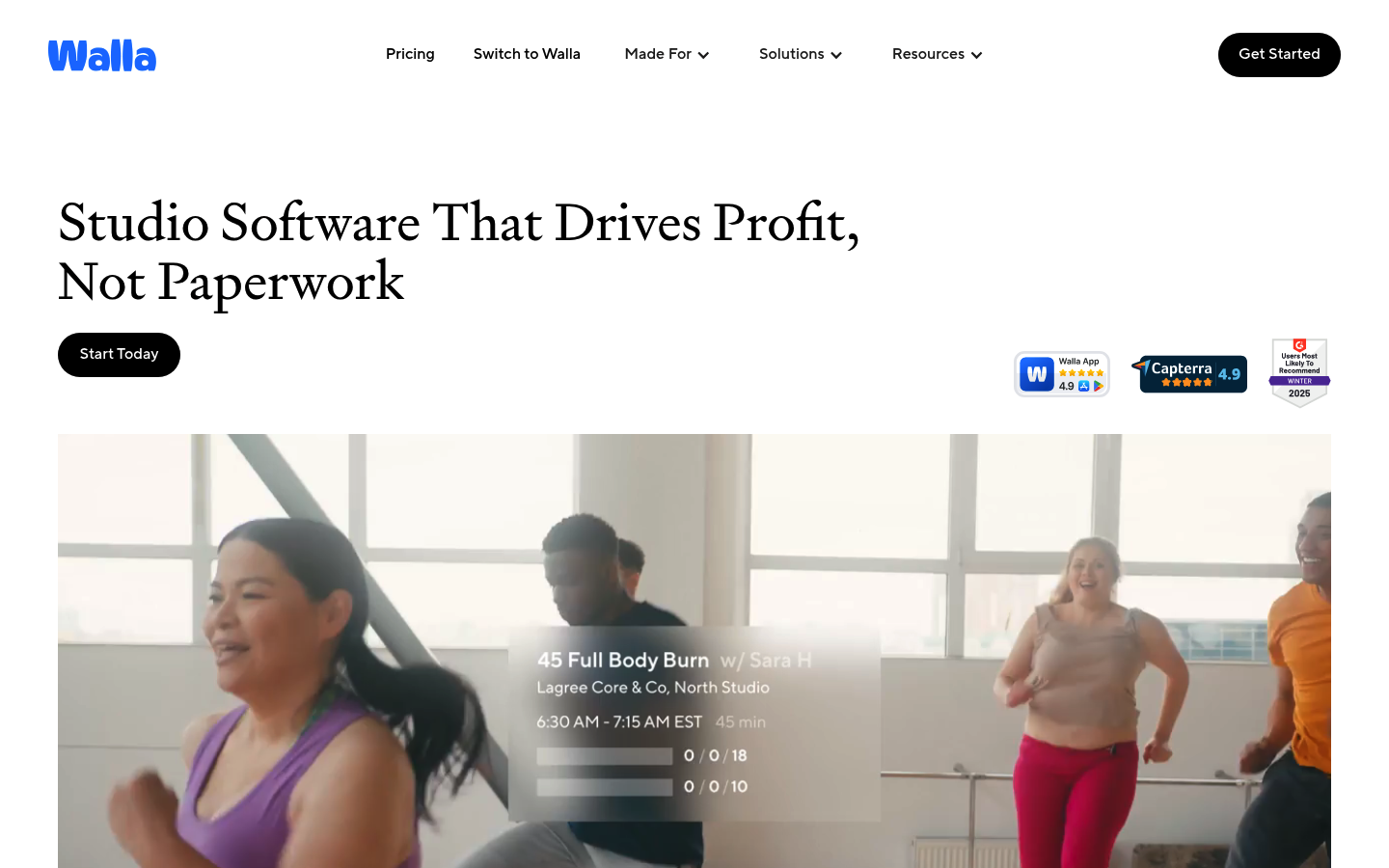
Walla is a great fit when filling classes and maximizing utilization is your north star.
- Tradeoff: confirm reporting and export depth for your finance workflow.
bsport
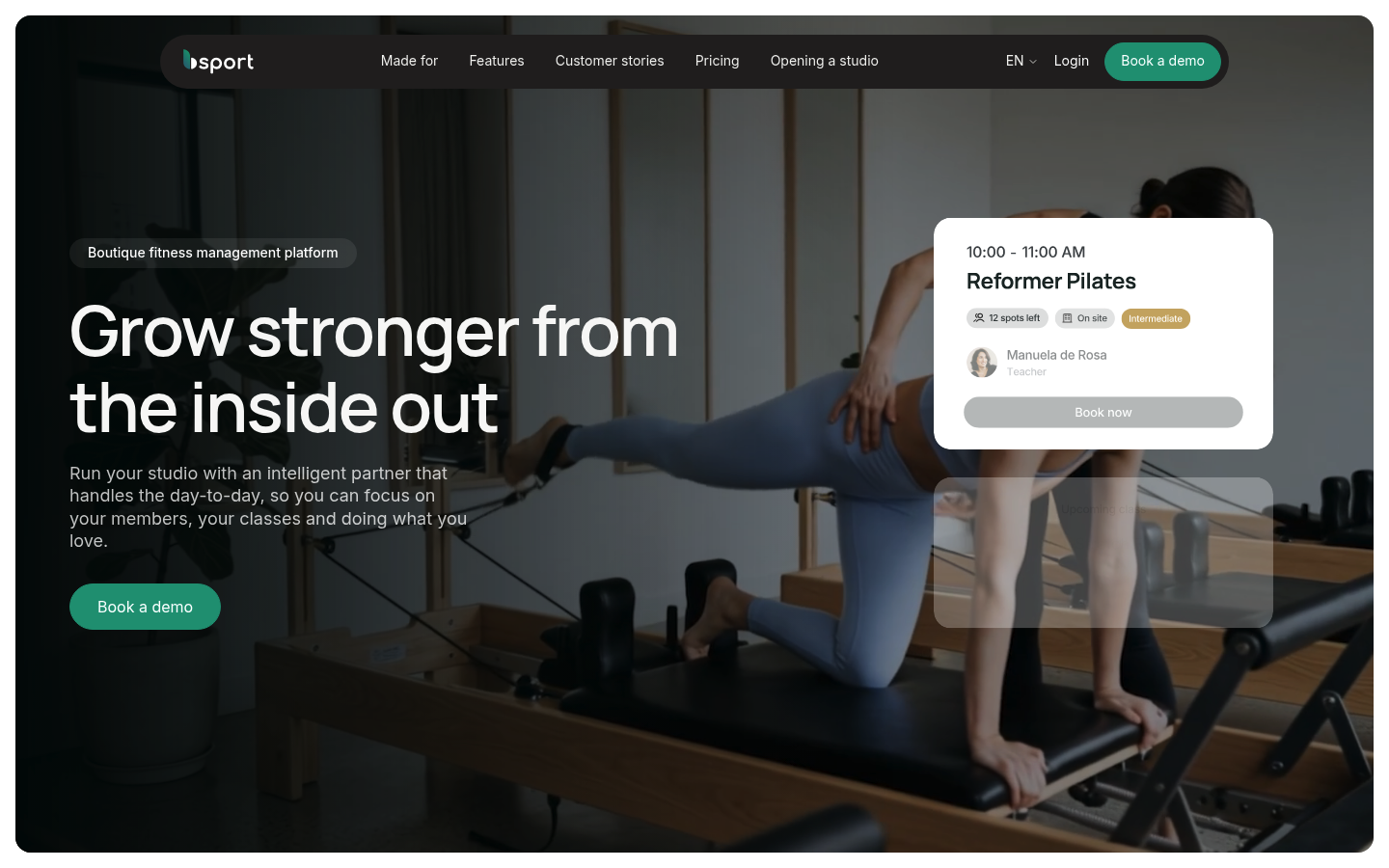
bsport is often seen in boutiques that want marketing and automation in the same suite.
- Tradeoff: validate Pilates-specific capacity and pack rules in a trial.
TeamUp
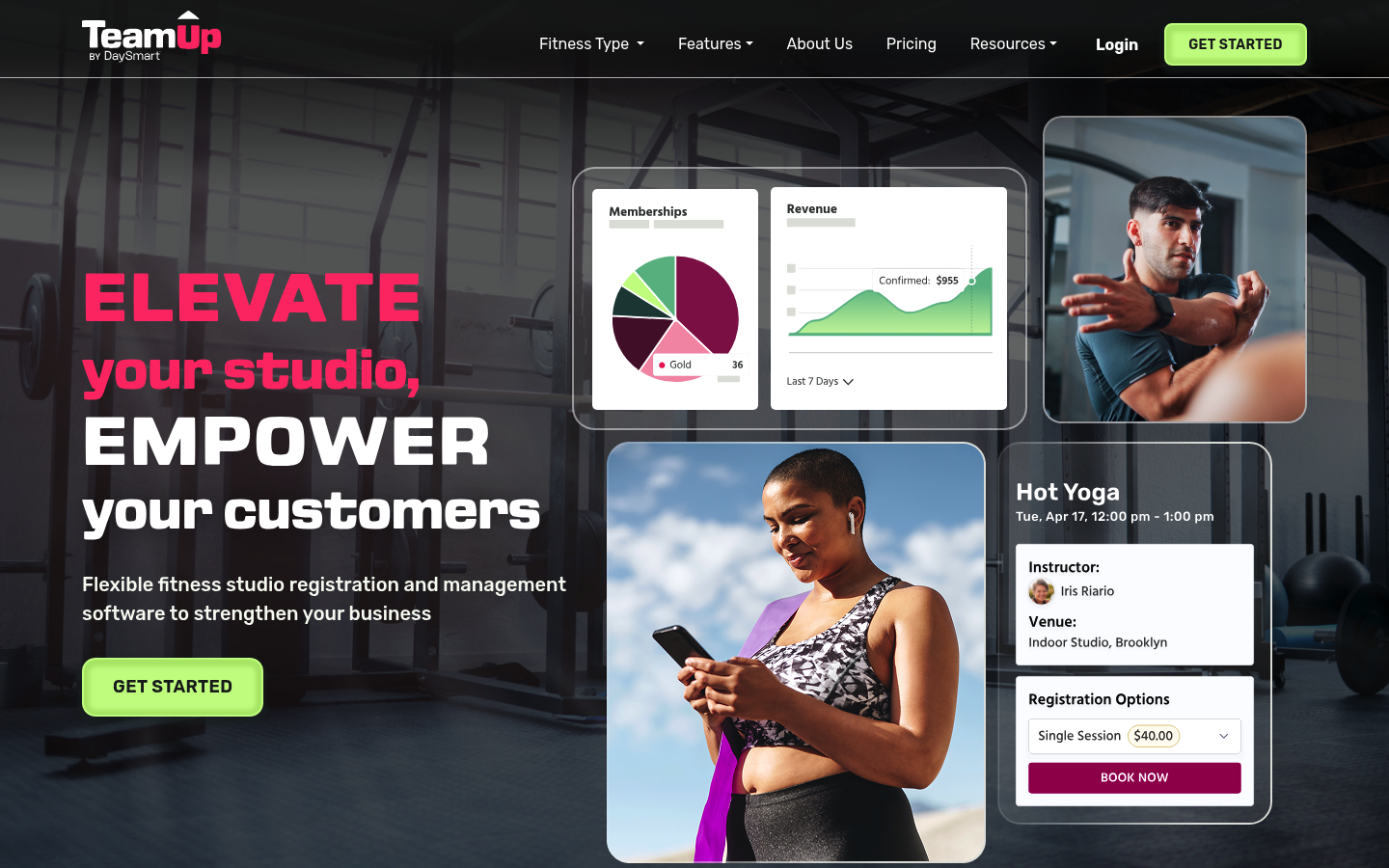
TeamUp is a balanced mid-market option that works well for many studios.
- Tradeoff: validate advanced reporting needs early.
WellnessLiving
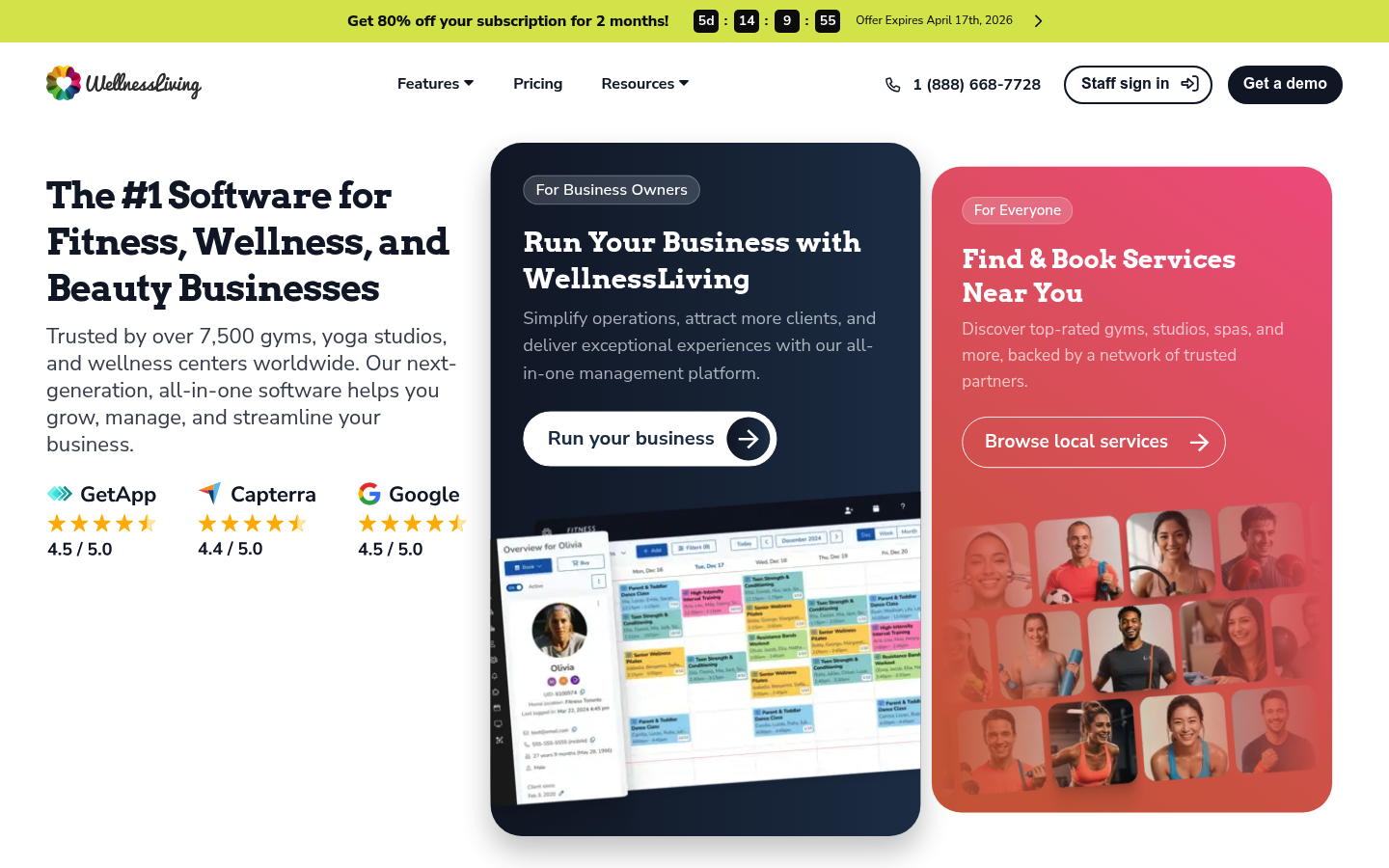
WellnessLiving is a broad all-in-one suite if you want lots of features in one system.
- Tradeoff: configuration complexity can be real.
StudioBookings
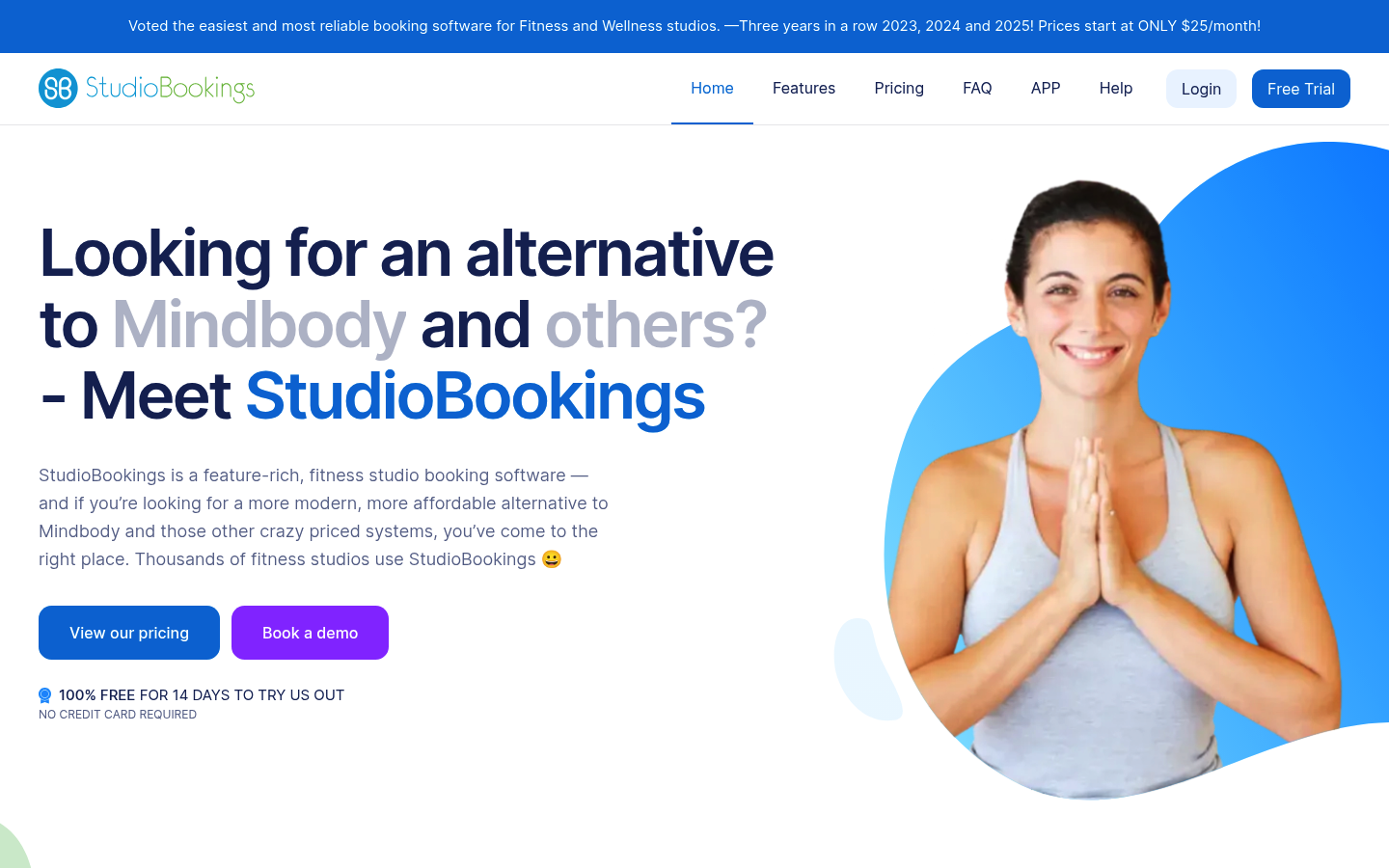
StudioBookings is budget-friendly and often a solid match for simpler Pilates operations.
- Tradeoff: confirm whether it handles your edge cases without manual fixes.
Acuity Scheduling
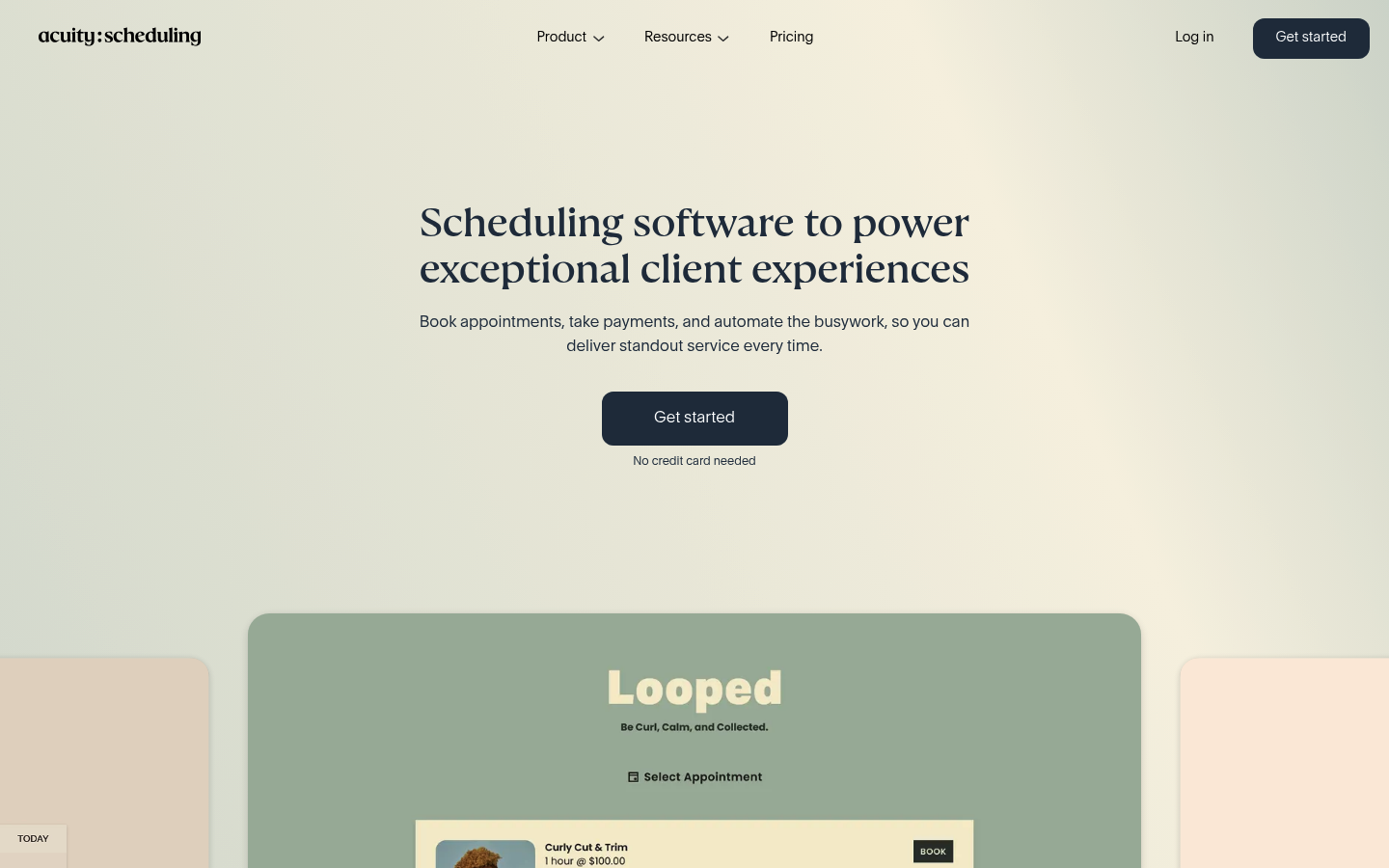
Acuity Scheduling is a good lightweight scheduler for privates-first businesses and simple selling.
- Tradeoff: not designed for complex class capacity, waitlists, and membership logic.
Build vs buy: when to use Quantum Byte instead of off-the-shelf studio software
Buy a platform when your rules are standard and you mostly want reliable booking, payments, and communication.
Build when your studio needs logic that vendors treat as “custom,” such as apparatus inventory, unusual membership policies, or a multi-brand operation that needs a shared ops layer.
Examples of what you can build as a custom layer:
- Utilization by apparatus dashboard: reformer utilization by time slot, instructor, and program.
- Cancellation and no-show policy engine: one source of truth for fees and deductions across products.
- Lead-to-trial conversion tracker: connect ads, inquiries, trials, and first purchase without spreadsheets.
- Custom intake workflow: contraindications, goals, and instructor notes that appear before class.
With Quantum Byte, the point is speed plus control. You can start from templates (booking, forms, internal dashboards) and customize with natural language prompts, which is why even non-technical creators have shipped apps quickly, including Aziz Ansari using the platform to spin up an app for his movie “Good Fortune” within minutes.
Implementation timeline and migration checklist
A realistic migration plan looks like this:
- Week 0 to 1: Export and clean data
- Export clients, purchase history, packs and memberships, and instructor rosters.
- Week 1 to 2: Configure the new system
- Rebuild class templates, capacity rules, products, cancellation policies, waivers, and staff permissions.
- Week 2 to 3: Parallel run
- Take a small set of bookings in the new system while the old system remains the source of truth.
- Launch week: Cutover
- Freeze changes in the old system, migrate final balances, and switch booking links.
Migration checklist (do not skip): clients, pack balances, membership statuses, class templates, instructor schedules, payment products, waivers, automated emails/SMS, reporting views, staff permissions.
Go-live test list: a real card payment, a refund, a late cancel fee, a waitlist promotion, attendance check-in, and the “what happens when a payment fails” workflow.
What to do next
- Shortlist 2 to 3 tools that match your studio model.
- Run the demo test scripts above in each trial. Do not rely on sales promises.
- Choose based on deal-breakers plus total cost, including SMS fees, onboarding, and add-ons.
Before you sign, validate payment security posture (minimize card-data handling per PCI DSS) and confirm privacy terms and roles (controller vs processor per the European Commission).
Frequently Asked Questions
Can studio software really handle reformer-by-reformer capacity?
Some platforms do, some only approximate it with room capacity. In trials, test whether the 11th booking is blocked when you have 10 reformers, and ask whether apparatus can be treated as inventory or stations.
Are SMS reminders worth paying for?
Usually, yes, because reminders reduce non-attendance. Evidence from a systematic review and a randomized trial supports prioritizing automated reminders when missed sessions materially affect revenue.
What is the biggest reporting surprise after switching platforms?
Owners expect “advanced reporting” and find only basic dashboards. Confirm whether you can export raw transactions and attendance (CSV), schedule reports to email, and access an API if you later need deeper analytics.
How hard is it to migrate packs and memberships?
It depends on how clean your current data is and how your new platform models products. Plan for at least a parallel run, and test edge cases like expired packs, paused memberships, and late-cancel deductions before go-live.
Start building
If none of the off-the-shelf options match your studio’s real rules, build the missing layer instead of forcing staff workarounds. Start building with Quantum Byte to launch a custom ops dashboard or even a full booking experience with founder-friendly templates, fast customization, and natural-language prompting that gets you to a working app in minutes, not months.