
When quoting runs on scattered templates and spreadsheets, pricing drifts, approvals stall, and accepted quotes do not reliably turn into paid work. This shortlist of quote management software is for founders, sales leaders, and ops-minded owners who want faster quoting, cleaner margins, and less back-and-forth.
Quick verdict
- Simple services: If you sell simple services and want speed, start with a lightweight quoting tool that bundles templates, electronic signature, and payments.
- Complex pricing and deal desks: If you sell complex bundles, subscriptions, or discount-heavy deals, choose a Configure, Price, Quote (CPQ) platform with rules, approvals, and clean Customer Relationship Management (CRM) data.
- Unique workflows: If your process is unique and keeps breaking standard tools, consider building a custom quoting workflow on top of your own data.
A practical note: CPQ stands for Configure, Price, Quote, and it exists to automate consistent configuration, pricing logic, and quote generation for more complex sales motions, as defined by Salesforce.
Best for
- Solo founders and small teams: You need speed, a clean customer experience, and minimal setup.
- Agencies and service businesses: You need scope control, versioning, approvals, and a tight handoff to delivery.
- B2B sales teams with discounting: You need pricebooks, guardrails, audit trails, and approval routing.
- Contractors and field services: You need mobile-friendly estimates, options, and fast follow-ups.
Feature checklist
Use this as your purchase filter. If a tool misses two or more must-haves, it will create hidden work.
- Centralized quote templates: Keeps formatting and legal language consistent so reps do not freestyle terms.
- Product and service catalog: Reduces pricing mistakes by pulling items, bundles, and rates from one source of truth.
- Pricing rules and discount guardrails: Prevents margin leakage with approvals, floors, and deal desk workflows.
- Versioning and audit trail: Makes it obvious what changed, who changed it, and which version the customer accepted.
- Approval workflows: Routes exceptions to finance or leadership before a quote goes out.
- E-signature support: Helps customers accept faster and keeps proof of intent, consent, and retention requirements in mind, aligned with Electronic Signatures in Global and National Commerce (ESIGN) Act and the Uniform Electronic Transactions Act (UETA) basics summarized by DocuSign.
- Payments and deposits: Lets you collect upfront payment when the quote is accepted, reducing accepted-but-never-started deals.
- Quote-to-invoice conversion: Cuts re-entry by converting accepted quotes directly into invoices or accounting records.
- Reporting on pipeline and win rate: Shows which packages sell and where discounts are overused.
Workflow fit for contractors and agencies
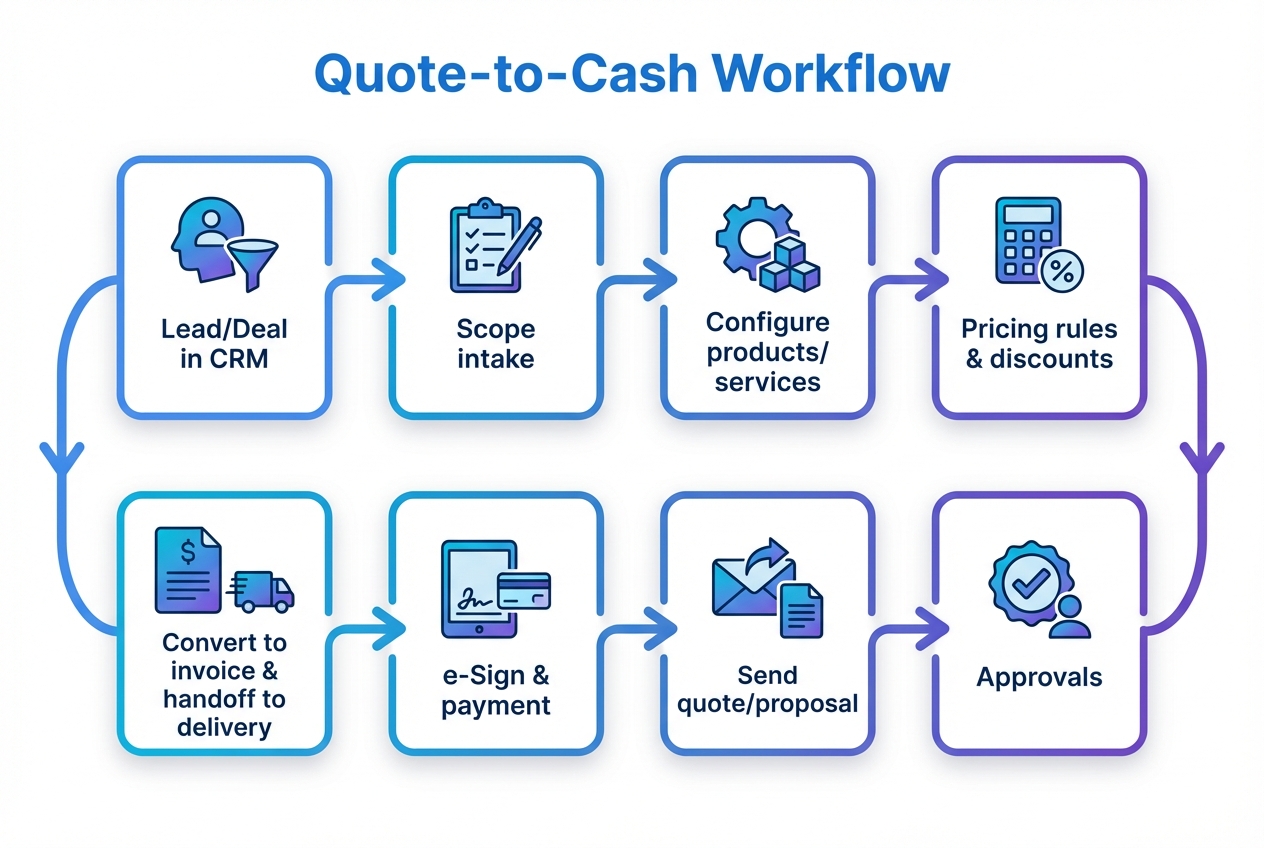
Your quoting workflow is usually where deals are won or quietly lost. The right quote management software should match the way your team actually sells.
Contractors
- On-site estimating: You need fast quote creation on mobile, with clear line items and optional add-ons.
- Deposits and scheduling: After acceptance, you want a deposit collected and the job scheduled without manual handoffs.
- Change orders: You need a clean way to adjust scope without verbal approvals.
Agencies
- Scope control: Quotes should link scope, deliverables, and assumptions to reduce renegotiations.
- Internal approvals: Discounting and scope exceptions should be approved before the client sees them.
- Client review loop: If feedback and approvals are messy, build a tighter review workflow. We have a practical breakdown of when a custom approval portal is worth it in our guide to client approval software.
Integrations that matter
Most quoting failures are integration failures. Prioritize these categories.
- Customer Relationship Management (CRM): Keeps contact, deal stage, and products synced so quotes are generated from current data.
- Accounting: Ensures tax, invoice numbering, and revenue reporting stay consistent after a quote is accepted.
- Payments: Supports card or bank payment collection for deposits or full payment.
- Electronic signature: Speeds acceptance and stores the signed record.
If you are building internal tools, you can also link quote data to operational workflows. Our automation guide is a solid way to map where quoting should trigger delivery, billing, and reporting.
Pricing expectations and cost drivers
Quote management software pricing varies widely because you are buying different things: document creation, CPQ logic, approvals, and revenue operations controls.
- User count: More reps and approvers typically increases cost.
- Complexity of pricing: Tiered pricing, usage-based pricing, bundles, and renewals push you toward CPQ.
- Approval depth: More roles and conditional routing increases implementation effort.
- Integrations: Native integrations are simpler; custom integrations add build time.
- Compliance and audit needs: Larger teams often need stronger controls and logs.
Before you commit, write down your quote exceptions. If your team regularly needs special bundles, custom terms, or non-standard approvals, that is the real pricing driver.
Alternatives and competitors shortlist
Each option below is a legitimate contender. Your best choice depends on how complex your pricing is and how much workflow you need around the quote.
PandaDoc
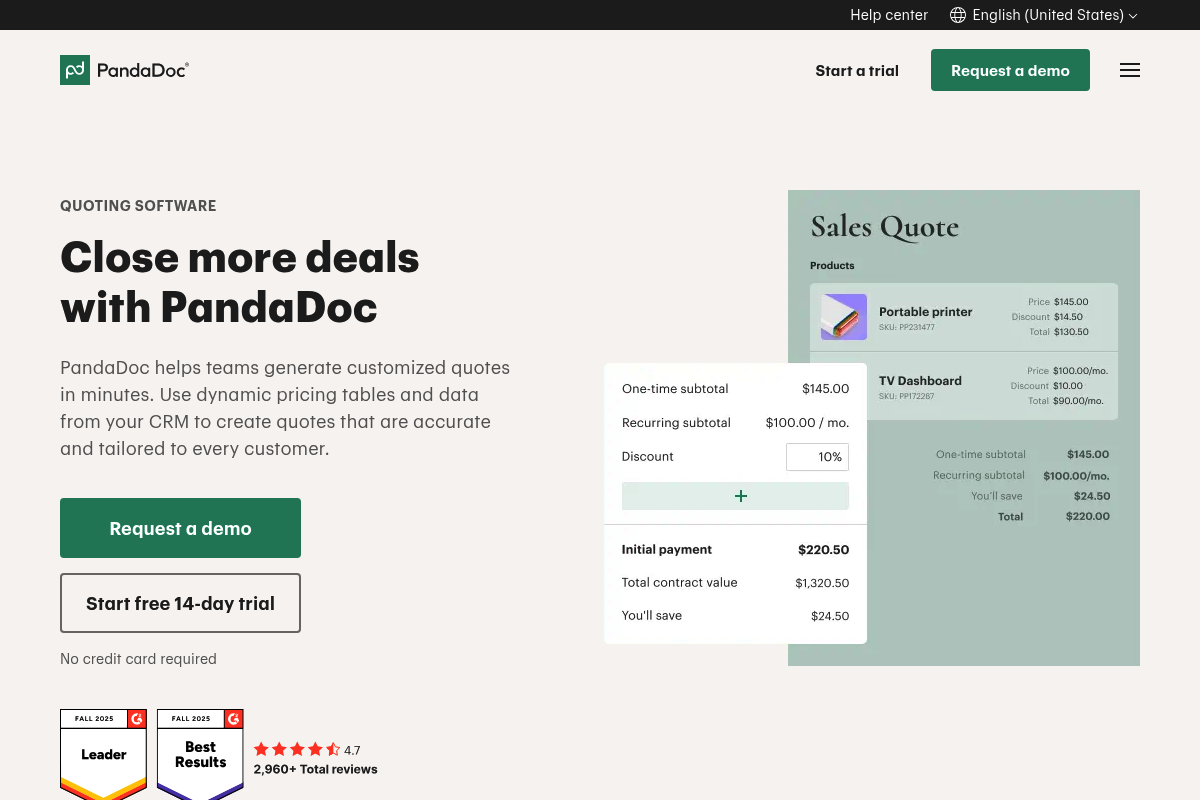 Strong for proposals plus quoting with pricing tables and a polished signing flow. Best when you want one place for quote, proposal, and acceptance without heavy CPQ complexity.
Proposify
 A proposal-first tool that works well when your quote is really a branded scope document. Good for teams that win on presentation and need consistency across reps.
Qwilr
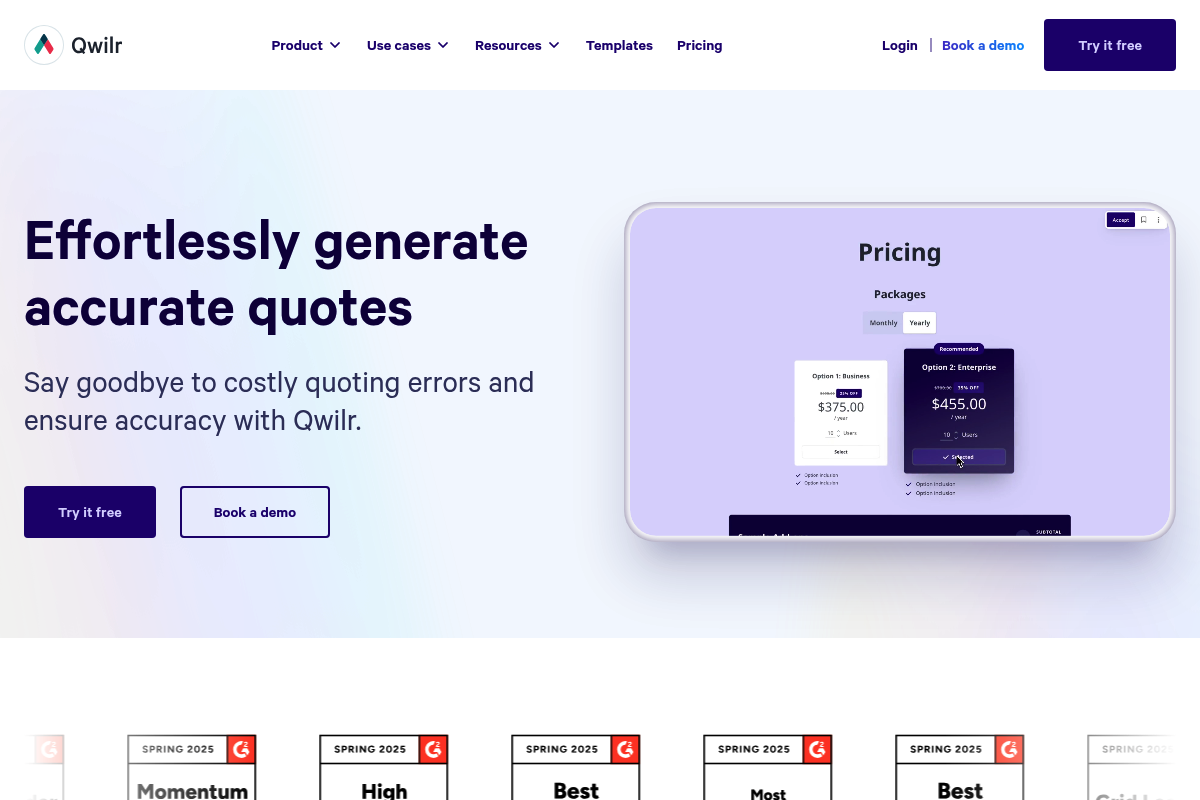 Great when you want interactive, web-based quotes instead of static PDFs. Useful for productized services and modern sales teams that want a smoother buy-side experience.
DealHub CPQ
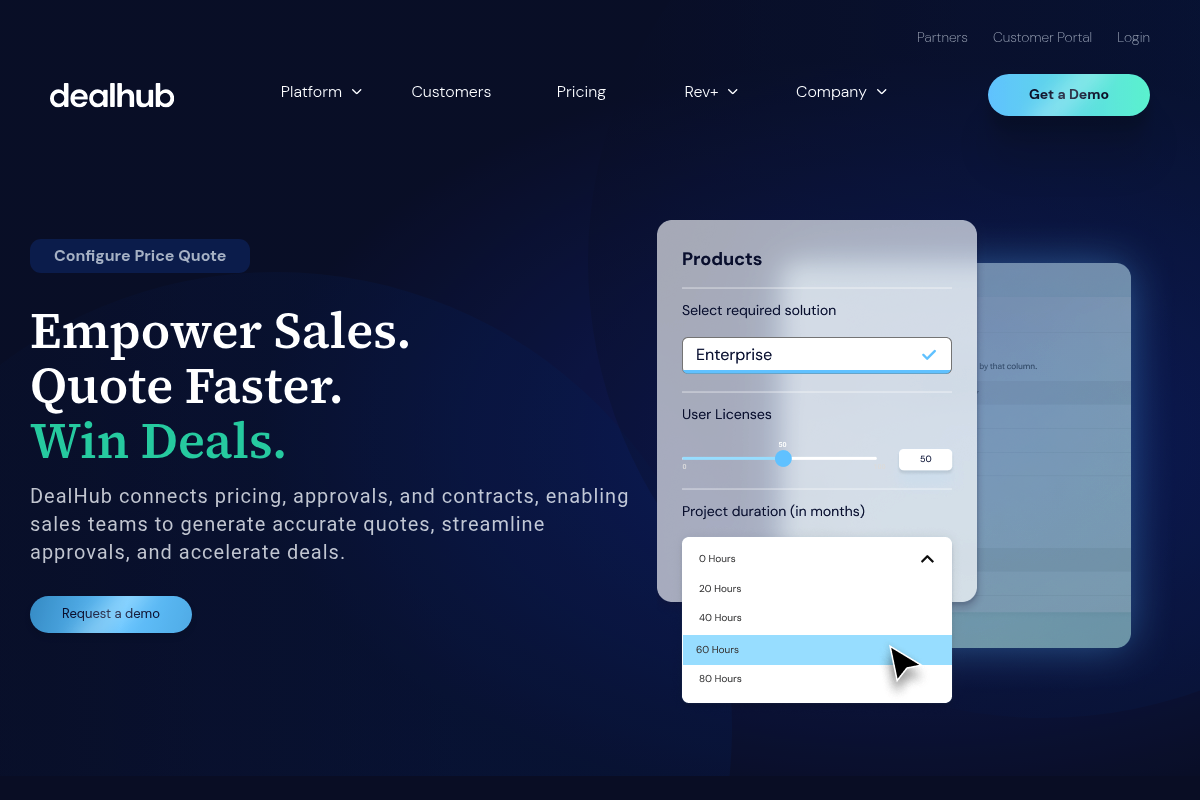 A CPQ option for teams with multiple sales motions and approval paths. Consider it if discounting and packaging have become a recurring fire drill.
Salesforce CPQ
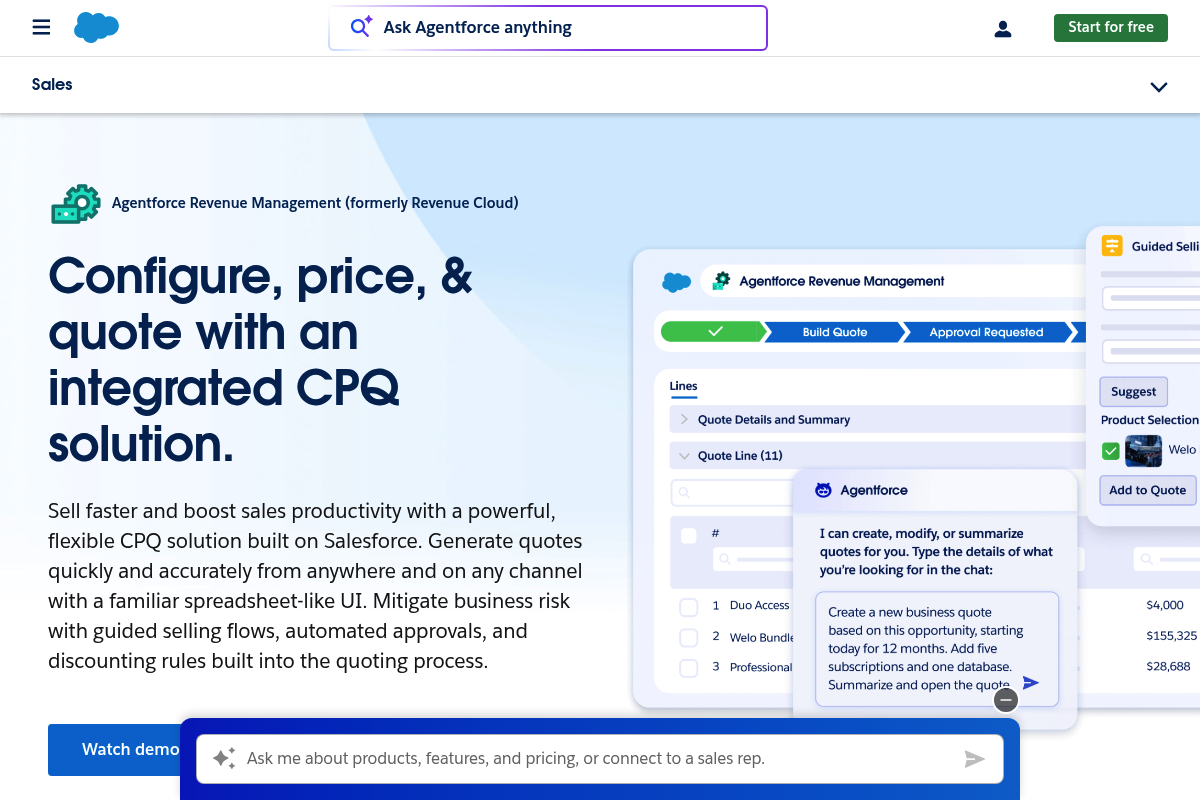 Enterprise-grade CPQ for complex catalogs, discount rules, and approvals. The right fit if Salesforce is already your system of record and your process demands strict governance.
HubSpot Quotes
 A practical choice when you live in HubSpot and want standardized, approved quotes tied to deals. Best for simpler quoting that still needs consistency and tracking.
QuoteWerks
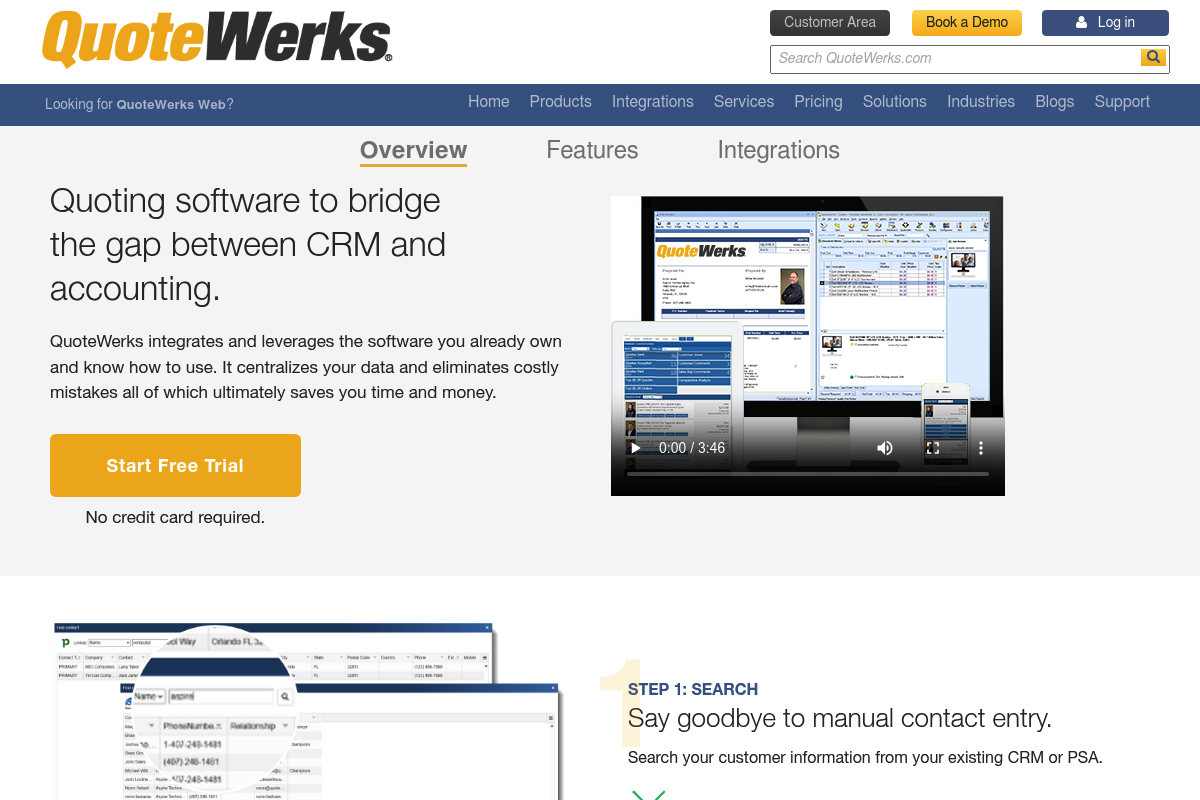 A long-standing quoting platform that often shows up in CRM and accounting-heavy environments. Consider it if you need a bridge between sales quoting and back-office systems.
Jobber
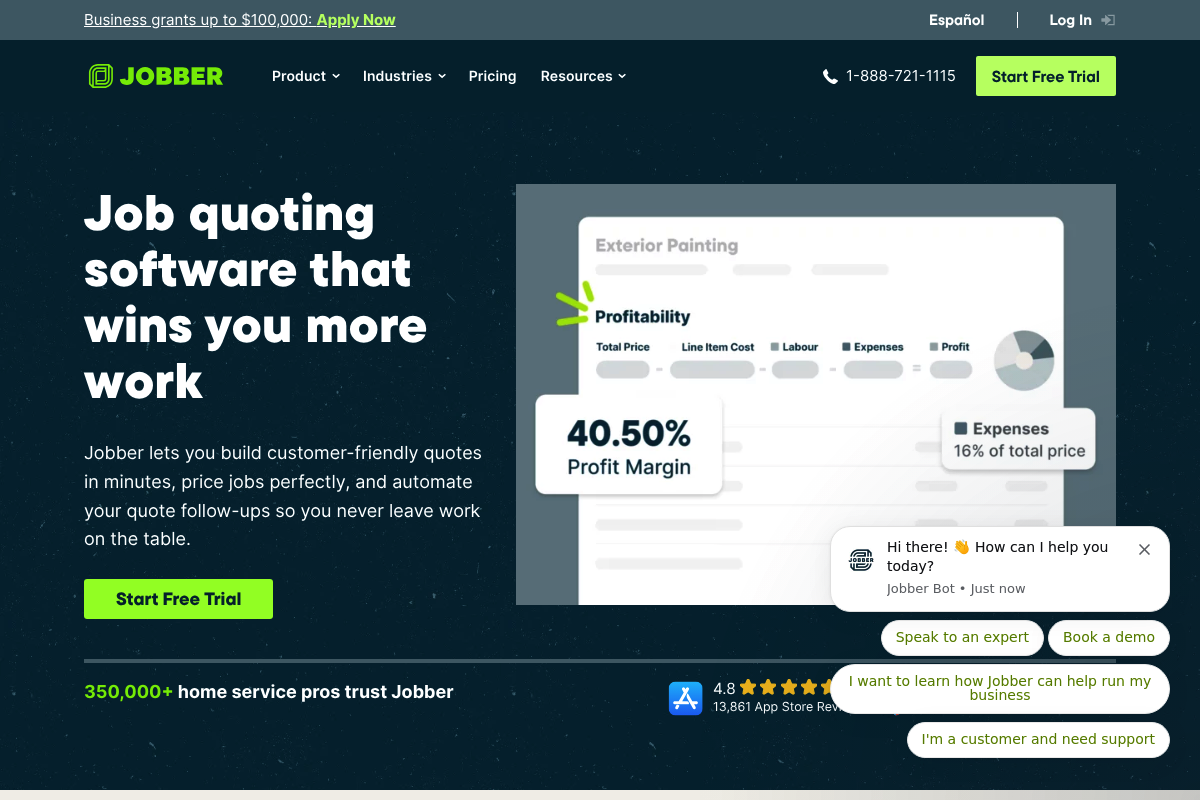 Built for home service pros who quote in the field. Strong for fast estimates, options, and follow-up automation that helps you close jobs without extra admin.
Xero Quotes
 A good fit when accounting is the center of your workflow and you want simple quotes that convert cleanly into invoices. Best for straightforward services and products.
FreshBooks Quotes and Estimates
 Best for small businesses that want client-friendly estimates and approvals with minimal setup. Works when you want quoting tied directly to invoicing and time tracking.
Build vs buy
Buying quote management software is smart when your workflow is common and your pricing is predictable. Building is smart when quoting is how you protect margin, enforce scope, and coordinate delivery.
Buy when
- Your quote is mostly a document: Template, signature, and payment are the main needs.
- Your team can standardize: One pricing model, one approval path, minimal exceptions.
- Your CRM is clean: Products and pricing data are already structured.
Build when
- You have exception workflows: Custom bundles, approvals by region, deal desk logic, or service-specific rules.
- Your quote triggers operations: Staffing, scheduling, procurement, client onboarding, or handoffs that are not covered by off-the-shelf integrations.
- You need one system of record: Quotes, scope, delivery status, and billing should live together.
This is where we are genuinely useful: instead of bending your team around someone else’s opinionated quote flow, you can build the internal quoting app you actually need, then expand it into an operational system. If you want a starting point for structuring objects, roles, and screens, use our AI app builder prompts. For a broader decision framework, the “pieces off-the-shelf tools struggle with” approach in the build vs buy discussion maps well to quoting.
Implementation timeline
A realistic rollout is less about installing software and more about cleaning pricing inputs and approvals.
- Week 1: Define the quoting standard: Catalog, service packages, discount rules, approvers, and required terms.
- Week 2: Build templates and approval paths: Lock layouts, define exception handling, and set up signing.
- Week 3: Integrations and testing: Sync CRM objects, connect accounting and payments, test edge cases.
- Week 4: Training and launch: Train reps on the new flow, then enforce the one quoting path rule.
If you decide to build instead of buy, the timeline depends on how much of the workflow you want to automate end-to-end.
What you should take away
You now have:
- Evaluation filter: A practical filter for evaluating quote management software
- Workflow fit: A workflow view for contractors and agencies
- Integration priorities: The integration categories that prevent rework
- Shortlist options: A vetted shortlist of tools, from lightweight quotes to enterprise CPQ
- Build vs buy lens: A clear build vs buy framework when your quoting process is a competitive advantage
Frequently Asked Questions
What is the difference between quoting software and CPQ?
Quoting software focuses on generating and sending quotes and proposals. CPQ, or Configure, Price, Quote, adds rules for configuration and pricing so quotes stay accurate even with complex products, bundles, and discount approvals.
What integrations are non-negotiable for quoting?
At minimum: CRM for deal context, accounting for invoice conversion, payments for deposits, and e-signature for acceptance. If delivery depends on the quote, you also need a handoff into scheduling or project management.
How do I stop discounting from getting out of control?
Use pricing floors, approval routing for exceptions, and standardized packages. The goal is to make the correct price the default price, not a special request.
When does it make sense to build a custom quote workflow?
When quotes drive downstream operations, when exceptions are frequent, or when you need approvals and audit trails that match your organization’s reality. If quoting is how you protect margin, custom logic often pays back quickly in reduced rework.
Start building
If your current tool can generate a PDF but cannot enforce pricing logic, approvals, and clean handoffs, you are paying for speed and losing it downstream. We built our platform for founders and operators who want to ship a working quoting workflow fast, start from templates, and still keep full flexibility as requirements evolve.
Start with the self-serve path on our pricing to get an MVP live quickly, then move up to our Enterprise tier when you need deeper governance, integrations, and org-wide standardization.