You are here because ServiceTitan is powerful, but it may be too heavy, too rigid, or too expensive for where your business is right now. This guide to servicetitan alternatives helps you choose the right field service management (FSM) setup based on how you actually run jobs: scheduling, dispatch, estimates, invoices, payments, and the edge-case workflow that always breaks "all-in-one" tools.
Quick verdict on ServiceTitan alternatives
| Option | Best for | Why you would choose it | Where it falls short |
|---|---|---|---|
| ServiceTitan | Larger trade businesses that want one standardized operating system | Deep end-to-end workflow coverage and reporting across office + field | Can be overbuilt for smaller teams; customization can still hit limits when your workflow is unique |
| Jobber | Owner-operators and growing teams that want simplicity | Clean quoting-to-payment flow; easier adoption | Less suited to complex multi-division operations |
| Housecall Pro | Home service teams that want scheduling + payments + marketing in one place | Strong "run the day" tooling and client-facing features | You may still outgrow it if you need heavy back-office controls and bespoke processes |
| FieldEdge | Service businesses that care about tighter field-to-office coordination | Dispatch board + mobile workflows built for technicians | Can still require workarounds when you want non-standard approval rules or data models |
| Service Fusion | Value-focused teams that want core FSM features without the enterprise feel | Practical scheduling, work orders, and a broad FSM feature set | Advanced reporting and "exactly-my-way" workflow logic can be limited |
| Build with Quantum Byte | Founders and operators who want software that matches their process | You can model your exact workflow (approvals, packages, upsells, checklists, handoffs) instead of adapting to a preset | You own decisions on scope, roles, and data structure (which is a plus if you want control) |
Feature checklist for picking the right FSM platform
Use this as your shopping list. If a tool misses two or three of these, it will show up later as admin drag, missed follow-ups, or messy reporting.
- Scheduling and dispatch: You need drag-and-drop scheduling, capacity visibility, and a fast way to reshuffle the day when jobs slip.
- Estimates and approvals: Look for quote templates, optioned proposals, customer approval flows, and internal approval rules when discounts get involved.
- Work orders and job checklists: Your techs need consistent steps (photos, measurements, parts used, notes) so the office is not guessing later.
- Invoicing and payments: Card and bank payment options should be simple for customers and easy to reconcile.
- Customer communication: Automated reminders reduce no-shows; status updates reduce inbound calls.
- Technician mobile app: Offline resilience, photo capture, signature collection, and fast note entry matter more than "cool" dashboards.
- Reporting that matches reality: If your reporting categories do not reflect how you sell (membership vs. one-off, service line vs. division), your decisions get worse.
- Integrations: Accounting and customer relationship management (CRM) integrations are not "nice to have." They determine whether your books and pipeline stay clean.
Workflow fit for contractors and agencies
The best ServiceTitan alternative depends less on features and more on your operating model.
- Owner-operator and small crew (1 to ~10 techs): You win with speed. Jobber and Housecall Pro usually fit because setup and day-to-day use are straightforward.
- Multi-crew, multi-service (10 to ~50 techs): You start caring about roles, permissions, job costing, and consistent processes. This is where FieldEdge and ServiceTitan-style platforms become more relevant.
- Complex operations (multiple branches, specialty lines, strict approvals): You either standardize hard around a platform’s way of working, or you build the workflows you actually run.
- Agencies and operators managing multiple brands: If you need repeatable systems across brands but each brand has quirks, you will feel the limits of "one workflow fits all." A build approach can be cleaner than forcing every client into the same mold.
If you are thinking in terms of "our process is different," that is a signal to evaluate a build path alongside buy. We built our platform around that idea: turn your workflow into software without a long custom development cycle.
Integrations that matter
Integrations are where the real cost of switching shows up. Plan them early.
CRM integration
- What to validate: Lead capture, estimate follow-up stages, and handoff from sales to dispatch.
- What breaks most often: Duplicate customers and mismatched fields (address formats, service line categories, technician tags).
Accounting integration
- What to validate: Two-way sync rules (customers, invoices, payments), tax handling, and how refunds/credits post.
- Why it matters: If you have to "fix it in QuickBooks later," you are choosing ongoing labor.
Payments
- What to validate: Deposits, partial payments, tips, recurring membership billing, and chargeback workflows.
- Security baseline: PCI DSS provides a baseline of technical and operational requirements designed to protect payment account data, as defined by the PCI Security Standards Council.
E-signature
- What to validate: Signed estimates and signed completion forms should attach to the job record automatically.
- Legal baseline: Under the U.S. Electronic Signatures in Global and National Commerce Act (ESIGN Act), a contract or signature generally cannot be denied legal effect solely because it is electronic, per 15 U.S.C. § 7001.
- Practical advice: Prefer tools that store a clear audit trail (who signed, when, from what device).
Pricing expectations and cost drivers
Most FSM tools price around a monthly subscription model, often tied to users, technicians, or feature tiers. Your total cost usually moves with these drivers:
- Seat count: Every additional dispatcher, CSR (customer service representative), or technician login can increase spend.
- Add-ons: Phone, marketing automation, advanced reporting, payroll, or fleet tracking can change the math.
- Implementation and onboarding: The more complex your data (pricebook, service areas, memberships, multiple locations), the more setup work you should expect.
- Integration complexity: If your accounting or CRM needs custom field mapping or one-off logic, budget time and money for it.
If your main frustration with ServiceTitan is cost relative to value, ask a sharper question: are you paying for power you do not use, or are you paying because you cannot shape the workflow to match how you sell and deliver?
Alternatives and competitors
Below are the short, practical profiles you actually need when deciding.
ServiceTitan

- Best fit: You want a comprehensive platform and you are willing to standardize how your team works.
- Watch-outs: If your business has non-standard job types, approvals, packages, or bundled offers, you may end up doing process contortions to fit the system.
Jobber
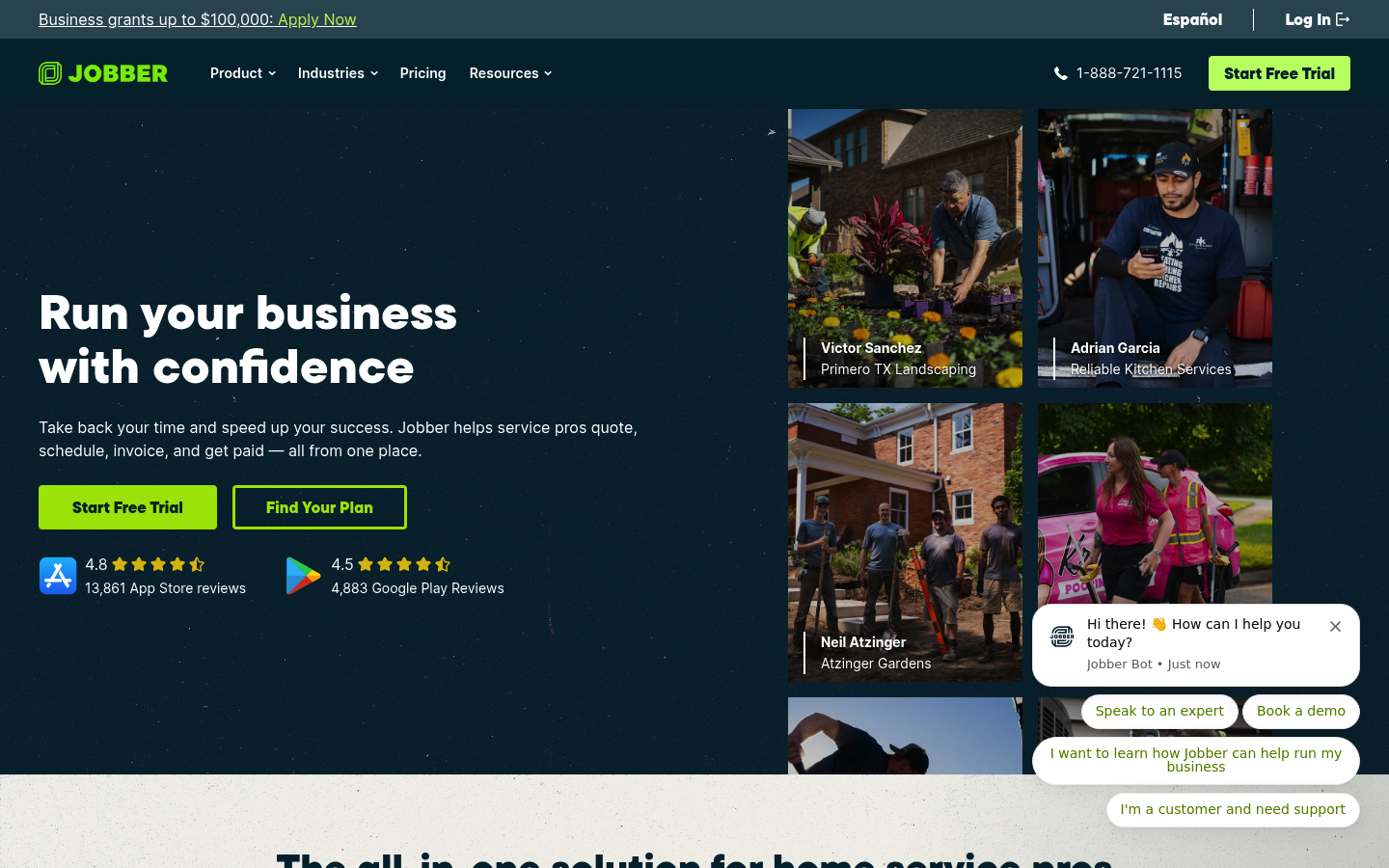
- Best fit: You want a clean workflow from quote to schedule to invoice, with a low learning curve.
- Watch-outs: As your reporting and internal controls get more complex, you can run into limits.
Housecall Pro
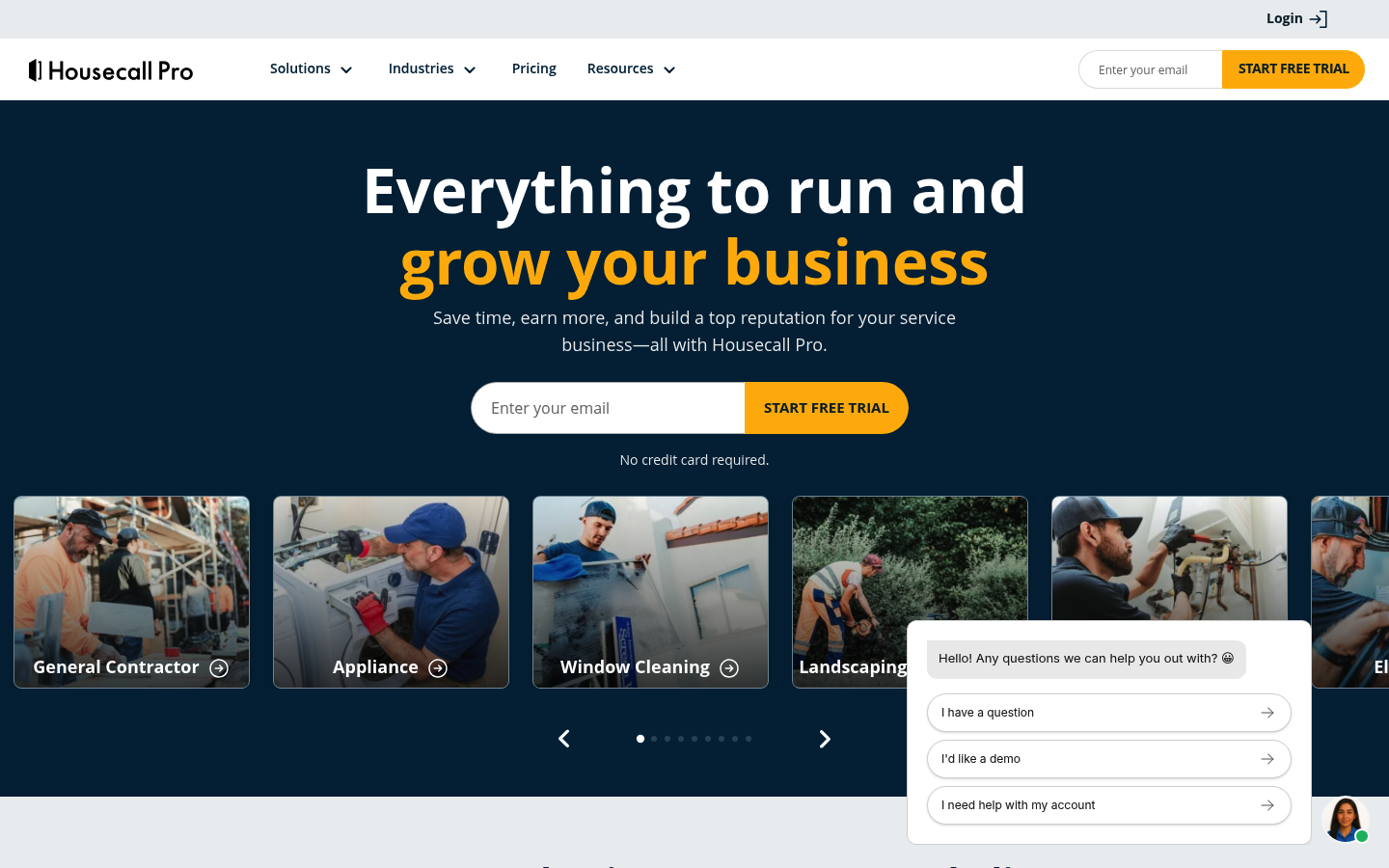
- Best fit: You want strong day-to-day operations with client-friendly scheduling, payments, and communication.
- Watch-outs: If your ops require custom approval logic, data models, or highly specific job flows, you may need workarounds.
FieldEdge
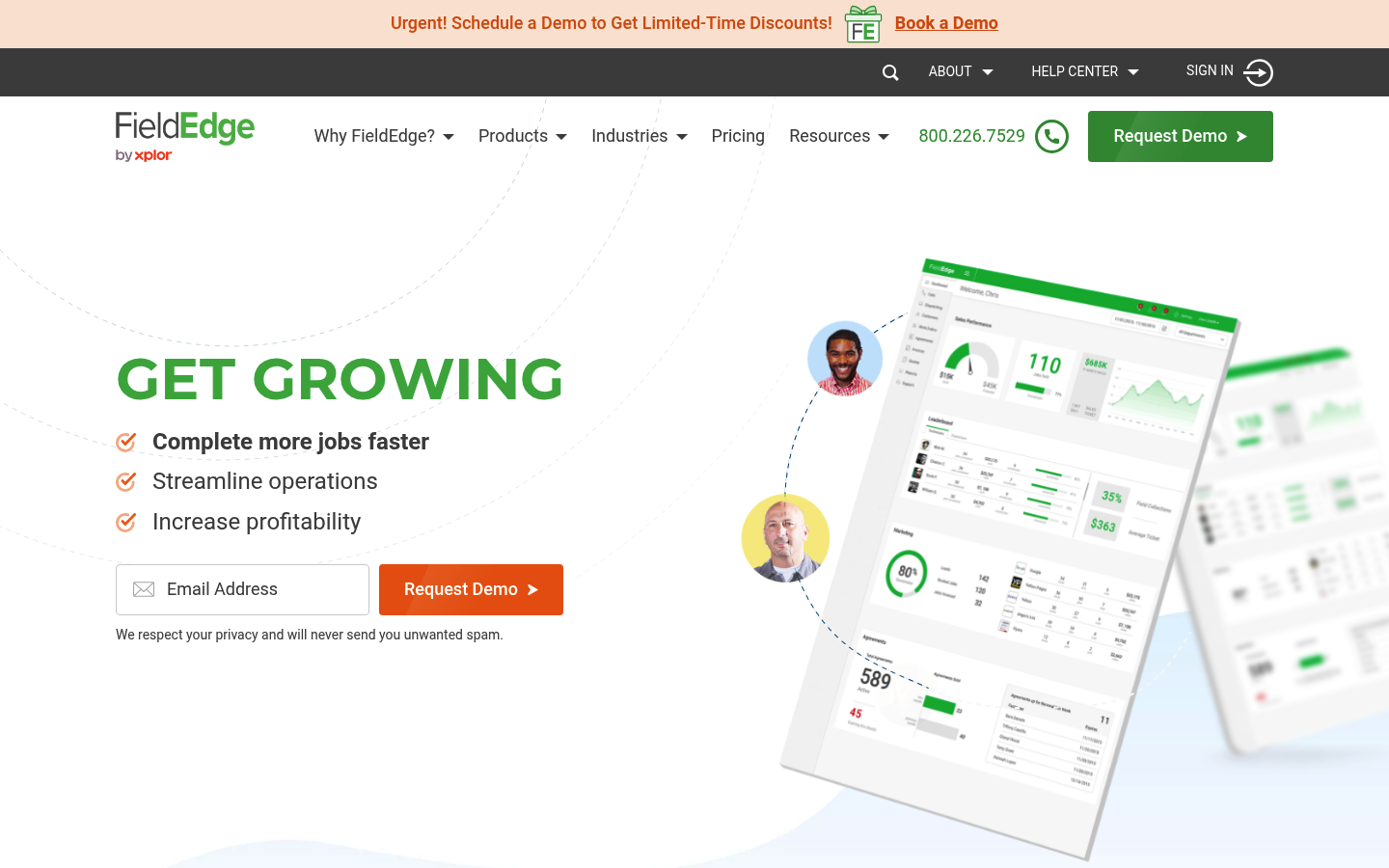
- Best fit: You want office-to-field coordination and dispatch visibility, and you run a service business where technician execution matters.
- Watch-outs: You still need to validate whether the platform can express your unique workflows without custom development.
Service Fusion
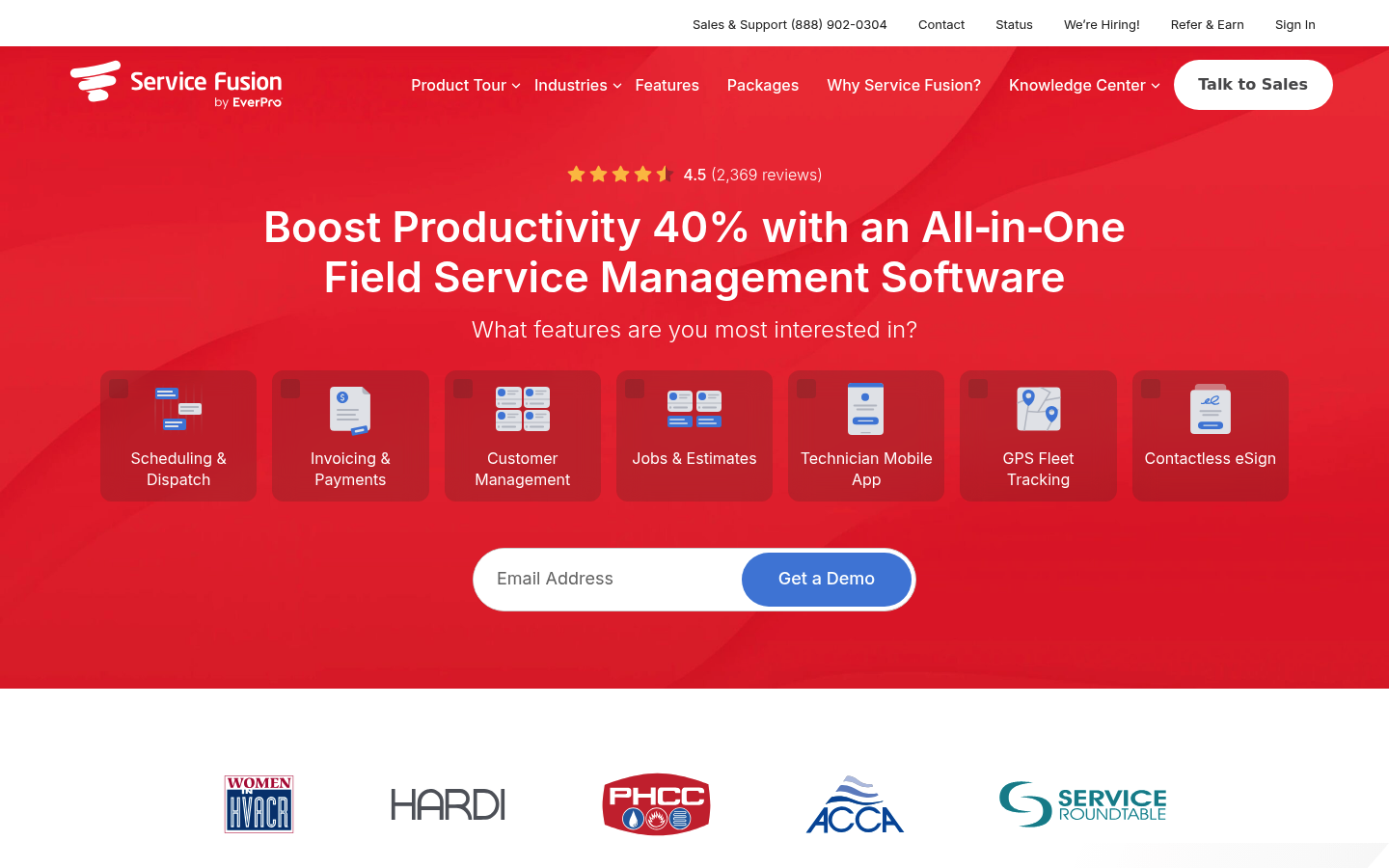
- Best fit: You want broad FSM coverage at a value-oriented positioning.
- Watch-outs: If you need advanced analytics and operate-exactly-like-this rules, confirm the limits before migrating.
Build with Quantum Byte
- Best fit: You have a real workflow edge you do not want to standardize away, and you want a system that matches it.
- Why teams choose it: You can define your data model, roles, screens, and approval rules, then build from templates instead of starting from zero. If you want to see what “clear requirements” look like, the AI app builder prompt templates are a practical reference.
- Watch-outs: You still need to decide scope. A good approach is building one high-frequency workflow first, then expanding.
Build vs buy for field service workflows
Buying is usually right when you can accept the platform’s opinionated workflow. Building is usually right when the workflow is your advantage.
Buy is the better choice when
- You can standardize: You are willing to change your process to match the tool, because the tool’s process is good enough.
- You need proven defaults: You want established FSM patterns out of the box and you are not trying to reinvent the wheel.
- Your complexity is mostly volume, not uniqueness: More jobs, more techs, more locations, but not wildly different job types.
Build is the better choice when
- Your workflow is specific: Your approvals, packages, memberships, upsells, warranty rules, and handoffs are not generic.
- You want one system for ops: You are tired of stitching five tools together, then living with the gaps.
- You want software as a product: You are a founder productizing a workflow, not just running jobs.
This is where we fit naturally. You describe the app you need, then shape the workflow to match your operations, using templates as a starting point instead of a straightjacket. If you want a more structured way to translate “how we operate” into build-ready specs, our prototype tier is a good place to start.
For larger operators that need governance and broader operational visibility, we also offer an enterprise path built for business operations on the enterprise solution page.
Implementation timeline
Expect your timeline to be driven by data, training, and integrations, not by turning the software on.
- Days to a couple of weeks: Basic setup (services, pricebook, users, service areas), plus scheduling and invoicing workflows.
- A few weeks: Data migration cleanup, accounting sync validation, membership setup, and training.
- Longer implementations: Multi-branch operations, complex permissions, custom reporting, and non-standard workflows.
If your biggest pain is manual admin rather than missing features, you can often ship value faster by automating a narrow workflow first. The playbook in this business process automation guide aligns with that approach.
If you want more examples of how “field operations” software gets scoped in different industries, two useful references are our guide to routing and scheduling software and its breakdown of equipment rental software workflows.
Wrapping up what you covered
You now have a clear way to evaluate ServiceTitan alternatives without getting lost in feature lists:
- Use the comparison table: Shortlist based on your operating model.
- Validate workflow fit: Confirm your job types, approvals, packages, and reporting categories can be expressed without constant workarounds.
- Plan integrations early: They decide whether your data stays trustworthy.
- Treat pricing as a system: Seats, add-ons, and implementation drive the real cost.
- Consider build vs buy: If your workflow is a differentiator, custom software can preserve that edge.
Frequently Asked Questions
What is the best ServiceTitan alternative for a small home service business?
For many small teams, Jobber or Housecall Pro is the most practical alternative because adoption is typically easier and the quoting-to-invoicing workflow is straightforward. The best pick is the one your team will actually use daily without friction.
Which alternative is closest to ServiceTitan for more complex operations?
If you need stronger dispatch visibility and field-to-office coordination, FieldEdge is often closer in spirit. If your “complexity” is really about unique workflows rather than size, a build approach can be closer than any off-the-shelf platform.
When should you build a custom solution instead of switching to another FSM tool?
Build when you keep hitting the same wall: approval rules, packages, memberships, bundles, or reporting categories that do not match how you sell and deliver. If your process is your edge, custom software preserves that edge instead of sanding it down.
Will building mean you lose common FSM features like scheduling and invoicing?
Not if you scope it correctly. You can start with a core workflow (booking, scheduling, job checklist, invoice, payment link) and expand. Templates and structured prompts help you ship the basics quickly, then iterate.
How do you avoid creating yet another tool nobody uses?
- Start with one high-frequency workflow: Dispatch, closeout checklist, or invoice approval.
- Design around roles: Technician, dispatcher, office admin, owner.
- Make reporting automatic: Capture fields at the point of work, not after the job.
Start building
If you are done bending your process to match someone else’s platform, build the workflow you actually run.
We are a strong fit when you want founder-friendly speed without giving up control. You can start from plug-and-play templates, then customize the parts that actually make your operation different. Our platform is built for non-technical operators, and we have seen founders go from idea to working app in minutes.
For the self-serve tier, Start building.