
Vagaro vs Mindbody is a real fork-in-the-road decision for Pilates studios because the difference shows up less in the feature list and more in your monthly cost predictability, how much you rely on marketplace discovery, and how smooth your front-desk and billing workflows feel under pressure.
Vagaro vs Mindbody: comparison summary for Pilates studios
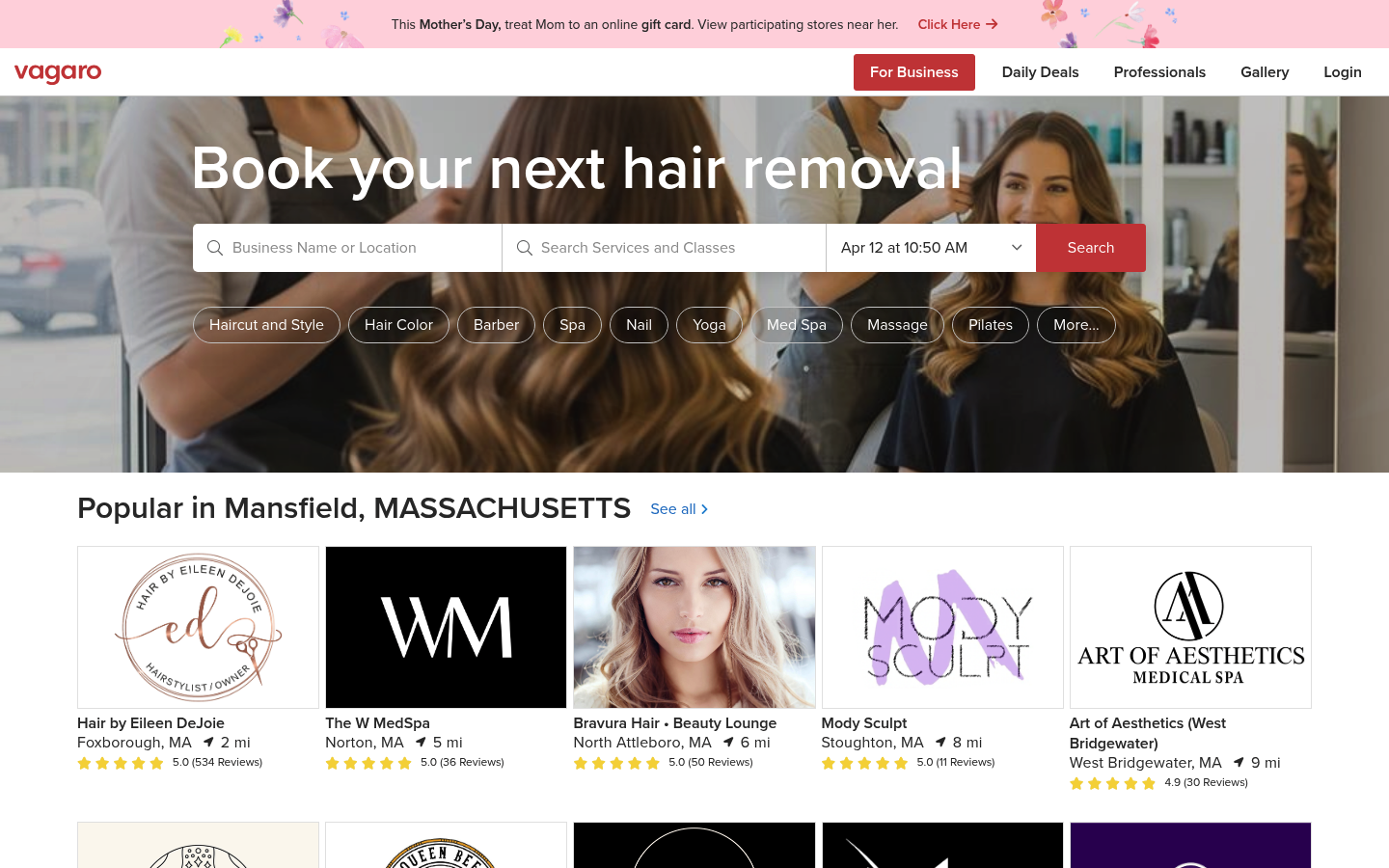
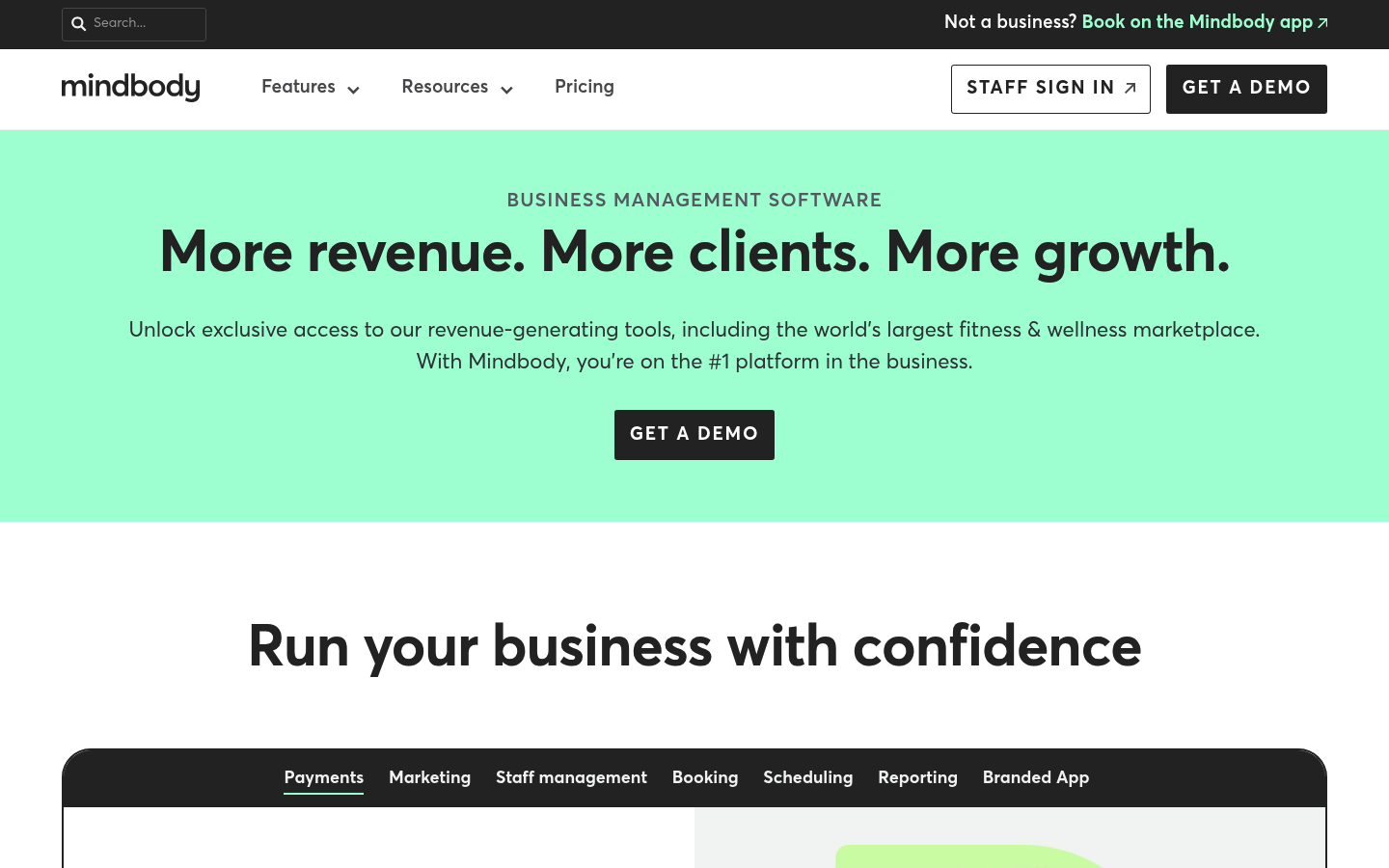
If you want the shortest answer: choose Mindbody when marketplace acquisition and multi-studio complexity are core to your growth plan; choose Vagaro when you want a simpler day-to-day setup and tighter control over ongoing software costs.
| Dimension | Vagaro | Mindbody |
|---|---|---|
| Best for | Cost-conscious boutiques and studios that prioritize a straightforward scheduler and checkout | Studios that expect to lean on marketplace discovery and need deeper “business ops” structure as they scale |
| Pricing approach (how costs tend to scale) | Often scales with the features you add and operational needs (users, messaging, payments, add-ons) | Often packaged in higher-tier plans and add-ons; can feel “all-in-one” but may be less flexible on what you can remove |
| Marketplace value | Marketplace can help, but many studios treat it as supplemental demand | Marketplace is a primary strategic differentiator for many studios using Mindbody |
| Classes + memberships (Pilates reality) | Can work well for mixes of classes and privates, but you should verify edge cases (packs + memberships together, series/workshops) | Strong for complex schedules and recurring billing, but you should verify how fast your team can execute common tasks |
| Payments and card-on-file | Verify: card-on-file enforcement, refunds, terminals, and how exceptions are handled | Verify: card-on-file enforcement, refund workflows, and how reliably staff can troubleshoot payment issues |
| Integrations | Usually fine for common needs, but confirm your exact stack (accounting, marketing, waivers, analytics) | Typically positioned as integration-friendly, but confirm your must-haves before signing |
| Ease-of-use and learning curve | Often perceived as easier to pick up for small teams | Often perceived as powerful but heavier; your staff adoption matters as much as admin features |
| Support and onboarding | Quality can vary; ask what onboarding actually includes | Often offers more structured onboarding options; ask for specifics, not promises |
| Contract and trial expectations | Confirm trial, cancellation, and data export terms in writing | Confirm contract length, renewal terms, and onboarding/migration fees in writing |
| Pilates workflow score (1 to 5) | Use the script below | Use the script below |
The “Pilates workflow score” is intentional. Instead of trusting generic review language like “clunky” or “intuitive,” you can score both tools on the exact tasks your studio does every day.
Quick verdict: which one to choose
Use this as your decision shortcut, then sanity-check it with the usability script.
- Solo instructor (mostly privates, light memberships): pick Vagaro most of the time. You usually win on simplicity and cost control. Your biggest risk is choosing a system that adds admin overhead you do not have time to manage.
- One-location boutique (front desk, mix of reformer classes + privates + memberships): depends on acquisition strategy. If you want marketplace discovery to matter, Mindbody is typically the more natural bet. If you already have demand through referrals, local SEO, or partnerships, Vagaro often covers the operational needs without forcing a heavier ops layer.
- Multi-instructor, multi-room (high schedule churn, frequent substitutions, lots of policies): lean Mindbody. Complexity multiplies quickly with equipment capacity, waitlists, and payroll reporting.
- Multi-location: lean Mindbody unless you are intentionally keeping systems lightweight. Cross-location reporting, standardized policies, and role-based access become more important.
A few “if this, then that” rules that matter specifically for Pilates:
- If you run heavy memberships plus strict late-cancel rules: prioritize card-on-file enforcement and clean exception handling. The wrong workflow quietly leaks revenue.
- If you sell lots of workshops and series: verify “enrollments” end-to-end, including transfers, credits, and attendance tracking without front-desk gymnastics.
- If you run equipment-limited group classes (reformer count is the constraint): capacity control and waitlist auto-promotion are non-negotiable.
Both platforms can run a Pilates studio. The tradeoff is operational friction: what takes 20 seconds in one system can take 2 minutes in another, and that difference compounds every day.
Feature checklist Pilates studios should verify before you switch
Copy/paste these into your demo notes and get clear yes/no answers.
Revenue protection
- Can we require card-on-file for bookings? Verify whether it can be enforced for specific class types, memberships, and intro offers.
- Can we auto-charge late cancels and no-shows? Confirm triggers, grace periods, and whether staff can override with an audit trail.
- Can we message policies at checkout and booking? Make sure policy text is visible in the client flow, not buried.
Capacity control
- Can we set capacity by equipment count (reformers, chairs) per class type? Confirm capacity is enforced across online booking and staff booking.
- Does waitlist auto-promotion work the way we want? Ask how it handles cutoffs (example: stop promoting within 2 hours of class).
- Can we support privates and semi-privates with instructor and room constraints? Validate that double-booking prevention is real.
Client self-serve
- Can clients reschedule without calling the front desk? Verify rules, deadlines, and how credits are handled.
- Can clients manage memberships (freeze, cancel, update card)? Confirm what is self-serve vs staff-only.
- Do clients see pack balances and expiration clearly? Confusion here creates avoidable support tickets.
Instructor operations
- Can we handle instructor substitutions quickly? Confirm if payroll and reporting stay accurate after substitution.
- Can we track attendance and notes per client? Especially helpful for progression and client retention.
Reporting
- Can we export a payroll-ready instructor compensation report? Ask whether it supports different pay rules (per head, per class, % of revenue).
- Can we report on intro offer conversion to memberships? This is your most important retention lever.
Pilates-specific usability test script
Run a 60 to 90 minute sandbox test in both tools with the same fake studio setup. Use this exact dataset:
- 3 instructors
- 2 room types (Reformer Room, Mat Studio)
- 6 class types (Reformer Beginner, Reformer Intermediate, Reformer Jumpboard, Mat Flow, Private, Semi-Private)
- 2 memberships (Unlimited Reformer, 8 Classes per Month)
- 1 pack (10 Class Pack)
- 1 workshop (4-week “Back Care Series”)
Tasks to run
Score each task 1 to 5 where 1 is painful and 5 is fast and obvious.
- Create class types with capacity constraints: You can set capacity per room and class type, and it prevents overbooking everywhere.
- Set up an intro offer (example: 3 classes for a fixed price): It is easy to buy, easy to redeem, and has clear expiration and upgrade messaging.
- Sell a membership plus a pack to the same client: The ledger is clean, staff can explain it, and the client portal makes balances obvious.
- Configure waitlist and auto-promotion rules: Promotions happen automatically, notifications are sent, and staff can override when needed.
- Configure late-cancel policy with card-on-file: Policy enforcement works without staff intervention, but exceptions are simple and auditable.
- Client reschedule flow from the portal: The client can reschedule within your rules, and the system applies credits correctly.
- Instructor substitution for a scheduled class: The substitute assignment updates attendance and compensation reporting correctly.
- Export an instructor compensation report: The export matches how you actually pay instructors.
- Run end-of-month revenue and attendance report: You can answer “what sold,” “who attended,” and “what is outstanding” without spreadsheets.
Weighting
- Payments and no-show policy: 30%
- Capacity control and waitlists: 25%
- Packages, memberships, and intro offers: 20%
- Front desk speed (below): 15%
- Reporting: 10%
“Front desk day” mini-simulation
- Check-in a full reformer class
- Sell a drop-in
- Add a retail item
- Comp a class for a VIP client
- Process a refund
- Rebook the client into a private next week
If either tool fails this simulation, it will frustrate your staff daily.
Marketplace and client acquisition: how to measure if it actually pays off
Marketplace demand can make you feel busy while shrinking profit if it replaces bookings you would have gotten directly.
Measure three things:
- Incrementality: Are these truly new clients, or are regulars booking through the marketplace?
- Discount and commission impact: What do you give up in margin to get the booking?
- Retention to direct: Do marketplace clients convert to full-price, direct relationships?
A practical 4-week experiment plan
- Create a dedicated “Marketplace New Client” intro offer. Make it distinct so you can cohort it.
- Track booking source at intake. Add one required question for staff to ask and record: “How did you find us?”
- Tag every marketplace client consistently. Use a single tag or note format so reporting is reliable.
- Use a 30-day conversion proxy. Track whether they buy a membership or a second package within 30 days.
Decision rule you can use:
- Keep marketplace focus if incremental margin from truly new clients exceeds the difference in software cost plus the admin time burden.
- If not, treat marketplace as a seasonal fill tool (slow periods, new instructor ramp-up), not your core growth channel.
Integrations that matter for Pilates: payments, accounting, marketing, and attendance
Integrations are not “nice to have.” They determine how many times you re-enter the same data.
Prioritize integrations along critical paths:
- Payments and terminals: Confirm your preferred in-person setup, plus how card-on-file and online payments work.
- Accounting: Make sure sales, taxes, and refunds map cleanly into your accounting workflow.
- Email and SMS marketing: You want lifecycle messaging (intro offer follow-up, win-back, membership renewal) without manual lists.
- Waivers and forms: A clean waiver flow reduces front-desk bottlenecks.
- Analytics: Exportability matters for studios that want real attribution and cohort reporting.
Security and compliance questions you should ask any vendor handling payments:
- PCI DSS scope: PCI DSS applies to entities that store, process, or transmit cardholder data, and your studio still has obligations depending on how payments are handled by your systems and vendors per the PCI DSS standard.
- Small business hygiene: Confirm multi-factor authentication (MFA), role-based access, and a clean staff offboarding process. These are practical controls emphasized in NIST’s small business guidance, including access control and account management in the NIST SP 1300 quick-start.
Payments and no-show protection: why reminders + card-on-file workflows are revenue features
Reminders are not fluff. They change attendance behavior.
A systematic review of reminder interventions reported a weighted mean relative reduction in non-attendance of 34% of baseline in the studies reviewed in Use of telephone and SMS reminders to improve attendance at hospital appointments. A more recent meta-analysis also found reminders improve attendance, with a pooled relative risk of 1.11 in A systematic review and meta-analysis of appointment reminders for enhancing hospital attendance.
You are not running a hospital, but the operational point translates cleanly: automated reminders and confirmation flows reduce preventable no-shows, which protects instructor pay, class utilization, and your ability to staff confidently.
Workflow checks to verify in both Vagaro and Mindbody:
- Reminder cadence: Can you send email and SMS reminders at multiple time windows (example: 24 hours and 2 hours before)?
- Confirmation flow: Can clients confirm attendance, and can staff see confirmations quickly?
- Card-on-file enforcement: Can you require a card for specific classes, workshops, and intro offers?
- Late cancel and no-show rules: Are charges automatic, and can staff apply a one-time exception without breaking reporting?
- Edge cases: Family accounts, membership freezes, partial refunds, and chargeback handling.
If you have ever lost a full reformer class worth of revenue to last-minute cancellations, you already know why this matters.
Pricing expectations: model your true monthly cost
For Vagaro vs Mindbody cost comparisons, the fastest way to avoid surprises is to model your cost drivers before you fall in love with either UI.
Cost drivers to plug into your model
- Team size: admins, front desk, instructors
- Locations: one studio vs multi-location
- Messaging volume: SMS reminders can become a real line item
- Payments mix: in-person vs online vs card-on-file
- Add-ons: marketing, websites, payroll, analytics, custom reporting
- Onboarding and migration: data import, setup help, training
- Contract terms: length, renewal, cancellation policy
Example scenarios
- Solo instructor: prioritize predictable baseline cost, simple checkout, and strong reminders.
- Boutique with 6 instructors plus front desk: prioritize substitutions, capacity control, reporting, and payment exception handling.
- Multi-location: prioritize permissions, standardized policies, and consolidated reporting.
True cost checklist
- Plan inclusions: exactly what features are included on your tier
- Processing fees: rates, chargeback fees, and refund handling
- SMS costs: overages and per-message pricing
- Premium support: whether it is included or billed separately
- Hardware: terminals, readers, receipt printers where needed
- Migration: whether data import is included and what is excluded
Your goal is not the lowest sticker price. It is the lowest cost to run the studio without constant workarounds.
Day-to-day usability and support: what your staff will complain about
Treat usability as a revenue issue. Every extra step at check-in becomes a line at the front desk.
- Owner/admin perspective: You care about setup time, policy enforcement, and reports you can trust. The usability script exposes this quickly in memberships, refunds, and end-of-month reconciliation.
- Front desk perspective: Speed matters most. If selling a drop-in and rebooking takes too long, staff will create shortcuts that break your data.
- Instructor perspective: They want clean rosters, easy attendance taking, and quick visibility into schedule changes.
- Client perspective: They want frictionless booking and a clear view of balances and policies.
Onboarding reality check for either platform:
- Data migration is rarely perfect.
- Your first “real” milestone is the first payroll and first month-end close.
- Staff training should be built around daily workflows, not feature tours.
Alternatives if neither Vagaro nor Mindbody fits
If you are realizing both options force compromises, consider these as directional alternatives and then re-run the same usability script:
- GlossGenius: Best for solo operators who want a clean, modern client experience; tradeoff is that it may not fit complex multi-instructor Pilates scheduling.
- Acuity Scheduling: Best for appointment-heavy businesses; tradeoff is weaker class and membership depth for Pilates studios.
- Momence: Best for class-based studios that want modern commerce and community features; tradeoff is you must validate Pilates-specific edge cases.
If you switch, prioritize data portability and a clean export of clients, transactions, and package balances.
Build vs buy: when a custom Pilates ops stack beats off-the-shelf software
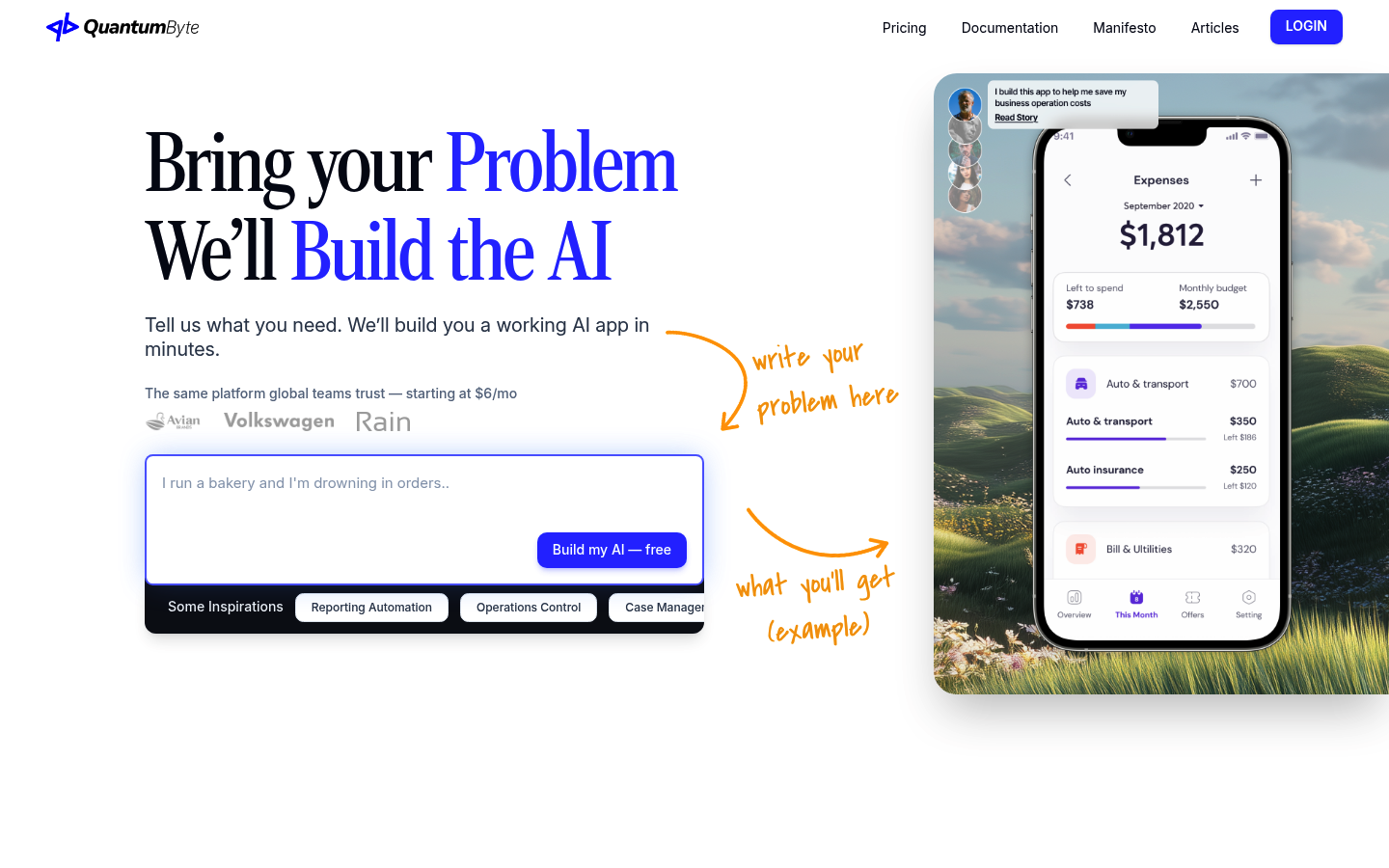
Buying software is rational when you want a proven system and you benefit from an existing marketplace. Building becomes compelling when your differentiation is operational.
Build is worth considering if:
- Your pricing rules are unique: hybrid memberships, nuanced freezes, tiered intro funnels.
- Equipment capacity is core: reformer count, room-specific constraints, and waitlist logic drive your revenue.
- You want real attribution: you care which channel creates profitable members, not just bookings.
- You want custom reporting: instructor comp, cohort retention, utilization by equipment, and offer conversion.
What to build first (a realistic MVP):
- Intro offer funnel: lead capture, offer purchase, and automated follow-up.
- Booking logic: equipment-based capacity and waitlists.
- Membership and pack ledger: clean balances and expiration rules.
- Policies: automated reminders, confirmations, and late-cancel enforcement.
- Instructor comp dashboard: exports that match how you pay.
This is where Quantum Byte fits naturally. If you are tired of bending your studio to software, Quantum Byte lets you describe the app you want in natural language and generate a working system quickly, using templates you can actually customize. It is built for founders and operators who want speed without giving up control. The same approach has been used by creators like Aziz Ansari to spin up an app for his film “Good Fortune” in minutes, without prior app-building experience.
If your growth depends heavily on consumer marketplace discovery, “buy” can still win. If margin control and custom workflows matter more, “build” starts to look like the safer long-term bet.
Implementation timeline: switching without breaking payroll and client trust
A clean switch is a project, not a weekend task.
Phase 1: Prep
- Export clients, packages, memberships, and transaction history.
- Write your policies in plain language (late cancel, no-show, refunds, freezes).
- Define your offers (intro, memberships, packs, workshops).
Phase 2: Parallel run
- Train staff on the front desk mini-simulation.
- Soft launch online booking for a subset of classes.
- Reconcile payments daily and test refunds.
Phase 3: Cutover
- Communicate the change to clients clearly.
- Migrate remaining memberships and pack balances.
- Validate month-end reporting and instructor pay exports.
Add accessibility checks to your launch QA. The U.S. government has stated that ADA obligations can apply to web content for public accommodations and points to WCAG as helpful technical guidance in its ADA web guidance. WCAG is also an international standard with testable success criteria per the WCAG overview. Your booking widget should work for clients using keyboards, screen readers, and mobile accessibility features.
Before you sign a long contract, run the usability script in both demos. It is the fastest way to avoid an expensive “we hate this” switch later.
What this means for your studio
- Marketplace value is not automatic: measure incrementality and retention to direct.
- True cost is driven by add-ons and payments flows: model your drivers, then request a written breakdown.
- Usability is a revenue lever: front-desk speed, refunds, and policies matter more than fancy features.
- Capacity control is Pilates-specific: reformer constraints and waitlists should be tested, not assumed.
- Reminders and card-on-file protect utilization: they reduce preventable no-shows and enforce policies.
- Support matters most when money breaks: ask how payment issues and refunds are handled in real life.
Your next three actions:
- List your must-haves and deal-breakers using the checklist.
- Run the same usability script in both products and score it.
- Get a written quote that includes add-ons, messaging, onboarding, and contract terms.
Start building: the simplest way to get software that fits your studio
If you are stuck between two “almost right” platforms, the fastest path to a perfect fit is often building the workflows you actually run.
Start building with Quantum Byte.
Quantum Byte is founder-friendly, comes with plug-and-play templates you can customize, and helps you move fast without hiring a dev team.
Frequently Asked Questions
Vagaro vs mindbody reddit: what do real users complain about?
Reddit threads and review sites tend to surface the same pain points: confusing workflows during busy hours, support responsiveness when payments misbehave, and policy enforcement edge cases (late cancels, refunds, card-on-file). Use those complaints as prompts in your demos. If a commenter says “refunds are a nightmare,” run the refund task in the front desk simulation. If someone says “reporting is messy,” attempt a month-end revenue and instructor pay export. The goal is not to pick the platform with the loudest fans. It is to pick the one your specific staff can operate consistently.
Vagaro vs mindbody cost: which is cheaper for a Pilates studio?
It depends on what you actually need. The plan price is only one piece. Your true monthly cost is driven by add-ons (marketing, websites, payroll), messaging volume (SMS reminders), payment flows (in-person and card-on-file), onboarding and migration fees, and contract terms. The practical way to decide is to write down your cost drivers, request a quote that itemizes each driver, then compare the total. If a vendor cannot give you a clear written breakdown, treat that as a pricing risk signal.