Comparison summary: Walla vs WellnessLiving for single-location Pilates
Walla vs WellnessLiving is mostly a choice between a boutique-first Pilates experience (Walla) and a broader, often more budget-friendly all-in-one suite (WellnessLiving). For a single-location studio, the right pick depends less on feature count and more on how cleanly the platform handles reformer capacity, packages, late-cancel rules, and the daily admin load.
| Walla | WellnessLiving | |
|---|---|---|
| Best for | Premium-feeling boutique Pilates studios that prioritize booking UX and staff adoption | Cost-sensitive studios that want a wider “suite” feel (POS, reporting breadth, marketing add-ons) |
| Typical pricing position | Premium | Lower-cost entry (varies by plan and add-ons) |
| Scheduling fit (privates / semi-privates / equipment) | Strong boutique scheduling patterns; validate equipment and capacity rules in demo | Flexible, but can feel heavier to configure; validate appointment vs class modeling |
| Payments & POS | Solid card-on-file workflows; POS depends on your setup | Often positioned as more POS-forward; validate retail flows if merch matters |
| Reporting depth | Strong day-to-day ops reporting; validate deeper finance and package liability needs | Often positioned as stronger on analytics breadth; validate the exact reports you need |
| Ease of use / setup | Typically faster to adopt | Typically more knobs and settings to learn |
| Support & training | Boutique-focused onboarding is the typical expectation | Broader support materials; ask what’s included in your plan |
| Switching risk | Medium (migrations are always work; easier if your offers are simple) | Medium-to-high if you use lots of modules (POS, marketing, app, complex price rules) |
Choose based on this reality:
- Choose Walla if: you win on experience (intro offer flow, clean booking, fewer front-desk headaches) and you can tolerate premium software costs.
- Choose WellnessLiving if: you want more “in one place” breadth (especially retail/POS and reporting) and you’re willing to spend more time configuring.
- Treat both as wrong if: your studio needs non-standard rules (equipment prerequisites, unusual membership logic, custom retention automations) that the vendor says is “not supported.”
Quick verdict
Pick Walla if…
- Your studio runs on privates and semi-privates. You want fast booking that clients do not get stuck in.
- Your staff is small. Ease of adoption matters more than having every possible module.
- You sell an experience. The scheduling and client journey should feel premium, not “software-y.”
Pick WellnessLiving if…
- You want broader suite coverage. Think POS/retail, marketing tools, and lots of reporting options in the same ecosystem.
- You are price-sensitive upfront. You would rather start lower and add modules if needed.
- You have time to configure. You can invest effort in setup and admin processes.
Neither if…
- Your retention playbook is custom. For example: multi-step onboarding, conditional offers after attendance milestones, equipment-specific prerequisites, or “win-back” automations tied to missed sessions.
Pilates-studio workflow checklist
Most “vs” pages compare generic features. This checklist is what actually breaks (or saves) your week in a single-location Pilates studio.
How to score a platform quickly (1–5):
- 5: Works out-of-the-box for Pilates; minimal workarounds.
- 3: Achievable, but needs careful configuration and staff training.
- 1: Requires manual admin, spreadsheets, or “we can’t do that.”
Scheduling and capacity
- Reformer capacity limits: A semi-private class is not “unlimited.” Good means hard caps by class type.
- Privates vs classes: Good means you can model both cleanly without confusing clients.
- Resource constraints: If you assign specific reformers or rooms, confirm whether the tool supports resource-based scheduling or you must manage it manually.
Packages and memberships
- Punch cards that behave correctly: 5-pack, 10-pack, and intro packs should decrement reliably across class types you allow.
- Membership rules: Good means clear billing dates, renewals, freezes/holds, and upgrade paths.
- Package liability visibility: You should be able to see “unused credits” without building your own spreadsheet.
Intro offers and conversion
- Intro offer restrictions: One per client (not one per email). Confirm how the system identifies duplicates.
- Upsell flow: Good means the system makes it easy to convert intro clients into recurring memberships fast.
Waitlist and fill logic
- Waitlist behavior: Confirm how clients are notified and how spots are claimed.
- Drop-in fairness: If you have different membership tiers, confirm whether you can control access windows.
Policies
- Policy automation: Good means clear cutoff windows and automated fees tied to card-on-file.
- Edge cases: Instructor cancels, studio closes, or client has a medical exception. Confirm how you override without chaos.
Retail and POS
- If you sell socks, grips, or merch: Good means quick checkout, basic inventory, refunds, and taxable items handled cleanly.
Staff permissions and payroll exports
- Role-based permissions: Instructors should not see or change everything.
- Payroll logic: Good means exports for sessions taught, attendance, and any commission rules you pay.
Client communications
- Reminders that reduce no-shows: Confirm whether SMS is included, charged, or routed through a third party.
- Consistency: Messages should match the policy language you enforce.
Reporting that matters
- Utilization: Reformer utilization by time block and instructor.
- Revenue quality: Membership revenue vs packages vs retail.
- Retention cues: Who stopped booking in the last 30 days.
Walla: strengths and tradeoffs for a Pilates studio
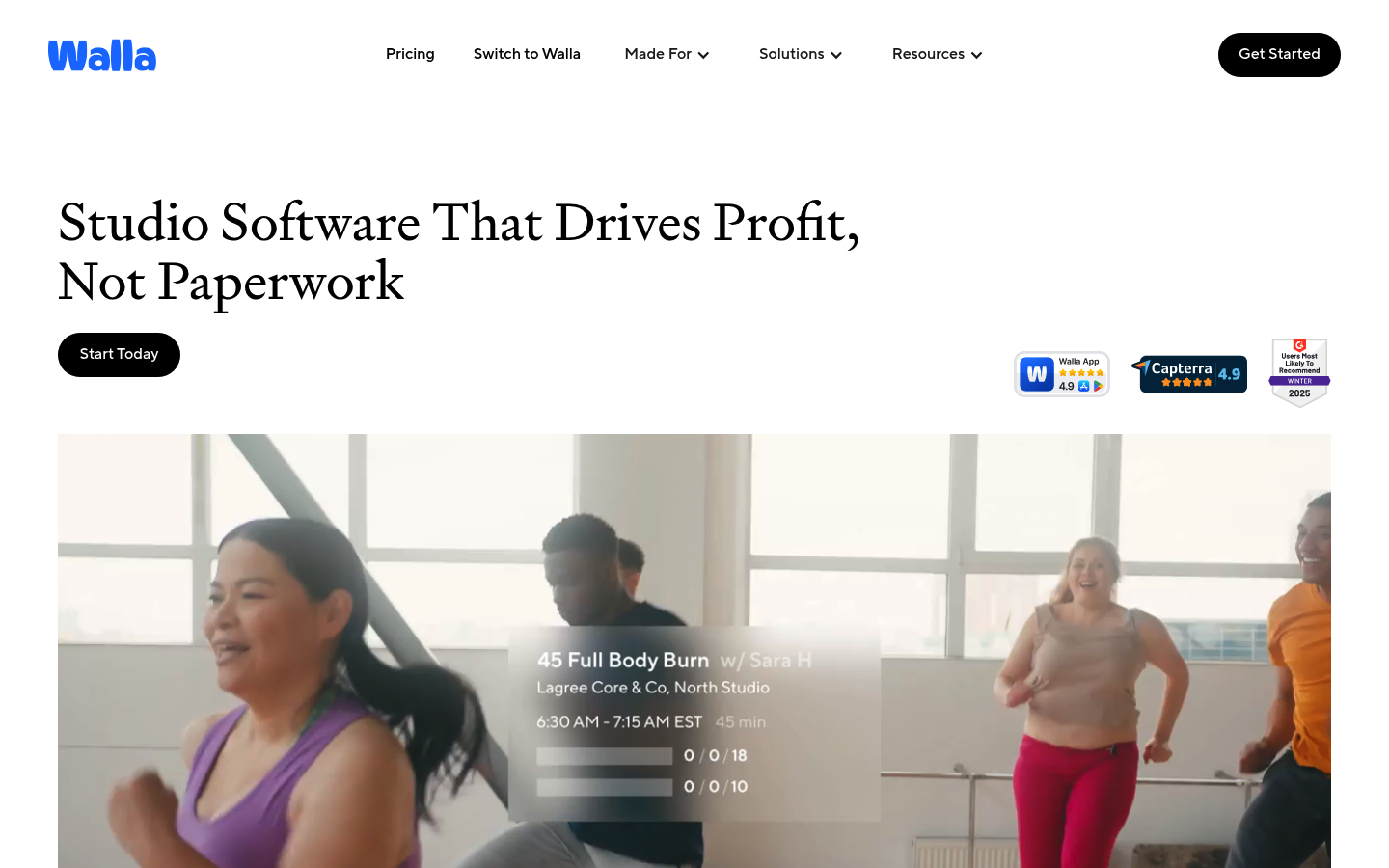
Walla is typically the better fit when you want a boutique Pilates operation to feel calm, modern, and easy to run day to day. If your studio is small and your margin depends on minimizing admin time, that “smoothness” is not a nice-to-have. It is profit.
Where Walla tends to win for single-location Pilates
- Booking experience: Fewer clicks and clearer service choices usually means fewer “can you book me in?” messages.
- Staff adoption: If instructors and front desk actually use the system correctly, your policies and reports become real.
- Boutique workflow alignment: Walla is positioned directly at boutique fitness studios, which usually translates into fewer awkward workarounds.
Tradeoffs you should pressure-test
- Total cost: Walla is commonly positioned as premium in aggregator comparisons, so confirm your all-in cost before committing.
- Add-ons: Verify what is included vs extra (SMS volume, support tier, staff seats, POS needs).
- Reporting depth for finance: If you want deep package liability, instructor comp variants, or custom dashboards, confirm what you can export and how.
Implementation reality (what to configure before you take a booking)
- Services: privates, duets, semi-private, group reformer, mat.
- Capacity rules: per service and per time block.
- Policies: late cancel/no-show, waitlist rules, refunds.
- Offers: intro pack logic and eligibility.
- Payments: card-on-file and fee rules.
WellnessLiving: strengths and tradeoffs for a Pilates studio
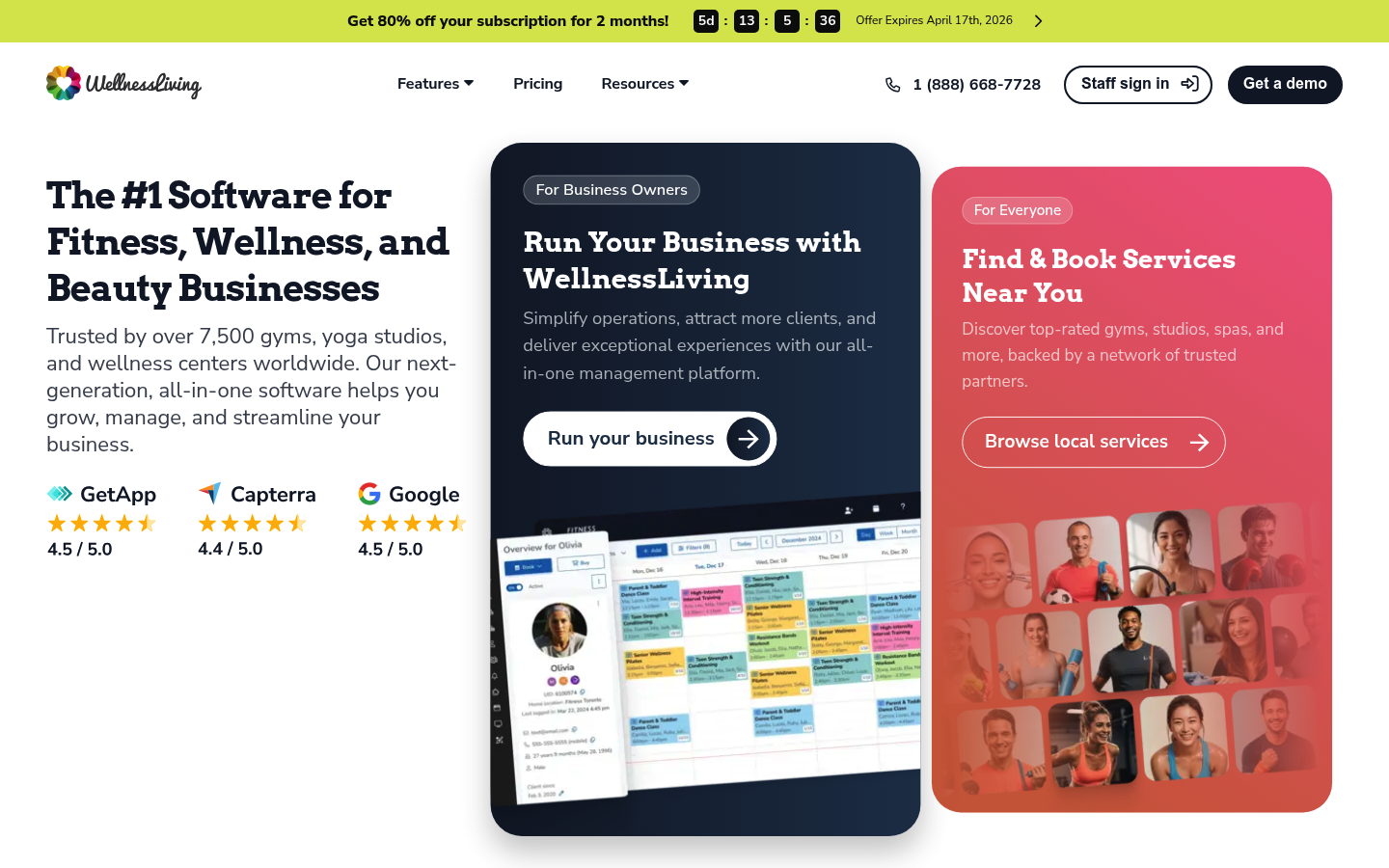
WellnessLiving often appeals to owners who want broader “business management” coverage, especially if you want POS/retail, marketing tools, and a wider suite under one roof. If your studio sells a meaningful amount of merch or you want more baked-in modules, this can matter.
Where WellnessLiving tends to win
- All-in-one breadth: More modules can reduce the need to stitch tools together.
- POS and retail emphasis: If checkout and inventory matter, WellnessLiving is commonly cross-shopped for that reason.
- Reporting variety: Owners who like dashboards and slices of data often prefer platforms that offer lots of angles.
Tradeoffs to test in a demo (do not assume)
- Admin complexity: Ask how many steps common tasks take (freeze a membership, move a client, refund a package).
- Mobile experience: Have a real client test booking from their phone and buying an intro offer.
- Rule edge cases: Membership proration, changing billing dates, and exception handling can be where “all-in-one” tools get clunky.
Implementation reality (what to pressure-test before signing)
- Modeling: Are you treating semi-privates as classes, appointments, or both?
- Retail: Test a purchase, a refund, and tax settings.
- Client app and widget: Confirm that the booking flow matches your brand and is easy for first-timers.
Integrations that actually matter
Integrations are where switching costs hide. Your goal is simple: reduce manual re-entry and reduce “who owns the error?” moments.
Payments
- Card-on-file and stored credentials: Confirm how cards are vaulted and how failed payments are handled.
- Security baseline: If you store, process, or transmit cardholder data, you are operating in the orbit of the PCI Data Security Standard (PCI DSS), which sets baseline technical and operational requirements to protect payment account data.
Accounting
- Exports that match your books: You want clean mappings for sales by category (memberships vs packages vs retail) and refunds.
Email and SMS
- Reminder workflows: booking confirmations, waitlist notifications, late cancel notices.
- Cost ownership: Ask whether SMS is billed per message and who your SMS provider is.
Vendor security due diligence (quick checklist)
- SOC 2 scope: If you are evaluating vendor risk, ask whether they have a SOC 2 report and which Trust Services Criteria are in scope, since SOC 2 is organized around security, availability, confidentiality, processing integrity, and privacy as defined by the Cloud Security Alliance.
Pricing expectations and the real cost drivers
For a Pilates studio, “software price” is rarely the whole number. The real monthly cost is:
- Subscription: base plan plus any modules.
- Payment processing: often the biggest variable.
- SMS: reminders and waitlists can add up.
- Hardware: if you do in-studio checkout.
- Support and training: especially if you need hands-on migration.
Payment fees are the piece many owners underestimate. As a concrete example, Stripe lists standard card processing at 2.9% + 30¢ per successful card charge (with additional fees for certain situations like international cards or currency conversion). Whether you use Stripe or not, that structure shows why processing can dwarf your subscription once your revenue grows.
A simple cost calculator you can use
- Monthly card volume: $_____
- Average ticket size: $_____
- Estimated processing rate: ____%
- SMS per month: _____ messages
- Retail sales volume (if any): $_____
- Number of staff/admin seats: _____
Questions to ask sales before you commit
- What is included in the base plan: memberships, packages, POS, marketing, mobile app.
- What costs extra: SMS, additional staff, premium onboarding, advanced reporting.
- What happens at renewal: price increases, contract terms, cancellation notice windows.
Implementation timeline for switching
A safe switch is usually a 2–4 week project if you stay focused on “day-one must-haves.”
Week 1: Export and mapping
- Export clients, active memberships/autopay, packages, and balances.
- Map your offers: intro pack, 5/10 packs, memberships, and any discounts.
Week 2: Configure and test policies
- Configure services and capacity.
- Set late cancel/no-show rules.
- Run test bookings, cancellations, and waitlist flows.
Week 3: Payments and staff training
- Connect payments, test a real charge and a real refund.
- Train staff on the 10 tasks they do daily.
Week 4: Soft launch and cutover
- Soft launch with a small client segment.
- Cut over billing on a clean boundary (ideally aligned to membership billing dates).
Day-one must-haves vs can-wait
- Must-haves: booking, payments, policies, basic reporting, staff roles.
- Can-wait: deep custom reports, elaborate automations, perfect historical data.
Big risks to manage
- Duplicate charges: run a billing audit before the first autopay cycle.
- Proration confusion: decide your rule and communicate it.
- Client comms: send a simple “what changes” email with screenshots and support contact.
Alternatives and when to look beyond both tools
If neither tool fits cleanly, these are common cross-shops:
- Mindbody: often considered for broad market coverage and ecosystem depth.
- Momence: popular for studios that want a modern client experience.
- Zen Planner: commonly evaluated for membership-centric operations.
- Vagaro: frequently chosen when price sensitivity is the main constraint.
- Acuity Scheduling: a lighter option if you mainly sell privates and do not need full studio management.
Build vs buy: when a custom studio app is the better move
Off-the-shelf platforms are fastest when your studio runs like everyone else. Custom becomes compelling when your differentiation is the workflow.
Triggers that usually justify a custom build
- Equipment-specific prerequisites: “Only book Reformer Level 2 after 6 Level 1 sessions.”
- Hybrid offers: studio + virtual + on-demand bundles with specific eligibility rules.
- Retention automations: win-back flows tied to attendance gaps, not generic email blasts.
- Unified ops dashboard: one view for utilization, instructor comp, package liability, and retention.
Retention is not just a marketing topic. It is a profit lever. Bain has highlighted that improving retention by as little as 5% can increase profits by as much as 95% in some contexts, depending on industry and margin structure, as discussed in their piece on retaining customers. For a Pilates studio, that translates into a practical question: does your software help you keep people booking consistently, or does it just “store transactions?”
If you want a custom workflow without a six-month dev project, Quantum Byte is the middle path. You start from proven templates (booking, scheduling, landing pages), then customize the rules and screens by describing what you want in plain language. One example we often reference internally is how Aziz Ansari used Quantum Byte to spin up an app for his film “Good Fortune” within minutes, without prior app-building experience.
What this means for your studio
If you want the cleanest boutique Pilates experience and the least day-to-day admin friction, pick Walla. If you want broader suite coverage and you are optimizing for a lower-cost entry point with more configurable modules, pick WellnessLiving.
Before you decide, run these quick tests in both demos:
- Policy test: late cancel and no-show fee behavior.
- Intro offer test: purchase, booking restrictions, and conversion to membership.
- Money test: refund a package and change a membership billing date.
- Staff test: have an instructor substitute and check permissions.
Start building
If your studio’s edge is your process, not just your class list, build the platform around your rules instead of adapting your rules to software. Quantum Byte is founder-friendly, starts from plug-and-play templates, and still gives you real customization fast. Start building with Quantum Byte.
Frequently Asked Questions
Walla vs wellnessliving reviews
Most “reviews” you find online are aggregator summaries. Use them to spot patterns (ease of use, support, reporting), then validate in a demo with your exact Pilates workflows: semi-private capacity, intro offer restrictions, and late-cancel enforcement. A platform that is “highly rated” can still fail your studio if it cannot model your packages cleanly.
Walla vs wellnessliving reddit
Reddit threads are useful for surfacing day-to-day friction like admin complexity, mobile booking annoyances, or surprise add-ons. Treat them as a prompt list, not proof. Turn each complaint into a demo test: “Show me how fast I can freeze a membership,” “Book an intro offer on mobile,” and “Walk me through a late cancel fee end-to-end.”