
You want AI to ship more code with less grind, but picking the wrong tool can waste weeks. This cursor vs antigravity vs copilot breakdown gives you a clear choice based on how you build, how you collaborate, and how much control you need.
Cursor vs Antigravity vs Copilot at a glance
| Category | Cursor | Google Antigravity | GitHub Copilot |
|---|---|---|---|
| Best for | Solo builders and small teams who want an AI-first editor experience | Teams experimenting with agent-first workflows and orchestration | Teams that live in GitHub and want AI across the workflow |
| Core strength | Fast, editor-centric coding with strong “agent” style changes | Orchestrating multiple agents and longer-running tasks | Ubiquity across IDEs and deep GitHub integration |
| How it feels day-to-day | “My editor is the product” | “My agents are the product” | “My IDE and GitHub are the product” |
| Setup friction | Low | Medium | Low |
| Best fit for non-dev founders | Medium (still an editor) | Low to Medium (more workflow-heavy) | Medium (still developer-first) |
The direct answer: which one should you pick?
- Best AI-first editor: If you want the strongest AI-first editor experience today, choose Cursor pricing and plans.
- Best agent orchestration: If you want an agent-first environment where orchestration is the point, choose Google Antigravity.
- Best for fast team adoption: If you want something your team can adopt quickly inside existing IDEs and GitHub workflows, choose GitHub Copilot.
If your real goal is not “write code faster” but “ship a working internal tool or SaaS product without hiring,” these are still developer tools. You may be better served by a build system that turns requirements into software directly. That is where our AI builder becomes relevant.
What each tool is trying to be
Cursor
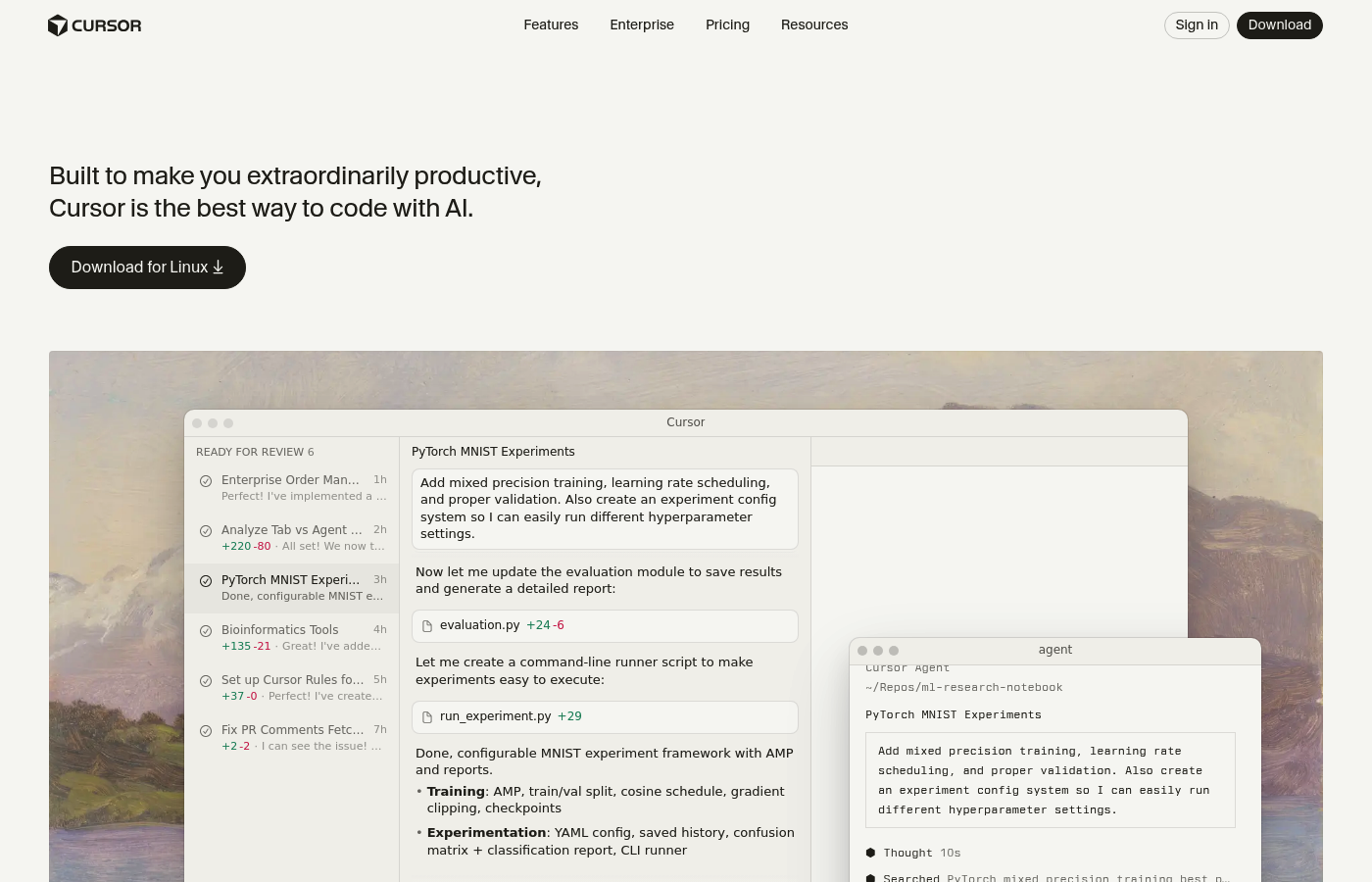
Cursor is a code editor where AI is the central experience rather than a mere plugin. The bet is simple: keep you in flow, let you request multi-file changes quickly, and make it feel natural to iterate.
When Cursor works best, you already have a repo and you want to:
- Development speed: Move faster on features without constantly context-switching.
- Safer refactors: Refactor with more confidence by asking for scoped, multi-file changes.
- Codebase navigation: Explore unfamiliar parts of a codebase without losing an afternoon.
Google Antigravity
Antigravity’s bet is that “agent orchestration” is the next interface. Instead of one chat box, you coordinate work across agents, tasks, and systems.
When Antigravity works best, you want to:
- Parallel builds: Break a bigger build into parallel pieces so work can run at the same time.
- Long-running tasks: Monitor longer tasks and review outputs later, instead of babysitting a single chat.
- Managed execution: Treat “planning + execution” as a workflow you can track, not a one-off prompt.
GitHub Copilot
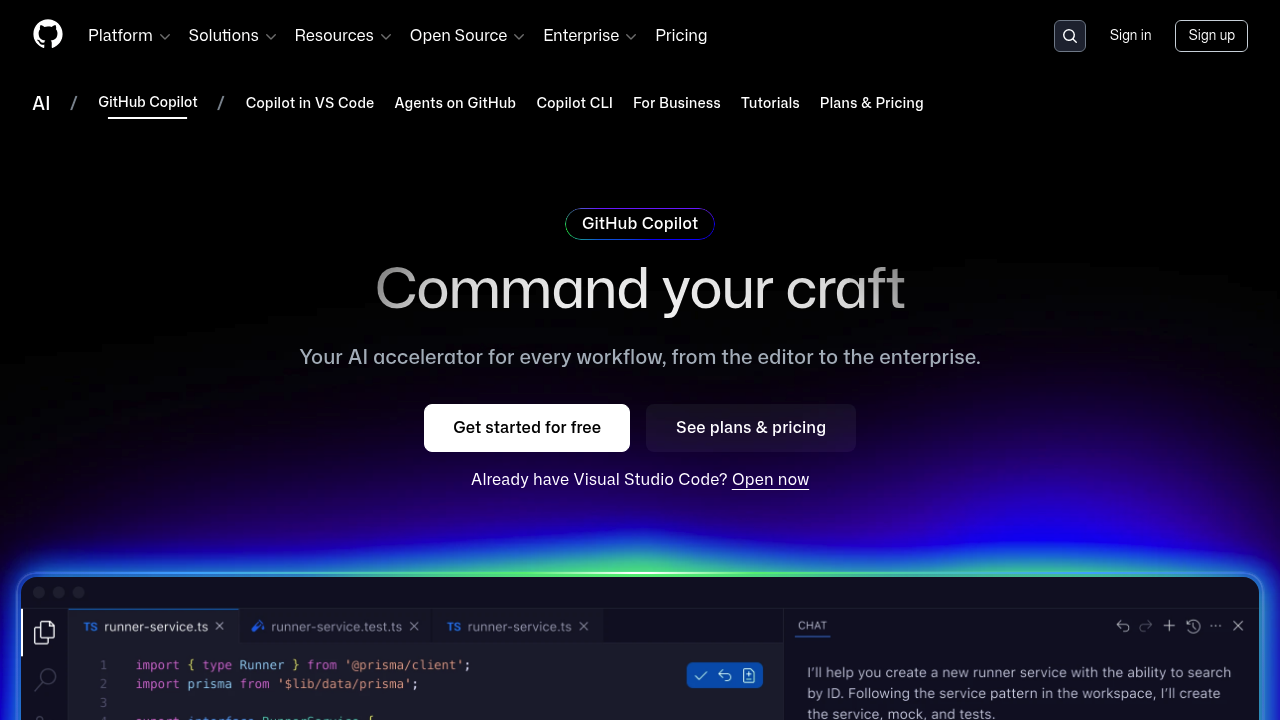
Copilot’s bet is distribution. It is designed to meet teams where they already work: in their IDE and inside GitHub.
When Copilot works best, you want:
- IDE flexibility: Broad compatibility across developer setups so you do not have to standardize tooling.
- Team consistency: More consistent adoption across a team because it fits existing habits.
- Pull request flow: A tool that fits naturally into pull requests (PRs) and the GitHub review loop.
For plan options and what is included, GitHub’s own breakdown is the cleanest reference: Copilot plans.
Real-world differences that matter
1) Editor experience vs workflow experience
- Cursor: You feel the speed in your hands. The editor is optimized for quick iteration.
- Antigravity: You feel the speed in parallel execution. The workflow is the product.
- Copilot: You feel the speed in coverage. It shows up everywhere your team already codes.
2) Team rollout and consistency
- Cursor: Great for a team that can standardize on one editor. Harder when the team has mixed IDE preferences.
- Antigravity: Best when your team is ready to invest in a new way of working.
- Copilot: Easiest for broad adoption. It is the default “good enough for most teams” option.
3) Control, review, and risk
AI coding is powerful, but it can also create silent risk.
- Diff quality: You need clean diffs and tight scope.
- Test coverage: You need a habit of writing tests or you are shipping guesses.
- Security posture: You need rules about secrets, credentials, and production access.
If you build SaaS products, it helps to have strong foundations like multi-tenant structure and access control. We have solid primers on both multi-tenant architecture and role-based access control so you can avoid painful rewrites later.
A simple decision framework
Use this quick filter:
- If your team is GitHub-centric: Start with Copilot. You will get fast adoption with low disruption.
- If you want the best AI editor feel: Start with Cursor. It is built for the developer who wants speed inside the editor.
- If you are ready for agent orchestration: Try Antigravity. It makes the “agent manager” the primary workflow.
Then apply the sanity checks:
- Task scope: Can you describe tasks as crisp, verifiable outcomes?
- Tests: Can you run a real test suite locally or in continuous integration (CI)?
- Review: Can humans still review changes quickly?
How to evaluate in 60 minutes
Run the same three exercises in each tool on a small repo.
- Test 1 (Bug fix with a failing test): See whether the tool can diagnose without flailing.
- Goal: See whether the tool can diagnose without flailing.
- Pass condition: One focused change, test goes green.
- Test 2 (Feature add that touches 3 to 5 files): Test multi-file edits and consistency.
- Goal: Test multi-file edits and consistency.
- Pass condition: Clean diffs, no broken imports, no random rewrites.
- Test 3 (Refactor for readability): See how it handles style and architecture.
- Goal: See how it handles style and architecture.
- Pass condition: Smaller functions, clearer names, no behavior changes.
While you test, keep notes on:
- Prompt effort: How much you have to “manage the AI.”
- Diff noise: How much unrelated code it changes.
- Recovery: How fast you can get back on track when it goes wrong.
Where we fit when these tools are not enough
Cursor, Antigravity, and Copilot help you write code. They do not guarantee you ship a product.
If you are a business owner trying to turn operations into software, or a solopreneur productizing expertise into a niche SaaS, the faster path is often:
- define workflows and data
- generate a working app
- then bring in experts only for the hard edges
That is the lane we were built for.
- Start from plain English: You describe the app you want. The system generates a real, working foundation.
- Scale without hiring upfront: When you hit the ceiling of today’s AI tools, our dev team can take you across the finish line.
If you want to see what “build in days, not months” looks like for your idea, get started right now.
If you are building for a larger org with compliance and multi-team workflows, we also offer an enterprise path at QuantumByte Enterprise.
Recommendations by persona
If you are a solo developer shipping a product
- Pick Cursor: Best “I want to move fast in the editor” choice.
- Add discipline: Use tests and a release checklist.
To tighten your go-live process, keep a test plan handy. This guide helps you structure it: how to test an app before launch.
If you are leading a small team
- Pick Copilot: It rolls out cleanly and keeps everyone on familiar workflows.
- Add guardrails: Define prompting standards and code review expectations.
If you need a secure, scalable customer-facing surface, you will eventually want a portal. This guide maps the moving parts: how to build a customer portal.
If you are experimenting with agent orchestration
- Pick Antigravity: The tool’s core philosophy matches the way you want to work.
- Stay pragmatic: Start with internal tooling, not revenue-critical systems.
If you are a business owner who wants software, not a coding hobby
- Skip the IDE war: Your bottleneck is not autocomplete.
- Pick a build path that ships: Start with our packets, then harden what matters.
A common starting point is converting messy spreadsheets into a real app your team can use. This is a good primer: convert spreadsheet to app.
Wrapping up what we covered
You now have a clean way to think about cursor vs antigravity vs copilot:
- Cursor choice: Cursor is the best pick when the editor experience is the priority.
- Antigravity choice: Antigravity is the best pick when agent orchestration is the priority.
- Copilot choice: Copilot is the best pick when team adoption and GitHub workflow fit are the priority.
And if your end goal is shipping a real product or internal system, remember the bigger picture: tools that “help you code” are not the same as systems that “help you ship.” If you want to turn requirements into working software faster, start here: https://app.quantumbyte.ai/packets?utm_source=quantumbyte.ai&utm_medium=article&utm_campaign=cursor-vs-antigravity-vs-copilot
For more on the philosophy behind building leverage through software, our manifesto is worth a read.
Frequently Asked Questions
Is Cursor better than GitHub Copilot?
Cursor is better if you want an AI-first editor experience and prefer working inside a single, unified tool. GitHub Copilot is better if you want broad IDE support and a workflow that fits naturally with GitHub.
Is Google Antigravity replacing IDEs like VS Code?
Antigravity appears positioned as an IDE-like environment with an agent-first workflow. Whether it replaces your current IDE depends on whether your team is ready to change how work is coordinated, reviewed, and executed.
Which tool is best for building a SaaS as a non-engineer?
None of these tools are designed primarily for non-engineers. They can help once you already have a codebase and development habits.
If you want to go from idea to working app with less technical overhead, a builder-first approach is usually faster. Our packets are designed for that workflow.
Do these tools remove the need for developers?
No. They shift what developers spend time on. You still need people who can define architecture and validate changes. You still need people who can handle security and make product decisions.
What should I try first if I only have one afternoon?
Start with Copilot if you want quick adoption in your current workflow, or Cursor if you want the strongest editor-centric experience. Use a small repo and evaluate based on diff quality, test pass rate, and how much you had to “babysit” the tool.

