
Choosing between Cursor vs Copilot comes down to one thing: how you like to build. If you want an AI-first editor that can take bigger "do this across the codebase" swings, Cursor is usually the better fit. If you want a dependable assistant inside the tools you already use (especially in a team), GitHub Copilot is hard to beat.
If you are building software to multiply your impact and achieve freedom from manual work, the right choice is the one that helps you ship safely, not just code faster.
| Category | Cursor | GitHub Copilot | Best pick if... |
|---|---|---|---|
| Core experience | AI-first code editor with chat and agent-style workflows | AI pair programmer embedded into popular IDEs and GitHub | You want AI to feel like the product, not a plugin (Cursor) vs you want AI inside your existing setup (Copilot) |
| Context on your code | Strong "whole project" workflows inside the editor | Strong when tied into your IDE and GitHub workflow | You want fast repo-wide edits in one place (Cursor) vs you live in GitHub issues/PRs (Copilot) |
| Team rollout | Great for individuals and small teams that can standardize on a new editor | Designed for org controls and enterprise rollouts | You need centralized admin, compliance posture, and predictable governance (Copilot) |
| Security posture | Emphasizes security and compliance on product site | Provides a dedicated Trust Center for security and compliance | You must answer security questionnaires and show controls (Copilot) |
| Learning curve | Switching editors can be a hurdle | Minimal change if you already use supported IDEs | You cannot disrupt dev workflows (Copilot) |
Quick verdict
- If you want the most "AI-native" coding flow: Cursor tends to feel faster because the editor is built around AI workflows, not bolted onto them.
- If you want the safest default for teams: GitHub Copilot is the easier recommendation because it slots into existing IDEs and has clearer enterprise governance via the GitHub Copilot Trust Center.
- If your real goal is shipping a customer-facing app, not writing code faster: a code assistant helps, but it is not the whole system. That is where an AI app builder plus expert delivery can outperform both.
What "Cursor" and "Copilot" actually are
Cursor and GitHub Copilot both help you write software faster, but they solve different "friction points."
- Cursor: An AI-powered code editor. You work inside Cursor, and AI assistance is built into the core experience. Official site: Cursor.
- GitHub Copilot: An AI pair programmer that works inside common developer tools and GitHub workflows. Official overview: GitHub Copilot.
If you are a business owner, this matters because your bottleneck is rarely "typing speed." Your bottleneck is turning messy requirements into a working system without breaking things.
Cursor: where it shines, and where it bites
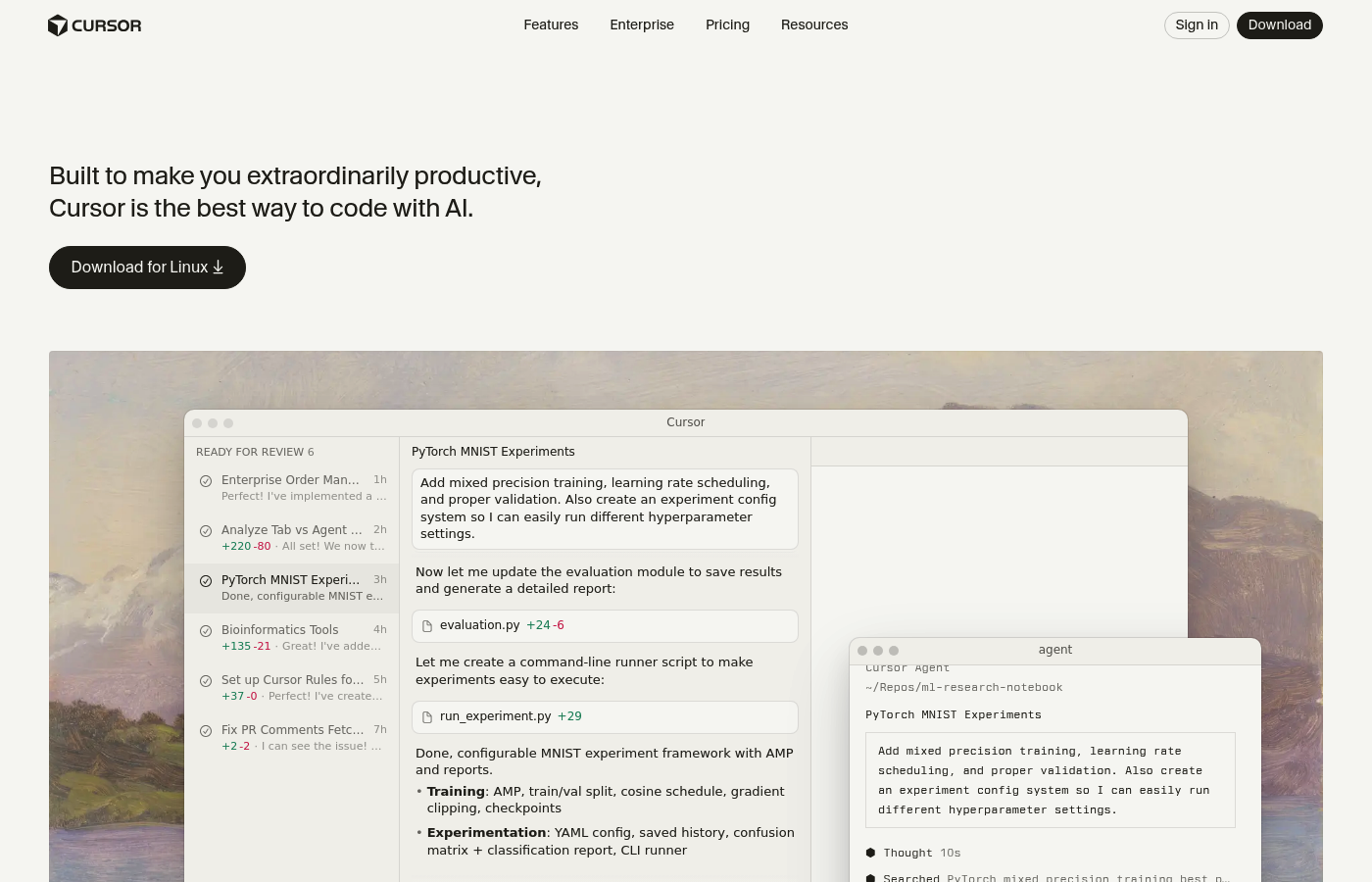
Cursor is best when you want to stay in one place and drive bigger changes through AI.
Where Cursor wins
- AI-first workflow: Cursor is designed around chat, edits, and "do this across the codebase" type work. This can feel closer to delegating than "autocomplete with extra steps."
- Fast iteration loops: If you are prototyping, Cursor’s tight prompt-to-code loop can help you move from idea to working code quickly.
- Solo-founder friendly: If you are the only builder, a single AI-native editor reduces tool sprawl.
Where Cursor can disappoint
- Editor switching cost: If your team is standardized on Visual Studio Code or JetBrains, changing the editor can create friction.
- Overreach risk: The more autonomy you give an agent-style workflow, the more you need guardrails (tests, code review discipline, and clear scoping).
GitHub Copilot: where it shines, and where it bites
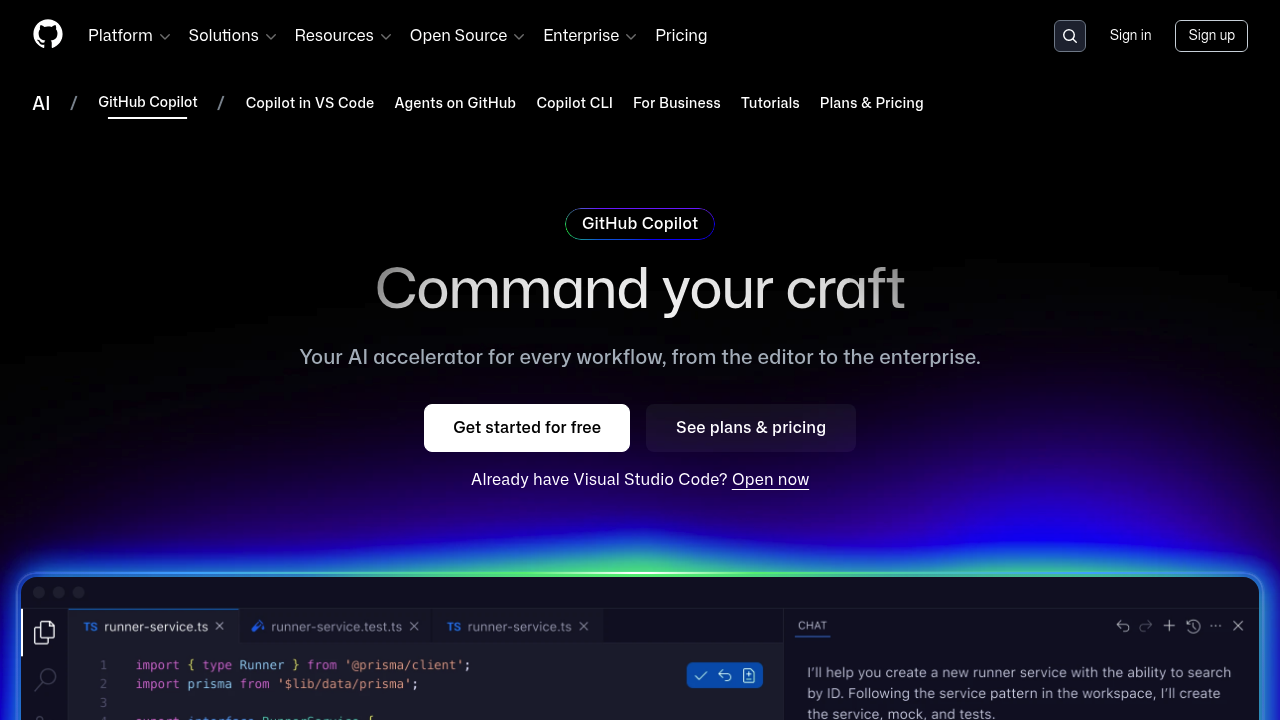
Copilot is best when you want AI help without redesigning your workflow.
Where Copilot wins
- Fits existing stacks: Copilot is designed to meet developers where they already work, which lowers adoption friction.
- Strong governance story: If you need security and compliance answers, Copilot’s controls and documentation are easier to point to in procurement and IT reviews, starting with the GitHub Copilot Trust Center.
- Team standardization: In many orgs, "one assistant across IDEs" is easier than "one new editor for everyone."
Where Copilot can disappoint
- Less "AI-native" feel: Depending on your setup, Copilot can feel like a very smart helper, not a co-builder.
- Context gaps: Like any assistant, it is only as good as the context it can see and what you ask for.
Cursor vs Copilot by use case
1) You are a solo builder prototyping a product
Pick Cursor if you can commit to the editor and want a tighter AI loop.
- Why: The fastest prototypes usually come from fewer handoffs. Cursor tries to keep prompting, editing, and refactoring in one place.
2) You are a small team building production features
Pick GitHub Copilot if your team already has a stable IDE stack and a disciplined review process.
- Why: Copilot is easier to roll out with fewer workflow changes. It also has clearer "trust and controls" documentation for stakeholders.
3) You need predictable governance (security, compliance, procurement)
Default to GitHub Copilot.
- Why: You will spend less time justifying the tooling choice because the governance materials are centralized and maintained.
4) You want "repo-wide change" help for a large refactor
Lean Cursor, but only if you already have guardrails.
- Why: Cursor’s AI-native editor approach is often better suited to sweeping edits, especially when you can validate quickly with tests.
The practical checklist: what to test in your first 60 minutes
Most people choose based on vibes. You should choose based on a tiny pilot.
- Define one real task: A feature you have been postponing, not a toy example.
- Run the same task in both tools: Same repo, same constraints, same "definition of done."
- Score the outcomes: Evaluate the following criteria:
- Correctness: Did it work without hand-holding?
- Safety: Did it touch files you did not want touched?
- Speed: How fast did you reach a clean pull request?
- Maintainability: Would you be happy owning this code in six months?
Security and risk: what business owners should care about
AI coding tools are powerful, but they change your risk profile.
The best mental model is simple: prompts, code context, and outputs are all "sensitive inputs" unless you prove otherwise.
- Prompt injection: Your assistant can be tricked by malicious instructions embedded in content it reads.
- Sensitive data exposure: Secrets, customer data, or internal logic can leak if you paste them into prompts or allow overly broad context.
- Excessive autonomy: Agent-style tools can do more damage, faster, if you do not scope them.
If you want a grounded security framework to share with your team, map your policies to the categories in the OWASP Top 10 for Large Language Model Applications. It is a clear way to talk about real risks without fear-mongering.
Cursor vs Copilot in a real workflow
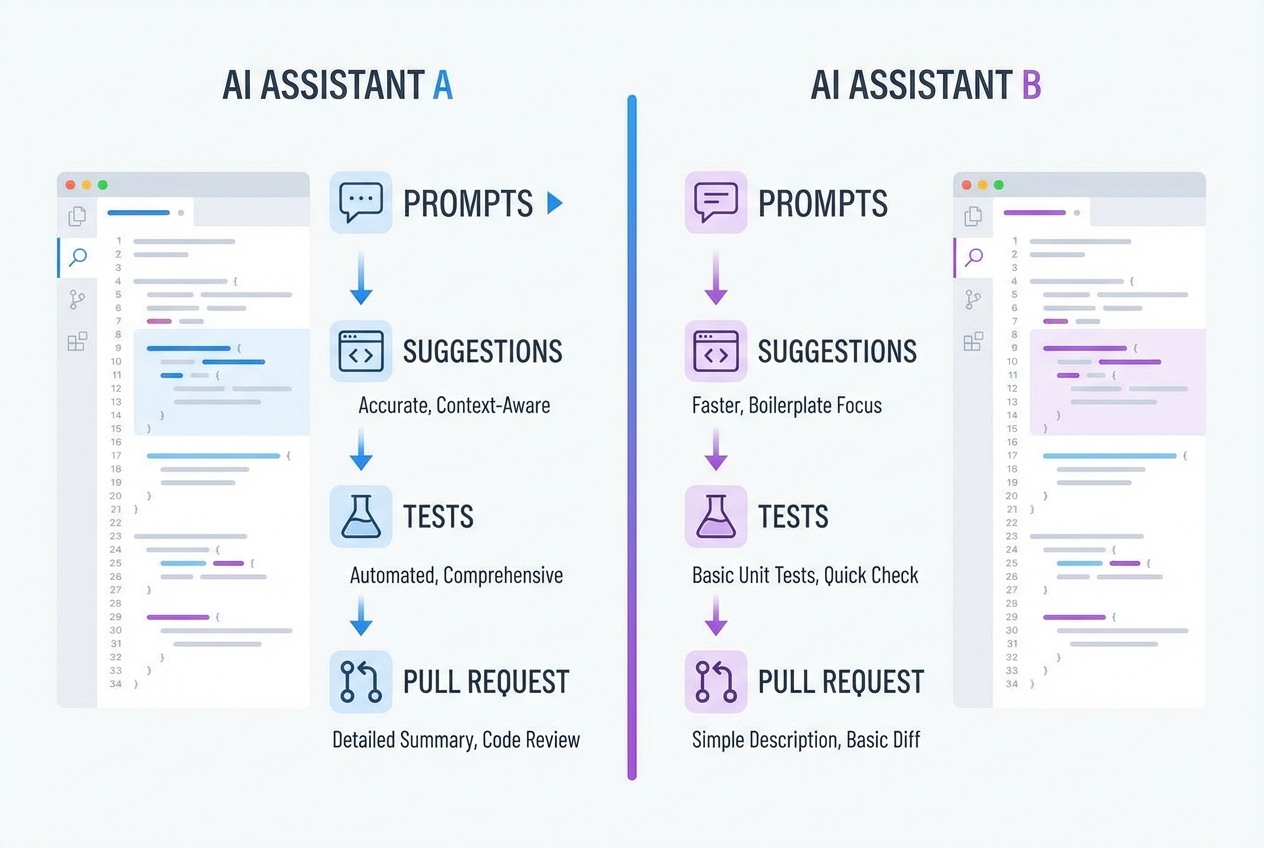
A coding assistant pays off when you treat it like a junior teammate with infinite energy. That means clear tasks and strict review.
- Write a tight prompt: State the goal, constraints, and "done means..." in plain English.
- Constrain the blast radius: Tell it which files to touch, what to avoid, and what patterns to follow.
- Force a test plan: Require unit tests, edge cases, and how to reproduce.
- Review like it is not yours: If you cannot explain it, you do not ship it.
If prompting is a weak spot, keep a reusable template. This pairs well with how we recommend writing prompts for app generation in AI app builder prompts.
When code assistants are the wrong tool for the job
Cursor and Copilot help you write code. They do not:
- Data modeling: Define your data model so it stays clean as you add features.
- Onboarding design: Design your onboarding so users reach value quickly and do not churn.
- Roles and permissions: Create permissions and roles that match real-world workflows without turning into a mess later.
- Deployment and monitoring: Set up reliable deployment so you can ship updates without stress. Then add logging, alerts, and monitoring so you can sleep at night.
- Roadmap momentum: Keep a product roadmap moving when you are busy running the business.
If your goal is "turn my service into software," you often get further by building the system directly.
That is why we focus on end-to-end delivery: an AI app builder for speed, plus an expert team when you need deeper integrations, security hardening, or custom features that AI cannot reliably finish today. If you want to see what that looks like in practice, start with this explainer on how an AI app builder works and this framework for automating business processes.
If you are ready to go from idea to a working app without stitching tools together, you can start building today.
The bottom line: which one should you pick?
Cursor vs Copilot is a practical decision about workflow, rollout friction, and how much risk you are willing to manage.
- Pick Cursor: If you want an AI-native editor and you are optimizing for speed as a solo builder or a small, flexible team.
- Pick GitHub Copilot: If you want the safest default for teams, governance, and minimal workflow disruption, backed by GitHub’s published controls.
And if you are a business owner who cares less about "writing code faster" and more about "shipping software that runs the business," the best move is often to stop starting from code at all. Build the product as a system, validate it quickly, then harden it.
That is the niche we were built for: creating customer-facing apps from natural language in days, then bringing in real engineers to take it across the finish line when things get complex. For many founders, that path is simply more predictable than betting everything on a code assistant.
When you remove tool sprawl and focus on the system, you get back time. That is how you achieve freedom and multiply your impact.
Frequently Asked Questions
Is Cursor better than Copilot?
Cursor is often better for an AI-first coding flow where the editor is designed around chat, edits, and agent-like work. Copilot is often better for teams that want AI inside existing IDEs and need clearer governance documentation.
Can I use Cursor and GitHub Copilot together?
Yes. Some teams use Cursor for heavy refactors and prototype spikes, then rely on Copilot inside their standard IDE for day-to-day work. The key is to keep one consistent review, testing, and security process.
Which is better for non-developers?
Neither is ideal if you are not comfortable reviewing code. A code assistant still expects you to validate outputs. If your goal is to build a business app without deep coding, an AI app builder can be a better starting point.
What is the biggest risk with AI coding assistants?
The biggest risk is shipping code you do not understand. From a security angle, common issues include prompt injection and sensitive information disclosure. A second risk is giving tools too much autonomy, especially when they can edit many files at once. The OWASP Top 10 for LLM Applications is a practical reference for risk categories.
If I want to turn my service into software, where should I start?
Start by deciding whether you should build custom software or buy off-the-shelf tools, then define a minimal workflow you can validate with real users. our framework on custom business software development: build vs buy is a solid first step, especially if your long-term plan is productization.

