
If Proposify feels heavy, pricey per seat, or too rigid for how you quote, sign, and kick off work, you are not alone. This guide to proposify alternatives is built for agencies, consultants, and service businesses that need proposals to move faster from scope to signature to payment without duct-taping five tools together.
Comparison table of the best Proposify alternatives
| Tool | Best for | Strengths | Trade-offs |
|---|---|---|---|
| Proposify | Teams that want a dedicated proposal workflow with tracking | Proposal editor, analytics, approvals, proposal management | Can feel like a proposal “destination” instead of part of a wider quote-to-cash flow |
| PandaDoc | Sales teams that want proposals plus broader document workflows | Strong document automation, e-signature, integrations ecosystem | Can be more than you need if you only want proposals |
| Qwilr | Modern, web-first proposals with strong buyer experience | Interactive web pages, polished design, engagement insights | Less traditional for buyers who expect PDFs in some industries |
| Better Proposals | Small teams that want speed and simplicity | Fast setup, templates, e-sign included, straightforward quoting | Fewer enterprise controls than heavier platforms |
| Nusii | Freelancers and small agencies that want “good enough” proposals | Lightweight, simple proposal builder, client-friendly | Not built for complex approvals, CPQ, or deep automation |
| HoneyBook | Service businesses that want proposals inside an all-in-one client flow | CRM + proposals + contracts + invoices + scheduling | Less flexible if you need custom data models or unusual pricing rules |
| Quantum Byte | Building a custom proposal and quote workflow that matches your business | You can model your exact scope, pricing logic, approvals, and handoffs into one app | It is a build approach, so you define the workflow you want first |
Quick verdict and best picks
- Pick PandaDoc: Choose this if you want proposals plus broader document workflows and a deep integrations ecosystem.
- Pick Qwilr: Choose this if presentation quality and a web-based buyer experience matter more than traditional PDFs.
- Pick Better Proposals: Choose this if you need fast, template-driven proposals with minimal admin.
- Pick HoneyBook: Choose this if you are a service business that wants proposals, payments, scheduling, and client management in one place.
- Pick Quantum Byte: Use this if you need to solve handoff challenges like approvals, provisioning, onboarding, scheduling, invoicing, and internal ops that happen after a proposal is signed.
Feature checklist to evaluate Proposify alternatives
Use this checklist to avoid switching tools and then discovering you recreated the same bottleneck.
- Reusable sections and content library: A strong library keeps your team from rewriting scope, case snippets, and terms for every deal.
- Pricing tables and optional line items: This lets clients select add-ons without email back-and-forth, and keeps scope changes auditable.
- Approvals and roles: You need permissions and approvals if discounts, margins, or legal terms cannot be edited by everyone.
- Client activity tracking: View alerts and page-level engagement so follow-ups are timely and relevant.
- E-signature support: Legally binding electronic signature reduces friction, especially when deals are time-sensitive.
- Payment collection: Collecting a deposit or first invoice at signing shortens time-to-cash.
- Template governance and brand control: Lock critical sections so the proposal stays on-brand and compliant.
- Integrations and data portability: Your CRM (Customer Relationship Management) and accounting system should not require manual re-entry.
- Security and audit trail: Look for clear audit logs and access controls if proposals include sensitive pricing or client data.
Workflow fit for agencies and contractors
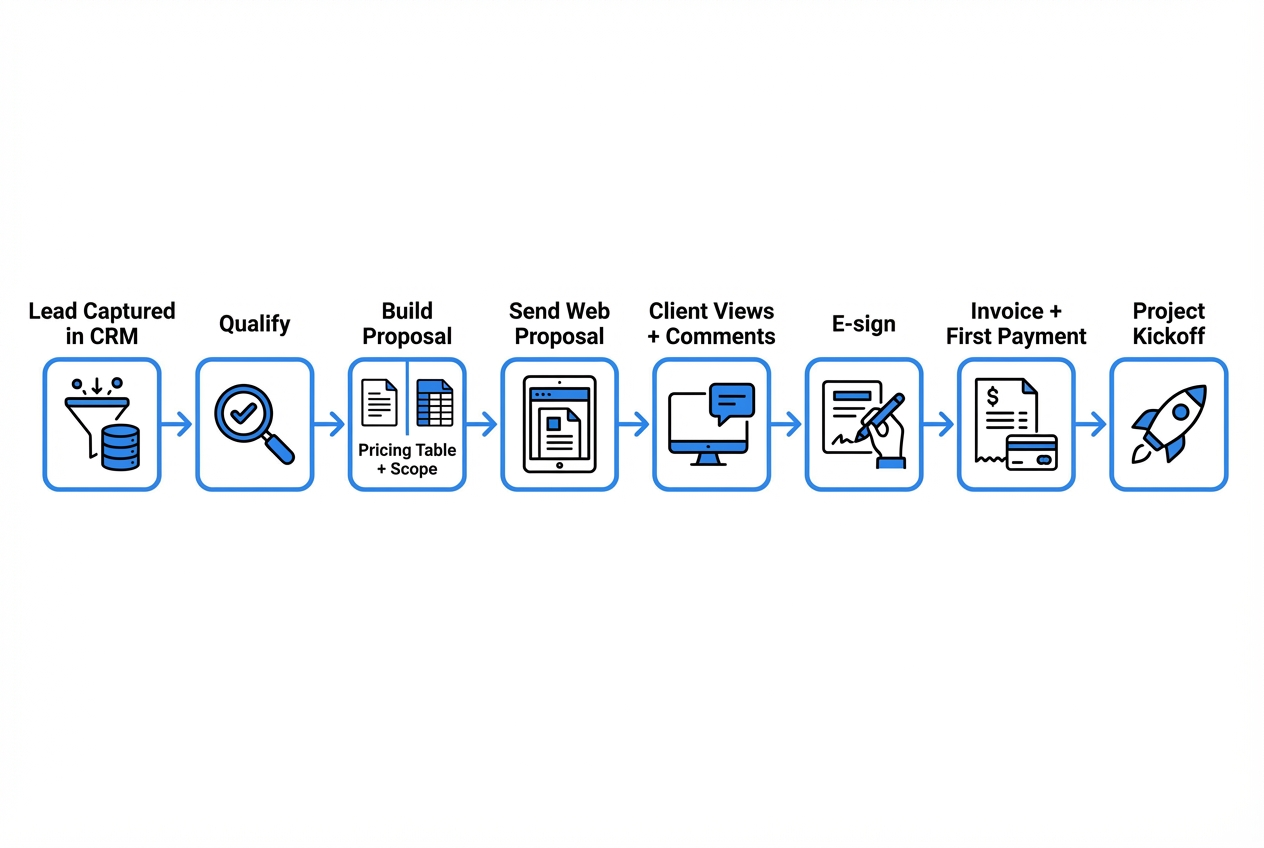
Agencies and contractors rarely lose deals because the proposal looks bad. They lose deals because the workflow is slow, inconsistent, or manual after the proposal is accepted.
Here is what “good fit” looks like depending on how you operate:
- Standardized packages: Qwilr, Better Proposals, and Nusii tend to fit because templates and speed matter more than deep customization.
- Configurable pricing: PandaDoc tends to fit better because it supports broader document and quote workflows.
- End-to-end client lifecycle: HoneyBook can work well because the proposal connects to scheduling, invoices, and client communication.
- Ops triggered by acceptance: A build approach is often the cleanest path when acceptance should automatically create onboarding tasks, provisioning steps, client portals, or a project schedule.
If you are already feeling the “accepted proposal, now what?” pain, we can be a practical layer. You can build an internal app that treats quotes as structured data, then reuse that data across onboarding, invoicing, and delivery. The difference is that your workflow is defined by your business, not by a vendor’s template. For a deeper look at structuring your quote workflow, see our guide to quoting software.
Integrations that matter
Integrations are where most proposal tools either save you hours or quietly create rework.
CRM integrations
- HubSpot and Salesforce: Prioritize tools that can pull contact and deal fields into templates and push status updates back to the CRM.
- Pipeline stage automation: You want “Sent,” “Viewed,” and “Signed” events reflected in the CRM so follow-up is not guesswork.
Accounting and billing integrations
- QuickBooks and Xero: The best setup is when accepted pricing becomes an invoice draft without copy-paste.
- Tax and line item mapping: If you have service categories, taxes, or product codes, make sure they survive the handoff.
Payments
- Deposit at signing: If you require a kickoff deposit, look for a tool that collects payment inside the signing flow.
- Payment links and receipts: Useful for smaller service businesses where the proposal is effectively a checkout step.
E-sign and compliance basics
Most mainstream tools rely on electronic signature legality frameworks, but you still want a clean audit trail and identity controls.
- E-Sign Act (United States): The US E-Sign Act establishes the validity of electronic records and signatures for many transactions.
- Uniform Electronic Transactions Act: The Uniform Electronic Transactions Act provides a state-level legal framework for electronic transactions.
- Identity assurance reference: For stronger identity assurance requirements, the NIST SP 800-63-4 Digital Identity Guidelines are a useful reference point when evaluating authentication and identity proofing.
Pricing expectations and cost drivers
Pricing for proposal platforms is rarely just “the monthly fee.” The total cost usually comes from seats, governance needs, and how many workflows you are forcing the tool to handle.
What these tools cost (published pricing)
| Tool | Entry pricing shown | How it is commonly charged | What drives cost up |
|---|---|---|---|
| Proposify pricing | $29 /user/mo | Per user, with higher tiers for scale | More users, admin controls, visibility at scale |
| PandaDoc pricing | $19 USD per seat cost per month | Per seat, with enterprise options | Integrations depth, automation, enterprise controls |
| Qwilr pricing | $35 /user /month | Per user, billed annually | Enterprise controls, team permissions, CRM needs |
| Better Proposals pricing | $13 /user per month | Per user | Team scale, governance needs |
| Nusii pricing | $29 per month | Flat monthly by plan | More users and agency-level workflows |
| HoneyBook pricing | $29 /month (billed yearly) | Flat monthly by plan | Moving into full clientflow features and higher tiers |
Cost drivers to watch
- Seats and collaboration: The jump from “solo” to “team” pricing is where many tools become expensive.
- Approvals and governance: If you need locked sections, legal review, and role-based editing, you are usually in higher tiers.
- Customization pressure: If you are trying to represent unusual pricing rules, discounts, or packages, you may spend time building workarounds.
- Downstream automation: If your proposal tool does not create clean handoffs to invoicing and onboarding, you pay for the admin time forever.
When cost is being driven by workarounds and re-entry, it is a signal to consider building a lightweight internal system. Our quote-to-cash guide lays out what you gain when you model the data once and reuse it through the full lifecycle.
Alternatives and competitors in detail
Proposify
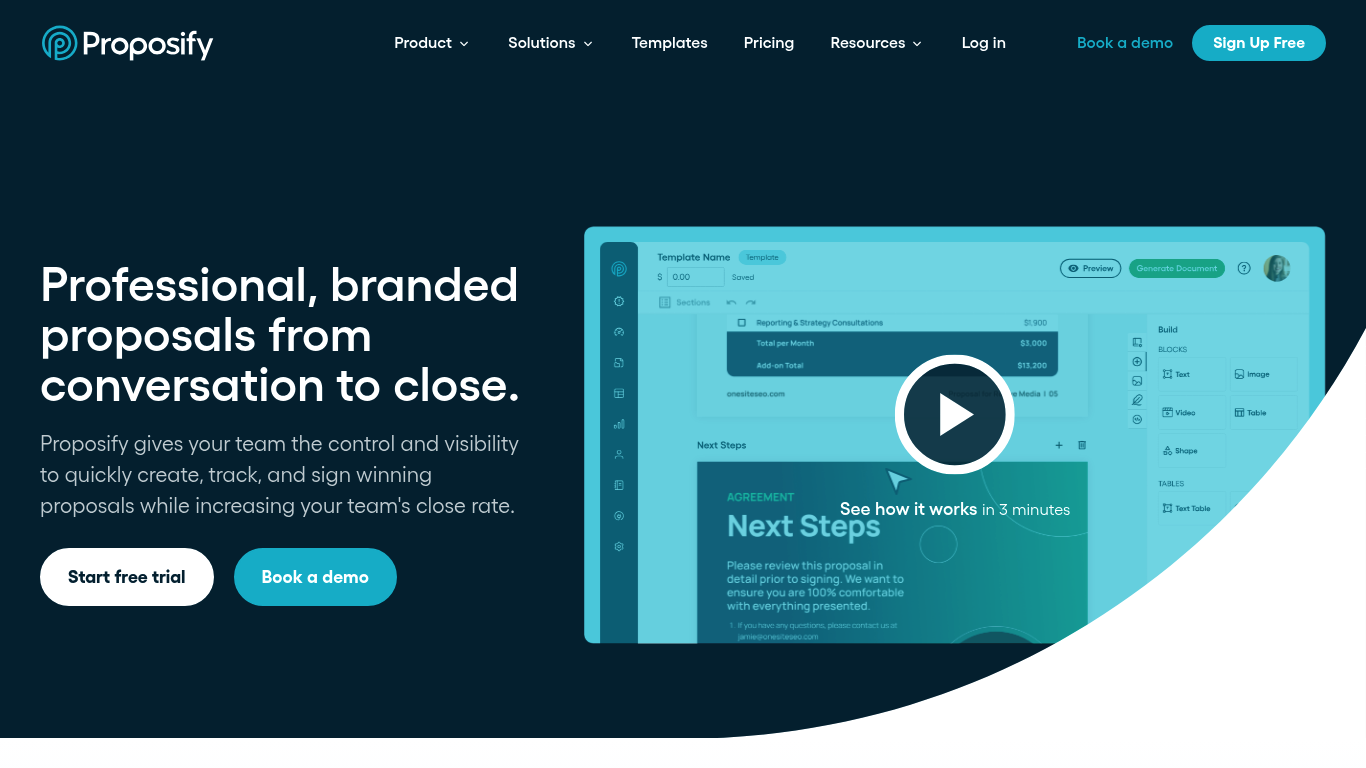
Best when you want a dedicated proposal workflow with tracking and analytics.
- Best for: Teams that want a dedicated proposal lifecycle manager.
- Why it wins: Strong proposal editor, detailed analytics, and approval workflows.
- Where it can fall short: Can feel like a proposal “destination” instead of part of a wider quote-to-cash flow.
PandaDoc
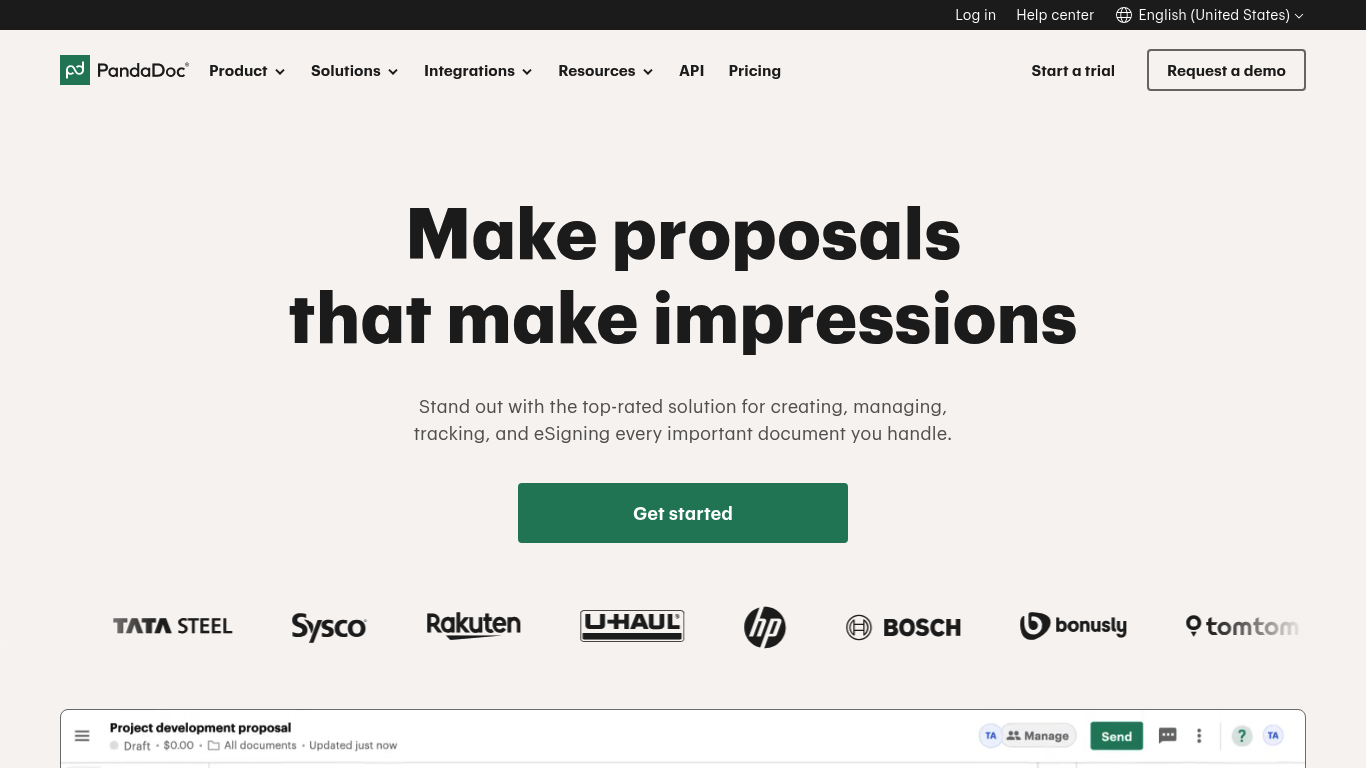
Best when you want proposals to be part of a broader document workflow.
- Best for: Sales teams that send proposals, agreements, and other sales documents.
- Why it wins: Strong template automation and a mature ecosystem.
- Where it can fall short: If your operation requires a custom acceptance-to-operations workflow, you still need an internal system.
Qwilr
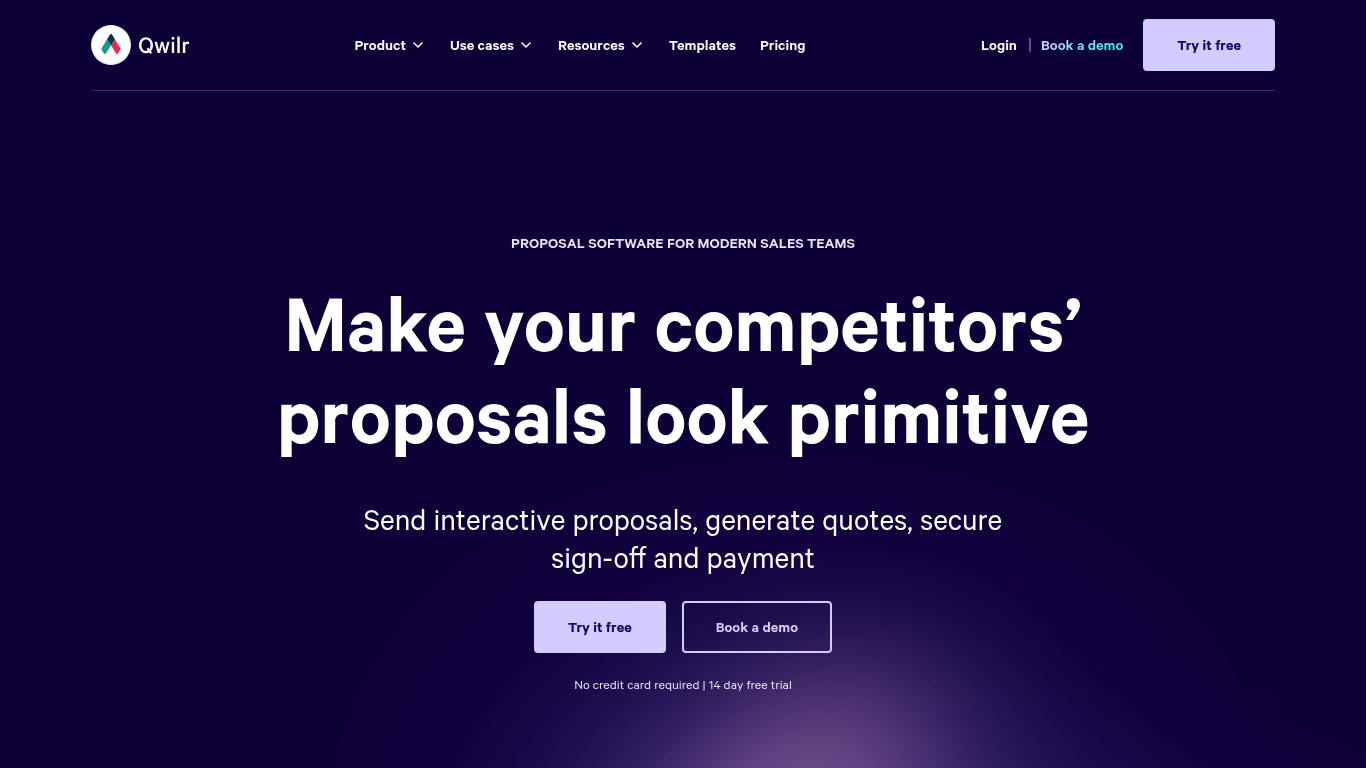
Best when buyer experience and interactive proposals are a differentiator.
- Best for: Agencies selling creative, strategic, or high-ticket services where presentation matters.
- Why it wins: Web-first proposals feel modern and can reduce friction.
- Where it can fall short: Some buyers and procurement teams still prefer PDF-heavy workflows.
Better Proposals
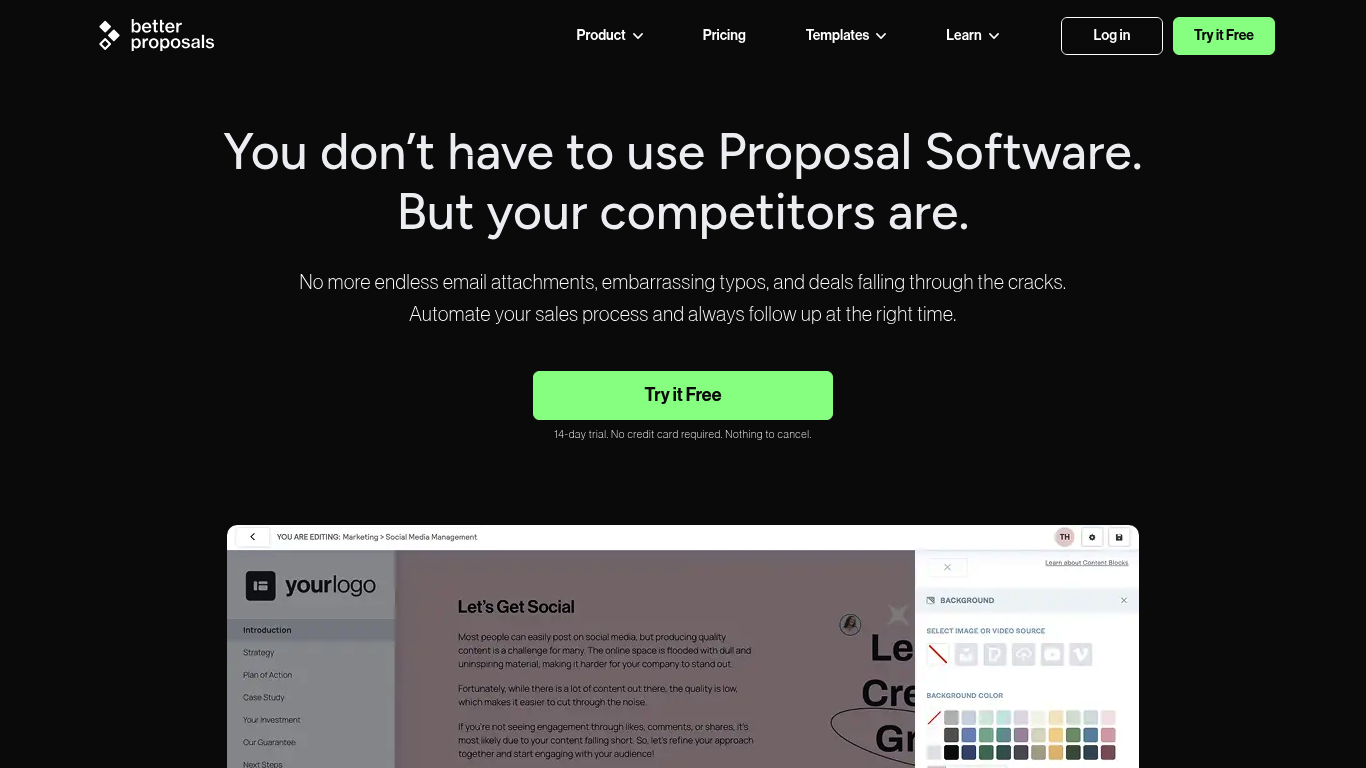
Best when you want speed, templates, and fewer moving parts.
- Best for: Solopreneurs and small teams.
- Why it wins: Fast setup and a straightforward workflow.
- Where it can fall short: Less depth for complex permissions and enterprise governance.
Nusii
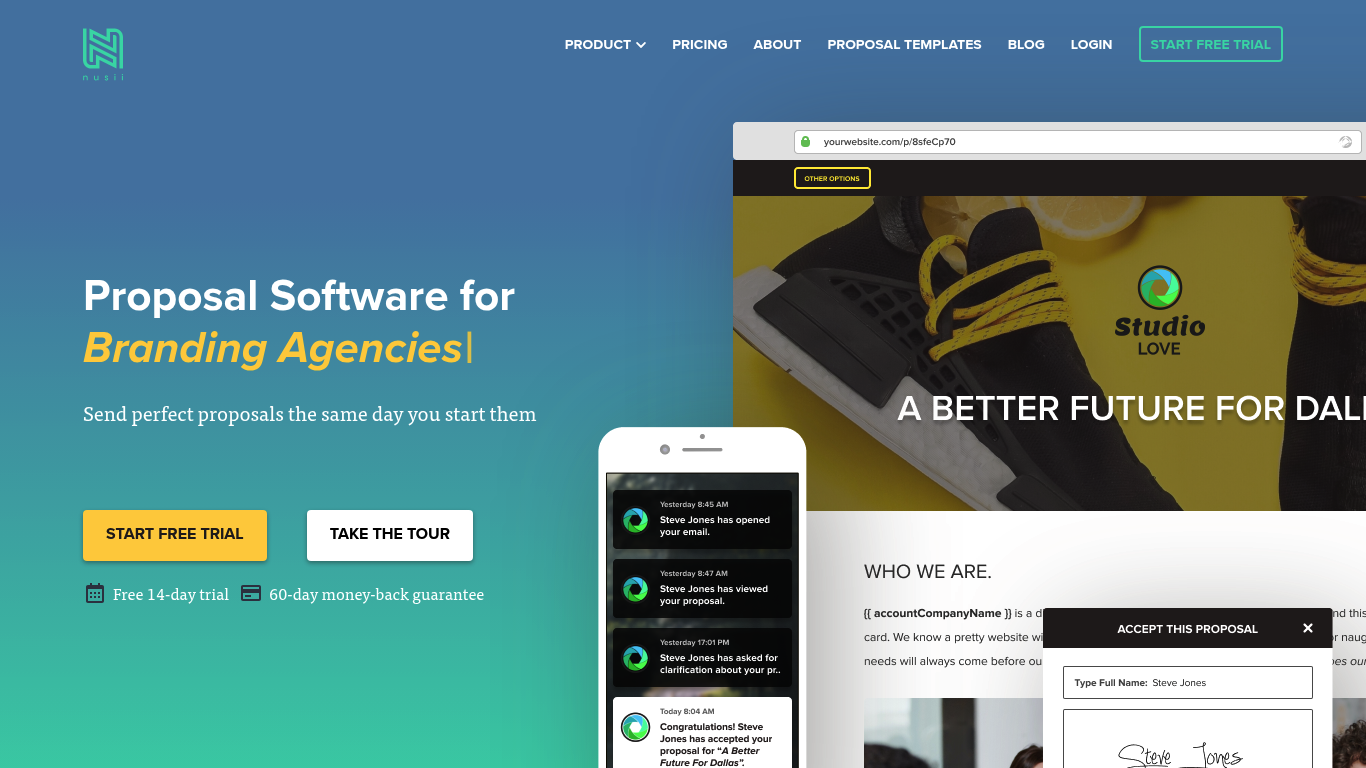
Best when you want lightweight proposals without over-automation.
- Best for: Freelancers and small agencies that need simple proposals.
- Why it wins: Easy to get started and generally “just enough.”
- Where it can fall short: Not built for complex quote logic or multi-step approvals.
HoneyBook
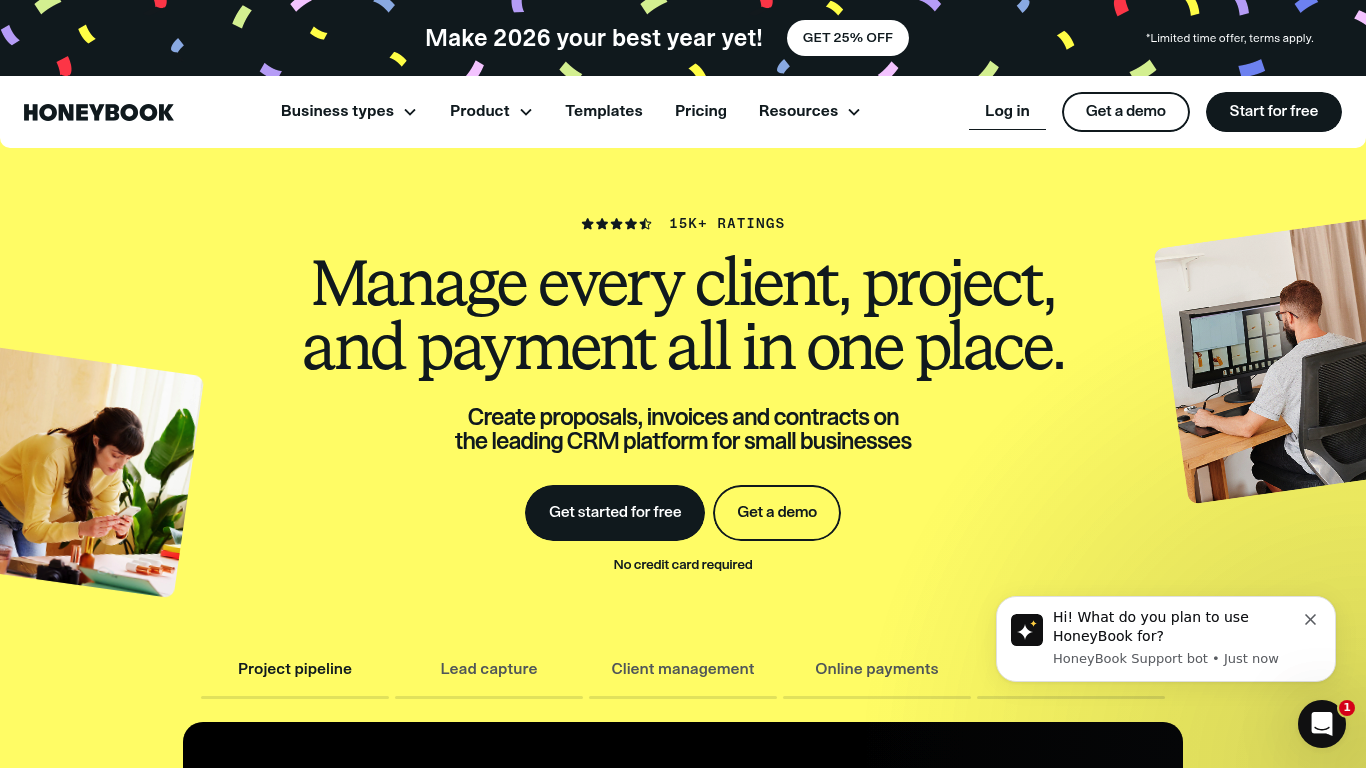
Best when proposals are one step in a full client lifecycle.
- Best for: Service businesses that want proposals, contracts, invoicing, and scheduling together.
- Why it wins: One platform can reduce tool sprawl for smaller teams.
- Where it can fall short: When you outgrow standard workflows and need custom objects, custom logic, or deeper integration patterns.
Quantum Byte
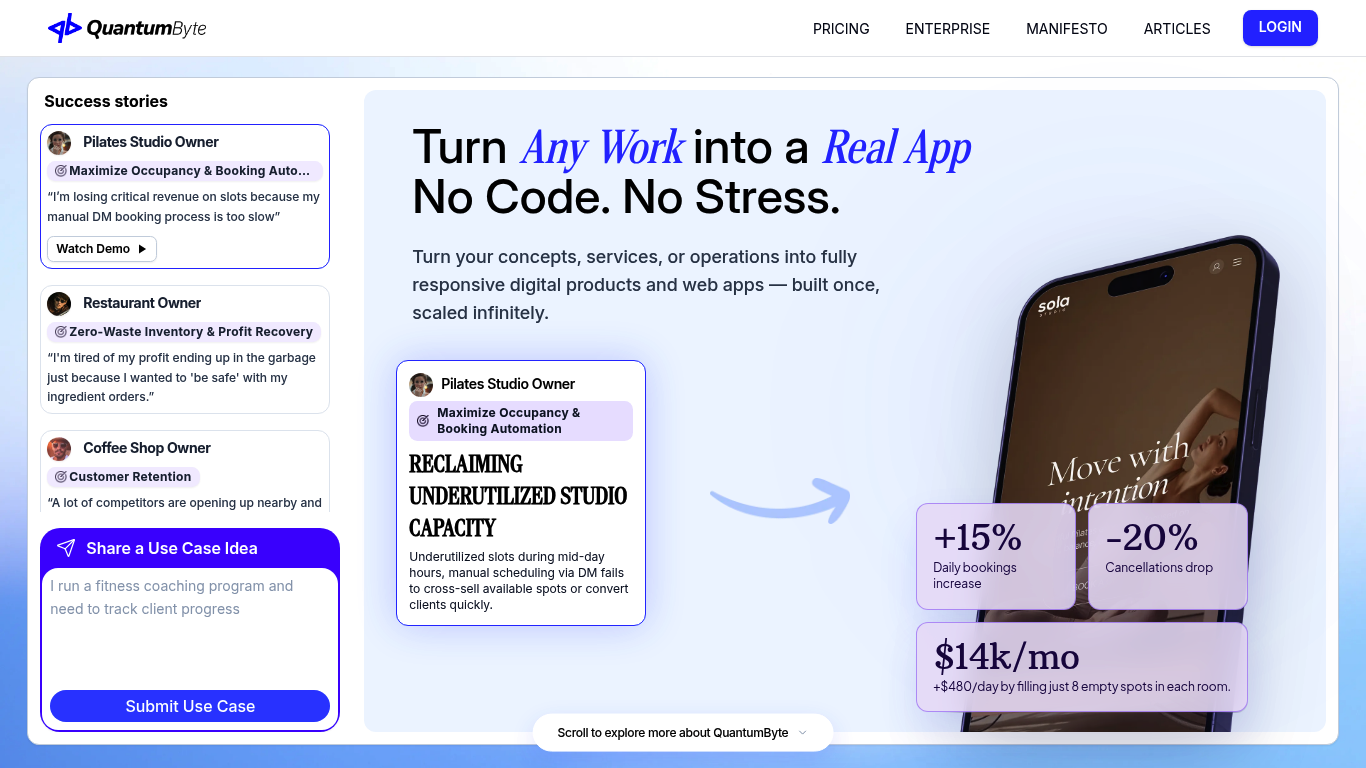
Best for building a custom proposal and quote workflow that matches your business.
- Best for: Scaling agencies and service businesses with complex quote-to-ops handoffs.
- Why it wins: You can model your exact scope, pricing logic, approvals, and handoffs into one app.
- Where it can fall short: It is a build approach, so you define the workflow you want first.
Build vs buy for proposals and quoting
Buying proposal software is the right move when:
- Your services are standardized: A templated proposal with light customization gets you most of the value.
- Your pricing is simple: You are not doing multi-step approvals, usage-based pricing, or complex discount rules.
- Your handoffs are manual anyway: If your delivery is high-touch and bespoke, the proposal is just a document.
Building a custom workflow is often the better move when:
- Your pricing logic is a competitive advantage: If margin rules, bundles, or configuration matter, a spreadsheet-driven process will always leak time.
- Accepted proposals must trigger operations: Provisioning, onboarding, scheduling, project creation, task assignment, and invoice creation should not be a checklist in someone’s head.
- You need one source of truth: If your team retypes the same deal details into your CRM, proposal, invoice, and project tools, the process is already broken.
This is where we are a strong fit. Instead of forcing a proposal tool to become an operations system, you can build a founder-friendly internal app that:
- Models your quote as structured data: Line items, packages, terms, and approvals become reusable objects.
- Automates the handoffs: Signed deals can create onboarding tasks, generate invoices, or schedule kickoff steps.
- Starts from proven patterns: Our proposal software comparison and AI app builder prompts show how to define the workflow clearly so the build stays grounded.
If you are still deciding whether to build anything at all, our automation guide is a practical way to identify what is worth automating first.
Implementation timeline
Most teams underestimate setup time because they only count the template, not the workflow.
- Nusii / Better Proposals: 1 to 3 days for a working template set, assuming simple pricing and few stakeholders.
- Qwilr: 2 to 7 days if you are dialing in branding, reusable sections, and a consistent buyer experience.
- Proposify / PandaDoc: 1 to 3 weeks if you need roles, approvals, multiple templates, and CRM integration testing.
- HoneyBook: 1 to 2 weeks if you are migrating a client workflow and want proposals, contracts, invoices, and scheduling working together.
- Quantum Byte build approach: 1 to 2 weeks for a focused internal quoting app when scope is tight, followed by iterative improvements as you connect onboarding, invoicing, and delivery.
What we covered and how to choose
You now have a short list of strong Proposify alternatives, plus a clear way to decide based on workflow rather than features.
- Document workflows: If you want proposals plus broader document workflows, PandaDoc is usually the most flexible buy.
- Interactive web proposals: If you want proposals to feel like modern web pages with a polished buyer experience, Qwilr is the cleanest choice.
- Fast template proposals: If you want simple, fast proposals, Better Proposals or Nusii are often enough.
- All-in-one clientflow: If you want proposals connected to scheduling, invoices, and client management, HoneyBook can reduce tool sprawl.
- Custom quote-to-ops workflow: If you want a system that matches how your business runs after signature, building with us is the most direct way to reduce re-entry and tighten handoffs.
Frequently Asked Questions
What is the best alternative to Proposify for small teams?
Better Proposals and Nusii are often the best alternatives for small teams because they prioritize fast setup, templates, and a simple workflow.
What is the best Proposify alternative for interactive proposals?
Qwilr is the best fit when you want proposals to feel like modern web pages with a polished buyer experience.
Which Proposify alternative is best for proposals plus broader document workflows?
PandaDoc is a strong choice when you need proposals plus a wider set of document workflows and deeper integrations.
Is it better to use a proposal tool or build a custom quoting app?
Use a proposal tool when your services and pricing are standardized. Build a custom quoting app when pricing rules, approvals, and post-signature handoffs are core to your operations and you want one source of truth.
Are electronic signatures legally valid for proposals?
In many cases, yes. In the US, the E-Sign Act and state-level frameworks like the Uniform Electronic Transactions Act support the legal validity of electronic records and signatures, assuming the transaction meets applicable requirements.
Start building
If you are switching tools because proposals are not the real problem, what usually hurts is everything that comes after acceptance: onboarding, invoicing, provisioning, and internal handoffs.
We built our platform for founders and operators who want speed without giving up control. You can start from templates, define your workflow in plain language, and ship an internal quoting or client onboarding app that fits how your business actually runs.
Start building on our pricing.
For deeper governance and cross-team workflows, explore our Enterprise tier.